
Our readers keep the lights on and the weekend projects moving. As an Amazon Associate, I earn from qualifying purchases.
A 32-inch 4K TV walks a fine line. You get the pixel density to make text razor-sharp and images pop, but the chassis needs to be smart enough not to dominate a bedroom, dorm, or compact living room. Most buyers discover too late that not all 32-inch 4K panels handle motion, color accuracy, or input lag the same way — so settling on specs alone often leads to regret.
I’m Rikta — the founder and writer behind FitlyFast. I spend my weeks tearing through panel specifications, refresh rate tables, and real-user durability reports to isolate the models that actually deliver on their 4K promise at this specific screen size.
After stacking nine distinct options side by side, the picture becomes clear. Here is my curated breakdown of the best 32 inch 4k tv for every real-world setup, from desk-bound workstations to living-room entertainment hubs.
How To Choose The Best 32 Inch 4K TV
Choosing the right 32-inch 4K TV means weighing your primary use — casual streaming, desk-bound productivity, console gaming, or a mix of all three. A few spec categories separate the winners from the also-rans.
Panel Technology and Color Volume
The panel type dictates how the image looks from different angles and in dark rooms. IPS panels offer wide viewing angles and consistent color shift, but they typically show lower native contrast (around 1000:1). VA panels deliver deeper blacks and higher contrast (3000:1 or more), making them better for movie watching, though they suffer from off-axis color washout. QLED panels use quantum dots to push color volume past 100% sRGB, which is useful in bright rooms where standard panels lose saturation.
Refresh Rate and Adaptive Sync
Standard streaming content runs at 24 to 60 frames per second, so a 60Hz panel handles it fine. If you connect a gaming console or a PC, a higher refresh rate (120Hz or 144Hz) paired with FreeSync or G-Sync eliminates screen tearing and reduces perceived input lag. A 32-inch 4K screen at 120Hz is a noticeable upgrade for action titles and fast-paced shooters.
Smart Platform and Connectivity
Some 32-inch 4K panels are pure monitors without a built-in OS; you must supply a streaming stick or external box. Others include Google TV, Samsung Tizen, or a smart interface with Netflix licensing and built-in Wi-Fi. Check that you have at least one HDMI 2.0 port (or HDMI 2.1 for higher frame rates) and a USB port for media playback. USB-C with Power Delivery is a bonus for laptop users who want to charge and display video through a single cable.
Built-in Audio and Ergonomics
Onboard speakers in 32-inch panels rarely deliver deep bass or loud volume. Look for models that include a headphone jack or Bluetooth audio out so you can connect external speakers or a soundbar. For desk use, a stand that offers height, tilt, and swivel adjustment — or VESA mounting support — is critical for maintaining a comfortable viewing angle during long sessions.
Quick Comparison
On smaller screens, swipe sideways to see the full table.
| Model | Category | Best For | Key Spec | Amazon |
|---|---|---|---|---|
| Samsung QLED Q8F | Premium | Cinematic HDR and Gaming | Quantum Dot, 144Hz VRR | Amazon |
| Dell S3225QS | Premium | Productivity and Casual Gaming | 120Hz, FreeSync Premium | Amazon |
| KTC A32Q8 | Mid-range | Multi-device Smart Media Hub | Google TV, USB-C 65W PD | Amazon |
| Samsung M7 M70F | Mid-range | Streaming-centric Monitor | Samsung Vision AI, USB-C | Amazon |
| LG 32UR550K-B | Mid-range | Ergonomic Desk Workstation | Height/Pivot/Tilt Stand | Amazon |
| Gawfolk 32-inch | Mid-range | Budget 144Hz Gaming | 144Hz, 1ms, 100% sRGB | Amazon |
| Sceptre U325W-UPT | Value | Entry-level 4K on a Budget | Built-in Speakers, 70Hz | Amazon |
| ZZA 32-inch | Value | Home Office and Casual Viewing | IPS, 4000:1 Contrast | Amazon |
| ApoloSign Gen2 | Specialty | Portable Touchscreen Use | Android 16, 15000mAh Battery | Amazon |
In‑Depth Reviews
1. Samsung 32-Inch Class QLED Q8F 4K UHD Smart TV (2025 Model)

The Samsung Q8F combines the best of both worlds: a dedicated smart TV platform with genuine 4K HDR performance in a 32-inch chassis. The Quantum Dot layer pushes color volume past 100% sRGB, so bright scenes retain saturation without washing out — a common weakness of standard IPS monitors at this size. Samsung’s Vision AI adjusts picture and audio by content type, and the 4K 144Hz variable refresh rate makes it a strong candidate for console or PC gaming.
AirSlim design keeps the profile wall-friendly, and the built-in smart platform delivers over 2,700 free channels without requiring a separate streaming stick. The solar-powered remote is a thoughtful touch that eliminates battery swaps, and Tizen integrates smoothly with other Samsung devices. Audio output is decent for a slim set, though bass-limited — a soundbar solves that quickly.
Buyers upgrading from older 1080p TVs notice the leap immediately: sharper text, richer contrast, and motion handling that keeps up with sports and fast games. The three HDMI inputs and built-in Wi-Fi give you room to connect a console, streaming box, and soundbar without an external switcher. For a 32-inch primary TV that doubles as a desk monitor, this is the most complete package available.
Why it’s great
- Quantum Dot color volume stays vivid at any brightness level
- 144Hz VRR support for tear-free gaming
- Full smart TV OS with 2,700+ free channels and no stick required
- Slim profile with solar-powered remote
Good to know
- Built-in speakers lack deep bass; external soundbar recommended
- Included stand legs feel flimsy on wide desks
- HDMI 2.0 ports limit 4K 120Hz input on some consoles
2. Dell 32 Plus 4K Monitor S3225QS

The Dell S3225QS targets the professional who wants one screen for spreadsheets by day and console gaming by night. Its VA panel delivers a 1500:1 contrast ratio that makes blacks look deep without the glow of an IPS backlight at night. The 120Hz refresh rate with AMD FreeSync Premium keeps motion smooth for the vast majority of games, and the 0.03ms response time eliminates noticeable ghosting.
ComfortView Plus cuts blue light emissions to 35% without making the image look yellow — a real advantage for eight-hour work sessions. The ash-white finish and ultra-thin bezels look modern on a desk, and the re-engineered speakers produce more volume and range than previous Dell monitors. You also get height, tilt, and swivel adjustment right in the box.
Color accuracy is strong out of the box with 99% sRGB and 95% DCI-P3 coverage, making it suitable for light photo editing alongside daily productivity. The lack of a built-in smart TV platform means you need an external streaming device for cord-cutting, but the pure monitor approach keeps input lag low and the interface clean. For a mixed-use desk, this is the best-balanced 32-inch 4K panel.
Why it’s great
- 120Hz with FreeSync Premium offers smooth motion for gaming and scrolling
- ComfortView Plus reduces blue light without color distortion
- Ergonomic stand with height, tilt, and swivel included
- Strong DCI-P3 coverage for creative work
Good to know
- No built-in smart TV OS; requires external streaming stick
- Volume is loud even at the lowest setting on some units
- HDMI cable in box is only 1.8m
3. KTC 32 Inch 4K Smart Monitor A32Q8

The KTC A32Q8 bridges the gap between monitor and smart TV more completely than most. It runs native Google TV with Netflix licensing baked in, so you open the box, connect Wi-Fi, and start streaming without a separate dongle. The VA panel delivers a 3000:1 contrast ratio and 99% sRGB coverage, producing black levels that look respectable in a dim living room or bedroom.
Connectivity is a standout feature here: a USB-C port that delivers up to 65W Power Delivery lets you charge a laptop while driving the 4K display with a single cable. Four USB 2.0 ports, HDMI 2.1, and DisplayPort give you plenty of room for peripherals and game consoles. The 2x5W built-in speakers and included remote control make it viable as a standalone TV in a kitchen, guest room, or small apartment.
Where it falls short is peak brightness — 300 nits is fine for indoor use but struggles against direct sunlight. The built-in smart interface is responsive but not as polished as Samsung’s Tizen. For anyone who wants a 32-inch 4K screen that works as both a computer monitor and a streaming TV without extra hardware, the A32Q8 delivers impressive versatility at its price point.
Why it’s great
- Full Google TV interface with Netflix license out of the box
- USB-C 65W PD charges a laptop while driving 4K video
- VA panel with 3000:1 contrast delivers deep blacks
- Remote control and 2x5W speakers included
Good to know
- Peak brightness at 300 nits is average for well-lit rooms
- USB ports are USB 2.0, limiting fast data transfer
- No height-adjustable stand; tilt only
4. Samsung 32” Smart Monitor M7 M70F

Samsung’s M7 M70F brings the same smart TV DNA found in larger QLED sets to a 32-inch monitor form factor. It runs Samsung Vision AI, which adapts the picture depending on whether you are editing a document, watching a movie, or playing a game. The 4K VA panel hits a 3000:1 contrast ratio, so dark scenes retain detail without the milky haze typical of IPS monitors.
The USB-C port with 65W Power Delivery and built-in Wi-Fi make this a natural hub for a laptop workstation. Active Voice Amplifier uses AI to boost dialogue when background noise rises — a small but appreciated feature for noisy environments. Samsung Knox security keeps your data safe, and the Gaming Hub gives you access to cloud streaming without a console.
Where the M7 compromises is color coverage: the 72% color gamut is adequate for office work and streaming but falls short for photo or video editing. The 60Hz refresh rate also means fast-paced games feel less fluid than on higher-rate panels. For a streaming-first desk setup where color-critical work is not required, the M7’s all-in-one convenience is hard to beat at this size.
Why it’s great
- Full Samsung smart platform with Vision AI and Gaming Hub
- USB-C 65W Power Delivery for single-cable laptop connection
- Active Voice Amplifier improves dialogue clarity in noisy rooms
- Samsung Knox security for connected device protection
Good to know
- 72% color gamut is limited for creative professionals
- 60Hz refresh rate not ideal for competitive gaming
- Sound is treble-heavy; external audio recommended
5. LG 32UR550K-B Ultrafine 4K Monitor

LG’s Ultrafine line has long been a reference for macOS users, and the 32UR550K-B continues that tradition with a 32-inch VA panel that covers 90% of the DCI-P3 color space. Colors look natural and saturated right out of the box with minimal calibration needed. The 3000:1 contrast ratio gives blacks depth that makes reading text and viewing HDR content more comfortable than on standard IPS panels.
The included stand is the star here: full height, tilt, and pivot adjustment lets you rotate the screen into portrait mode for coding, reading documents, or vertical monitor setups. Dynamic Action Sync reduces input lag, and Black Stabilizer brightens dark shadows in games without washing out the rest of the image. Built-in speakers are present but thin — fine for system sounds, not for primary media consumption.
Input options include two HDMI ports and one DisplayPort, though there is no USB-C with Power Delivery, so laptop users need a separate charging cable. The 60Hz refresh rate is adequate for office work and casual gaming but does not compete with higher-rate panels for competitive play. For a desk-focused user who prioritizes ergonomics and color fidelity over raw speed, this LG delivers a premium experience.
Why it’s great
- Full ergonomic stand with height, tilt, pivot, and swivel
- 90% DCI-P3 coverage for accurate color out of the box
- VA panel with 3000:1 contrast for deep blacks
- Dynamic Action Sync reduces input lag for gaming
Good to know
- No USB-C port; laptop requires separate power cable
- 60Hz refresh rate only — not for high-frame-rate gaming
- Built-in speakers lack bass and volume
6. Gawfolk 32-inch 4K 144Hz Gaming Monitor
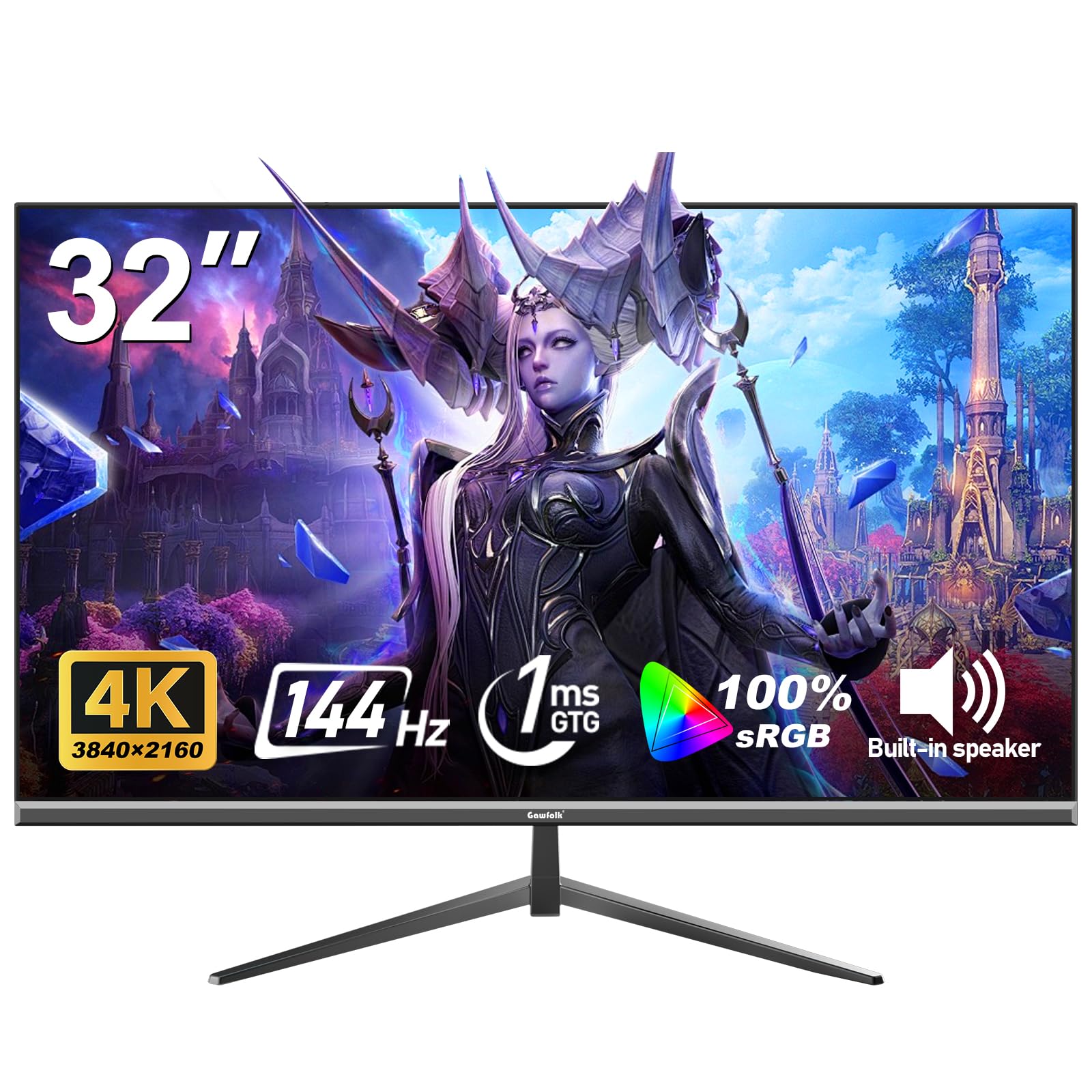
Gawfolk enters the 32-inch 4K space with a clear priority: gaming performance at a price that undercuts bigger names. The 144Hz refresh rate and 1ms response time deliver fluid motion in fast-paced titles, and Adaptive Sync (G-Sync and FreeSync compatible) keeps the image tear-free across a wide frame rate range. The VA panel covers 100% sRGB and shows 16.7 million colors, delivering punchy visuals without oversaturation.
Connectivity includes HDMI 2.1 and DisplayPort inputs, which means you can push 4K at 144Hz from a modern GPU or console. The 178-degree viewing angle is wider than most VA panels, reducing the off-axis color shift that typically plagues this technology. Eye-care features with Low Blue Light and Flicker-Free technology make long gaming sessions less fatiguing.
Build quality is acceptable for the tier, but the stand offers only tilt adjustment — no height or swivel. Several user reports cite dead pixels or early panel failure, so inspecting the unit immediately and leveraging the 12-month warranty is wise. For gamers on a strict budget who want 4K resolution and high refresh rates without paying premium prices, the Gawfolk delivers strong value.
Why it’s great
- 144Hz with 1ms response time for smooth competitive gaming
- HDMI 2.1 supports full 4K 144Hz bandwidth
- 100% sRGB coverage delivers vibrant colors
- FreeSync and G-Sync compatible for tear-free visuals
Good to know
- Stand only offers tilt — no height or swivel adjustment
- Quality control varies; dead pixels reported post-purchase
- 12-month warranty limits long-term peace of mind
7. Sceptre 32-inch 4K UHD Monitor U325W-UPT

Sceptre’s U325W-UPT is the entry-level 4K monitor that punches above its weight on image quality while cutting corners on reliability. The IPS panel delivers sharp 3840×2160 resolution with a 1,000,000:1 dynamic contrast ratio that makes text pop and video look crisp. The 99% sRGB coverage is solid for a budget panel, and the 350-nit brightness is higher than many competitors at this level, making it usable in well-lit rooms.
The built-in speakers save desk space and produce enough volume for casual viewing, though they lack bass and clarity at higher volumes. Dual HDMI and dual DisplayPort inputs give you flexibility for multi-device setups. The frameless design looks clean, and VESA mount compatibility allows for arm installation.
Long-term durability is the main concern here. Multiple users report power supply failures after 12 to 18 months, and the warranty requires customer-paid shipping for repairs. The 70Hz refresh rate is a small bump over standard 60Hz, but not enough to matter for dedicated gaming. If you need a budget 32-inch 4K monitor for office work and occasional streaming, the Sceptre delivers strong image quality for the investment.
Why it’s great
- Sharp 4K IPS panel with 99% sRGB and 350 nits brightness
- Built-in speakers save desk space for budget setups
- Frameless design with VESA mount support
- Dual HDMI and dual DisplayPort inputs for flexible connections
Good to know
- Known power supply failures after 12-18 months in user reports
- Warranty requires customer-paid shipping for repairs
- 70Hz refresh rate offers minimal improvement over 60Hz
8. ZZA 32 Inch 4K UHD Monitor
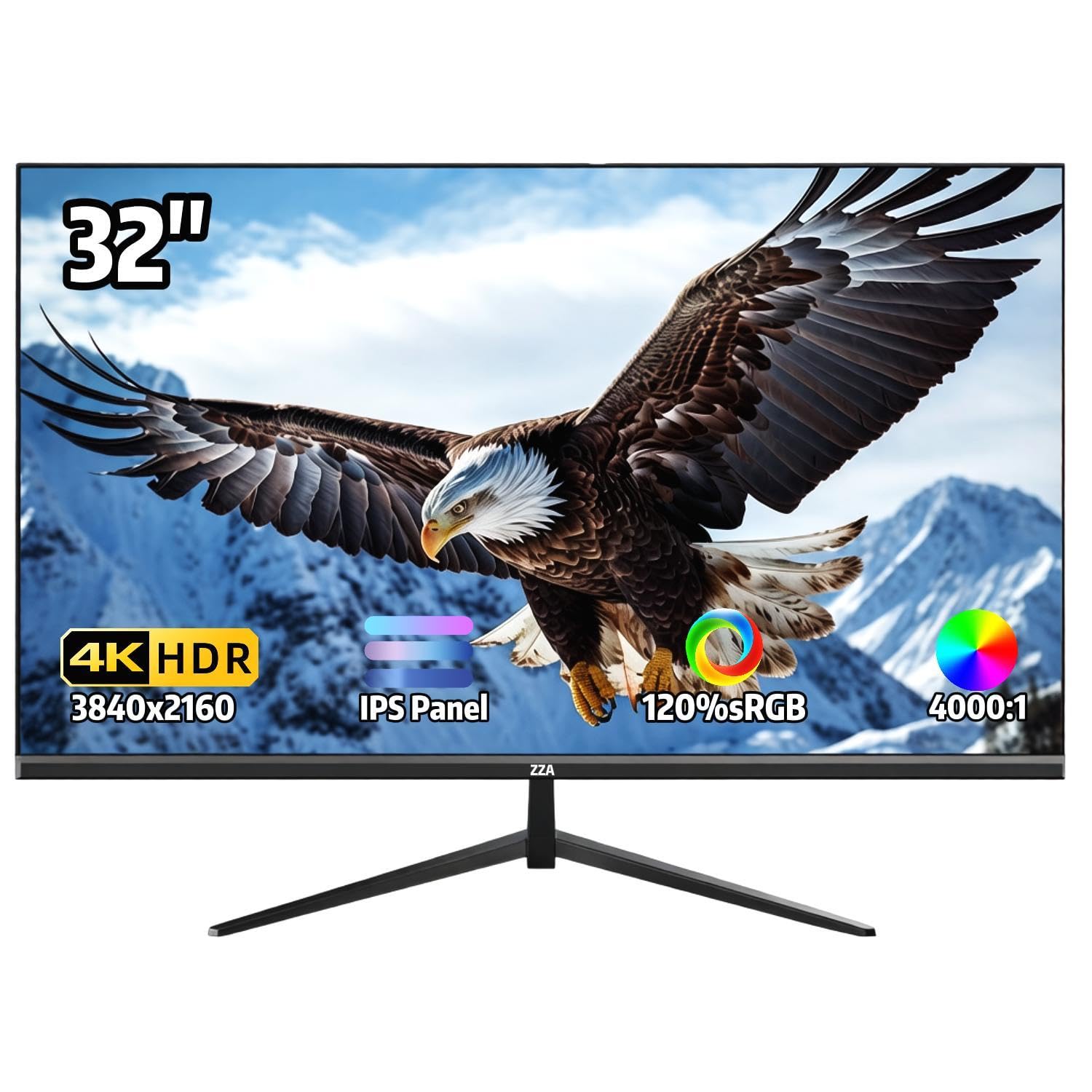
The ZZA 32-inch 4K monitor is a straightforward entry aimed at home office users who want a large, sharp screen without paying for gaming features they will not use. The IPS panel covers 120% sRGB and displays 1.07 billion colors, producing vibrant, accurate images for document editing, web browsing, and video calls. The 4000:1 static contrast ratio is unusually high for an IPS panel, helping blacks look deeper than typical IPS glow permits.
AMD FreeSync support helps smooth out video playback and casual gaming, though the 60Hz refresh rate limits its appeal for competitive play. The three-sided ultra-thin bezel maximizes screen real estate and looks clean in a multi-monitor setup. VESA 100x100mm mount compatibility and a tilt-adjustable stand give you basic ergonomic flexibility.
The monitor includes no built-in speakers, so you must budget for external audio. Some users report backlight uniformity issues, with darker edges visible when viewing from close distances. Connectivity is limited to HDMI and DisplayPort with no USB-C or USB hub. For a pure productivity monitor at the entry tier, the ZZA delivers solid color performance and a crisp 4K image.
Why it’s great
- IPS panel with 120% sRGB and 1.07 billion colors for vivid imagery
- Unusually high 4000:1 contrast ratio for an IPS display
- Ultra-thin bezels ideal for multi-monitor setups
- AMD FreeSync for smoother video and casual gaming
Good to know
- No built-in speakers require external audio investment
- Backlight uniformity can show darker edges at close range
- Limited connectivity with no USB-C or USB hub
9. ApoloSign 32 Inch 4K UHD Smart Portable TV Gen2
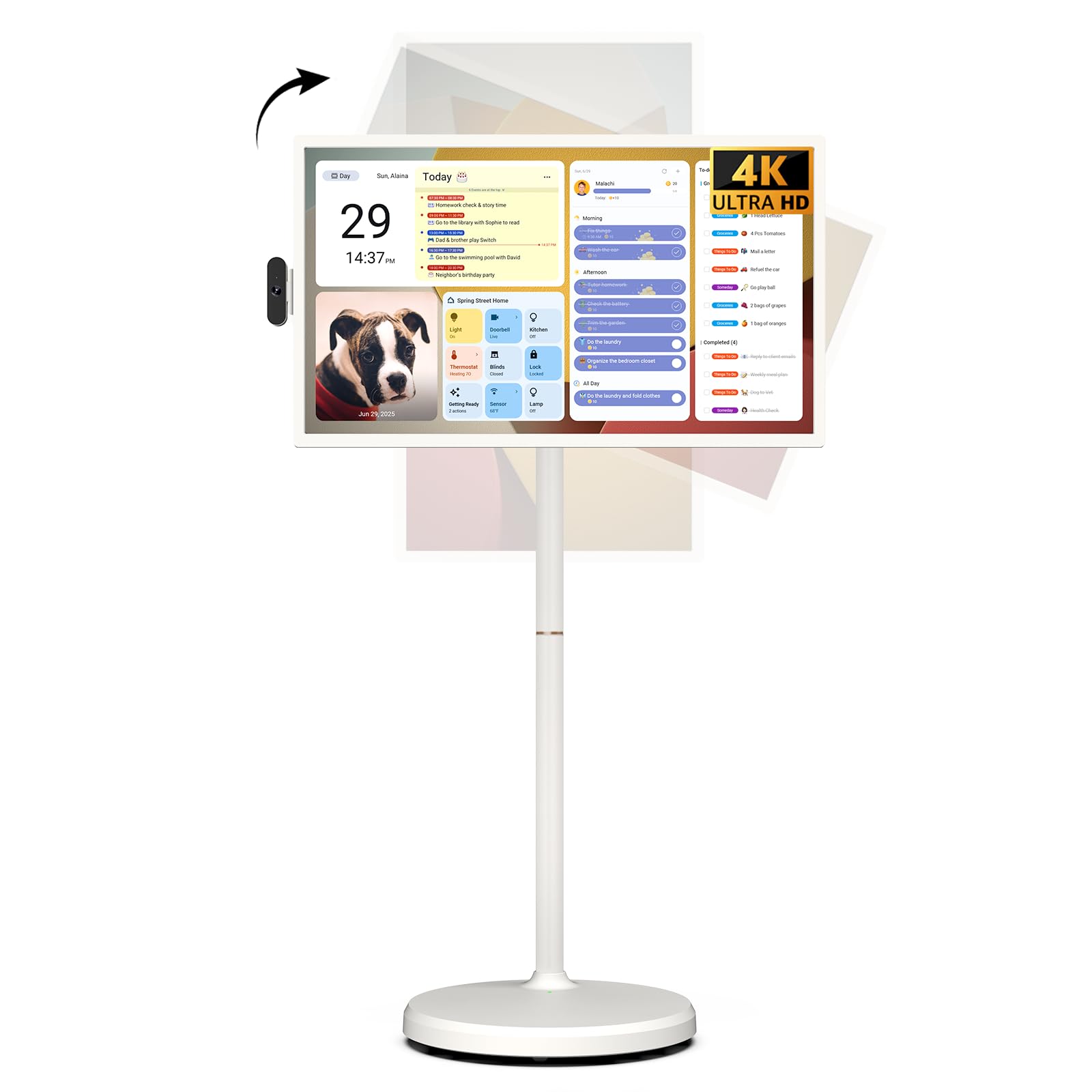
The ApoloSign Gen2 is in a category of its own: a 32-inch 4K touchscreen TV on wheels with a built-in 15000mAh battery. It runs Android 16 with Google EDLA certification, giving you full access to the Google Play Store, Google Assistant, and streaming apps like Netflix and YouTube directly from the touchscreen interface. The 10-point capacitive touch makes navigation feel like a giant tablet — ideal for interactive use in kitchens, classrooms, or family rooms.
The rolling stand includes a height-adjustable bracket with multi-angle swivel, so you can position the screen for seated or standing use. The battery delivers up to 6 hours of cordless operation, allowing you to move the TV from the living room to a covered patio without hunting for an outlet. Storage is generous at 256GB, and the 8GB of RAM (plus 8GB extended memory) keeps the Android interface responsive during multitasking.
Image quality is solid for a portable unit, with a VA panel producing a 3000:1 contrast ratio and good black levels. The speakers are thin — Bluetooth audio out solves this for movies and music. Some users note that the interface runs at 1080p resolution rather than native 4K for certain apps, and casting support lacks AirPlay. For buyers who need a mobile, interactive 4K display rather than a fixed monitor, the ApoloSign delivers unique versatility.
Why it’s great
- Full 10-point 4K touchscreen with Android 16 and Google Play access
- Built-in 15000mAh battery provides up to 6 hours of cordless use
- Rolling stand with height adjustment and multi-angle swivel
- 256GB internal storage for apps, media, and files
Good to know
- Interface and casting output limited to 1080p in some apps
- No AirPlay or Google Cast support for wireless streaming
- Built-in speakers lack volume and bass; Bluetooth out recommended
FAQ
Can I use a 32-inch 4K monitor as a TV for streaming?
Is 60Hz enough for gaming on a 32-inch 4K screen?
What is the minimum desk depth for a 32-inch 4K monitor?
Final Thoughts: The Verdict
For most users, the best 32 inch 4k tv winner is the Samsung QLED Q8F because it combines Quantum Dot color volume, a full smart TV platform, and 144Hz VRR support in a slim 32-inch package that fits both desk and living room. If you want an ergonomic workstation monitor with strong color accuracy for photo editing and office work, grab the Dell S3225QS. And for a portable touchscreen that rolls from room to room and keeps the kids entertained, nothing beats the ApoloSign Gen2.