
Our readers keep the lights on and the weekend projects moving. As an Amazon Associate, I earn from qualifying purchases.
The hardest part of hunting for a bargain monitor isn’t finding a low price—it’s separating a genuine value from a desk ornament with bad pixels and a flimsy neck. A screen that’s cheap on day one turns expensive when the stand wobbles, the panel develops a persistent ghost, or the ports fail to keep up with your console. You need a monitor that delivers sharp resolution, a smooth refresh rate, and reliable build quality without asking you to double your budget.
I’m Rikta — the co-founder and writer behind FitlyFast. I’ve spent over a decade analyzing display hardware, comparing panel types, refresh rates, color gamut specs, and real-world customer feedback to separate marketing sheets from actual performance.
This guide focuses on the best bargain monitors that deliver real 4K or high-refresh QHD performance at prices that don’t punish your wallet.
How To Choose The Best Bargain Monitors
Buying a bargain monitor means you’re trading a premium brand tax for raw performance. The key is zeroing in on the panel type, resolution, and refresh rate that match your actual use—gaming, productivity, or content consumption—and ignoring the specs that look impressive on paper but degrade the real experience.
Panel Type: IPS vs VA vs TN
IPS panels deliver the best viewing angles and color accuracy, making them the go-to for creative work and general use. VA panels offer higher contrast ratios (deeper blacks) but suffer from narrower viewing angles and slower pixel response, leading to visible ghosting in fast-paced games. TN panels are fast but offer washed-out colors; avoid them for a daily driver monitor.
Resolution and Refresh Rate Balance
For a 27-inch screen, 4K (3840×2160) at 60Hz is excellent for productivity and media, but 1440p (2560×1440) at 144Hz or higher is the sweet spot for smooth gaming without needing a top-tier graphics card. A 32-inch screen benefits more from 4K to avoid a low pixel density that makes text look fuzzy. Check the monitor’s actual refresh rate via the OSD—some budget models cap at 120Hz on HDMI despite advertising 180Hz.
Stand Quality and Connectivity
The weakest component on almost every bargain monitor is the stock stand—wobbly, non-adjustable, and sometimes shipped with stripped screws. Factor in the cost of a VESA-compatible monitor arm (75x75mm or 100x100mm) if you value a stable setup. Check for at least one DisplayPort 1.4 input, as HDMI 2.0 can bottleneck high refresh rates at 4K.
Quick Comparison
On smaller screens, swipe sideways to see the full table.
| Model | Category | Best For | Key Spec | Amazon |
|---|---|---|---|---|
| LG 27GS60QC-B | Premium | Curved Gaming & Sim Racing | 180Hz / 1ms / 1000R Curve | Amazon |
| Dell S2725QS | Premium | Productivity & Creative Work | 4K 120Hz / 1500:1 / FreeSync Premium | Amazon |
| Samsung ViewFinity S7 | Mid-Range | Precision Color Editing | 4K 60Hz / HDR10 / USB Hub | Amazon |
| Z-Edge G274K | Mid-Range | Competitive 4K Gaming | 4K 160Hz / IPS / 450 cd/m² | Amazon |
| Acer Nitro KG271U | Mid-Range | High-Refresh QHD Gaming | QHD 180Hz / 0.5ms / 95% DCI-P3 | Amazon |
| AOC Q27G4XN | Mid-Range | Fast-Paced Esports | QHD 180Hz / 1ms / 400 nits | Amazon |
| KTC H27P27 | Budget | 4K General Use & Home Office | 4K 60Hz / HDR400 / 95% DCI-P3 | Amazon |
| Gawfolk 32″ 4K | Budget | Large Screen & Media Viewing | 4K 60Hz / VA / 4000:1 Contrast | Amazon |
| ZZA 32″ 4K | Budget | Console Budget Setup | 4K 60Hz / VA / Ultra-Thin Bezel | Amazon |
In‑Depth Reviews
1. LG 27GS60QC-B Ultragear

The LG 27GS60QC-B wraps high-refresh QHD gaming into a steep 1000R curved design that draws your peripheral vision into the action. At 180Hz with a 1ms GtG response, motion is exceptionally smooth, and the VA panel delivers deeper blacks than a typical IPS, making dark game scenes feel immersive rather than washed out.
AMD FreeSync keeps the image tear-free, and the three-side borderless design makes multi-monitor setups look seamless. The Dynamic Action Sync and Black Stabilizer are practical extras for competitive shooters. Some users report ghosting depending on the response-time setting, so you’ll need to dial that in.
The main trade-off is the fixed-height stand—no tilt or height adjustment—so you’ll want a VESA arm for ergonomic comfort. On HDMI, there are reports of resolution handshake issues; using DisplayPort bypasses that entirely. For the immersive curve and refresh rate, this is a strong premium pick for sim racers and gamers who prioritize motion clarity.
Why it’s great
- Immersive 1000R curve with deep VA blacks
- 180Hz refresh rate and smooth FreeSync
- Useful gaming GUI with Black Stabilizer
Good to know
- Stand lacks height adjustment
- HDMI can cause resolution issues; stick to DisplayPort
- Minor ghosting at default overdrive settings
2. Dell S2725QS 27 Plus 4K

The Dell S2725QS is a productivity-first 4K monitor that doesn’t lock you into 60Hz—120Hz with FreeSync Premium makes the desktop feel snappy and casual gaming perfectly smooth. The IPS panel covers 99% sRGB with a 1500:1 contrast ratio, which is higher than typical IPS panels, giving deeper blacks for text and video work.
The adjustable stand supports tilt, swivel, pivot, and height changes right out of the box—no aftermarket arm needed. The ComfortView Plus reduces blue light to 35% without the yellow tint that plagues other eye-care modes. Dual HDMI 2.1 ports mean you can run a console at full bandwidth.
The ash white design and ultra-thin bezel make it a clean desk fit. Some users note a subtle yellow tint that bothers a small percentage of eyes, and the integrated speakers are average. For anyone who spends eight hours a day staring at spreadsheets and still wants weekend gaming, this Dell delivers premium build and specs at a mid-range price.
Why it’s great
- Fully adjustable ergonomic stand included
- 120Hz refresh rate with FreeSync Premium
- Blue light reduction without color shift
Good to know
- Some users report a slight yellow tint
- Not ideal for competitive FPS due to 120Hz cap
- Speakers are functional but not room-filling
3. Samsung ViewFinity S7 (S70D)

Samsung’s ViewFinity S7 is built for professionals who need accurate color out of the box for photo editing, video work, or CAD design. The 27-inch 4K IPS panel covers 99% sRGB and supports HDR10, delivering true-to-life contrast and detail. The tool-less stand makes setup instant.
The built-in USB hub (USB-A and USB-B ports) simplifies cable management—plug your keyboard, mouse, and other peripherals directly into the monitor and run a single USB-B cable to your PC. The TÜV-certified eye care adjusts brightness and color temperature based on ambient light, reducing fatigue during long sessions.
The primary drawback is the 60Hz refresh rate, which makes it unsuitable for high-frame-rate gaming. Some early units arrived with dead pixels or software bugs that prevented brightness adjustment with HDR off. For color-critical work where refresh rate is irrelevant, this Samsung pairs professional calibration with an easy setup.
Why it’s great
- USB hub for clean desk cable management
- Tool-less stand assembly
- Excellent color accuracy for creative work
Good to know
- 60Hz refresh rate limits gaming use
- Some units have dead pixel or software issues
- Brightness adjustment tied to HDR setting
4. Z-Edge G274K

The Z-Edge G274K is one of the few bargain monitors that delivers 4K resolution AND 160Hz refresh rate on an IPS panel, hitting a spec combination that usually costs much more. The 450 cd/m² peak brightness makes HDR content pop, and the 1ms response time keeps fast motion blur-free. It supports FreeSync for tear-free gaming across both DP and HDMI ports.
The ultra-thin bezel and frameless design make it look more expensive than it is, and the included dual HDMI and DP ports all support the full 160Hz refresh rate. The built-in FPS and RTS modes tweak gamma and contrast for different game types without needing to dig into menus mid-match.
The main trade-offs are the lack of a fully adjustable stand (you get tilt only) and the control buttons located on the back rather than the front edge, making OSD navigation frustrating. Packaging has been inconsistent, with reports of damage during shipping. For anyone who wants 4K at high refresh without jumping to a premium brand, this Z-Edge delivers the raw specs.
Why it’s great
- 4K and 160Hz on an IPS panel is rare at this price
- High brightness with 450 cd/m² for HDR content
- Gaming mode presets for FPS and RTS
Good to know
- Stand only offers tilt; no height adjustment
- Rear-mounted buttons are awkward to reach
- Inconsistent packaging quality
5. Acer Nitro KG271U

The Acer Nitro KG271U targets the sweet spot for competitive and console gamers: QHD resolution (2560×1440) with a 180Hz refresh rate and a 0.5ms GtG response time. The IPS panel covers 95% DCI-P3, producing rich, accurate colors that rival more expensive monitors. AMD FreeSync eliminates screen tearing across the full refresh range.
Built-in speakers are a rare inclusion at this price point—they’re not powerful enough for primary audio but work for system sounds or casual video calls. The zero-frame design maximizes screen real estate, and the display includes both a DisplayPort 1.2 and two HDMI 2.0 ports.
The Achilles’ heel is the stock stand: flimsy and non-adjustable, causing wobble even on solid desks. A VESA mount is a necessary upgrade. Also, the 180Hz is only achievable via DisplayPort; HDMI caps at 120Hz. For the panel quality and refresh rate per dollar, the KG271U is hard to beat for gaming-first buyers.
Why it’s great
- Excellent 95% DCI-P3 color coverage
- 180Hz refresh and 0.5ms response
- Built-in speakers for basic audio
Good to know
- Stand is very flimsy; plan for a monitor arm
- 180Hz requires DP cable; HDMI limited to 120Hz
- Speakers are passable but not for primary use
6. AOC Q27G4XN

The AOC Q27G4XN is a straightforward high-refresh QHD monitor built for gamers who want fast motion clarity without fuss. The 180Hz refresh rate via DisplayPort 1.4 and 1ms GtG response keep images crisp in fast-paced shooters. The 400-nit brightness makes it usable in well-lit rooms, and the 127.8% sRGB color gamut adds vibrancy to game worlds.
Adaptive-Sync (FreeSync compatible) works with both AMD and G-Sync graphics cards, ensuring tear-free gameplay. The three-side frameless bezel makes multi-monitor setups look clean, and the height-adjustable stand is a welcome upgrade over the fixed stands found on most other budget monitors.
The VA panel used here has excellent contrast but exhibits dark-level ghosting in some scenes, especially with lower overdrive settings. There are no built-in speakers, so you’ll need external audio. For esports and fast-paced titles where every millisecond counts, the Q27G4XN delivers competitive specs with an adjustable stand that doesn’t force you to buy an arm.
Why it’s great
- Height-adjustable stand out of the box
- 180Hz with 1ms response for fast games
- Wide color gamut with 127.8% sRGB
Good to know
- VA panel behavior with dark ghosting
- No built-in speakers
- 180Hz only via DisplayPort
7. KTC H27P27

The KTC H27P27 brings 4K resolution and HDR400 certification to a 27-inch IPS panel at a price point that undercuts most competitors. The DCI-P3 95% and 1.07 billion colors deliver a vibrant, accurate image for photo editing, media consumption, and productivity. The pixel density at 27-inch 4K is exceptionally sharp—text looks crisp and images have fine detail.
AMD FreeSync and G-Sync compatibility are included, and the flicker-free technology with blue light filter helps reduce eye strain during long work sessions. The DP 1.4 and dual HDMI 2.0 ports provide flexible connectivity. Some users report that the settings menu becomes unresponsive after the monitor wakes from sleep mode; switching inputs resolves it.
The stand offers tilt adjustment only, and the brightness is capped at 400 nits—fine for indoor use but not competitive with higher-end HDR monitors. The 60Hz refresh rate means you won’t be gaming competitively on this. For a pure 4K productivity or media monitor that nails color accuracy at a budget-friendly price, the KTC H27P27 is a solid buy.
Why it’s great
- Sharp 4K IPS panel with 95% DCI-P3
- HDR400 certification for better dynamic range
- Flicker-free and blue light filter for comfort
Good to know
- 60Hz refresh rate limits gaming potential
- Settings menu bug after sleep mode
- Only tilt adjustment on the stand
8. Gawfolk 32 Inch 4K
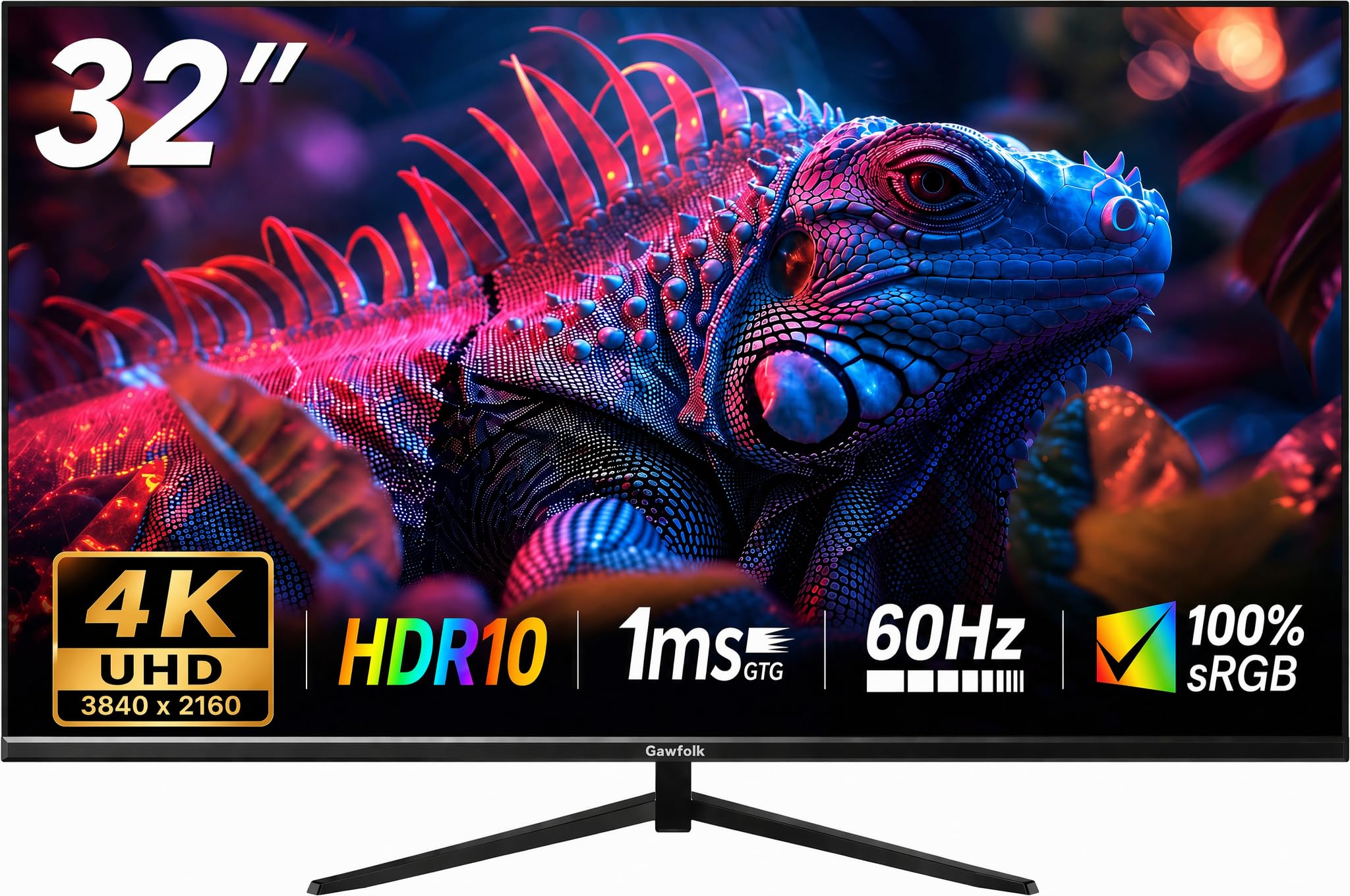
The Gawfolk 32-inch 4K monitor is designed for users who prioritize screen real estate and deep contrast over high refresh rates. The VA panel’s 4000:1 contrast ratio delivers deep blacks and strong shadow detail, making it great for movies and dark-mode productivity. The 60Hz refresh rate suits office work and media playback without stutter.
It supports FreeSync for basic tear reduction, and the ergonomic stand offers tilt adjustment to find a comfortable angle. The anti-glare coating reduces reflections in bright rooms, and the VESA compatibility lets you mount it on an arm. Customer feedback highlights the good color accuracy for the price and the durable build after several months of use.
The downsides include lower brightness (230 cd/m²) that can look washed out in very bright rooms, and some units have exhibited screen cut-out issues and ghosting after a few days of use—a quality control concern. The brand reputation is less established than Acer or Dell. For a budget-friendly large 4K screen for media and office tasks, the Gawfolk delivers size and contrast at the lowest price.
Why it’s great
- Large 32-inch VA panel with deep 4000:1 contrast
- VESA mount compatible for easy arm installation
- Anti-glare coating for bright environments
Good to know
- Lower brightness at 230 cd/m²
- Some units have durability issues (screen cut-out)
- 60Hz refresh rate only
9. ZZA 32 Inch 4K UHD
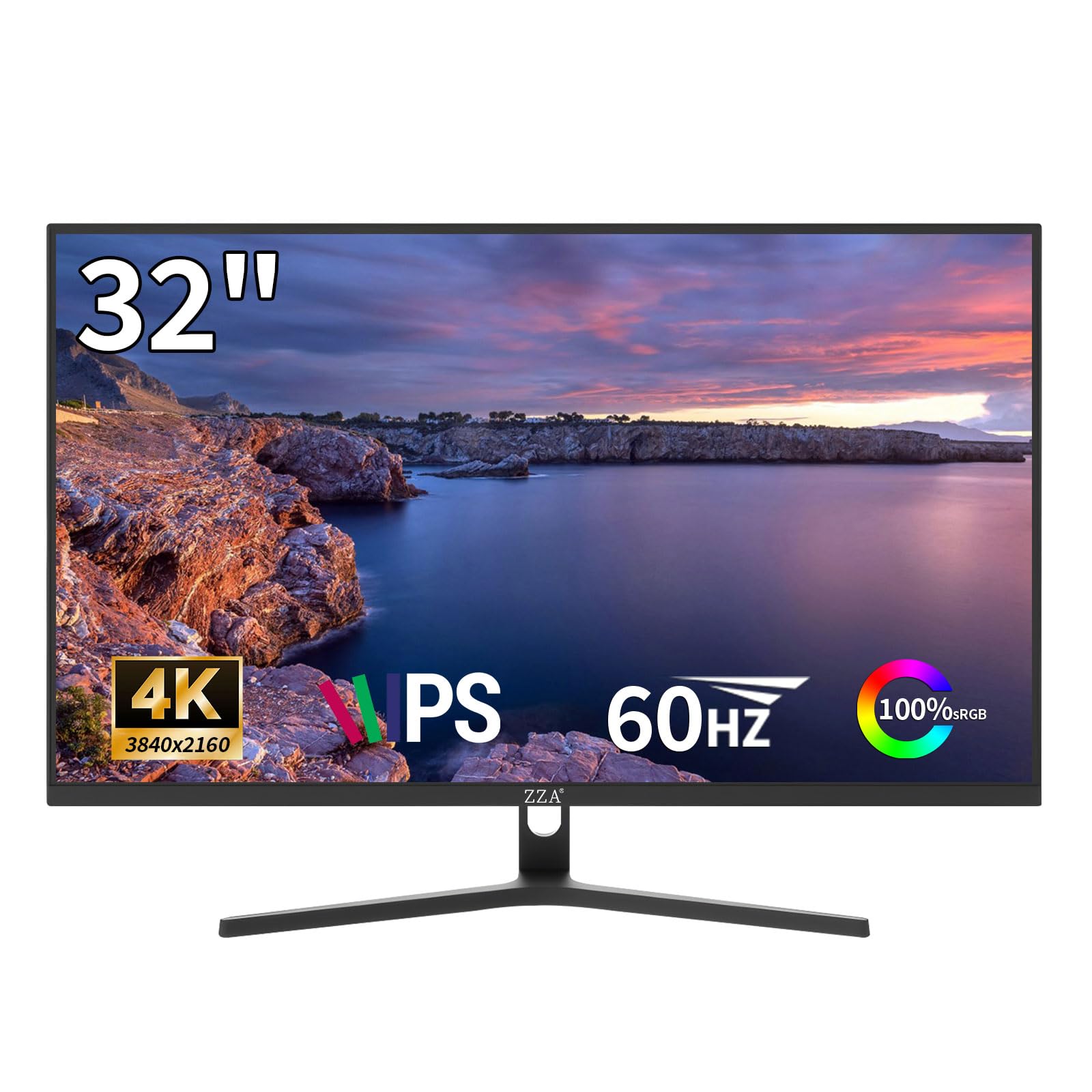
The ZZA 32-inch 4K is a console-friendly monitor that offers a large UHD screen with HDR10 support at an entry-level price. The VA panel provides a 4000:1 contrast ratio, making blacks look solid and colors pop for single-player games and streaming. The 60Hz refresh rate matches console frame rates, and FreeSync helps reduce tearing.
The design features an ultra-thin bezel that looks sleek on a desk, with both DisplayPort 1.4 and HDMI 2.0 inputs. Multiple buyers report it works well with the PlayStation 5, delivering crisp 4K visuals at a fraction of the cost of premium gaming monitors. The 75x75mm VESA mount support adds flexibility for desk setups.
Quality control is the main concern—some units show screen separation from the frame causing light bleed, and the power supply runs hot. Adaptive Sync has caused flickering in certain games, and movie playback can stutter. For buyers on a tight budget who need 4K size and are willing to take a chance on consistency, this ZZA is a gamble that pays off for many but not all.
Why it’s great
- Large 32-inch 4K screen that works well with PS5
- High contrast VA panel
- Sleek ultra-thin bezel design
Good to know
- Quality control issues (light bleed, screen separation)
- FreeSync causes flickering in some games
- Hot-running power supply
FAQ
How important is a height-adjustable stand on a bargain monitor?
Is a 60Hz refresh rate enough for a 4K monitor in 2026?
Why do some bargain monitors ship with quality control issues?
Final Thoughts: The Verdict
For most users, the best bargain monitors winner is the LG 27GS60QC-B because it combines a high 180Hz refresh rate with an immersive 1000R curved VA panel and extensive gaming features at a price that undercuts bigger brands. If you want a fully adjustable 4K productivity powerhouse, grab the Dell S2725QS for its ergonomic stand, 120Hz refresh, and blue light comfort. And for pure high-refresh QHD gaming with an adjustable stand out of the box, nothing beats the AOC Q27G4XN. Each delivers the right balance of panel quality, refresh performance, and value for its specific use case.