
Our readers keep the lights on and the weekend projects moving. As an Amazon Associate, I earn from qualifying purchases.
The 22-inch class is the sweet spot for cramped desks, dual-screen workflows, and budget-conscious users who refuse to compromise on image clarity. Dropping down from a 24-inch panel may feel like a loss, but a well-tuned 22-inch monitor with a high contrast VA or color-accurate IPS panel actually delivers a tighter pixel density and less neck craning in tight quarters.
I’m Rikta — the co-founder and writer behind FitlyFast. I’ve spent years analyzing monitor specifications across hundreds of models, focusing on color gamut accuracy, adaptive sync behavior, and ergonomic practicality rather than marketing fluff.
After cross-referencing refresh rates, panel types, connectivity options, and real user feedback, I’ve narrowed the field to the nine models that genuinely deserve your attention when searching for a best 22 inch monitor. Whether you need a secondary productivity screen or a primary gaming display, these picks balance cost, image quality, and durability.
How To Choose The Best 22 Inch Monitor
The 22-inch segment is dominated by budget constraints, but not all budget panels are equal. The key is to identify which compromises you can live with — lower brightness, narrower color gamut, or missing ergonomic adjustments — and which specs you must protect for your daily use case.
Panel Technology: IPS vs VA
An IPS (In-Plane Switching) panel delivers superior color consistency and wider 178-degree viewing angles, making it ideal for photo editing, collaborative screen sharing, or any task where off-axis color shift is unacceptable. A VA (Vertical Alignment) panel offers deeper native blacks and a contrast ratio that can exceed 3000:1, which translates to better shadow detail in dark games or movies — but viewing angles narrow faster, and gamma shift is visible from extreme sides. For a primary monitor used straight-on, VA can look richer. For a secondary monitor viewed from an angle, IPS wins.
The Real Impact of Refresh Rate
A 60Hz monitor refreshes sixty times per second, which is perfectly adequate for web browsing, email, and static office applications. Jumping to 75Hz removes micro-stutter during window dragging and makes cursor movement feel noticeably snappier. At 100Hz or 120Hz, motion clarity improves dramatically during fast scrolling or light gaming — the difference is tangible even without a high-end GPU. However, refresh rate above 75Hz is wasted if your primary use is reading text documents, so match the rate to your actual workflow, not the marketing number.
Adaptive Sync and Screen Tearing
FreeSync (adaptive sync) synchronizes your monitor’s refresh rate with your graphics card’s frame output, eliminating the horizontal tearing line that appears when the two desync. This matters most when frame rates fluctuate — common in mid-range gaming laptops or budget desktop builds running modern titles. Even at 75Hz, FreeSync makes gameplay feel smoother than raw frame-rate numbers suggest. Nvidia G-Sync compatibility (often labeled as “G-Sync Compatible”) is possible on many FreeSync monitors, but check specific user reports before assuming support.
Ergonomics and Connectivity
Height adjustment and tilt range are critical for 22-inch monitors because this size often lives on secondary desks, crammed under shelves, or alongside a laptop stand. A monitor that only tilts -5 to +15 degrees may force you to stack books underneath. VESA 75×75 or 100×100 mounting allows third-party arms to fix that. For connectivity, HDMI is the universal standard, but a DisplayPort input adds compatibility with desktop GPUs that often skip HDMI in favor of DP. VGA ports are legacy but still useful for older office PCs or specific serial terminal setups.
Quick Comparison
On smaller screens, swipe sideways to see the full table.
| Model | Category | Best For | Key Spec | Amazon |
|---|---|---|---|---|
| Samsung S40GD | Premium | Ergonomic Office & Gaming | 100Hz IPS with Height Adjust | Amazon |
| ASUS VP229QF | Premium | Color-Accurate Productivity | 100Hz IPS 99% sRGB | Amazon |
| Acer Vero | Mid-Range | Gaming & HDR Content | 100Hz VA 3000:1 Contrast | Amazon |
| SANSUI ES-22X3AH | Mid-Range | Smooth Motion & Value | 120Hz VA 4000:1 Contrast | Amazon |
| ViewSonic VX2276-SMHD | Mid-Range | Versatile Connectivity | 100Hz IPS Thin Bezel | Amazon |
| BenQ GW2283 | Mid-Range | Eye-Care Office Work | 75Hz IPS B.I. Tech | Amazon |
| ASUS VP229Q | Mid-Range | Adaptive-Sync Gaming | 75Hz IPS FreeSync | Amazon |
| XIAOMI A22i | Budget | Ultra-Thin Entry-Level | 75Hz VA 3000:1 Contrast | Amazon |
| Kado E22 Dual Series | Budget | Dual Monitor Multi-Tasking | 75Hz 2-Pack with Speakers | Amazon |
In‑Depth Reviews
1. Samsung 22” S40GD Borderless Business Monitor
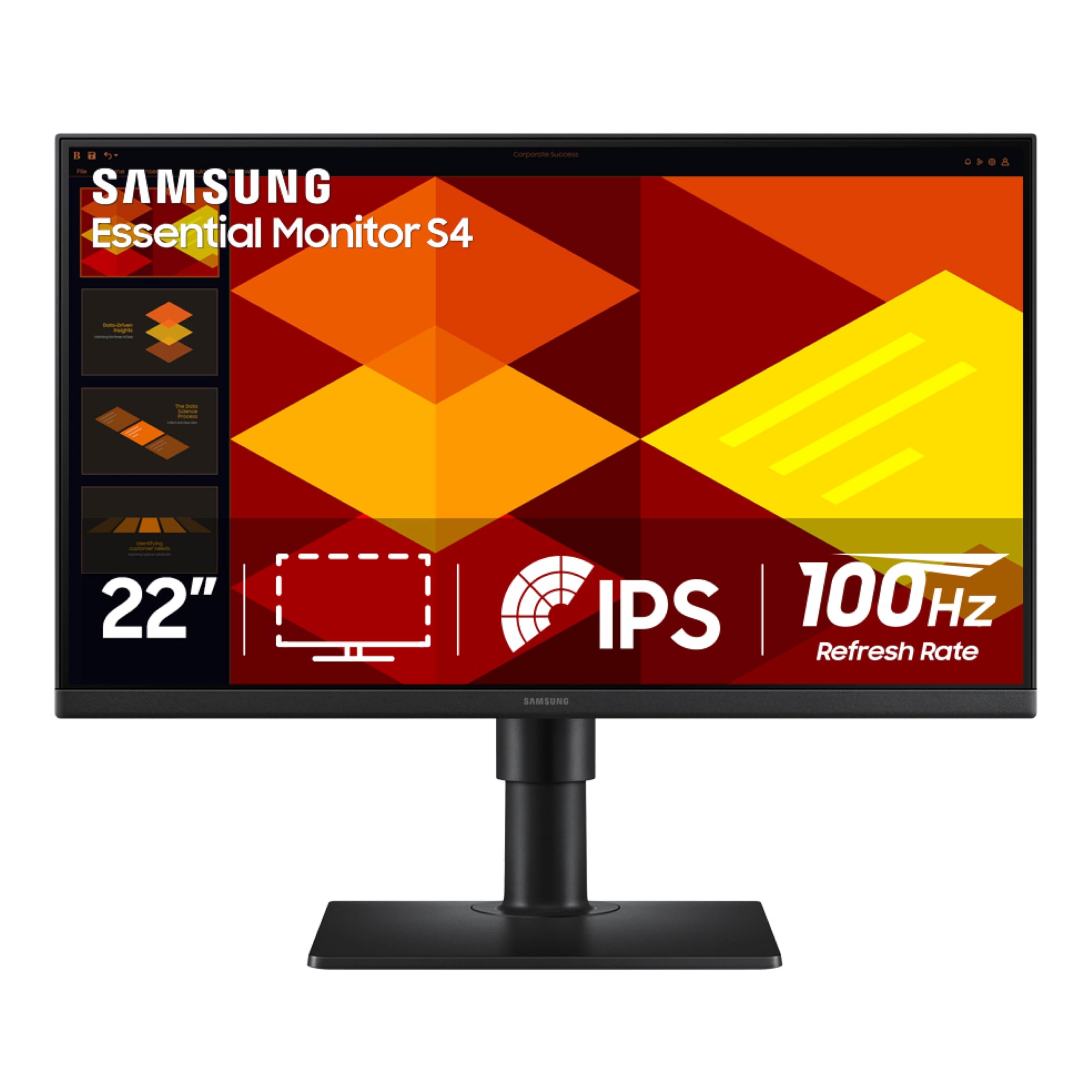
The Samsung S40GD earns the top spot because it packs an IPS panel, a 100Hz refresh rate, and a full ergonomic stand with height, tilt, and pivot adjustments — features that are nearly extinct in the 22-inch class. The factory-calibrated color performance is consistent across the 178-degree viewing plane, so it works as both a primary monitor and a vertical-coded secondary screen without gamma shift issues.
The built-in USB hub (USB 2.0 and USB 3.0 ports) and dual HDMI plus DisplayPort inputs give it the best connectivity in this roundup. The 250-nit brightness is typical for an entry-level IPS, but the anti-glare coating handles overhead office lighting competently, and the Game Picture Mode offers genre-specific color tuning that actually improves visibility in FPS titles without oversaturating the desktop default.
User feedback highlights the lightweight chassis (no external power brick) and the responsive joystick-controlled OSD. The only consistent criticism is the awkward placement of the USB and headphone jacks on the rear bottom edge, but that’s a minor ergonomic hit for a monitor that otherwise rivals 24-inch models in adjustability.
Why it’s great
- Full height/pivot/stand adjustability sets a new bar for 22-inch monitors
- IPS panel delivers wide viewing angles with consistent color shift
Good to know
- USB ports and headphone jack are recessed and hard to access
- No built-in cable management channel on the stand
2. ASUS 22” Eye Care Monitor VP229QF
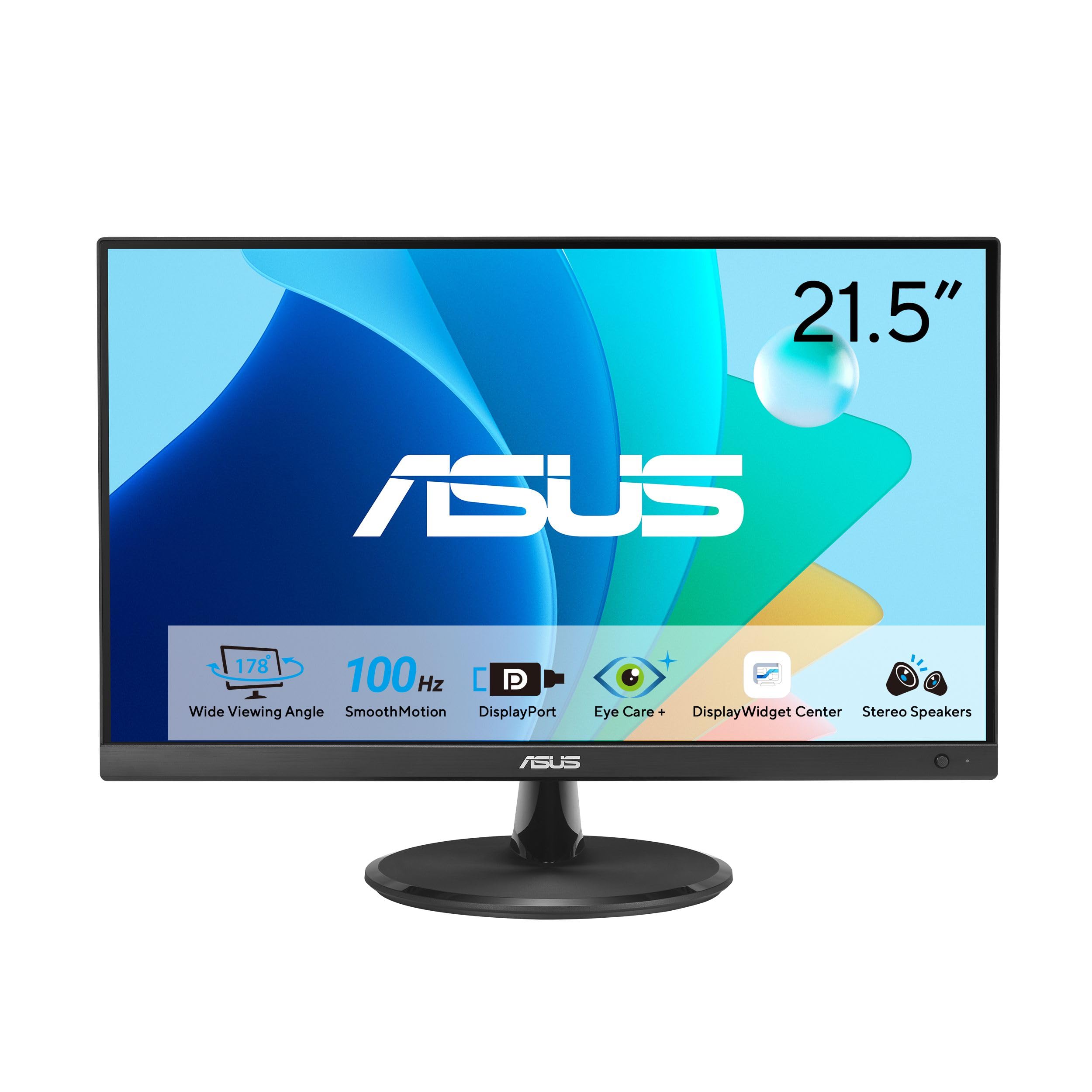
The ASUS VP229QF targets users who prioritize color fidelity in a compact frame. The 99% sRGB coverage and 100Hz SmoothMotion refresh rate create a rare combination for this size: accurate enough for light photo editing workflows while smooth enough to eliminate micro-stutter during office multitasking. The frameless design keeps the physical footprint minimal, and the IPS panel maintains color accuracy from extreme viewing angles.
ASUS includes the DisplayWidget Center software, which lets you adjust brightness, contrast, and color mode from the desktop instead of fumbling with the monitor’s 5-way navigator. The TÜV Rheinland-certified Flicker-free and Low Blue Light technologies are genuinely effective for all-day document reading — a common use case for the 22-inch class. The package also includes an L-shaped screwdriver for VESA mounting, which is a thoughtful touch for wall or arm setups.
Real-world reports confirm excellent image quality for the price tier, with thin bezels that work well in multi-monitor clusters. The HDCP support over HDMI is solid, and the DisplayPort input allows direct connection to desktop GPUs without an adapter. The lack of built-in speakers is disappointing for this price tier, and the OSD menu can be confusing without the DisplayWidget software installed.
Why it’s great
- 99% sRGB color gamut suits entry-level creative work
- 100Hz refresh at this resolution is genuinely smooth for office and light gaming
Good to know
- No built-in speakers or audio output
- On-screen controls are less intuitive without software
3. Acer Vero 22” FHD Free Sync Monitor
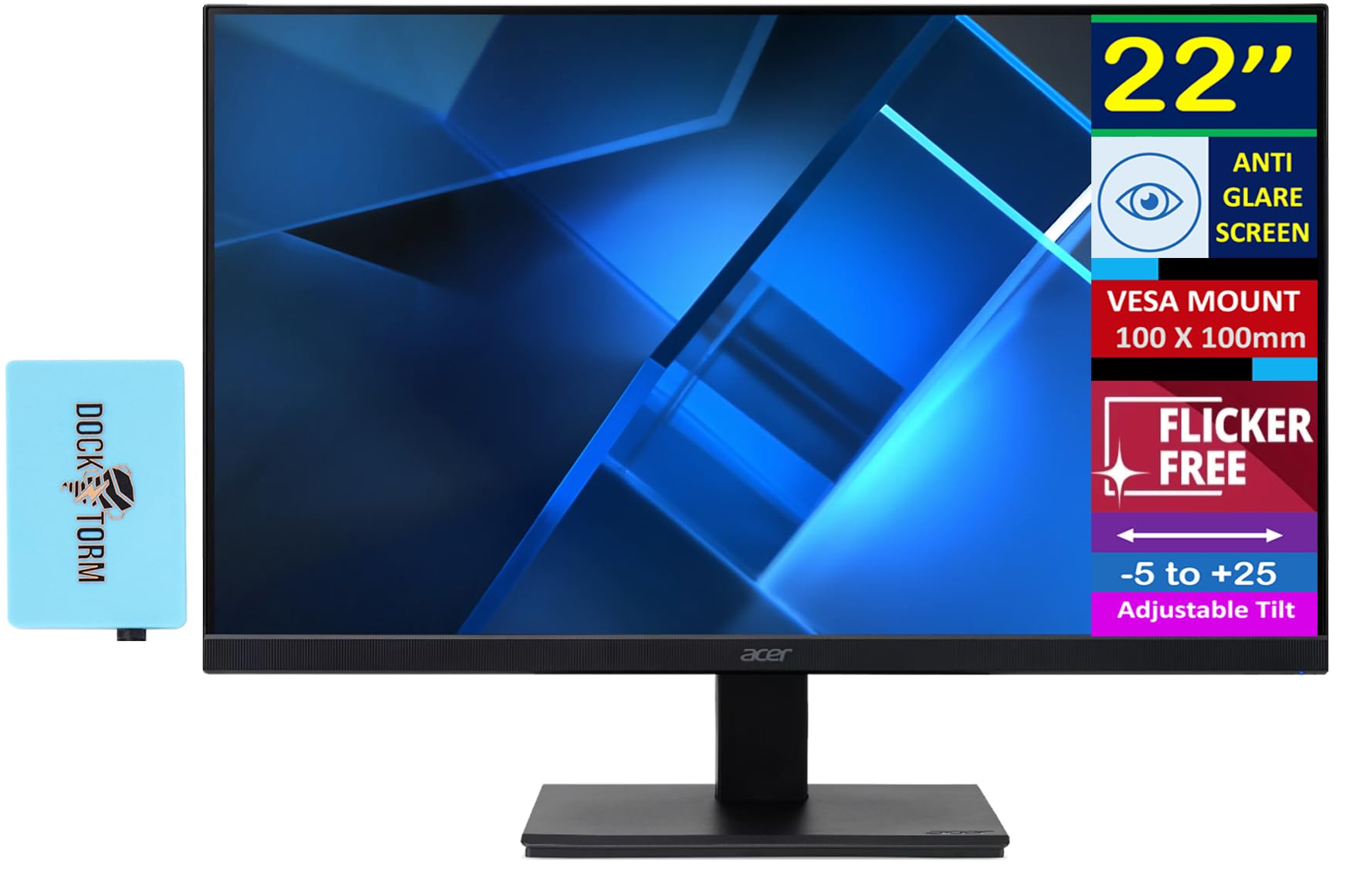
The Acer Vero stands out because it employs a VA panel with a 3000:1 native contrast ratio — significantly deeper black levels than any IPS in this list. Combined with the 100Hz refresh rate and FreeSync support, this monitor delivers punchy, cinematic visuals that make dark game scenes and movie credits look richer and more defined. The 90% DCI-P3 color coverage is impressive for the price and elevates the Vero above typical budget VA panels.
The bundle includes a Docztorm USB port expander, which adds extra USB-A ports for a cleaner desk setup — a practical bonus for users with limited rear I/O on their PC. The anti-glare coating is effective, and the -5 to +25-degree tilt range offers slightly more flexibility than the standard -5 to +15 found on most budget competitors. VisionCare features (Blue Light Shield, Flickerless, Low-dimming) are all present and independently adjustable.
Some users report that the power button’s placement is non-obvious on first setup, and the VA panel’s gamma shift is noticeable when viewing from extreme horizontal angles. However, for straight-on use as a primary gaming or media monitor, the contrast advantage is tangible and makes the Acer Vero a compelling dark-horse pick.
Why it’s great
- 3000:1 VA contrast delivers deep blacks and shadow detail
- 90% DCI-P3 coverage is rare at this price point
Good to know
- VA gamma shift reduces color accuracy at wide viewing angles
- Power button location is not obvious from the front
4. SANSUI 22 Inch 120Hz Monitor ES-22X3AH
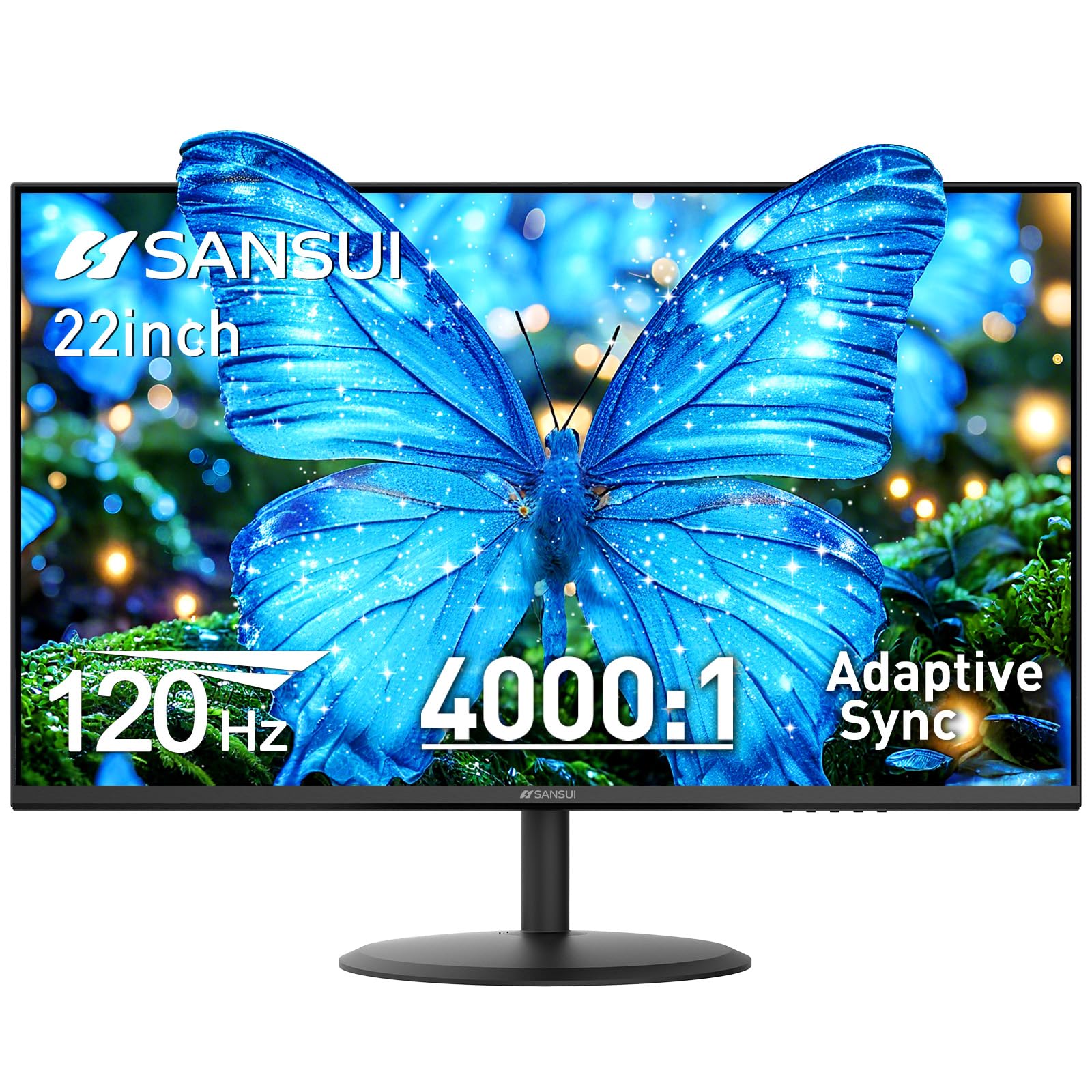
The SANSUI ES-22X3AH is the only monitor in this roundup that pushes to 120Hz, paired with a 4000:1 VA contrast ratio and 100% sRGB coverage. This combination delivers incredibly fluid motion for fast-paced games and smooth scrolling, while the high contrast preserves deep blacks and prevents the grayish haze that plagues lower-end VA panels. The adaptive sync (FreeSync) keeps screen tearing at bay during frame rate dips.
Dual HDMI 1.4 ports provide easy multi-device switching (console, laptop, desktop) without needing a separate switch box. The VESA 75×75 compatibility and the -5 to +22 tilt range allow basic ergonomic positioning. SANSUI also backs the monitor with lifetime technical support, which is a strong warranty guarantee for a product in this price segment, and the anti-flicker and low-blue-light modes are genuinely effective for long coding or writing sessions.
Customer feedback emphasizes the vivid color reproduction and the surprising build quality for the cost. A few users note that the included HDMI cable is short and that the power brick is bulky. The 250-nit brightness is serviceable in a dim room but may feel underwhelming next to a sunlit window.
Why it’s great
- 120Hz refresh rate is the highest in class
- 4000:1 VA contrast ratio outperforms most panels at this price
Good to know
- 250-nit brightness is on the lower side for bright rooms
- Included HDMI cable is short for deep desk setups
5. ViewSonic VX2276-SMHD 22 Inch 1080p Monitor

The ViewSonic VX2276-SMHD packages an IPS panel with a 100Hz refresh rate into an ultra-thin-bezel design that looks clean on any desk. The three-sided frameless aesthetic minimizes distraction and makes this monitor a strong candidate for multi-monitor arrays where bezel thickness directly affects the perceived seam between screens. The Full HD resolution at 22 inches results in a pixel density sharp enough for comfortable text reading at default scaling.
Connectivity is generous for the size: HDMI, DisplayPort, and VGA inputs ensure compatibility with modern and legacy hardware alike. The on-screen presets (Game, Movie, Web, Text, Mono) are genuinely useful and let you quickly switch between color profiles without diving into submenus. The flicker-free backlight and blue light filter are always-on features that reduce eye fatigue during long sessions without a noticeable color shift to the yellow side.
Feedback from owners highlights the tool-free assembly (the stand snaps in without screws) and the lightweight construction that makes vertical orientation via VESA mount practical. The 75×75 VESA pattern is smaller than the standard 100×100, so check your arm compatibility. The built-in speakers are weak, and the 250-nit brightness is average.
Why it’s great
- Ultra-thin bezels ideal for multi-monitor configurations
- Multiple input options (HDMI, DP, VGA) for versatile setups
Good to know
- 75×75 VESA pattern may require adapter for standard arms
- Built-in speakers lack volume and clarity
6. BenQ GW2283 Computer Monitor 22” FHD

The BenQ GW2283 focuses on a feature that few competitors even attempt: Brightness Intelligence (B.I.) Technology, which automatically adjusts backlight and color tone based on ambient room lighting. This is not a simple static blue-light filter — it actively recalibrates the display to maintain readability and reduce eye strain as daylight shifts or as you switch between a sunny desk and a dim basement office. It is one of the few genuinely useful “eye-care” implementations in the budget space.
The IPS panel delivers the expected 178-degree viewing angles, and the 75Hz refresh rate removes the last bit of perceived flicker from standard 60Hz modes. The built-in cable management channel inside the stand keeps the desk tidy, and the edge-to-edge glass front makes the screen feel larger than its 21.5-inch diagonal. The low-blue-light modes can be toggled independently of the B.I. system, giving you granular control over color warmth.
Users consistently mention the excellent picture quality for the price, but also note that the built-in speakers are very weak and that the HDMI cable included in the box is sometimes defective. The stand is sturdy but only offers tilt adjustment, so you cannot raise or swivel the screen without a VESA arm.
Why it’s great
- Brightness Intelligence tech actively adjusts to ambient light
- Edge-to-edge glass design looks premium for the cost
Good to know
- Included HDMI cable has occasionally been reported as defective
- Built-in speakers are weak and lack bass extension
7. ASUS VP229Q 21.5” Monitor
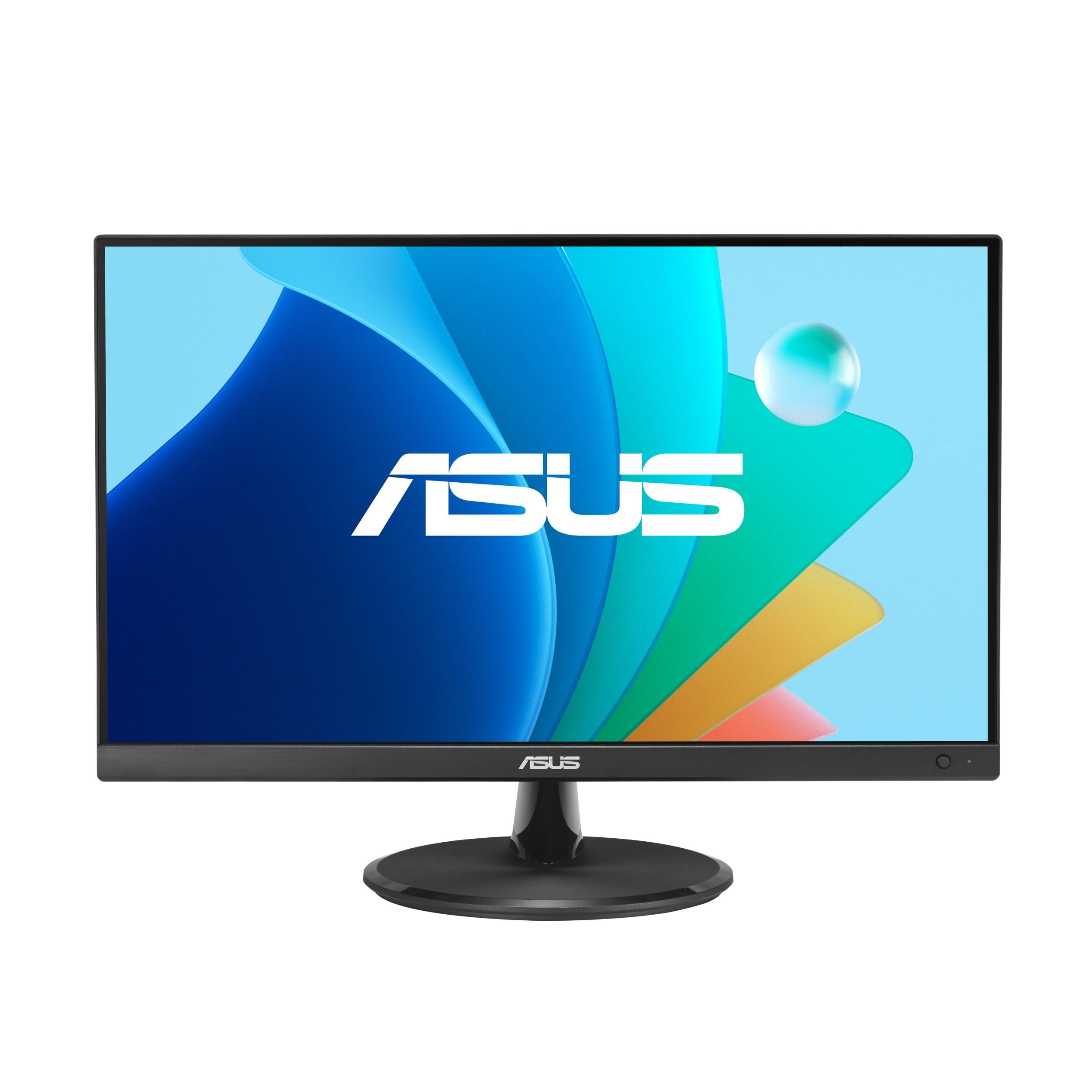
The ASUS VP229Q is one of the few 22-inch monitors that explicitly advertises both FreeSync and Adaptive-Sync compatibility for Nvidia GeForce GPUs, making it a safe choice for gamers with either brand of graphics card. The 75Hz IPS panel is paired with a 1ms Motion Picture Response Time (MPRT) mode that reduces perceived motion blur during fast-scrolling browser feeds and lower-intensity titles like Valorant or League of Legends.
Connectivity is robust for the price bracket: DisplayPort 1.2, HDMI 1.4, and VGA all ship in the box, and ASUS includes both an HDMI and a DisplayPort cable, so you do not need to buy a separate cord for a modern GPU. The TÜV Rheinland-certified flicker-free and low blue light technologies are standard ASUS Eye Care features that work as advertised — no PWM flicker at any brightness level below 100%. The 1.5-watt stereo speakers are usable for system alerts but not serious media playback.
Users praise the crisp text rendering and the easy assembly, though several note that the stand feels wobbly and lacks swivel or height adjustment. The uneven backlight (mild IPS glow in the corners) is common for this panel generation, but the overall value at this price point is solid for a gaming-focused secondary screen.
Why it’s great
- Dual FreeSync and G-Sync Compatible support
- Includes both HDMI and DisplayPort cables in the box
Good to know
- Stand is wobbly with no height or swivel adjustment
- Built-in speakers are weak and lack clarity
8. XIAOMI A22i 22 inch Monitor
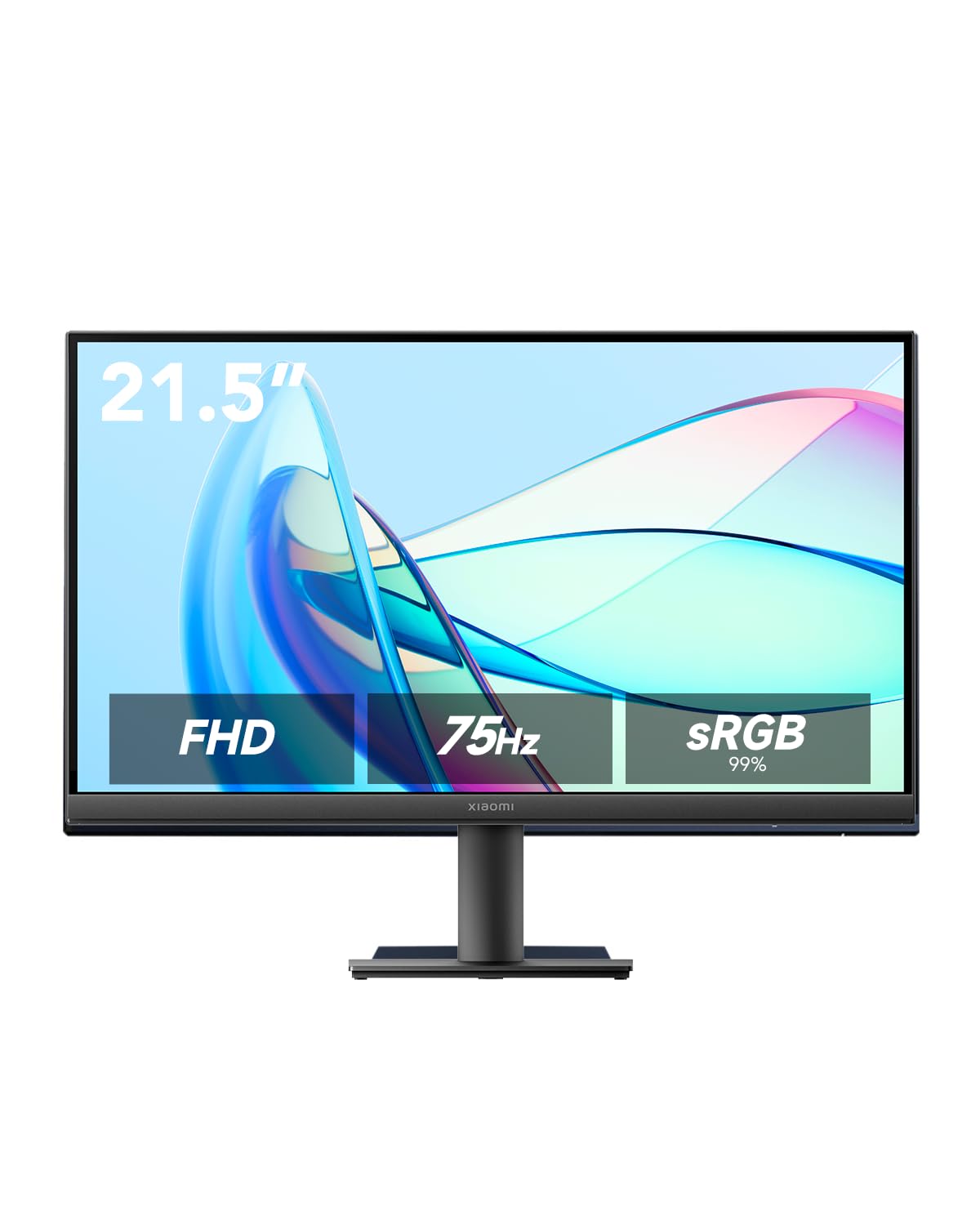
The XIAOMI A22i is a design-first monitor with a 7.5mm ultra-slim profile and a VA panel that delivers a 3000:1 contrast ratio for deep blacks. The DC dimming and TÜV Low Blue Light certification filter out short-wave blue light without the flickering associated with PWM-based brightness control, making this a good pick for users who are sensitive to screen flicker. The 75Hz refresh rate covers office usage and casual gaming equally.
The factory color calibration claims ΔE<2, which is rare at this price tier and translates to color accuracy that rivals monitors costing significantly more. The 178-degree VA viewing angles hold up well for straight-on use, though gamma shift is noticeable from extreme sides. Connectivity includes HDMI and VGA, which is sufficient for basic office setups but lacks DisplayPort for desktop GPUs — a meaningful omission for PC builders.
User feedback is generally positive regarding image sharpness and build quality, with consistent praise for the matte finish that eliminates reflections. The main criticism is the complete lack of height or tilt adjustment, which forces you to rely on a VESA arm (100×100) for ergonomic positioning. The monitor is very lightweight, so wall mounting is straightforward.
Why it’s great
- 7.5mm ultra-slim chassis with excellent build quality
- ΔE<2 factory calibration for color-accurate work
Good to know
- No height or tilt adjustment in the stand
- Lacks DisplayPort input for modern GPU connectivity
9. Kado Dual Monitor Setup 2-Pack 22″
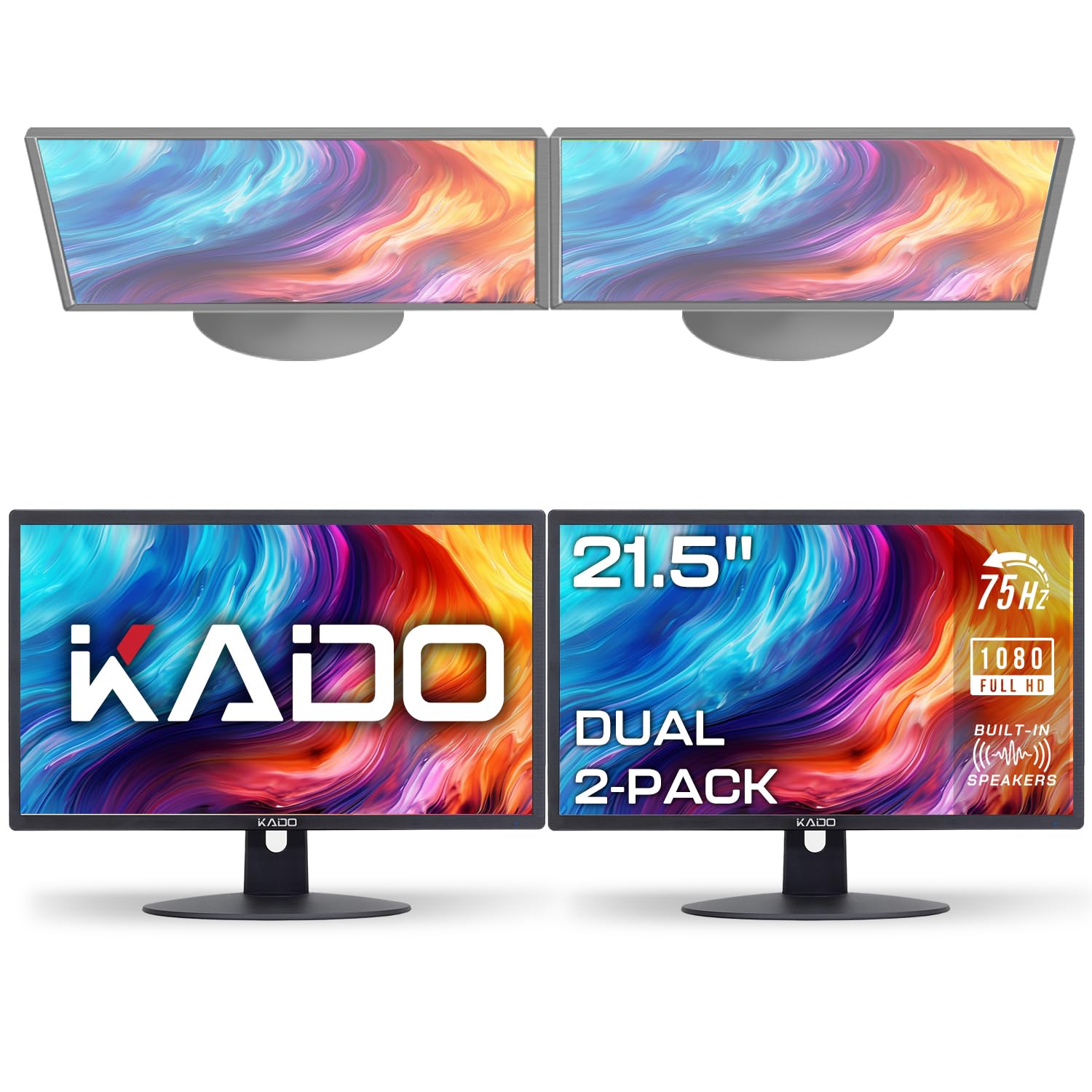
The Kado E22 Dual Series is a 2-pack solution that targets users who need two monitors for a multi-tasking setup without sourcing two separate units. Each monitor offers 75Hz and 100% sRGB coverage, with integrated speakers that are functional for voice calls and system audio, though they sound thin for music playback. The VESA 75×75 compatibility allows mounting both screens on a dual-arm stand for a clean, symmetrical look.
The fast response time minimizes ghosting during productivity tasks and casual gaming, and the custom gaming modes (FPS, RTS) adjust the color and contrast to suit different genres. The package includes HDMI cables for both monitors, removing the hassle of buying separate cables. The slim bezels reduce the gap between screens in a dual configuration, though they are not as thin as the ViewSonic model above.
Long-term owners report reliable operation over a year of daily use, with no dead pixels or backlight bleed issues. The main drawbacks are the limited connectivity (HDMI only — no DisplayPort or VGA) and the fact that the stand is basic with only a tilt function. For users who need a huge viewable area on a budget, this 2-pack is hard to beat, but the trade-off is a lack of future-proof connectivity.
Why it’s great
- Two monitors for a single purchase price, includes HDMI cables
- 100% sRGB gamut with fast response time for multi-tasking
Good to know
- HDMI-only connectivity; no DP or VGA inputs
- Basic stand with tilt adjustment only
FAQ
Is a 22-inch monitor too small for programming or writing?
Can I use a 75Hz 22-inch monitor for competitive gaming?
How much VESA weight can a 22-inch monitor arm support?
Is a 22-inch monitor with built-in speakers worth the trade-off?
Final Thoughts: The Verdict
For most users, the best 22 inch monitor winner is the Samsung S40GD because it combines an IPS panel, 100Hz refresh rate, and a genuinely adjustable ergonomic stand — features that are nearly impossible to find together at this screen size. If you want massive contrast and deep black levels for gaming and movies, grab the Acer Vero. And for the ultimate budget dual-monitor setup without buying two separate units, nothing beats the Kado E22 Dual Series.