
Our readers keep the lights on and the weekend projects moving. As an Amazon Associate, I earn from qualifying purchases.
Moving from a flat 1080p screen to a 32-inch curved 1440p monitor is one of the most noticeable upgrades you can make for gaming and daily productivity. The combination of a wraparound 1500R or 1000R curve with a Quad HD resolution delivers a vastly more immersive field of view than a standard flat panel, pulling you deeper into the action while providing significantly more screen real estate for multitasking — without the aggressive curve of an ultrawide that can distort spreadsheets and design layouts.
I’m Rikta — the co-founder and writer behind FitlyFast. I’ve spent over a decade analyzing display hardware, dissecting panel technology, and comparing real-world gaming performance across hundreds of monitors to understand exactly what specs separate a smooth experience from one plagued by ghosting and screen tearing.
This buying guide breaks down the top-rated models by their core performance metrics — refresh rate, response time, color accuracy, and ergonomic adjustability — so you can confidently choose the right 32 inch curved monitor for your specific setup without wasting money on features you will never use.
How To Choose The Best 32 Inch Curved Monitor
Not all curved monitors deliver the same experience. The curvature radius (measured in R-value), panel technology, and refresh rate directly affect how immersive and responsive the screen feels. Understanding these three core specs will prevent you from overpaying for a monitor that does not match your primary use case, whether that is competitive gaming, creative work, or general media consumption.
Curvature: 1500R vs 1000R
The curvature radius describes how tight the curve is — lower numbers mean a more aggressive bend. A 1500R curve is the industry standard for a 32-inch monitor, creating a gentle arc that matches the natural focal range of human vision without warping straight lines at the edges of spreadsheets or browser windows. A 1000R curve (used by some premium models like the LG UltraGear) wraps more tightly around your peripheral vision, which is spectacular for immersive single-player games but can feel disorienting for productivity tasks. For a 32-inch screen, 1500R hits the sweet spot for most users.
Panel Type: VA vs IPS
Panel technology determines contrast, color accuracy, and viewing angles. VA panels dominate the curved 32-inch category because they deliver a native contrast ratio of 3000:1 to 3500:1, producing deep, inky blacks that make dark game scenes and HDR content look dramatically better than IPS. The trade-off is that VA panels can exhibit slight black-level smearing in very fast motion. IPS panels, like the one in the Samsung Odyssey G5, offer superior color accuracy and wider viewing angles but typically have a lower contrast ratio of 1000:1, making blacks appear grayish in a dim room.
Refresh Rate and Adaptive Sync
A 1440p monitor at 32 inches needs a refresh rate of at least 120Hz to feel fluid during gaming. Most current models offer 170Hz to 180Hz, which is the practical ceiling for mid-range GPUs at this resolution. Adaptive Sync technology (FreeSync or G-Sync Compatible) is essential at this tier — it synchronizes the monitor’s refresh rate with your graphics card to eliminate screen tearing and stuttering without the input lag penalty of V-Sync. Always confirm the monitor supports Adaptive Sync over DisplayPort, as HDMI compatibility can be inconsistent on some budget models.
Quick Comparison
On smaller screens, swipe sideways to see the full table.
| Model | Category | Best For | Key Spec | Amazon |
|---|---|---|---|---|
| KTC H32S17 | Value Mid | Budget 1440p Gaming | 185Hz, 1ms, 1500R VA | Amazon |
| Acer Nitro XZ320QU | Mid-Range | Console + PC Combo | 180Hz, 1ms VRB, 1500R | Amazon |
| KOORUI 32E6U | Value Mid | Color-Aware Gaming | 170Hz, 1ms, 90% DCI-P3 | Amazon |
| ViewSonic VX3228C-2K | Mid-Range | Reliable All-Rounder | 180Hz, 1ms MPRT, 1500R VA | Amazon |
| Pixio PXC328 | Mid-Range | Competitive FPS | 180Hz, 1ms GTG, 330 nits | Amazon |
| LG 32GS60QC-B | Premium | Immersive Sim Racing | 180Hz, 1ms GTG, 1000R | Amazon |
| ASUS TUF VG32WQ3B | Premium | Competitive eSports | 180Hz, 0.5ms GTG, 1500R | Amazon |
| Samsung Odyssey G5 G50F | Premium | Color-Critical Work | 180Hz, 1ms, Flat IPS | Amazon |
| CRUA 32C4K | Premium | High-Res Streaming | 160Hz, 4K UHD, 1500R VA | Amazon |
In‑Depth Reviews
1. LG 32GS60QC-B UltraGear

The LG UltraGear 32GS60QC-B stands apart from the mid-range crowd by using an aggressive 1000R curve instead of the standard 1500R arc. This tighter curvature wraps the 32-inch QHD panel around your peripheral vision, creating a genuinely immersive tunnel effect that makes racing games and cinematic titles feel completely enveloping. The VA panel delivers a strong 3000:1 contrast ratio with deep blacks that IPS monitors at this tier simply cannot match, and the 180Hz refresh rate with 1ms GtG response time keeps motion smooth during fast-paced FPS rounds.
LG includes useful gaming features like Dynamic Action Sync to reduce input lag, a Black Stabilizer for spotting enemies in dark corners, and an FPS counter displayed in the corner of the screen. The three-side borderless design looks clean on any desk, and the two HDMI 2.0 ports plus one DisplayPort 1.4 provide enough connectivity for a PC and a console simultaneously. The 99% sRGB color gamut and HDR10 support ensure colors pop without looking oversaturated.
The main compromises are the tilt-only stand — you get no height or swivel adjustment — and the fact that the aggressive 1000R curve can make spreadsheet rows look slightly bowed. Some users report that the automatic brightness adjustment cannot be fully disabled, which may annoy anyone doing color-sensitive graphics work. For pure immersive gaming, however, this is the most compelling package in the mid-range price band.
Why it’s great
- Aggressive 1000R curve delivers best-in-class immersion for a 32-inch panel.
- Deep 3000:1 contrast ratio from high-quality VA panel.
- 180Hz refresh rate with AMD FreeSync for tear-free gaming.
Good to know
- Stand offers tilt adjustment only — no height or swivel.
- Auto brightness adjustment cannot be turned off in the OSD.
- 1000R curve can distort productivity layouts like spreadsheets.
2. ASUS TUF Gaming VG32WQ3B

The ASUS TUF VG32WQ3B is engineered for competitive gamers who prioritize motion clarity above all else. Its standout specification is the 0.5ms GtG response time — the fastest in this roundup — which, when combined with ASUS’s Extreme Low Motion Blur (ELMB) technology, virtually eliminates ghosting and motion blur in fast-paced shooters. The 1500R curved VA panel at 31.5 inches delivers solid 3000:1 contrast, and the 180Hz refresh rate ensures every frame renders crisply.
ASUS packs in a suite of gamer-centric tools including Shadow Boost, which lifts dark areas without overexposing bright spots, and a DisplayWidget utility that lets you adjust OSD settings with a mouse instead of fiddling with the rear joystick. The 90% DCI-P3 color gamut provides vibrant, saturated colors that look fantastic in both games and HDR video content. Connectivity covers two HDMI 2.0 ports and one DisplayPort 1.2, plus an included L-shaped screwdriver for easy stand assembly.
On the downside, the included stand legs are quite short, which may force you to place the monitor lower than ideal on a deep desk. The native 1000:1 contrast ratio listed in the specs is misleading — real-world testing confirms the VA panel’s superior contrast, but the out-of-box color calibration can be slightly warm. The VG32WQ3B is a top-tier choice for anyone who values ultra-low latency and blur-free motion above GPU-busting resolution.
Why it’s great
- Industry-leading 0.5ms GtG response time for near-total motion blur elimination.
- ELMB technology works alongside FreeSync for smooth, tear-free gameplay.
- 90% DCI-P3 gamut delivers punchy, vibrant colors out of the box.
Good to know
- Stand legs are short — monitor sits low on standard desks.
- Only one DisplayPort 1.2 input; HDMI 2.0 limited to 144Hz at QHD.
- OSD joystick is placed on the rear and can be awkward to reach.
3. Samsung Odyssey G5 G50F

The Samsung Odyssey G5 G50F breaks from the curved convention by using a flat 32-inch Fast IPS panel rather than a curved VA display. This is a deliberate trade-off that prioritizes color accuracy and wide viewing angles over deep contrast and an immersive curve. The 180Hz refresh rate and 1ms GtG response time are competitive with the best curved options, and the IPS panel delivers extremely consistent colors at any angle — making this monitor a strong candidate for anyone who does photo editing or design work alongside gaming.
Samsung includes practical features like Auto Source Switch+, which instantly detects and switches between connected devices without digging through the menu. The ergonomic stand is a genuine highlight: it offers height adjustment, tilt, swivel, and pivot, giving you far more positioning flexibility than any other monitor on this list. The near-glossy anti-glare coating keeps colors vivid without washing out, and HDR10 support adds noticeable depth to compatible games and movies.
The biggest compromise is the 1000:1 contrast ratio inherent to IPS technology — blacks will look grayish in a dark room compared to VA competitors. The monitor also includes only one HDMI 2.0 and one DisplayPort input, limiting multi-console setups. If color-critical work is your primary use case and you can tolerate the flat panel, the G50F’s color performance and ergonomic stand make it a compelling premium pick.
Why it’s great
- Fast IPS panel provides accurate, consistent colors from wide viewing angles.
- Fully ergonomic stand with height, tilt, swivel, and pivot adjustments.
- G-Sync Compatible and FreeSync support for tear-free gaming.
Good to know
- Flat screen — no wraparound immersion of curved VA panels.
- Only one HDMI and one DisplayPort input limits multi-device setups.
- 1000:1 contrast ratio means blacks appear washed out in dark scenes.
4. CRUA 32C4K

The CRUA 32C4K is the only monitor in this lineup that pushes resolution to true 4K UHD (3840×2160) while maintaining a 1500R curved VA panel. At 32 inches, the pixel density jump from 1440p to 4K is immediately noticeable — text is razor-sharp, game textures show finer detail, and streaming 4K content looks native rather than upscaled. The 160Hz refresh rate (overclocked from 144Hz) combined with AMD FreeSync keeps motion smooth, though driving 4K at 160Hz requires a high-end GPU.
CRUA packs in thoughtful extras like built-in stereo speakers (rare in this category and a real space-saver for desk setups), customizable RGB lighting along the rear for streamer aesthetics, and HDMI 2.1 connectivity that supports the full 4K bandwidth. The 120% sRGB color gamut and 3000:1 contrast ratio deliver vibrant, rich visuals that look excellent for both gaming and media consumption. The white chassis is a refreshing alternative to the sea of black monitors on the market.
The downsides include a relatively low peak brightness of 320 nits, which makes the monitor look dim in brightly lit rooms. Long-term reliability reports are mixed, with some units developing display issues within the first year. The stand assembly is also more fiddly than competing models. For streamers and content consumers who want 4K sharpness on a curved panel and don’t mind trading some brightness for it, the CRUA is a unique and capable option.
Why it’s great
- True 4K UHD resolution on a 32-inch 1500R curved panel offers unmatched sharpness.
- HDMI 2.1 supports full 4K at 144Hz bandwidth.
- Built-in speakers and RGB lighting save desk space and add aesthetic flair.
Good to know
- 320-nit peak brightness struggles in rooms with direct sunlight or bright lighting.
- Mixed long-term reliability reports from some users.
- Stand assembly can be complicated compared to simpler designs.
5. Pixio PXC328
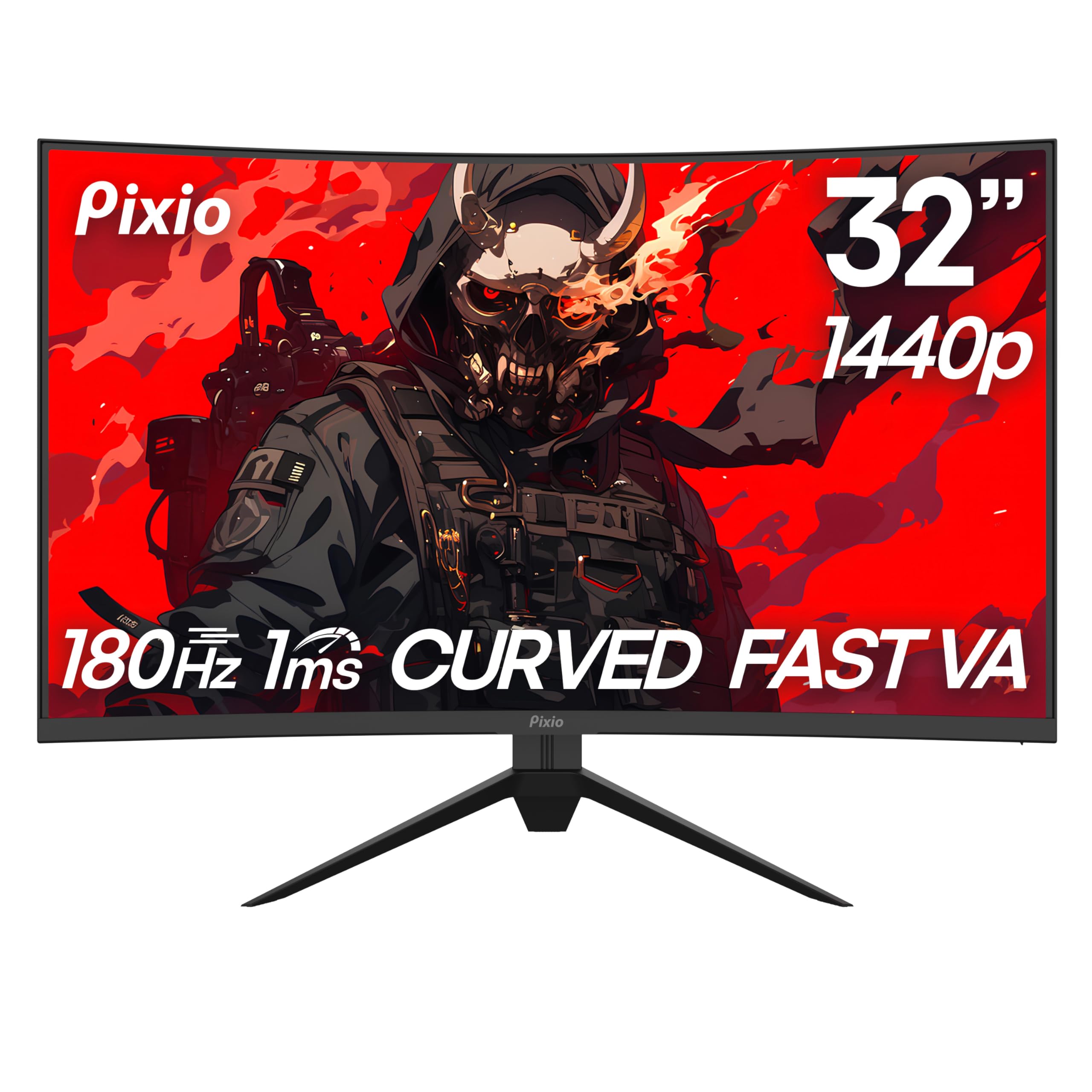
The Pixio PXC328 is a focused gaming monitor that doesn’t waste budget on unnecessary features — it prioritizes raw performance specs for competitive play. The combination of a 180Hz refresh rate and 1ms GtG response time on a fast VA panel delivers fluid, responsive motion with minimal ghosting. Pixio includes gaming-specific tools like a Black Equalizer to brighten dark areas, an on-screen crosshair overlay, and a custom game mode selector that lets you switch between FPS, RTS, and racing profiles instantly.
The 32-inch 1500R curved VA panel delivers a class-leading 3500:1 static contrast ratio, which produces noticeably deeper blacks than most competitors in this range. The 126% sRGB color gamut provides vibrant, punchy colors that make games and HDR content look rich without feeling artificial. Brightness is rated at 330 nits, slightly above the 300-nit standard, which helps maintain visibility in moderately lit rooms.
The main drawback is connectivity — the PXC328 relies on DisplayPort for its full 180Hz performance, while HDMI ports may be limited to 144Hz at QHD resolution. Some users report that the included DP cable can be inconsistent at full bandwidth, requiring a higher-spec DP 2.1 cable to stabilize the signal. There are no built-in speakers, and the stand offers only tilt adjustment. For pure, no-frills gaming performance at a competitive price, the PXC328 delivers where it counts.
Why it’s great
- 3500:1 native contrast ratio delivers some of the deepest blacks in this roundup.
- 330-nit peak brightness provides better visibility than standard 300-nit panels.
- Game-focused OSD with Black Equalizer and custom crosshair modes.
Good to know
- Included DisplayPort cable may cause instability at 180Hz — upgrade to DP 2.1.
- No built-in speakers and only tilt adjustment on the stand.
- HDMI inputs capped at 144Hz at QHD resolution.
6. ViewSonic VX3228C-2K
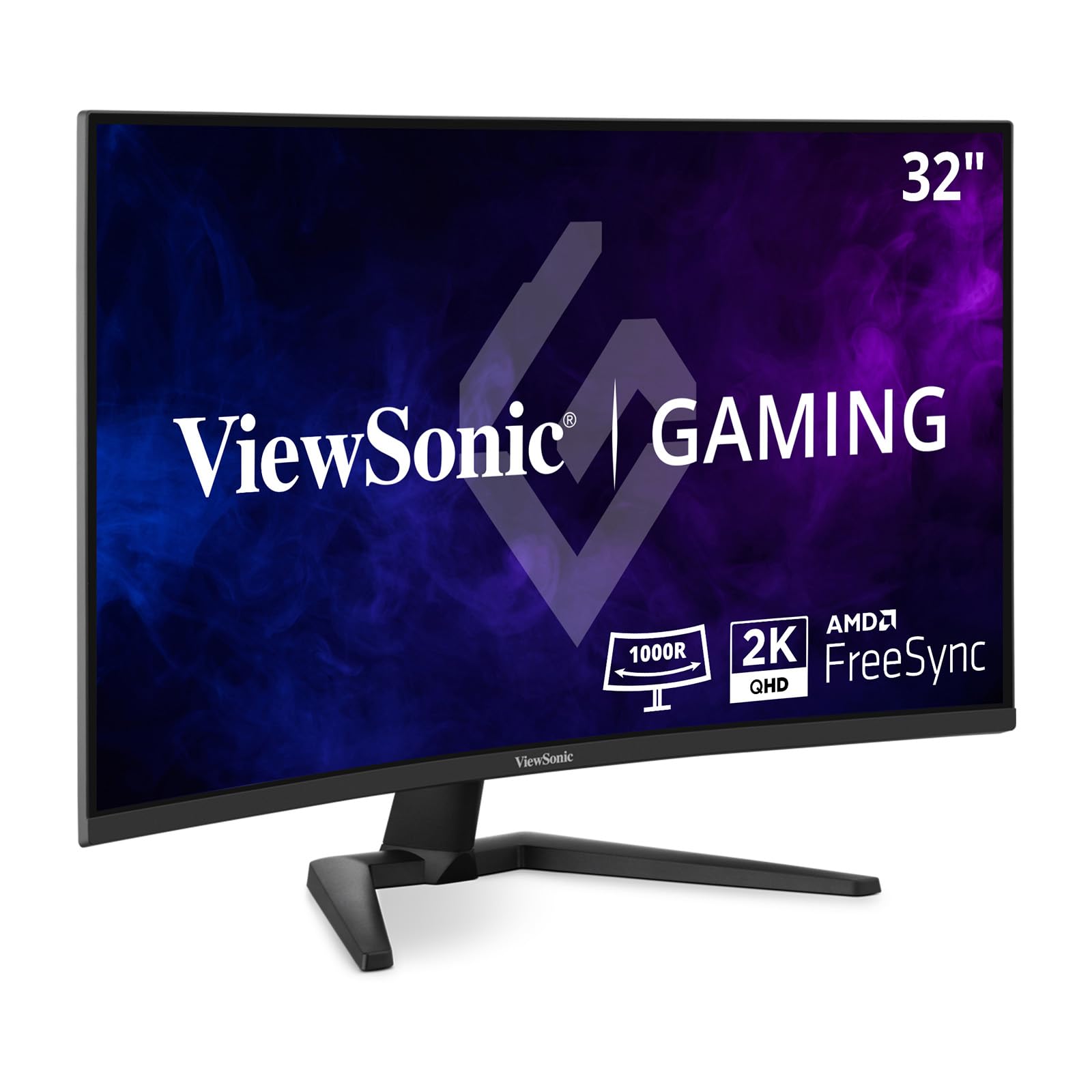
The ViewSonic VX3228C-2K is a rare breed — a curved IPS monitor rather than the usual curved VA panel. This gives it an advantage in color accuracy and viewing angle consistency, making it a strong pick for users who need reliable color reproduction for content work but still want the immersive curve of a 1500R display. The 180Hz refresh rate and 1ms MPRT response time ensure smooth gameplay, and AMD FreeSync keeps screen tearing at bay.
ViewSonic keeps the design clean with a thin-bezel, tilt-adjustable stand that fits easily into multi-monitor setups. The anti-glare coating is effective at reducing reflections without dulling the image, and HDR10 support provides a noticeable boost in dynamic range for supported games and videos. The 99% sRGB color gamut covers the standard web and video color space accurately, making this a reliable monitor for light photo editing and color-graded content viewing.
The flip side of the curved IPS design is a lower native contrast ratio compared to VA monitors — expect blacks to look more grayish in a dark gaming room. Some long-term reliability concerns have been raised, with a minority of users reporting screen defects developing within a year. The stand lacks height and swivel adjustment, and the OSD menu navigation is basic compared to more premium competitors. For color-conscious gamers who need IPS accuracy with a gentle curve, ViewSonic delivers a balanced package.
Why it’s great
- Curved IPS panel offers better color consistency than VA competition.
- Thin bezels and anti-glare coating make it ideal for multi-monitor setups.
- 180Hz refresh rate with FreeSync for smooth, tear-free gaming.
Good to know
- Lower contrast ratio than VA — blacks appear washed out in dark scenes.
- Mixed long-term reliability reports for a small percentage of units.
- Stand offers tilt only — no height or swivel adjustment.
7. Acer Nitro XZ320QU
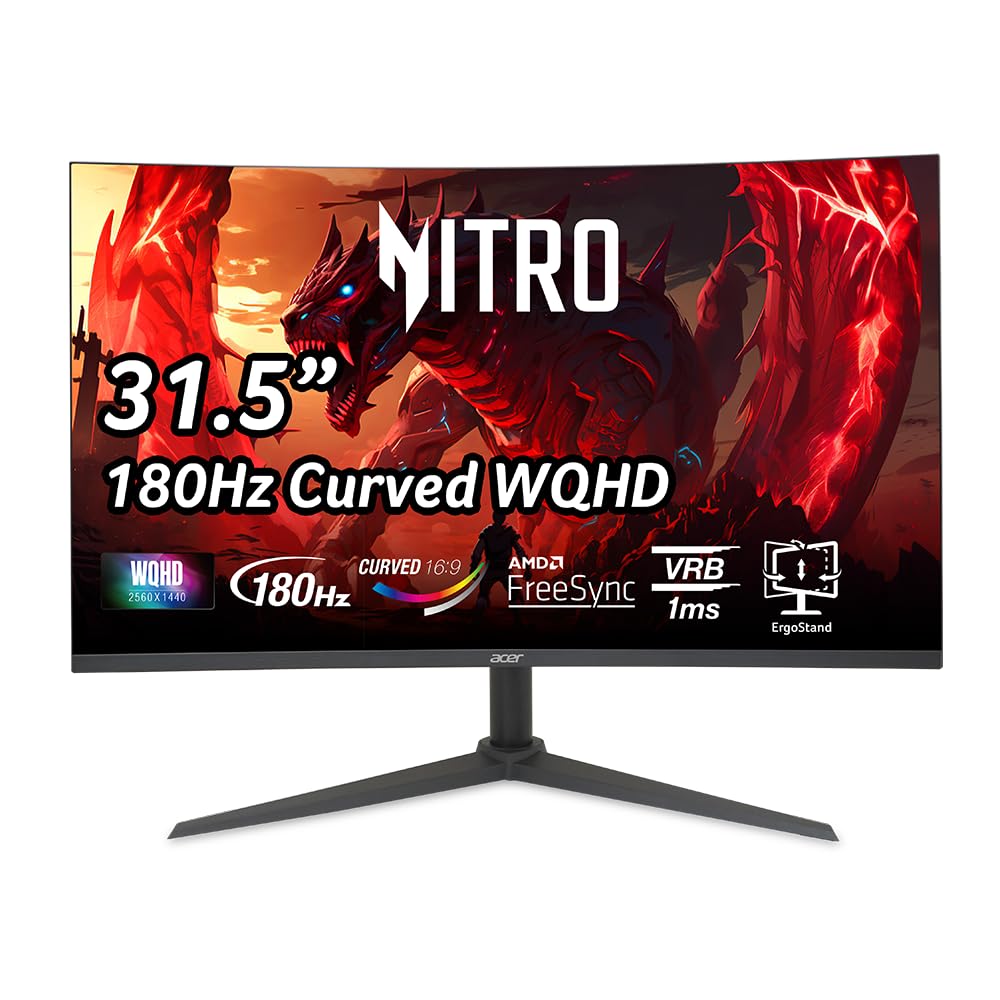
The Acer Nitro XZ320QU strikes an unusual balance for a mid-range monitor by offering a fully ergonomic stand with height adjustment, swivel, and tilt — a feature typically reserved for premium models. The 31.5-inch 1500R curved WQHD panel runs at 180Hz with 1ms VRB response time, providing fluid visuals for both gaming and productivity. Acer includes built-in 2-watt stereo speakers, which are a genuine convenience for desk setups where external speakers would add clutter.
The VA panel delivers a 100,000,000:1 dynamic contrast ratio (with a strong native contrast) that makes dark scenes in games and movies look rich and immersive. The zero-frame design keeps the bezels minimal, and the rear I/O includes one DisplayPort 1.4 and two HDMI 2.0 ports alongside a headphone jack. The included cables (DisplayPort and HDMI) cover most use cases out of the box, which is rare in this price tier.
The main caveat is that the included DisplayPort 1.4 cable can cause flickering and screen tearing when running at the full 180Hz at QHD resolution with HDR enabled. Several users report needing to upgrade to a DP 2.1 cable to get stable performance. The VRB (Visual Response Boost) mode can also introduce some overshoot artifacts in fast-moving scenes if not carefully tuned. The ergonomic stand and built-in speakers make this a strong all-rounder, provided you budget for a better cable.
Why it’s great
- Full ergonomic stand with height, swivel, and tilt adjustments — rare at this price.
- Built-in 2W speakers provide convenient audio without external clutter.
- Excellent dynamic contrast ratio for deep, immersive blacks.
Good to know
- Included DP 1.4 cable is underpowered for 180Hz QHD — upgrade to DP 2.1 recommended.
- VRB mode can introduce overshoot artifacts in fast-paced motion.
- Pixel density at 32-inch 1440p is lower than 27-inch alternatives.
8. KOORUI 32E6U
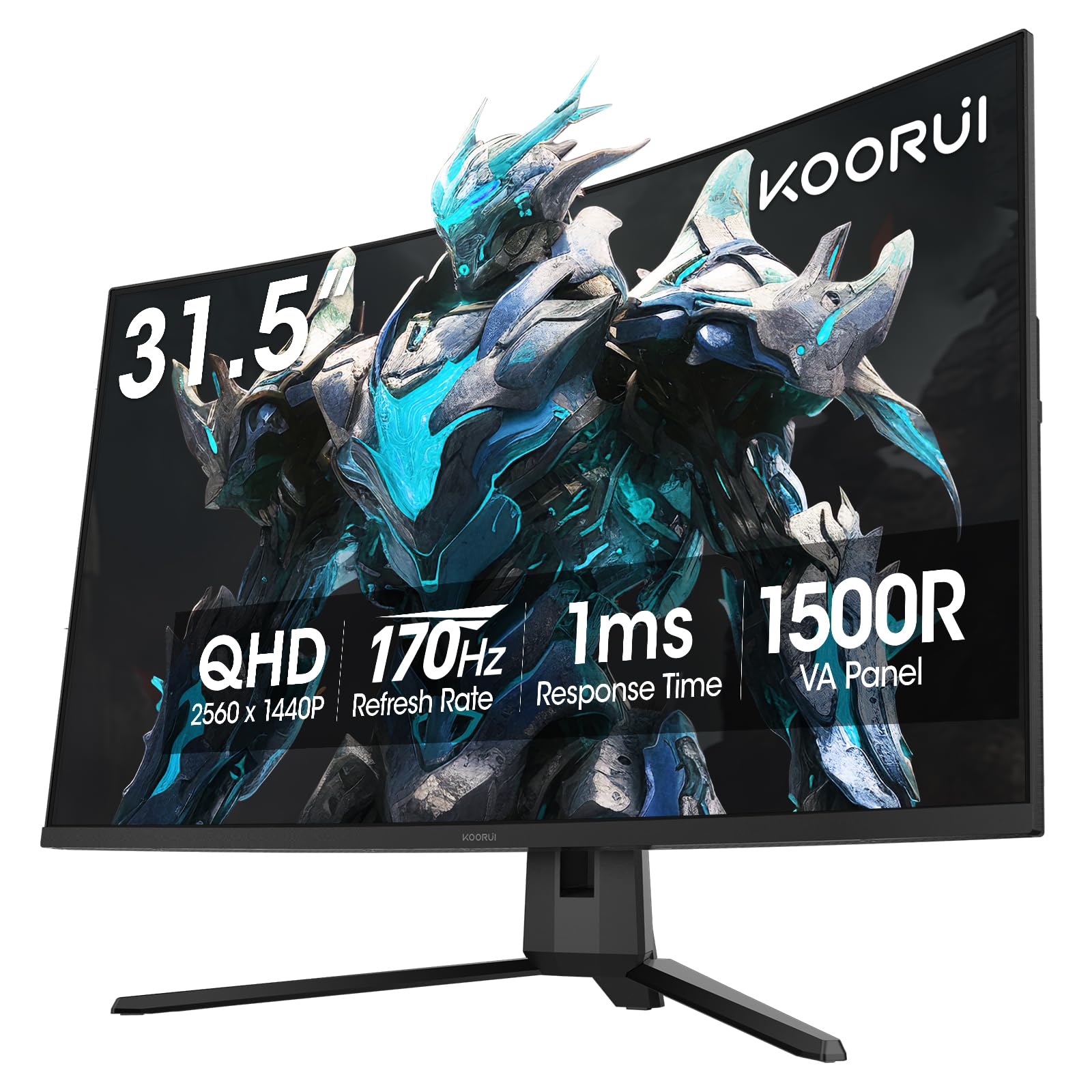
The KOORUI 32E6U is a solid entry-level curved monitor that focuses on delivering good color performance without the premium price tag. The 170Hz refresh rate (down slightly from the 180Hz standard, but negligible in real-world feel) and 1ms response time provide smooth gameplay for most titles. The standout feature here is the 90% DCI-P3 color gamut coverage and HDR10 support, which deliver noticeably more vibrant and saturated colors than cheaper 99% sRGB monitors — an edge for watching HDR movies and playing visually rich games.
The 1500R curved VA panel has a 3000:1 contrast ratio and covers 16.7 million colors, producing solid depth in both dark and bright scenes. KOORUI includes dual HDMI 2.0 ports and one DisplayPort 1.2, plus VESA 100x100mm compatibility for wall mounting. The ergonomic stand offers tilt adjustment from -5° to 20°, and the 1-year warranty on the display (3 years on accessories) provides reasonable peace of mind for an entry-level purchase.
The biggest limitation is the lack of built-in speakers, which is typical at this price point but still a nuisance if you don’t have external audio. The OSD menu is controlled by a single rear joystick that can be fiddly to navigate. Some users report confusion over VESA compatibility on certain units. The KOORUI is best suited for gamers on a strict budget who want a curved 1440p monitor with strong color vibrancy and can tolerate a less polished OSD experience.
Why it’s great
- 90% DCI-P3 color gamut delivers vibrant, saturated colors for HDR content.
- 170Hz refresh rate and 1ms response time provide smooth, responsive gameplay.
- VESA 100x100mm compatible for flexible wall mounting options.
Good to know
- No built-in speakers — external audio is required.
- Single-joystick OSD is fiddly and slow to navigate.
- Some units may not include VESA mounting holes despite the listed spec.
9. KTC H32S17
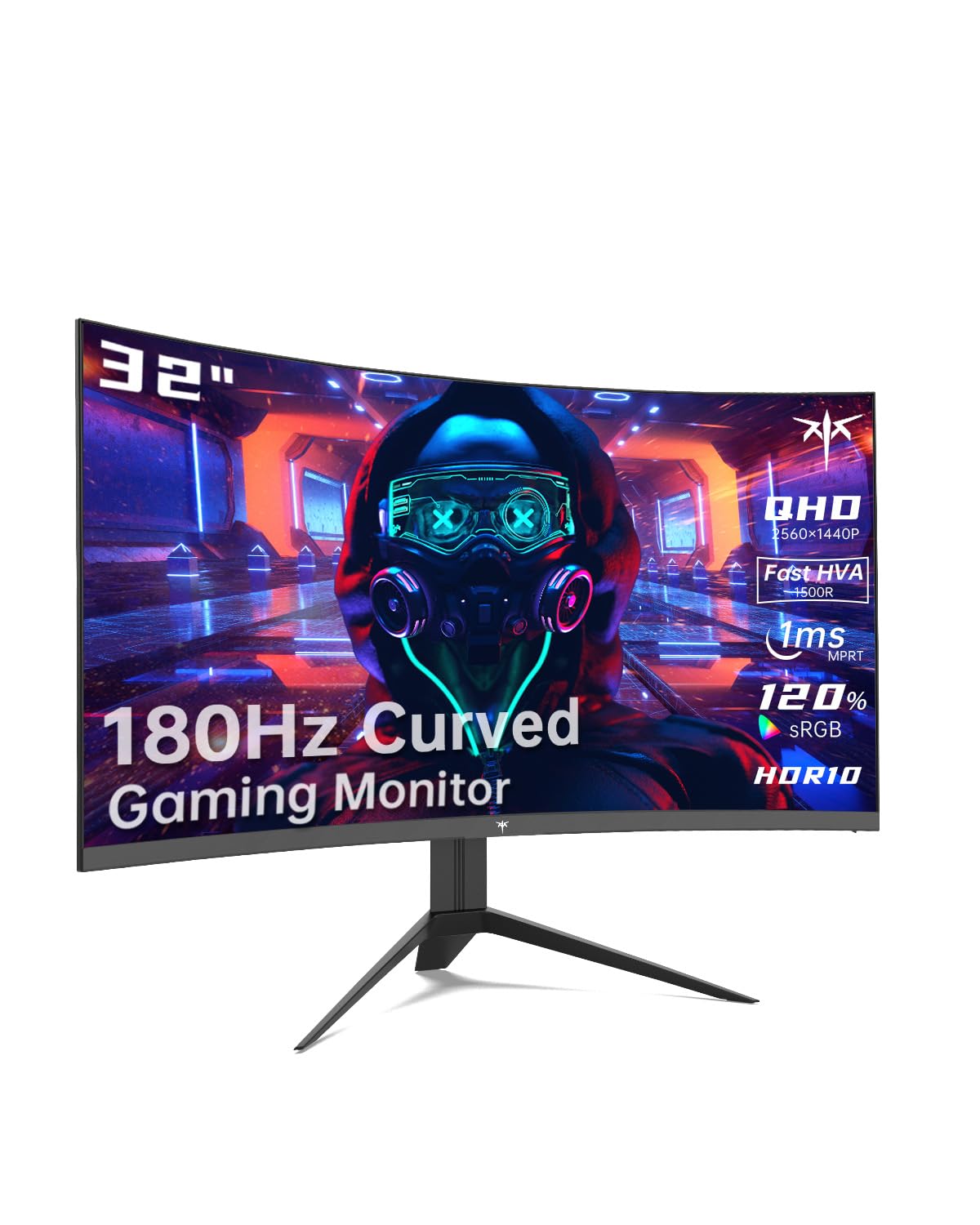
The KTC H32S17 is the budget champion of this roundup, offering a 185Hz refresh rate (the highest raw refresh in this list) on a 32-inch 1500R curved VA panel at a very accessible price point. The 2560×1440 QHD resolution provides a substantial step up in clarity over 1080p, and the 3500:1 static contrast ratio delivers impressively deep blacks for the price — better than some monitors costing significantly more. The 1ms MPRT response time keeps motion blur in check for fast-paced FPS and racing games.
KTC includes several gaming-focused features through its GamePlus menu, including a crosshair overlay for FPS accuracy, a Black Equalizer to brighten shadowed areas, and an on-screen timer for tracking cooldowns. The VA panel covers 120% sRGB color gamut area and supports HDR10, producing vibrant, punchy colors that look excellent in well-lit rooms. The three-sided narrow bezel design looks modern and works well for multi-monitor setups.
The compromises are typical for the budget tier: the stand is bare-bones with only tilt adjustment and feels a bit flimsy, the OSD menu is controlled by a single bottom-right button that is less intuitive than a joystick, and there are no built-in speakers. Some users report a faint black border (underscan) when using DisplayPort, and the external power brick adds cable clutter. For gamers on a strict budget who want the rawest refresh rate for their dollar, the KTC H32S17 is a remarkably capable performer.
Why it’s great
- 185Hz refresh rate is the highest raw refresh in this roundup.
- 3500:1 static contrast ratio delivers deep, immersive blacks for the price.
- 120% sRGB coverage and HDR10 support for punchy, vibrant colors.
Good to know
- Stand feels cheap with only tilt adjustment and limited stability.
- External power brick can make cable management messy.
- Some units show underscan artifacts when using DisplayPort input.
FAQ
Is 1440p worth it on a 32-inch curved monitor or should I get 4K?
Can I use a 32-inch curved monitor for professional photo editing?
Does the 1500R curve affect productivity tasks like reading documents or coding?
Do I need a specific type of HDMI or DisplayPort cable for 180Hz at 1440p?
Final Thoughts: The Verdict
For most users, the best 32 inch curved monitor is the LG 32GS60QC-B UltraGear because its aggressive 1000R curve, 180Hz refresh rate, and deep VA contrast create the most immersive gaming experience at this size, all while maintaining a reasonable price point. If you want a flat panel with superior color accuracy for creative work, grab the Samsung Odyssey G5 G50F. And for competitive gamers who prioritize motion clarity above all else, nothing beats the ultra-fast 0.5ms response time of the ASUS TUF Gaming VG32WQ3B.