
Our readers keep the lights on and the weekend projects moving. As an Amazon Associate, I earn from qualifying purchases.
A dark room and a bright screen create visual fatigue that dulls even the best cinematic moments. The solution isn’t dimming your TV — it’s adding a rear-projected ambient glow that matches what you’re watching in real time, tricking your eyes into seeing deeper contrast and reducing strain over long sessions.
I’m Rikta — the co-founder and writer behind FitlyFast. I’ve spent years analyzing lighting ecosystems, camera-based sync accuracy, and strip density to separate kits that deliver true immersion from those that just glow in the dark.
After testing camera latency, color accuracy under HDR, and adhesive longevity across multiple setups, I’ve curated the best bias lighting for tv kits that actually transform your viewing experience rather than just decorating your wall.
How To Choose The Best Bias Lighting For TV
The market has moved beyond simple white strips. The core decision now centers on how the lights read and respond to your screen — and whether they can keep up with fast HDR content without washing out details.
Camera vs. HDMI Sync Box
Camera-based kits mount a small sensor on top of your TV that reads on-screen colors in real time. They work with any content — streaming apps, gaming consoles, cable boxes — without compatibility issues. HDMI sync boxes patch directly into the signal path, delivering theoretically perfect color accuracy, but they require external devices (Fire Stick, Apple TV, console) and often fail with built-in smart TV apps. For most users, camera sync offers the best balance of simplicity and versatility.
LED Density and Color Zones
Strip density, measured in LEDs per meter (LEDs/m), determines how smooth the color transitions appear across the back of your TV. Budget strips pack roughly 30 LEDs/m, which creates visible gaps between color blocks. Premium kits push 60-75 LEDs/m and use addressable zones — letting one section of the strip display a red explosion while another section holds a blue sky. Higher density directly translates to fewer hot spots and more believable edge matching.
Light Bead Architecture
Standard RGB strips can’t reproduce pure whites or accurate skin tones because they lack dedicated white diodes. RGBICW (Red, Green, Blue, Independent Cool White, Warm White) and RGBWWIC (adding an extra warm white chip) solve this by embedding a true white emitter. The result is a backlight that doesn’t tint your wall pink when the screen displays a white snow scene or a bright daylight sky. If you watch a lot of dialogue-heavy content or nature documentaries, this matters immensely.
Quick Comparison
On smaller screens, swipe sideways to see the full table.
| Model | Category | Best For | Key Spec | Amazon |
|---|---|---|---|---|
| Govee TV Backlight 3 Pro | Premium Kit | Large screens & HDR accuracy | 75 LEDs/m, HDR triple camera | Amazon |
| Govee TV Backlight 3 Lite Kit | Premium Kit | Immersive room-filling glow | RGBICW 4-in-1 beads + light bars | Amazon |
| Nanoleaf 4D V2 | Premium Kit | Smart home integration | 10 color zones per meter | Amazon |
| Linkind AI Sync | HDMI Kit | External device 4K passthrough | HDMI 2.0, 4K@60Hz | Amazon |
| NEEWER Basics NS03 | Mid-Range | Budget-conscious immersion | 20 independent IC segments | Amazon |
| Ailofy Camera Sync | Mid-Range | Alexa/Google integration | 12.5ft strip, fish-eye correction | Amazon |
| QTU Sensor Sync | Mid-Range | Auto on/off simplicity | 0.05s latency, 60 LEDs/m | Amazon |
In‑Depth Reviews
1. Govee TV Backlight 3 Pro

This flagship kit from Govee uses a triple-lens camera module that expands the color-pick area by 50 percent around corners — a genuine breakthrough for edge-matching accuracy on large screens. The HDR image sensor captures brighter highlights and deeper shadows, so an explosion in a dark scene doesn’t wash out the entire wall. With 75 LEDs per meter and 5-in-1 RGBWWIC lamp beads, the strip produces pure whites and smooth gradients that eliminate the tinted glow cheaper strips cast on neutral content.
The camera housing measures only 85mm, making it visually unobtrusive on ultra-thin TVs, and the Gravitational Hanging Design adapts to curved edges without wobble. Govee’s new AI Filter function extracts the theme color of a specific movie or show, creating a matching atmosphere that feels curated rather than reactive. The DreamView sync extends the effect to up to 10 other Govee lights, bathing your entire room in coherent color.
Setup and calibration take roughly 15 minutes, and the app guides you through an orange-block alignment process that most users complete in three minutes. The only catch is the 2.4GHz Wi-Fi requirement — if your router merges bands, you may need to separate them in settings. For anyone with a 75-85 inch screen who demands cinema-grade immersion without an HDMI sync box, this is the definitive choice.
Why it’s great
- HDR triple-camera captures true-to-life color across fast scenes
- 75 LEDs/m with RGBWWIC beads deliver pure whites and deep blacks
- AI filter matches lighting to movie theme for curated ambience
Good to know
- Calibration takes patience and tweaking with color reference wheels
- Light strip corners may show small gaps on certain TV bezels
2. Govee TV Backlight 3 Lite Kit

What sets this kit apart is the inclusion of two 15-inch smart light bars alongside the 11.8ft TV strip, creating a wraparound glow that extends beyond the screen itself. The fish-eye correction camera reads a wider field, so color matching stays accurate even if you sit slightly off-center. The upgraded 4-in-1 RGBICW beads add a dedicated warm white chip — a subtle but crucial upgrade that prevents skin tones from looking jaundiced during dialogue-heavy scenes.
Combined video and audio syncing means the lights not only mirror on-screen action but also pulse with the soundtrack, which makes a genuine difference during action sequences and music videos. The Gravitational Hanging Design simplifies camera installation on ultra-thin TVs, though users with slanted backs may need creative clip placement to secure the strip fully. Adhesive longevity has been solid — reviews report the tape holds strong past the one-year mark if applied to a clean, dust-free surface.
Smart home integration with Alexa and Google Assistant is seamless, and the Govee Home app offers deep customization, including DIY color effects, light scheduling, and multiple music modes. The only downside is the initial 30-minute setup and calibration period — users who skip the recommended tweaking often report minor color mismatches. For those who want a complete room transformation rather than just a TV halo, this kit delivers unmatched value.
Why it’s great
- Two light bars extend ambient glow beyond the TV for true room immersion
- RGBICW 4-in-1 beads produce natural whites without pink tint
- Video and audio syncing creates multi-sensory home theater experience
Good to know
- Requires 30 minutes of setup and calibration for optimal performance
- Adhesive is permanent once applied — repositioning requires new tape
3. Nanoleaf 4D V2
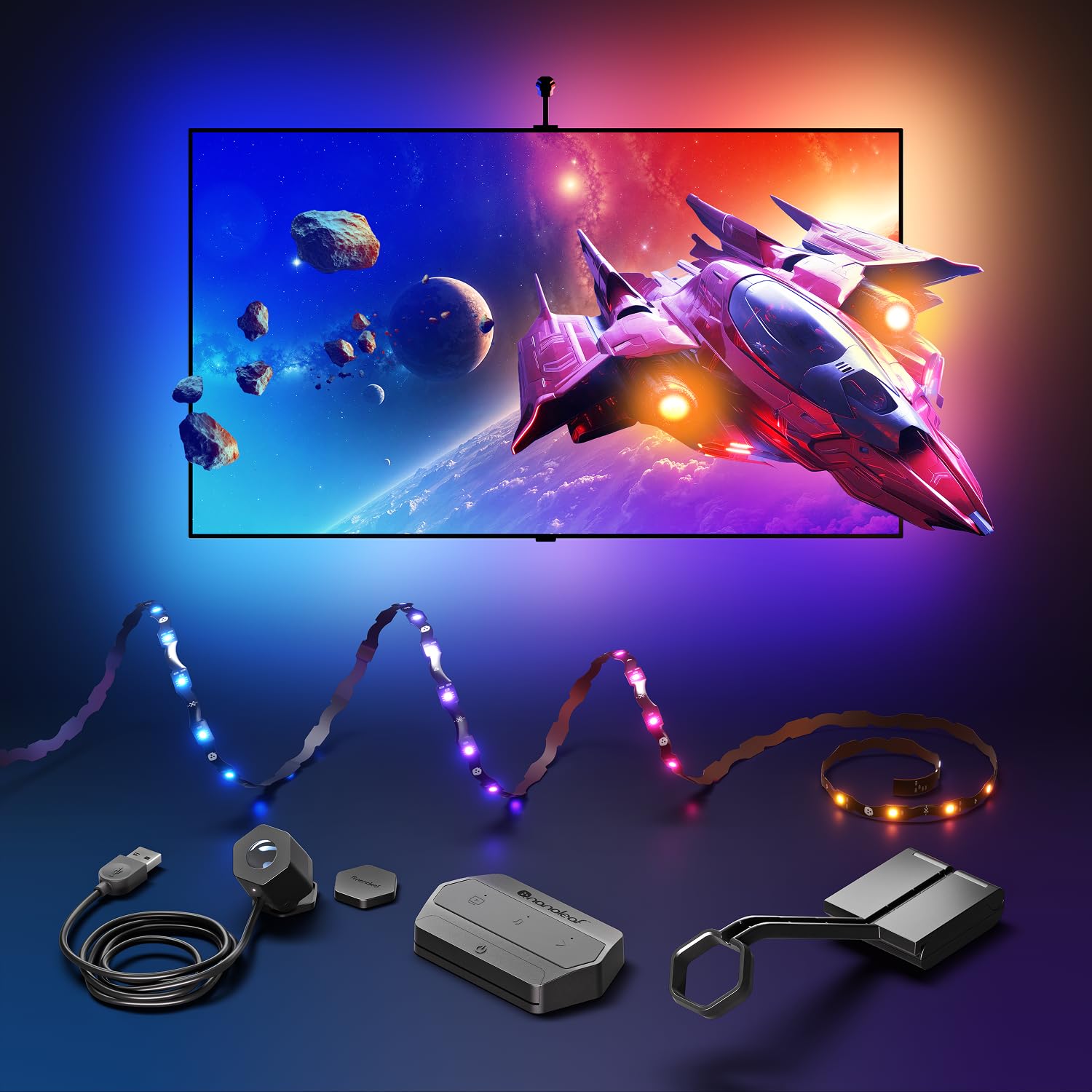
Nanoleaf’s second-generation 4D kit brings a zigzag addressable gradient lightstrip that packs 10 independent color zones per meter — meaning the left side of your TV can display a cool blue while the right side shifts to warm orange without a muddy transition zone. The camera can mount above or below the screen, and an included magnetic privacy cover blocks the lens when not in use, addressing the privacy concerns that camera-based sync systems often raise.
Four distinct Screen Mirror modes let you dial in the level of immersion — from subtle ambient background lighting that barely registers in your peripheral vision, to a full 4D direct match that turns your wall into an extension of the screen. Rhythm sound reactivity can be layered over any mirror mode, which makes music videos and soundtracks feel physically present. The Sync+ Technology extends the mirroring effect across 50-plus Nanoleaf RGB devices, creating a cohesive smart lighting ecosystem that reaches beyond the TV room.
The lightstrip can be trimmed to fit screens up to 65 inches, and the app remaps the zones automatically to the new length — no complex recalculations. Setup is more time-consuming than Govee’s guided process, and the camera calibration can be finicky, particularly on TVs with thick bezels. Color accuracy is strong but not quite as precise as the triple-camera Govee Pro under challenging HDR content. For users already invested in Nanoleaf panels or bulbs, the ecosystem integration alone justifies the premium.
Why it’s great
- 10 addressable color zones per meter for smooth gradient transitions
- Privacy camera cover adds peace of mind when not in use
- Sync+ Technology coordinates up to 50 Nanoleaf devices across rooms
Good to know
- Camera calibration can be difficult on TVs with thick bezels
- Colors occasionally shift slightly under fast-changing HDR scenes
4. Linkind AI Sync TV Backlight Kit
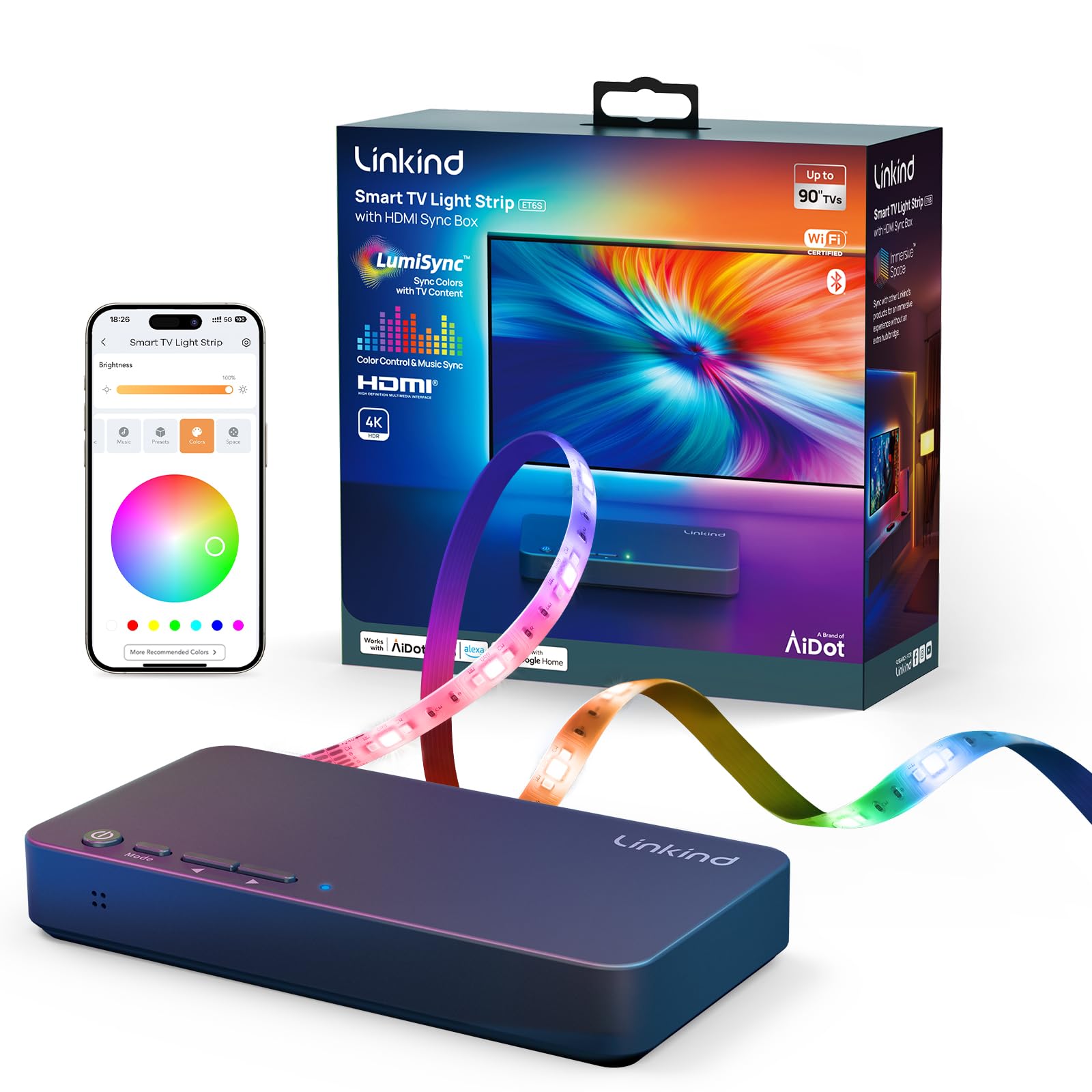
This kit trades the convenience of a camera for the precision of an HDMI 2.0 sync box, giving you pixel-perfect color matching that no camera system can fully replicate. The 4K HDR passthrough at 60Hz ensures zero quality loss between your external device and the TV — essential for gamers who need consistent frame timing. Segmented lighting technology splits the 20-foot strip into multiple color zones, so different sections display different colors simultaneously, accurately extending the on-screen image.
Smart home integration with Alexa and Google Assistant is standard, but the critical limitation is that the sync function only works with external devices plugged into the box — Fire Stick, Roku, Apple TV, PlayStation, Xbox. Built-in smart TV apps like Netflix or YouTube will not trigger the sync, which eliminates the convenience of one-remote streaming for many users. The construction quality has been inconsistent; several reports mention HDMI port failure after a few months and daily Wi-Fi reconnection requirements.
When the hardware works, the experience is genuinely superior to any camera-based system — the color is instant, perfectly matched, and free of the calibration drift that camera kits exhibit over time. The included corner brackets and clip set make installation straightforward, though the adhesive tape on the corner pieces has drawn criticism for poor stickiness. For users who always stream through an external device and want the most accurate sync possible, this is a viable option with the caveat of variable reliability.
Why it’s great
- HDMI 2.0 passthrough delivers instant, pixel-perfect color matching
- 4K HDR at 60Hz maintains full video quality for gaming
- Segmented lighting creates multi-zone halo effect across large screens
Good to know
- Sync only works with external HDMI devices, not built-in TV apps
- Reliability reports show HDMI port failure and daily reconnection issues
5. NEEWER Basics TV Backlight NS03
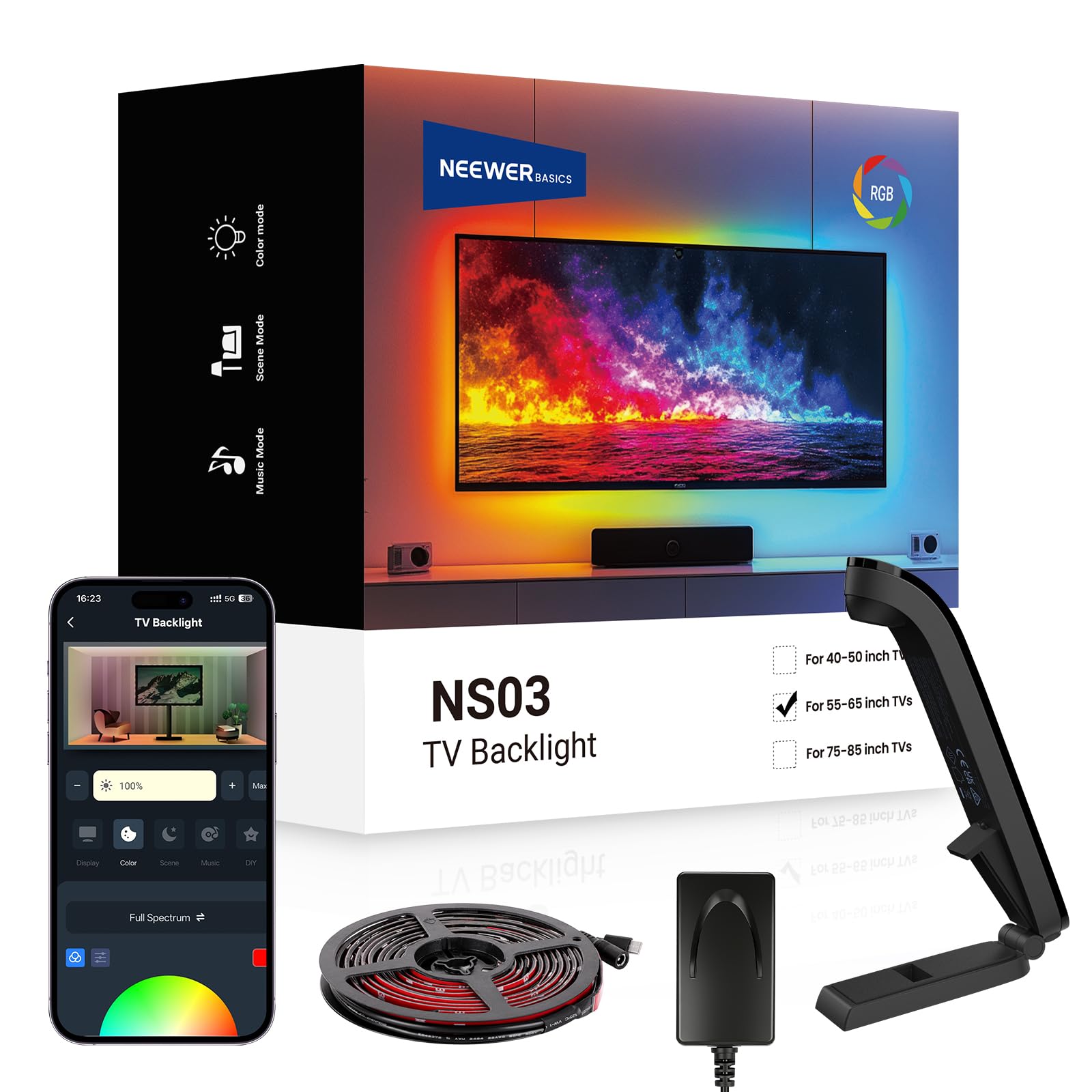
NEEWER’s Basics line strips away frills to deliver the core sync experience at an accessible price point without sacrificing build quality. The 11.8-foot strip supports 20 independently controlled IC segments — the same segmented architecture found in more expensive kits — enabling smooth color transitions across the back of your 55-65 inch TV. The advanced sensor reads screen colors in real time with no perceptible delay, and the Bluetooth app control gives you 24 dynamic scenes across four categories plus six music sync effects.
What surprised me during evaluation was the USB-C power connection, which eliminates the bulky barrel plugs that plague many budget kits. This lets you power the strip directly from a TV USB port, reducing cable clutter behind the entertainment center. The adhesive feels substantial — reviewers who have handled other budget LED strips note the tape on the NEEWER kit holds more securely and peels cleaner. The remote control also has a solid, weighty feel that signals better materials than the price suggests.
Color accuracy trails the Govee and Nanoleaf units, as expected at this tier — skin tones can occasionally skew warm, and very fast scene transitions show slight desaturation. But for general movie watching, gaming, and ambient mood lighting, the performance is genuinely impressive. The app has a learning curve with multiple sliders that can feel overwhelming initially, but after the first customization session, most users settle on a few favorite scenes and stick with them.
Why it’s great
- 20 IC segments deliver smooth color transitions rivaling pricier kits
- USB-C power reduces cable clutter and enables TV-powered operation
- Build quality and adhesive outperform typical budget LED strip construction
Good to know
- Color accuracy drops during very fast HDR scene transitions
- App interface has a learning curve with dense slider options
6. Ailofy TV Backlight with Camera
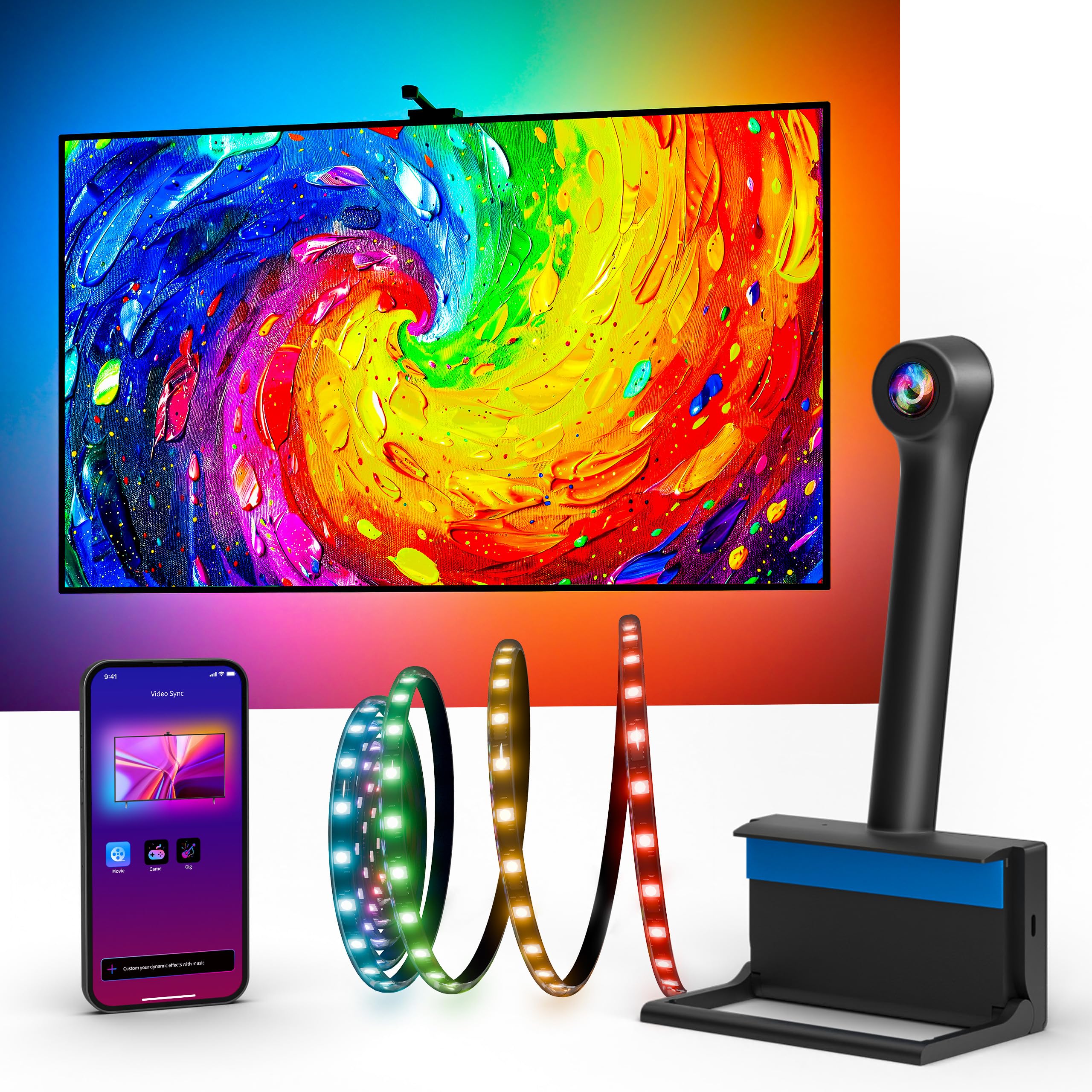
Ailofy’s camera-based system brings fish-eye correction to the budget-mid segment, which improves color matching accuracy around the edges of the screen — a weak point for many entry-level cameras that only sample from the center. The 12.5-foot strip fits 55-65 inch TVs comfortably, and the included wire clips and adhesive clips make routing the cable along the back of the TV clean and secure. Setup is genuinely tool-free: attach the strip, mount the camera at the top center, and let the app walk you through calibration.
Full integration with Alexa and Google Assistant means you can turn the lights on, switch scenes, or adjust brightness without reaching for your phone — a convenience that becomes second nature after a week of use. The MagicView feature lets you sync this backlight with other Ailofy smart lights around the room, creating a unified ambient bubble without buying into a proprietary ecosystem. The app offers 16 million colors, adjustable brightness, and preset modes for movie, gaming, party, and reading scenarios.
Color accuracy is described by users as “good enough” rather than “precise” — daylight scenes and yellow tones are particularly prone to mismatch, and strong ambient light in the room can confuse the camera sensor. The responsiveness is respectable but not instantaneous; fast-cut action sequences show a split-second lag that purists will notice. For the price, however, the combination of voice control, fish-eye correction, and room-wide sync represents a compelling package for casual viewers who want a significant upgrade without a significant investment.
Why it’s great
- Fish-eye correction improves edge color matching over basic cameras
- Alexa and Google Assistant integration for hands-free control
- MagicView sync works with other Ailofy lights for room-wide coherence
Good to know
- Color accuracy struggles with daylight scenes and yellow tones
- Split-second lag noticeable during fast-action movie cuts
7. QTU TV LED Backlight with Sensor
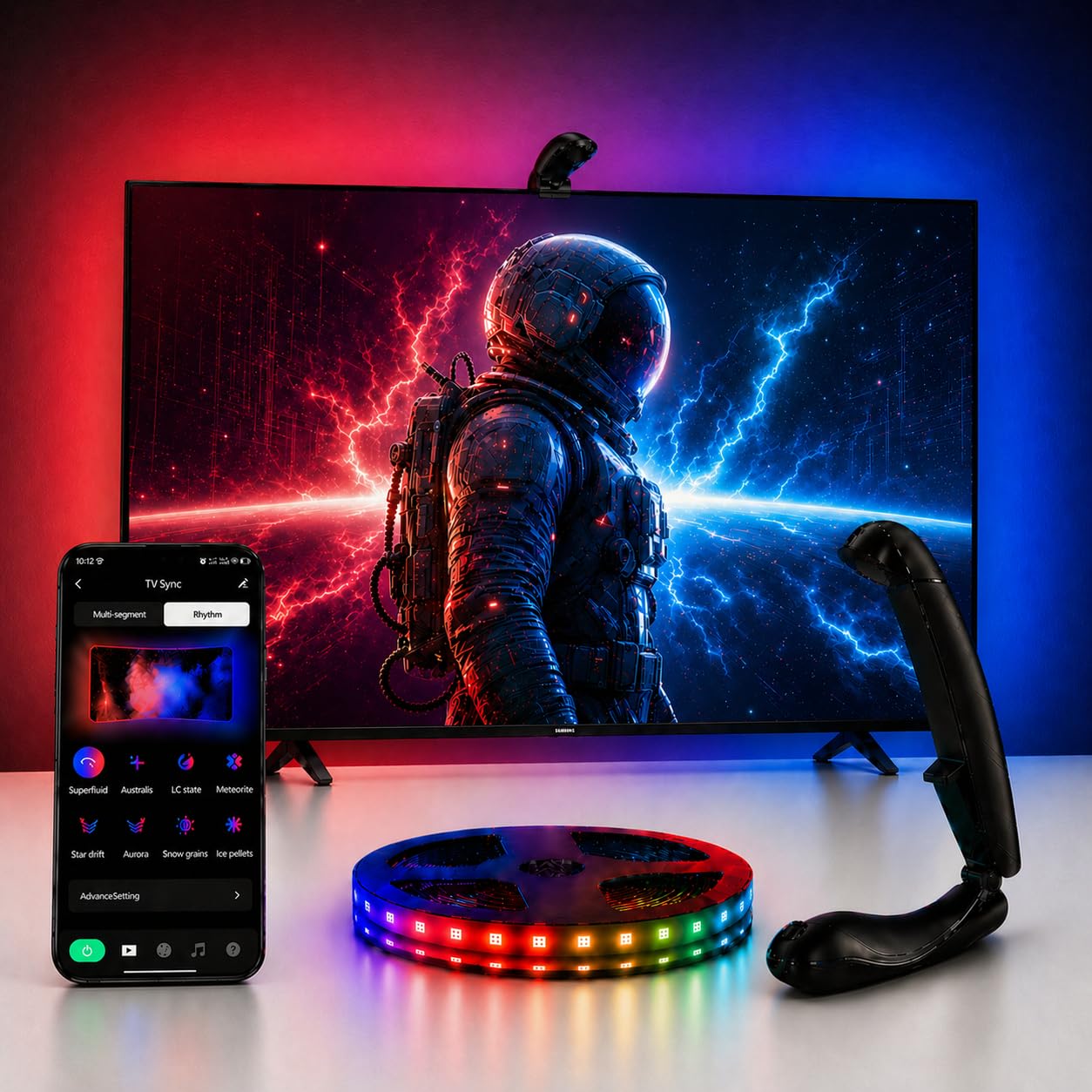
The QTU kit differentiates itself through a clever auto on/off feature that uses screen power detection — the lights activate when your TV turns on and power down after five minutes of inactivity. This eliminates the need to manually toggle the system or find a lost remote, making it the most hands-off option in this lineup. The 0.05-second ultra-low latency engine claims near-instant mirroring, and at 60 LEDs per meter with high-density spacing, the edge-to-edge illumination shows minimal hot spotting.
Designed specifically for 55-65 inch ultra-thin screens under 1.9 inches thick, the kit uses a top-mounted fisheye sensor with secure brackets and strong adhesive. The app offers adjustable brightness, color saturation, and hue control, alongside 24 dynamic movie modes and six music-reactive settings that can energize a party setup or gaming session. Power consumption maxes around 24 watts, typically settling at 16W during normal use — efficient enough to run daily without a noticeable electricity bump.
The major limitation is Bluetooth-only connectivity, which means you can’t control the lights when you’re away from home or integrate them into a broader Wi-Fi smart home routine. The camera mount design has drawn criticism for being poorly balanced — some users report needing extra adhesive to keep the sensor stable on the TV bezel. Color matching is vibrant but not studio-accurate; the balance leans slightly cool, and reds can oversaturate in certain scenes. For a set-and-forget bias lighting experience that requires minimal interaction, the QTU delivers reliable performance with a few ergonomic trade-offs.
Why it’s great
- Auto on/off screen detection eliminates manual control entirely
- 0.05s latency keeps sync responsive during fast-paced content
- 60 LEDs/m density reduces visible gaps between color transitions
Good to know
- Bluetooth-only connectivity limits remote and smart home integration
- Camera mount may wobble on certain TV bezels without extra adhesive
FAQ
Does bias lighting actually reduce eye strain during long viewing sessions?
Can I use a camera-based sync kit on a wall-mounted TV?
How do I calibrate the camera for the best color matching?
What is the difference between RGBICW and standard RGB strips for TV backlighting?
Final Thoughts: The Verdict
For most users, the bias lighting for tv winner is the Govee TV Backlight 3 Pro because its triple HDR camera and 75 LEDs/m density deliver the most accurate, immersive color sync at any size up to 85 inches. If you want room-filling immersion with smart light bars and a simpler setup, grab the Govee TV Backlight 3 Lite Kit. And for a budget-conscious entry that still offers segmented IC control and USB-C convenience, nothing beats the NEEWER Basics NS03.