
An architectural workflow doesn’t just demand a fast computer—it demands a machine that can juggle massive Revit models, multi-gigabyte Photoshop files, and real-time rendering engines without a stutter. The wrong tower or laptop leads to spinning beach balls, crashed render jobs, and deadline stress that a faster GPU or extra RAM would have prevented.
I’m Rikta — the co-founder and writer behind FitlyFast. I’ve spent years analyzing hardware specifications for creative and engineering professionals, focusing specifically on how CPU core counts, GPU VRAM bandwidth, and memory channels affect rendering times, model navigation, and multi-monitor stability in architectural design software.
This guide is built for architects, interior designers, and students who need a reliable workstation that won’t bottleneck their creative process. Whether you are assembling a home office or refreshing a firm’s hardware, here is everything you need to choose the right computer for architecture.
How To Choose The Best Computer For Architecture
Selecting a workstation for architecture means moving beyond general-purpose recommendations. The tools you rely on—Revit, AutoCAD, Rhino, SketchUp, Lumion, Enscape, and the Adobe suite—each have specific hardware demands. The right build balances a high core-count CPU, a powerful discrete GPU with ample VRAM, and enough system memory to keep large model files in active memory.
GPU: The Rendering and Viewport Engine
A graphics card with dedicated VRAM is non-negotiable for real-time visualization and GPU-based rendering. Look for an NVIDIA GeForce RTX or AMD Radeon RX series card; entry-level options start with 8GB VRAM, while high-end cards offer 12GB, 16GB, or more. Software like Enscape and Lumion rely heavily on the GPU for smooth viewport navigation and fast render outputs.
CPU: The Multi-Core Workhorse
Revit exports, multi-threaded rendering in V-Ray, and compiling complex Grasshopper definitions all depend on the processor. An Intel Core i7 or i9 (13th/14th gen) or AMD Ryzen 7 or 9 ensures strong single-core performance for model navigation and plenty of cores for batch tasks. Avoid older or low-power mobile chips labeled “U” or “Y.”
RAM: The Multitasking Ceiling
32GB of DDR5 RAM is the baseline for comfortable multitasking across Revit, Photoshop, and a dozen browser tabs. If you work with massive point clouds, high-poly models, or video editing, 64GB provides a noticeable safety margin. RAM speed matters less than capacity in this field, but DDR5 offers better future-proofing.
Storage: Speed Over Volume
A 1TB NVMe SSD provides fast boot times and quick loading of software and project files. A secondary drive (internal or external) is useful for archiving completed projects. Avoid relying on a traditional hard drive for active work—it will bottleneck even the fastest CPU and GPU.
Form Factor: Tower vs Laptop
Towers offer superior cooling, easier upgrades, and better price-to-performance ratios, making them ideal for a fixed office setup. Laptops provide mobility for site visits and client meetings but typically come with a premium and less powerful components. A high-performance laptop with a discrete GPU can serve as a primary machine if you frequently relocate.
Quick Comparison
On smaller screens, swipe sideways to see the full table.
| Model | Category | Best For | Key Spec | Amazon |
|---|---|---|---|---|
| Panorama RTX 5080 | Premium Tower | Heavy 4K rendering & VR | 24-Core i9 / RTX 5080 16GB | Amazon |
| GMKtec EVO-X2 | Ultra Compact AI PC | Local AI & large LLM workflows | Ryzen AI Max+ 395 / 128GB RAM | Amazon |
| GEEKOM IT15 | Mini Workstation | Space-saving 4K editing & coding | Intel Ultra 9 285H / 32GB DDR5 | Amazon |
| Dell Pro Tower Plus | Enterprise Tower | Office & triple 4K productivity | Ultra 5 235 / 64GB DDR5 | Amazon |
| ASUS ROG Strix G16 | Gaming Laptop | Portable 3D modeling & gaming | i7-14650HX / RTX 5060 8GB | Amazon |
| suevery Prebuilt | Gaming Tower | Multitasking & 1080p gaming | i9 13900HX / RTX 5060 8GB | Amazon |
| KOTIN Prebuilt | Mid-Range Tower | High-FPS 1080p & CAD work | Ryzen 5 9600X / RTX 5060 Ti 8GB | Amazon |
| Alienware 16 Aurora | Gaming Laptop | High-end gaming & creative work | Core 7-240H / RTX 5050 8GB | Amazon |
| ACEMAGIC M1A Pro | Mini Workstation | Compact multi-display productivity | i9-13900HK / Arc A770 16GB | Amazon |
| Dell Tower ECT1250 | Mid-Range Tower | Stock analysis & light design | Core Ultra 7-265 / 32GB DDR5 | Amazon |
| HP Pro Tower 290 G9 | Business Tower | Dual monitor office tasks | i5-12500 / 16GB DDR4 | Amazon |
| Oemgenuine ThinkCentre Tiny | Ultra-Compact | Space-saving business desktop | Ryzen 7 Pro 8700GE / 16GB DDR5 | Amazon |
| HP Microtower | Budget Tower | Student home & remote work | i5-10400 / 32GB DDR4 | Amazon |
In‑Depth Reviews
1. Panorama RTX 5080 Desktop

This workstation pairs a 24-core i9-14900KF with an RTX 5080 packing 16GB of GDDR7 VRAM—a combination that chews through Lumion 13 viewports and V-Ray GPU renders at top speed. The 32GB of DDR5 RAM and 2TB Gen4 NVMe SSD mean you can load a full Revit model, multiple Photoshop PSDs, and a browser full of references without slowdown. The liquid cooling keeps the CPU consistently boost-ready during long overnight render runs.
Assembly is done and stress-tested in the USA, and the case includes nine ARGB fans for excellent airflow. The inclusion of Windows 11 Pro and a 3-year limited hardware warranty provides business-grade peace of mind. The RTX 5080 supports NVIDIA’s latest DLSS and ray tracing features, which future-proofs it for any real-time visualization task you throw at it.
The system is overkill for basic office tasks, but for an architecture firm rendering daily walkthroughs or running VR simulations, there’s little competition at this performance tier. The RGB keyboard and mouse are functional but low-end—many professionals will swap them out quickly.
Why it’s great
- Crushes 4K rendering and VR workloads with ease
- Generous 2TB NVMe storage for project archives
- Lifetime tech support and 3-year warranty included
Good to know
- Only one HDMI and one DisplayPort guaranteed, check exact port count
- Bundled peripherals are basic quality
2. GMKtec EVO-X2 AI Mini PC

This mini PC is a niche beast: it uses the Ryzen AI Max+ 395 with 16 Zen 5 cores and a massive integrated Radeon 8060S GPU (40 RDNA 3.5 compute units) that rivals a dedicated RTX 4060/4070. The 128GB of unified LPDDR5X memory can allocate up to 96GB as VRAM, making it a unique option for running large AI models locally—think Deepseek 70B Q8 or Qwen3-235B. For architectural work, this translates to blazing-fast noise reduction and AI upscaling in rendering pipelines.
Quad 8K display support via HDMI 2.1, DisplayPort, and dual USB4 ports makes it a multi-monitor powerhouse for expanded Revit and AutoCAD workflows. Triple cooling fans keep the 140W TDP in check, and the three performance modes (Quiet 54W, Balanced 85W, Performance 140W) let you dial power back for desk work or unleash full power for renders. It also includes a built-in SD 4.0 card reader, a welcome feature for photographers and surveyors.
The price positions it close to premium towers, but the small size and integrated GPU eliminate the need for external dongles or bulky cases. One potential drawback is the lack of an extra HDMI port if you need more than four screens, and the fan curves can be aggressive at full blast. For an architect who also experiments with AI, this is a compelling, space-saving workstation.
Why it’s great
- Unique 128GB unified memory with 96GB VRAM allocation
- Runs large AI models and local LLMs flawlessly
- Compact design with excellent cooling and power modes
Good to know
- Fans can be audible under sustained 140W load
- Requires BIOS tweaking for optimal VRAM allocation
3. GEEKOM IT15 Mini PC

The IT15 uses Intel’s latest Ultra 9 285H processor with a dedicated NPU delivering 99 total TOPS of AI performance, accelerating tasks like Adobe’s Sensei-powered filters and Blender denoising. Its 32GB of DDR5 RAM and 2TB NVMe Gen4 SSD handle 4K video editing and large 800-layer Photoshop composites without dropping frames. The integrated Arc 140T GPU is capable enough for casual gaming and mid-tier AAA titles, but it is best suited for UI-intensive tasks rather than heavy GPU rendering.
Quad display support (two 8K via dual HDMI and two 4K via USB4) makes it a serious multi-monitor contender for an architecture setup. The metal chassis is rated for 441 lbs of pressure, and the fan stays quiet even under extended loads—measuring under 35 dB. Pairing with an external GPU over USB4 could extend its rendering capability later, making it a flexible long-term investment.
One common frustration: the HDMI ports can be finicky with specific cables, and default BIOS settings may need adjustment to quiet the fan curve. Additionally, the integrated GPU lacks the dedicated VRAM needed for demanding real-time engines like Enscape at high settings. It’s a perfect bridge machine for an architect who values a clean desk and modest rendering needs.
Why it’s great
- Exceptional build quality—solid metal chassis
- Quad 8K display output in a tiny footprint
- Near-silent fan during typical workflow
Good to know
- Integrated GPU lacks dedicated VRAM for heavy rendering
- HDMI cable compatibility can be picky
4. Dell Pro Tower Plus Desktop
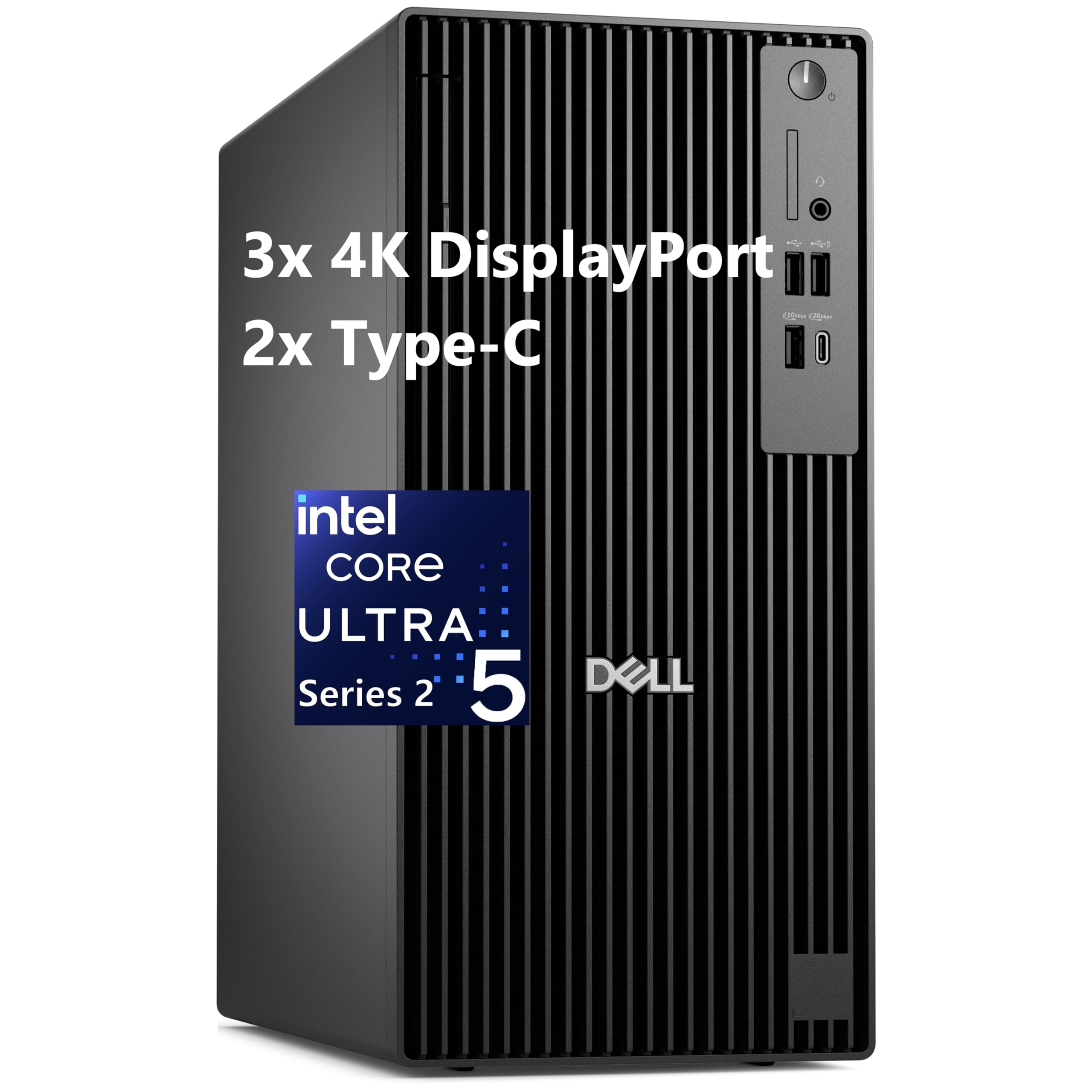
This Dell tower focuses on enterprise reliability with an AI-powered Intel Core Ultra 5 235 that includes a 13 TOPS NPU, optimizing background tasks in apps like Adobe and Zoom. The massive 64GB of DDR5 RAM and 2TB SSD mean you can run Revit, AutoCAD, and multiple Adobe apps simultaneously without hitting memory limits. Triple 4K monitor support is standard, providing plenty of screen real estate for complex modeling workflows.
The inclusion of Windows 11 Pro and a DVDRW drive is a nod to environments that still rely on optical media. Gigabit Ethernet ensures stable remote collaboration via cloud services or VPN connections. The compact tower design (11.92″ x 6.1″ x 13.27″) saves desk space while still offering some room for internal upgrades.
A few drawbacks: integrated graphics mean no dedicated VRAM, so this machine is suited for Revit modeling and drafting rather than GPU-intensive rendering in Lumion or Enscape. Some users report that the 180W power supply leaves little headroom for adding a powerful discrete GPU later. It’s a strong choice for an office manager or a student workstation, not a primary render node.
Why it’s great
- Generous 64GB RAM for heavy multitasking
- AI NPU accelerates office and creative apps
- Compact tower saves desk space
Good to know
- Integrated GPU not suitable for GPU rendering
- Limited power supply restricts future GPU upgrades
5. ASUS ROG Strix G16 (2025) Laptop

The Strix G16 packs a 16-core i7-14650HX and an RTX 5060 8GB laptop GPU into a chassis that weighs under 5 lbs, making it a viable mobile workstation for architects who present on-site or work from multiple locations. The 16” FHD+ 165Hz display with ACR film improves contrast and reduces glare in bright environments, which is helpful when reviewing models in client offices or coffee shops. The full ROG Intelligent Cooling system uses a vapor chamber, tri-fan technology, and liquid metal to sustain performance longer than typical gaming laptops.
With 16GB of DDR5-5600MHz RAM and a 1TB PCIe Gen 4 SSD, boot times and app loading are snappy. The 360° RGB light bar can be set to Stealth Mode for a professional appearance during client meetings. The single RAM slot upgrade path is flexible—you can easily replace the 16GB stick with a 32GB or 48GB module if your workflow demands more memory.
Battery life is limited (around 2 hours under load) when unplugged from the 180W adapter, which is typical for high-performance laptops. The GPU’s 8GB VRAM is the entry point for serious rendering; it handles 1080p final outputs in V-Ray but may struggle with large-scale 4K textures. For the architect who needs a primary machine that moves with them, this is a strong, well-built option.
Why it’s great
- Excellent cooling keeps performance high under load
- High-refresh display is smooth for 3D viewports
- Stealth Mode light control for professional settings
Good to know
- 8GB GPU VRAM is entry-level for heavy rendering
- Battery life is short under heavy use
6. suevery Prebuilt Gaming PC White

This white tower uses a mobile-derived i9 13900HX (24 cores, 32 threads) paired with an RTX 5060 8GB desktop-class card, delivering strong multi-core performance for rendering and heavy multitasking. The 32GB DDR5 RAM and 1TB NVMe SSD provide ample memory for large Rhino and Revit files. The stand-up chassis with a curved tempered glass side panel and RGB fans adds a modern aesthetic that fits well in a design studio.
The RTX 5060 supports NVIDIA’s Ada Lovelace architecture with ray tracing and DLSS 3, which accelerates viewport performance in Enscape and D5 Render. The system includes DisplayPort 1.4 x3 and HDMI 2.0b, supporting up to four monitors for a comprehensive multi-screen setup. The vertical layou saves desk footprint and the tool-less side panel makes future upgrades accessible.
Some initial setups may require downloading motherboard drivers (audio and chipset) from the manufacturer’s site, as the system may not come fully up-to-date. The included power supply is sufficient for this configuration but leaves little room for a major GPU upgrade. It’s a nicely balanced mid-range workstation that looks as good as it performs.
Why it’s great
- White aesthetic fits design-forward studios
- 32GB DDR5 RAM handles large models well
- Supports up to 4 monitors for expanded workflow
Good to know
- May need driver downloads after first boot
- Limited PSU headroom for future upgrades
7. KOTIN Prebuilt Gaming PC

This KOTIN build hits the sweet spot for an architecture student or sole practitioner. The Ryzen 5 9600X (6-core, 12-thread) delivers snappy single-core performance for Revit and AutoCAD, while the RTX 5060 Ti with 8GB GDDR7 memory accelerates Enscape and Lumion viewports. The 16GB of DDR5-6000 RAM is the minimum viable capacity for modern architecture work; upgrading to 32GB is recommended but straightforward via the empty slots.
The 1TB PCIe 4.0 NVMe SSD (6,000MB/s read) handles large Revit project files and 4K texture sets without stutter. The 650W 80+ Gold PSU is well-chosen to handle the 5060 Ti comfortably, and the five addressable RGB fans keep temperatures under control even during long render sessions. A digital CPU temperature display on the air cooler lets you monitor load at a glance.
A few reviews mention the inclusion of malware or bloatware on pre-built units, so a fresh Windows install is wise. The motherboard and PSU brands are not specified, which may concern some buyers. For the price, it offers outstanding value if you are willing to do a clean OS setup and potentially upgrade the RAM later.
Why it’s great
- Excellent price-to-performance for rendering
- Latest DDR5-6000 and PCIe 4.0 storage
- Digital temperature display adds useful monitoring
Good to know
- Some units have been reported with pre-installed bloatware or malware
- Unspecified brand motherboard and PSU
8. Alienware 16 Aurora Laptop

The Alienware Aurora laptop delivers a 16” WQXGA 120Hz display with 2560×1600 resolution, offering architects more screen real estate for detailed drawings and model views. Inside, the Intel Core 7-240H (up to 5.2 GHz) and NVIDIA RTX 5050 8GB GPU provide pair with 16GB DDR5 RAM and a 1TB SSD for competent mobile CAD performance. The Cryo-Chamber cooling design keeps the laptop manageable during extended rendering sessions.
The high-resolution display combined with accurate color reproduction (good for Adobe Creative Suite) and a large trackpad make it comfortable to use for presentations. The port selection includes USB-C and HDMI 2.1, enabling hookup to an external 4K monitor at the office for a dual-screen setup. The 1-year Dell Onsite Service means a technician will come to your location for hardware issues, which is valuable for a primary machine.
The RTX 5050’s 8GB VRAM is on the lower end for 2025 architecture software, especially for 4K texture rendering in D5 Render or V-Ray GPU. Battery life under heavy use is limited, and the laptop runs warm and loud when pushed. It’s a solid choice for a professional who needs a laptop for on-the-go CAD work and light rendering but keeps a main workstation for heavy pushes.
Why it’s great
- Excellent WQXGA display with accurate colors
- Excellent cooling solution for sustained loads
- 1-year onsite service included
Good to know
- 8GB VRAM is entry-level for heavy rendering
- Runs hot and loud under full load
9. ACEMAGIC M1A Pro Mini PC

This mini PC is an outlier: it uses a discrete Intel ARC A770 MXM GPU rather than integrated graphics, giving it 16GB of dedicated VRAM typically found in much larger desktops. The 14-core i9-13900HK (up to 5.4 GHz) powers through multi-threaded tasks, while the A770’s Xe HPG architecture with XMX AI engines accelerates AV1 encoding and GPU rendering. It handles multi-monitor setups with USB4, DP 2.0 x2, and HDMI 2.0 x2 for up to 6 displays at 8K each.
With 32GB of DDR5 RAM and a 1TB PCIe 4.0 SSD, it boots and loads large architecture programs quickly. The 54W sustained TDP thermal system keeps performance consistent without aggressive throttling. The compact chassis is easy to VESA-mount behind a monitor or tuck into a tight cable management layout, which is appealing for minimalist studio desks.
The downside: Intel ARC drivers are still maturing, and some GPU-accelerated rendering plugins (like certain V-Ray engines) may lag behind NVIDIA’s CUDA ecosystem in stability and speed. The fan under load is audible but not obtrusive. For an architect exploring AV1 encoding, AI-based tools, or needing serious GPU power in a tiny space, this is a unique and compelling option.
Why it’s great
- 16GB dedicated VRAM in a mini chassis
- Supports 6 displays for extreme multi-monitor setups
- Excellent for AV1 encoding and AI tasks
Good to know
- Intel ARC drivers may have compatibility gaps
- Fan noise is noticeable under sustained load
10. Dell Tower Desktop ECT1250

The ECT1250 features Intel’s Core Ultra 7-265 with built-in AI NPU, 20 cores, and a max boost of 5.3 GHz, making it a capable multi-threaded performer for Revit exports and Photoshop batch processing. The 32GB of DDR5 RAM and 1TB M.2 SSD handle multiple large applications without slowdown. The tool-less side panel design makes adding storage or RAM quick, and the compact micro-tower footprint fits beneath most desks.
Connectivity includes multiple USB 3.2 Gen 1, USB-C, and HDMI 2.1 plus DisplayPort, enabling dual 4K monitor setups out of the box. The integrated Intel UHD graphics suffice for basic CAD viewport work and office apps, but fall short for GPU-based rendering. A SD 3.0 card reader simplifies photo and file transfers from cameras or measurement tools.
The 180W power supply and single 2.5” drive mount limit expansion, so adding a discrete GPU or extra internal hard drive is challenging. The lack of a front audio jack support for recording can be an issue for some collaboration or video conferencing setups. It’s a reliable, refined desktop for drafting and office tasks rather than rendering.
Why it’s great
- Feature-rich modern connectivity with USB-C
- Tool-less access for easy upgrades
- Includes SD card reader for field work
Good to know
- Integrated GPU limits rendering capability
- Limited expansion for GPU or extra drives
11. HP Pro Tower 290 G9

HP’s Pro Tower 290 G9 uses a 12th Gen Core i5-12500 (6 cores, 12 threads) with Intel UHD Graphics 770, delivering reliable performance for office-grade CAD tasks, 2D drafting in AutoCAD, and basic Revit modeling. The 16GB of DDR4 RAM is the bare minimum for architecture work—sufficient for a single application at a time, but limiting if you frequently toggle between Revit, Photoshop, and a spreadsheet. The 512GB PCIe NVMe SSD is adequate for project files but will fill up quickly on larger portfolios.
Dual monitor support (via HDMI and VGA) is standard, which helps for side-by-side documentation. The compact tower design (11.92” x 6.1” x 13.27”) saves desk space, and the 80 Plus Gold PSU ensures good energy efficiency. The inclusion of a wired keyboard and mouse makes it a true out-of-box solution for a small office or student desk.
Where it falls short: the integrated GPU handles dual monitors well but lacks dedicated VRAM for any GPU-accelerated rendering or real-time walkthroughs. The 12th-gen processor is now two generations behind, which means slower multi-core performance compared to newer options. It’s a cost-effective entry point for the architecture student who mainly works with 2D drawings and presentations.
Why it’s great
- Reliable HP build for everyday CAD tasks
- Energy efficient 80 Plus Gold PSU
- Includes wired peripherals for instant setup
Good to know
- Entry-level 16GB RAM and 512GB SSD may fill up fast
- Integrated GPU not suitable for rendering
12. Oemgenuine ThinkCentre Tiny M75q Gen 5
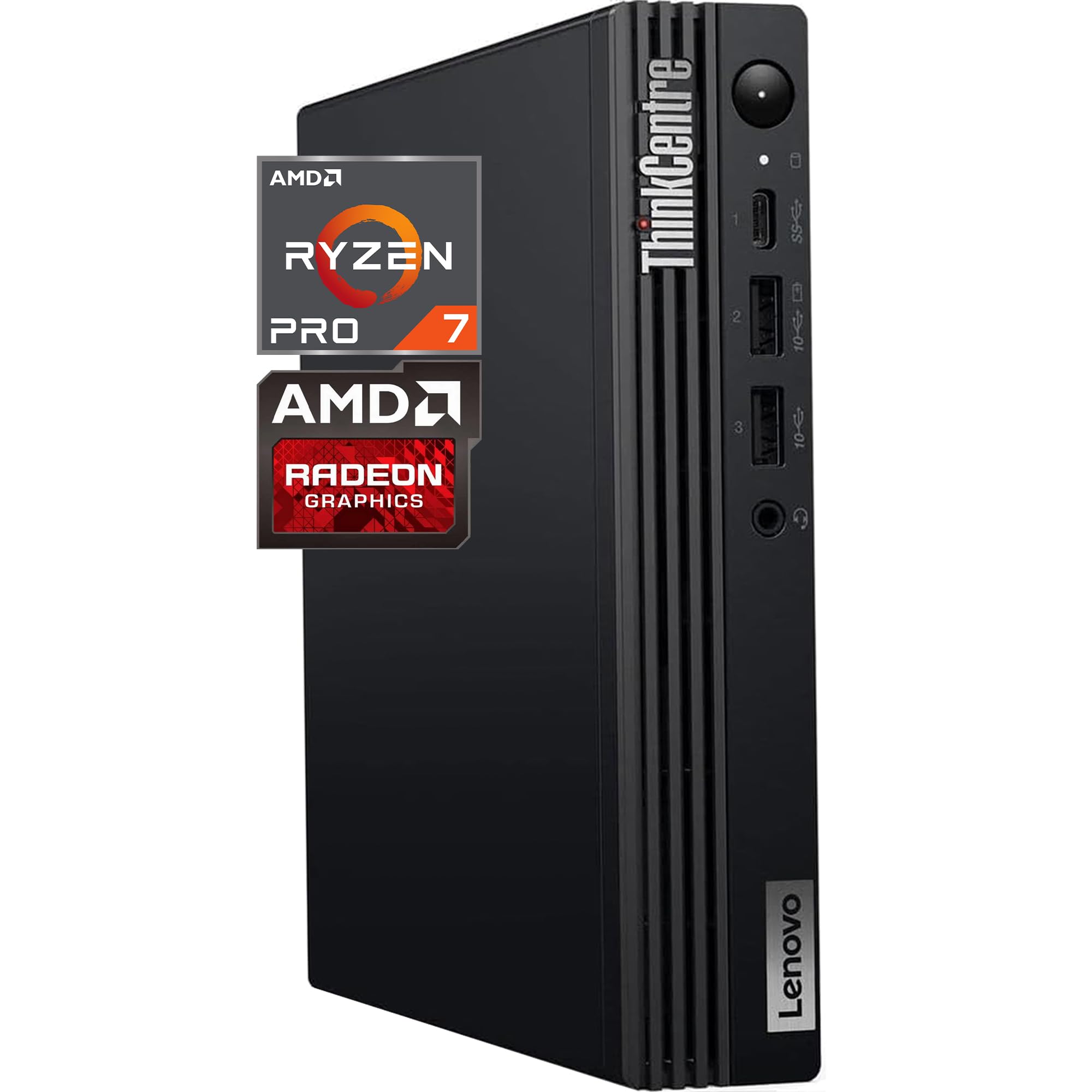
The ThinkCentre Tiny is a compact business desktop using the AMD Ryzen 7 Pro 8700GE (8 cores, 16 threads, up to 5.1 GHz) with integrated Radeon 780M graphics—one of the best integrated GPUs on the market. This makes it more capable for light 3D viewport work in Rhino or SketchUp compared to a traditional office tower. The unit is customized with 16GB DDR5 RAM and a 256GB/512GB SSD, but the listing offers upgradeable configuration options up to 64GB RAM and 2TB storage.
WiFi 6 and Bluetooth keep the Tiny connected with minimal cable clutter, and the DisplayPort output supports dual 4K monitors via daisy chain—critical for an efficient model-and-documentation workflow. The 3-year warranty from the OEM reseller provides some coverage for a primary workstation.
The biggest concern: because the unit is upgraded by the reseller, warranty claims go through them, not Lenovo directly. Some reviews report receiving downgraded components (e.g., a 2400GE instead of the ordered 3400GE) or SSD failures with unresponsive support. This budget-friendly option works well for a secondary office station or a student’s home desk, but the risk in the upgrade channel makes it less reliable for a production environment.
Why it’s great
- Exceptionally tiny footprint saves desk space
- Radeon 780M integrated GPU beats typical business graphics
- WiFi 6 and Bluetooth 5 for wireless connectivity
Good to know
- Warranty is through the reseller, not directly Lenovo
- Risk of receiving mismatched or downgraded hardware
13. HP Desktop Microtower PC
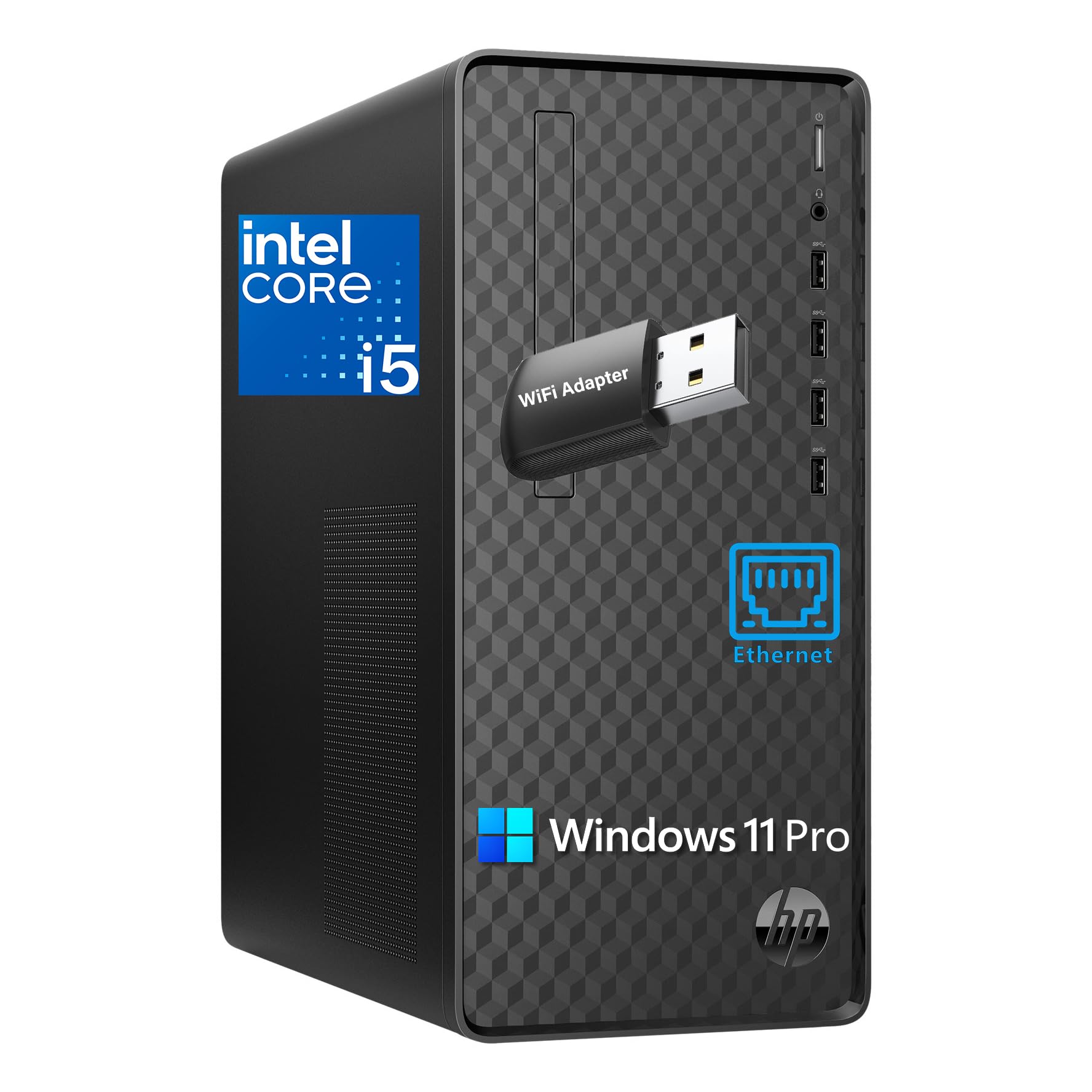
The HP Microtower provides a generous 32GB of DDR4 RAM and a 1TB SSD at a competitive price point, making it one of the most affordable options for a student who needs to run Revit and Photoshop simultaneously without constant disk swapping. Powered by a 10th Gen Intel Core i5-10400 (6 cores, 12 threads, up to 4.3 GHz), it handles single-threaded CAD tasks and basic multi-threaded operations smoothly. The triple monitor support (VGA, DVI-I, HDMI) is a practical feature for a budget machine that many low-cost PCs omit.
With 8 USB ports (four front USB 3.2 Gen 2), Ethernet, and an included Wi-Fi adapter and wired keyboard/mouse, this system is genuinely “ready to go” out of the box. The compact microtower form factor is smaller than full-size towers and fits easily under a student desk. It is pre-installed with Windows 11 Pro, which provides useful business features like Remote Desktop and BitLocker encryption.
The i5-10400 is dated—it uses 14nm architecture and lacks efficiency cores, so power consumption is higher and multi-core performance lags behind modern chips significantly. The integrated Intel UHD Graphics 630 cannot handle GPU-based rendering or any modern 3D viewport acceleration in Enscape. This machine is best reserved for a student’s first architecture PC, for drafting tasks, and as a secondary office workstation.
Why it’s great
- 32GB RAM at a very budget-friendly price
- Triple monitor support includes legacy VGA and DVI
- Includes Wi-Fi adapter and peripherals
Good to know
- 10th-gen processor is outdated for modern multi-core loads
- Integrated graphics cannot handle GPU rendering
FAQ
Do I need a dedicated GPU for architecture or is integrated graphics enough?
Is a desktop better than a laptop for architecture work?
How much does RAM frequency matter for Revit and Rhino?
Can a mini PC really replace a full tower for architecture?
Should I choose an NVIDIA or AMD GPU for rendering?
Is a pre-built desktop or a custom build better for an architecture firm?
Final Thoughts: The Verdict
For most users, the computer for architecture winner is the Panorama RTX 5080 because the 24-core i9 and RTX 5080 with 16GB GDDR7 handle the most demanding rendering and multitasking an architect will face over the next 4–5 years. If you need a mobile workstation that still delivers strong CAD and rendering performance, grab the ASUS ROG Strix G16. And for anyone using AI-driven tools or running large language models locally, nothing beats the unique unified memory layout of the GMKtec EVO-X2.