
Our readers keep the lights on and the weekend projects moving. As an Amazon Associate, I earn from qualifying purchases.
A 4TB NAS drive is the workhorse of a home or small office server, handling everything from media streaming and automated backups to surveillance footage storage. But the wrong drive — one built for simple desktop use — can silently fail inside a RAID array, taking your data with it. The market is split between CMR (conventional magnetic recording) and SMR (shingled) technology, and picking the wrong one for your NAS can tank write speeds and trigger array rebuild failures.
I’m Rikta — the co-founder and writer behind FitlyFast. For this guide, I analyzed hundreds of verified customer reports, cross-referenced technical datasheets on rotational vibration sensors and workload rate limits, and sorted through the real-world performance trade-offs between these nine 4TB NAS drive options to help you match the right hardware to your specific server setup.
Whether you are building a fresh RAID 5 array or expanding an existing Synology or QNAP enclosure, the best 4tb nas drive for your setup depends on whether you prioritize sustained write speeds, silent 24/7 operation, or enterprise-grade endurance for multi-bay systems.
How To Choose The Best 4TB NAS Drive
Selecting a 4TB NAS drive is about more than capacity. The drive must handle constant vibration, sustained read/write cycles, and the thermal stress of an enclosed chassis. Three specifications separate a reliable NAS drive from a desktop drive that will fail prematurely.
CMR vs. SMR — The Non-Negotiable Filter
CMR (conventional magnetic recording) writes data in parallel tracks, while SMR (shingled magnetic recording) overlaps tracks to increase density. SMR drives work fine for archival write-once workloads, but they suffer catastrophic write speed degradation during RAID rebuilds. If your NAS runs RAID 1, 5, or 10, always choose CMR. The Western Digital Red Plus and Seagate IronWolf Pro lines explicitly use CMR.
Rotational Vibration Sensors and NASware
Multi-bay NAS enclosures generate vibration that causes read/write head misalignment. NAS-grade drives include rotational vibration (RV) sensors that compensate for this in real time. WD calls this NASware; Seagate includes RV sensors in its IronWolf Pro series. Drives without these sensors, like standard desktop or portable USB drives, are more likely to suffer errors when stacked in a 4-bay or 8-bay enclosure.
Workload Rate and Duty Cycle
A standard desktop drive is rated for about 55 TB per year of data transfer. NAS drives are typically rated for 180 TB per year or higher, and they are designed for 24/7 operation. The workload rate matters less for a home media server with occasional access, but it becomes critical for surveillance recording or collaborative video editing environments where the drive never stops spinning.
Quick Comparison
On smaller screens, swipe sideways to see the full table.
| Model | Category | Best For | Key Spec | Amazon |
|---|---|---|---|---|
| Synology DS425+ | NAS Enclosure | Diskless 4-bay server with DSM OS | 278 MB/s read speed | Amazon |
| Seagate IronWolf Pro ST4000NE001 | Internal HDD | RAID 5 arrays with heavy workloads | 128 MB cache, 6 Gb/s | Amazon |
| WD Red Plus WD40EFZZ | Internal HDD | 8-bay RAID with RV sensors | 5400 RPM CMR, 128 MB cache | Amazon |
| WD Red Plus WD40EFRX | Internal HDD | 24/7 operation in small NAS | 64 MB cache, 180 TB/yr workload | Amazon |
| UGREEN DH4300 Plus | NAS Enclosure | Entry-level 4-bay with AI album | 8 GB LPDDR4X, 2.5 GbE | Amazon |
| WD Elements Portable 4TB | External HDD | Plug-and-play backup on the go | USB 3.2 Gen 1, 5 Gbps | Amazon |
| Seagate Portable 4TB | External HDD | Mac/PC/console file transport | USB 3.0, 1-year Rescue Service | Amazon |
| WD Red WD40EFRX | Internal HDD | Legacy My Cloud EX2/EX4 | 64 MB cache, 3.5-inch SATA | Amazon |
| Gigastone 4TB NAS SSD (4-Pack) | Internal SSD | High-endurance RAID cache | 530 MB/s, SLC caching | Amazon |
In‑Depth Reviews
1. Synology DS425+ Private Cloud Media Server
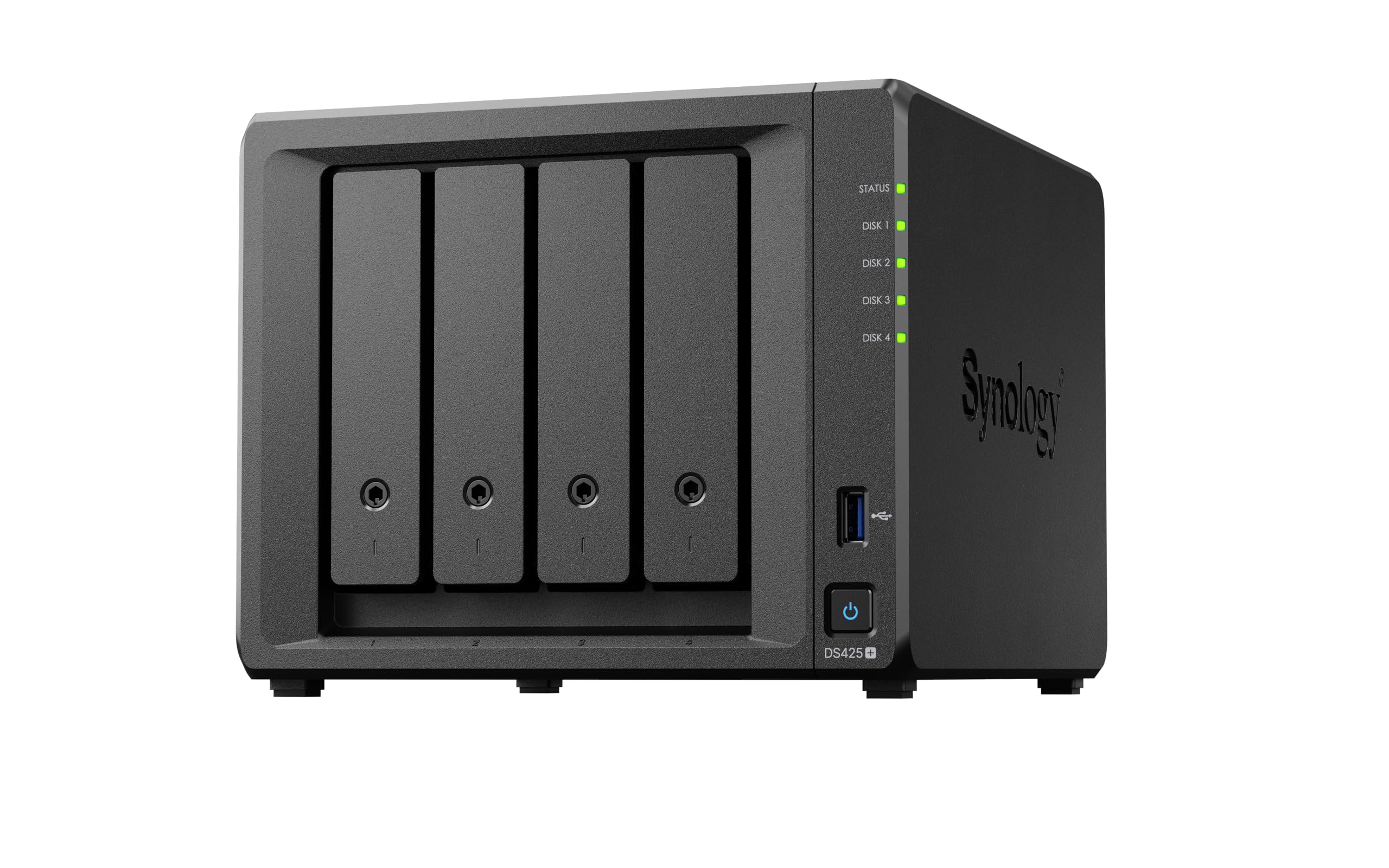
The Synology DS425+ is the gold standard for a 4-bay NAS enclosure because it combines the mature DiskStation Manager (DSM) ecosystem with hardware that supports concurrent access from 10-plus users at 278 MB/s read speeds. It ships diskless, meaning you choose your own 4TB drives — ideally the WD Red Plus or Seagate IronWolf Pro below — to craft a RAID 5 or SHR array that matches your capacity and redundancy needs. The metal-and-plastic chassis is compact enough for a desk corner, yet it supports up to 30 IP cameras for surveillance and offers snapshot technology for multi-layered data protection.
Where the DS425+ pulls ahead of budget enclosures is its software maturity. DSM offers granular access controls, automated backups to cloud or USB, and a dedicated photo management app with smart albums. Real-world user reports from the DS416Play migration show a performance jump of three to ten times for media serving tasks, especially when paired with the optional SSD cache. The included 3-year warranty and enterprise-level support options make it the safest long-term investment for a home office or small creative team.
The main caveat is the drive compatibility nuance. While DSM 7.3 does support third-party drives, Synology’s official stance can be finicky — one reviewer found that a Seagate IronWolf Pro 16TB was not recognized. For this guide, pairing the DS425+ with confirmed compatible drives like the WD Red Plus ensures zero friction. If you want the most polished, app-rich operating system in consumer NAS, this is the enclosures to build around.
Why it’s great
- DSM operating system is the most intuitive and feature-rich in consumer NAS
- 278 MB/s sequential read handles 4K streaming and multi-user file access
- Supports 30 IP cameras for full surveillance system integration
Good to know
- Drive compatibility can be restrictive — stick to verified NAS HDDs
- 2 GB base RAM may require upgrade for heavy Docker or VM workloads
2. Seagate IronWolf Pro ST4000NE001 4TB

The Seagate IronWolf Pro ST4000NE001 is the high-workload specialist in this lineup, carrying a 128 MB cache and a 5-year warranty that includes a 2-year data recovery service. Unlike standard desktop drives, the IronWolf Pro is engineered with rotational vibration sensors that maintain read/write head alignment even in an 8-bay enclosure filled with spinning drives. Real-world users report snappy file access in ZFS-based RAID 5 arrays and sustained performance for Jellyfin or Plex media libraries without streaming hiccups.
What separates the IronWolf Pro from the WD Red Plus is its workload rate: Seagate rates this drive for 300 TB per year, compared to 180 TB on the WD Red Plus. That headroom matters if you plan to run a 24/7 surveillance system or a collaborative video editing project with constant multi-terabyte transfers. Users who replaced their drives every four years as a preventive measure found the IronWolf Pro consistently lasted beyond that window in RAID configurations.
The trade-off is noise. The 7200 RPM spindle speed pushes the acoustic profile higher than the 5400 RPM WD Red Plus, and in a quiet home office, you will hear the seek chatter during heavy loads. But if your NAS lives in a basement, closet, or garage, that acoustic footprint is irrelevant. For a mid-range NAS build that will never sit on a desk next to your ear, the IronWolf Pro delivers unbeatable reliability and recovery coverage.
Why it’s great
- 300 TB/year workload rating handles intensive 24/7 usage
- 5-year warranty with 2-year Rescue data recovery service
- Rotational vibration sensors prevent errors in multi-bay arrays
Good to know
- 7200 RPM produces more audible noise than 5400 RPM alternatives
- Not the most cost-effective option for single-drive media storage
3. Western Digital 4TB WD Red Plus WD40EFZZ
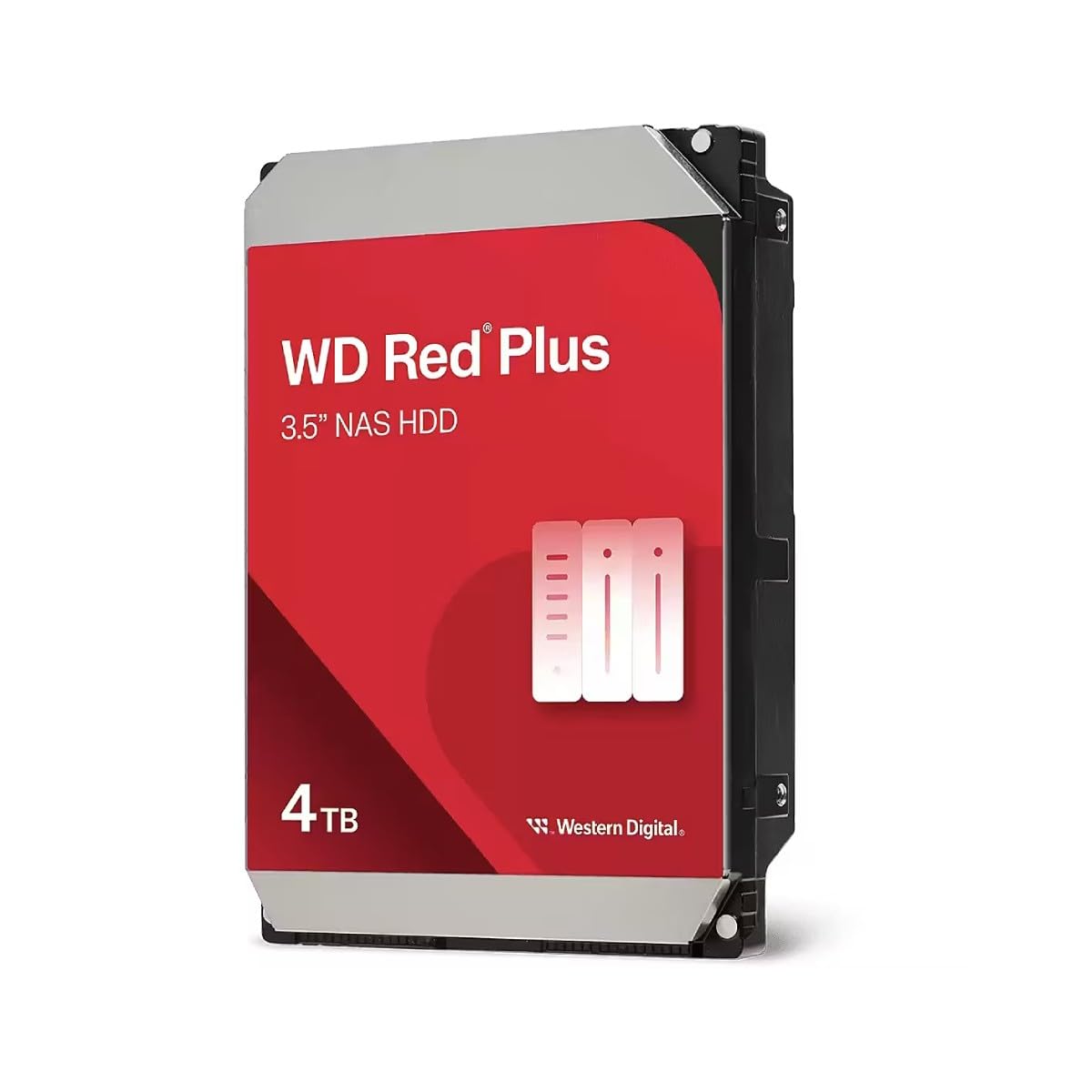
The Western Digital Red Plus WD40EFZZ represents the sweet spot for home NAS owners who want CMR reliability without paying the IronWolf Pro premium. This 5400 RPM drive uses CMR recording and includes NASware firmware with rotational vibration sensors, making it safe for up to 8-bay enclosures. The 128 MB cache helps buffer write operations, and real-world testing shows sustained transfers hovering around 160 MB/s — plenty for a home media server streaming 4K content across a local network.
Users who have deployed over 20 of these drives across multiple NAS units report that some have been running for a decade without failure. The noise profile is exceptionally low — rated at 24 dBA idle and 28 dBA during access, which is virtually silent in a typical living room or office. The 5400 RPM spindle also consumes less power and generates less heat than faster drives, which matters in a tight 4-bay chassis where air circulation is limited.
The biggest frustration in customer reports is the DOA (dead on arrival) rate. While this happens with any mechanical drive, the Red Plus line has isolated cases of drives arriving non-functional. The 3-year warranty covers replacements, but the RMA process can take a few weeks. For the price-to-performance ratio in a CMR NAS drive, though, the WD40EFZZ remains the clear choice for budget-conscious buyers building a RAID 1 or RAID 5 array.
Why it’s great
- CMR recording ensures consistent write speeds during RAID rebuilds
- Near-silent 24 dBA operation fits any home environment
- NASware firmware optimized for 24/7 multi-bay enclosures
Good to know
- Some users report DOA units requiring warranty replacement
- 5400 RPM spindle slower than 7200 RPM alternatives for sequential writes
4. Western Digital 4TB WD Red Plus WD40EFRX

The WD40EFRX is the predecessor to the WD40EFZZ and remains a solid CMR option for 1-to-5 bay NAS systems. It runs cooler than standard desktop drives — users report idle temperatures around 29 degrees Celsius in a well-ventilated Synology DS1512+ — and draws less power than the Green series. The 64 MB cache is half that of the newer WD40EFZZ, but in real-world NAS usage, the difference is negligible for streaming media and nightly backups.
What makes the WD40EFRX stand out is its TLER (Time-Limited Error Recovery) support, which prevents a single bad sector from taking the entire drive offline in a RAID array. Desktop drives without TLER will spend extended time trying to recover a failing sector, causing the RAID controller to drop the drive from the array. The WD40EFRX handles that error recovery in a few seconds, keeping your array intact. Users running RAID 1 or RAID 5 configurations confirm that daily SMART extended tests and weekly checks have returned zero reallocated sectors over thousands of hours.
The main concern is that older stock may ship with a “WD Red” label instead of the “WD Red Plus” branding, but Western Digital has confirmed that any drive with model number WD40EFRX is the CMR version. If you find this at a discount compared to the newer WD40EFZZ, it is a perfectly capable alternative for a home NAS with moderate workloads.
Why it’s great
- TLER support prevents RAID array dropouts during error recovery
- Low idle temperature of 29°C extends drive lifespan in tight enclosures
- Proven reliability in thousands of hours of 24/7 NAS operation
Good to know
- 64 MB cache is half that of newer NAS drive models
- Older drives may be sold as WD Red without Plus branding
5. UGREEN DH4300 Plus 4-Bay NASync

The UGREEN DH4300 Plus is a diskless 4-bay enclosure aimed at users migrating from cloud storage subscriptions to a private local server. It runs the Ugos Pro operating system, which offers an intuitive macOS-like interface, AI-powered photo album recognition, and NFC-based pairing for quick setup. The hardware includes an 8 GB LPDDR4X RAM, a 2.5 GbE port for faster-than-gigabit transfers, and a 4K HDMI output for direct media playback on a TV or monitor.
Real-world testing shows that the DH4300 Plus handles 1 GB file transfers in about 3 seconds over the 2.5 GbE port — roughly 312 MB/s — and the AI photo album can automatically tag people, pets, and objects during backups. Users transitioning from external drives appreciate the automatic backup scheduling and the ability to access files remotely through Tailscale VPN. The magnetic dust cover and tool-less drive bays make drive installation a five-minute process.
The limitations are notable for power users. Docker is supported but not pre-installed, requiring a manual download from the UGREEN support site. Virtual machines are not supported at all. The 8 GB RAM is sufficient for basic apps and file sharing, but running a Plex media server with transcoding may push the limit. Additionally, 3.5-inch HDDs produce audible noise that the plastic chassis amplifies — some users add acoustic foam inside the case. For a beginner moving from Google Drive or Dropbox, though, this is a capable and cost-effective gateway to NAS.
Why it’s great
- 2.5 GbE network port delivers faster-than-gigabit file transfers
- AI photo album with people, pet, and object recognition
- Subscription-free replacement for cloud storage with long-term cost savings
Good to know
- Docker support requires manual installation from UGREEN website
- Plastic chassis amplifies HDD noise; acoustic foam may be needed
6. WD 4TB Elements Portable External Hard Drive

The WD Elements 4TB Portable is not a NAS drive — it is a bus-powered external HDD designed for on-the-go backups and archival storage. However, it earns a place in this guide because many users start their NAS journey by attaching an external drive to a Raspberry Pi or a router as a makeshift network share. The USB 3.2 Gen 1 interface offers up to 5 Gbps, though the mechanical drive inside caps real-world transfers at roughly 120 MB/s for large sequential files.
Customer feedback highlights the drive’s whisper-quiet operation and cool running temperature, making it a solid choice for users who need a secondary backup target for their NAS. The slim 2.5-inch form factor fits in a laptop bag, and the plug-and-play setup requires zero software on Windows. Mac users need to reformat the drive in Disk Utility before use — Time Machine will automatically reformat it to APFS, which locks the drive for backups only.
The main durability concern is the included USB cable. Multiple reviewers report that the factory cable fails after a few months, and replacing it with a higher-quality USB 3.0 cable solves the issue. Additionally, bus-powered drives can struggle when plugged into a USB hub without external power, so direct connection to a computer or a powered USB hub is recommended for reliable operation.
Why it’s great
- Compact 2.5-inch design fits in any laptop bag for travel
- Plug-and-play on Windows with no driver installation needed
- High 4TB capacity in a small, lightweight enclosure
Good to know
- Factory USB cable is prone to failure; plan to replace it
- Bus-powered design may not work reliably with unpowered USB hubs
7. Seagate Portable 4TB External Hard Drive

The Seagate Portable 4TB competes directly with the WD Elements, offering the same bus-powered portability with the added value of a 1-year Rescue data recovery service. The USB 3.0 interface delivers drag-and-drop simplicity for Windows, Mac, Xbox, and PlayStation users. Mac owners need to reformat the drive using Disk Utility — the drive ships NTFS-formatted for Windows — but the process takes under a minute. Music producers report using it to store plugin libraries and sample packs without noticeable latency when accessing files.
This drive uses SMR technology internally, which means sustained writes slow down significantly after the SMR cache fills — one reviewer measured 25 MB/s for the remaining 4.5 TB after the first 100 GB on a 5TB version. For occasional backups and file transfers, this degradation is barely noticeable. For daily heavy write workloads, the SMR behavior makes it a poor choice as a primary NAS target drive.
Another real-world consideration is that the drive runs slightly warm to the touch during extended transfers, which is normal for a bus-powered 2.5-inch HDD. Linux users should note that LUKS encryption on full-disk partitions can cause I/O errors; the workaround is to create a partition starting 1 MB into the drive. For a college student or casual user who needs to shuttle large media libraries between home and school, this is a reliable and cost-effective solution.
Why it’s great
- 1-year Rescue data recovery service provides peace of mind
- Works seamlessly with Windows, Mac, Xbox, and PlayStation
- Lightweight and compact for daily carry in a backpack
Good to know
- SMR technology causes write speed drop after first 100 GB transferred
- Mac users must reformat from NTFS to APFS or exFAT
8. Western Digital WD40EFRX WD Red NAS Hard Drive

The WD40EFRX WD Red is the older CMR variant that predates the Red Plus rename. It shares the same core technology — CMR recording, NASware firmware, and TLER support — but carries a 64 MB cache instead of the 128 MB cache found in the current WD40EFZZ generation. In a RAID 1 or basic media server setup, the cache difference does not meaningfully impact daily performance. Users running TrueNAS (formerly FreeNAS) report that the drive installs and functions identically to newer models.
The critical risk with this product is that you may receive old stock. Multiple reviewers report receiving drives manufactured in 2014 or earlier, and because Western Digital ties the warranty to the manufacturing date, a drive that has been sitting on a shelf for a decade may have an expired warranty. One customer found their drive was DOA and the warranty had already lapsed in 2019. If you purchase this drive, check the manufacturing date on the label immediately upon arrival and verify the warranty status with Western Digital.
When it works, it works perfectly — plug-and-play detection in Synology and QNAP systems, low power draw, and temperatures well within safe ranges. The 750 MB/s data transfer rate is theoretical peak burst; real-world sequential reads hover around 150-170 MB/s. Only consider this drive if it is significantly discounted compared to the WD40EFZZ and you are prepared to verify warranty coverage immediately.
Why it’s great
- CMR technology ensures reliable RAID rebuild performance
- Works seamlessly with TrueNAS, Synology, and QNAP systems
- Low power consumption and cool operating temperatures
Good to know
- Risk of receiving old stock with expired warranty from 2014-2019
- 64 MB cache is half the size of current-generation NAS drives
9. Gigastone 4TB NAS Certified SSD (4-Pack)
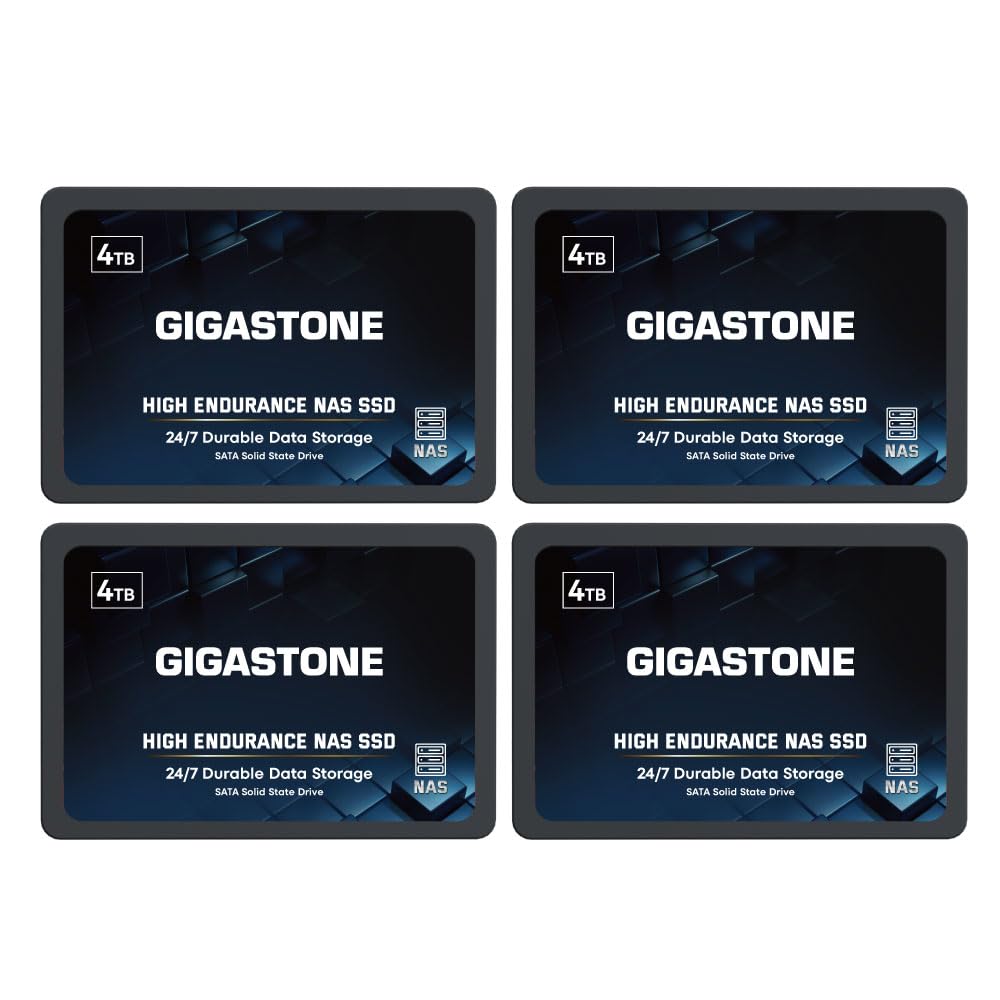
The Gigastone 4TB NAS Certified SSD four-pack brings enterprise-grade solid-state speed to a NAS build, offering 530 MB/s sequential reads and SLC caching that sustains performance during heavy write operations. These 2.5-inch SATA III drives are specifically marketed for NAS environments, supporting 24/7 operation with power-loss protection and error correction. For creative professionals handling 4K or 8K video editing directly from a NAS, the zero-latency SSD access is a massive upgrade over mechanical drives that struggle to keep up with multiple 4K streams.
Customer feedback from RAID 1 and RAID 5 deployments shows that the drives work reliably in Synology enclosures and Dell servers running virtual machines. Gigastone offers a 5-year warranty and lifetime technical support, though the warranty replacement process appears to be a pain point — one user reported that three of four drives failed with bad clusters after five months, and while support did resolve the RMA, the process was not instantaneous.
The premium price tag puts this solution out of reach for typical home media servers. However, if you are building a high-performance NAS for virtualized workloads, collaborative video editing, or database hosting where every millisecond of I/O latency counts, the Gigastone 4-pack delivers the throughput that no mechanical drive can match. The silent operation is a bonus for office environments where HDD noise is unacceptable.
Why it’s great
- 530 MB/s sequential reads eliminate HDD bottlenecks in multi-user NAS
- SLC caching maintains consistent write speeds under heavy loads
- 5-year warranty covers long-term deployment in business environments
Good to know
- Premium price requires a performance-critical use case to justify
- Some users report early failures and inconsistent support response times
FAQ
Can I use a standard desktop hard drive in my NAS?
What is the real-world difference between 5400 RPM and 7200 RPM in a NAS drive?
How many drives can I put in a RAID 5 array before rebuild time becomes dangerous?
Final Thoughts: The Verdict
For most users, the best 4tb nas drive winner is the Synology DS425+ because it combines the mature DSM operating system with hardware that supports concurrent multi-user access and surveillance integration. If you want a CMR internal drive that whispers in a multi-bay RAID array, grab the WD Red Plus WD40EFZZ. And for the highest workload tolerance and a 5-year warranty with data recovery, nothing beats the Seagate IronWolf Pro ST4000NE001.