
Our readers keep the lights on and the weekend projects moving. As an Amazon Associate, I earn from qualifying purchases.
Waiting for a Wi-Fi connection to print a shipping label or a scrapbook photo is a workflow killer when you are on the move. A dedicated Bluetooth mobile printer bypasses the router, letting you output a 4×6 label or a 2×3 sticker directly from your phone in under a minute, whether you are packing orders in a warehouse corner or journaling at a coffee shop.
I’m Rikta — the co-founder and writer behind FitlyFast. This guide is the result of dozens of hours spent cross-referencing connectivity protocols, DPI ratings, paper size compatibility, battery capacities, and real-world print speeds across the current portable printer landscape.
I’ve organized seven distinct models by value tier and intended use to help you identify the best bluetooth mobile printer for your specific workflow, whether you need crisp shipping labels, vivid photo stickers, or full-page documents on US Letter paper.
How To Choose The Best Bluetooth Mobile Printer
Mobile printers fall into two main camps: photo-focused mini printers that output 2×3 or 4×6 stickers, and label/document printers that handle 4×6 shipping labels or A4/US Letter paper. Your choice hinges on the media you need to print most often plus the resolution required for your use case.
Print Technology: Thermal vs. Inkjet vs. ZINK vs. Dye-Sublimation
Direct thermal printers require no ink or toner — they use heat to activate embedded chemicals in the paper. This makes them ideal for shipping labels and monochrome documents because there are no cartridges to replace and no smudging. ZINK (Zero Ink) and dye-sublimation printers deliver color photos without liquid ink by using embedded dye crystals or heat-transfer ribbons. Inkjet printers like the Canon PIXMA produce the widest color gamut for full-page photo and document printing but require ink cartridge replacements and weigh more.
Resolution: 203 DPI vs. 300 DPI
Label printers commonly offer 203 or 300 dots per inch. 203 DPI is sufficient for scannable barcodes and shipping labels. 300 DPI produces noticeably sharper text and finer barcode lines, which matters for small fonts or detailed warehouse labels. For photo printers, resolution is often expressed as DPI or nozzle counts — higher numbers yield smoother gradients and finer detail in facial features and textures.
Paper Size and Media Compatibility
Check the maximum paper width before buying. Photo mini printers cap out at 2×3 or 4×6 inches. Label printers typically accept rolls or fanfold labels from 1.57 inches up to 4.1 or 4.3 inches wide. Document printers support standard US Letter (8.5×11) and A4 paper, which is critical if you need to print contracts, invoices, or study materials away from a desk.
Battery Life and Charging
Battery capacity is measured in mAh, but real-world sheet count is more useful. A label printer that can output 150–200 pages per charge will serve a full day of shipping. A photo printer that lasts for 25–50 prints is fine for events or short trips. Models with a USB-C charging port offer faster, more universal charging than older Micro-USB.
Quick Comparison
On smaller screens, swipe sideways to see the full table.
| Model | Category | Best For | Key Spec | Amazon |
|---|---|---|---|---|
| Phomemo M832D | Document | Full-page docs & notes | 300 DPI, US Letter & A4 | Amazon |
| MUNBYN 941BP | Label | High-volume shipping | 300 DPI, 180 mm/s print speed | Amazon |
| Liene Pearl N200 Pro | Photo | Vibrant AI-enhanced stickers | Dye-sublimation, 2×3 adhesive | Amazon |
| Canon PIXMA TR160 | Document | Full-color office documents | 5-color hybrid ink, 8.5×11 | Amazon |
| KODAK Step | Photo | Instant scrapbook stickers | ZINK, 2×3 sticky-back | Amazon |
| Nelko PP01 | Photo | Budget-friendly color stickers | Inkjet, 602 DPI, 2×3 adhesive | Amazon |
| JADENS JD268BT | Label | Entry-level shipping labels | 203 DPI, 4×6 thermal | Amazon |
In‑Depth Reviews
1. Phomemo M832D

The Phomemo M832D is the only mid-range portable printer that handles full US Letter and A4 pages while remaining truly mobile at 1.5 pounds. Its 300 DPI thermal print head produces sharp monochrome text on standard thermal paper, eliminating ink costs and cartridge hassles. The integrated 2.01-inch touchscreen displays battery level, connection status, and paper settings, which removes the guesswork common in app-only models.
Bluetooth connectivity is optimized for 50% faster pairing with iOS and Android devices, and the built-in 2600mAh battery delivers up to 200 continuous pages on a single charge — enough for a full day of note-taking or contract printing. The internal paper bin holds a 50-sheet roll, and the printer supports multiple media widths from 2.08 inches to 8.5 inches, making it versatile for quick notes and official documents alike.
The M832D prints quieter than its predecessor thanks to refined motor algorithms, and the USB-C port provides modern, fast charging. The companion app handles document, web page, and photo printing, though Android users should note the app includes subscription prompts. For anyone who needs a portable, inkless solution for full-size documents, this is the most complete package available at this tier.
Why it’s great
- Full US Letter & A4 support in a 1.5-lb package
- 300 DPI thermal prints stay sharp and smudge-proof
- Intuitive touchscreen eliminates app-only barriers
Good to know
- Monochrome output only — no color for photos or graphics
- Android app pushes subscription content
- Bluetooth works only with phones, not laptops
2. MUNBYN 941BP
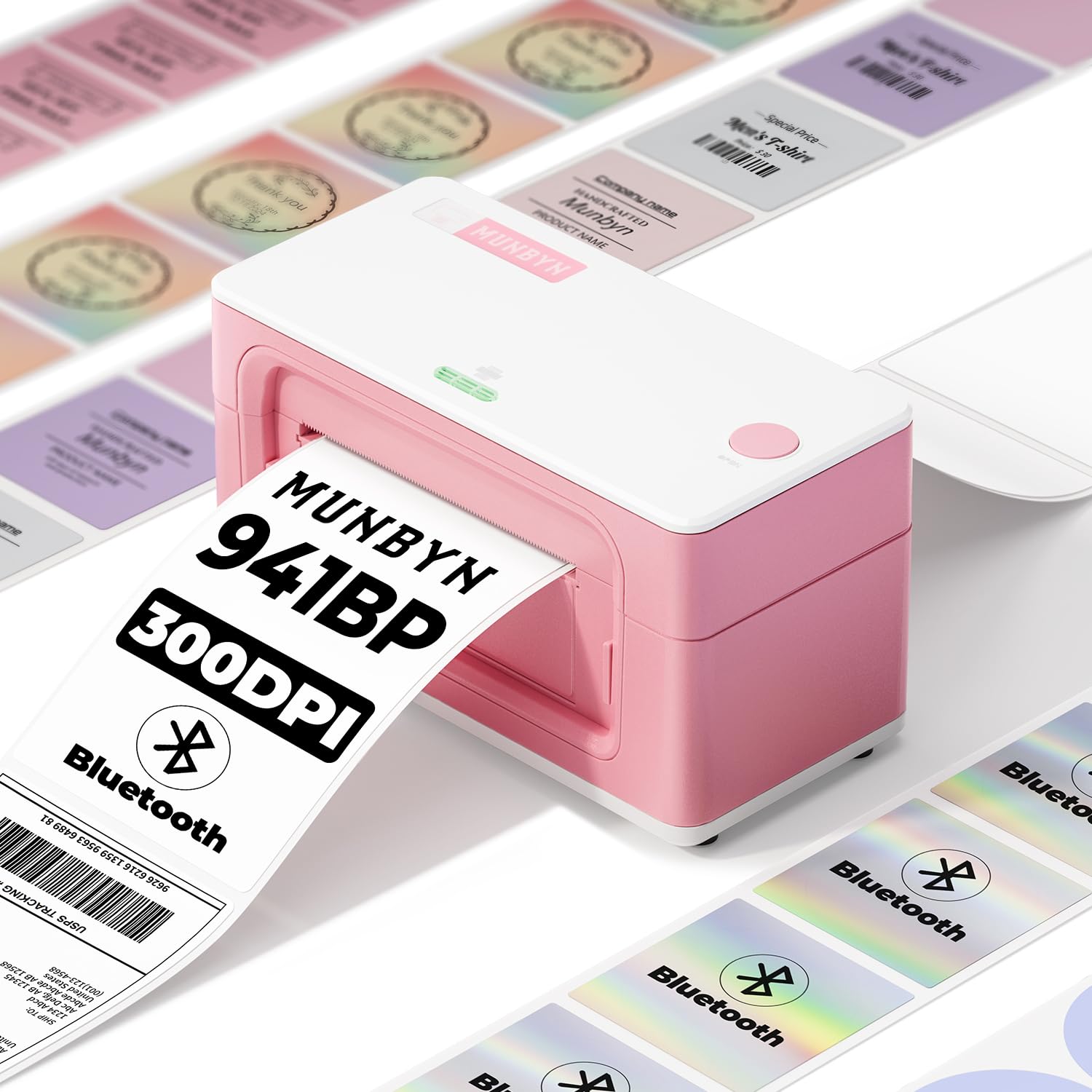
MUNBYN’s 941BP delivers 300 DPI resolution at a blistering 180 mm per second, making it the fastest Bluetooth label printer in this lineup for high-volume shipping. The direct thermal technology eliminates ink and toner costs, while the automatic label rewinding feature ensures each label feeds cleanly without jams — even across 5000+ daily prints. It accepts label widths from 1.57 to 4.3 inches, covering standard 4×6 shipping labels, smaller address labels, and specialty shapes.
Wireless connectivity works seamlessly with iOS and Android through the Munbyn Print app, and the included Type-C cable connects to Windows and macOS laptops for wired operation. The printer ships with Ubuntu drivers, a rare inclusion that Linux users confirmed works on Pop! OS 24.04. The pink color option adds personality, but the core appeal is the resolution-to-speed ratio that consistently produces scannable barcodes at high throughput.
The compact footprint (7.8 x 3.8 x 4.3 inches) fits neatly on a small desk or packing station. Customer feedback notes the app’s labeling can be confusing — terms like “Operate” for delete and “Property” for output require a short learning curve. For small to medium businesses that prioritize print speed and label clarity, this is the premium pick in the thermal label category.
Why it’s great
- 300 DPI at 180 mm/s for fast, scannable labels
- Inkless thermal printing saves long-term consumable costs
- Supports Linux with verified Ubuntu drivers
Good to know
- App interface has non-standard button labels
- Limited to monochrome output
3. Liene Pearl N200 Pro
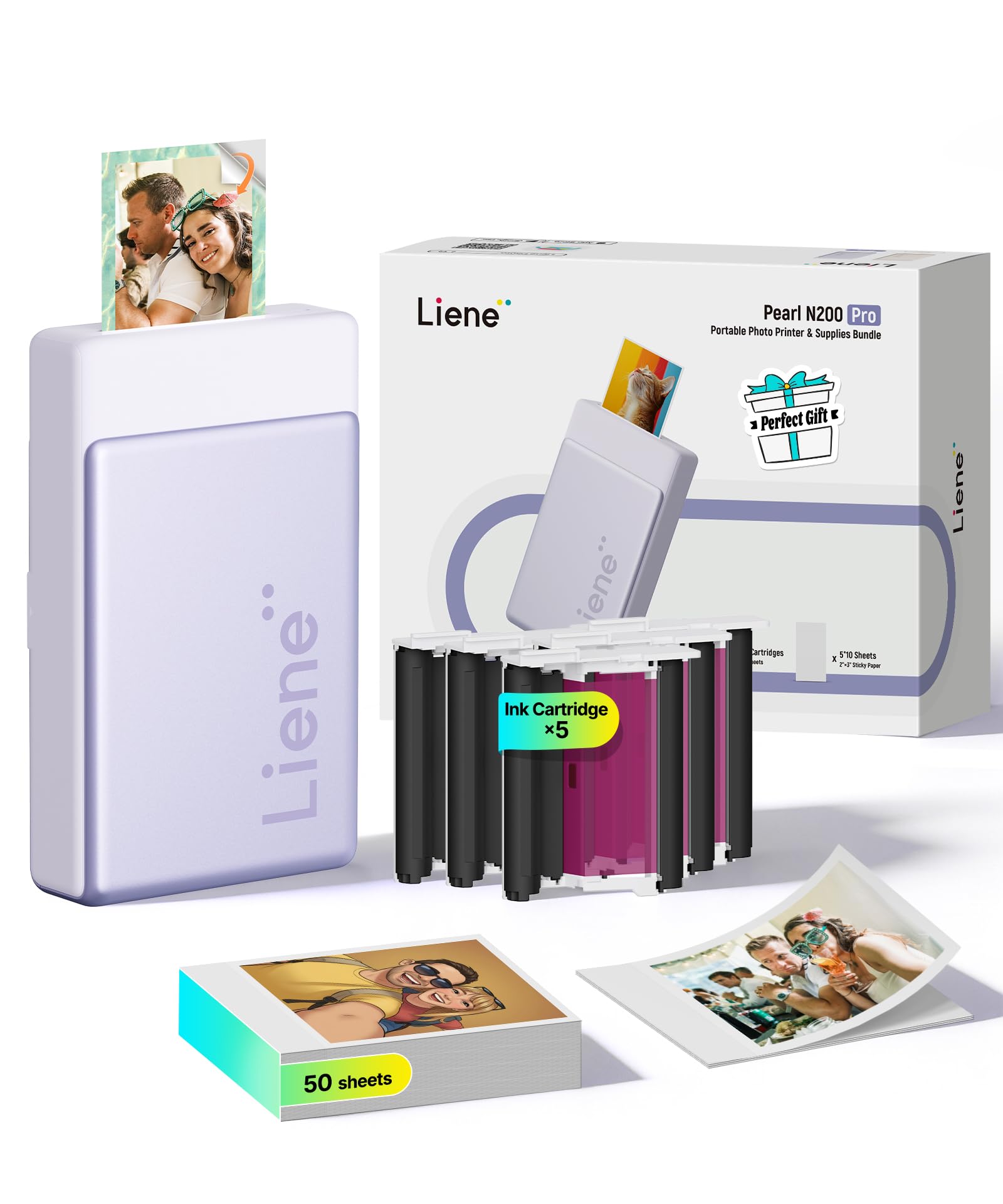
The Liene Pearl N200 Pro stands apart from other mini photo printers by using dye-sublimation technology, which embeds dye into the paper rather than laying ink on top. The result is noticeably more vibrant, true-to-life color reproduction that reviewers consistently rank above Canon IVY, HPRT, and ZINK-based competitors. The 2×3 adhesive-backed prints resist moisture and smudging while remaining thin enough to lie flat in a journal without adding bulk.
Liene’s companion app features AI-powered portrait styling and an InstaPic mode that captures and prints in one seamless flow — perfect for parties or events where speed matters. The printer supports multi-device Bluetooth pairing so multiple people can print without re-pairing. A full charge yields approximately 27 sticker prints, which is adequate for a gathering but below the capacity of some ZINK rivals.
The Pearl N200 Pro is slightly louder and slower than entry-level photo printers, but every reviewer who compared side-by-side chose the Liene for final print quality. The included starter pack contains 50 sheets of paper and 5 color cartridges, though replacement costs are higher than inkjet or ZINK equivalents. For photo enthusiasts who prioritize color accuracy and durability over print speed, this is the best creative tool in the portable space.
Why it’s great
- Dye-sublimation delivers superior color and durability
- AI editing and InstaPic mode streamline creative workflow
- Thin, removable sticker paper ideal for journaling
Good to know
- Lower print count per charge (27 prints)
- Replacement cartridges and paper cost more than ZINK
4. Canon PIXMA TR160

Canon’s PIXMA TR160 is the only portable inkjet printer in this roundup capable of full-color borderless prints up to 8.5 x 11 inches. Its 5-color hybrid ink system (including pigment black for sharp text and dye-based colors for rich photos) sets it apart from monochrome thermal and mini photo printers. At 4.5 pounds with a depth of 12.7 inches, it is the largest and heaviest model here, but the trade-off is genuine office-grade output that works for presentations, contracts, and high-resolution photos.
Wireless connectivity is handled through the Canon PRINT app, Apple AirPrint, and Mopria Print Service, with Wireless Direct mode allowing direct device-to-printer connection even without a router. The 1.44-inch monochrome OLED display provides quick access to ink levels and printer status. The 50-sheet paper tray feeds standard letter and A4 media, and the optional battery pack makes it truly portable once purchased separately.
Setup is straightforward for iOS and Android users, though the initial power-on sequence and Mac recognition can be slower than dedicated Bluetooth printers. The ink cartridges are small and will need replacement sooner than a home-office inkjet. For professionals who need color document printing away from a wired desk, the TR160 delivers the highest output quality of any portable option available.
Why it’s great
- Full-color borderless printing up to 8.5×11
- 5-color hybrid ink system for sharp text and vibrant photos
- Wireless Direct mode works without a router
Good to know
- Heaviest model at 4.5 lbs with a larger footprint
- Battery pack and carry case sold separately
- Ink cartridges are small; replacement frequency is higher
5. KODAK Step
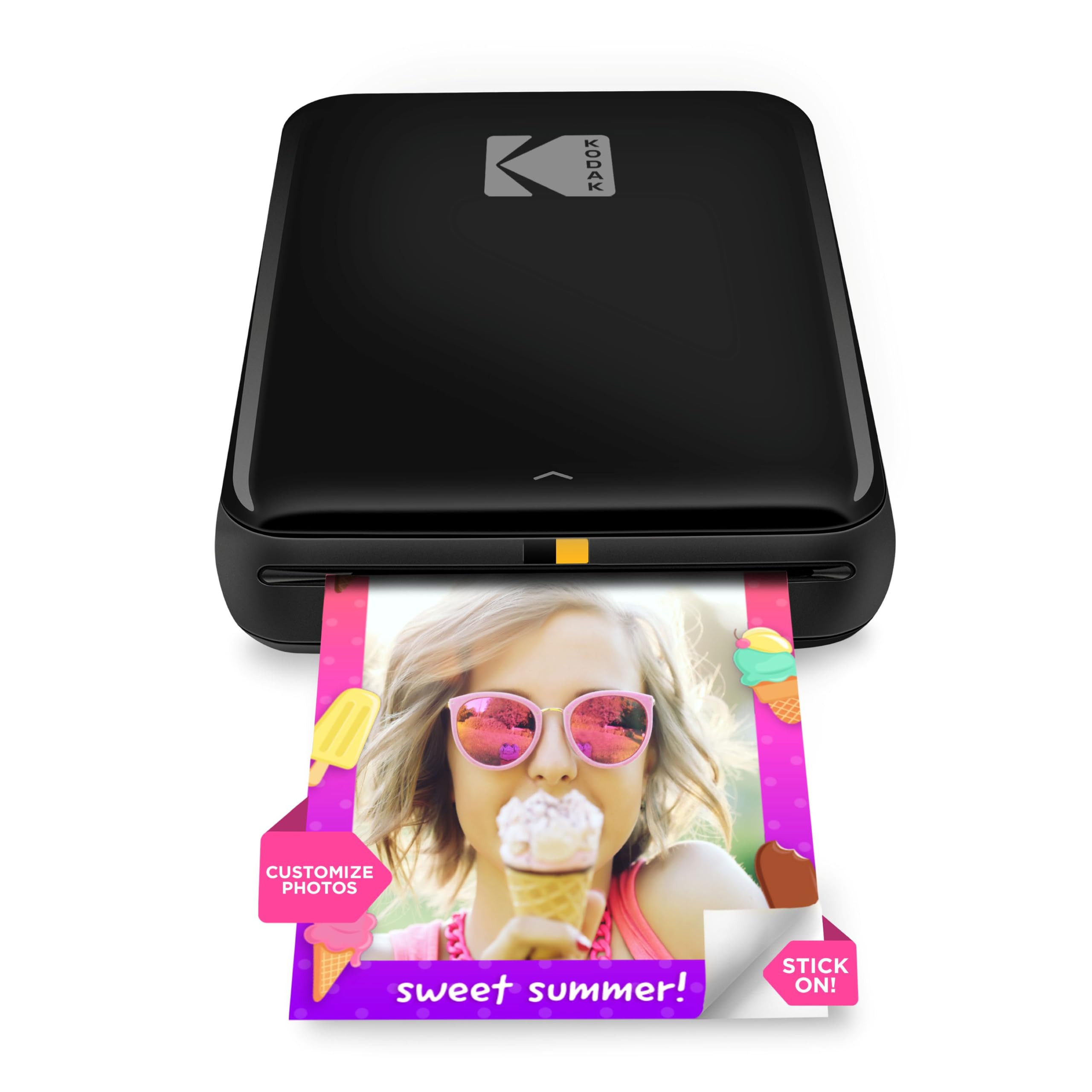
The KODAK Step remains a popular entry-level photo printer thanks to its ZINK Zero-Ink technology that eliminates cartridge replacements entirely. The 2×3 sticky-back paper has embedded dye crystals that activate as the paper passes through the printer, producing full-color prints that are resistant to moisture, rips, and smudges. The printer connects via Bluetooth or NFC to any iOS or Android device and outputs a photo in under 60 seconds.
The free KODAK App includes collage templates, filters, borders, and text overlays, giving beginners a straightforward editing suite. A full charge delivers roughly 25 prints, which covers a single event or a few days of scrapbooking. The starter kit includes only 5 sheets of paper, so a larger paper bundle is a necessary first add-on.
Print colors are slightly muted compared to the original phone image — a known characteristic of ZINK technology that some users find charming and others find disappointing. The app can be glitchy, sometimes requiring a screenshot to print a specific frame. For casual users who want instant, no-mess sticker prints for journals or lockers, the Step is a reliable and affordable choice.
Why it’s great
- No ink cartridges or ribbons to replace
- Ultra-portable at under 1 lb
- Prints in under 60 seconds via Bluetooth
Good to know
- Color reproduction is slightly muted compared to original
- Only 5 starter sheets included; additional paper sold separately
- App can be glitchy during photo selection
6. Nelko PP01
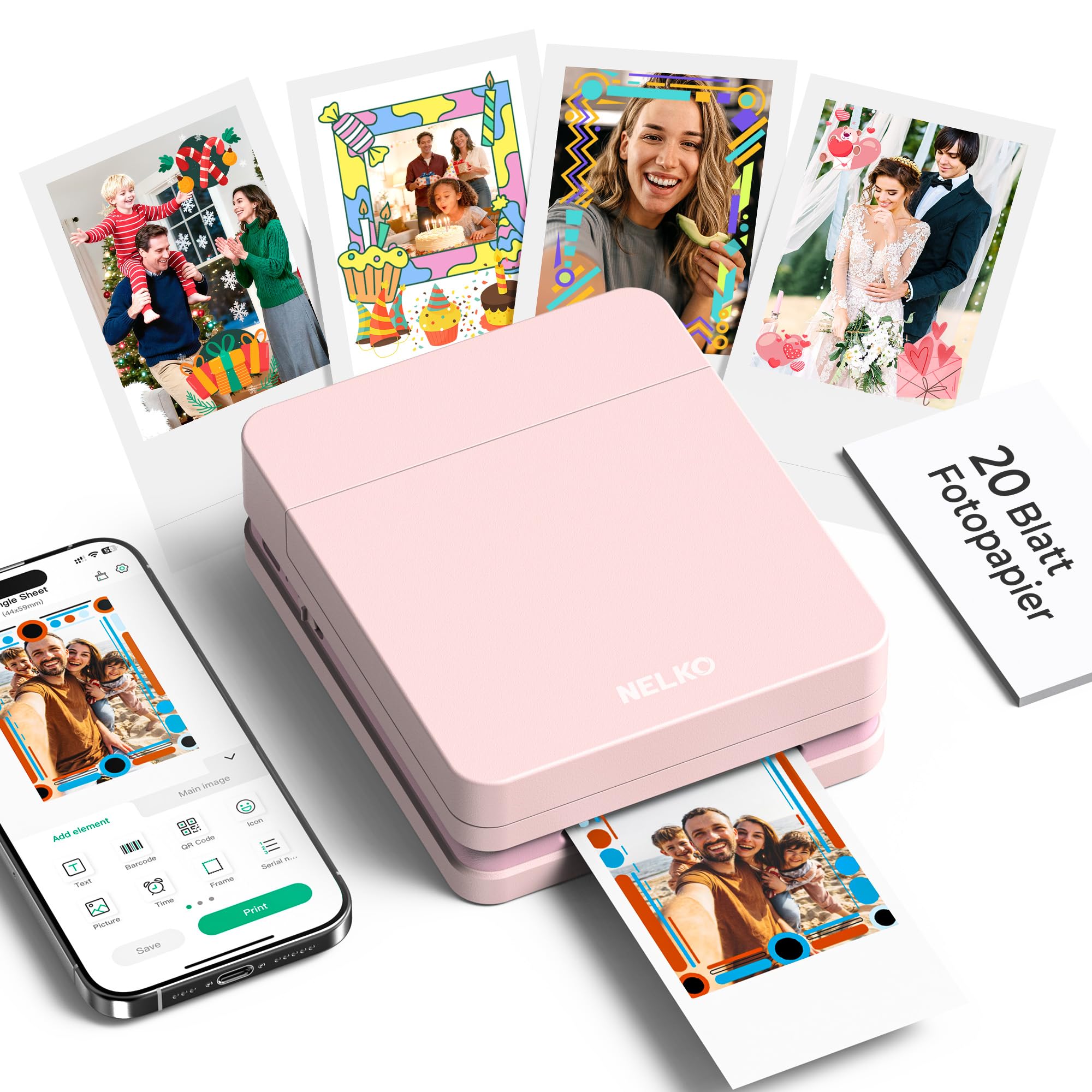
The Nelko PP01 photo printer punches above its price point by offering inkjet-based 602 DPI printing on 2×3 adhesive-backed paper. The resolution is noticeably higher than typical ZINK or thermal mini printers, producing finer detail and more precise color gradients in facial features and small text. Each ink cartridge prints up to 80 full-color photos, and the prints are smudge-proof, water-resistant, and tear-resistant once dry.
Bluetooth pairing is fast and stable through the Nelko app, which includes editing tools such as filters, graffiti, borders, stickers, AI image editing, and collage creation. The printer body is pocket-sized at 0.6 pounds, making it the lightest option in this review. A single charge supports dozens of prints, and the USB charging cable is included (power adapter is not). The pink color and compact form factor appeal to students and crafters who want an affordable, portable sticker printer.
Setup is straightforward — load the smooth side of the paper down, insert the ink cartridge, and connect via Bluetooth. The app prints a 2×3 photo in under 62 seconds. The main limitation is the 2×3 size, which is fine for scrapbooking but too small for standard photo prints or documents. For budget-conscious users who still want vivid color output, the PP01 offers the best resolution-per-dollar ratio in the mini photo category.
Why it’s great
- 602 DPI inkjet prints are sharp and vibrant
- Lightest mini printer at 0.6 lbs
- 80 prints per ink cartridge extends consumable life
Good to know
- 2×3 size only — not suitable for larger prints
- Power adapter not included in the box
7. JADENS JD268BT

The JADENS JD268BT is the most budget-friendly Bluetooth thermal label printer in this selection, designed for small business owners who need a reliable 4×6 shipping label machine without the premium features of the MUNBYN or Phomemo. It uses a Japanese thermal print head rated at 203 DPI — sufficient for scannable barcodes and text on standard shipping labels — and supports both fanfold and roll labels with widths from 1.57 to 4.1 inches.
Bluetooth printing works wirelessly with Windows and Mac computers, and with iOS and Android devices via the Jadens Printer app. USB connectivity is also available for Windows 7+ and Mac OS 10.9+. The printer integrates with major shipping platforms including Amazon, Shopify, Etsy, eBay, ShipStation, and Shippo. Setup takes under a minute with the included driver and video instructions, and the one-year warranty covers defects and connectivity issues.
The 203 DPI resolution is adequate for standard shipping labels, but users who print small fonts or fine barcodes will notice the difference compared to 300 DPI models. The printer is compact at 5.9 x 9.1 x 5.9 inches and fits easily on a small desk. For sellers launching an e-commerce operation who want to minimize upfront investment while still getting wireless label printing, the JD268BT delivers solid performance at the lowest entry cost.
Why it’s great
- Affordable entry point for wireless 4×6 label printing
- No ink or toner required
- Works with all major shipping platforms out of the box
Good to know
- 203 DPI is lower than 300 DPI competitors
- Bluetooth printing on phones requires the app, not direct system print
- Label size must be recalibrated each time you change media type
FAQ
Can I print a 4×6 shipping label from my iPhone with any of these printers?
Which technology produces the most durable photo print: ZINK, dye-sublimation, or inkjet?
Do thermal label printers require special paper that costs more than regular paper?
Is the Canon PIXMA TR160 truly portable if it doesn’t include a battery?
How do I know if a Bluetooth mobile printer will work with my Android phone?
Final Thoughts: The Verdict
For most users, the bluetooth mobile printer winner is the Phomemo M832D because it uniquely supports full-size US Letter and A4 documents in a truly portable, inkless thermal form factor with a useful touchscreen. If you need fast, high-resolution shipping labels, grab the MUNBYN 941BP for its 300 DPI output at 180 mm/s. And for vibrant, durable photo stickers with AI-powered creative features, nothing beats the Liene Pearl N200 Pro.