
Our readers keep the lights on and the weekend projects moving. As an Amazon Associate, I earn from qualifying purchases.
Staring at a monitor for eight hours a day is a test of endurance — for your eyes, your posture, and your patience. A 32-inch screen offers the sweet spot of immersive real estate without the neck strain of an ultrawide, but the wrong panel will leave you fighting pixelated text, washed-out colors, and a cramped workspace that kills productivity instead of boosting it.
I’m Rikta — the co-founder and writer behind FitlyFast. I’ve spent countless hours dissecting panel specifications, color gamut standards, and ergonomic designs to separate the professional-grade performers from the overpriced distractions in this specific size class.
Whether you’re editing spreadsheets, designing graphics, or managing a multi-monitor command center, finding the right 32 inch monitor for work means understanding the real specs that make a difference — refresh rate, color accuracy, and connectivity that actually fits your workflow.
How To Choose The Best 32 Inch Monitor For Work
A 32-inch monitor is a long-term desk investment. Choosing the wrong one means daily friction with blurry text, poor color, or a wobbly stand. Focus on the specs that actually affect your work — resolution, color accuracy, connectivity, and ergonomics — and ignore marketing hype about high refresh rates if you’re not gaming.
Resolution: Why 4K Is the Baseline for 32 Inches
At 32 inches, 1080p or 1440p results in visible pixelation that strains your eyes over long reading sessions. A 4K UHD (3840 x 2160) panel delivers a pixel density of approximately 140 PPI — the threshold where text appears crisp and continuous. For spreadsheet work, code editing, or document review, 4K is the non-negotiable starting point. Anything less will leave you zooming in and out, destroying the very screen real estate you bought.
Color Accuracy: sRGB, DCI-P3, and Delta E Explained
For professional work — photo editing, video production, or even just consistent brand color matching — color gamut coverage matters. 100% sRGB is the bare minimum for web and print design. DCI-P3 coverage (90% or higher) provides a wider color space for video work. Delta E (dE) measures color difference from the standard; a dE under 2 is considered excellent and imperceptible to the human eye. Factory-calibrated monitors save you the hassle and expense of buying a hardware calibrator.
Connectivity and Desk Ergonomics
A single USB-C cable that carries video, data, and delivers power (65W or higher) to your laptop transforms cable management from a rat’s nest into a single clean line. An integrated USB hub is equally valuable for connecting peripherals. An ergonomic stand offering height, tilt, swivel, and pivot adjustment prevents neck and shoulder fatigue during long workdays — a feature cheap monitors often sacrifice. VESA compatibility ensures future mounting flexibility.
Quick Comparison
On smaller screens, swipe sideways to see the full table.
| Model | Category | Best For | Key Spec | Amazon |
|---|---|---|---|---|
| Dell UltraSharp U3225QE | Premium Hub | Thunderbolt 4 docking & 120Hz | 600 nits, Thunderbolt Hub | Amazon |
| ASUS ProArt PA329CV | Color Pro | Color-critical creative work | ΔE < 2, 100% sRGB/Rec.709 | Amazon |
| BenQ PD3205U | Mac-Ready | Designers with USB-C laptops | 99% sRGB/Rec.709, ΔE ≤ 3 | Amazon |
| ViewSonic VP3256-4K | ColorPro | Pantone-validated content creation | 100% sRGB, 60W USB-C | Amazon |
| LG Ultrafine 32UN880K-B | Ergo Arm | Flexible dual-monitor setups | 95% DCI-P3, 90W USB-C | Amazon |
| Samsung Smart Monitor M8 (M80F) | Smart Hub | Streaming & workspace in one | 4K UHD, AI Picture Optimizer | Amazon |
| Dell Pro 32 Plus P3225QE | Mid-Range Pro | Office work & multi-monitor | 100Hz, 90W USB-C, Ethernet | Amazon |
| LG 32UR500K-B | Entry 4K | Budget-friendly 4K home office | 90% DCI-P3, MaxxAudio | Amazon |
| ZZA 32 Inch 4K 1500R | Value Curve | Curved screen on a budget | 4000:1 contrast, 100% sRGB | Amazon |
In‑Depth Reviews
1. Dell UltraSharp U3225QE
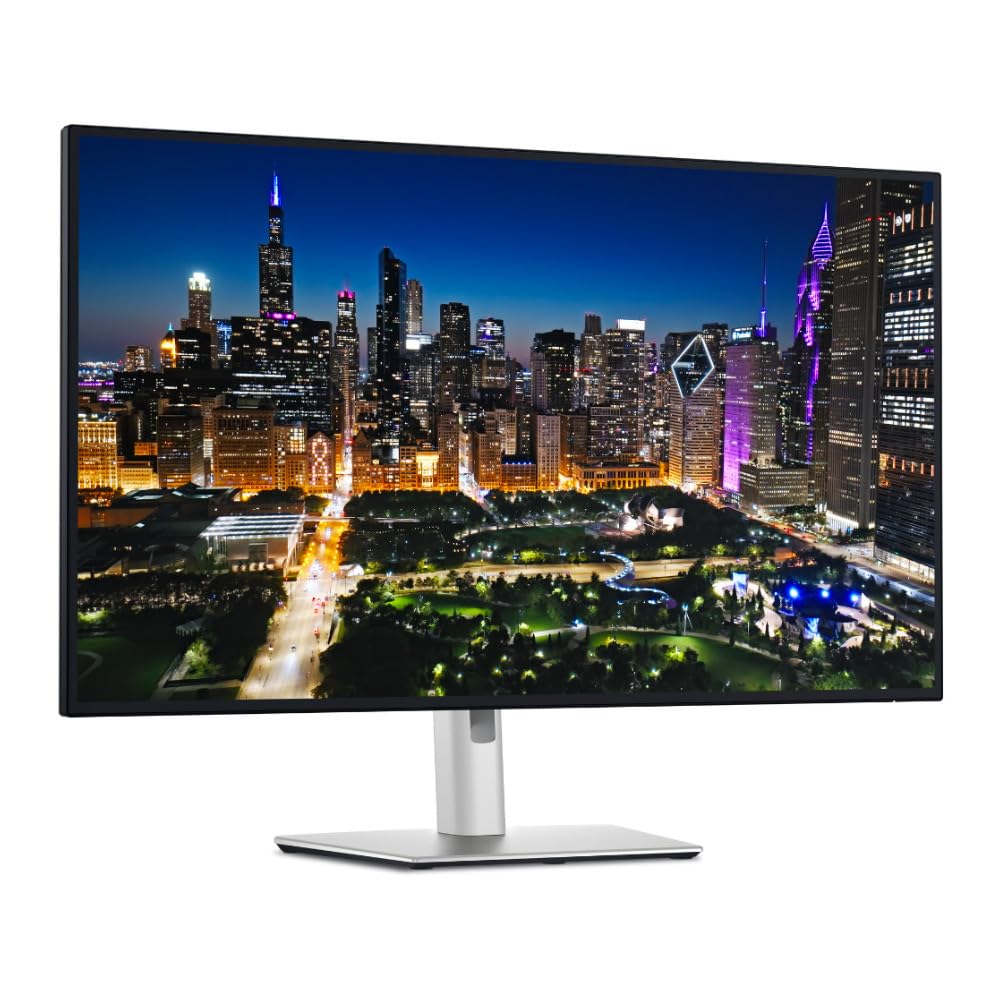
The Dell UltraSharp U3225QE is the flagship work monitor that sets the benchmark for the category. Its 4K IPS Black panel delivers a 3000:1 contrast ratio — effectively double that of standard IPS displays — producing deeper blacks and more dimensional text without the viewing-angle limitations of VA. The 600-nit peak brightness means it stays readable even in sunlit offices, and the 120Hz refresh rate is a genuine productivity upgrade for smooth scrolling through documents and code.
The integrated Thunderbolt hub with 140W Power Delivery transforms this monitor into a full-fledged docking station. A single cable connects your laptop, charges it at maximum speed, and provides access to the built-in USB hub and Ethernet port. The ergonomic stand offers full height, tilt, swivel, and pivot adjustments with a rock-solid feel that justifies the premium build. The packaging includes all necessary cables, including a Thunderbolt 4 cable.
Some users report macOS compatibility quirks that require firmware updates, and the pixel density at 3360×1890 scaled resolution hits a snag with 120Hz output on Macs without third-party software. For Windows users, it’s near-perfect out of the box. The cost is significant, but when you factor in the cost of a separate Thunderbolt dock, the UltraSharp’s value proposition becomes much clearer for professional environments.
Why it’s great
- IPS Black panel with 3000:1 contrast for deep blacks and rich colors
- Thunderbolt hub with 140W Power Delivery replaces a separate dock
- 600 nits brightness handles bright rooms and HDR content easily
Good to know
- Requires firmware updates and a third-party app for 120Hz on macOS
- Premium pricing that exceeds mid-range monitor budgets
2. ASUS ProArt Display PA329CV

The ASUS ProArt PA329CV is built for creative professionals who need out-of-the-box color accuracy without spending on a separate calibrator. It covers 100% sRGB and 100% Rec. 709 color gamuts, and each unit ships with a factory calibration report guaranteeing a Delta E of less than 2. The 32-inch 4K IPS panel offers consistent color reproduction across wide 178-degree viewing angles, making it suitable for collaborative reviews where multiple people gather around the screen.
The USB-C port delivers 65W Power Delivery and supports video, data, and charging over a single cable. The stand provides full ergonomic adjustment — height, tilt, swivel, and pivot — and includes a desk C-clamp for multi-monitor arms. The four USB 3.2 Gen 1 Type-A ports and a built-in SD card reader make it easy to connect peripherals and transfer files without reaching behind the monitor. The bezel design is clean and professional, with a front-facing power button and no distracting backlight bleed.
A small number of users experienced USB-C display handshake issues with M1 Macs, but a firmware update resolved the problem. The 60Hz refresh rate is standard for this class and perfectly adequate for productivity — this is not a gaming monitor. For creative workflows in photography, video editing, and graphic design, the ProArt delivers studio-grade color on a 32-inch canvas at a mid-range price.
Why it’s great
- Factory-calibrated with ΔE < 2 and 100% sRGB for accurate color out of the box
- Full ergonomic stand with pivot and included C-clamp for flexible mounting
- USB-C with 65W PD plus a 4-port USB hub simplifies cable management
Good to know
- Refresh rate limited to 60Hz; no high refresh rate for smooth scrolling
- Some M1 Mac users needed a firmware update for reliable USB-C handshake
3. BenQ PD3205U

The BenQ PD3205U is engineered for designers and video editors who work primarily with macOS devices. It covers 99% sRGB and Rec. 709 with a factory-calibrated Delta E of 3 or less, and it carries both Pantone Validated and Pantone SkinTone Validated certifications — rare in this price tier. The AQCOLOR technology ensures consistent color reproduction across the panel, and the IPS display maintains color accuracy even at extreme viewing angles, critical for collaborative critiques.
The USB-C port provides 90W Power Delivery, enough to charge a MacBook Pro at full speed while transmitting video and data. The HotKey Puck G2 is a standout feature — a physical controller that lets you switch color modes, adjust brightness, and toggle inputs without digging through on-screen menus. The KVM switch built into the monitor lets you control two separate computers with a single keyboard and mouse, a genuine time-saver for multi-system workflows. The ergonomic stand is smooth and precise, with height, tilt, swivel, and pivot adjustments.
The built-in speakers are barely adequate for system alerts and should not be relied upon for media playback. The monitor is designed for color-accurate productivity, not gaming, and the 60Hz refresh rate is standard. For creative professionals who want a Mac-first docking-capable monitor with physical controls, the PD3205U is a compelling alternative to the far more expensive Apple Studio Display.
Why it’s great
- Pantone and SkinTone validated with factory calibration for immediate color trust
- HotKey Puck G2 and KVM switch provide efficient multi-system workflow control
- 90W USB-C PD charges MacBook Pro at full speed over a single cable
Good to know
- Built-in speakers are weak; external ones are necessary for media
- 60Hz maximum refresh rate; not suited for high-refresh-rate gaming
4. ViewSonic VP3256-4K

The ViewSonic VP3256-4K is a Pantone-validated 32-inch 4K IPS monitor with 100% sRGB coverage and a Delta E under 2, making it a serious contender for budget-conscious creative teams. Its 350-nit brightness is adequate for indoor studio environments, and the anti-glare coating minimizes reflections during long editing sessions. The thin bezels and frameless design make it suitable for multi-monitor arrays where bezel thickness matters.
Connectivity includes USB-C with 65W Power Delivery, HDMI, and DisplayPort, plus a built-in USB hub that works transparently when you switch input sources — a feature often overlooked but vital for seamless device switching. The ergonomic stand offers full tilt, swivel, pivot, and height adjustments, and the panel supports VESA mounting. The OSD menu is software-controllable via ViewSonic’s desktop application, which is more convenient than the monitor’s physical buttons.
An important limitation for Mac users: the monitor’s pivot rotation for portrait mode does not fully work with macOS, despite being advertised. This impacts anyone who plans to use the monitor in a vertical orientation for code or document review. The speakers are basic and fine for system sounds but not for serious listening. For PC-based design work or mixed-platform use where vertical rotation isn’t critical, the VP3256-4K offers strong color credentials at a mid-range price.
Why it’s great
- Pantone validated with 100% sRGB and factory calibration for color-critical work
- USB-C 65W PD with an automatic USB hub that follows the active input
- Software-controllable OSD via desktop app for easy adjustments
Good to know
- Portrait rotation is not functional with macOS, limiting vertical setups
- Physical OSD buttons are clunky; software control is the better method
5. LG Ultrafine 32UN880K-B

The LG Ultrafine 32UN880K-B is defined by its unique ergonomic stand — a desk-clamp arm that lets you lift, tilt, swivel, and rotate the 32-inch panel with a single finger. This level of adjustability is unmatched in its price bracket, making it ideal for hot-desking environments or professionals who alternate between sitting and standing desks. The arm frees up desk space entirely, as there is no traditional base taking up square footage.
The IPS panel covers 95% of the DCI-P3 color space and supports HDR10, delivering vibrant colors for video editing and media work. The USB-C port provides 90W Power Delivery, supporting a single-cable setup for video, data, and charging. The monitor also functions as a USB hub with additional downstream ports. The G-Sync compatibility is a bonus for occasional gaming, though the 60Hz refresh rate limits its appeal for high-frame-rate play.
The “K” version of this monitor may have slightly downgraded speakers compared to the “P” variant, though both are merely acceptable for system sounds. Some users have reported the arm clamp may not fit thicker desks, so verify your desk depth before purchasing. For professionals who prioritize desk ergonomics and cable management over raw color specs, the 32UN880K-B’s built-in arm is a genuine workflow upgrade.
Why it’s great
- Integrated desk-clamp arm offers effortless positioning with no separate base
- 95% DCI-P3 coverage and 90W USB-C PD for creative and productivity work
- Frees up desk surface completely, ideal for space-constrained setups
Good to know
- Speakers are basic and may be worse in the “K” variant
- Desk clamp may not fit very thick or irregularly shaped desks
6. Samsung Smart Monitor M8 (M80F)

The Samsung Smart Monitor M8 (M80F) is a 4K UHD display that doubles as a Smart TV, integrating Samsung Vision AI, streaming apps, and Samsung Gaming Hub directly into the monitor. For a home office where the monitor must also serve as an entertainment screen, this eliminates the need for a separate TV. The 400-nit brightness and 3000:1 contrast ratio produce vibrant visuals for both spreadsheets and streaming movies.
The USB-C port supports video, data transfer, and device charging, while the built-in Wi-Fi and Bluetooth connectivity enable wireless screen mirroring and smart home control via Samsung Knox security. The included remote control and built-in stereo speakers make it easy to switch from work to media without touching your computer. The adjustable stand has a clean white aesthetic that fits modern minimalist desk setups.
The Smart TV functionality introduces some quirks: the monitor may identify as a TV to your PC, causing Windows account sign-in issues if not set to “generic monitor” mode. There is only one HDMI input, limiting multi-device setups without an external switch. The camera that slides out for video calls is convenient but can freeze on some platforms until a software update. For a home workspace that demands dual-purpose functionality, the M8 is a versatile solution.
Why it’s great
- Built-in Smart TV apps and remote control eliminate the need for a separate TV
- AI Picture Optimizer and Active Voice Amplifier adapt to content and room noise
- Samsung Knox security and IoT management make it a smart home hub
Good to know
- Smart TV features can confuse Windows device identification
- Only one HDMI input, limiting multi-device connectivity
7. Dell Pro 32 Plus P3225QE
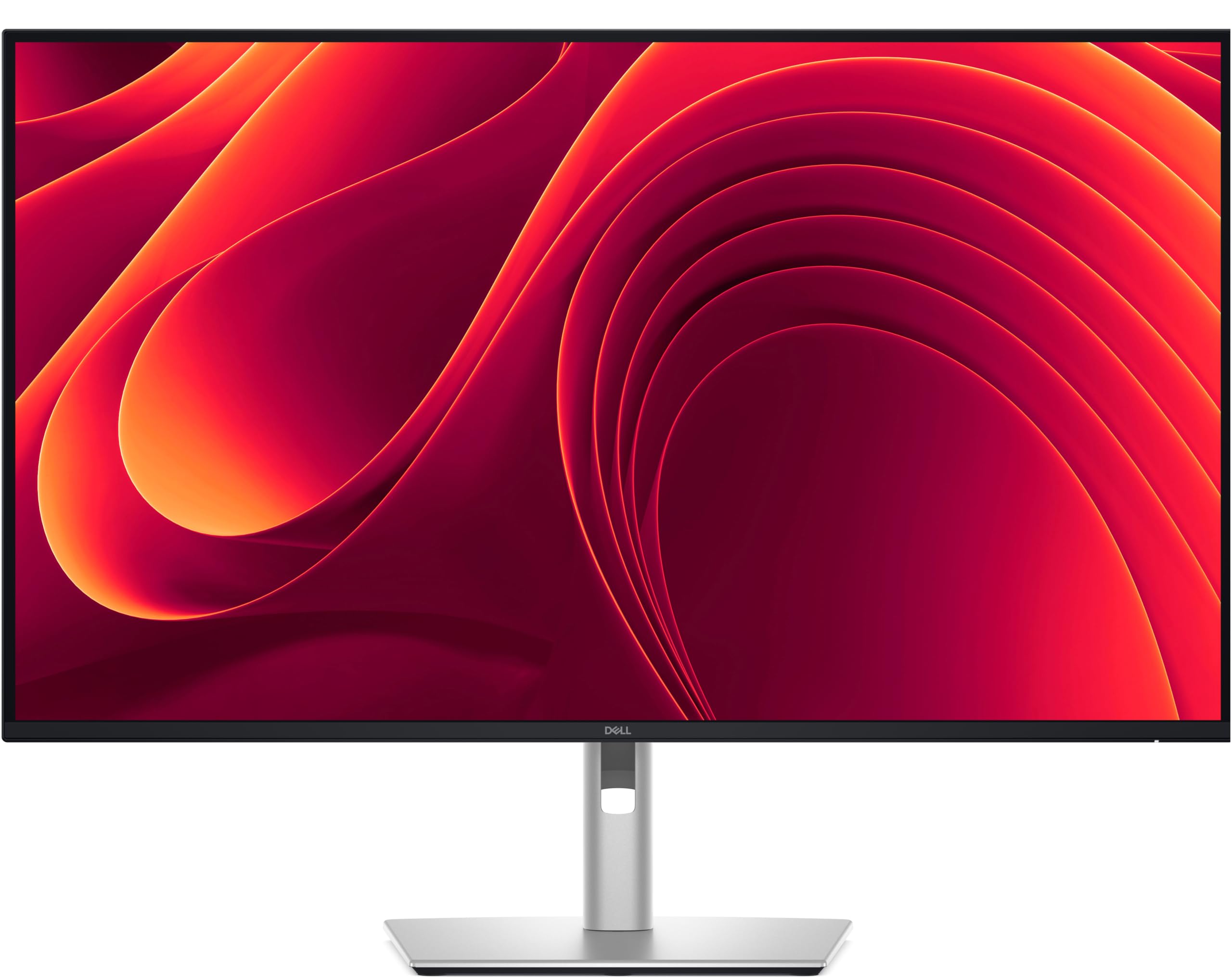
The Dell Pro 32 Plus P3225QE sits squarely in the mid-range sweet spot, offering a 100Hz refresh rate — a genuine upgrade over the standard 60Hz — on a 4K IPS panel for noticeably smoother cursor movement and scrolling. The 31.5-inch display covers 99% sRGB, providing reliable color reproduction for office work and light creative tasks. The 3000:1 contrast ratio from the IPS Black technology delivers deeper blacks than typical IPS panels, improving readability for text-heavy documents.
Connectivity is where this Dell shines for business users: it includes a USB-C port with 90W Power Delivery, an Ethernet port for stable wired networking, and HDMI 2.1 and DisplayPort 1.4 inputs. This effectively functions as a basic docking station, reducing cable clutter to a single USB-C link to your laptop. The stand supports full ergonomic adjustment — height, tilt, swivel, and pivot — and the thin bezels make it nearly seamless in multi-monitor setups. The included VESA compatibility adds mounting flexibility.
Some users report the monitor does not support audio in/out, meaning you’ll need a separate audio solution for speakers or headsets. The panel is well-suited for plan review and PDF-heavy workflows where screen real estate and clarity matter. The 100Hz refresh rate is a genuine differentiator at this position, offering a perceptible smoothness boost without the cost of 120Hz+ displays.
Why it’s great
- 100Hz refresh rate for smooth scrolling and cursor movement
- USB-C 90W PD with Ethernet port for single-cable office connectivity
- Full ergonomic stand with thin bezels for seamless multi-monitor arrays
Good to know
- No audio inputs or outputs; separate audio solution required
- sRGB coverage only — not suitable for wider color gamut professional work
8. LG 32UR500K-B

The LG 32UR500K-B is an entry-level 4K monitor that delivers sharp UHD resolution and 90% DCI-P3 color gamut coverage — an impressive spec at its budget tier. The VA panel produces a 3000:1 contrast ratio, giving text and images more depth than budget IPS panels with 1000:1 ratios. The borderless design and 250-nit brightness are adequate for dimly lit home offices, though the panel struggles in bright rooms due to the lower peak luminance.
Built-in dual 5W speakers with Waves MaxxAudio provide serviceable sound for video calls and media playback, eliminating the need for external speakers in a pinch. Connectivity includes dual HDMI 2.0 ports and a single DisplayPort, but notably no USB-C, meaning you’ll need to use separate cables for video and charging. The stand offers tilt adjustment only, with no height, swivel, or pivot options, and the monitor uses a standard 100x100mm VESA mount for aftermarket arms.
The 60Hz refresh rate is standard and perfectly acceptable for productivity tasks, and Dynamic Action Sync helps reduce input lag for casual gaming. The OSD controls are basic but functional. For users transitioning from a 1080p panel, the jump in text clarity and screen real estate is dramatic. The 32UR500K-B is a solid entry point into 4K, but the lack of USB-C and full ergonomics will frustrate users with long-term desk organization plans.
Why it’s great
- 90% DCI-P3 coverage delivers vibrant colors at an accessible price point
- VA panel with 3000:1 contrast for deeper blacks than budget IPS options
- Built-in speakers with MaxxAudio are competent for calls and casual media
Good to know
- No USB-C port for single-cable video, data, and charging
- Stand offers tilt only — must VESA mount for height or swivel adjustment
9. ZZA 32 Inch 4K 1500R
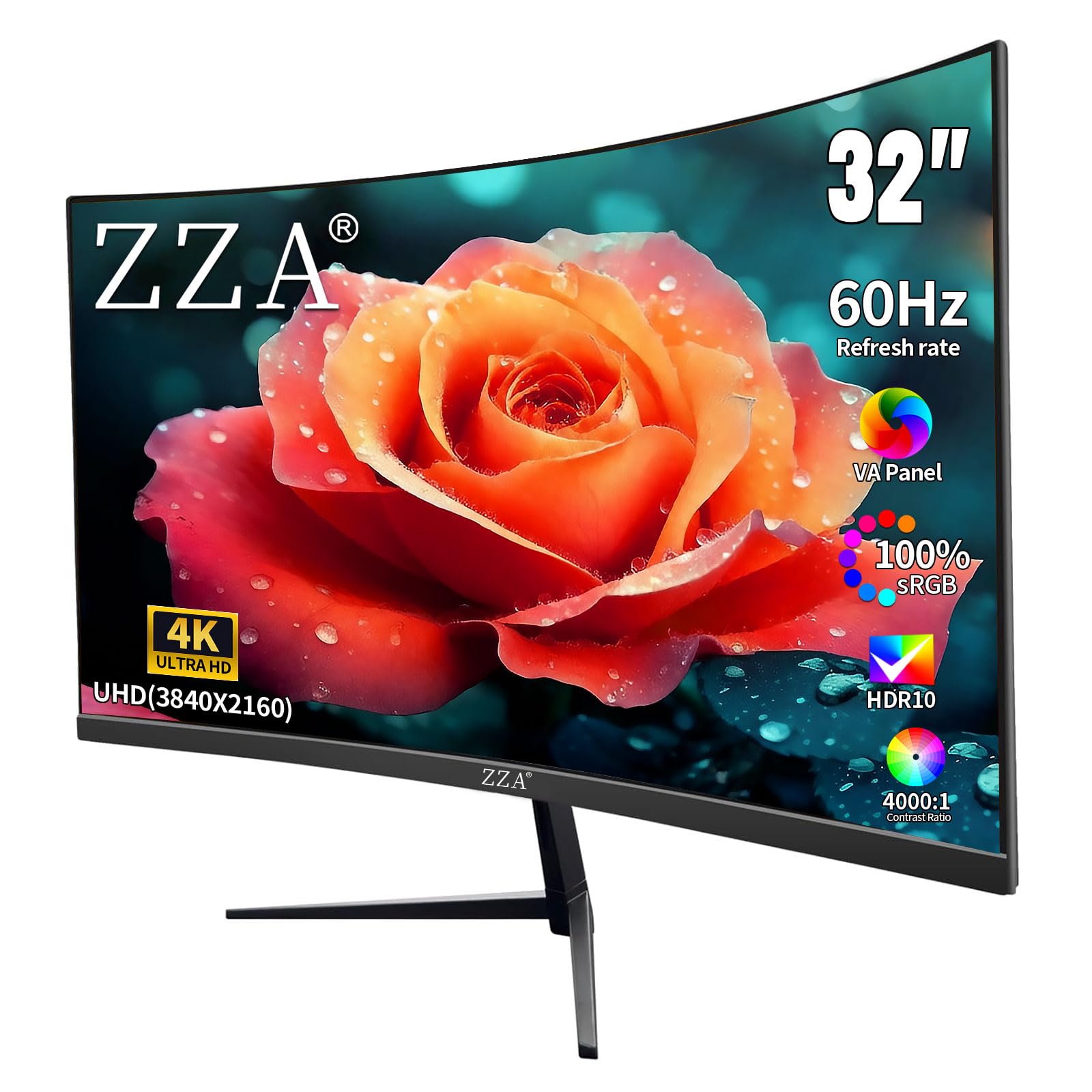
The ZZA 32 Inch 4K 1500R Monitor offers a curved VA panel with a 4000:1 contrast ratio and 100% sRGB coverage at a price that undercuts most competitors. The 1500R curvature wraps the display around your peripheral vision, which can reduce eye movement across the wide 32-inch surface — a benefit for immersive spreadsheet work or coding on a single panel. The 300-nit brightness is usable for standard office lighting but falls short in very bright rooms.
Connectivity includes two DisplayPort 1.4 and two HDMI 2.0 ports, supporting multiple simultaneous inputs for a dual-PC setup, plus a headphone jack. The monitor supports AMD FreeSync, reducing screen tearing during casual gaming or video playback. The stand provides tilt adjustment only, and the ports face downward, making cable management more difficult in multi-monitor configurations. VESA 100x100mm compatibility allows for aftermarket arm mounting.
Customer reports note the button navigation is clunky and the built-in speakers are basic, though the monitor includes an unadvertised DisplayPort cable. The longevity of the panel is unproven given the newer brand presence. For users who want the immersive feel of a curved 4K panel on a strict budget, the ZZA delivers solid image quality for the cost, but the limited ergonomics and port design may test your patience during setup.
Why it’s great
- 1500R curved VA panel with 4000:1 contrast for deep blacks and immersion
- 100% sRGB coverage delivers accurate colors for a budget-tier monitor
- Dual DisplayPort and HDMI inputs support multi-device setups
Good to know
- Downward-facing ports make cable management and access difficult
- Stand offers tilt only; aftermarket VESA arm is recommended for full ergonomics
FAQ
Is a curved 32-inch monitor better for office work?
What is the minimum USB-C Power Delivery I need for a laptop?
Can I use a 4K 32-inch monitor with a Mac without scaling issues?
Is 60Hz refresh rate enough for productivity work?
How many monitors can I daisy chain from a 32-inch 4K display?
Final Thoughts: The Verdict
For most users, the 32 inch monitor for work winner is the Dell UltraSharp U3225QE because it combines a premium IPS Black panel, integrated Thunderbolt hub with 140W Power Delivery, and a 120Hz refresh rate into a single do-it-all package. If you want pro-grade color accuracy at a mid-range price, grab the ASUS ProArt PA329CV for its factory-calibrated Delta E under 2 and full ergonomic stand. And for a versatile home-office hub that doubles as a smart TV, nothing beats the Samsung Smart Monitor M8 (M80F) for its all-in-one functionality and clean aesthetic.