
Our readers keep the lights on and the weekend projects moving. As an Amazon Associate, I earn from qualifying purchases.
Stepping up to a 27-inch 4K gaming monitor is the single most visual upgrade you can make for both immersive single-player worlds and competitive shooters. The pixel density at this size delivers a crystalline image that makes 1440p look soft, but the real divide comes down to panel technology—fast IPS with dual-mode refresh rates versus QD-OLED with infinite contrast—and which one wins depends entirely on how you play.
I’m Rikta — the co-founder and writer behind FitlyFast.
Whether you prioritize fluid motion in fast-paced esports or eye-popping HDR in cinematic adventures, this roundup of the best 27 inch 4k gaming monitor options highlights the crucial specs that actually define your in-game experience.
How To Choose The Best 27 Inch 4K Gaming Monitor
Choosing a 27-inch 4K gaming monitor is less about brand loyalty and more about matching panel technology with your primary gaming habits. The following factors are the ones that will most affect your daily experience.
Panel Type: IPS vs. OLED vs. QD-OLED
Fast IPS panels dominate the mid-range because they combine decent contrast (1000:1) with wide viewing angles and no burn-in risk. OLED and QD-OLED panels deliver true blacks and a near-infinite contrast ratio, making HDR content look spectacular, but they cost significantly more and require care routines to prevent image retention. For a mixed-use desk where you work in bright applications and game in a dark room, a good Fast IPS display offers the most forgiving balance.
Refresh Rate & Dual Mode
The standard for 4K gaming at this size is now 144Hz to 160Hz on IPS panels, while premium OLED options push to 240Hz. The emerging “dual mode” feature lets a single monitor switch between 4K at a high refresh rate (160Hz) and 1080p at an extreme refresh rate (320Hz–360Hz). This is genuinely useful if you play both visually rich AAA titles and fast-twitch shooters on the same screen, because the lower resolution gives your GPU the headroom to hit those higher frame rates.
Color Gamut & HDR Certification
Look for monitors covering at least 95% DCI-P3 if you care about vibrant, lifelike colors in games and media. VESA DisplayHDR 400 is the entry point for IPS panels—it adds some highlight punch but doesn’t rival the per-pixel dimming of OLED. True Black 400 is the OLED standard, delivering deep black levels with good peak brightness. If HDR quality is a priority, an OLED or QD-OLED panel is the only way to get the full effect.
Connectivity: DP 1.4 vs. DP 2.1 & USB-C
To drive 4K at 160Hz without visual compression artifacts, you need DisplayPort 1.4 with Display Stream Compression (DSC) or the newer DP 2.1 with UHBR20 bandwidth (80 Gbps) for a fully uncompressed signal. HDMI 2.1 is essential for console gamers targeting 4K 120Hz. An additional USB-C port with power delivery (60W to 100W) is a major convenience for laptop users, turning the monitor into a single-cable docking station for both video and charging.
Quick Comparison
On smaller screens, swipe sideways to see the full table.
| Model | Category | Best For | Key Spec | Amazon |
|---|---|---|---|---|
| Amzfast AMZG27F6U | IPS | Budget Dual Mode | 4K 160Hz / FHD 320Hz | Amazon |
| DOUGH Spectrum One | IPS | Glossy Color Work | 98% DCI-P3, 100W USB-C | Amazon |
| GIGABYTE M27UP | IPS | Built-in KVM | 4K 160Hz / FHD 320Hz | Amazon |
| LG 27G810A-B | IPS | Console & PC Hybrid | 4K 180Hz / FHD 360Hz | Amazon |
| KTC H27P6 | IPS | Laptop Docking | PD 90W Type-C | Amazon |
| ASUS ROG XG27UCG | IPS | ELMB Sync Clarity | 4K 160Hz / FHD 320Hz | Amazon |
| Samsung Odyssey G7 (G70D) | IPS | Smart TV Features | 144Hz, Gaming Hub | Amazon |
| Samsung Odyssey G8 (G81SF) | QD-OLED | Glare-Free HDR | 240Hz, 0.03ms GtG | Amazon |
| LG 32GX870A-B | OLED | Bright OLED Gaming | 240Hz / 480Hz Dual Mode | Amazon |
| MSI MPG 272URX | QD-OLED | High PPI & DP 2.1a | 240Hz, 166 PPI | Amazon |
| ASUS ROG Swift PG27UCDM | QD-OLED | Top-Tier HDR & Build | 240Hz, Dolby Vision | Amazon |
In‑Depth Reviews
1. LG 27G810A-B UltraGear

The LG 27G810A-B earns the top spot because it delivers the highest dual-mode refresh rate in its class without sacrificing color accuracy. Its IPS panel covers 95% DCI-P3 with DisplayHDR 400 certification, and the 180Hz 4K mode transitions cleanly to a 360Hz Full HD mode for competitive gaming—a tangible advantage over monitors stuck at 160Hz. The 1ms GtG response time keeps motion blur to a minimum, and the Dynamic Action Sync feature further reduces input lag for responsive gameplay.
On the connectivity side, you get HDMI 2.1 ports that support full 4K 120Hz for consoles plus a DisplayPort that unlocks the 180Hz ceiling on PC. The stand offers full height, tilt, swivel, and pivot adjustments, which is rare at this tier. The 4-pole headphone jack with DTS Headphone:X is a thoughtful addition for spatial audio without a separate DAC, making it easier to hear directional cues in shooters.
Some users in very quiet rooms report a low but audible fan noise, and the built-in speakers are functional but thin—expect to use a headset or external speakers. The limited height range on the stand might require a monitor arm for taller users, but the overall package of speed, color, and ergonomics makes this the most well-rounded 27-inch 4K gaming monitor available right now.
Why it’s great
- Highest dual-mode spec: 4K 180Hz / FHD 360Hz
- Full ergonomic stand (height, pivot, swivel)
- DTS Headphone:X for 3D audio positioning
Good to know
- Audible fan noise reported in silent rooms
- Stand height range may feel limited
- Built-in speakers are basic
2. DOUGH Spectrum One (Glossy)

The DOUGH Spectrum One delivers what many other 4K monitors skip: a glossy screen finish. This eliminates the matte diffuser that softens contrast, so blacks look deeper and colors pop with a vibrancy that IPS panels rarely achieve. Factory calibrated to a Delta E average of 0.6, it covers 98% DCI-P3 and full sRGB, making it a strong candidate for creative professionals who also game. The 144Hz refresh rate is standard for this tier, but the real standout is the USB-C port delivering up to 100W of power delivery, letting you run a laptop on a single cable.
Gamers benefit from AMD FreeSync Premium Pro and G-Sync compatibility, plus a crosshair overlay and frame rate counter. The HDMI 2.1 ports support 4K 120Hz, while the USB 3.2 Gen 2 hub (two USB-A and one USB-C) keeps peripherals connected. The integer-ratio upscaling is a nice touch for retro or pixel-art games, preserving crisp edges without blurring. The thin bezel design also makes multi-monitor setups feel seamless.
The big trade-off is build and support: the stand is not included and the official one is pricey, so budget for a quality VESA arm. Some users report slow wake-from-sleep behavior and occasional black screen flicker when switching resolutions. Customer support responsiveness has been inconsistent in user reports, so factor that in if you prefer a more established warranty network.
Why it’s great
- Glossy finish boosts perceived contrast and color punch
- 100W USB-C PD for single-cable laptop docking
- Factory-calibrated Delta E 0.6 color accuracy
Good to know
- Stand not included; requires separate purchase
- Occasional wake-from-sleep delays reported
- Brand support can be inconsistent
3. GIGABYTE M27UP
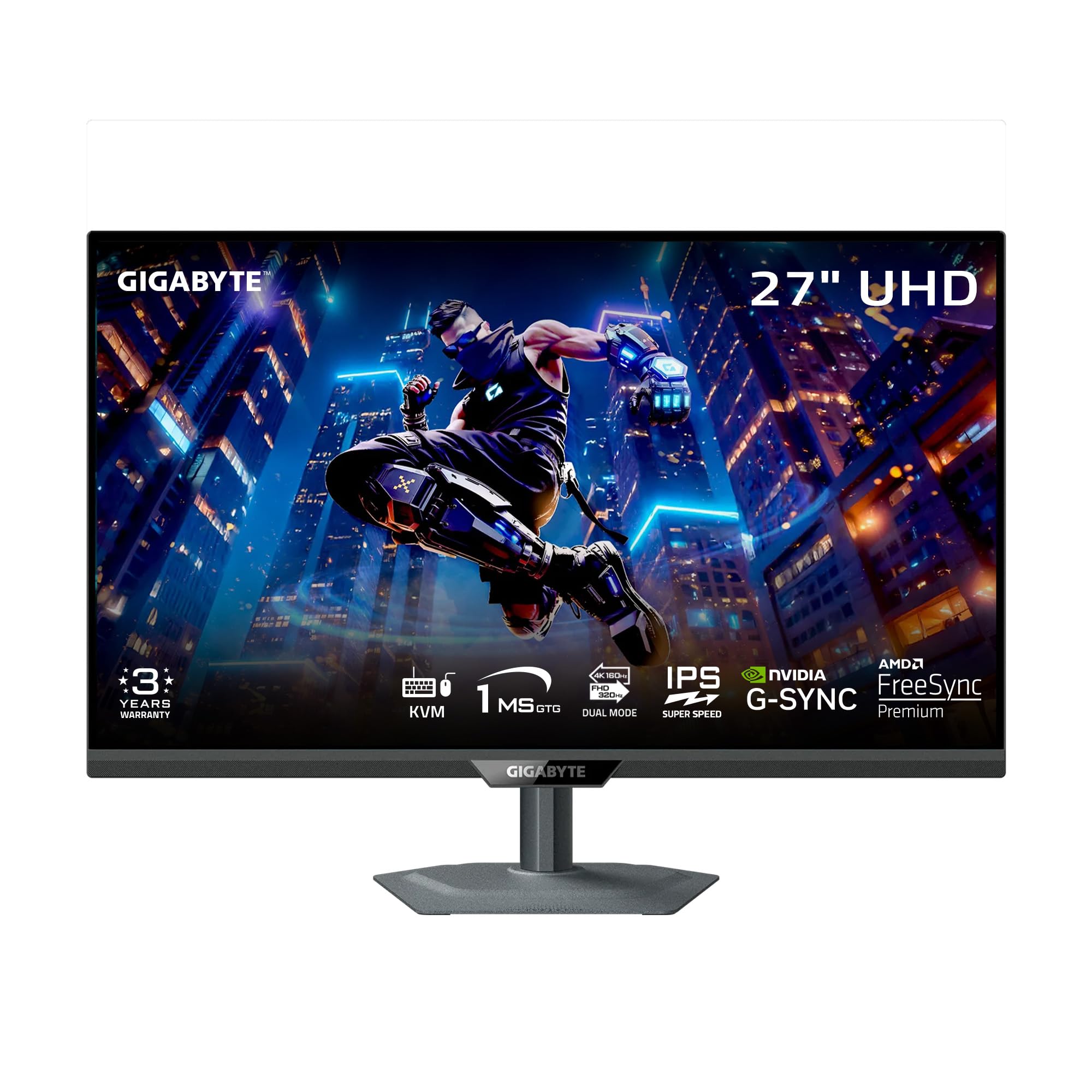
The GIGABYTE M27UP packs dual-mode switching (4K 160Hz or FHD 320Hz) into a fast SuperSpeed IPS panel with a 1ms GtG response time, and it adds a hardware KVM switch that lets you control two computers with a single keyboard and mouse. That feature alone elevates it above many similarly priced competitors for users who split their time between a gaming PC and a work laptop. The Tactical Switch 2.0 software lets you hotkey between resolutions and aspect ratios, which is genuinely handy in competitive shooters where a wider field of view can matter.
The color performance is solid with 125% sRGB gamut coverage and VESA DisplayHDR 400, giving you decent highlight detail in HDR titles. The ergonomic stand supports height adjustment up to 130mm, swivel, tilt, and pivot for portrait mode. GIGABYTE backs it with a 3-year warranty, which adds peace of mind compared to shorter coverage periods on budget-tier displays.
The main drawbacks are its mediocre viewing angles—color shifts noticeably when you’re off-center—and some users report visible IPS glow in dark game scenes like Red Dead Redemption 2. The built-in speakers are functional but not immersive, and the control nub can be overly sensitive. Still, for the price, the KVM and dual-mode package is hard to beat.
Why it’s great
- Integrated KVM for two-device workflow
- Dual-mode 4K 160Hz / FHD 320Hz
- Full ergonomic stand with 3-year warranty
Good to know
- Limited off-axis viewing angles
- IPS glow more noticeable in dark scenes
- Sensitive joystick control
4. Samsung Odyssey G8 (G81SF) QD-OLED

The Samsung Odyssey G8 G81SF brings QD-OLED technology to the 27-inch 4K format with a 240Hz refresh rate and 0.03ms response time—smearing and ghosting are effectively eliminated. The Glare Free coating reduces reflections by 54% compared to standard anti-reflective film, so you get deep black levels even in a lit room without the purple-ish tint that earlier QD-OLEDs showed. The 166 PPI density makes for crisp text, and the VESA DisplayHDR True Black 400 certification ensures per-pixel contrast that makes HDR content look genuinely dimensional.
Gamers will appreciate G-Sync compatibility and AMD FreeSync Premium Pro working together for tear-free motion, while the Pulsating Heat Pipe cooling system helps prevent burn-in by diffusing heat more effectively than graphite sheets. The CoreSync lighting on the rear projects game colors onto your wall, adding ambient immersion. The ergonomic stand covers tilt, height, swivel, and pivot, so you can find a comfortable viewing position easily.
The biggest concern is long-term OLED durability: some users have reported dead pixel clusters appearing after a few months, and the warranty documentation can be confusing regarding coverage length (some paperwork says 1 year while the panel itself may be covered longer). Brightness is lower than premium IPS panels at 250 nits typical, but for HDR gaming in a controlled light environment, the contrast advantage is transformative.
Why it’s great
- QD-OLED infinite contrast with Glare Free coating
- 240Hz / 0.03ms for ultra-smooth motion
- Pulsating Heat Pipe for burn-in resistance
Good to know
- Lower typical brightness than IPS counterparts
- Dead pixel reports within first months
- Warranty documentation can be unclear
5. LG 32GX870A-B UltraGear OLED

The LG 32GX870A-B uses W-OLED with Micro Lens Array+ (MLA+) technology to hit a peak brightness of 1300 nits, making it one of the brightest OLED gaming monitors on the market. The dual-mode feature lets you toggle between 4K 240Hz and Full HD 480Hz, which is useful for both story-driven games and ultra-competitive esports where every millisecond counts. The 0.03ms GtG response time eliminates motion blur entirely, and the 1.5M:1 native contrast ratio delivers deep black levels even in scenes with mixed bright and dark elements.
Connectivity includes DP 2.1 for uncompressed 4K 240Hz, HDMI 2.1 CEC, and USB-C with power delivery. The built-in speakers are surprisingly capable for a gaming monitor, offering bass-driven sound that’s usable for casual play. The anti-glare / low reflection OLED coating reduces reflections without the softness of a heavy matte layer, preserving sharpness. The LG Switch app adds screen-splitting into up to six sections for multitasking between work, streaming, and gaming.
The 32-inch size pushes past the 27-inch form factor some buyers specifically want for competitive play, and the matte coating can look slightly grainy on static bright web pages. A few units have shown vertical banding initially, which typically fades after a break-in period. The 2-year warranty is shorter than some competitors, but the OLED Care tools (pixel cleaning, logo detection) are robust for extending panel life.
Why it’s great
- 1300 nits peak brightness with MLA+ OLED
- 480Hz Full HD mode for competitive play
- Surprisingly good built-in speakers
Good to know
- 32-inch size larger than pure 27-inch spec
- Initial vertical banding may appear
- 2-year warranty is shorter than some rivals
6. ASUS ROG Swift PG27UCDM

The ASUS ROG Swift PG27UCDM is the most feature-complete 27-inch 4K QD-OLED monitor available, combining a fourth-gen QD-OLED panel with DisplayPort 2.1a UHBR20 offering full 80 Gbps bandwidth for uncompressed 4K 240Hz video. The custom heatsink design improves heat dissipation to reduce burn-in risk, and the Neo Proximity Sensor detects when you walk away and dims the screen automatically—a practical burn-in prevention tool that works passively. Dolby Vision support and VESA DisplayHDR True Black 400 make HDR content stand out with vibrant highlights and inky shadow detail.
The 99% DCI-P3 coverage with Delta E < 2 calibration ensures out-of-the-box color accuracy suitable for photo and video editing. The OLED Anti-Flicker 2.0 technology uses a luminance compensation algorithm that reduces flicker by 20% compared to last-gen panels, which helps reduce eye strain during long sessions. The stand offers full ergonomic adjustment, and the included VESA mount kit makes swapping to a monitor arm straightforward. Connectivity is future-proof with DP 2.1a, HDMI 2.1, and USB-C with 90W power delivery.
The major hurdle is cost—this is the most expensive option in the roundup, and it rightfully targets enthusiasts with high-end GPUs like the RTX 5090 who can actually drive 4K at 240Hz. The QD-OLED subpixel layout can cause slight text fringing on Windows, though it’s less noticeable at this high pixel density than on larger monitors. The lack of built-in speakers means you’ll need a separate audio solution, but the overall visual quality and build are unmatched.
Why it’s great
- DP 2.1a UHBR20 for uncompressed 4K 240Hz
- Neo Proximity Sensor for automatic burn-in protection
- Dolby Vision with true HDR performance
Good to know
- Highest price; targets flagship GPU owners
- No built-in speakers
- QD-OLED text fringing still present on Windows
7. MSI MPG 272URX QD-OLED

The MSI MPG 272URX packs a 5-layer tandem QD-OLED panel with EL Gen 3 technology that improves efficiency by up to 30%, translating to better longevity and reduced burn-in risk. The 166 PPI density makes for exceptionally crisp text, and the 240Hz refresh rate with 0.03ms response time delivers fluid motion for both competitive and single-player titles. VESA ClearMR 13000 certification confirms the clarity is top-tier, and the 99% DCI-P3 coverage with extreme Delta E ≤ 2 accuracy ensures colors are both vivid and accurate straight from the box.
The graphene heatsink is fanless, so the monitor runs completely silent in operation—no distracting fan noise even during long sessions. MSI’s Gaming Intelligence software includes OLED Care 2.0 for burn-in prevention, AI Smart Crosshair, and KVM 1.0 with PiP/PbP support, which is useful for multi-source setups. Connectivity is comprehensive with DisplayPort 2.1a, HDMI 2.1 CEC, and USB-C with 98W power delivery, so it can charge a high-end laptop while running video. The 4-way adjustable stand is solid and allows precise positioning.
Some users have reported bubble formations under the screen coating, and RMA shipping costs may be the buyer’s responsibility, which is a concern at this price point. The glossy QD-OLED finish produces stunning colors but may show reflections in brightly lit rooms. Text clarity is better than earlier QD-OLEDs but still slightly behind high-PPI IPS panels for pure productivity work. For gaming, however, the contrast and motion clarity are transformative.
Why it’s great
- Silent fanless graphene heatsink cooling
- 166 PPI for sharp text and high pixel density
- 98W USB-C PD with DP 2.1a connectivity
Good to know
- Potential screen coating bubble issues reported
- RMA shipping costs can be buyer’s responsibility
- Glossy finish may reflect strong ambient light
8. Samsung Odyssey G7 (G70D)
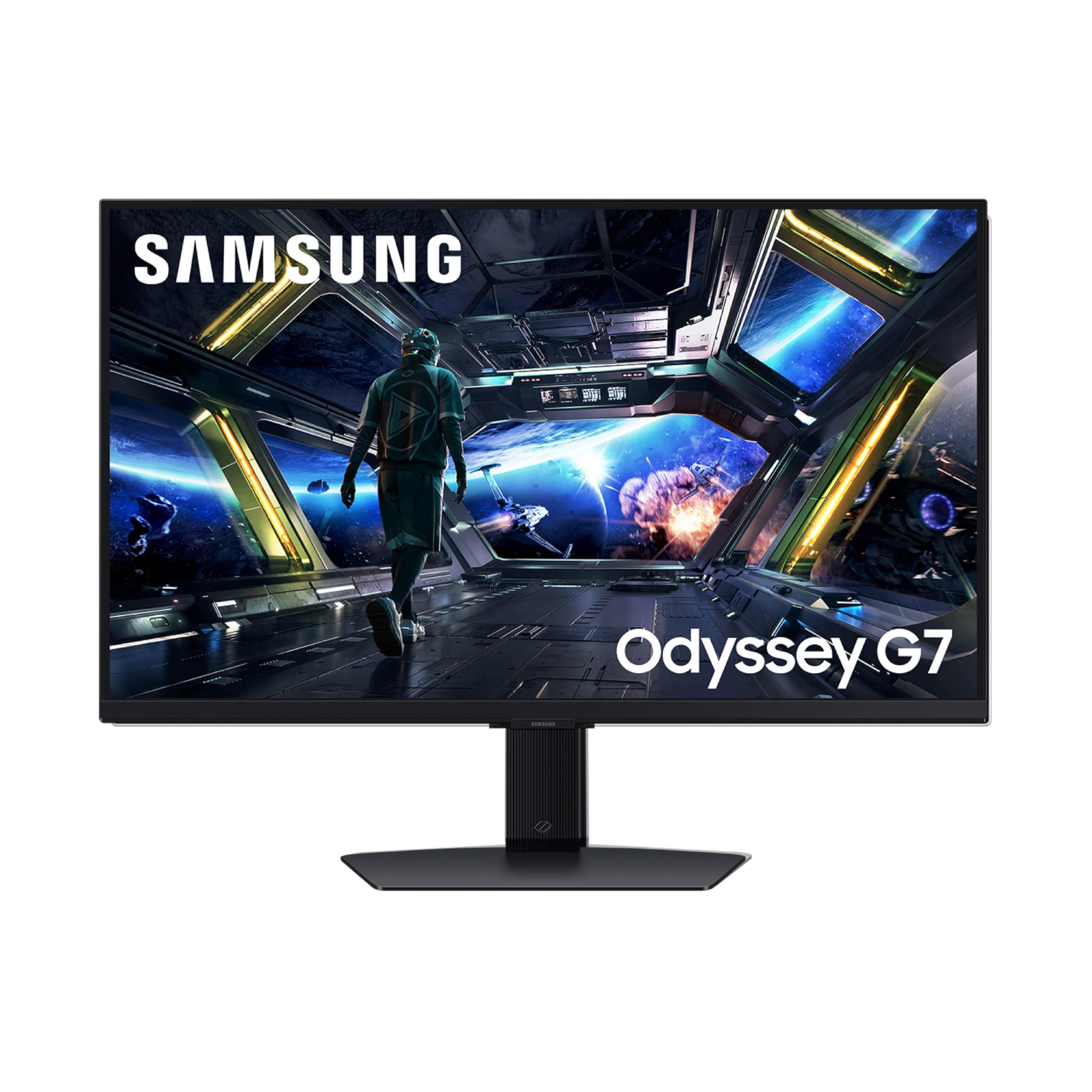
The Samsung Odyssey G7 G70D differentiates itself with Samsung’s Gaming Hub built into the monitor’s operating system, letting you stream games from Xbox Cloud Gaming, GeForce NOW, or Amazon Luna without a PC connected. This makes it a versatile option for users who want a 4K monitor that functions as a standalone entertainment device. The Fast IPS panel delivers 144Hz with 1ms GtG response time and covers 99% sRGB, providing solid color reproduction for both gaming and streaming video content.
The Dynamic Black Equalizer adjusts brightness and contrast in dark game scenes automatically, making it easier to spot enemies hiding in shadows without washing out the entire image. G-Sync compatibility and AMD FreeSync Premium Pro work together to eliminate tearing and stuttering, and the 178-degree viewing angles keep colors consistent when you’re not seated directly in front. The stand offers swivel and tilt adjustments, and the included remote control adds convenience for navigating the smart TV features.
The biggest complaint from users is that the OS is essentially a smart TV interface, complete with ads on the home screen and a potentially confusing menu system. Some report the image appears dimmer compared to other IPS monitors in the same range, and the lack of USB-C connectivity limits its usefulness as a docking hub for laptops. The 4K AI upscaling is a nice bonus for lower-resolution streams, but it’s not as effective as native 4K content.
Why it’s great
- Built-in Gaming Hub for cloud streaming
- Dynamic Black Equalizer for dark scenes
- Remote control for easy navigation
Good to know
- Smart TV interface with ads
- No USB-C port for laptop connection
- Some users find image brightness underwhelming
9. Amzfast AMZG27F6U
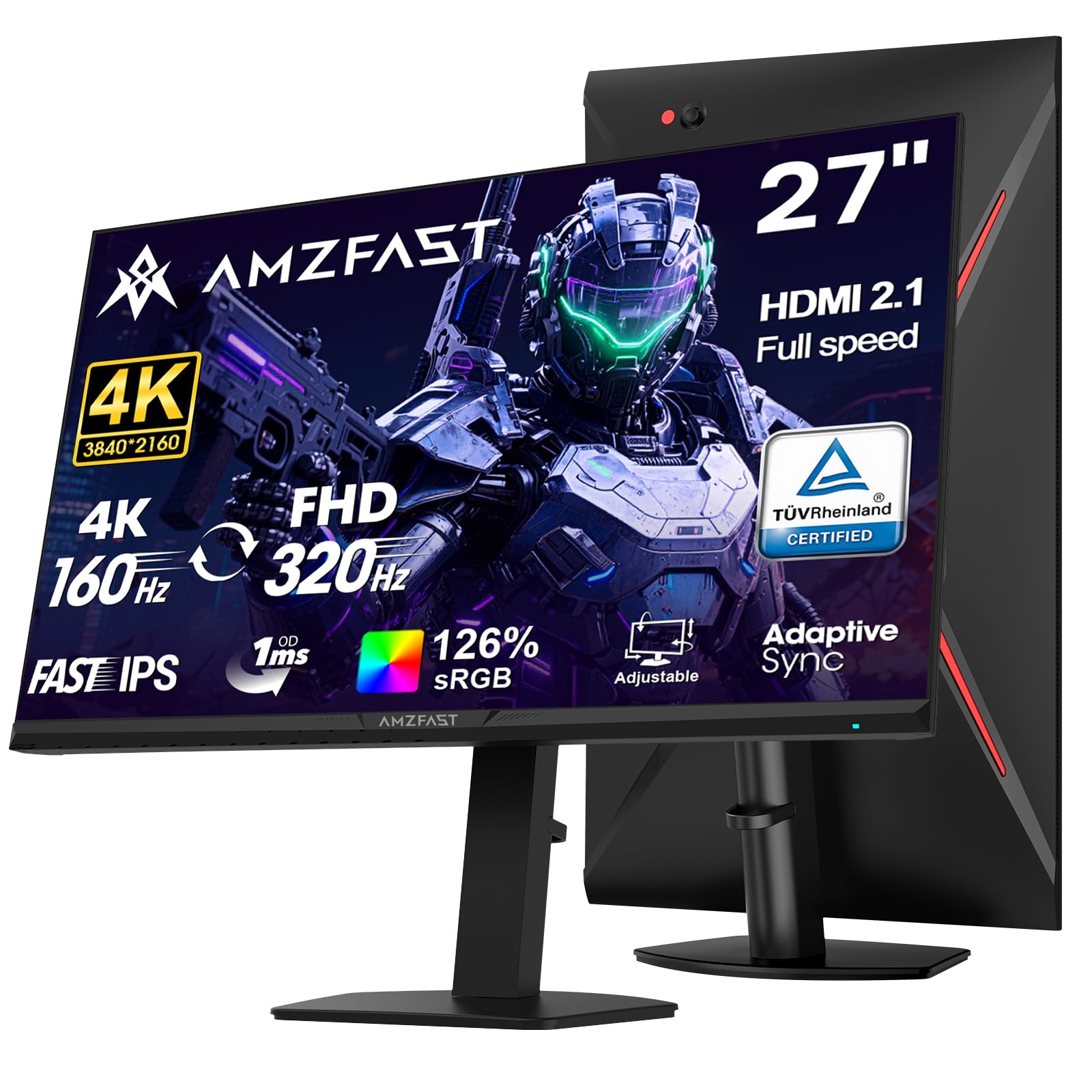
The Amzfast AMZG27F6U is a surprising entry-level option that brings dual-mode capability (4K 160Hz, FHD 320Hz) to a very accessible price point. The Fast IPS panel covers 126% sRGB and 93% DCI-P3, and the 400cd/m² brightness with HDR400 delivers decent highlight pop for HDR content. The 1ms MPRT response time keeps fast motion clear, and Adaptive Sync compatibility helps prevent screen tearing without the premium cost of a G-Sync module.
The ergonomic stand is a standout at this level, offering full height adjustment (130mm), pivot, swivel, and tilt. The dual HDMI 2.1 ports and dual DP 1.4 ports mean you can connect multiple consoles and a PC without an external switcher. Users note that the built-in speakers sound decent for a monitor, and the anti-glare coating works well to reduce reflections in bright rooms. The metal base feels solid and saves desk space compared to plastic stands found on similarly priced monitors.
The main compromise is build consistency: the stand’s pivot mechanism has been reported to cause a slight lean to the right on some units, and the MPRT backlight strobing can introduce reverse ghosting in certain refresh rates. The HDR implementation is more of a “compatible” badge than a performance feature—it won’t rival even mid-tier HDR monitors, but it’s adequate for the price. For budget-conscious buyers who want dual-mode flexibility, this is a compelling option.
Why it’s great
- Full ergonomic stand at an entry-level price
- Dual-mode 4K 160Hz / FHD 320Hz
- Dual HDMI 2.1 for multi-console setups
Good to know
- MPRT can cause reverse ghosting at some refresh rates
- Stand quality inconsistency on pivot mechanism
- HDR performance is basic
10. KTC H27P6
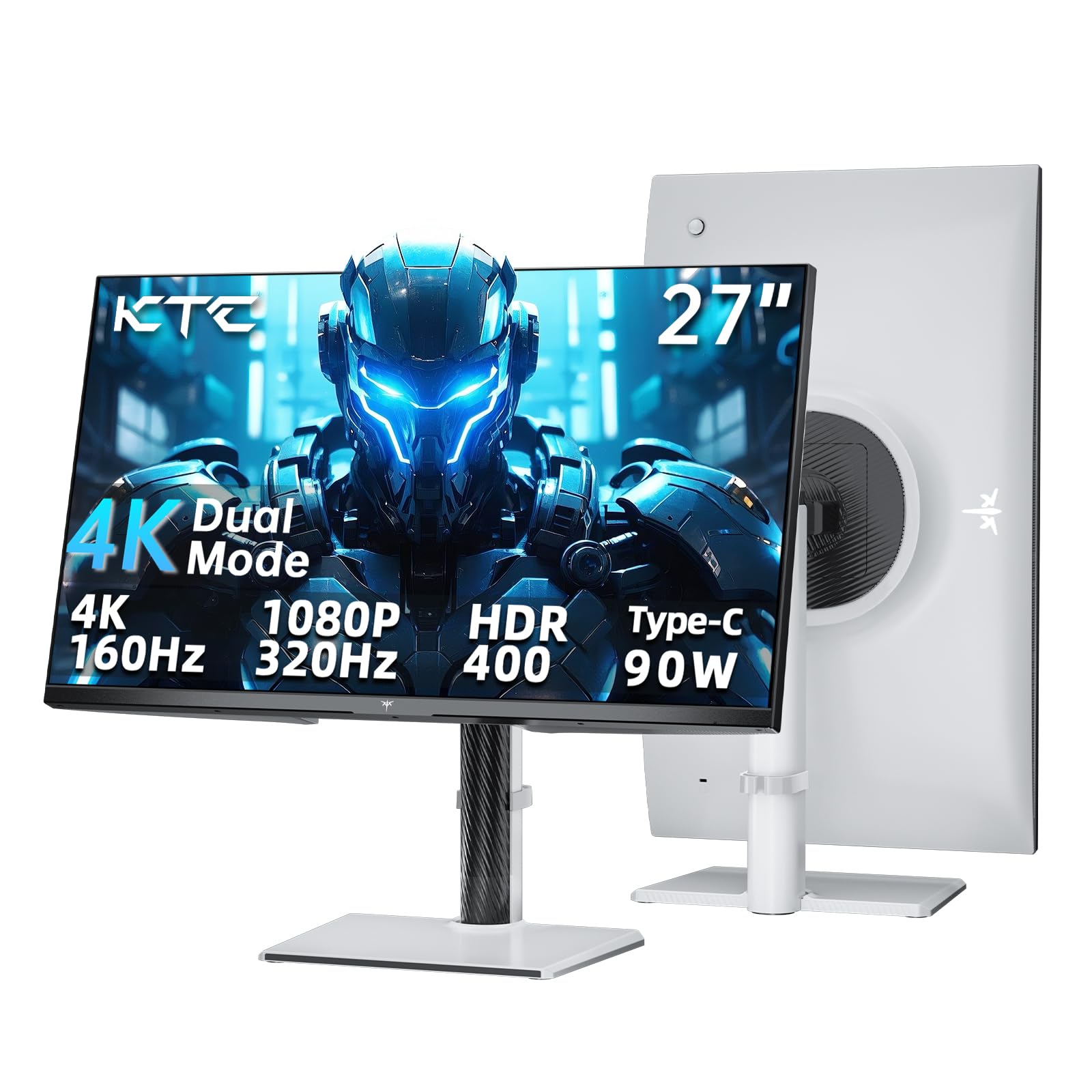
The KTC H27P6 positions itself as a laptop-friendly 4K gaming monitor with a USB-C port delivering 90W of power delivery, enough to charge most ultrabooks and many gaming laptops through a single cable. The dual-mode Fast IPS panel runs at 4K 160Hz or FHD 320Hz with Adaptive Sync and 1ms MPRT response time. The Delta E < 2 calibration ensures accurate color reproduction out of the box, and the 125% sRGB gamut coverage makes games look vibrant without oversaturation.
The ergonomic stand provides full adjustability (height, tilt, swivel, pivot), and the white color option stands out from the sea of black gaming monitors. The HDMI 2.1 port supports 4K 144Hz for consoles, and the DisplayPort 1.4 unlocks the 160Hz ceiling on PC. Users consistently praise the rich colors and deep black levels for an IPS panel, with the HDR400 mode providing decent contrast improvement in supported titles. The joystick menu system is intuitive for quick on-the-fly adjustments.
Some users report noticeable backlight bleed when viewing the screen from extreme angles, though this disappears from a straight-on gaming position. The monitor lacks built-in speakers, so you’ll need to budget for external audio. Customer support responsiveness has been a mixed bag, though the 3-year warranty provides some confidence. For its price, the combination of USB-C PD and dual-mode gaming performance is hard to beat.
Why it’s great
- 90W USB-C PD for single-cable laptop docking
- Dual-mode 4K 160Hz / FHD 320Hz
- Full ergonomic stand with white color option
Good to know
- No built-in speakers
- Backlight bleed visible at extreme angles
- Support response can be slow
11. ASUS ROG Strix XG27UCG

The ASUS ROG Strix XG27UCG stands out with its Extreme Low Motion Blur Sync (ELMB SYNC) technology, which marries backlight strobing with variable refresh rate for the first time in a 4K IPS panel. This means you can enable motion blur reduction without disabling adaptive sync, giving you clear motion and tear-free gameplay simultaneously. The dual-mode setup (4K 160Hz or FHD 320Hz) is built around a Fast IPS panel with 1ms GTG response time, making it a strong choice for competitive shooters.
Color performance is excellent with 130% sRGB and 95% DCI-P3 coverage, and ASUS’s advanced gray-scale tracking delivers smooth color gradation without banding. The DisplayWidget Center software lets you adjust monitor settings with a mouse, which is more convenient than digging through OSD menus mid-game. The build quality is premium with a sturdy stand that offers full height, swivel, and tilt adjustments, plus the iconic ROG logo with RGB lighting for desk aesthetic fans.
The 400:1 contrast ratio is noticeably lower than competitors that achieve 1000:1, which means blacks look more like dark gray in dimly lit rooms. HDR performance is limited by the contrast ratio even with good brightness. Some users find the ELMB Sync implementation causes slight crosstalk at the very top of the screen depending on the refresh rate. Despite these compromises, the motion clarity and color accuracy make it a refined choice for gamers who prioritize fluidity.
Why it’s great
- ELMB SYNC combines strobing with VRR
- Excellent 130% sRGB color gamut
- DisplayWidget Center for mouse-based control
Good to know
- Low 400:1 contrast ratio affects black levels
- ELMB Sync may show crosstalk at screen top
- HDR performance limited by contrast
FAQ
Is 27 inches the ideal size for 4K gaming?
What GPU do I need to run a 27-inch 4K gaming monitor?
What is the difference between IPS and QD-OLED for a 4K gaming monitor?
Do I need DisplayPort 2.1 for a 4K 240Hz monitor?
Can I use a 27-inch 4K monitor with a console?
Final Thoughts: The Verdict
For most users, the best 27 inch 4k gaming monitor winner is the LG 27G810A-B UltraGear because it offers the highest dual-mode refresh rate (4K 180Hz / FHD 360Hz) with excellent color accuracy and full ergonomic adjustment at a price that doesn’t require a flagship GPU to justify. If you want the infinite contrast and true black levels of QD-OLED, the ASUS ROG Swift PG27UCDM is the ultimate choice with uncompressed DP 2.1a connectivity and Dolby Vision support. And for a single-cable laptop docking solution with solid dual-mode gaming performance, the KTC H27P6 delivers 90W USB-C charging at a very attractive price point.