
Our readers keep the lights on and the weekend projects moving. As an Amazon Associate, I earn from qualifying purchases.
Smudged lines, washed-out images, and a stiff neck from hunching over a desk. The promise of a crisp, traceable projection onto your canvas rarely survives contact with a mid-range gadget. Whether you are scaling up a mural or teaching a child to draw, the core spec that defines an art projector for tracing is not brightness alone—it is the balance of throw distance, native resolution, and the practicality of getting that image onto the surface without a PhD in keystone correction.
I’m Rikta — the co-founder and writer behind FitlyFast. For this guide, I spent hours parsing the technical specifications, warranty terms, and real-user feedback across seven distinct tracing tools, from entry-level LED projectors to optical camera lucidas that need no electricity at all.
Whether you are a hobbyist scaling up a sketch or a parent looking for a creative gift, understanding the trade-offs between resolution, input compatibility, and physical setup is the difference between a tool you actually use and one that collects dust. This guide will help you find the best art projector for tracing for your specific workspace and skill level.
How To Choose The Best Art Projector For Tracing
Not every projector is built for sitting directly above a desk and throwing a sharp, focusable image onto paper. Screen mirroring latency, zoom mechanics, and the physical stability of the stand are the three factors that separate a productive tool from a frustrating gadget. Here is what to look for.
Focus Range and Throw Distance
Art tracing typically requires a short throw — placing the projector 2 to 4 feet from the surface to keep the image small enough for detailed lines. A unit that only sharpens at 6 feet will force you to work from an awkward distance. Check the effective projection range listed in the specs and confirm you can achieve a sharp image at under 40 inches.
Native Resolution vs. Supported Resolution
A native 480P panel projects a noticeably blocky image on a detailed line drawing, while a native 1080P panel renders fine strokes and thin outlines cleanly. Many entry-level units claim 4K support upscaled from a much lower native panel — for pure line tracing, native resolution matters far more than the marketing number.
Input Source Compatibility
Some projectors only accept wireless AirPlay connections, which can introduce 1 to 2 seconds of lag that makes tracing impossible. For precise hand-eye coordination, a direct wired HDMI or USB connection is far more reliable. If you plan to trace from your phone, verify that the unit supports wired mirroring, not just screen casting.
Quick Comparison
On smaller screens, swipe sideways to see the full table.
| Model | Category | Best For | Key Spec | Amazon |
|---|---|---|---|---|
| NeoLucida XL | Optical | Battery-free tracing at any distance | Lens diameter 50mm | Amazon |
| Caydo P1 | Digital | Auto-focus and keystone for artists | Native 4K support, Auto Focus | Amazon |
| Artograph Flare 100 | Digital | Muralists needing a monopod arm | Native 1080p, 300 Lumens | Amazon |
| LUCY Flex | Optical | Live subjects and outdoor daylight | 4 brightness levels, 19×27″ image | Amazon |
| Caydo 3-in-1 T3 | Digital | Kids aged 5-12 learning to draw | SGS RG0 eye protection | Amazon |
| Artograph LED Tracer | Opaque | Enlarging printed designs up to 14x | 200mm optical lens | Amazon |
| RTSTEC Wireless Projector | Digital | Budget-friendly iPhone-only tracing | 480P resolution, 11-80 inch range | Amazon |
In‑Depth Reviews
1. Caydo P1 Art Projector
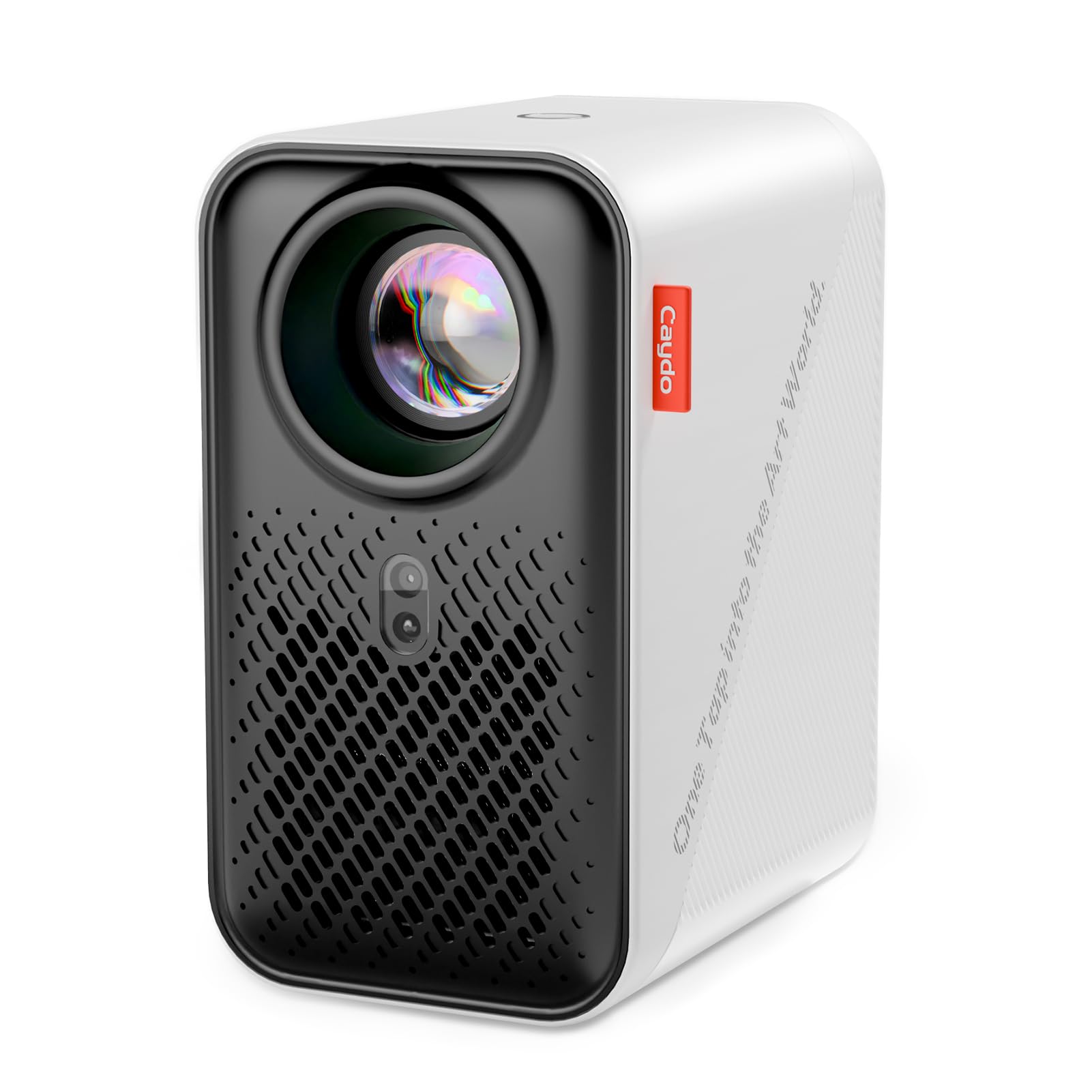
The Caydo P1 is a rare mid-range digital projector that actually delivers on its auto-focus and keystone promises. The built-in drawing app offers four modes including a grid overlay and monochrome conversion, which cuts down setup time dramatically. With 4K upscaling support, fine lines remain crisp even when projecting onto a 100-inch display from 10 feet away.
Unlike many portable units, the P1 uses a fully sealed optical core to prevent dust from creating black spots over time. It supports both 5G and 2.4G dual-band WiFi, plus wired USB and HDMI connections for low-latency tracing. The companion app is free, but some users note that image scaling within the app can be finicky on initial use.
For artists who need a single device for both studio tracing and occasional movie viewing, the P1 offers genuine dual-purpose utility without the fuzzy projection typical of consumer LED projectors under 200 lumens. The remote control lacks backlighting, but the auto-adjustment feature compensates for most manual fiddling.
Why it’s great
- Auto-focus and keystone correction work reliably out of the box.
- Four drawing modes add real utility for transferring designs.
- Sealed optical core prevents dust spot degradation.
Good to know
- App image scaling is limited to a fraction of the screen.
- Phone connection may require a hotspot setup depending on router.
2. NeoLucida XL

The NeoLucida XL is a direct descendant of the 19th-century camera lucida — an optical prism on an adjustable gooseneck that superimposes a ghost image of your subject onto your paper. No electricity, no LCD panel, no software updates. The XL model increases the viewing area over the original NeoLucida, making it more forgiving for larger drawings.
The trade-off is a steep learning curve: you need to align your eye, the prism, the subject, and the paper in one straight line to see the ghost image clearly. Users with uneven desks or poor lighting on the subject will struggle. The included clamp is sturdy enough for a desk up to 2 inches thick, and the gooseneck holds position well once locked.
Because it reflects light rather than projecting it, the NeoLucida XL works perfectly in broad daylight — something no digital projector can claim. For artists who draw from life or prefer a no-lag experience, this is the only tool that delivers absolute zero latency.
Why it’s great
- Works in direct sunlight with zero power needed.
- Totally lag-free because it is pure optics.
- XL size offers a wider field of view than original.
Good to know
- Significant alignment learning curve required.
- Subject must be brightly lit relative to the paper.
3. Artograph Flare 100
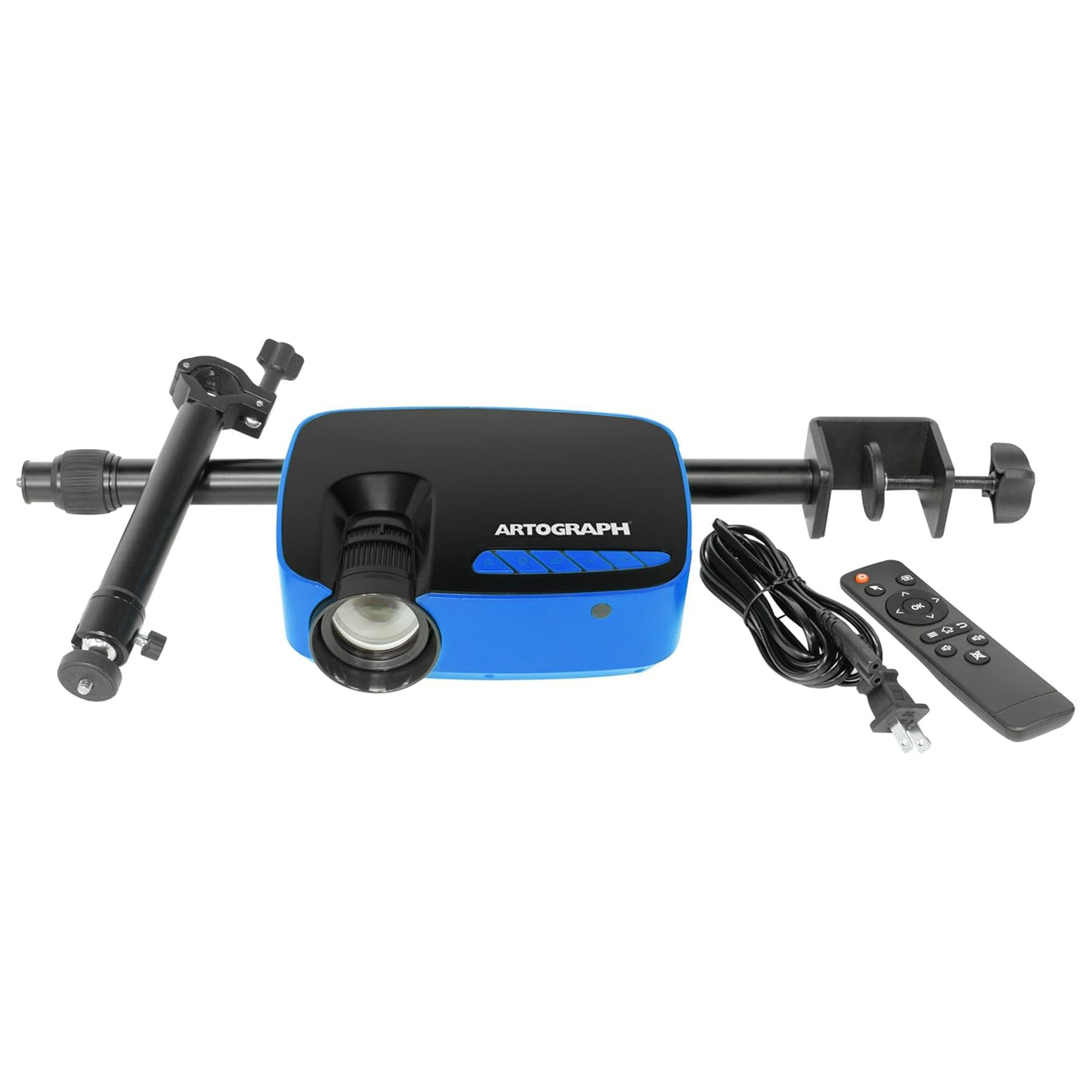
Artograph is a legacy name in the art projection space, and the Flare 100 reflects their focus on practical mural work. With a native 1080p panel and 300 lumens of brightness, this unit delivers a clean 30 to 100-inch image from the included adjustable monopod stand. The built-in five art grids help compose the image on the surface without guesswork.
The manual focus and keystone correction require some attention — the throw distance needs to be set carefully, as the focus lens maxes out at closer ranges. The monopod arm uses a universal tripod mount, so you can swap heads or attach it to a different stand if needed. Wireless screen sharing via WiFi works well once connected, though initial device pairing can be fiddly.
For artists painting large canvases or wall murals, the ability to adjust height and angle via the monopod saves hours of taping and repositioning. The unit is relatively compact at under two pounds, though the power cable and HDMI cord could be longer for studio setups. The 50% restocking fee policy for returns is worth noting.
Why it’s great
- Native 1080p resolution delivers sharp lines.
- Included monopod arm adjusts for murals and easels.
- Five built-in art grids aid in positioning.
Good to know
- Focus becomes fuzzy at distances under 30 inches.
- WiFi connectivity can be unreliable on Windows 11.
4. LUCY Flex Drawing Tool

The LUCY Flex is an optical drawing tool that, like the NeoLucida, uses a glass mirror and prism to overlay a subject onto your paper. Unlike the NeoLucida, the LUCY Flex includes two neutral density filters for adjusting brightness in four levels, making it more adaptable to varying room light. The image size reaches up to 19 by 27 inches when drawing from life.
The included Photo Enlarger attachment allows you to scale a 4×6 inch photograph up to 12×18 inches using the same optical system. This is a unique capability — no LED projector required, no dark room needed. The carrying bag makes it easy to transport to different studios or outdoor sketching locations.
Setup is slightly more complex than a digital projector because you have to align the clamp, gooseneck, and prism correctly. Users who take the time to experiment find the resulting image stable and bright. The forward-facing configuration prevents the neck strain common with earlier camera lucida designs. This is a premium tool for serious artists who draw daily.
Why it’s great
- Four brightness filters handle varied lighting conditions.
- Photo enlarger attachment scales printed images without electricity.
- Forward-facing design reduces neck and shoulder strain.
Good to know
- Takes practice to align the optical path correctly.
- Not ideal for those who want a plug-and-play setup.
5. Caydo 3-in-1 T3 Drawing Projector
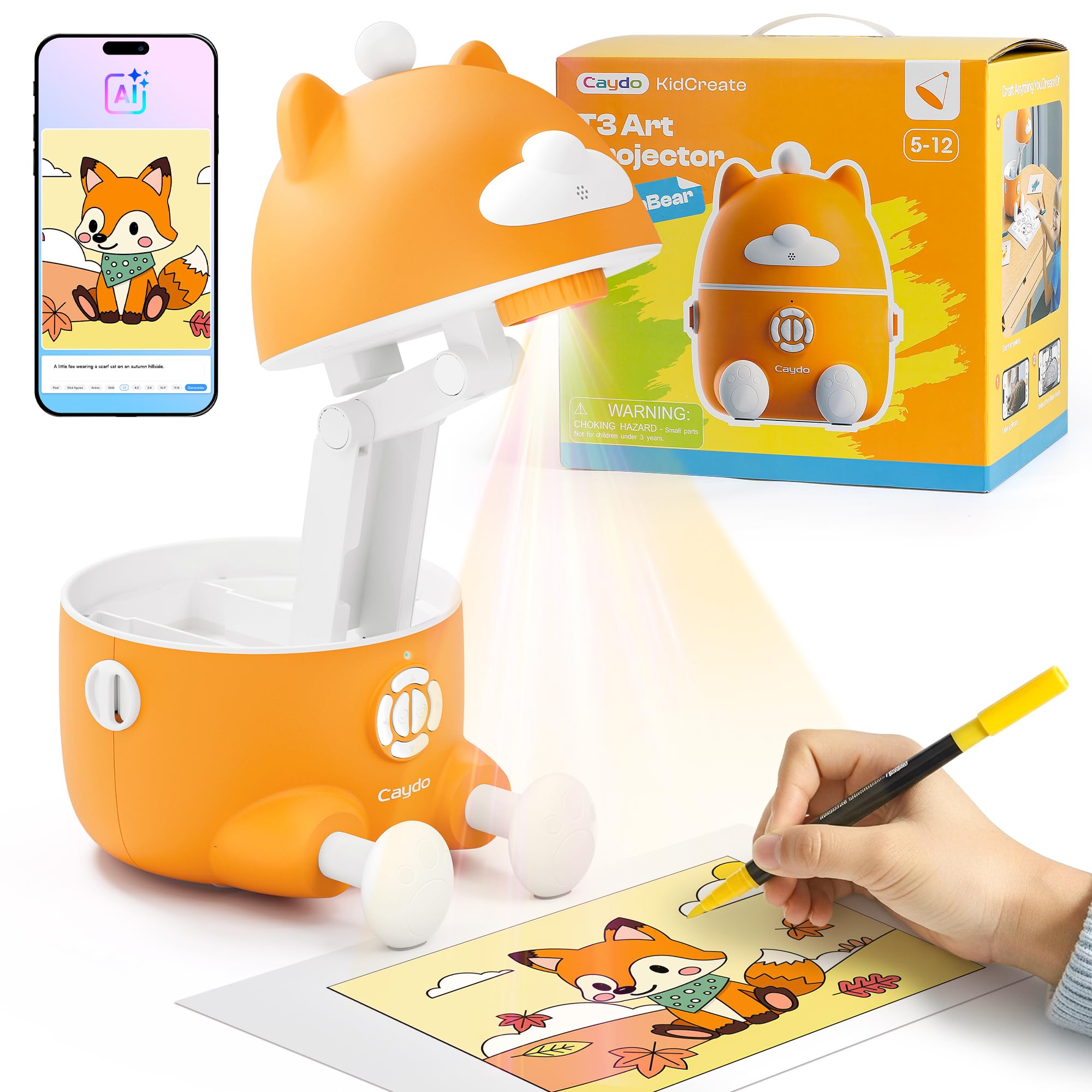
The Caydo T3 is purpose-built for children aged 5 to 12, with an SGS-certified RG0 eye-safety rating that guarantees no blue-light hazard. It has three modes: simple tracing for beginners, step-by-step guided drawing with over 100 built-in lessons, and an AI creative studio that can turn a photo of the family dog into a traceable sketch outline.
No WiFi or app is required for the step-by-step lessons, which is a huge plus for parents wary of screen time. The projector uses a bright LED to cast onto paper, and the remote control allows adjusting the 30-minute break timer. The image quality is sharp enough for tracing letters, numbers, and simple cartoon shapes.
Some users note that image resizing is not available — the projection size is fixed based on distance. The unit is sturdy and survived five months of daily use in one reviewer’s home without any decline in performance. It is slightly louder than premium models, but the included power adapter is adequate. This is the best option for developing hand-eye coordination in young learners.
Why it’s great
- SGS RG0 certified for safe long-duration use by children.
- No app or WiFi needed for step-by-step drawing lessons.
- AI creative studio turns personal photos into traceable outlines.
Good to know
- Image resize function is not available on this model.
- Unit is louder than other digital projectors in this guide.
6. Artograph LED Tracer

The Artograph LED Tracer occupies a niche that few modern projectors fill: it is an opaque projector that shines light onto a flat 5×5 inch printed image below it and throws the reflection onto a wall or easel up to 14 times the original size. This means you can enlarge any printed photograph, book page, or fabric swatch without needing a computer or phone.
The built-in LED board has a 10,000-hour lifespan and runs much cooler than older CFL bulbs. The 200mm optical glass lens provides reasonably clear projections, though the unit requires a pitch-dark room for best results. Ambient light washes out the image quickly. The overall build uses a lot of plastic, which some users find disappointing given the price.
For quilting patterns, craft stencils, and sign making, this tool is genuinely useful because you place a physical object under the light and trace the enlargement. It is not designed for digital images or live subjects. The projection becomes dim and blurry beyond about 4 feet, so the maximum enlargement comes with a reduction in clarity.
Why it’s great
- Enlarges physical printed images without any digital device.
- 10,000-hour LED runs cool and long.
- Simple opaque mechanics require no software setup.
Good to know
- Room must be completely dark for usable projection.
- Limited to 5×5 inch source material size.
7. RTSTEC Wireless Art Projector
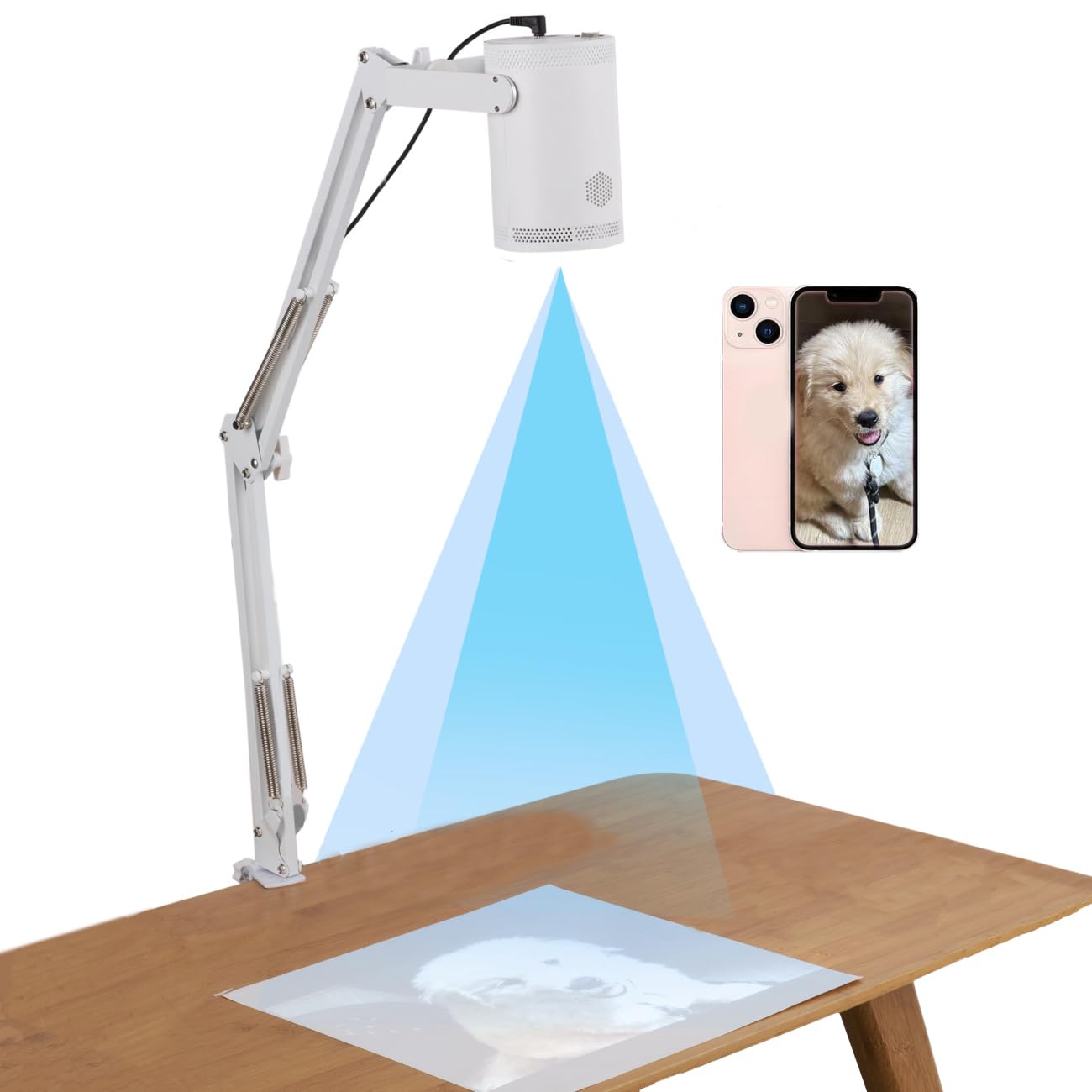
The RTSTEC projector is an entry-level LED unit designed exclusively for iPhone and iPad users through AirPlay mirroring. It offers a 480P native resolution with a quoted projection range of 11 to 80 inches, and the adjustable focus lens can produce a 6×10 inch image at close range or a 60×90 inch image at the maximum distance.
Image quality at 480P is acceptable for tracing simple outlines and larger shapes, but fine details like facial features or text become blocky. The unit requires downloading a third-party app to enable screen mirroring, and some security software flags it as suspicious. It also does not support Android devices or direct HDMI connections. The gooseneck stand is foldable for storage.
Users report that the projector may shut off automatically during extended phone-connected sessions. The build quality is adequate for occasional hobby use, but a handful of units failed after a few uses. This is a budget-conscious tool best suited for beginners who already own an iPhone and want to experiment with tracing before committing to a higher-resolution unit.
Why it’s great
- Compact and foldable for easy transport and storage.
- Can project up to 60×90 inches for larger tracing projects.
- Budget-friendly price point for beginners.
Good to know
- Only works with iPhones and iPads, no Android support.
- Third-party app requirement raises security concerns.
FAQ
Can I trace from my phone without internet using an art projector?
Do I need a completely dark room for an opaque art projector?
Final Thoughts: The Verdict
For most users, the art projector for tracing winner is the Caydo P1 because of its reliable auto-focus, built-in drawing app, and dual-band WiFi that reduces latency. If you want a daylight-usable optical tool without any electronics, grab the NeoLucida XL. And for a child-safe, app-free learning experience, nothing beats the Caydo T3.