
Our readers keep the lights on and the weekend projects moving. As an Amazon Associate, I earn from qualifying purchases.
Finding a 50-inch 4K TV under $300 that doesn’t wash out in daylight or stutter during fast action used to mean compromising on color accuracy and motion handling. Today’s budget segment now includes QLED, Mini-LED, and Dolby Vision support, making the choice less about price and more about which feature set fits your viewing habits.
I’m Rikta — the co-founder and writer behind FitlyFast. I’ve spent hours combing through panel technologies, operating system quirks, and real-world customer feedback to separate the TVs that genuinely deliver from those that just look good on a spec sheet.
Whether you prioritize smooth gaming performance, vivid QLED colors, or a simple interface, this guide will help you confidently pick the right 50 inch tv under $300.
How To Choose The Best 50 Inch TV Under $300
In this price range, you’re balancing panel technology, HDR format support, and operating system speed. Understanding a few key specifications will help you avoid a TV that looks great in the store but disappoints in your living room.
Panel Technology: QLED vs Standard LED
Standard LED backlighting produces acceptable brightness but often struggles with color volume and off-axis viewing. QLED (Quantum Dot) technology uses a layer of nanocrystals to boost color gamut, typically hitting 90-93% of the DCI-P3 color space. At this budget, a QLED model will deliver noticeably richer reds and greens compared to a basic LED panel, especially in HDR content.
HDR Format Support
Dolby Vision and HDR10+ are dynamic HDR formats that adjust brightness and contrast scene-by-scene. HDR10, the static baseline, applies one setting for the entire movie. For a 50-inch TV under $300, Dolby Vision support is the most impactful upgrade — it makes dark scenes in shows like *The Mandalorian* watchable instead of muddy. HDR10+ Adaptive adds room-light sensing, which helps if your TV sits in a bright room.
Operating System Responsiveness
Roku TV remains the smoothest budget OS — apps launch quickly, and the interface doesn’t stutter. Fire TV offers deeper Alexa integration but can feel sluggish on lower-end hardware, especially during boot-up. Google TV provides the widest app store via Google Play but may show occasional menu lag. Testing from customer reviews confirms that Roku-based models in this bracket consistently rank higher for day-to-day speed.
Motion Handling and Refresh Rate
Native 60Hz panels dominate this category. MEMC (Motion Estimation, Motion Compensation) technology inserts interpolated frames to reduce judder during sports and action scenes. Real 120Hz panels are absent under $300, so look for a TV with MEMC or Motion Rate 120 if you watch a lot of live sports. For gaming, Variable Refresh Rate (VRR) support helps reduce screen tearing, though the 60Hz ceiling remains a hard limit.
Quick Comparison
On smaller screens, swipe sideways to see the full table.
| Model | Category | Best For | Key Spec | Amazon |
|---|---|---|---|---|
| Roku 50″ Select Series 4K QLED | QLED | All-around value with smooth Roku OS | 4K QLED, HDR10, Direct LED | Amazon |
| Amazon Fire TV 50″ Omni QLED | QLED | Alexa smart home & Dolby Vision IQ | Dolby Vision IQ, 48-zone Local Dimming | Amazon |
| Hisense 50″ Hi-QLED E6 (Fire TV) | Hi-QLED | Cinematic HDR with Dolby Atmos | Dolby Vision + Atmos, Motion Rate 120 | Amazon |
| Samsung 50″ Crystal UHD U8000H | UHD LED | Brand reliability & free Samsung TV Plus | Crystal Processor 4K, Motion Xcelerator | Amazon |
| Hisense 50″ R6 Roku TV | 4K LED | Trusted Roku experience at low cost | Dolby Vision HDR, Motion Rate 120 | Amazon |
| VIZIO 50″ V Series | 4K LED | WiFi 6 & VRR for gaming | WiFi 6, VRR, Dolby Vision HDR | Amazon |
| FPD 50″ Google TV | 4K LED | Google TV with MEMC & 3x HDMI 2.1 | MEMC, 3x HDMI 2.1, Google TV | Amazon |
| Westinghouse 50″ Mini LED Roku | Mini-LED | Best contrast with Mini-LED local dimming | Mini-LED, 93% DCI-P3, MEMC Motion | Amazon |
| Amazon Ember 50″ QLED | QLED | Fastest performance with Alexa+ & Wi-Fi 6 | Quad-core, Wi-Fi 6, Dolby Vision | Amazon |
In‑Depth Reviews
1. Roku 50″ Select Series 4K QLED
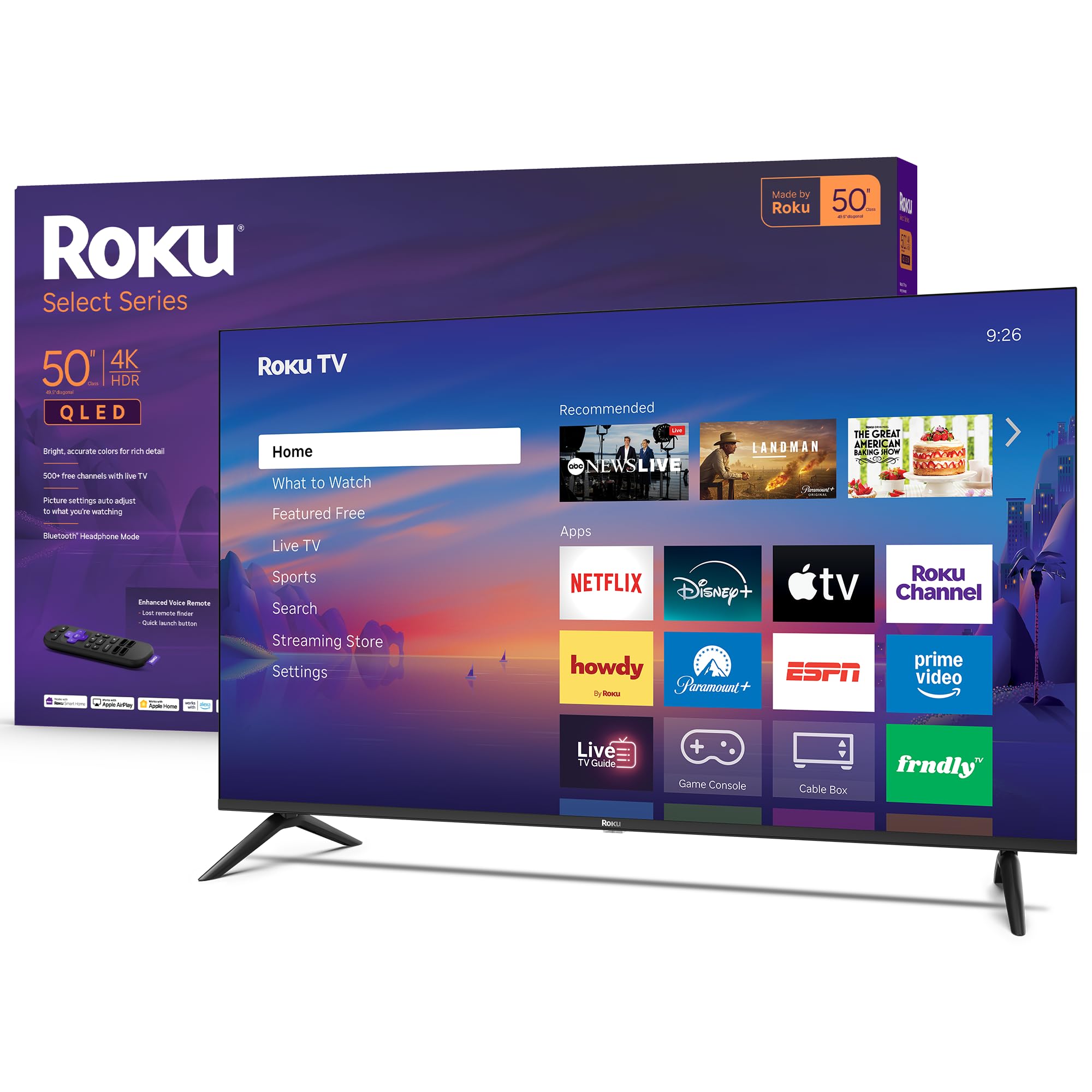
The Roku Select Series 50-inch delivers a genuine QLED panel at a price point where most competitors offer standard LED. Colors are noticeably more vibrant, and the 4K upscaling cleans up 1080p content effectively. The Roku TV operating system remains the gold standard for responsiveness — apps launch in under two seconds, and the home screen never stutters. The frameless design also gives it a sleek, modern look that hides its budget origins.
Gamers will appreciate the Variable Refresh Rate (VRR) support and Game Mode, which reduces input lag to a very playable level. The inclusion of Bluetooth Headphone Mode is a hidden gem — it lets you connect wireless headphones directly to the TV for late-night viewing without disturbing anyone. Sound quality from the built-in speakers is surprisingly clear for dialogue, though you’ll still want a soundbar for cinematic bass.
Customer feedback consistently highlights the excellent picture quality and easy setup, with multiple 5-star reviews praising the value. The only trade-off is the lack of Dolby Vision HDR — it supports HDR10 instead — but the QLED panel’s inherent brightness and color volume make the HDR performance punch well above its weight. For most households, this is the most balanced pick in the bunch.
Why it’s great
- True QLED panel delivers rich, accurate colors
- Roku OS is the smoothest budget smart TV platform
- VRR and Game Mode for low-lag gaming
- Bluetooth Headphone Mode for private listening
Good to know
- No Dolby Vision support — uses HDR10 instead
- Built-in speakers lack deep bass
2. Amazon Fire TV 50″ Omni QLED

The Amazon Fire TV Omni QLED is the only model in this price bracket that combines QLED color with full array local dimming across 48 individual zones. This combination delivers deeper blacks and higher perceived contrast than any standard LED TV in the segment. Dolby Vision IQ and HDR10+ Adaptive use a built-in light sensor to adjust brightness based on room conditions, making it a strong choice for living rooms with large windows.
The Fire TV Ambient Experience turns the screen into an art canvas or photo frame when idle — a premium feature usually reserved for much more expensive models. The hands-free Alexa integration with built-in microphones lets you control the TV without reaching for the remote. However, customer reviews note that the Fire TV interface can feel laggy out of the box, especially during initial setup and app navigation, and the TV ships with ads on the home screen.
Picture quality after calibration is excellent for the price, with bright, lifelike colors that make HDR content pop. The 60Hz refresh rate is standard here, and while VRR is supported for gaming, some users report occasional blooming around bright objects in dark scenes — a known limitation of local dimming at this budget. If you’re heavily invested in the Alexa ecosystem and want the best HDR performance under $300, this is the one to beat.
Why it’s great
- 48-zone full array local dimming for real contrast
- Dolby Vision IQ with adaptive room-light sensor
- Hands-free Alexa with built-in microphones
- Fire TV Ambient Experience for art mode
Good to know
- Fire TV OS can feel sluggish on this hardware
- Home screen includes Amazon ads by default
3. Hisense 50″ E6 Cinema Series Hi-QLED (Fire TV)
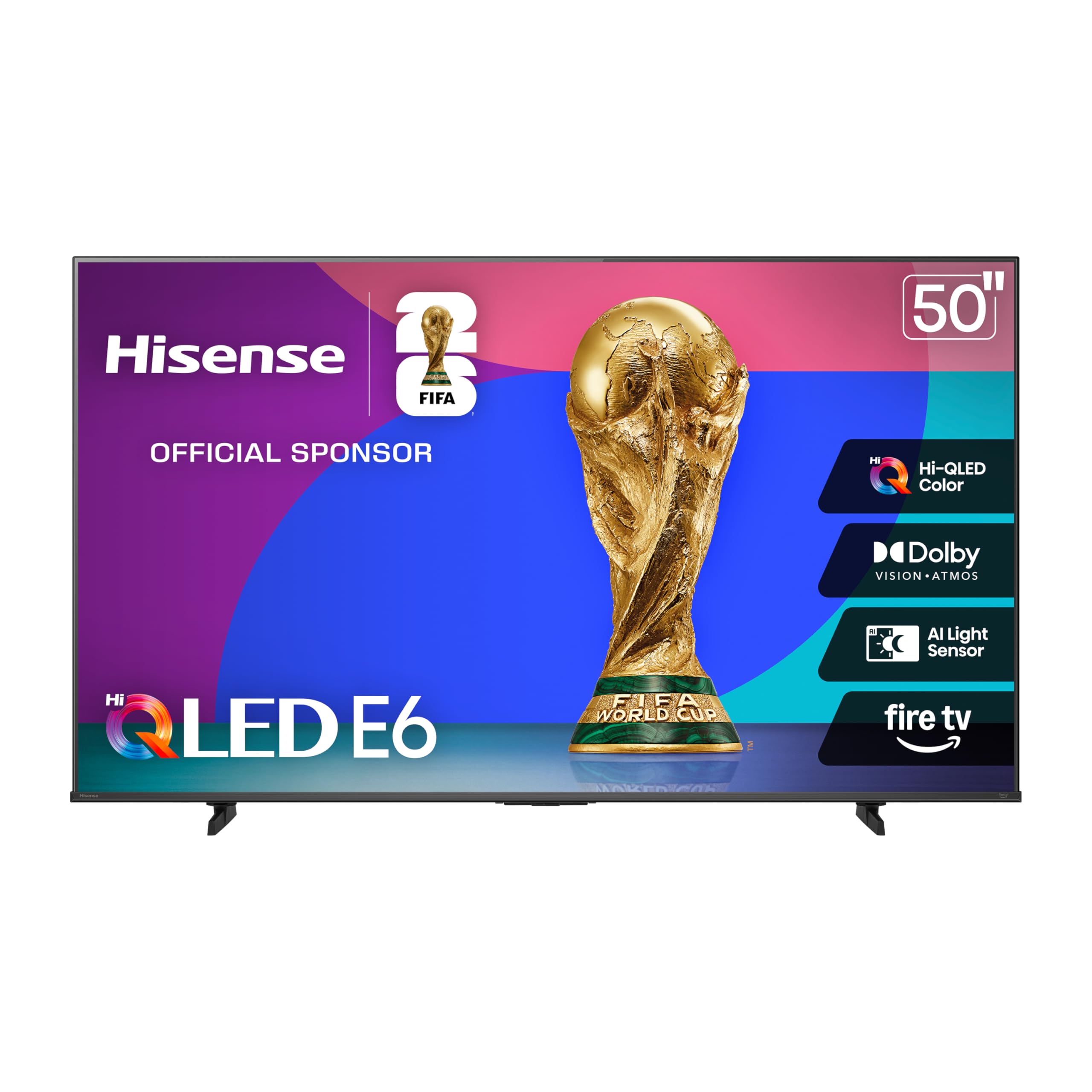
The Hisense E6 Cinema Series introduces “Hi-QLED” color technology, which expands the color gamut beyond standard QLED implementations. In practice, this means more saturated reds and greens in HDR content, and the Dolby Vision plus Dolby Atmos combination creates a genuinely immersive cinematic experience at home. The Motion Rate 120 processing effectively smooths fast pans in sports and action movies without introducing the soap opera effect at default settings.
Built on the Fire TV platform, it inherits the same Alexa voice control and app ecosystem as the Amazon Omni QLED. Customer reviews note that while the picture quality is impressive — some calling it the best QLED they’ve seen at this price — the software can feel slow during initial boot. The remote has been described as responsive after a brief setup period, and the Dolby Atmos sound, while not replacing a dedicated soundbar, is fuller than most built-in TV speakers in this class.
The biggest advantage of the Hisense E6 is that it delivers Hi-QLED color and Dolby Vision at a price that undercuts many competing models. Some users have reported minor app switching lag, and the Fire TV interface still shows ads. For viewers who prioritize picture quality and sound immersion over OS speed, this Hisense model represents exceptional value.
Why it’s great
- Hi-QLED color delivers wider gamut than standard QLED
- Dolby Vision + Dolby Atmos for cinema-grade AV
- Motion Rate 120 reduces judder in sports
- Alexa built-in with Apple HomeKit support
Good to know
- Fire TV interface can lag during boot and app switching
- Home screen includes advertisements
4. Samsung 50″ Crystal UHD U8000H

Samsung’s Crystal UHD series leverages the Crystal Processor 4K to upscale lower-resolution content to near-4K quality with impressive sharpness. The Color Booster feature saturates hues without overshooting, and the Motion Xcelerator keeps fast-moving scenes judder-free at 60Hz. Samsung TV Plus gives you access to over 2,700 free streaming channels out of the box — a nice bonus for cord-cutters who want live news and sports without extra subscriptions.
The Tizen operating system offers a clean, ad-light interface that’s easier to navigate than Fire TV, and the 2026 remote is notably more intuitive than previous Samsung remotes. Customer reviews are overwhelmingly positive, with many praising the crystal-clear picture and loud, clear sound that often eliminates the need for a soundbar. However, the remote has drawn criticism for being too small and minimalist for older users, and the setup process requires a Samsung account and internet connection.
The panel is standard LED, not QLED, so color volume won’t match the QLED models on this list. But Samsung’s upscaling engine is among the best in the business, making this a great choice if you watch a lot of 1080p cable or streaming content. It sits at the top of the budget range, but the brand reliability and free content library make it a strong contender for families.
Why it’s great
- Excellent 4K upscaling from lower-resolution sources
- 2,700+ free channels via Samsung TV Plus
- Clear, loud built-in speakers
- Tizen OS is responsive and ad-light
Good to know
- Standard LED panel — no QLED color boost
- Setup requires Samsung account and internet
5. Hisense 50″ R6 Series Roku TV
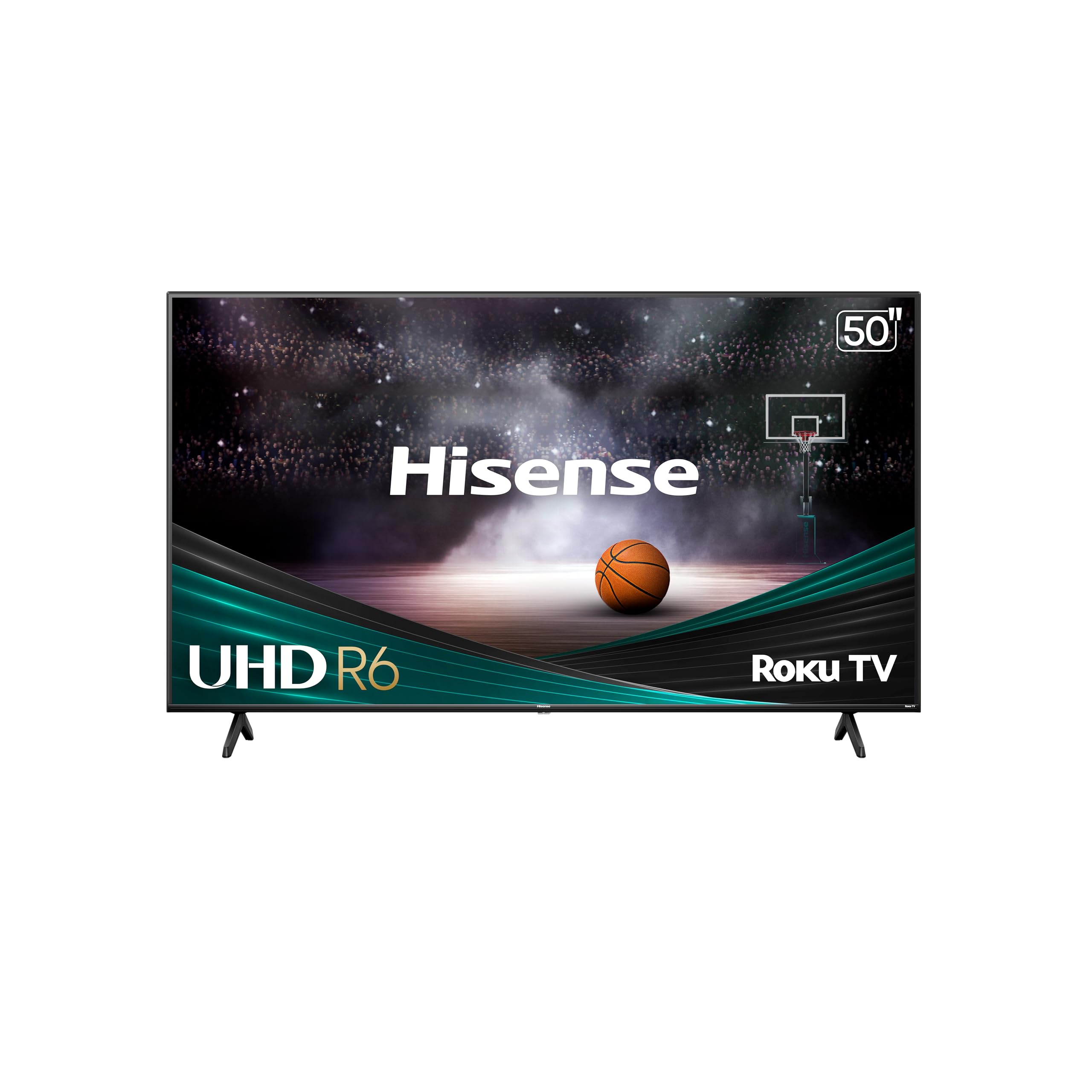
The Hisense R6 is the entry-level gateway to Dolby Vision HDR on a 50-inch screen. While it uses a standard LED backlight rather than a QLED panel, the inclusion of Dolby Vision at this price point is rare and meaningful — it brings better contrast and color gradation to supported content compared to basic HDR10. The Roku TV operating system is famously fast and simple, making this a low-frustration choice for anyone who just wants to stream without fussing with settings.
The DTS Studio Sound system provides virtual surround processing that adds some spaciousness to the audio, though the speakers are still limited in bass response. Motion Rate 120 helps smooth out panning shots and sports coverage. Customer reviews consistently highlight the R6 as one of the best values in the segment, with many users comparing its picture quality favorably to more expensive models after adjusting the default picture settings.
The remote lacks Bluetooth, which means no voice control or headphone pairing, and there’s no RCA audio output for older sound systems. The Hisense R6 is a pure, no-frills smart TV that focuses on delivering a great picture and a fast OS at the lowest possible cost. If you’re willing to sacrifice QLED color for Dolby Vision HDR and a buttery-smooth interface, this is a smart pick.
Why it’s great
- Dolby Vision HDR for improved contrast in supported content
- Roku OS is fast, simple, and ad-light
- Motion Rate 120 reduces blur in fast action
- Excellent value for a 50-inch 4K TV
Good to know
- Standard LED panel — less color volume than QLED
- Remote lacks Bluetooth for voice or headphone use
6. VIZIO 50″ V Series 4K LED
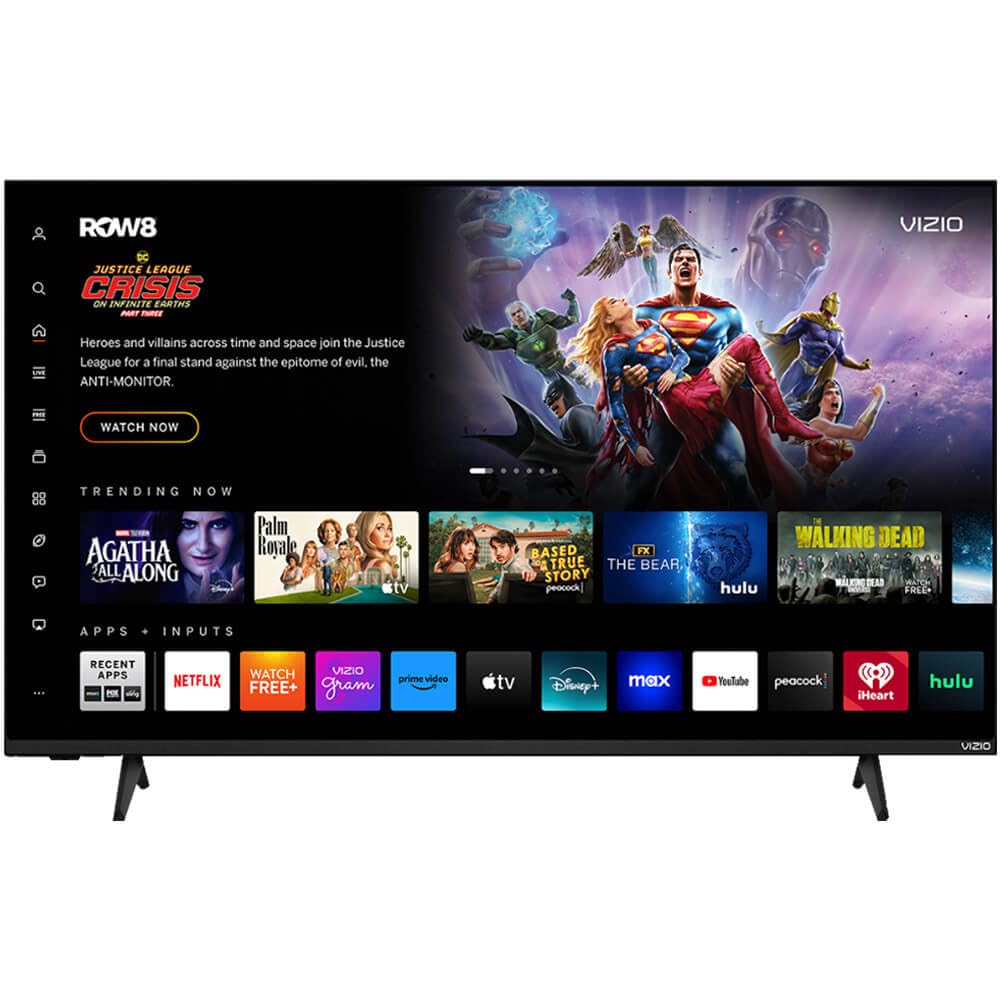
The VIZIO V-Series stands out in this group for its connectivity-forward design. It’s one of the few models under $300 that includes WiFi 6 dual-band support, which translates to faster, more stable streaming if you have a compatible router. For gamers, the HDMI VRR (Variable Refresh Rate) and Auto Low Latency Mode reduce screen tearing and input lag, making it a competent companion for a PS5 or Xbox Series S at 60Hz.
Dolby Vision HDR and HDR10+ are both supported, giving you flexibility across different HDR content libraries. The DTS Virtual X processing creates a wider soundstage from the built-in speakers, though the hardware itself is average. Customer feedback is mixed: long-time VIZIO fans praise the color reproduction and ease of use, while some newer buyers report issues with the remote not being included in the box and the TV auto-switching inputs during streaming sessions.
The V-Series uses a Direct LED backlight without local dimming, so black levels are decent but not as deep as the Westinghouse Mini-LED or the Fire TV Omni QLED. The design is straightforward and functional. For the price, you’re paying for robust wireless connectivity and gaming features rather than premium panel technology. If your home network is built on WiFi 6 and you game regularly, this VIZIO is worth considering.
Why it’s great
- WiFi 6 dual-band for fast, stable streaming
- HDMI VRR and ALLM for smoother gaming
- Dolby Vision HDR and HDR10+ support
- DTS Virtual X widens the soundstage
Good to know
- No local dimming — black levels are average
- Some units reported missing remote or auto-input switching
7. FPD 50″ Google TV 4K LED
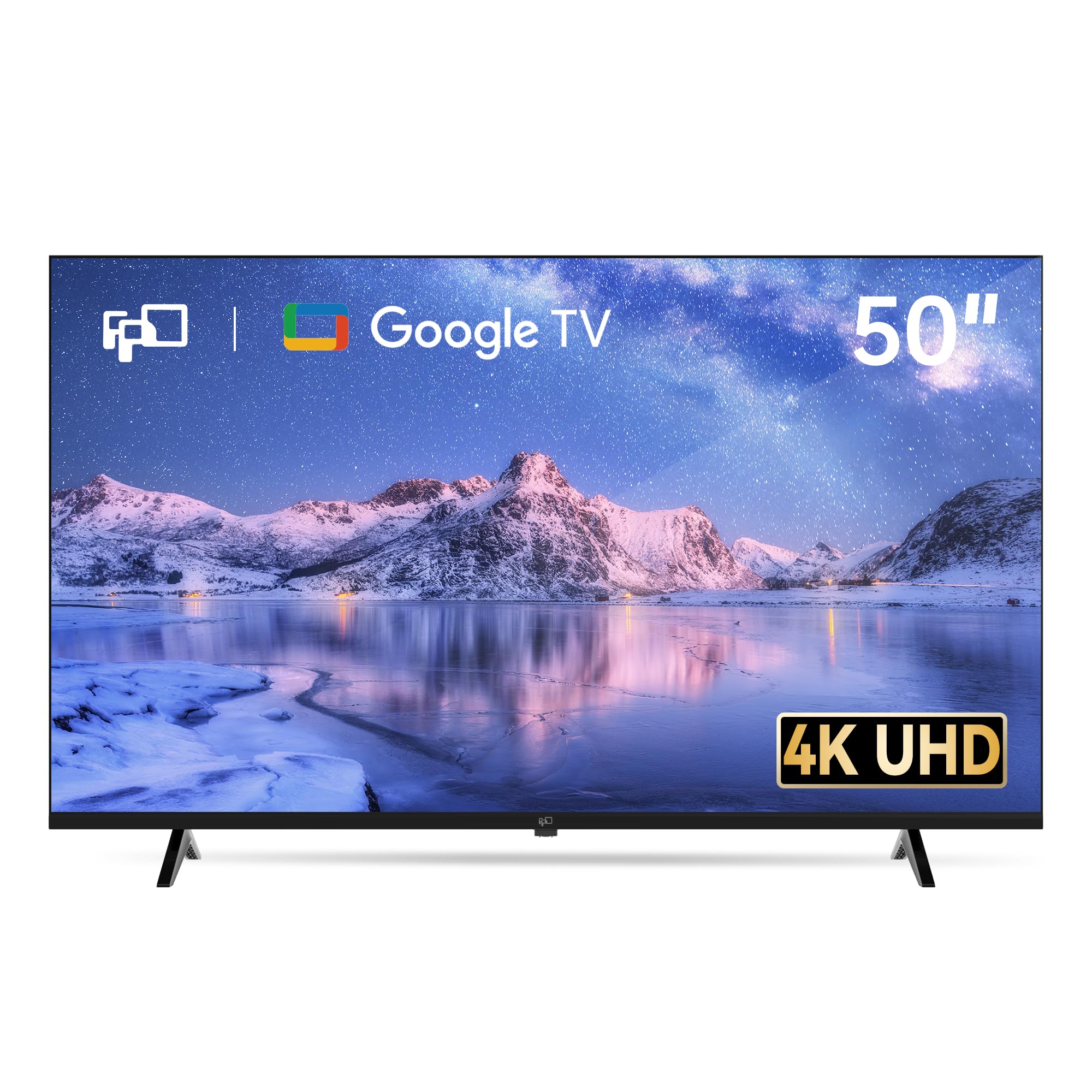
The FPD 50-inch Google TV is a feature-dense option that brings the full Google TV experience — including built-in Chromecast, Google Play store access, and Google Assistant voice control — to a budget-friendly price point. It’s the only model in this roundup with three HDMI 2.1 ports, which is a meaningful advantage for households with multiple consoles or streaming devices. MEMC motion smoothing reduces blur during fast action, and ALLM ensures low-lag gaming.
Picture quality is solid for a standard LED panel, with HDR10 support delivering acceptable contrast and color for casual viewing. The Dolby Audio processing improves dialogue clarity, but the built-in speakers won’t impress anyone used to a soundbar. Customer reviews are generally positive, with many praising the sharp 4K picture, intuitive Google TV interface, and smooth MEMC performance. A few reviews note potential quality-control issues, including uneven back panel construction and a remote that can be finicky to pair.
At this price, the FPD undercuts most name-brand offerings while matching or exceeding them on port selection and OS flexibility. The trade-off is brand reliability — FPD is not as established as Hisense or Samsung, so long-term support is less certain. For buyers who want Google TV and multiple HDMI 2.1 ports without paying a premium, this is a compelling dark horse.
Why it’s great
- 3x HDMI 2.1 ports with eARC for multi-device setups
- Google TV with built-in Chromecast and Google Play
- MEMC motion smoothing for sports and action
- HDR10 support with Dolby Audio
Good to know
- Newer brand with less established long-term reliability
- Built-in speakers are average at best
8. Westinghouse 50″ Mini LED Roku TV
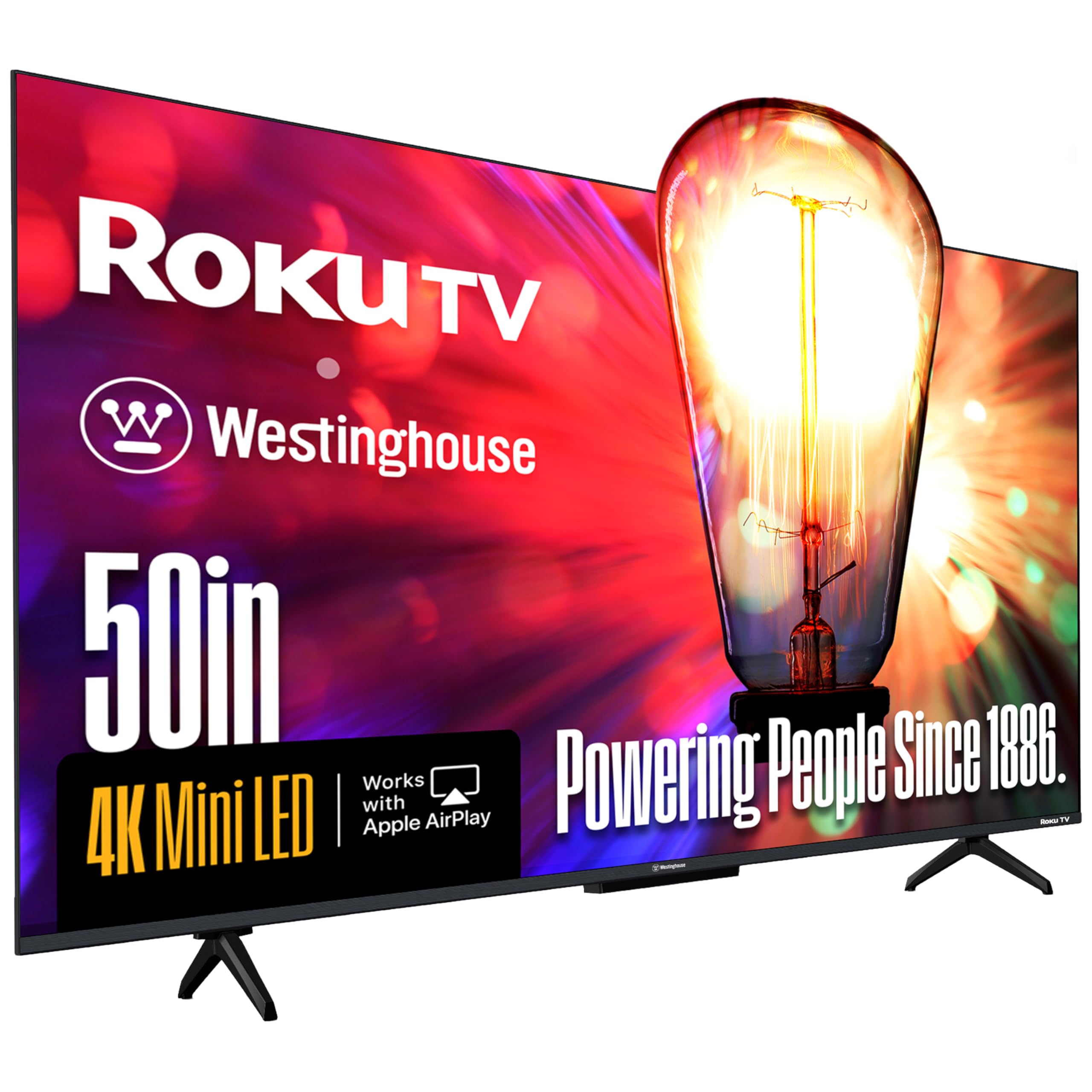
The Westinghouse 50-inch Mini-LED TV is the most technically advanced panel in this price range. Mini-LED backlighting with high-density local dimming zones allows for much finer control over brightness and black levels than standard Direct LED. Combined with QLED Quantum Dot color technology that covers up to 93% of the DCI-P3 color space, this TV delivers contrast and color saturation that rivals more expensive OLED-like experiences without the burn-in risk.
MEMC motion enhancement keeps fast-moving sports and action scenes crisp, and the four HDMI 2.1 ports with eARC support offer excellent connectivity for soundbars and gaming consoles. The Roku TV operating system is as fast and user-friendly as ever, and Apple HomeKit and AirPlay 2 support make it easy for iPhone users to stream content directly. Customer reviews highlight the deep black levels, vibrant colors, and minimal clouding — a rare combination at this price.
The built-in speakers are adequate for TV shows but can sound muddy in the midrange, so a soundbar is recommended for movies. It’s also the most expensive TV on this list, edging slightly over the $300 threshold. The Westinghouse is a premium experience in a budget segment — if you can stretch your budget slightly, the Mini-LED technology offers a visible leap in quality that makes standard LED TVs look dull in comparison.
Why it’s great
- Mini-LED local dimming for deep blacks and high contrast
- 93% DCI-P3 QLED color gamut for vivid, accurate colors
- 4x HDMI 2.1 ports with eARC for premium connectivity
- Fast Roku OS with Apple HomeKit and AirPlay 2
Good to know
- Built-in speakers sound muddy in the midrange
- Slightly exceeds the strict $300 budget cap
9. Amazon Ember 50″ QLED Series with Fire TV

The Amazon Ember QLED Series is the newest addition to Amazon’s TV lineup, built around a quad-core processor and Wi-Fi 6 support for snappy performance that avoids the lag issues found on the Omni QLED. The 4K QLED display delivers vibrant colors and decent brightness, and the inclusion of Dolby Vision and HDR10+ Adaptive ensures strong HDR performance across different content sources. The “Instantly On” Omnisense technology wakes the TV from standby when you walk into the room.
The new Alexa+ integration allows for more natural voice commands — you can ask for show recommendations, control smart home devices, or get information without pressing the remote. The Amazon Luna cloud gaming service and Xbox Game Pass are accessible directly on the TV without a console, which is a unique perk for casual gamers. Customer reviews are positive, with many praising the picture quality, fast streaming, and low gaming input lag.
Some early adopters have reported bugs, including intermittent black screens and audio desync on the Prime Video app. The built-in speakers lack bass and require a soundbar for immersive audio. The Ember QLED sits at the top end of the budget range, and its performance justifies the premium — but the software bugs suggest it may need a firmware update or two to reach its full potential. If you want the fastest Fire TV experience and the latest Alexa features, this is the one.
Why it’s great
- Quad-core processor and Wi-Fi 6 for fast, lag-free performance
- Dolby Vision and HDR10+ Adaptive for excellent HDR
- Amazon Luna and Xbox Game Pass integration without console
- Omnisense technology wakes TV when you enter the room
Good to know
- Some early units report black screen bugs and audio desync
- Built-in speakers lack bass for cinematic audio
FAQ
Is QLED worth the extra cost on a budget 50-inch TV?
Can I use these TVs for gaming on PS5 or Xbox Series X?
Does a more expensive 50-inch TV under $300 guarantee better picture quality?
Which operating system is fastest on a budget 4K TV?
How important is local dimming for a budget TV?
Final Thoughts: The Verdict
For most users, the 50 inch tv under $300 winner is the Roku 50″ Select Series 4K QLED because it combines a genuine QLED panel with the smoothest smart TV platform and Bluetooth Headphone Mode at a mid-range price. If you want the best HDR performance with Dolby Vision IQ and local dimming, grab the Amazon Fire TV 50″ Omni QLED. And for the absolute best contrast and color accuracy in this price bracket, nothing beats the Westinghouse 50″ Mini LED Roku TV — just be prepared to stretch your budget slightly.