
Our readers keep the lights on and the weekend projects moving. As an Amazon Associate, I earn from qualifying purchases.
I’m Rikta — the co-founder and writer behind FitlyFast. This guide is built by comparing the manufacturers’ published specifications and the patterns across verified customer reviews, so you get each pick’s real strengths and trade-offs instead of marketing spin.
The size lets you put multiple windows side by side, but the curve and resolution decide whether that space is actually usable. Here is a breakdown of the best 40 inch curved monitor options available now.
How To Choose The Best 40 Inch Curved Monitor
Picking a 40-inch curved monitor is different from picking a flat screen because the curve and extra width change both the experience and the physical space it needs. A wrong choice can mean eye strain from a poor curve or a blurry image if the resolution does not match the screen size.
Resolution: The 5K2K Standard
At 40 inches, a standard 2560×1080 resolution looks pixelated — you see individual pixels from a normal sitting distance. Every monitor on this list uses a 5120×2160 (5K2K) resolution, which gives you the sharpness of a 4K screen but in a wider 21:9 format. This lets you put two full-size windows side by side without scaling them down, so spreadsheets, code editors, and design tools stay readable.
The Curve: 1000R vs 2500R
The curve number is measured in radius — a 1000R curve (1000mm radius) wraps around your field of vision much tighter than a 2500R curve (2500mm radius). A tighter curve like 1000R feels more immersive for gaming and reduces eye movement, but it also needs more depth on your desk. A gentler curve like 2500R is better for color-critical work where you want the whole screen to look uniform from one sitting position.
Refresh Rate and Response Time
Refresh rate (measured in Hz — how many times per second the screen updates) tells you how smooth motion looks. 75Hz is fine for office work and casual use. 120Hz or 144Hz makes scrolling and cursor movement noticeably smoother. 180Hz is for competitive gaming where every millisecond matters. Response time (measured in ms — milliseconds) is how fast a pixel changes color. 1ms is ideal for fast gaming, while 5ms is perfectly fine for productivity and general use.
Quick Comparison
On smaller screens, swipe sideways to see the full table.
| Model | Category | Best For | Key Spec | Amazon |
|---|---|---|---|---|
| Samsung 40″ Odyssey G7 (G75F) | Gaming | Competitive gaming and mixed office use | 180Hz refresh rate / 1ms response time | Amazon |
| Deco Gear 40 inch Curved 5K2K | Value | Budget-friendly workspace with USB-C hub | 90W USB-C power delivery | Amazon |
| LG 40U990A-W UltraFine evo | Creator | Professional color work and Thunderbolt 5 | Nano IPS Black (2000:1 contrast) | Amazon |
| Samsung 40″ ViewFinity S8 (S85TH) | Productivity | Mac users needing Thunderbolt and 144Hz | Thunderbolt 5 / 140W charging | Amazon |
| Dell UltraSharp U4025QW | Professional | All-day office use with color accuracy | 600 nits brightness / IPS Black | Amazon |
In‑Depth Reviews
1. Samsung 40” Odyssey G7 (G75F)

The Samsung Odyssey G7 wins the top spot because its 180Hz refresh rate (how many times the screen updates per second) is 2.4 times faster than the 75Hz on the Deco Gear, making fast-paced games smooth and cursor movement instant. The 1000R curve (a tight wrap that follows your eye’s natural field of view) makes the 40-inch size feel immersive without turning your head. You get a 3000:1 contrast ratio (the difference between the darkest black and brightest white) that is 3 times deeper than the Deco Gear’s 1000:1 — so dark scenes in games or movies show real shadow detail instead of a washed-out gray. One buyer called it a “great VA monitor for mixed office/gaming use; no burn-in risk like OLED,” meaning you can leave static toolbars up all day without permanent image retention. At a 350 cd/m² brightness level (screen luminance), it works in a well-lit room, and the 1ms response time (how fast a pixel changes color) makes motion blur nearly invisible. This is the single monitor for anyone who wants fast gaming, spreadsheets, and evening movies without compromise.
Why it’s great
- 180Hz refresh rate delivers ultra-smooth gaming and scrolling
- 3000:1 VA contrast ratio produces deep blacks for dark scenes
- 1000R curve feels natural and reduces eye strain
Good to know
- HDR mode needs manual adjustment to look its best
- The base design is functional but not premium-looking
2. Deco Gear 40 inch Curved 5K2K Ultrawide
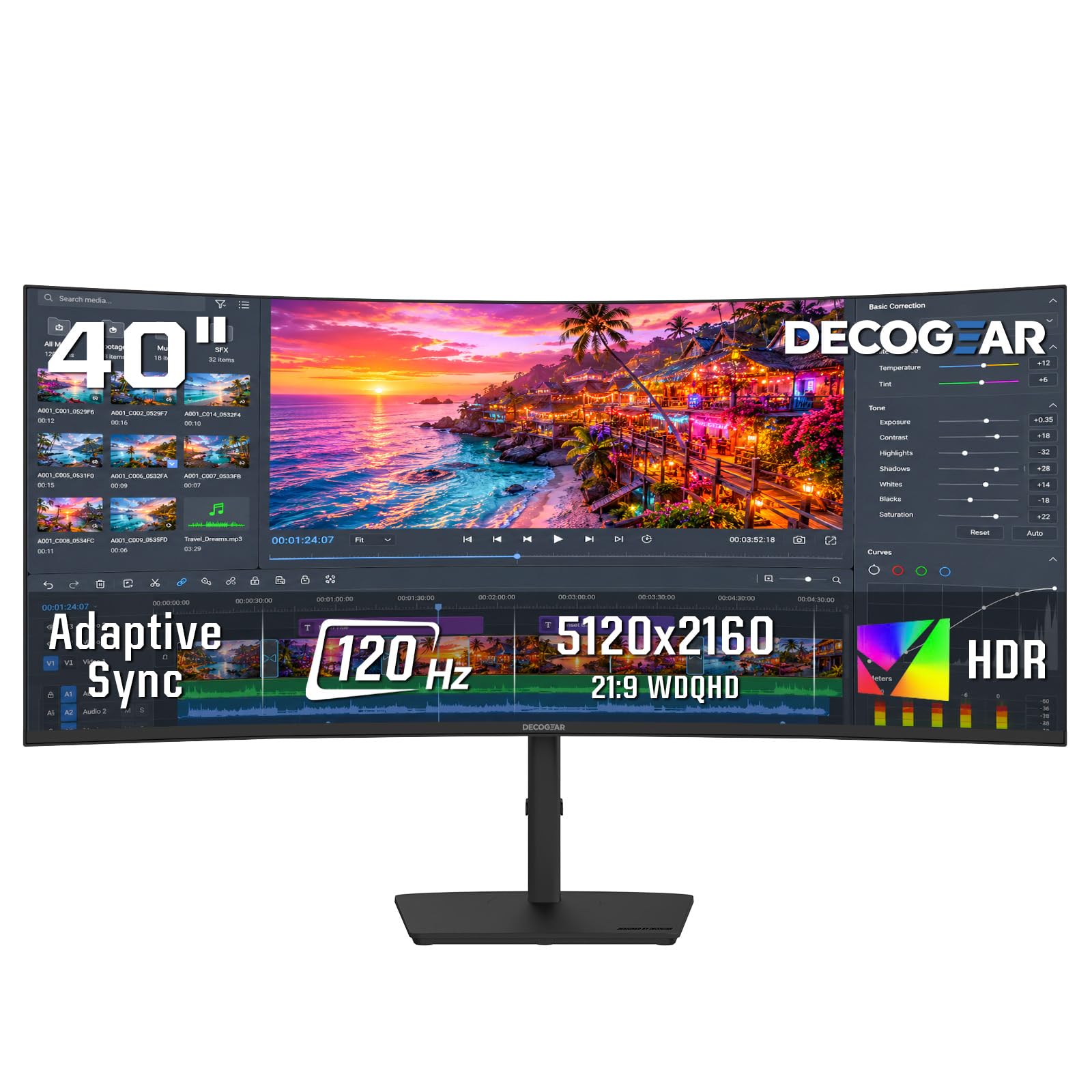
The Deco Gear wins on features that clean up a hybrid desk — specifically the 90W power delivery (enough to charge a MacBook Pro at full speed through one USB-C cable) and the built-in KVM switch (lets you control two computers with one keyboard and mouse). You lose a lot of refresh rate (75Hz vs 180Hz on the Samsung), but for productivity tasks like coding, writing, and video previews, that difference is barely noticeable. The IPS panel offers 96% DCI-P3 coverage (a wide color standard used in film and video production), meaning colors are vivid and consistent from any angle — a clear advantage over VA panels if you share your screen. The 2500R curve (gentler bend than the Samsung’s 1000R) works better for color work because the screen edges stay more uniform to your eye. Choose this over the Samsung if your priority is a clean single-cable desk setup with good color and you only game casually. Just be aware that buyers report “USB-C port failed after 2-3 months” — a known quality concern, so keep your receipt and packaging.
Where it shines
- 90W USB-C power delivery eliminates a separate laptop charger
- 96% DCI-P3 color coverage suits photo and video editing
- Built-in KVM, PIP, and PBP make dual-computer setups easy
Worth noting
- USB-C port reliability is a known issue per customer reports
- Refresh rate is limited to 75Hz — not ideal for fast gaming
3. LG 40U990A-W UltraFine evo
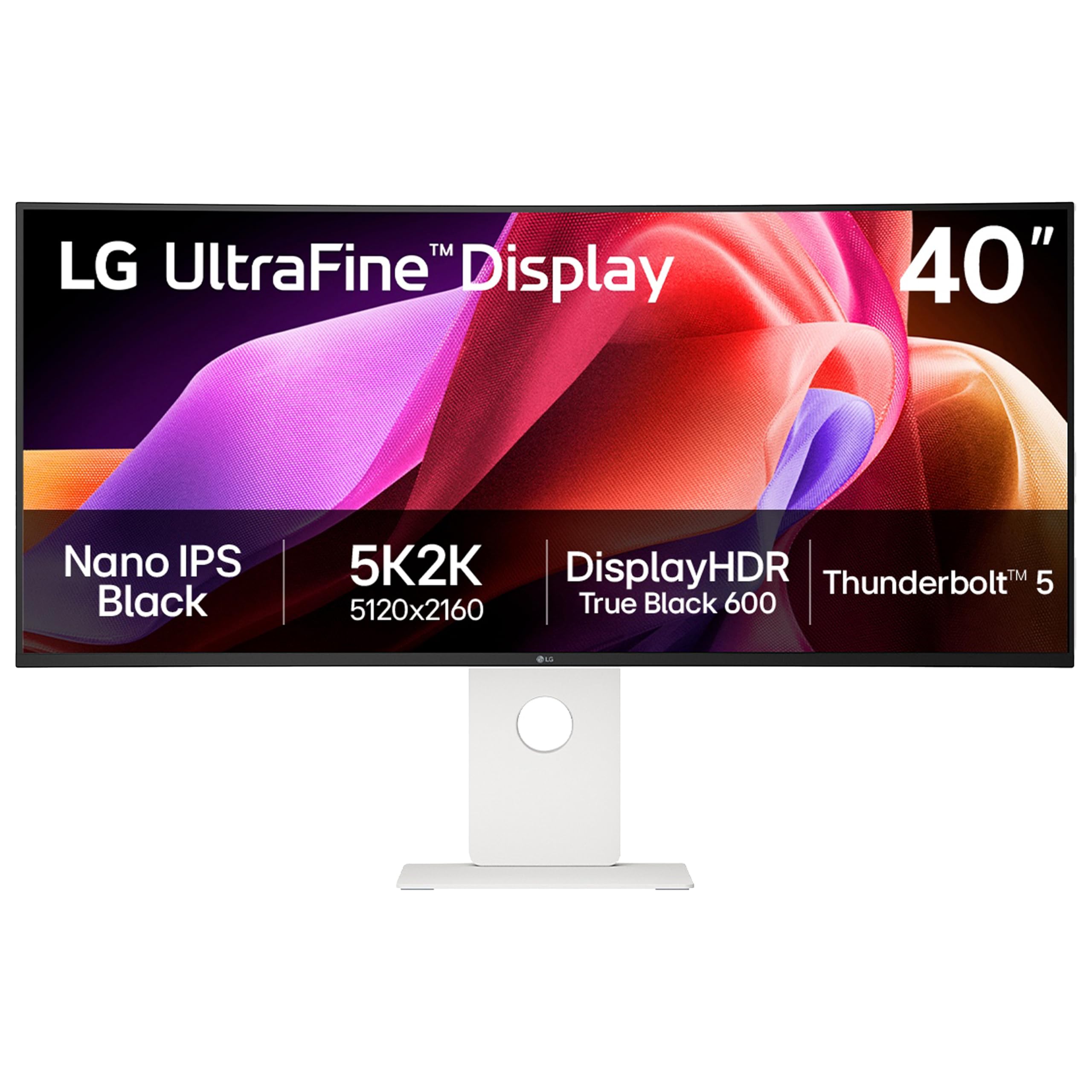
The LG UltraFine evo is built for professional video editors and color-graded footage — it is the world’s first monitor with Thunderbolt 5 (the latest high-speed connection that transfers data at up to 80Gbps) and a Nano IPS Black panel that delivers a 2000:1 contrast ratio (twice as deep as standard IPS panels) so shadows retain detail instead of turning into a uniform gray. The 99% DCI-P3 coverage ensures your timeline colors match a calibrated reference monitor, and the dual speakers with Rich Bass let you preview audio without external speakers. Owners mention the “premium look and feel” and that the 2500R curve is subtle enough to maintain text readability while still wrapping the wide workspace. One reviewer noted a color uniformity issue where the left side appeared pinker than the right, which suggests quality control can vary between units. Check for uniformity the day you unbox it and return immediately if you see it. This is for creative professionals who need Thunderbolt 5 and deep contrast — skip it if you just browse the web and check email.
What stands out
- Thunderbolt 5 delivers blistering 80Gbps data transfer and 96W charging
- Nano IPS Black offers 2000:1 contrast for deep, detailed shadows
- 99% DCI-P3 coverage is ideal for professional color work
The trade-offs
- Color uniformity can vary between units — inspect immediately
- Premium price that only makes sense for creative professionals
4. Samsung 40″ ViewFinity S8 (S85TH)
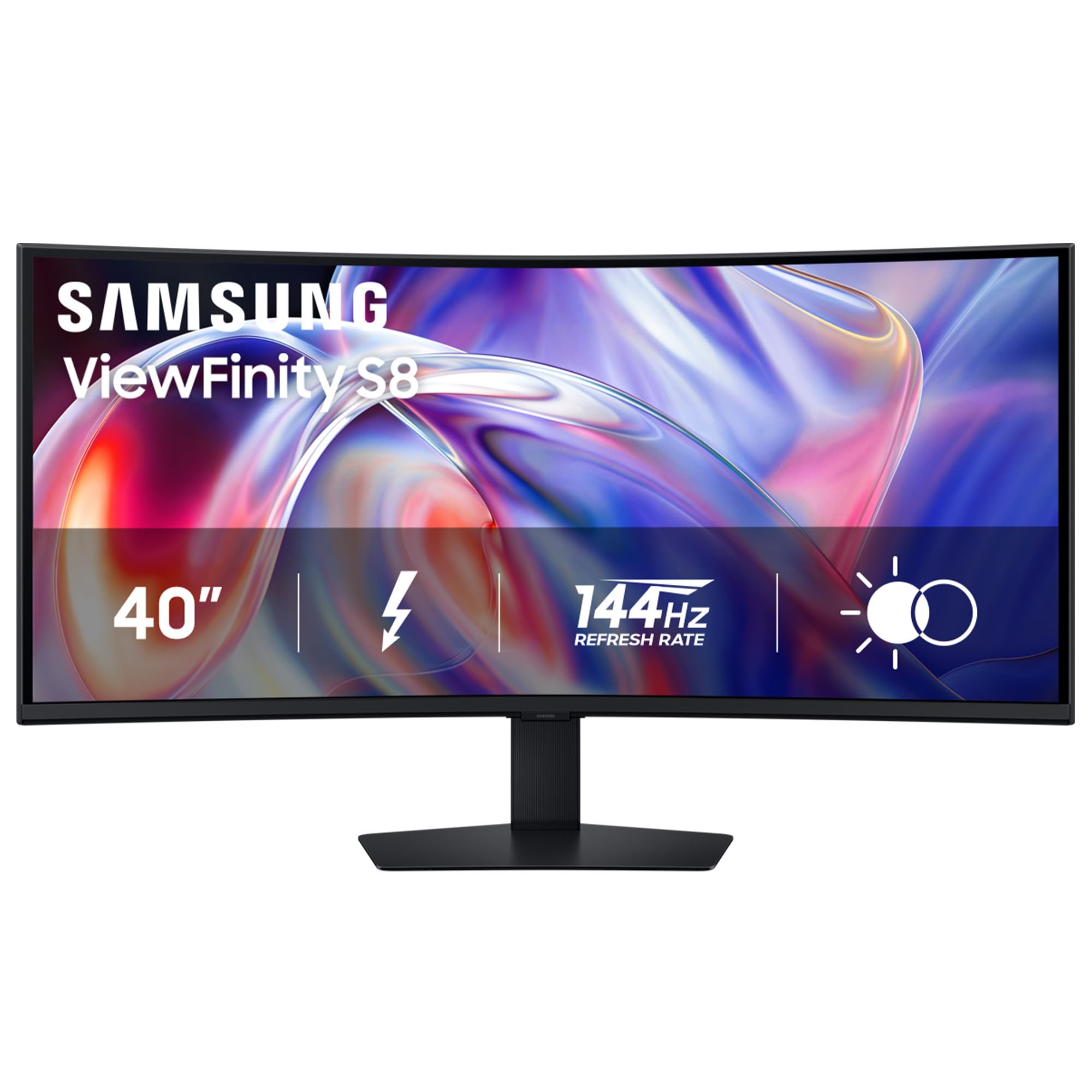
The ViewFinity S8 delivers a 144Hz refresh rate at 5K2K resolution — smoother than the Deco Gear’s 75Hz, though the Odyssey G7 beats it at 180Hz for competitive gaming. Where the ViewFinity excels is the Thunderbolt 5 port that provides 140W charging (enough to run a 16-inch MacBook Pro at full load), plus a built-in Ethernet port and KVM switch so you connect everything through one cable. The VA panel’s 3000:1 contrast ratio gives deep blacks for movies or dim lighting, and buyers confirm it “works perfectly with M4 MacBook Pro” on a single Thunderbolt 4 cable at native HiDPI 3840×1620 resolution — crisp, sharp text without blurry scaling. Setup is not fully plug-and-play: you need to manually switch from Eco to Custom picture mode and disable Dynamic Brightness for accurate colors. Some Mac users report the display “blanks after 30 sec–3 min” while the mouse and keyboard stay active, which could be a firmware or compatibility issue to check before the return window closes. Mac users who prioritize one-cable charging and high refresh rate get a lot here.
The upsides
- Thunderbolt 5 provides 140W charging — enough for a 16-inch MacBook Pro
- 144Hz refresh rate balances smooth motion with productivity
- Built-in KVM and Ethernet simplify a clean desk setup
Keep in mind
- Mac users may experience display blanking issues
- Requires manual adjustment to disable Dynamic Brightness for accurate color
5. Dell UltraSharp U4025QW

The Dell UltraSharp U4025QW is the brightest monitor here at 600 nits (screen luminance) — 70% brighter than the 350-nit Samsung Odyssey G7, so it stays readable in a sunlit office or near a window. The IPS Black panel hits a 2000:1 contrast ratio (matching the LG but with better anti-glare coating), so dark windows in your code editor have actual depth instead of looking grey. Buyers consistently praise the “excellent color and clarity” and say the “HDR600” brightness makes video previews pop. The 120Hz refresh rate and 5ms response time (how fast a pixel changes color) are smooth enough for cursor movement but not for competitive gamers — this is a productivity screen first. The built-in KVM switches between a Mac and a PC with a single button, and downward-facing ports keep cables tidy. One owner notes the HDR mode does not look good on a Mac despite significant effort, so if HDR accuracy on macOS is critical, test this specifically. For anyone spending 8-10 hours a day on spreadsheets or code, the combination of high brightness, anti-glare, and rich contrast makes desk fatigue noticeably lower.
Why we’d pick it
- 600 nits brightness stays readable even near a bright window
- IPS Black panel delivers 2000:1 contrast — deep blacks for an IPS display
- Built-in KVM simplifies switching between a Mac and a PC
A few caveats
- HDR mode is not usable on macOS — stick to SDR if you use a Mac
- Downward-facing ports make cable reconnections fiddly
Understanding the Specs
Contrast Ratio (3000:1 vs 1000:1)
The contrast ratio measures the difference between the screen’s brightest white and darkest black. A 3000:1 ratio (common on VA panels like the Samsung Odyssey G7) makes dark scenes in games and movies look deep and detailed. A 1000:1 ratio (standard on IPS panels like the Deco Gear) shows more grey in shadows. Higher is better for dark-room viewing, but lower is fine for bright offices where ambient light overwhelms shadow detail anyway.
Refresh Rate (75Hz, 120Hz, 180Hz)
Refresh rate is how many times per second the screen redraws the image. 75Hz is smooth enough for office work and casual scrolling. 120Hz makes cursor movement feel fluid and noticeably reduces eye strain during long sessions. 180Hz (on the Odyssey G7) eliminates motion blur in fast games. The difference between 60Hz and 120Hz is obvious in 30 seconds — the difference between 120Hz and 180Hz is much smaller for most people.
FAQ
Does a 40-inch curved monitor fit on a standard desk?
Do I need a 144Hz or 180Hz refresh rate for office work?
Can a 40-inch curved monitor replace two separate monitors?
Final Thoughts: The Verdict
Across the board, the best 40 inch curved monitor is the Samsung 40” Odyssey G7 (G75F) because it combines a 180Hz refresh rate with deep 3000:1 contrast at a price that undercuts most competitors. If you rely on your monitor as a USB-C hub for charging and connecting your laptop, the Deco Gear 40 inch Curved 5K2K gives you 90W power delivery and a KVM switch at a very accessible price point. And for professional color work where contrast and color accuracy are non-negotiable, the LG 40U990A-W UltraFine evo delivers Thunderbolt 5 and a Nano IPS Black panel that nothing else on this list matches.