
Our readers keep the lights on and the weekend projects moving. As an Amazon Associate, I earn from qualifying purchases.
Specs are compiled from manufacturer listings and verified buyer reviews and can change over time — please confirm the key details on the product page before buying.
You hate the gap between two monitors, right? A 49-inch curved screen fixes that by replacing two 27-inch displays with one smooth view, so you never lose a cursor in the bezel again. But picking the wrong one means fuzzy text, washed-out blacks, or a screen your graphics card cannot drive. This guide breaks down nine real models — from budget VA panels to premium QD-OLEDs — with the exact specs and buyer-reported trade-offs you need to match a screen to your GPU, your desk depth, and your daily tasks.
I’m Rikta — the founder and writer behind FitlyFast. This guide is built by comparing the manufacturers’ published specifications and the patterns across verified customer reviews, so you get each pick’s real strengths and trade-offs instead of marketing spin.
A 49-inch monitor can transform your workflow for spreadsheets, trading, and sim racing. This breakdown of the best 49 inch monitor options helps you match the right screen to your desk, your GPU, and your daily routine.
Quick Picks
- MSI MPG 491CQP QD-OLED — Best Overall
- Samsung Odyssey OLED G9 (G91SD) — Infinite Contrast
- Samsung Odyssey G9 (LS49CG954ENXZA) — Speed Demon
- Deco Gear 49" 144Hz — White Budget Ultrawide
- INNOCN 49″ OLED — Docking Hub
- Great voell 49″ 165Hz — Budget DQHD
- CRUA 49″ White Curved — Eye Comfort
- ASUS ROG Strix XG49VQ — GPU-Friendly
- Deco Gear 49″ 144Hz — Budget Starter
How To Choose The Best 49 Inch Monitor
A 49-inch ultrawide takes up serious desk space and cash, so you want to focus on a few key specs that decide whether you love the view or fight a blurry mess. Here is what actually matters.
Resolution and Pixel Density
The two common resolutions on 49-inch screens are Dual Full HD (3840×1080) and Dual QHD (5120×1440). Dual QHD gives you noticeably sharper text, finer detail in design software, and more screen real estate, but it demands a much more powerful graphics card to run games smoothly. Dual Full HD is easier on mid-range GPUs, but you will see individual pixels in text at a normal viewing distance — some buyers describe the image as looking “grainy” or “aliased.”
Panel Technology: VA, OLED, or QD-OLED
VA panels offer solid contrast (around 3000:1) and good color for the price, but blacks can look grayish in a dark room and viewing angles are tighter. OLED and QD-OLED panels deliver true black levels, infinite contrast, and vibrant colors that make games and movies pop. The trade-offs are higher cost, potential for burn-in with static UI elements over years of use, and lower peak brightness on some models.
Refresh Rate and Response Time
Refresh rate (measured in Hz) tells you how many times per second the screen redraws the image — 120Hz is smooth, 144Hz is noticeably smoother, and 240Hz is buttery for competitive shooters and racing sims. Response time (measured in milliseconds) describes how fast a pixel can change color; slower response times cause motion blur and ghosting behind fast-moving objects. A 0.03ms OLED panel will be dramatically clearer in motion than a 1ms VA panel.
Quick Comparison
| Model | Best For | Resolution | Refresh Rate | Panel Type | Amazon |
|---|---|---|---|---|---|
| MSI MPG 491CQP QD-OLED | Premium gaming & color work | 5120×1440 | 144Hz | QD-OLED | Amazon |
| Samsung Odyssey OLED G9 (G91SD) | Deep blacks & console gaming | 5120×1440 | 144Hz | QD-OLED | Amazon |
| Samsung Odyssey G9 (LS49CG954ENXZA) | Ultra-high refresh rate gaming | 5120×1440 | 240Hz | VA | Amazon |
| Deco Gear 49" 144Hz | White budget ultrawide | 3840×1080 | 144Hz | VA | Amazon |
| INNOCN 49″ OLED | USB-C docking & multitasking | 5120×1440 | 144Hz | OLED | Amazon |
| Great voell 49″ 165Hz | Budget DQHD with high refresh | 5120×1440 | 165Hz | VA | Amazon |
| CRUA 49″ White Curved | Value DQHD for eye comfort | 5120×1440 | 120Hz | VA | Amazon |
| ASUS ROG Strix XG49VQ | Easier on mid-range GPUs | 3840×1080 | 144Hz | VA | Amazon |
| Deco Gear 49″ 144Hz | Budget ultrawide workspace | 3840×1080 | 144Hz | VA | Amazon |
In‑Depth Reviews
1. MSI MPG 491CQP QD-OLED

The QD-OLED panel that wraps you in color, motion, and zero-compromise clarity.
You get blur-free motion because this monitor uses a QD-OLED panel (a quantum-dot organic LED layer that produces true blacks and wide color) with a 0.03ms GtG (gray-to-gray) response time, compared with a typical 1ms VA panel, so fast-moving objects stay sharp in racing sims. The 144Hz refresh rate keeps gameplay silky smooth, and the color accuracy meets the market standard at Delta E≤2, meaning the reds and blues you see match what the creator intended, useful whether you edit video or just want lifelike game worlds. VESA DisplayHDR True Black 400 certification ensures dark scenes stay deep and inky instead of washing out into gray, so shadows in horror games remain truly black.
The 32:9 aspect ratio effectively replaces a dual-monitor setup — one reviewer noted it fits three browser windows side by side with no text quality issues. The KVM feature (a built-in switch that lets one keyboard and mouse control two computers) saves desk clutter by letting you toggle between a work PC and a gaming PC. MSI OLED Care 2.0 reduces the risk of burn-in on static elements like taskbars, and the HDMI 2.1 port offers full 48 Gbps bandwidth for next-gen consoles. Buyers report the picture is “superior quality to Samsung Odyssey G9” and that the color reproduction is accurate for both gaming and editing work, though one owner mentioned a frustrating support experience after a hardware failure.
Reasons to pick this one
- QD-OLED panel gives true blacks and rich color right from the start
- 0.03ms response time eliminates ghosting in fast scenes
- Built-in KVM lets you share peripherals between two computers
- OLED Care software helps prevent burn-in on static elements
What to watch for
- Requires a powerful GPU to drive full resolution in modern games
- Needs a USB 4 cable (not included) for full USB-C functionality
- Customer service complaints about out-of-warranty repair costs
Who it fits: Anyone who wants the best image quality for both gaming and creative work and is willing to pay for a premium OLED panel with pro-level color accuracy.
The honest limit: You’ll need a high-end graphics card to push 5120×1440 at high frame rates, and the included cable kit may require upgrades for full USB-C data speeds.
2. Samsung Odyssey OLED G9 (G91SD)

True black levels and a 3-year burn-in warranty make this OLED stand out.
You get crisp text and fine detail because the Dual QHD resolution at 5120×1440 gives you 110 pixels per inch — noticeably sharper than the budget 3840×1080 screens — so spreadsheets and game worlds look refined. The QD-OLED panel delivers a 1,000,000:1 contrast ratio, meaning blacks are truly black with zero backlight bleed, which transforms dark horror games and shadowy racing circuits into something far more rich than a VA panel can manage. This is a better choice than the MSI for deep-black HDR gaming because the Samsung includes a 3-year burn-in warranty that covers OLED-related image retention.
Owners mention this monitor is “pretty much perfect right from the start” and connects easily to both PC and Mac Studio for 144Hz through a DP-to-Thunderbolt cable. The included Samsung burn-in prevention features — pixel shifting, logo detection that dims static images, and a screen saver that activates after 10 minutes — are backed by a 3-year warranty, which gives you more confidence than most OLED monitors offer. Unlike the standard Odyssey G9, this one does not include RGB rear lighting, and one buyer mentioned a “slight brightness mismatch causing a gradient down the middle” since the panel is essentially two 27-inch panels fused together.
Why it works
- Infinite contrast with true black levels for rich HDR gaming
- 3-year burn-in warranty covers OLED-related image retention
- G-Sync Compatible and FreeSync Premium Pro reduce screen tearing
- Picture-in-Picture mode lets you keep chat or guides on a sub-screen
What to know
- Only one DisplayPort input limits multi-PC setups
- Power cable is short; may need an extension for tower desks
- Some units show a slight brightness seam down the center
Perfect for: Gamers who want the deepest blacks and richest colors an OLED can offer, plus the safety net of a long burn-in warranty that budget OLEDs skip.
skip it if: You need multiple high-bandwidth inputs — this model has only one DisplayPort, and HDMI can’t do full 144Hz at this resolution.
3. Samsung Odyssey G9 (LS49CG954ENXZA)

The 240Hz refresh rate and 1000R curve pull you into every frame.
Motion clarity comes first here. The 240Hz refresh rate, compared with the Great voell’s 165Hz, combined with a 1ms GtG (gray-to-gray) response time eliminates ghosting and delivers ultrasmooth action in fast shooters and racing sims. The aggressive 1000R curvature (a radius of 1000mm that matches the natural curve of the human eye) wraps your peripheral vision fully; one owner says it “wraps peripheral vision, great for gaming.”
VESA DisplayHDR 1000 certification with a peak brightness of 1000 nits and a 1,000,000:1 contrast ratio makes HDR content pop with deep shadows and bright highlights that VA panels at this price point rarely achieve. The stand allows swivel, tilt, and height adjustment, and the VESA mount compatibility lets you switch to a monitor arm. Customers note excellent value at this price tier, with one noting it is “comparable to Dell models at half price.” The catch is that some units have failed within six months, and Samsung’s support process has frustrated customers who had to handle return shipping without a box.
The highlights
- 240Hz refresh rate with 1ms response time for elite competitive gaming
- 1000R curve fully wraps your field of view for deep immersion
- 1000-nit peak brightness and DisplayHDR 1000 for vivid highlights
- Auto Source Switch+ detects and switches input automatically
The downsides
- A few reviewers point out the display failing within 6 months
- Samsung warranty support has frustrated some owners
- Aggressive curve may feel too deep for productivity work
Best for: Competitive gamers who value a 240Hz refresh rate above all else and want the deepest curve available.
Consider the risk: A small but notable number of buyers experienced early failures, and Samsung’s return process can be painful without the original box.
4. Deco Gear 49" 144Hz
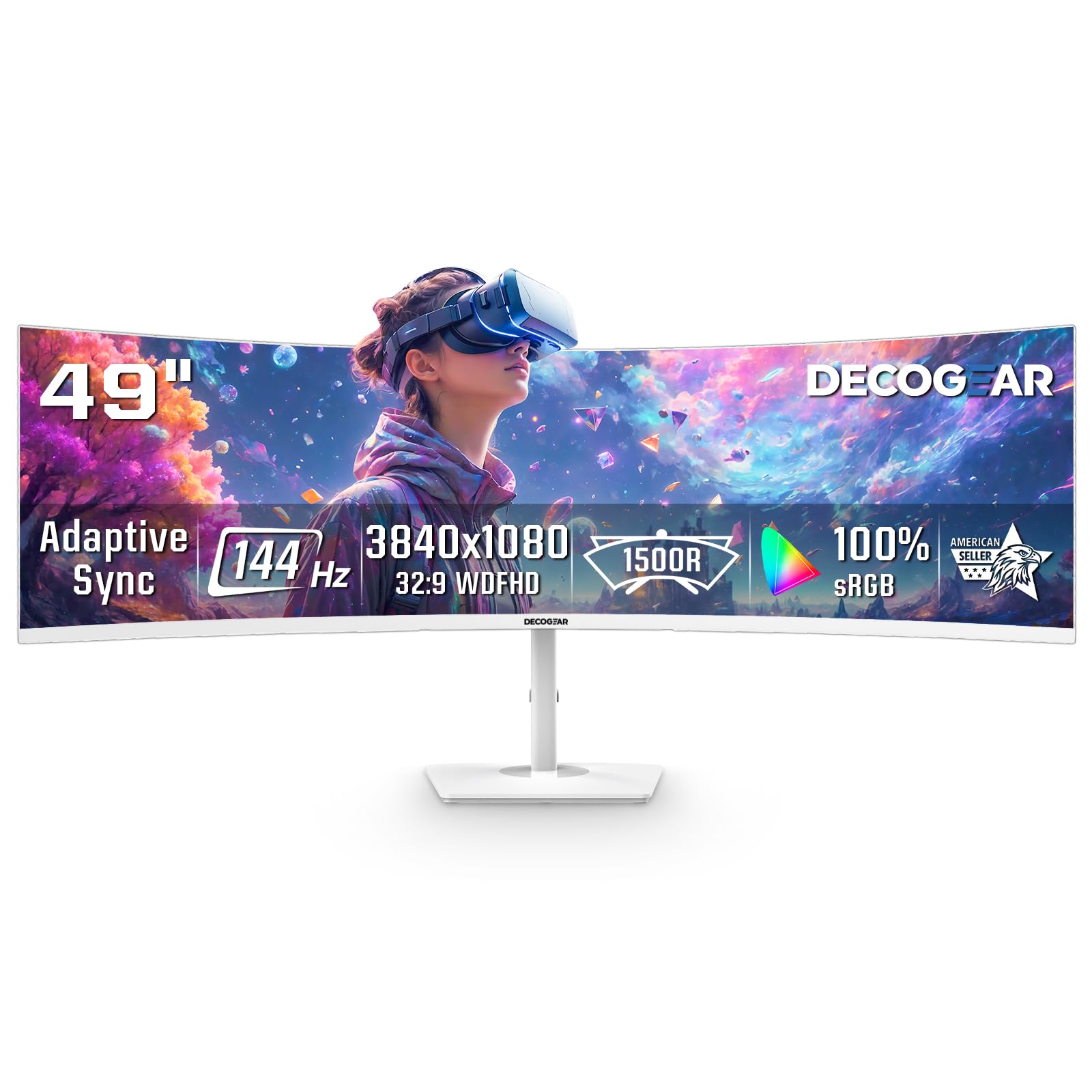
A white 49-inch ultrawide that keeps the price down with a 144Hz VA panel and Dual FHD resolution.
You get a 49-inch 32:9 VA panel with a 144Hz refresh rate, 3840×1080 resolution, and 1ms MPRT response time. That makes it easier to drive than the 5120×1440 models in this guide while still giving you a super-ultrawide workspace for gaming, spreadsheets, and side-by-side windows. The 1800R curve and 3000:1 contrast ratio add decent immersion, and the white finish stands out if you want something other than the usual black monitor shell.
PIP/PBP support lets you view two inputs on one screen, and the monitor includes 2 HDMI and 2 DisplayPort inputs. Buyer feedback is mixed: some shoppers praise the value and screen space, while others report loose screws, VESA-mount fitment hassle, and long support delays after hardware problems. That makes this a budget-first pick rather than a premium one.
What stands out
- 144Hz refresh rate keeps motion smoother than a basic 60Hz office display
- 3840×1080 resolution is easier on mid-range GPUs
- White finish stands out from typical black ultrawide monitors
- PIP/PBP support helps with dual-source multitasking
What to check
- 3840×1080 looks softer than 5120×1440 on a 49-inch screen
- Some buyers report loose screws and fitment issues with VESA mounting
- Support complaints and hardware reliability concerns show up in reviews
Who this fits: Buyers who want a lower-cost 49-inch ultrawide for gaming and multitasking and are fine with Dual FHD instead of Dual QHD.
The honest limit: Text clarity is weaker than 5120×1440 models, and buyer reviews suggest you should inspect the hardware and mounting parts right away.
5. INNOCN 49″ OLED

Every port you need — including 90W USB-C and RJ45 — in one OLED ultrawide.
Connectivity is the headline here. Where most 49-inch monitors skimp, the INNOCN loads up with 2x HDMI 2.1, a DisplayPort 1.4, a USB-C port that delivers 90W of power delivery, a 2-port USB-A hub, a USB-B upstream port, and even an RJ45 ethernet jack. That means you can dock a laptop with a single cable — it gets video, data, network, and charging — and eliminate a separate hub from your desk. The 49-inch OLED panel offers 5120×1440 resolution at 144Hz with a 0.03ms response time and a 1,500,000:1 contrast ratio, sharper and deeper than the ASUS ROG Strix’s 3840×1080 VA panel.
Buyers report the “picture is great and it has a lot of connection options” and that the monitor eliminated two separate screens from their setup. The PIP/PBP split-screen technology lets you view two input sources at once, useful for running a work laptop alongside a gaming PC on the same physical display. As with the Samsung OLED, some owners note the monitor may not wake from sleep properly with a Mac Mini unless you disable the “Auto Power” setting, and the built-in speakers are poor enough that most people will use external audio.
Why it’s a good buy
- USB-C with 90W power delivery doubles as a laptop docking station
- RJ45 ethernet port adds wired network connectivity
- 2x HDMI 2.1 ports support next-gen consoles at high bandwidth
- 0.03ms OLED response time and 144Hz for smooth gaming
Things to note
- Built-in speakers are very weak; plan for external speakers or headphones
- Mac users may need to disable “Auto Power” to fix wake-from-sleep issues
- Only one USB-C input limits single-cable docking to one laptop
Ideal for: The productivity user with multiple devices who wants a true one-cable docking experience from a single OLED ultrawide.
Not for: Anyone who relies on built-in speakers or wants a monitor that plays perfectly with Mac sleep settings from the start.
6. Great voell 49″ 165Hz
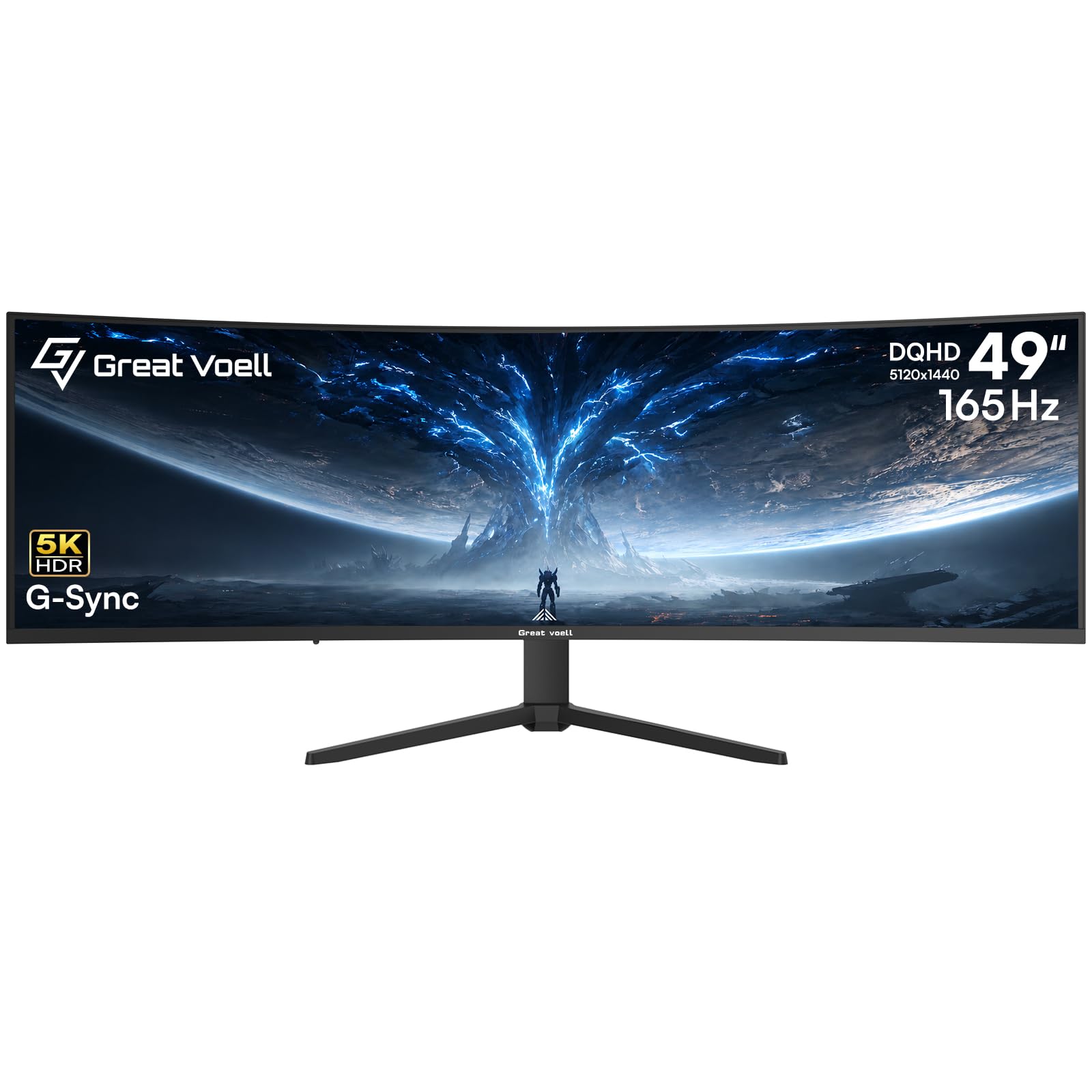
Full DQHD resolution and a 165Hz panel at an entry-level price point.
You get the genuine 5120×1440 Dual QHD resolution, compared with the Deco Gear’s 3840×1080, for under many buyers’ budget ceiling, so spreadsheets and game worlds look sharp and detailed. The 165Hz refresh rate is faster than the CRUA’s 120Hz, giving you smoother motion in racing games and shooters without the OLED price tag. The VA panel provides a 3000:1 contrast ratio and 400 nits brightness with HDR400 support, making dark game areas visible and colorful.
The 49-inch screen is effectively two 27-inch monitors side by side, and PIP/PBP mode lets you pull up different windows on the same screen without constantly switching inputs. One buyer called it “amazing monitor” with a “beautiful picture” and “great for the price.” The most common complaint is in the included hardware — the monitor ships with only two screws, and one owner noted the unit was “missing all the screws except for 2,” so you may need to source the rest from a local hardware store to mount the stand properly.
What you get
- True 5120×1440 DQHD resolution for sharp text and rich detail
- 165Hz refresh rate with 1ms response time for smooth gameplay
- HDR400 support and 127% sRGB color gamut for vivid scenes
- Supports both G-Sync and FreeSync to reduce stutter and tearing
Where it cuts corners
- Stand is missing most screws right in the box — check immediately
- Only HDMI 2.0 and USB 2.0 ports, not the latest standards
- Some owners mention the build quality feels less premium
Reach for this if: You want genuine 5120×1440 resolution and a high 165Hz refresh rate on a VA panel without paying the OLED premium.
Be ready for: A frustrating unboxing if the screws are missing, and connectivity limited to HDMI 2.0 speeds rather than the newer HDMI 2.1 standard.
7. CRUA 49″ White Curved
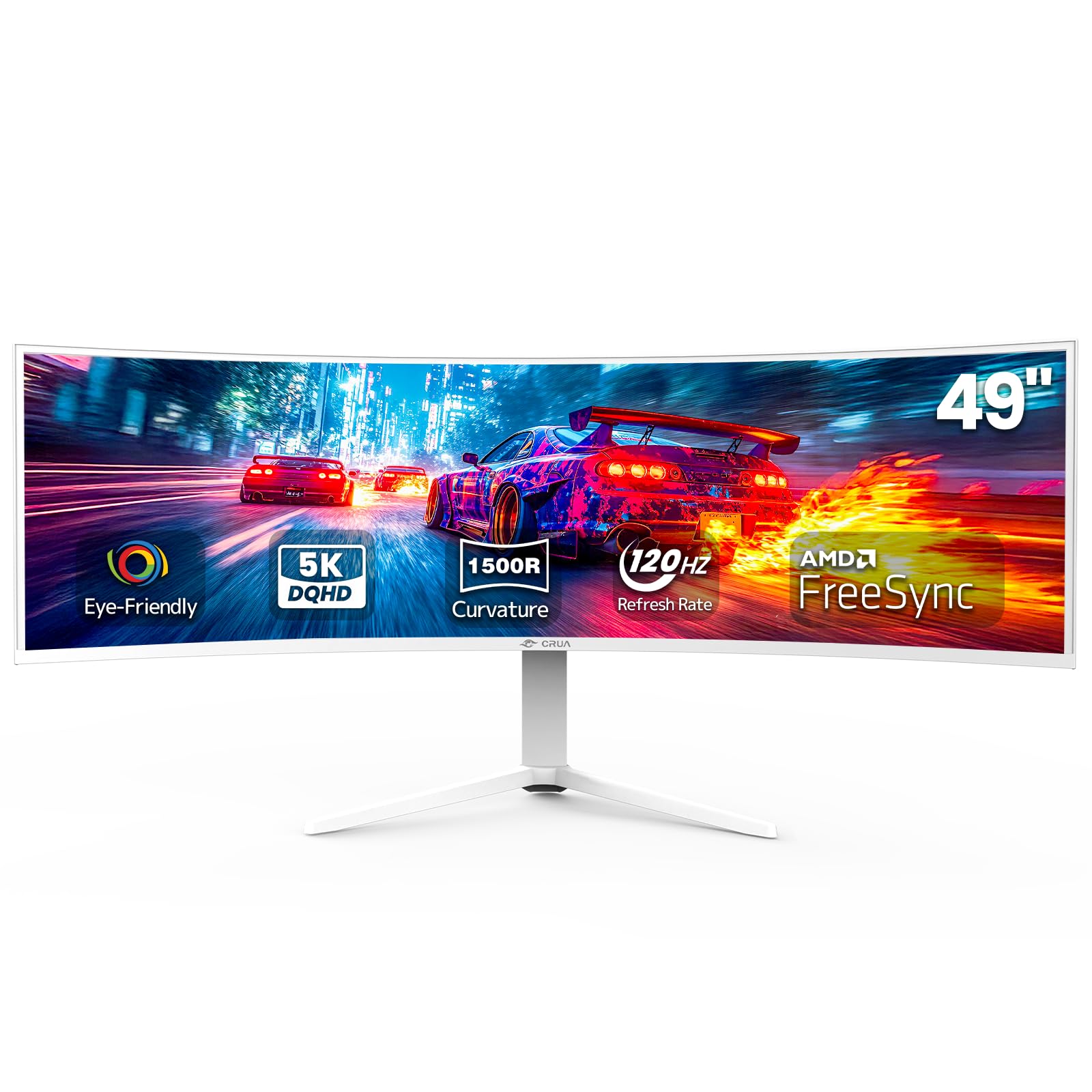
DQHD resolution and a blue-light filter that one gamer says killed eye strain completely.
You get a DQHD 5120×1440 panel with a 120Hz refresh rate, which is noticeably smoother than a standard 60Hz screen for both gaming and general scrolling. The 1500R curvature wraps the image around your central vision, and the VA panel delivers a 3000:1 contrast ratio and 120% sRGB color coverage for accurate, vibrant colors in creative work. Its 120Hz refresh is slower than the Great voell’s 165Hz, but its 5120×1440 resolution is far sharper than the ASUS’s 3840×1080.
What sets this monitor apart is the strong blue light filter — one 63-year-old buyer reported that the “blue light filter (strongest) and 180Hz refresh rate eliminated eye strain, fatigue, and dizziness” for them. The HDMI 2.1 and DP 1.4 ports support high-bandwidth connections, and the height-adjustable stand gives you ergonomic flexibility without an aftermarket arm. The catch is that a reviewer reported a “high-pitched whine from the power adapter” and described the screen as having “bad glare, dull colors” in their specific unit, so panel consistency may vary between units.
The strengths
- Strong blue light filter genuinely reduces eye strain for long sessions
- DQHD resolution sharp enough for design and spreadsheets
- HDMI 2.1 and DP 1.4 ports support modern high-bandwidth sources
- White finish fits bright rooms and creator desk setups
The weaknesses
- Some units have a high-pitched whine from the external power adapter
- Screen glare can make dark content hard to see in bright rooms
- 120Hz refresh rate is slower than the Great voell and Deco Gear options
Who this suits: Buyers who spend long hours in front of the screen and prioritize eye comfort, DQHD resolution, and a white aesthetic over the highest possible refresh rate.
One real caveat: Panel consistency is a gamble — some units look brilliant while others produce a distracting whine or glare.
8. ASUS ROG Strix XG49VQ

A 49-inch ultrawide that runs smoothly on mid-range hardware instead of draining your GPU budget.
You get a 49-inch view without needing a top-tier graphics card. While most 49-inch monitors push 5120×1440 pixels and demand a high-end GPU, the ASUS runs at 3840×1080 — the same pixel count as a standard 1080p monitor, just stretched wide. That means a mid-range card like the Nvidia 1070 Ti or AMD 7900XT can produce high frame rates without struggling, making this a practical choice if you game on a PC instead of a console. The 144Hz refresh rate and FreeSync 2 HDR support keep motion smooth, and the VA panel delivers a 3000:1 contrast ratio.
One experienced reviewer noted that this monitor hits “169-178 FPS with a 1080Ti” in fast games and that there is “no ghosting unlike Samsung CH-90.” The DisplayHDR 400 certification with 90% DCI-P3 coverage provides decent color for HDR content. The catch is that some buyers find the 3840×1080 resolution too low for a 49-inch screen, with one reviewer describing “pixels showing” and “text aliased,” and the HDR implementation has been called “mediocre” with “dull lows, blinding brights.”
Why it makes sense
- Lower 3840×1080 resolution runs smoothly on mid-range GPUs
- VA panel with 3000:1 contrast and no ghosting in fast action
- FreeSync 2 HDR works with both AMD and Nvidia graphics cards
- VESA mount and height/swivel/tilt adjustments for ergonomic setup
Where it falls short
- 3840×1080 resolution looks pixelated and text appears aliased at close range
- HDR performance is mediocre; many users prefer it turned off
- Aging FreeSync 2 flickers with some Nvidia cards
Perfect for: Gamers with a mid-range PC who want a 49-inch ultrawide experience but cannot afford the GPU upgrade that 5120×1440 requires.
Not for: Anyone who reads text for long periods or expects good HDR performance — the low pixel density and mediocre HDR are real downsides.
9. Deco Gear 49″ 144Hz
A white 49-inch panel at a budget price — with known quality trade-offs.
You get a 49-inch 32:9 VA panel with a 144Hz refresh rate and 1ms MPRT (motion picture response time) for under many buyer’s initial budget mark. The 3840×1080 resolution keeps GPU demands low, so you can run it on an office laptop or a mid-range gaming PC. The 1800R curve and 3000:1 contrast ratio provide decent immersion for gaming and movie watching, and the white finish stands out on a conventional black desk.
PIP/PBP mode lets you view two inputs on one screen — handy for running a work laptop alongside a gaming PC. The catch is reliability: one severe buyer report documents that the “USB-C port failed after 2-3 months; picture quality suffered,” and that support was “horrible — unreachable, promised replacement 6+ months ago.” Other customers note “screws were loose (two fell out)” and that the stand “feels cheaply built.” The VESA mount is included but may require filing down decorative pieces to fit standard arms.
The appeal
- Lowest-cost 49-inch ultrawide option for getting into the form factor
- 144Hz refresh rate and 1ms response time for smooth motion
- White finish differentiates it from the black monitor crowd
- PIP/PBP mode handles dual-source input on one screen
The risks
- Multiple reports of USB-C port failure within months
- Build quality feels cheap — loose screws, flimsy stand
- Customer support is largely unreachable per buyer feedback
Only consider this if: You are on the tightest possible budget and understand you are trading long-term reliability for a low entry price.
Better choices exist: Spend a little more on the ASUS or CRUA to get better support and fewer hardware failures reported by actual buyers.
Understanding the Specs
Response Time
Response time measures how fast a single pixel can change from one color to another, usually listed in milliseconds (ms). A lower number means less blur and ghosting behind fast-moving objects — 0.03ms OLED panels look dramatically sharper in motion than 1ms VA panels. For racing sims, first-person shooters, and any game where you track fast action, the difference between 1ms and 0.03ms is a 33x advantage in motion clarity.
Color Gamut
Color gamut is the range of colors a monitor can display, measured as a percentage of a standard like sRGB, Adobe RGB, or DCI-P3. Higher numbers — 127% sRGB on the Great voell vs 99% on the Deco Gear — mean the monitor can show more saturated and varied colors. This matters most for photo editing, video color grading, and games designed with vibrant art styles. For general web browsing and office work, anything above 99% sRGB looks excellent.
Panel Type
Panel type describes the underlying technology that creates the image. VA (Vertical Alignment) panels offer good contrast (around 3000:1) at a low price but have slower pixel response and narrow viewing angles. OLED (Organic Light Emitting Diode) panels produce true blacks by turning off individual pixels, achieving an infinite contrast ratio and near-instant response times, but they cost more and can suffer burn-in over years of static content. QD-OLED is a newer variant that adds a quantum dot layer for wider color volume and higher brightness than standard OLED.
Connectivity
HDMI 2.1 supports up to 48 Gbps bandwidth for high-resolution high-refresh-rate output, while HDMI 2.0 tops out at 18 Gbps. DisplayPort 1.4 handles 5120×1440 at 144Hz easily. USB-C with power delivery (90W shown on the INNOCN and Deco Gear QD-OLED) can carry video signal, data, and laptop charging through a single cable. If you plug multiple devices into your monitor daily, look for models with USB hubs, KVM switches, and RJ45 ethernet ports.
FAQ
Will a 49 inch monitor work with my current graphics card?
Is 3840×1080 resolution good enough for a 49 inch screen?
How deep does my desk need to be for a 49 inch curved monitor?
Can a 49 inch monitor replace two 27 inch monitors?
What is the difference between 1500R and 1000R curvature?
How long do OLED ultrawide monitors last before burn-in?
Does a 49 inch monitor support picture-in-picture for consoles?
Will a 49 inch monitor work with a PlayStation 5?
What VESA mount size do 49 inch monitors use?
Which is better for coding a 49 inch VA or OLED monitor?
Final Thoughts: The Verdict
Across the board, the best 49 inch monitor is the MSI MPG 491CQP QD-OLED because it combines a stunning QD-OLED panel with accurate color, a 0.03ms response time, and burn-in protection software for a balanced gaming and productivity experience. If you want the fastest motion and deepest curve, grab the Samsung Odyssey G9 240Hz for its 240Hz VA panel and 1000R wrap-around feel. And for the tightest budget with genuine DQHD resolution, the {“@context”: “https://schema.org”, “@graph”: [{“@type”: “BreadcrumbList”, “itemListElement”: [{“@type”: “ListItem”, “position”: 1, “name”: “Home”, “item”: “https://fitlyfast.com/”}, {“@type”: “ListItem”, “position”: 2, “name”: “9 Best 49 Inch Monitor”, “item”: “https://fitlyfast.com/best-49-inch-monitor/”}]}, {“@type”: “Article”, “headline”: “9 Best 49 Inch Monitor”, “about”: “Best 49 Inch Monitor”, “datePublished”: “2026-07-04”, “dateModified”: “2026-07-04”, “mainEntityOfPage”: {“@type”: “WebPage”, “@id”: “https://fitlyfast.com/best-49-inch-monitor/”}, “inLanguage”: “en-US”, “speakable”: {“@type”: “SpeakableSpecification”, “cssSelector”: [“section#faq summary”, “.fff-faq-answer”, “section#how-to-choose”]}, “author”: {“@type”: “Person”, “name”: “Rikta”, “description”: “This guide is built by comparing the manufacturers’ published specifications and the patterns across verified customer reviews, so you get each pick’s real strengths and trade-offs instead of marketing spin.”, “jobTitle”: “Writer & Editor”}, “publisher”: {“@type”: “Organization”, “name”: “FitlyFast”, “url”: “https://fitlyfast.com/”}}, {“@type”: “ItemList”, “name”: “9 Best 49 Inch Monitor”, “url”: “https://fitlyfast.com/best-49-inch-monitor/”, “numberOfItems”: 9, “itemListElement”: [{“@type”: “ListItem”, “position”: 1, “name”: “MSI MPG 491CQP QD-OLED”, “url”: “https://fitlyfast.com/best-49-inch-monitor/#product-1”}, {“@type”: “ListItem”, “position”: 2, “name”: “Samsung Odyssey OLED G9 (G91SD)”, “url”: “https://fitlyfast.com/best-49-inch-monitor/#product-2”}, {“@type”: “ListItem”, “position”: 3, “name”: “Samsung Odyssey G9 (LS49CG954ENXZA)”, “url”: “https://fitlyfast.com/best-49-inch-monitor/#product-3”}, {“@type”: “ListItem”, “position”: 4, “name”: “Deco Gear 49\” 144Hz”, “url”: “https://fitlyfast.com/best-49-inch-monitor/#product-4”}, {“@type”: “ListItem”, “position”: 5, “name”: “INNOCN 49\” OLED”, “url”: “https://fitlyfast.com/best-49-inch-monitor/#product-5”}, {“@type”: “ListItem”, “position”: 6, “name”: “Great voell 49\” 165Hz”, “url”: “https://fitlyfast.com/best-49-inch-monitor/#product-6”}, {“@type”: “ListItem”, “position”: 7, “name”: “CRUA 49\” White Curved”, “url”: “https://fitlyfast.com/best-49-inch-monitor/#product-7”}, {“@type”: “ListItem”, “position”: 8, “name”: “ASUS ROG Strix XG49VQ”, “url”: “https://fitlyfast.com/best-49-inch-monitor/#product-8”}, {“@type”: “ListItem”, “position”: 9, “name”: “Deco Gear 49\” 144Hz”, “url”: “https://fitlyfast.com/best-49-inch-monitor/#product-9”}]}, {“@type”: “Product”, “position”: 1, “name”: “MSI MPG 491CQP QD-OLED”, “image”: “https://m.media-amazon.com/images/I/81YBFZQZVgL.jpg”, “brand”: {“@type”: “Brand”, “name”: “MSI”}, “url”: “https://www.amazon.com/dp/B0CTRXCNV8/?tag=fitlyfast00-20”}, {“@type”: “Product”, “position”: 2, “name”: “Samsung Odyssey OLED G9 (G91SD)”, “image”: “https://m.media-amazon.com/images/I/71s2+AY8C-L.jpg”, “brand”: {“@type”: “Brand”, “name”: “Samsung”}, “url”: “https://www.amazon.com/dp/B0DSGJRKCR/?tag=fitlyfast00-20”}, {“@type”: “Product”, “position”: 3, “name”: “Samsung Odyssey G9 (LS49CG954ENXZA)”, “image”: “https://m.media-amazon.com/images/I/61gZrVSSCoL.jpg”, “brand”: {“@type”: “Brand”, “name”: “Samsung”}, “url”: “https://www.amazon.com/dp/B0CP6HW894/?tag=fitlyfast00-20”}, {“@type”: “Product”, “position”: 4, “name”: “Deco Gear 49\” 144Hz”, “image”: “https://m.media-amazon.com/images/I/71U11rIn-8L.jpg”, “brand”: {“@type”: “Brand”, “name”: “Deco Gear”}, “url”: “https://www.amazon.com/dp/B0H39KGY9J/?tag=fitlyfast00-20”}, {“@type”: “Product”, “position”: 5, “name”: “INNOCN 49\” OLED”, “image”: “https://m.media-amazon.com/images/I/71GWcwvg7PL.jpg”, “brand”: {“@type”: “Brand”, “name”: “INNOCN”}, “url”: “https://www.amazon.com/dp/B0DD2ZB3DZ/?tag=fitlyfast00-20”}, {“@type”: “Product”, “position”: 6, “name”: “Great voell 49\” 165Hz”, “image”: “https://m.media-amazon.com/images/I/61Nhhyv2nyL.jpg”, “brand”: {“@type”: “Brand”, “name”: “Great”}, “url”: “https://www.amazon.com/dp/B0GF6N6738/?tag=fitlyfast00-20”}, {“@type”: “Product”, “position”: 7, “name”: “CRUA 49\” White Curved”, “image”: “https://m.media-amazon.com/images/I/71tFPqA6ScL.jpg”, “brand”: {“@type”: “Brand”, “name”: “CRUA”}, “url”: “https://www.amazon.com/dp/B0FPFKVW49/?tag=fitlyfast00-20”}, {“@type”: “Product”, “position”: 8, “name”: “ASUS ROG Strix XG49VQ”, “image”: “https://m.media-amazon.com/images/I/61hU8f9TLzL.jpg”, “brand”: {“@type”: “Brand”, “name”: “ASUS”}, “url”: “https://www.amazon.com/dp/B07PZR2YY4/?tag=fitlyfast00-20”}, {“@type”: “Product”, “position”: 9, “name”: “Deco Gear 49\” 144Hz”, “image”: “https://m.media-amazon.com/images/I/71U11rIn-8L.jpg”, “brand”: {“@type”: “Brand”, “name”: “Deco”}, “url”: “https://www.amazon.com/dp/B0H39KGY9J/?tag=fitlyfast00-20”}, {“@type”: “FAQPage”, “mainEntity”: [{“@type”: “Question”, “name”: “Will a 49 inch monitor work with my current graphics card?”, “acceptedAnswer”: {“@type”: “Answer”, “text”: “It depends entirely on the resolution. If you buy a 3840×1080 model like the ASUS ROG Strix, a mid-range card like a Nvidia 1070 Ti or AMD 7900XT can drive it at 144Hz. For 5120×1440 monitors like the Great voell or MSI, you will need a high-end card — Nvidia RTX 3080 or better — to run modern games at good frame rates. Check your GPU’s maximum supported resolution and refresh rate over the connection type you plan to use (DisplayPort is usually the best choice).”}}, {“@type”: “Question”, “name”: “Is 3840×1080 resolution good enough for a 49 inch screen?”, “acceptedAnswer”: {“@type”: “Answer”, “text”: “It is usable, but you will notice individual pixels and aliased text edges at a normal viewing distance of 2-3 feet. The effective pixel density is the same as a standard 24-inch 1080p monitor, just stretched across a much wider area. For gaming it works well because the lower resolution lets mid-range GPUs push high frame rates, but for productivity work with lots of text, the 5120×1440 models provide noticeably sharper clarity.”}}, {“@type”: “Question”, “name”: “How deep does my desk need to be for a 49 inch curved monitor?”, “acceptedAnswer”: {“@type”: “Answer”, “text”: “You generally need at least 24 to 30 inches of desk depth from your face to the screen for the 1500R or 1800R curve to feel comfortable. The 1000R curve on the Samsung Odyssey G9 wraps more aggressively and works better at distances around 20-24 inches. Measure your existing desk depth before buying — a 49-inch monitor is about 46 inches wide, so it also needs a desk wide enough to accommodate the full width without overhang.”}}, {“@type”: “Question”, “name”: “Can a 49 inch monitor replace two 27 inch monitors?”, “acceptedAnswer”: {“@type”: “Answer”, “text”: “Yes, that is one of the main reasons people buy them. A 49-inch 32:9 monitor has the exact same total pixel width as two 27-inch 2560×1440 monitors placed side by side, but without the bezel gap in the middle. Windows snap features and manufacturer PIP/PBP modes let you arrange windows as if you had two separate screens. Some reviewers point out they prefer the smooth single panel for gaming and the split-screen approach for work.”}}, {“@type”: “Question”, “name”: “What is the difference between 1500R and 1000R curvature?”, “acceptedAnswer”: {“@type”: “Answer”, “text”: “The \”R\” number stands for the radius of the curve in millimeters — a lower number means a tighter, more aggressive curve. A 1000R curve matches the natural curvature of the human eye and fills your entire peripheral vision, making it deeply rich for gaming. A 1500R curve is more subtle and works better for productivity tasks like spreadsheets and coding where straight lines matter. Buyers of the 1000R Odyssey G9 say it wraps around you \”like a cockpit,\” while some find the 1500R models easier to use for office work.”}}, {“@type”: “Question”, “name”: “How long do OLED ultrawide monitors last before burn-in?”, “acceptedAnswer”: {“@type”: “Answer”, “text”: “Modern OLED monitors include burn-in prevention features such as pixel shifting, logo dimming, and automatic screen savers that activate after a set period of inactivity. Manufacturers like Samsung and MSI offer 3-year warranties that cover burn-in on some models. Real-world reports vary widely — some owners use OLED monitors for years without visible burn-in, while others with heavy static taskbar usage see marks after 18-24 months. For mixed-use and gaming, OLED is a safe choice; for 8-hour-a-day spreadsheet work, VA or a QD-OLED with a burn-in warranty is more prudent.”}}, {“@type”: “Question”, “name”: “Does a 49 inch monitor support picture-in-picture for consoles?”, “acceptedAnswer”: {“@type”: “Answer”, “text”: “Most 49-inch monitors include both PIP (Picture-in-Picture) and PBP (Picture-by-Picture) modes, allowing you to display two input sources simultaneously on the same screen. You could connect a gaming console to one HDMI port and a PC to another, then view both at the same time — for example, watching a guide video while playing. The sub-screen in PIP mode typically can be resized up to about 25% of the total screen area.”}}, {“@type”: “Question”, “name”: “Will a 49 inch monitor work with a PlayStation 5?”, “acceptedAnswer”: {“@type”: “Answer”, “text”: “Technically yes, but practically not well. The PS5 does not support the 32:9 ultrawide aspect ratio, so the image will be stretched horizontally across the entire 49-inch screen, making characters and objects look wider than intended. The monitor will accept the signal but cannot show the proper aspect ratio. If you plan to split time between PC and console gaming, you will need a monitor that offers a 16:9 mode or accept the stretched image. Several buyer reviews for these monitors specifically warn against buying them for PS5 use.”}}, {“@type”: “Question”, “name”: “What VESA mount size do 49 inch monitors use?”, “acceptedAnswer”: {“@type”: “Answer”, “text”: “Most 49-inch monitors use a standard 100x100mm VESA mount pattern, though some larger models may use 200x200mm. The Samsung Odyssey G9, MSI MPG 491CQP, and INNOCN all support 100x100mm mounts. The Deco Gear 49\” 144Hz model requires filing down decorative pieces on the VESA adapter bracket to fit standard arms. Always check the specific product specifications for VESA compatibility before buying a monitor arm.”}}, {“@type”: “Question”, “name”: “Which is better for coding a 49 inch VA or OLED monitor?”, “acceptedAnswer”: {“@type”: “Answer”, “text”: “For pure coding with static text, a VA monitor is perfectly fine and considerably cheaper. The high contrast ratio of VA panels (3000:1) makes text readable, and you do not need the instant pixel response or infinite blacks that OLED provides. OLED screens offer superior clarity and contrast that can reduce eye strain during long coding sessions, but the risk of burn-in from static code editors, toolbars, and terminal windows over years of use is higher. Many developers choose VA for dedicated work monitors and OLED for gaming and media consumption.”}}]}]}