
Our readers keep the lights on and the weekend projects moving. As an Amazon Associate, I earn from qualifying purchases.
Specs are compiled from manufacturer listings and verified buyer reviews and can change over time — please confirm the key details on the product page before buying.
If your PC randomly shuts down under load or a new graphics card upgrade leaves you stuck with a black screen, the culprit is often a power supply that can’t keep up. The core question for a shopper here is simple: which unit delivers clean, stable wattage without wasting money on features you don’t need?
I’m Rikta — the founder and writer behind FitlyFast. This guide is built by comparing the manufacturers’ published specifications and the patterns across verified customer reviews, so you get each pick’s real strengths and trade-offs instead of marketing spin.
After checking the specs and digging into the experience of hundreds of actual buyers, these picks stand out as the budget power supply units you can trust to power your next build.
Our Picks at a Glance
How To Choose The Best Budget Power Supply
A power supply is the one part that touches every other component in your PC. Choose a bad one, and you risk crashes, instability, or even damage. Here is a straightforward checklist for finding a reliable budget unit.
Match the Wattage to Your Parts
A 550W unit is enough for a mid-range gaming rig with a single graphics card, while a 650W or 750W unit gives you room for a more power-hungry GPU and future upgrades. Undershooting wattage causes shutdowns during intense gaming, while overshooting by a reasonable margin (100-200W above your peak draw) keeps the fan quieter and the components cooler.
Understand 80+ Certification
An 80+ rating (White, Bronze, Gold, Platinum, Titanium) tells you the unit’s efficiency at converting AC from your wall to the DC power your PC uses. An 80+ Bronze unit wastes less energy as heat than an uncertified one, which means lower electricity bills and a cooler-running case. For budget builds, 80+ Bronze is the balance for balancing cost and performance.
Modular vs. Non-Modular Cables
Non-modular units have every cable permanently attached, which can create extra clutter in a small case. Semi-modular units let you detach the cables you don’t need (like extra SATA power leads). Fully modular units give you total control, but they cost more. For a budget build with a standard mid-tower case, a semi-modular or well-managed non-modular unit works perfectly fine.
Quick Comparison
| Model | Best For | Wattage | 80+ Rating | Modular | Amazon |
|---|---|---|---|---|---|
| Apevia SPIRIT600W★ Best Overall | Ultra-low budget builds | 600W | None | Non-Modular | Amazon |
| Montech BETA 2 550WAlso Great | Entry-level gaming stability | 550W | Bronze | Non-Modular | Amazon |
| MSI MAG A650BE | Quiet semi-modular value | 650W | Bronze | Semi-Modular | Amazon |
| Corsair CX650 | Trusted brand reliability | 650W | Bronze | Non-Modular | Amazon |
| Segotep 650W Gold | Gold efficiency on a budget | 650W | Gold | Non-Modular | Amazon |
| Rosewill VSB 650W | Compact size with native PCIe 5.1 | 650W | Bronze | Semi-Modular | Amazon |
| Zalman GigaMax 600W | Basic to mid-level builds | 600W | Bronze | Non-Modular | Amazon |
In-Depth Reviews
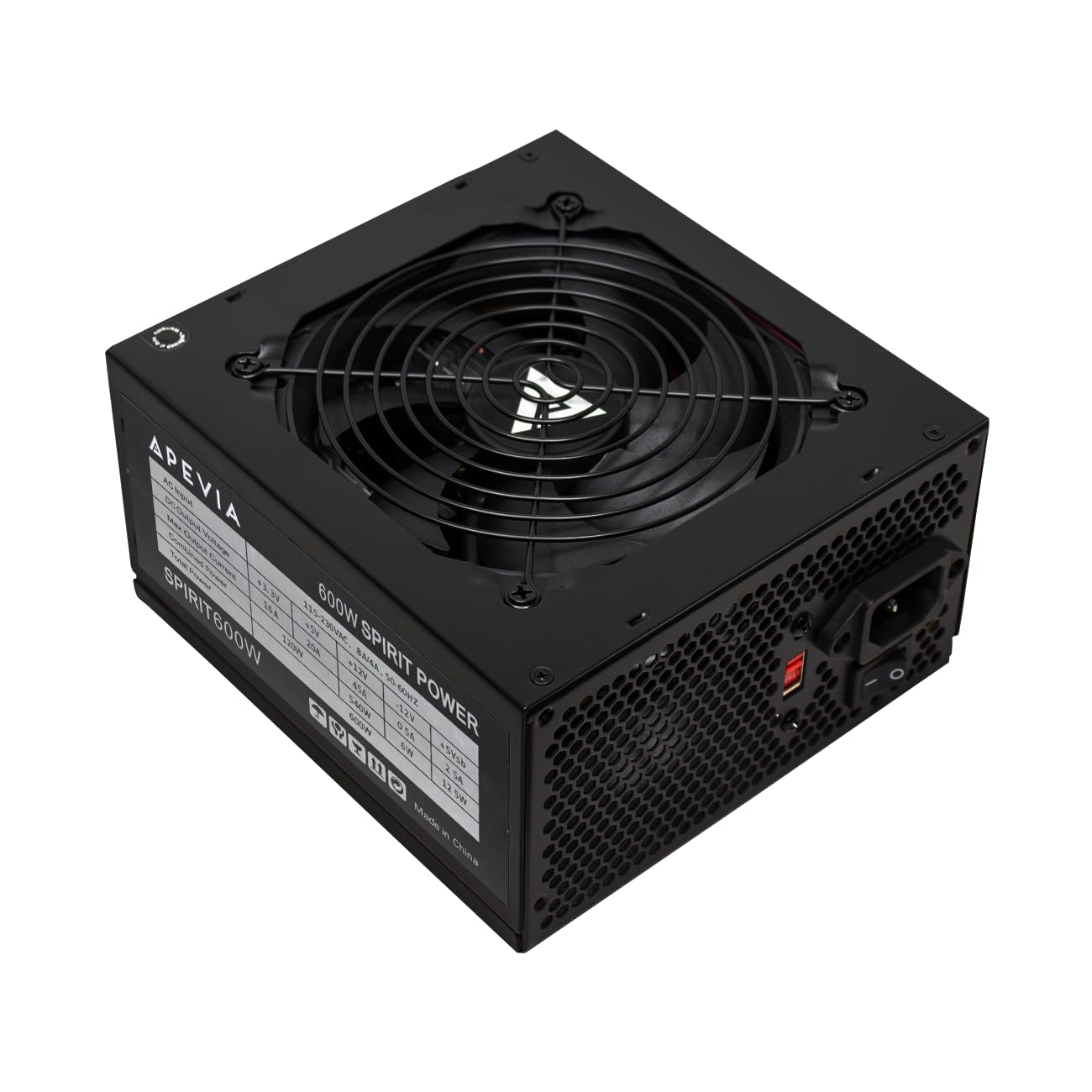
1. Apevia SPIRIT600W Spirit 600W ATX Power Supply
The cheapest option that still works reliably for budget vintage builds.
At the bottom of the price ladder sits the Apevia SPIRIT600W, a no-frills 600W unit built for the lowest-cost builds. It gets an auto-thermally controlled 120mm fan, a full set of protections (short-circuit, over-voltage, over-power, over-temperature, etc.), and a sandblasted black casing. It is non-modular and has no 80+ rating, so it trades away efficiency for rock-bottom affordability.
Despite its low cost, 4.3 stars from 964 ratings shows it satisfies a huge number of buyers. The single most-liked scenario is upgrading older office PCs: one owner says they “Replaced stock 300W in Acer TC885 for GTX 1060 upgrade.” Another reviewer installed it in an old 2019 PC with an i7 990x and 1660 Super, calling it “great for BUDGET vintage builds.” A third reports it runs “perfect for budget builds (RX 580, i7-2600k).” Nearly 170 buyers single out its quiet operation and adequate power for the price.
The main trade-offs start with a major cable issue: the main CPU power cable is roughly 3 inches too short for large cases, forcing one owner to route it over the GPU. It also has no 80+ certification, meaning it will be less efficient and generate more heat than the Bronze-rated units above. Many buyers accept this trade for the price — but for a new build that will run daily, stepping up to the Montech is worth considering.
Cost King
- Lowest price among all picks
- 4.3 stars from 964 ratings — massive buyer pool
- Full protection suite (6 protections)
- Adapters for 20+4 and 6+2 connectors
Small Case Warning
- CPU power cable is short for large cases
- No 80+ certification — less efficient
- Non-modular design adds cable clutter
Perfect for vintage builds: If you are resurrecting an old Dell Optiplex or Acer office PC with a cheap GPU, this is your cheapest low-maintenance option.
Pass on it if: You are building a new mid-range rig or want energy efficiency — the Montech or Corsair are well worth the small extra spend.
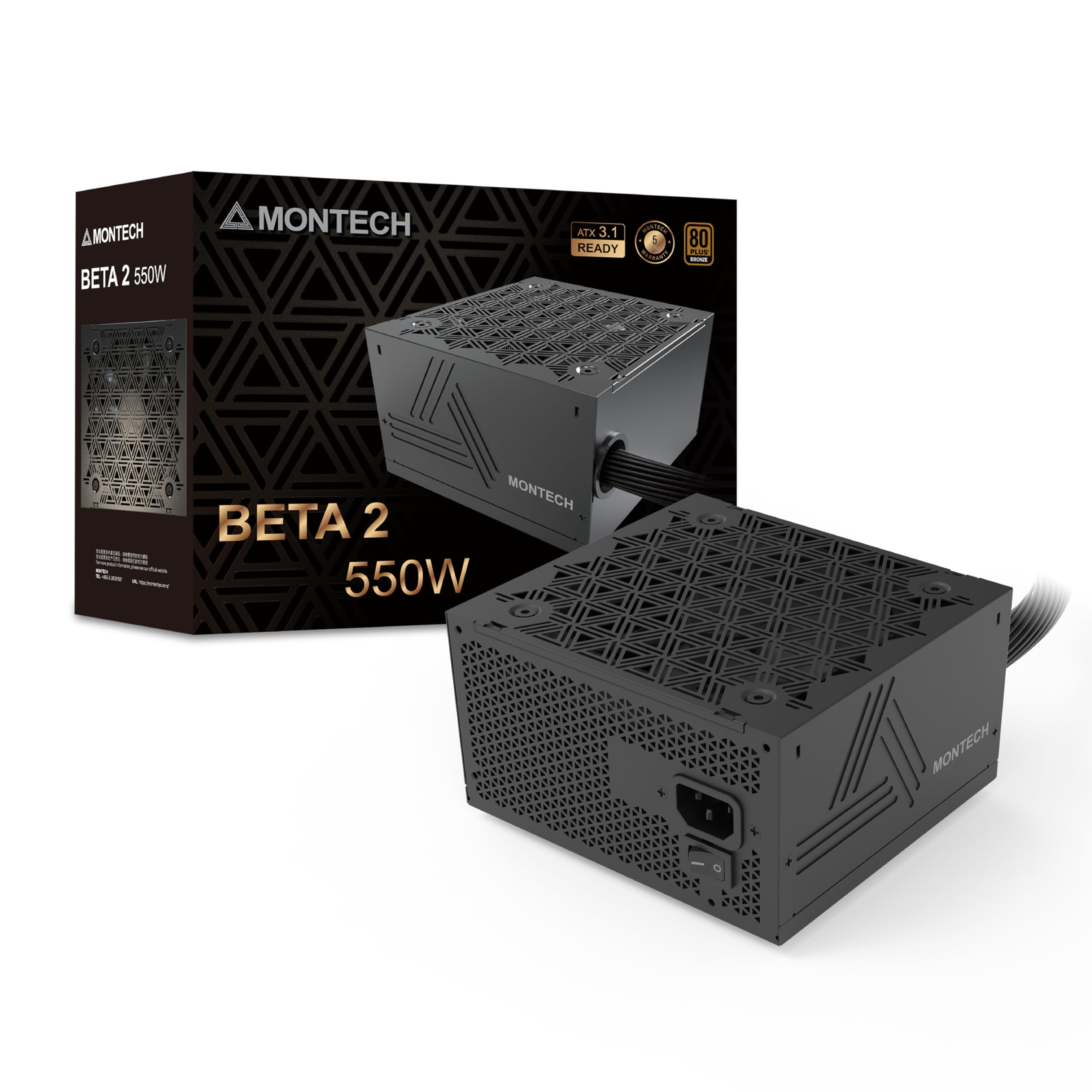
2. Montech BETA 2 550W Power Supply
The budget king that brings ATX 3.1 muscle to an entry-level price.
Getting the latest power standard on a budget is rare, but this Montech unit does exactly that. It is ATX 3.1 Ready, meaning it can handle sudden high-power demands from your GPU (called power excursions) without tripping protections, which keeps your game from crashing during an intense scene. The 80+ Bronze certification means you waste less energy as heat compared to an uncertified unit.
At 4.7 stars across 41 ratings, early buyers are impressed. One review calls it an “Awesome Purchase,” noting the cables are individually labeled and a booklet is included for connections, making installation simple. Another teardown-focused review praises the “good input filtering, PFC, DC-DC converters” inside, though it notes the component brands are mostly unfamiliar — a fair trade-off at this price. One owner said it “Works well with my RX9060 Xt Graphics card,” showing real-world compatibility with newer hardware.
Head-to-head with the larger Apevia SPIRIT600W, the Montech measures 10 x 7.9 x 3.95 inches , so ensure your case has the depth for it. While it is a non-modular design, the 41 reviews so far praise its “solid performance” and quiet fan. It packs a 5-year warranty for confidence.
Smart Upgrades
- ATX 3.1 ready for modern GPU power spikes
- 80+ Bronze certified for efficient operation
- Individual labeled cables simplify setup
- 5-year warranty provides long-term coverage
Things to Note
- Non-modular cables need careful routing
- Tall dimensions (3.95 inches) may not fit all cases
- Component brands inside are largely unknown
Best for first-time builders: If you want a modern ATX 3.1 unit with good safety features on a strict budget, start here.
Think twice if: You need a fully modular setup for a very small case or want a unit with a longer community track-record than 41 reviews.
3. MSI MAG A650BE, Semi-Modular 650W ATX Power Supply

A semi-modular 650W unit praised for out-of-the-box reliability and near-silent operation.
MSI brings its reputation for gaming hardware into the budget PSU space with the MAG A650BE. It is 80+ Bronze certified for efficiency, and the semi-modular design means you only plug in the cables you need — a huge help for keeping a micro ATX or mid-tower build tidy. The 120mm low-noise fan stays quiet under light loads, spinning up only when the system demands it.
This is the highest-rated unit on the list at 4.8 stars from 273 owners. Amazon’s own summary calls out its “premium build quality and outstanding reliability.” One reviewer noted it “powers a 5600X and Arc B580 build nicely,” while another mentioned it sits in a micro ATX case with an RTX 5060 TI inside with “No issues at all.” The semi-modular nature is a standout feature here — it gives you the flexibility of modular cabling at a price that competes with many non-modular units.
The core drawback is its size. The unit measures 11.42 x 8.11 x 4.96 inches, making it noticeably larger than the compact Rosewill VSB 650W (which is 5.51 x 5.9 x 3.38 inches). That extra bulk means you need to double-check your case’s PSU clearance before buying.
Assembly Friendly
- Semi-modular design cuts cable clutter
- Rated 4.8 stars across 273 reviews
- Industrial-level protection (OVP, OCP, OPP, OTP, SCP)
- 120mm low-noise fan for quiet operation
Physical Box
- Larger than compact competitors
- Non-modular SATA leads could be longer
Ideal for tidy builders: Reach for this if you want a clean-looking interior and the flexible cable management of semi-modular without paying a premium.
One caveat: Its bulky dimensions make it a poor fit for tight small-form-factor cases where every inch counts.
4. Corsair CX650 80 Plus Bronze Non Modular 650W

Corsair’s reputation for reliability meets a price that respects your wallet.
Corsair is a household name in PC power, and the CX650 delivers the kind of stable, continuous power that protects your components. It is 80+ Bronze certified, giving you up to 88% efficiency, and its compact 125mm casing makes it an easy fit in almost any modern case. The 120mm thermally controlled fan stays slow and quiet during light use, only ramping up under heavy load.
With 4.7 stars from 414 ratings, this is a proven performer. Amazon’s customer summary notes it is “particularly suitable for low-end to mid-range builds.” One owner says, “For anyone on a budget this is a solid choice,” adding that it “performs as it should, with enough cables to power everything you need.” The most praised aspects by count are power quality (20 positive mentions) and reliability (16 positive mentions). Another buyer did note a “defective AC to wall cable” in their box, though they considered it a one-off.
It is also non-modular, so plan on managing a few extra cables. One buyer who needed to upgrade soon after purchase said, “I now need a bigger one just because of upgrades,” a reminder to buy slightly above your current needs if you plan to upgrade later.
Trusted Power
- 4.7 stars from 414 reviews — strong proof of reliability
- Compact 125mm length fits most cases
- Power quality praised by 20 buyers
- Black sleeved cables blend into any build
Trade-Offs
- Non-modular design adds cable clutter
- Cable length gets mixed feedback for large cases
- AC power cord defect reported in one unit
Play it safe: If brand trust and a massive pool of happy buyers matter most, this is the safest bet on the list.
skip it if: You want modular cables or a lighter unit for a small portable build.
5. Segotep 650W 80 Plus Gold Certified ATX Power Supply

80+ Gold efficiency at a price you usually pay for Bronze.
The Segotep 650W GN-650 is the only unit on this list to snag an 80+ Gold certification at a budget price. That means it operates at around 87% efficiency under normal load, wasting less power as heat and potentially saving you a few dollars on the electric bill over time. It runs on a single +12V rail for stable power delivery, supporting a wide input voltage range of 100-240V AC for international use.
With 4.6 stars from 830 ratings, it has serious buyer momentum. “Power performance” is the top aspect, with 54 buyers praising it. One user called it “the absolute best for the price,” noting that it is “quiet and effective.” Another remarked it has “no issues in over a year of service.” There is a small mixed zone around “power reliability” (8 mentions), but the overwhelming majority of reviews are positive.
Like the Corsair above, this is a non-modular unit, so you will need to tuck away unused cables. It measures 5.91 x 5.51 x 3.35 inches, making it a standard ATX size. One buyer who bought it for a budget build says, “I have used this PSU a few times and it has come through for me no issues no worries.”
Gold Efficiency
- 80+ Gold certification for lower power waste
- 4.6 stars from 830 reviews
- Global voltage adaptation (100-240V)
- Power performance praised by 54 owners
Connections
- Non-modular means more cable clutter
- Power reliability has mixed feedback
Choose it for the Gold rating: If you want the best energy efficiency available on a tight budget, this is the pick.
pass on it if: You prefer semi-modular wiring to avoid managing extra unused cables.
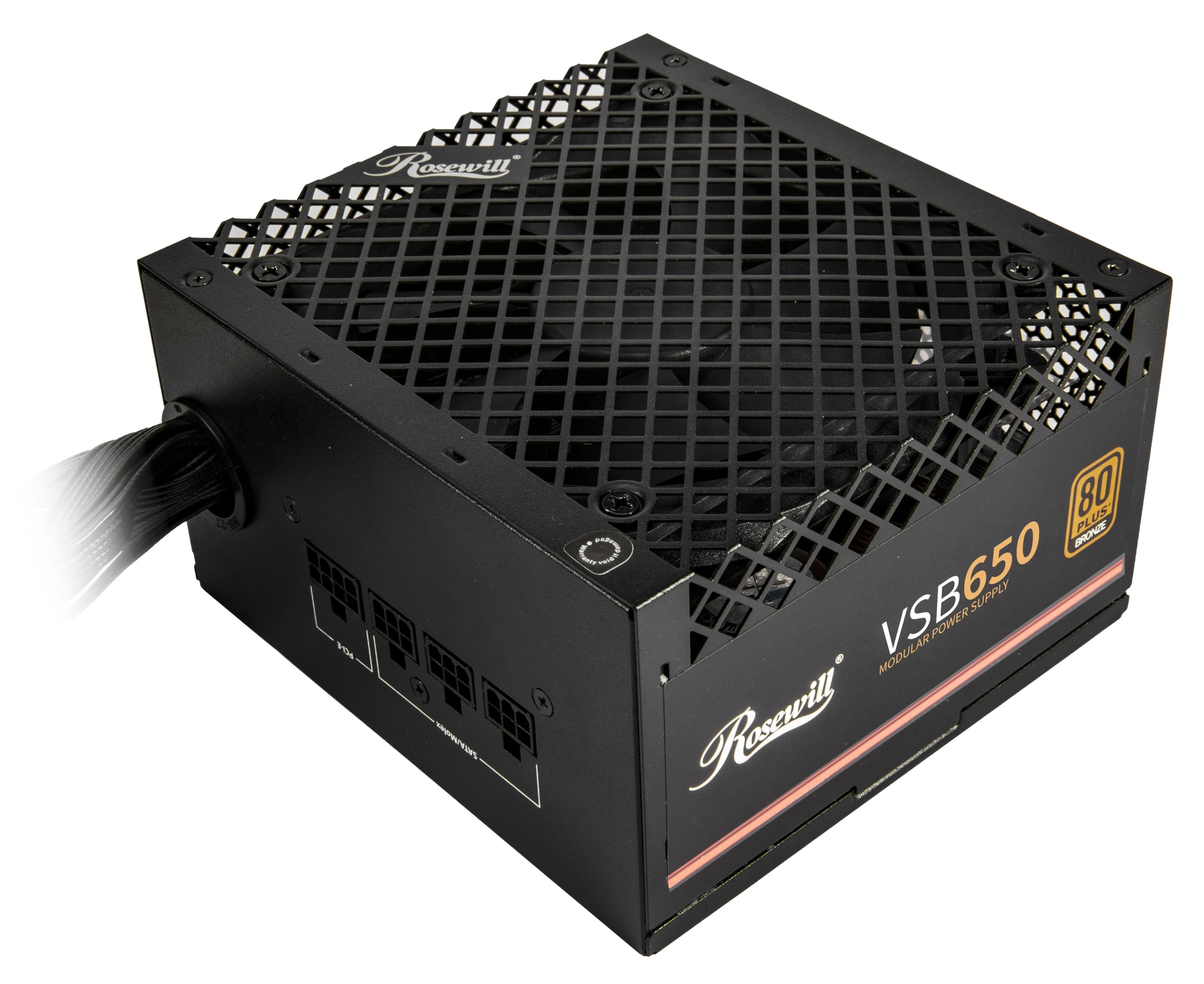
6. Rosewill VSB 650W 80+ Bronze Semi-Modular Power Supply
A compact 650W with a native PCIe 5.1 power cable for next-gen GPUs.
The Rosewill VSB 650W stands out for its small size: at 5.51 x 5.9 x 3.38 inches, making it ideal for compact or small-form-factor builds. Despite the small body, it packs a dedicated PCIe 5.1 12V-2×6 cable that delivers up to 450W directly to newer graphics cards, saving you from messy adapter cables. The semi-modular design and 80+ Bronze certification round out a strong mid-range feature set.
With 4.6 stars across 189 ratings, buyers like its value and quiet operation. Amazon’s summary says it “powers an RTX 5070/12700K system without issues.” One owner calls it “a solid go to. I have built many PCs with this power supply. It is quiet and affordable and solid.” The top aspects by count are value for money (22) and performance (21), both positive. On the flip side, cable management earns a mixed verdict (7 mentions). One detailed review reported an “initially faulty power switch” that needed multiple flips to engage, though the same reviewer later confirmed the PSU was “reliable” in long-term use.
It produces 650W, versus the 600W of the Apevia SPIRIT600W, giving you a solid buffer for upgrades. Its smaller body also runs cooler thanks to large steel vents and an ICB silent fan.
Small & Powerful
- compact ATX for tight cases
- Native PCIe 5.1 12V-2×6 cable for modern GPUs
- Semi-modular cables for a clean build
- 5-year manufacturer warranty
Watch For
- Cable management quality is mixed per reviews
- One report of a faulty power switch on arrival
Best for small cases: If you are building in a mATX or ITX case and want a native PCIe 5.1 cable without adapters, grab this.
Hesitate if: You prefer a more widely reviewed brand or want to avoid any risk of an early power switch issue.
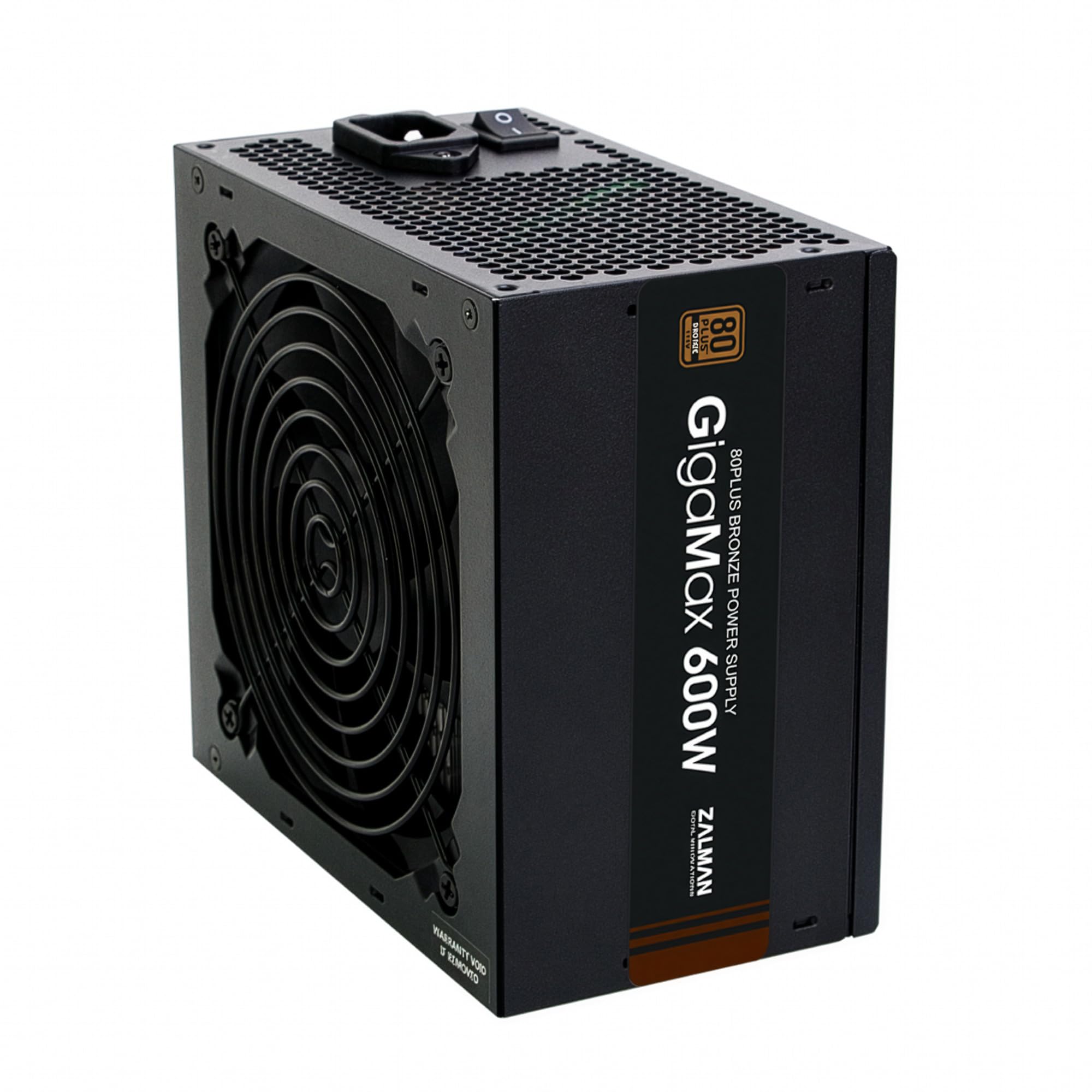
7. Zalman GigaMax 600W ATX Power Supply
A quiet 600W that fits basic builds but skips the 6-pin PCIe connector.
Zalman is a known brand in PC cooling, and the GigaMax 600W brings that same attention to quiet operation. The 120mm HDB (hydro-dynamic bearing) fan is designed to run smooth and near-silent. It uses 105°C-rated capacitors for stable high-voltage filtration and an active PFC system with a 99% power factor, meaning it draws cleaner power from the wall. All cables are black-sleeved for a cleaner look.
With 4.6 stars across 170 ratings, buyers praise it for quiet operation and steady power. One owner called it “the quietest power supply I have ever had in over thirty years of building my own PC’s,” running an i9 on an Asus ATX motherboard. But there is a catch: this unit lacks a dedicated 6-pin PCIe GPU connector. One review advises it is “of great value if your graphics card does not require a 6-pin ePCI GPU connector.” That makes it a good fit for basic systems with integrated graphics or older business PCs, but a poor choice for any modern gaming GPU that needs external power.
Reliability receives a mixed signal in the aspects (7 mentions), and one buyer mentioned a 12V issue at startup that Zalman customer service handled by shipping a replacement. At 3.3 pounds, it is one of the lighter units on the list, which can be a sign of simpler internal components.
Whisper Quiet
- Extremely quiet HDB 120mm fan
- 105°C capacitors for stable power
- Active PFC with 99% power factor
- 5-year manufacturer warranty
Major Limitation
- No 6-pin PCIe GPU connector for modern graphics cards
- Reliability is marked as mixed in customer feedback
Good for office or HTPC builds: If your build uses integrated graphics and you value silent operation above all, this works.
Avoid it if: You have a dedicated graphics card that needs a 6-pin or 8-pin PCIe power cable — look at the Corsair or MSI instead.
Understanding the Specs
Wattage and Why It Matters
Wattage is the total power a PSU can deliver. You need enough wattage to power your CPU and GPU at peak load, with some headroom (around 20%) for safety. A 550W unit runs most single-GPU systems, while a 650W unit gives you room for a 300W+ graphics card and overclocking.
80+ Certification Explained
The 80+ rating (Bronze, Gold, etc.) measures efficiency at typical loads. A Bronze unit wastes about 15-20% of the energy as heat; a Gold unit wastes about 10-13%. Higher efficiency means lower electricity costs, less heat inside your case, and often longer component life due to cleaner power delivery.
Single Rail vs. Multi-Rail
A single +12V rail feeds all the power into one path, which is simpler and often handles high-power GPUs better. Multi-rail designs split the power across several paths for added safety, but can trip protections if a single path is overloaded. Most budget units use a single +12V rail for simplicity.
Protection Circuits
Look for OVP (Over-Voltage), OCP (Over-Current), SCP (Short-Circuit), and OTP (Over-Temperature) protections. These shut the PSU down before a fault damages your motherboard, CPU, or GPU. All units on this list include basic protections, but the Montech and MSI offer the most comprehensive suites.
FAQ
Can a budget power supply damage my expensive GPU?
Is 550W enough for a gaming PC with an RTX 4060?
What does ATX 3.1 mean for a budget PSU?
How long do budget power supplies last?
Is a semi-modular PSU worth the extra cost?
Can I use a 650W PSU in a small form factor case?
What does 80+ Bronze or Gold actually save on my electricity bill?
Is the Apevia SPIRIT600W safe for a daily driver gaming PC?
Final Thoughts: The Verdict
For most buyers, the budget power supply winner is the Montech BETA 2 550W because it delivers ATX 3.1 readiness and 80+ Bronze efficiency at a price that undercuts nearly every competitor. If you want a compact unit with native PCIe 5.1 for a small case, grab the Rosewill VSB 650W. And for the highest reliability score and the most buyer trust, the Corsair CX650 is the safe hands-down pick with 414 ratings at 4.7 stars.
How We Picked
We do not accept paid placement. Every pick is matched to a real buyer and a real use-case; we do not hands-on test units.
Sources & Methodology
Specifications: manufacturer listings and product documentation. Review insights: verified customer reviews, as of July 2026. Pricing: not shown on this page (it changes often); check the current price via the retailer link.
As an Amazon Associate, FitlyFast earns from qualifying purchases. This does not affect which products we feature.