
Our readers keep the lights on and the weekend projects moving. As an Amazon Associate, I earn from qualifying purchases.
Specs are compiled from manufacturer listings and verified buyer reviews and can change over time — please confirm the key details on the product page before buying.
A budget 4K TV today delivers a picture that would have cost a fortune just a few years ago. The catch is, not every set that says “4K” actually looks good doing it — some skimp on color accuracy, motion handling, or the processing that turns a low-resolution stream into something watchable. This guide sorts through the real contenders so you know exactly where your money is going.
I’m Rikta — the founder and writer behind FitlyFast. This guide is built by comparing the manufacturers’ published specifications and the patterns across verified customer reviews, so you get each pick’s real strengths and trade-offs instead of marketing spin.
The ten models here span from entry-level to premium, and each one earns its spot for a specific reason. If you are looking for the best budget 4k tv that balances true-to-life color, solid smart features, and a reliable everyday picture, you will find a clear winner and several smart alternatives below.
Our Picks at a Glance



How To Choose The Best Budget 4K TV
Sticking to a budget does not mean you have to settle for a washed-out picture. The key is knowing which features to prioritize and which marketing buzzwords you can safely ignore.
Panel Type: QLED vs. Standard LED
A standard LED-backlit LCD uses a single layer of white LEDs behind the screen. QLED uses a layer of quantum dots that sit between the backlight and the screen, enriching reds, greens, and blues without raising the price to OLED levels. For a budget set, QLED gives you noticeably richer colors and better brightness for the same money.
Refresh Rate and Motion Handling
The standard 60Hz refresh rate works fine for movies and talk shows. If you watch sports or play console games, you will want at least 120Hz (often labeled as 120Hz native or 144Hz native). Higher refresh rates reduce motion blur and make fast camera pans look smoother. Some sets use frame interpolation (MEMC) to simulate a higher rate — it helps but a true high-refresh panel is better.
Smart Platform: Roku, Fire TV, or Google TV
Every budget 4K TV is a smart TV, and the platform you choose decides how you find shows, launch apps, and get updates. Roku is the simplest option—you just click and watch, with no extra steps. Fire TV gives you deep Alexa voice control and a huge app library, though it tends to highlight Amazon content. Google TV offers personalized recommendations, strong Google Assistant support, and built-in Chromecast (a tool that lets you stream from your phone to the TV).
Quick Comparison
| Model | Best For | Display Technology | Refresh Rate | Smart Platform | Amazon |
|---|---|---|---|---|---|
| Roku Select Series 55″★ Best Overall | Overall Value & Simplicity | QLED | 60 Hz | Roku | Amazon |
| Samsung Crystal UHD 55″Color Champion | Color Booster & Free Content | LED | 60 Hz | Samsung / Alexa | Amazon |
| INSIGNIA F50 65″Big Screen King | Largest Screen at Low Cost | LED | 60 Hz | Fire TV | Amazon |
| Hisense S5 DécoTV 43″ | Compact Style & Design | Hi-QLED | 60 Hz | Fire TV | Amazon |
| Westinghouse 50″ | Multiple HDMI Ports | LED | 60 Hz | Roku | Amazon |
| LG QNED73 55″ | Mini-LED & Filmmaker Mode | Mini-LED QNED | 60 Hz | webOS / Alexa | Amazon |
| Sony BRAVIA 2 43″ | PS5 Gaming & Upscaling | LED | 60 Hz | Google TV | Amazon |
| Hisense E7 Cinema 50″ | 144Hz Gaming & Mini-LED | Hi-QLED Mini-LED | 144 Hz | Fire TV | Amazon |
| TCL T7 55″ | 120Hz Gaming & Google TV | QLED | 120 Hz | Google TV | Amazon |
| TCL QM64L 55″ | High Brightness & Halo-Free Image | Mini-LED QLED | 144 Hz | Fire TV | Amazon |
In‑Depth Reviews
1. Roku 55-Inch Smart TV 2026 – Select Series, 4K QLED TV
The crowd-favorite that nails the basics so well you forget it is a budget set.
Picture quality is the star here, and it wins over nearly everyone who buys it. The QLED panel with HDR10 delivers bright, accurate colors that pop without looking unnatural, and the 4K resolution at 55 inches means sharp detail from a normal viewing distance. What you get is a viewing experience that performs like a more expensive model, according to the general consensus among owners.
Setup takes minutes — the built-in Roku platform is fast, intuitive, and preloaded with apps, so you are streaming right from the start. Buyers describe the TV as lightweight and easy to wall-mount on an existing bracket. The sound is good enough for everyday watching, though a few note it is “adequate” rather than impressive. The catch is the 60Hz refresh rate: if you are a competitive console gamer or a die-hard sports fan, a higher-refresh panel would serve you better. For everyone else, this is the benchmark for what a budget 4K TV should be.
The Roku measures 55 inches diagonally, while the INSIGNIA F50 is 65 inches; the Roku holds the higher score and the stronger consensus on picture quality.
What wins people over
- Picture quality is the most-praised aspect — the QLED and HDR10 produce vibrant, sharp images
- Setup is the second-most praised feature for its speed and simplicity
- Roku platform is fast, easy to navigate, and receives automatic updates
- Lightweight design makes wall-mounting straightforward
The honest trade-offs
- 60Hz refresh rate limits motion clarity for fast-paced gaming and sports
- Built-in sound is “adequate” but not room-filling; a soundbar helps
Best for: The everyday viewer who wants a reliable, great-looking 4K TV without dealing with a complicated interface or high price.
Think twice if: You need a 120Hz+ panel for smooth console gaming or watch a lot of fast-moving live sports.
2. Samsung 55-Inch Class Crystal UHD U8000H Series Samsung Vision AI Smart TV (2026 Model, 55U8000H)
A Samsung that pours on the color and gives you thousands of free channels from the start.
The Crystal Processor is the engine here, and it does two things well: it sharpens detail and pushes color vibrancy through the Color Booster feature. Reds, blues, and greens come across with noticeable intensity, making animated films and nature documentaries look especially punchy. The 4K upscaling is solid too, cleaning up lower-resolution sources so standard cable and older streaming content look cleaner than you expect from a budget-tier set.
The standout feature is Samsung TV Plus, which gives you over 2,700 free streaming options, including hundreds of channels you do not need a subscription for. If you have cut the cord, that is real savings. Buyers report the picture quality and sound are impressive for the price, though a few note the initial setup asks for a lot of account creation and a strong internet connection. The minimalist remote is small, which some reviewers find less comfortable for older hands. The general word is that the color and value are tough to top at this price level.
The strengths
- Color Booster feature creates vivid, eye-catching colors
- Over 2,700 free streaming channels available without subscription
- 4K upscaling improves quality of lower-resolution content
- Sharp details and great contrast for the price
The drawbacks
- Setup process pushes you to create accounts and connect to smart home apps
- Small, minimalist remote can be tricky for older adults to use
Reach for this if: You want the most vibrant color palette possible in a budget TV and love the idea of free live channels without extra subscriptions.
Look elsewhere if: You prefer a simpler plug-and-play setup with no forced account creation.
3. INSIGNIA 65-inch Class F50 Series LED 4K UHD Smart Fire TV with Alexa Voice Remote (NS-65F501NA26)
The biggest screen on this list, period — and it still keeps the price genuinely low.
Size is the headline: at 65 inches, this INSIGNIA delivers the kind of cinematic presence that smaller sets simply cannot match, and it does so without demanding a premium. The 4K picture is sharp and vibrant according to thousands of owners, with HDR10 support that handles brights and darks competently. The Fire TV interface puts Alexa front and center, so you can control the TV with your voice, and it integrates neatly with other Amazon smart home devices.
The appeal is the scale. The trade-off comes in consistency — reliability gets mixed feedback in the review data, with some owners reporting issues after a few months, while others have no trouble at all. Sound quality is also described as mixed; some find it good, others unsatisfactory. The consensus is that when it works, it looks fantastic for the money, but there is a slightly higher variance in experience than the top pick. The simple Fire TV interface is praised for being easy to navigate.
Size-first verdict: If you prioritize sheer screen real estate above everything else, this is the most affordable way to get a 65-inch 4K TV. The picture is solid when it is working, but the reliability track record is not as uniform as the Roku above.
Best for: The movie night household that wants a massive screen for a small investment and already lives in the Amazon ecosystem.
Think twice if: Maximum long-term reliability is your top priority, or you are sensitive to inconsistent sound quality.
4. Hisense 43-Inch S5 DécoTV Series Hi-QLED 4K UHD Smart Fire TV (43S5QF, 2026 Model)
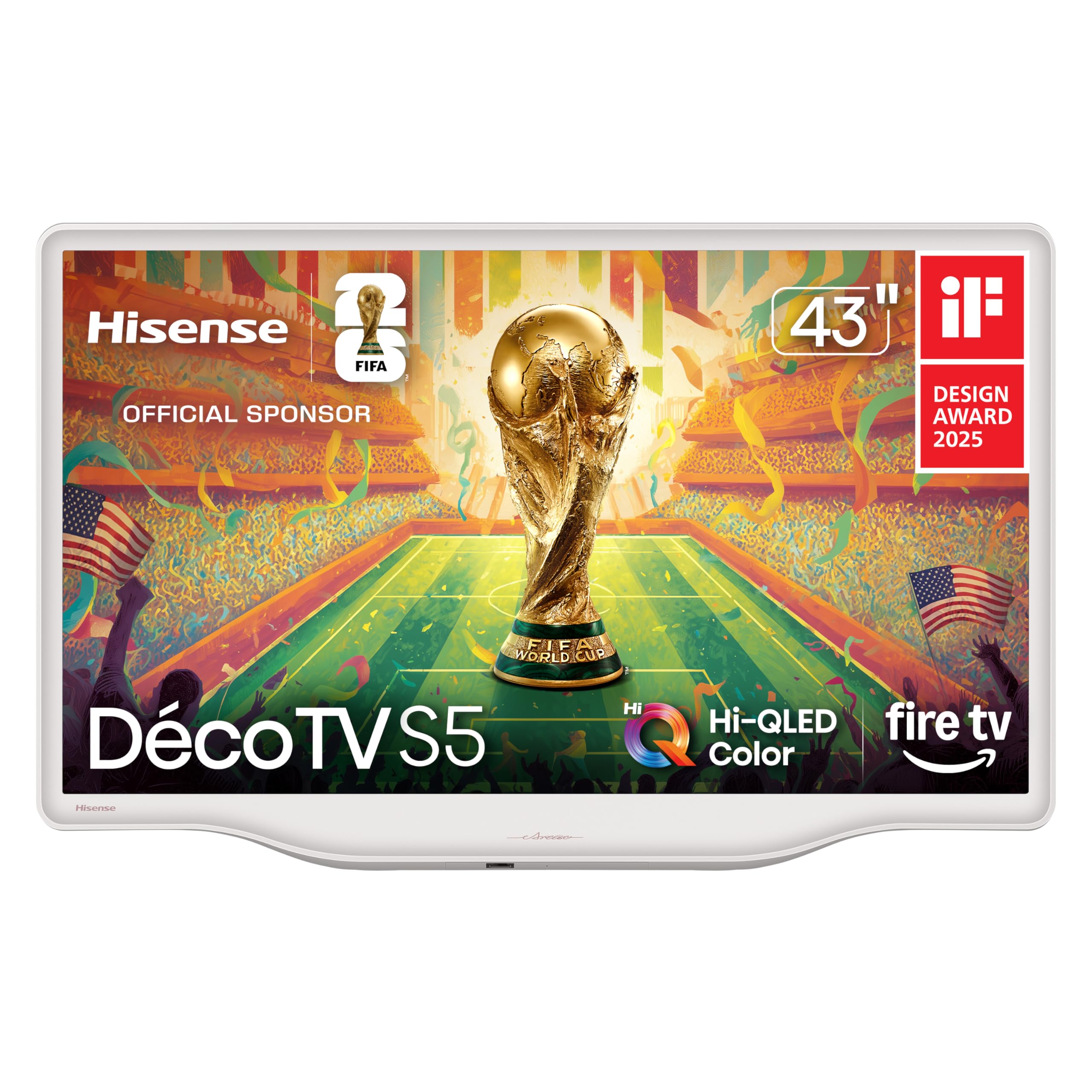
A TV that doubles as décor thanks to a Morandi white finish most sets do not offer.
This is the one you put in a bedroom, a dining nook, or any spot where the TV is visible from all angles. The Hi-QLED panel delivers “great image” and “outstanding” color in owners’ descriptions, making it more than just a pretty face. It supports Dolby Vision and Dolby Atmos, so HDR content from streaming services looks properly cinematic with deep contrast and room-filling sound from the built-in speakers.
Owners consistently praise the design as beautiful and the picture as exceeding expectations for a compact set. The size is perfect for limited spaces, and the Fire TV platform keeps the interface snappy. The biggest frustration, noted by a few buyers, is the lack of standard universal remote codes, which makes programming a third-party remote tedious. The catch: the 43-inch size means you are trading screen real estate for style and fit, so it is not a living room centerpiece for a large space.
Style meets substance: The picture quality is the most-praised aspect, and the Morandi white design is a genuine standout. If your TV needs to look good from the side as well as the front, this is the one.
Reach for this if: You need a TV for a smaller, design-conscious room and want Dolby Vision HDR without paying a premium.
Look elsewhere if: You need a 55-inch or larger screen for a big living room.
5. Westinghouse Roku TV – 50 Inch Smart TV, 4K UHD Television (2026 Model)
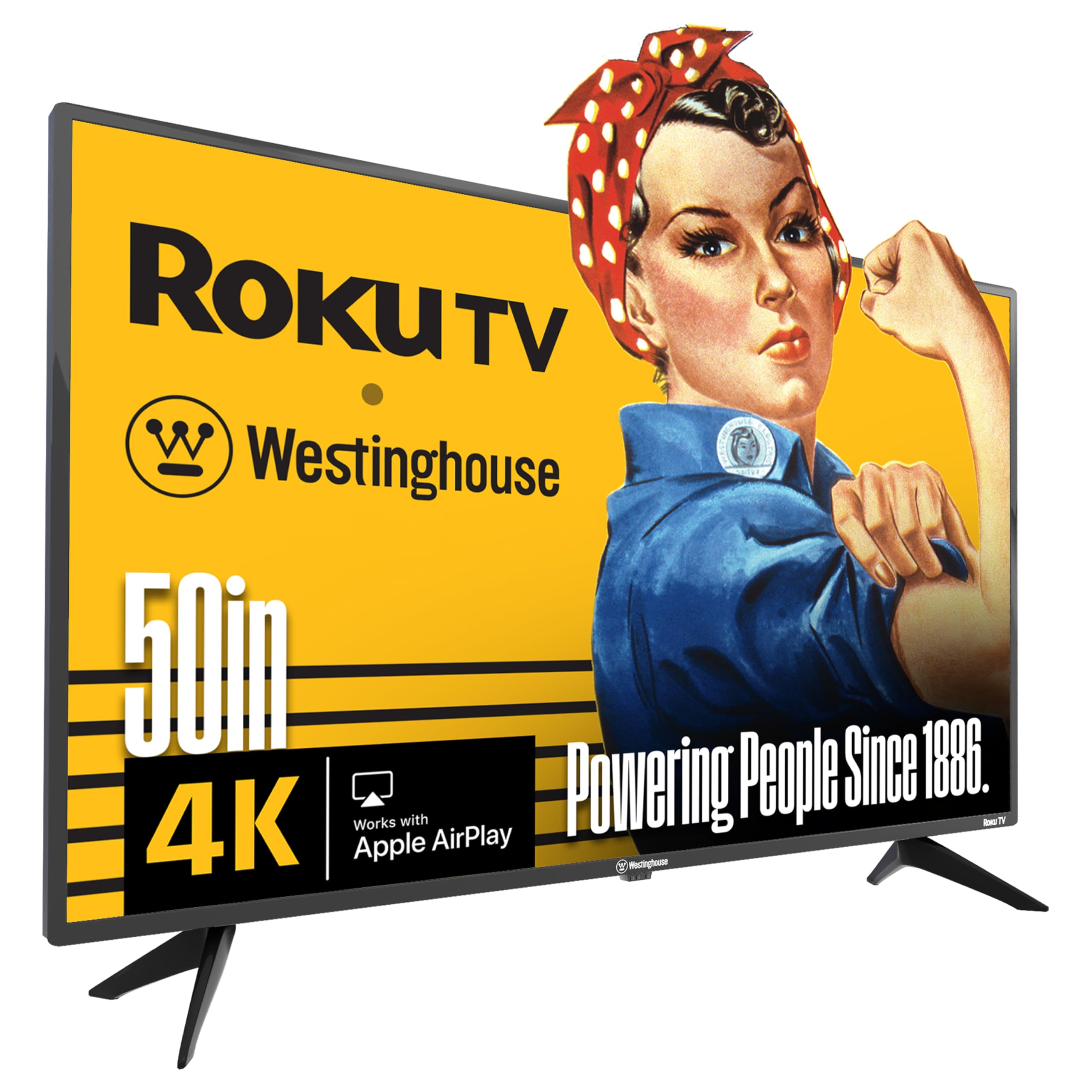
Four HDMI ports give you room for a console, a soundbar, a streamer, and a cable box all at once.
Connectivity is the defining advantage. With 4 HDMI inputs, plus a composite video input and an optical digital audio output, you can keep everything plugged in without needing to swap cables. The 4K UHD display delivers clean, sharp HD and 4K picture quality, and the Roku platform is the same smooth, familiar interface that makes the top pick so popular. It supports Apple AirPlay 2, Google Assistant, and Alexa, so it integrates with whatever smart ecosystem you already use.
Owners mention good value for the price and a sharp picture from the start. The sound quality is mixed: some find it perfectly fine for daily use, while others note it is not the greatest. A recurring observation is the volume control on the side of the remote, which some find awkward compared to a front-facing button. Screen durability has been flagged by a smaller number of owners as a concern over longer term use, though most are satisfied.
Why it stands out
- 4 HDMI inputs provide maximum flexibility for multiple devices
- Roku platform is simple, fast, and familiar
- Compatible with Apple AirPlay 2, Alexa, and Google Assistant
- Sharp 4K picture quality at a competitive price
Honest limitations
- Side-mounted volume button on the remote is less convenient
- Screen durability concerns raised by a minority of long-term owners
Best for: The setup that needs to connect multiple HDMI devices without a separate switch — a console, soundbar, cable box, and streaming stick all at once.
Think twice if: You want the strongest long-term reliability track record or prefer a more traditional remote layout.
6. LG Amazon Exclusive 55-Inch Class QNED AI 4K QNED73 Series Mini LED Smart TV (55QNED73BUA, 2026)
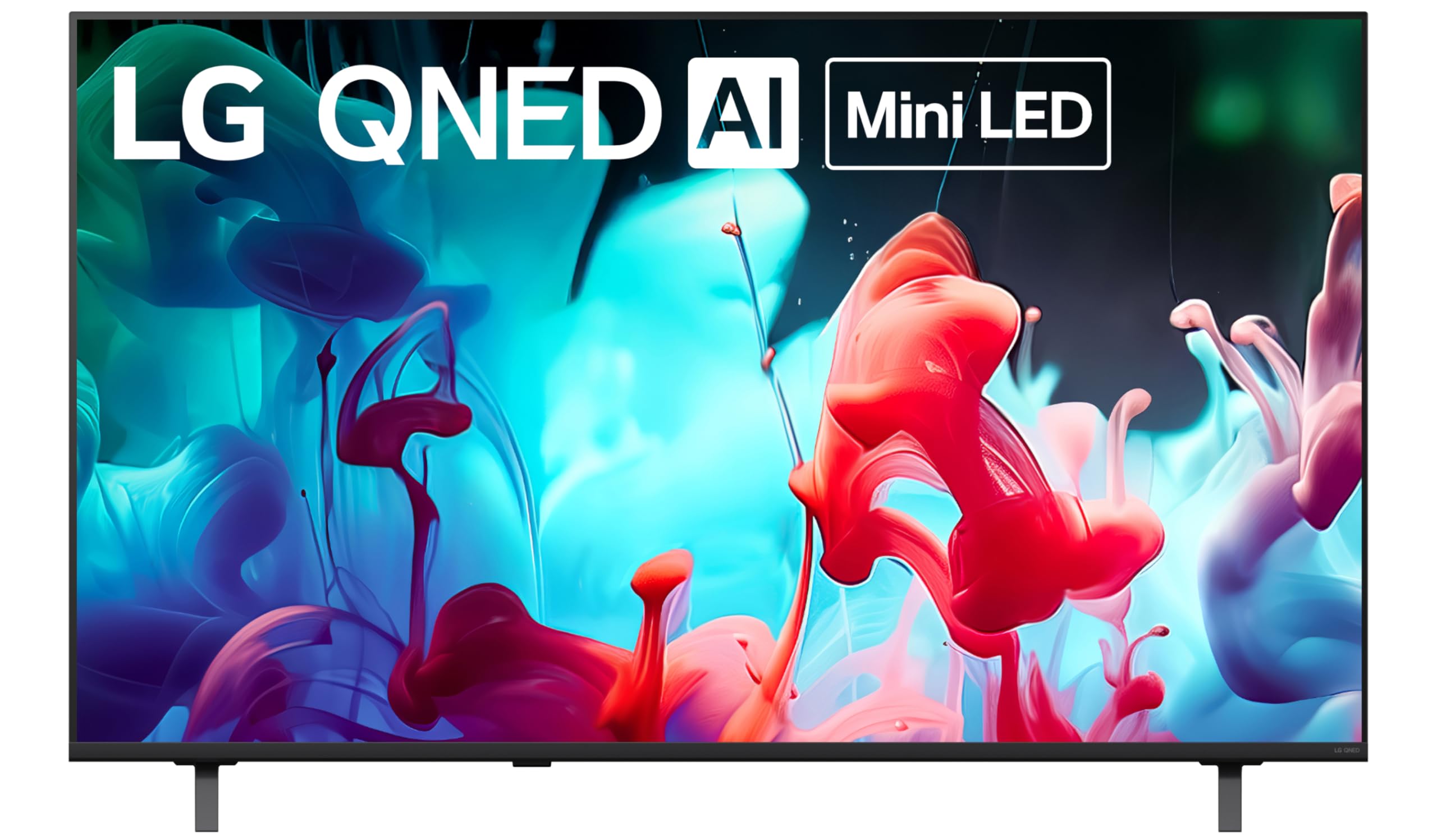
Mini-LED backlighting delivers contrast that standard LED panels in this price range simply cannot reach.
The key difference is Mini-LED technology, which uses thousands of tiny light zones that dim and brighten independently. That gives you deeper blacks and brighter highlights, so HDR10 content (a high-dynamic-range format) looks noticeably more three-dimensional. Filmmaker Mode keeps the original colors and frame rates directors intended, which movie purists will appreciate. The 55-inch size keeps the QNED panel (a type of LCD with quantum-dot color) rich without overwhelming a medium-sized room.
The image quality earns consistent praise for its clarity and color. The built-in sound gets mixed reviews — some find it excellent, while others call it poor enough to justify adding a soundbar. The remote is basic and lacks voice control, though you can use the LG app instead. A smaller number of customers note occasional setup frustrations and a screen that feels fragile. The 60Hz refresh rate is fine for movies but not ideal for high-speed gaming.
Image quality leader: If you want the best contrast and black levels in this price bracket, the Mini-LED panel here is the clear winner. Budget for a soundbar to get the full experience.
Reach for this if: Picture contrast and cinematic HDR are your top priorities, and you are comfortable adding a soundbar.
Look elsewhere if: You want a TV that sounds great on its own with no extra audio gear.
7. Sony 43 Inch BRAVIA 2 II LED 4K HDR Smart Google TV (K-43S20M2)

Sony’s processing and true-to-life color in a smaller frame that pairs perfectly with a PlayStation 5.
The 4K Processor X1 is the reason this TV looks better than its LED panel might suggest. It upscales everything to near-4K with the X-Reality PRO engine, restoring lost detail in streaming content and older movies. The Triluminos Pro color reproduction delivers the natural, accurate color Sony is known for. For PS5 owners, exclusive features like Auto HDR Tone Mapping and Auto Genre Picture Mode automatically tune the picture when you plug in the console — no manual tweaking required.
Google TV keeps everything organized on one screen, and the TV supports both Apple AirPlay 2 and Google Cast for easy sharing. Motionflow XR handles fast motion smoothly, which is a plus for action movies. The catch: some owners mention the smart features require a younger helper to set up, and a few report occasional freezes that need a power cycle. The 43-inch size is compact, making it a great choice for a bedroom or a dedicated gaming station, but less suited as a main living room TV.
What makes it special
- 4K Processor X1 with X-Reality PRO delivers industry-leading upscaling
- Exclusive PS5 features automatically tune HDR and picture mode
- Natural, accurate color from Triluminos Pro
- Motionflow XR reduces blur in fast-moving sports and action scenes
The trade-offs
- 43-inch screen is compact; not ideal for large living rooms
- Occasional software freezes reported, requiring a full power cycle
Best for: The PS5 gamer or movie fan who values accurate color and intelligent processing over raw brightness or screen size.
Think twice if: You need a large primary living room TV or prefer a simpler, more straightforward smart platform.
8. Hisense 50″ E7 Cinema Series Hi-QLED Mini-LED 4K UHD Smart Fire TV (50E7SF, 2026 NEW)

Native 144Hz refresh rate plus Mini-LED makes this the serious gamer’s budget dream.
The headline number is 144Hz native refresh, which is rare at this price point. It means fast-moving game scenes stay fluid and sharp with virtually no motion blur, giving you a competitive edge in shooters and racing games. The Mini-LED backlighting — using thousands of precise light zones — enhances contrast so darker game environments have real depth instead of a grey wash. Dolby Vision IQ and HDR10+ Adaptive adjust the picture based on room lighting, while Dolby Atmos fills the room with spatial audio.
The AI Picture engine analyzes content scene by scene, automatically tweaking brightness and color so you do not have to fiddle with settings. Owners rave about the rich colors, smooth motion, and deep blacks, calling it an excellent upgrade for both movies and gaming. The Fire TV interface is quick and responsive. The main concern in the data is occasional reliability issues: a small number of reviewers point out Wi-Fi dropouts and black screen crashes that require unplugging the TV. When it works — which is the vast majority of cases — it is a performance bargain.
Gamer’s choice: The 144Hz panel and Mini-LED contrast make this the best budget set for fast-paced gaming. The motion clarity is night-and-day better than any 60Hz TV on this list.
Reach for this if: You game on console or PC and want a true high-refresh experience without spending flagship money.
Look elsewhere if: You primarily watch movies and news and do not need the higher refresh rate — the Roku top pick offers a more consistent overall experience.
9. TCL 55″ T7 4K QLED Google TV with 120Hz Gaming (55T7)

A 120Hz QLED panel with Google TV that punches well above its weight for gaming and streaming.
The 120Hz native refresh rate (with VRR support up to 144Hz) makes this TCL a serious candidate for console and PC gaming. Motion Rate 480 with MEMC frame insertion combines motion-enhancement technologies to keep fast camera pans and quick gameplay buttery smooth. The QLED Quantum Dot technology covers nearly the entire DCI-P3 color space, delivering rich, vibrant colors that make games and HDR movies look punchy. The TCL AIPQ Pro Processor intelligently tune color, contrast, and clarity for any content you throw at it.
Google TV unifies your streaming apps and offers personalized recommendations, plus Chromecast built-in for easy sharing from your phone. Dolby Atmos audio provides spatial sound that owners describe as “better than expected.” The 4 HDMI inputs, including one with eARC, keep your setup flexible. Buyers consistently praise the picture quality and sound as excellent for the price, with many calling it “stunning” for gaming. The catch: a few owners note that using it as a PC monitor can require tweaking wake-up settings, and there is a slight glare in bright rooms.
The highlights
- 120Hz native panel with MEMC provides smooth motion for sports and gaming
- QLED covers nearly the full DCI-P3 color space for vibrant imagery
- Google TV with Chromecast built-in for easy casting and recommendations
- 4 HDMI inputs including one with eARC for high-quality audio passthrough
Honest notes
- PC monitor mode can have HDMI wake-up quirks
- Screen glare is noticeable in very bright rooms
Best for: The gamer who wants a 55-inch screen with high refresh rates, great color, and a smart platform that integrates with Google services.
Think twice if: You watch TV in a very bright, sunlit room where glare could be an issue.
10. TCL 55 Inch Class QM64L Series | Mini LED QLED 4K HDR Smart Fire TV | 55QM64L, 2026
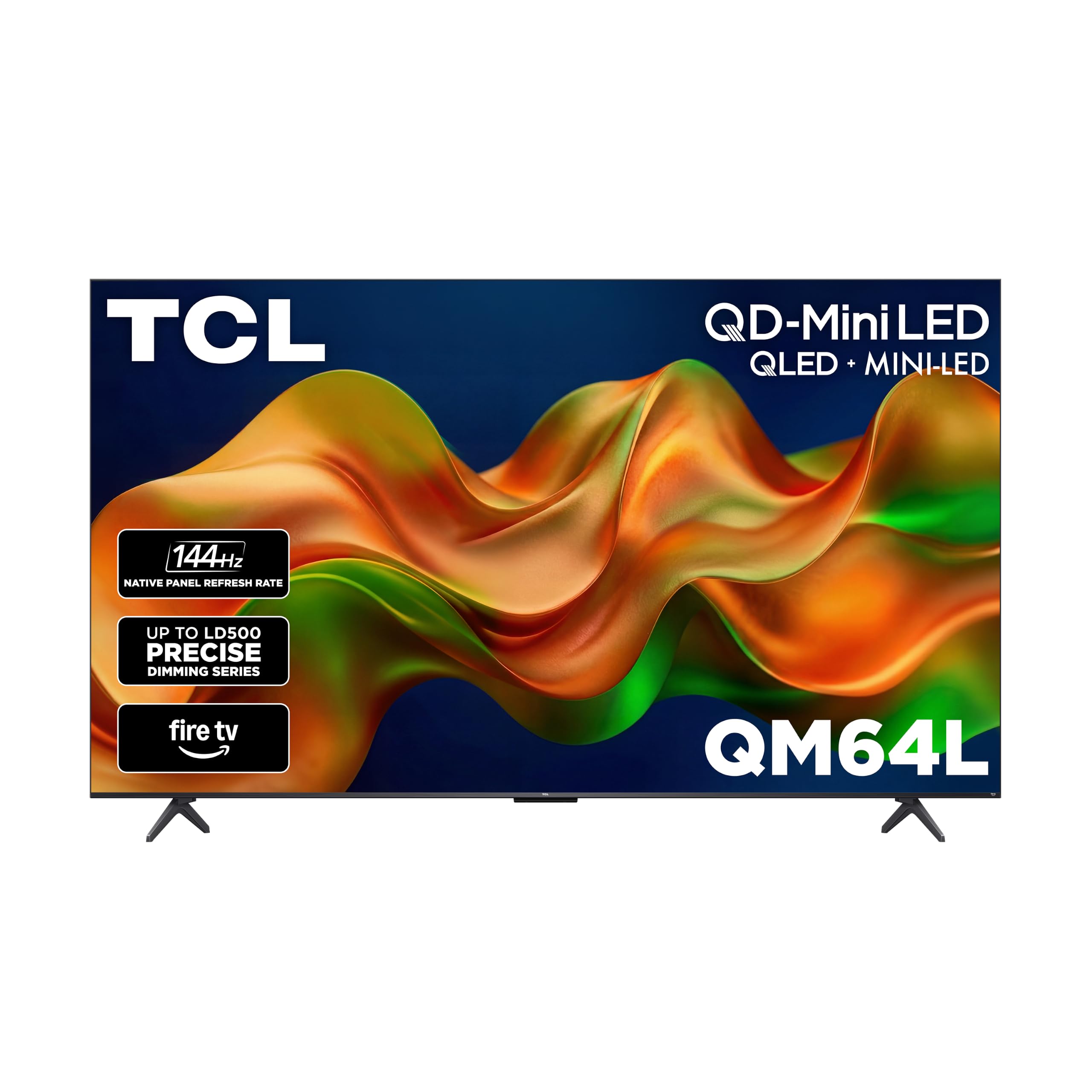
High Brightness Pro and Mini-LED make this the go-to set for a bright room or even a covered patio.
The combination of Mini-LED backlighting and QLED quantum dots is the star here. The TCL Halo Control System uses a Super High Energy LED Microchip and a Dynamic Light Algorithm to produce “halo-free” images with deep blacks and bright highlights. High Brightness Pro ensures the picture remains vivid even in a room with lots of natural light — owners confirm it works well on a covered outdoor patio in direct sunlight. The 144Hz refresh rate keeps fast action fluid, and the enhanced QLED technology is rated for over 100,000 hours of high-quality viewing.
The Fire TV interface is responsive and comes with an Alexa+ voice remote that includes a backlit feature, which owners find helpful in dark rooms. Buyers call the picture quality “excellent” and “fantastic,” praising the brightness, sharpness, and vibrant colors. The set is also lightweight for its size. The main complaint from a smaller number of owners is that the TV can shut down after a few minutes of pause, requiring a full restart, and the Fire TV interface can feel slow at times. The consensus is clear: for a bright environment, this is the best budget option.
Bright room specialist: High Brightness Pro and Mini-LED make this uncommonly usable in sunlit spaces where most budget TVs would wash out.
Reach for this if: Your TV sits in a bright living room, a sunroom, or a covered patio where glare is a constant battle.
Look elsewhere if: You watch in a dark room and do not need the extra brightness — a standard QLED set will give you better blacks for less money.
Understanding the Specs
Refresh Rate (60Hz vs 120Hz vs 144Hz)
The refresh rate is how many times per second the TV redraws the image. A 60Hz TV is perfectly fine for watching movies, TV shows, and news. If you play console games or watch live sports, a 120Hz or 144Hz panel keeps fast-moving objects crisp and blur-free. Higher refresh rates also reduce eye strain during long gaming sessions.
QLED vs Mini-LED vs Standard LED
Standard LED is the baseline — a single backlight behind the screen. QLED adds a quantum dot layer that creates richer, more vibrant colors without extra cost. Mini-LED splits the backlight into hundreds or thousands of tiny zones that can dim individually, producing deeper blacks and better contrast. For budget buyers, QLED gives the best color-per-dollar, while Mini-LED is a step up in contrast.
HDR (HDR10, HDR10+, Dolby Vision)
HDR stands for High Dynamic Range — it expands the range between the brightest whites and the darkest blacks in a scene. HDR10 is the basic standard. HDR10+ and Dolby Vision are advanced formats that adjust settings scene-by-scene for a more realistic picture. Not all budget TVs support Dolby Vision, so if you watch a lot of streaming content, it is a feature worth seeking out.
HDMI Ports and eARC
HDMI ports connect your external devices: game consoles, streaming sticks, soundbars, and cable boxes. More ports mean less cable swapping. eARC (enhanced Audio Return Channel) is a special HDMI port that sends high-quality audio from the TV to a soundbar or receiver without losing detail. If you plan to use a soundbar, a TV with eARC is a cleaner setup.
FAQ
What is the difference between a native 144Hz refresh rate and Motion Rate 480?
Do I need a soundbar with a budget 4K TV?
Will a budget 4K TV work with my PlayStation 5 or Xbox Series X?
What does 4K upscaling mean and why does it matter?
Which smart TV platform is best for a budget 4K TV?
How do I know if a budget 4K TV has good picture quality without reading every review?
Is a larger budget TV always better than a smaller premium one?
How long should a budget 4K TV last?
Do budget 4K TVs support Wi-Fi and Ethernet?
What is the difference between HDR10 and Dolby Vision on a budget TV?
Final Thoughts: The Verdict
For most people, the budget 4k tv winner is the Roku Select Series 55-inch because it combines a sharp QLED panel, the fastest and simplest smart platform, and a picture that outperforms its price tag. If you want the best gaming performance without spending a fortune, grab the Hisense E7 Cinema Series 50-inch for its native 144Hz panel. And for the biggest screen size at the lowest cost, the INSIGNIA F50 65-inch is the one to reach for — a massive viewing experience that still keeps your spending in check.
How We Picked
We do not accept paid placement. Every pick is matched to a real buyer and a real use-case; we do not hands-on test units.
Sources & Methodology
Specifications: manufacturer listings and product documentation. Review insights: verified customer reviews, as of July 2026. Pricing: not shown on this page (it changes often); check the current price via the retailer link.
As an Amazon Associate, FitlyFast earns from qualifying purchases. This does not affect which products we feature.