
Our readers keep the lights on and the weekend projects moving. As an Amazon Associate, I earn from qualifying purchases.
Specs are compiled from manufacturer listings and verified buyer reviews and can change over time — please confirm the key details on the product page before buying.
You have a growing stack of 4K discs and a TV that deserves them, but you are not about to pay flagship prices for a movie spinner. The trick is finding a player that delivers the crisp detail and punchy HDR you want without cutting corners on the one spec that matters most: reliable playback of triple-layer 100GB discs. Here is where the market bends in your favor — the budget 4K Blu-ray players of today borrow key processing from their premium siblings, so you can skip the price hike and still watch Dune without stuttering.
I’m Rikta — the founder and writer behind FitlyFast. This guide is built by comparing the manufacturers’ published specifications and the patterns across verified customer reviews, so you get each pick’s real strengths and trade-offs instead of marketing spin.
After sifting through the noise, the picks below cover every common home-theater setup, from a sub- entry that shocked reviewers to a multi-region workhorse for collectors. This is your straight-shooting look at the best budget 4k blu ray player options worth your shelf space and your cash.
Our Picks at a Glance

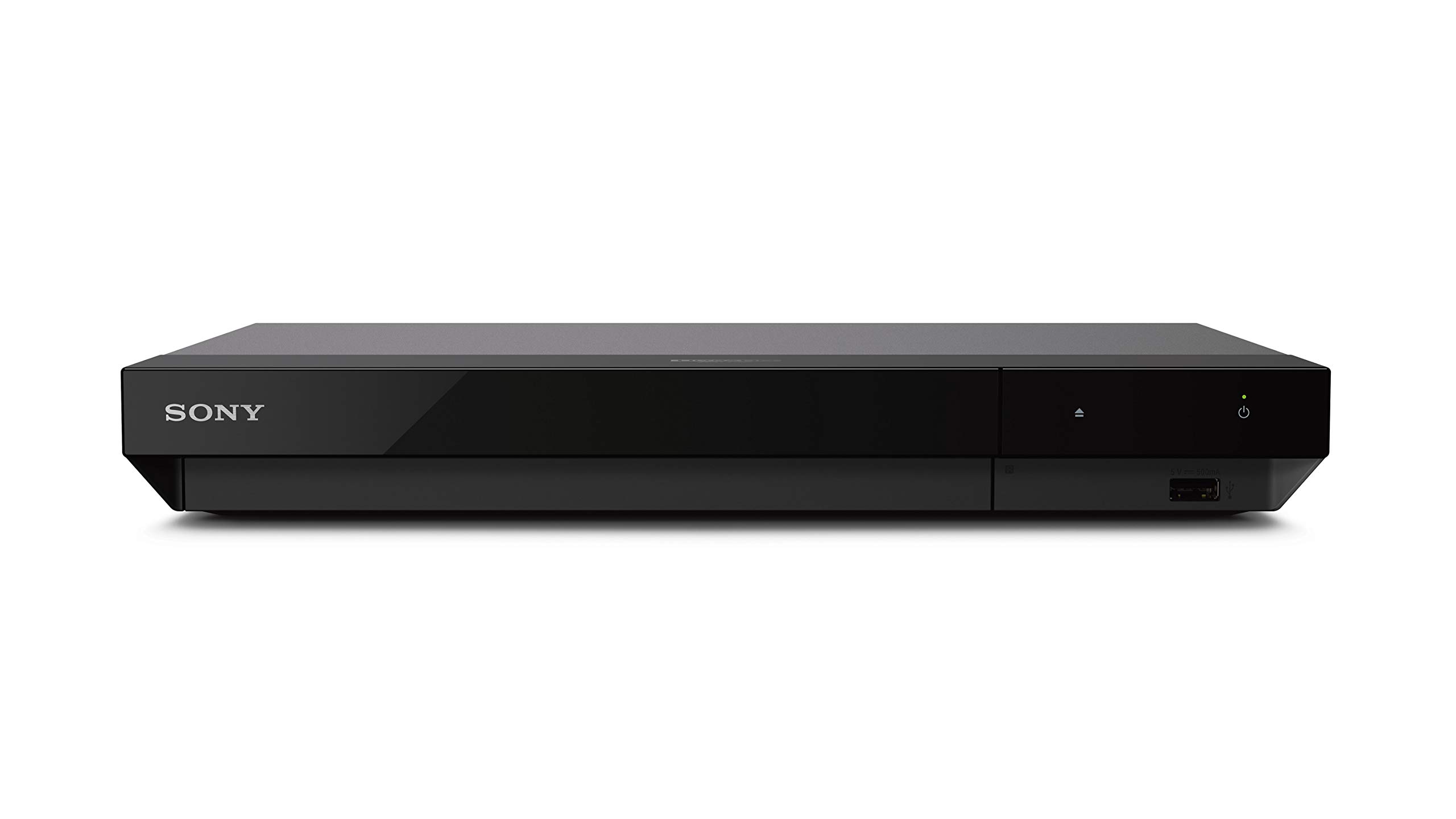
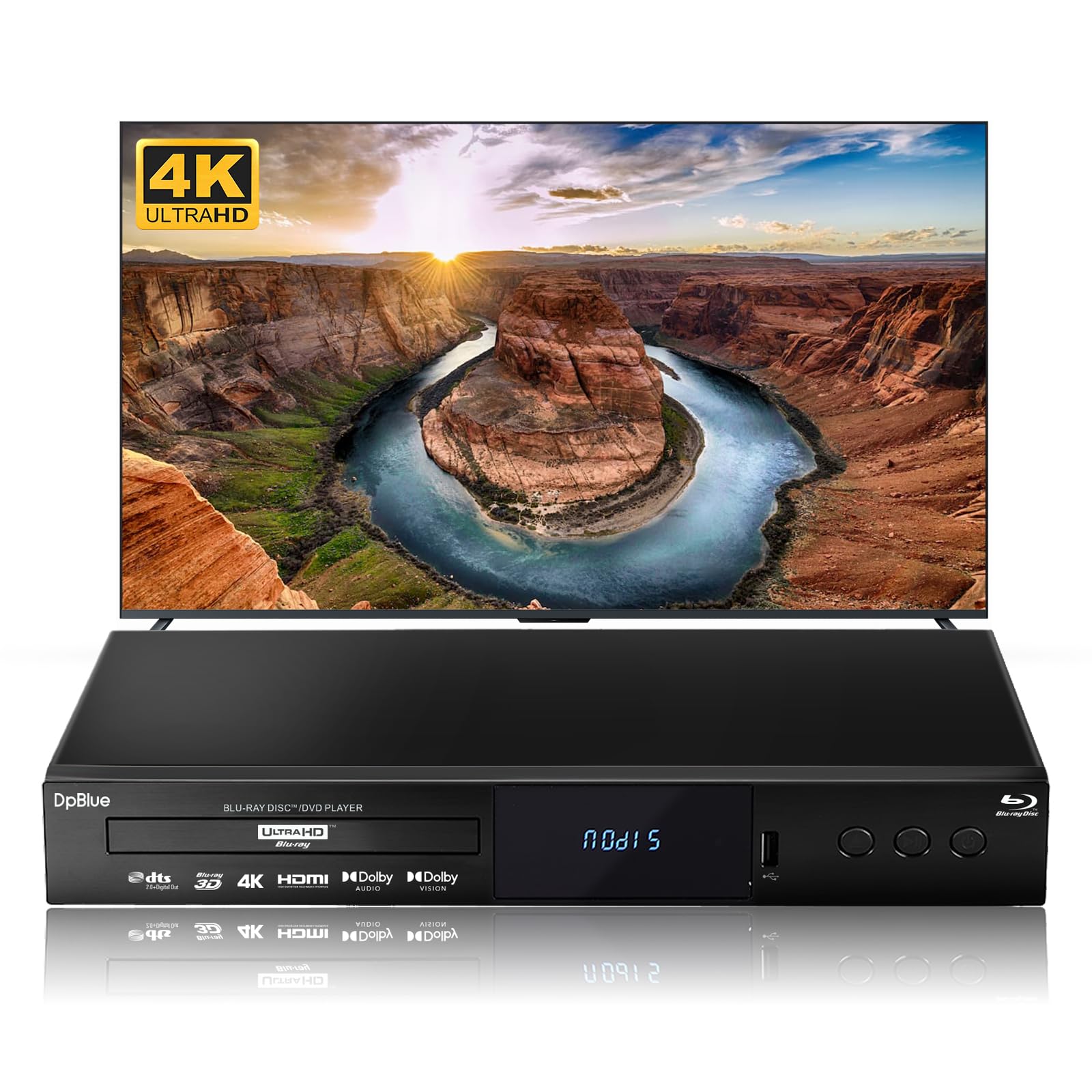
How To Choose The Best Budget 4K Blu Ray Player
The narrow gap between a good movie night and a paperweight depends on three things: HDR format support, the disc-reading laser’s stamina on dense 100GB discs, and whether the player forces you to toggle Dolby Vision manually. These are not luxury-trim features — they make or break every playback session. Below, a quick walk through the specs that separate a keeper from a frustration.
HDR Format Support — Match Your TV
HDR10 is the standard every player handles, but HDR10+ and Dolby Vision are the variable-enhancing layers. If your television supports Dolby Vision (common on mid-to-high-end LG, Sony, and TCL models), a player that auto-detects the format saves you a menu dive dozens of times per movie marathon. Panasonic’s UB820 does this automatically, while most Sony players require a manual toggle in the settings every time you switch discs. HDR10+ is the Samsung-adopted alternative; having both covers the widest range of 4K discs.
The 100GB Disc Test — Triple-Layer Playback
4K Blu-rays with long runtimes or director’s cuts use triple-layer discs that pack 100GB of data. A player that stutters or freezes at the layer-change point is the most common “budget trap” in the category. The Panasonic UB420 and Sony X700M handle these discs with very few hiccups, while older renewed models (like the Samsung K8500) sometimes black out on scratched discs. Look for verified owner reports mentioning “100GB” or “triple-layer” without freeze complaints.
Twin HDMI vs. Single HDMI
A single HDMI cable sends both video and audio through one wire. That works fine for most soundbars and modern receivers. Twin HDMI outputs let you split the video signal to your TV and the raw audio to an older AV receiver, avoiding HDMI handshake issues. It is a small deal unless you own legacy audio gear, in which case models like the Panasonic UB420 or Krovatar KBU-300 save you from buying a splitter.
Quick Comparison
| Model | Best For | HDR Support | 100GB Playback | Twin HDMI | Amazon |
|---|---|---|---|---|---|
| Panasonic DP-UB154P-K★ Best Overall | Best Overall / Entry-Level | HDR10+, HDR10, HLG | Reported stable | No | Amazon |
| Sony X700UDolby Vision Ready | Reliable Sony Build | HDR10, Dolby Vision | — | Yes | Amazon |
| DpBlue DP-53003D & Universal | 3D & Universal Player | HDR10, Dolby Vision, BT.2020 | — | Yes | Amazon |
| Krovatar KBU-300 | Dolby Vision Value | HDR10+, Dolby Vision | Random freezes reported | Yes | Amazon |
| Sony X700M | Streaming + Disc Hub | HDR10, Dolby Vision | — | Yes | Amazon |
| Samsung UBD-K8500 | 50Hz Disc Playback | HDR10 | Blackout on scratches | No | Amazon |
| Dynastar UBPX700M | Region-Free Collection | HDR10, Dolby Vision | — | Yes | Amazon |
| Panasonic UB820 | Ultimate HDR Optimizer | HDR10+, Dolby Vision, HLG | Silent, stable | Twin HDMI | Amazon |
In‑Depth Reviews
1. Panasonic DP-UB154P-K
The budget darling that plays 4K, HDR10+, and Hi-Res Audio without asking for flagship cash.
At just 12.6 inches wide and weighing 2.6 pounds, this Panasonic slides into a tight AV shelf and stays nearly silent during playback — a far cry from the disc-drive roar some budget players produce. The chipshop here processes three HDR formats (HDR10+, HDR10, and HLG), so your TV’s contrast gets real data instead of a guess, and the 4K high-precision chroma processing (4:2:0 interpolated to 4:4:4) delivers the kind of natural texture that makes a 4K Blu-ray of a forest scene look like glass. Buyers report it even upscales old DVDs to a surprisingly watchable quality on a 4K set, making your entire library viable again.
The honest trade-off is that the remote is required for any menu navigation — the player body itself only has power and eject buttons — and no HDMI cable comes in the box, which is a minor annoyance on a first install. One reviewer noted their unit stopped reading discs after three months, though the overwhelming majority report months of flawless playback across DVD, Blu-ray, and 4K. The thing that wins people over is the picture-and-sound combo at this price: crisp images and Hi-Res studio master audio support for WAV and FLAC files mean it pulls double duty as a music transport. At 4.2 stars across several hundred owners, this is the crowd-favorite entry point.
What Owners Love
- Plays DVD, Blu-ray, and 4K discs flawlessly — quiet and smooth.
- HDR10+ support brings out detail in bright and dark scenes alike.
- Compact 1.8-inch height fits under low-clearance TV stands.
The Fine Print
- No HDMI cable included — you need to supply one.
- Full menu control requires the remote; limited buttons on the unit itself.
the balance: If you want a no-fuss player that handles every disc format you own and brings HDR10+ to a modest 4K TV, this is the move.
skip it if: You need automatic Dolby Vision switching or a second HDMI output for a legacy receiver — those are not here.
2. Sony UBP-X700U
A Sony that tames the toughest 100GB discs and ships with the cable you need.
Sony skips the controversy here by including an 18Gbps HDMI cable right in the box — a small but telling detail after the Panasonic DP-UB150 left buyers scrambling for one. The X700U supports Dolby Vision and HDR10, and The dual HDMI outputs let you split video to your display and audio to a receiver, and the build itself stays remarkably quiet during playback — a trait several owners called out after switching from noisier consoles. It also handles 4K upscaling up to 60p from standard Blu-rays and DVDs, so your old collection gets a noticeable clarity bump on a 4K TV.
The recurring gripe is that Dolby Vision must be toggled manually in the settings — the player does not auto-detect it like Panasonics do — and there is no Wi-Fi for updates (Ethernet only). A few early-adopter reviews also mention the glossy front panel scratches easily. That said, the value proposition is strong: as one owner noted, it handled discs that an older Sony unit could not read. For someone who already owns a Sony soundbar or receiver, the ecosystem simplicity is a real bonus.
What Stands Out
- Includes a quality 18Gbps HDMI cable — no extra purchase required.
- Reported 20 flawless 100GB disc plays with one minor stall.
- Dual HDMI outputs for audio/video separation.
Requires Habit
- Dolby Vision must be switched on manually for each disc.
- No built-in Wi-Fi; firmware updates require a wired Ethernet connection.
Best For: A Sony household where you want a plug-and-play 4K player with Dolby Vision and a reliable disc-reading laser, and you do not mind a settings toggle per movie.
Not Ideal If: You want automatic HDR switching — the Panasonic UB420 or UB820 handles that without any menu diving.
3. DpBlue DP-5300
The only player here that still spins Blu-ray 3D discs and plays DVDs region-free.
The DP-5300 is for the collector who refuses to let their 3D library gather dust. It natively plays Blu-ray 3D discs alongside standard 4K UHD, DVDs, and CDs, and it supports both Dolby Vision and BT.2020 color gamut (a wide-color standard that covers roughly 75% of the visible spectrum). Twin HDMI outputs (one HDMI 2.0 for video/audio, one HDMI 1.4 for audio-only) let you isolate the sound to an AV receiver, and the anti-shock and dust-proof features suggest DpBlue designed this for projection setups where ventilation is less controlled. Owners note the picture looks sharper than an HD antenna or Roku on a 1080P 3D TV, and the DVD upscaling is excellent.
The flip side is a rough edge: the player has no Wi-Fi (Ethernet only for BD Live and firmware), and a few buyers found the unit partly in a Japanese-language menu — a setup hurdle. The Region A/1 lock for Blu-rays also means imported European discs will not play here. One buyer restored 4K UHD playback after five days by diving into the settings, suggesting the default config is not tune. Still, for the niche audience that values 3D playback and multi-format support, this is the only affordable option on the list.
Why It Matters
- Plays Blu-ray 3D discs — a dying but beloved format for projection owners.
- Region-free DVD playback covers all your non-US discs.
- Dual HDMI outputs with anti-shock chassis for projector rigs.
Rough Edges
- No Wi-Fi; requires wired Ethernet for any online features.
- Some units ship with Japanese-language menus — expect a setup challenge.
Reach For It: If you own a stack of Blu-ray 3D movies and a 3D-capable projector or TV, and you want a single player that handles everything from 4K discs to CDs.
Look Elsewhere: If you want a player that is ready to go from the start with no menu-tweaking or language surprises.
4. Krovatar KBU-300
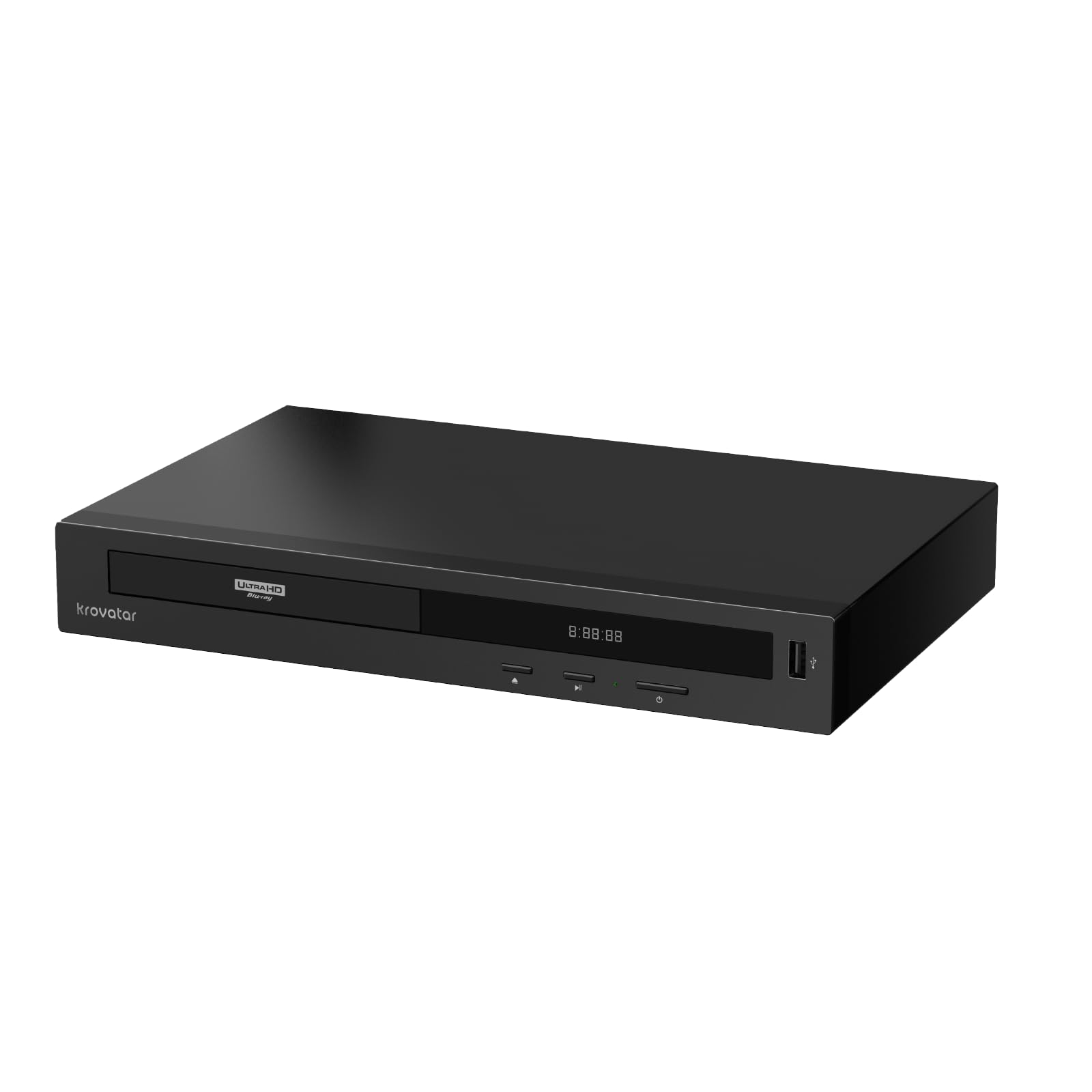
An aluminum-alloy body and Bluetooth headphones make this the privacy-friendly home theater pick.
The KBU-300 is a rarity among budget players: a full aluminum-alloy chassis that feels nothing like the thin plastic of most competitors. It supports Dolby Vision and HDR10+ alongside Dolby Atmos and DTS:X object-based surround sound. The standout feature here is Bluetooth audio — you can wirelessly connect Bluetooth headphones directly to the player for private late-night viewing without waking anyone up, and the dual HDMI outputs keep your video path separate from the audio. It also plays SACD (Super Audio CD) in stereo, a niche but welcome bonus for audiophiles.
The trouble spot is playback stability: several reports describe random freezes during movie playback that require unplugging the unit to reset, and the loading times feel slow compared to Sony or Panasonic. The Bluetooth remote pairing process also frustrates some owners. Still, the picture quality gets high marks and the responsive customer support is frequently praised. For the buyer who values build quality and private listening over absolute reliability, this is a compelling curveball.
Design & Sound
- Aluminum alloy body feels premium and resists flex.
- Bluetooth headphone support for private viewing.
- Automatic Dolby Vision switching — no menu toggle needed.
Reliability Caution
- Random freezes reported by several owners; requires unplugging to reset.
- Slow disc loading compared to the Sony or Panasonic competition.
Grab It For: A late-night movie fan who needs Bluetooth headphone pairing and appreciates a solid metal chassis over plastic.
Pass If: Your tolerance for random reboots is zero — go with the Panasonic UB420 instead for bulletproof playback.
5. Sony UBP-X700M

The most popular 4K player under with Wi-Fi for streaming and a proven 100GB disc record.
With over three thousand owners weighing in, the X700M is the most-reviewed player in this guide — and it earns that attention with a consistent formula: 4K upscaling up to 60p, Dolby Vision support, and dual HDMI outputs for audio/video separation. The built-in Wi-Fi means you can stream Netflix or YouTube in 4K without plugging in an Ethernet cable, and the included HDMI cable gets you started immediately. Owners praise the picture quality for 4K discs, calling it a solid entry point for first-time buyers, and the setup is genuinely simple — infrared connectivity even allows a quadriplegic owner to control the TV through a universal remote.
The known flaw is that some units experience lockups on triple-layer discs (about once every two movies for one owner before a firmware patch fixed it). Several buyers also note that the remote buttons are crowded with no backlight, and the auto power-off after 20 minutes of a pause screen can be annoying mid-movie. But the consensus after a firmware update is that this Sony handles 4K discs very well, and the streaming app selection is broader than the Panasonic UB420. For a buyer who wants a single device that replaces a streaming stick and a disc player, this is the most straightforward choice.
The Consensus
- Built-in Wi-Fi for 4K streaming — no extra device needed.
- Dual HDMI outputs for clean A/V separation.
- Strong 4K upscaling from standard Blu-rays and DVDs.
Known Nuance
- Occasional 100GB disc lockup before a firmware patch; most post-patch units are fine.
- Remote has no backlight; buttons feel cramped during dark-room use.
Who It Fits: A buyer building their first 4K setup who wants Wi-Fi streaming, Dolby Vision, and a brand with the largest support community.
Who Should Pass: If automatic HDR switching and a backlit remote are must-haves, the Panasonic UB820 delivers both at a higher price.
6. Samsung UBD-K8500 (Renewed)

The refurbished wildcard that plays 50Hz Blu-ray content from import discs.
This Samsung is the first generation of 4K Blu-ray players, and it shows in the feature list: Dolby Atmos decoding, Wi-Fi, and compatibility with 50Hz Blu-ray content — a critical spec for anyone who imports European or PAL-region discs that many US players (including most Sonys) refuse to spin. Customers note the picture and sound quality are excellent for a renewed unit, and the fast boot times are a pleasant surprise given its age. The automatic TV input switching on power-on is a modern convenience that even some current players fumble.
The downsides are significant for a daily-driver: there is no resume playback, meaning every disc restarts from the beginning if you stop mid-movie, and the disc tray feels flimsy. The remote is universally described as tiny and difficult to use, and refurb units sometimes arrive with scratched exteriors. One owner also reported electrical interference that caused their cable modem to reboot, though that appears to be an isolated unit defect. At 3.9 stars across 200+ ratings, this is the riskiest pick on the list, but for the niche buyer who absolutely needs 50Hz playback on a 4K TV, there is no cheaper option.
Why It Earns Its Spot
- Plays 50Hz Blu-ray content — essential for imported European discs.
- Fast boot times and excellent picture quality for a renewed unit.
- Dolby Atmos support for object-based surround sound.
The Trade-Offs
- No resume playback; every disc starts from the beginning after a stop.
- Refurbished condition varies — some units arrive scratched.
Best For: A buyer with a collection of 50Hz region-free or import discs who needs a 4K player that actually plays them at the correct frame rate.
Not Your Pick: If you want modern features like HDR10+ or Dolby Vision, or if the idea of no resume playback drives you crazy.
7. Dynastar UBPX700M (Region-Free)
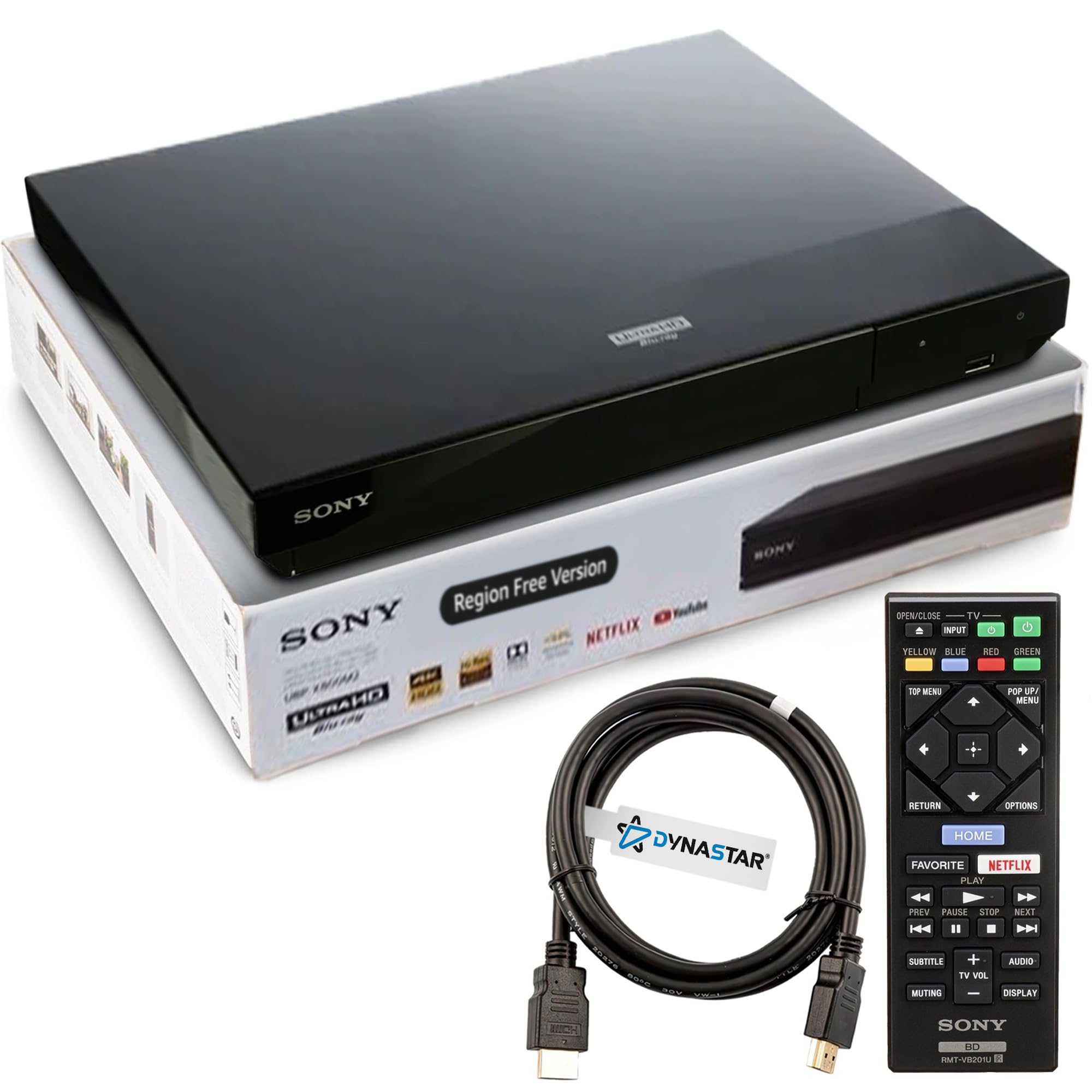
A Sony-compatible internals that plays Blu-rays from all three regions (A, B, C) and DVDs from anywhere.
This Dynastar is a factory-modified Sony UBPX700M that removes the region locks: it plays Ultra HD 4K discs from any region natively (4K discs are region-free by spec), Blu-rays from Region A (Americas), B (Europe), and C (Asia), and DVDs from Regions 0 through 8 — essentially any DVD on the planet. Owners who tested 20+ discs across all formats report flawless playback with easy region-switching instructions: place the disc, press a color button for the correct region, and press play. The dual HDMI outputs (for audio/video separation) and Dolby Vision support carry over from the base Sony model, and the Dynastar-branded packaging includes a 6-foot HDMI cable.
The risk: a small number of units arrive defective and cannot read any disc format, and the region-free claim is then unverifiable without a working player. The seller’s 30-day refund policy offers some protection, but the wait time frustrates some buyers. At just 18 ratings, the sample size is tiny, so reliability data is thin. Nevertheless, for a collector with discs from two or more Blu-ray regions, buying a single region-free player is cheaper than importing a premium multi-region model from Oppo or a Sony mod shop.
The Appeal
- Plays Blu-rays from Regions A, B, and C — global collection in one player.
- DVD region-free covers Regions 0 through 8.
- Dual HDMI outputs and Dolby Vision carry over from the Sony base model.
The Risk
- Some units are dead on arrival; region-free claim unverifiable if it does not spin.
- Seller support is a 30-day refund; no expedited replacement offered.
Reach For It: If your movie library spans the UK, US, and Japan, and you want a single device that plays every disc without any hardware modification.
Pass If: You want guaranteed, low-maintenance reliability — the standard Sony X700M or Panasonic UB420 is safer for domestic-only discs.
8. Panasonic UB820

The reference-grade player with an HDR Optimizer that dials in contrast for any TV’s brightness ceiling.
The UB820 is the spiritual upgrade from the UB420, adding Dolby Vision support and the proprietary HDR Optimizer — a processing chip that analyzes the HDR metadata and adjusts the tone curve to your specific TV’s peak brightness. The result is that dark scenes in movies like Dune retain shadow detail without crushing blacks, even on a modest mid-range television. The HCX (Hollywood Cinema Experience) processor is the same high-precision chroma engine that handles 4K 4:2:0 to 4:4:4 interpolation, delivering the kind of natural depth that makes a 4K Blu-ray of Blade Runner 2049 look like a glass window.
The downsides are minor but real: there is no resume playback for Blu-rays that do not natively support it, the Netflix button sits annoyingly near the directional arrows, and the streaming software feels dated compared to a dedicated Fire Stick. The build is solid at 5.3 pounds, but the 16.9-inch width demands more shelf space than the compact Sony or Panasonic options. The aspect that wins the most praise — picture quality, with 274 owners calling it out — dwarfs any complaints about the remote or UI. For the buyer who wants the absolute best image without jumping to an Oppo or a Reavon, this is the ceiling of the budget-adjacent market.
What Makes It Special
- HDR Optimizer tailors contrast to your TV’s brightness — no more washed-out or crushed scenes.
- Auto-switches between Dolby Vision and HDR10+ per disc.
- Silent operation and reliable reading of triple-layer 100GB discs.
The Minor Gripes
- No resume playback for many Blu-rays; must use the disc’s own bookmarking.
- Streaming app interface feels outdated — use a separate streaming device.
Best For: A serious movie enthusiast who has spent good money on a 4K TV and wants every disc to look as good as the filmmaker intended, regardless of the lighting in your room.
pass on it if: You only watch a few 4K movies a month and do not need the HDR Optimizer’s fine-tuning — the UB420 gets you close for significantly less.
Understanding the Specs
HDR10+ vs. Dolby Vision
HDR10+ and Dolby Vision are both dynamic HDR formats — they adjust the brightness and color metadata scene-by-scene instead of using one static setting for the whole movie. Dolby Vision is more common on LG and Sony TVs and is often considered the more precise format. HDR10+ is the Samsung-backed alternative found on many Samsung and TCL sets. A player that supports both (like the Panasonic UB820) covers the widest compatibility, while a player that forces you to toggle Dolby Vision manually (like the Sony X700 series) adds friction to your movie nights.
HCX Processor & Chroma Processing
The HCX (Hollywood Cinema Experience) processor is Panasonic’s custom chip that handles chroma upsampling — taking the 4:2:0 color signal from a 4K disc and interpolating it to 4:4:4, which means the player reconstructs the red, green, and blue data for every pixel more accurately. In plain terms: edges look sharper, textures like wood grain or fabric weave look natural instead of smeared, and skin tones avoid that plasticky appearance. Players without an HCX or equivalent chip (like the Sony X700M) still produce great images, but they rely more on your TV’s upscaling engine, which varies by brand.
FAQ
Can a budget 4K Blu-ray player handle 100GB triple-layer discs?
What is the difference between HDR10 and Dolby Vision in a budget player?
Does a cheaper 4K player upscale DVDs as well as a premium one?
Do I still need a separate streaming device with a budget 4K Blu-ray player?
What does “dual HDMI” mean for my setup?
Is a region-free 4K Blu-ray player worth the extra cost?
How important is the remote control for a budget 4K player?
Will a budget player work with a projector and a soundbar at the same time?
Can I use Bluetooth headphones with a Panasonic or Sony budget player?
How long do budget 4K Blu-ray players typically last?
Final Thoughts: The Verdict
For most buyers, the budget 4k blu ray player winner is the Panasonic DP-UB154P-K because it nails the essentials — quiet 4K playback, HDR10+ support, and Hi-Res Audio — at a price that undercuts the competition while keeping reliability high. If you want rock-solid 100GB disc handling with twin HDMI outputs for a legacy receiver, grab the Panasonic UB420 for a few dollars more. And for the serious enthusiast whose HDR Optimizer dreams exceed their flagship budget, the Panasonic UB820 is the one to reach for — it transforms even a mid-range TV into a reference-grade screen.
How We Picked
We do not accept paid placement. Every pick is matched to a real buyer and a real use-case; we do not hands-on test units.
Sources & Methodology
Specifications: manufacturer listings and product documentation. Review insights: verified customer reviews, as of July 2026. Pricing: not shown on this page (it changes often); check the current price via the retailer link.
As an Amazon Associate, FitlyFast earns from qualifying purchases. This does not affect which products we feature.