
Our readers keep the lights on and the weekend projects moving. As an Amazon Associate, I earn from qualifying purchases.
Specs are compiled from manufacturer listings and verified buyer reviews and can change over time — please confirm the key details on the product page before buying.
You want a giant virtual screen for movies and games without spending flagship money, but compatibility pitfalls and comfort issues can turn a great deal into a regret. This guide cuts through the spec noise to find the budget AR glasses that actually deliver a crisp display, decent audio, and a fit you can wear for more than ten minutes.
I’m Rikta — the founder and writer behind FitlyFast. This guide is built by comparing the manufacturers’ published specifications and the patterns across verified customer reviews, so you get each pick’s real strengths and trade-offs instead of marketing spin.
Whether you play on a Steam Deck or watch movies in bed, these are the budget ar glasses worth your attention, balancing price, brightness, and real-world comfort.
Our Picks at a Glance
How To Choose The Best Budget AR Glasses
Budget AR glasses are essentially wearable monitors that project a screen in front of your eyes. Before you compare brightness levels and refresh rates, you need to confirm your phone or handheld can even connect to them, as most require a specific USB-C video output.
Check USB-C DisplayPort Alt Mode first
Most budget AR glasses connect through a USB-C port that supports DP Alt Mode, which lets the cable carry a video signal. If your phone lacks this, the glasses will not display anything, so check your device specs before ordering.
Match brightness to your environment
Brightness, measured in nits, decides how usable the screen is in brighter rooms. A 500-nit display might look great in a dark bedroom, but a 1600-nit panel stays visible near a window or on a flight.
Prioritize fit and weight over virtual screen size
A 200-inch virtual screen sounds impressive, but if the glasses dig into your nose after five minutes, you won’t use them. Look for adjustable nose pads and lighter frames, as the weight can range from around 62 grams to over 76 grams.
Quick Comparison
| Model | Best For | Weight | Brightness | Refresh Rate | Amazon |
|---|---|---|---|---|---|
| AOC Air Mega★ Best Overall | Entry-Level Price | 63g | — | 120Hz | Amazon |
| RayNeo Air 4 ProAlso Great | Best Overall Value | — | — | 120Hz | Amazon |
| RayNeo Air 3s ProBrightest Pick | Brightest Display | 76g | 1200 nits | 120Hz | Amazon |
| XREAL xbx a01+ | Ultralight Travel | 62g | 1600 nits | 90Hz | Amazon |
| VITURE Luma Pro | Sharpest Resolution | 2.79 oz | 1000 nits | 120Hz | Amazon |
| TOZO VIZO V1 | Myopia Correction | — | 1800 nits | — | Amazon |
| Lenovo Legion Glasses Gen 2 | Handheld Gaming | 65g | — | 120Hz | Amazon |
| TCL Nxtwear S+ | 3D Content | — | — | 120Hz | Amazon |
In‑Depth Reviews
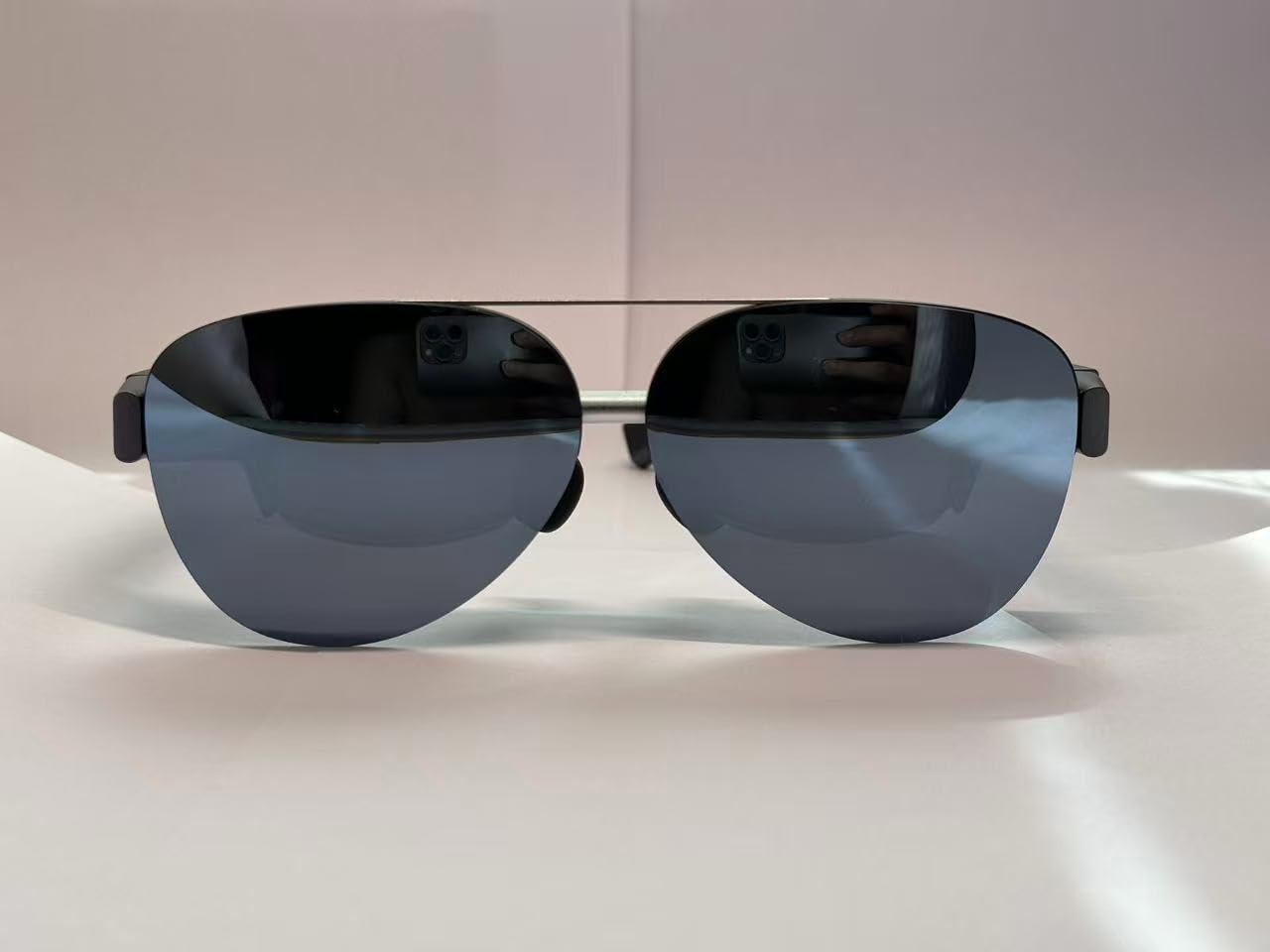
1. AOC Air Mega AR/XR Glasses
The lowest-cost entry point into the micro-OLED world, with a sharp FHD picture that punches above its price.
For the price, this is a remarkably capable little viewer. The micro-OLED display delivers an rich FHD (full high definition, 1920×1080) picture with vivid colors and high contrast, and owners describe the visuals as “super high def” with vibrant colors that live up to the hype. At 63 grams, it’s actually lighter than the Lenovo Legion Glasses Gen 2 (65g), making it a comfortable choice for longer sessions.
Setup is genuinely simple — plug it into any device with a USB-C connector that supports DP-Alt mode, and you’re watching. It works with PCs, current iPhones, and Android devices, and owners note it’s easy to connect and works well with gaming mini PCs. The privacy aspect is a big plus for many, since the screen is only visible to you, and the built-in speakers handle casual viewing fine.
The honest limitation is compatibility: a few buyers found it didn’t work with their specific phone despite what they were told, so it’s worth confirming your device supports DP video output before ordering. Comfort is also mixed, with some owners finding the frame stiff and the nosepiece uncomfortable after about 10 minutes. There’s no focus adjustment and no head tracking, so think of this as a simple, capable media viewer rather than a spatial AR device.
Why it’s a bargain
- Excellent picture and colors for the low price
- Truly lightweight at 63 grams
- Simple plug-and-play setup
Know before you buy
- No focus adjustment or head tracking
- Comfort is mixed, with a stiff frame noted
- Phone compatibility needs to be verified first
Best starting point if: you’re new to AR glasses and want a low-cost way to test the waters.
Not the one if: you need adjustable focus or guaranteed compatibility with a specific phone model.
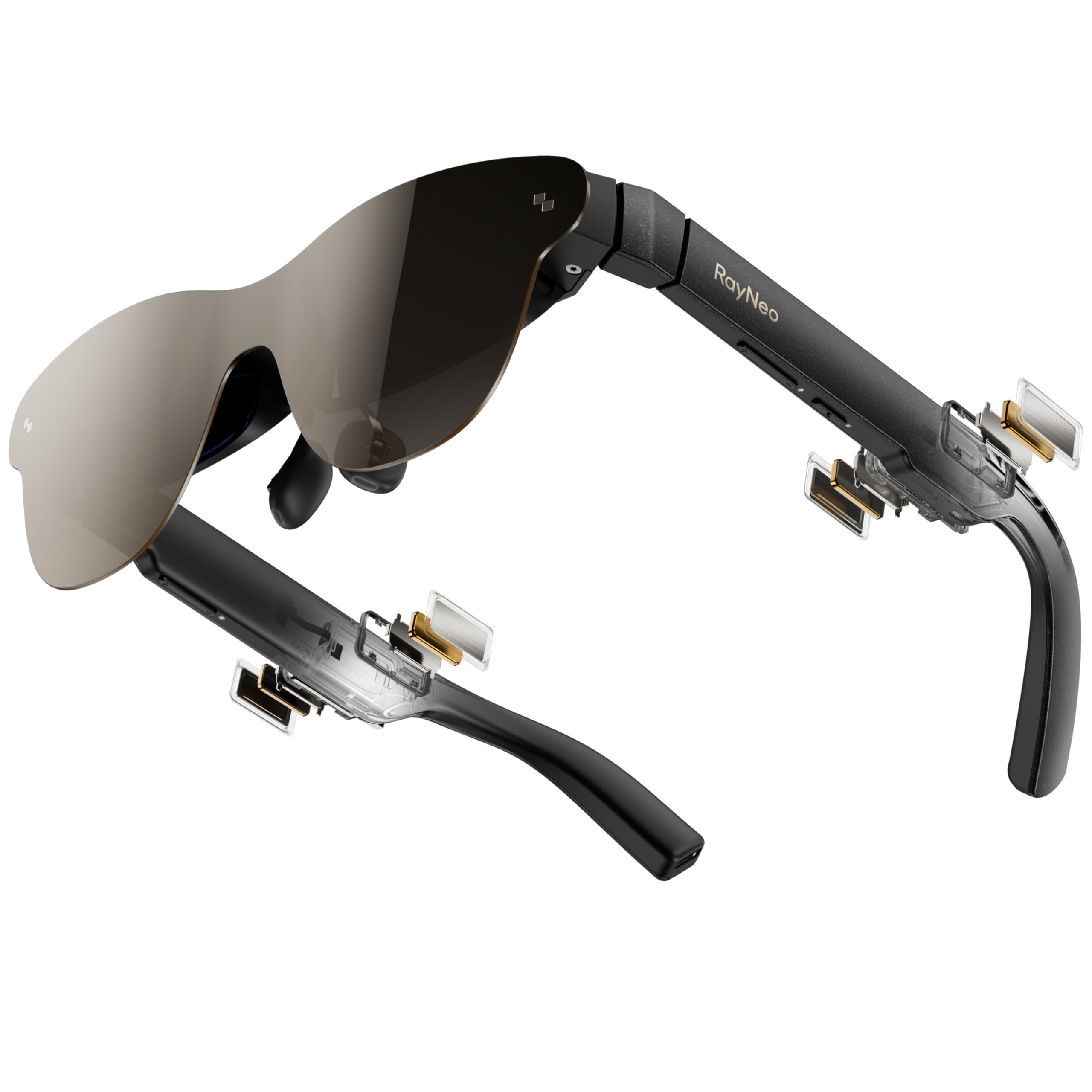
2. RayNeo Air 4 Pro AR/XR Glasses
The crowd-pleasing pick that delivers a sharp HDR screen and premium sound without the premium price tag.
What wins people over is the picture: the Air 4 Pro is the first AR display to support HDR10, which means over 10 billion colors and deeper blacks that make movies and games pop. Owners specifically rave about the image quality, with the 120Hz refresh rate keeping fast PS5 and Steam Deck action smooth without motion blur.
You get room-filling sound without earbuds, thanks to four precision speakers tuned by Bang & Olufsen that deliver 360° spatial audio (sound that surrounds you from all directions). The Vision 4000 chip, co-developed with Pixelworks, also upscales standard content to HDR (high dynamic range, for richer colors and contrast) in real time, so older games and streaming look noticeably better.
At around 2-4W draw with no internal battery, these stay light and cool during long sessions, and the USB-C connection works directly with iPhone 15/16/17, Android, MacBook, iPad, Steam Deck, and PlayStation. The thing to know before buying is that this is a media viewer, not a spatial AR headset — there’s no anchor mode to pin screens in space. If you want that, you’ll need external software.
What owners love
- First HDR10 AR display with vivid, vibrant colors
- Excellent Bang & Olufsen speakers with 360° spatial sound
- Comfortable adjustable arms that don’t heat up
Worth knowing
- No spatial pinning without external software
- Requires a powered HDMI adapter for consoles
- Needs a USB-C phone with video output
Reach for these if: you want the best combination of screen quality, audio, and price for movies and gaming.
Look elsewhere if: you need a spatial AR experience with screen anchoring built in.
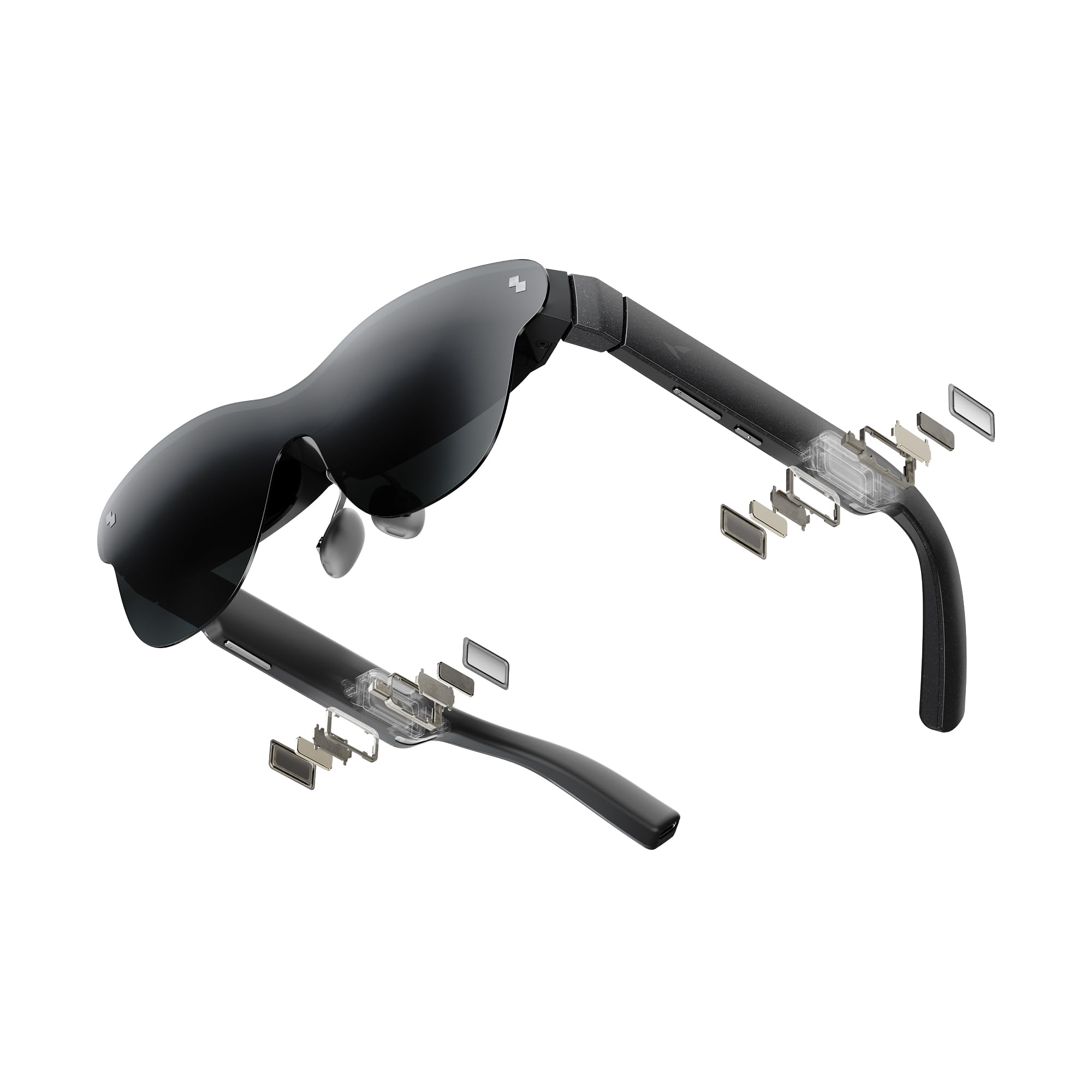
3. RayNeo Air 3s Pro AR/XR Glasses
A blazing 1200-nit panel that stays crisp and colorful even when you’re sitting near a sunny window.
If viewing outside or in bright rooms matters to you, this is the one to beat. The 1200 nits of to-eye brightness is the standout feature, and owners confirm you can actually use these in daylight — a rare claim in this category. The HueView 2.0 tandem micro-OLED display delivers a 200,000:1 contrast ratio and 98% DCI-P3 color coverage for lifelike visuals.
Comfort gets consistently positive feedback here, which is notable since fit is the most common complaint across budget AR glasses. Owners mention the adjustable arms and nose piece work well for larger heads, and the 76-gram frame stays comfortable for 2-3 hour sessions. The spatial audio is also praised, with good sound quality and minimal leakage to people around you.
Your eyes get extra care here: TÜV SÜD dual certification (an independent safety standard) for low blue light and flicker-free viewing, plus 3840Hz PWM dimming (a high-frequency brightness control that reduces eye strain) and a 20-level brightness adjustment. The included prescription lens sample lets you have corrective lenses made at a local optician, which is a nice touch for nearsighted users. The main caveat: the 201-inch screen claim is optimistic — owners note the actual perceived size is closer to a modest upgrade over a laptop screen, so it works better as a travel companion than a desktop monitor replacement.
Standout strengths
- Brightest display in the lineup for daylight viewing
- Crisp 1080p resolution with vibrant colors
- Comfortable fit for longer sessions
Consider this
- Screen size feels smaller than the 201-inch claim
- Stiff power cable noted by some
- Not a true productivity monitor replacement
Best for: travelers and gamers who want a bright, clear screen they can use near windows or on flights.
Who should skip: anyone expecting a literal 201-inch screen for work spreadsheets.
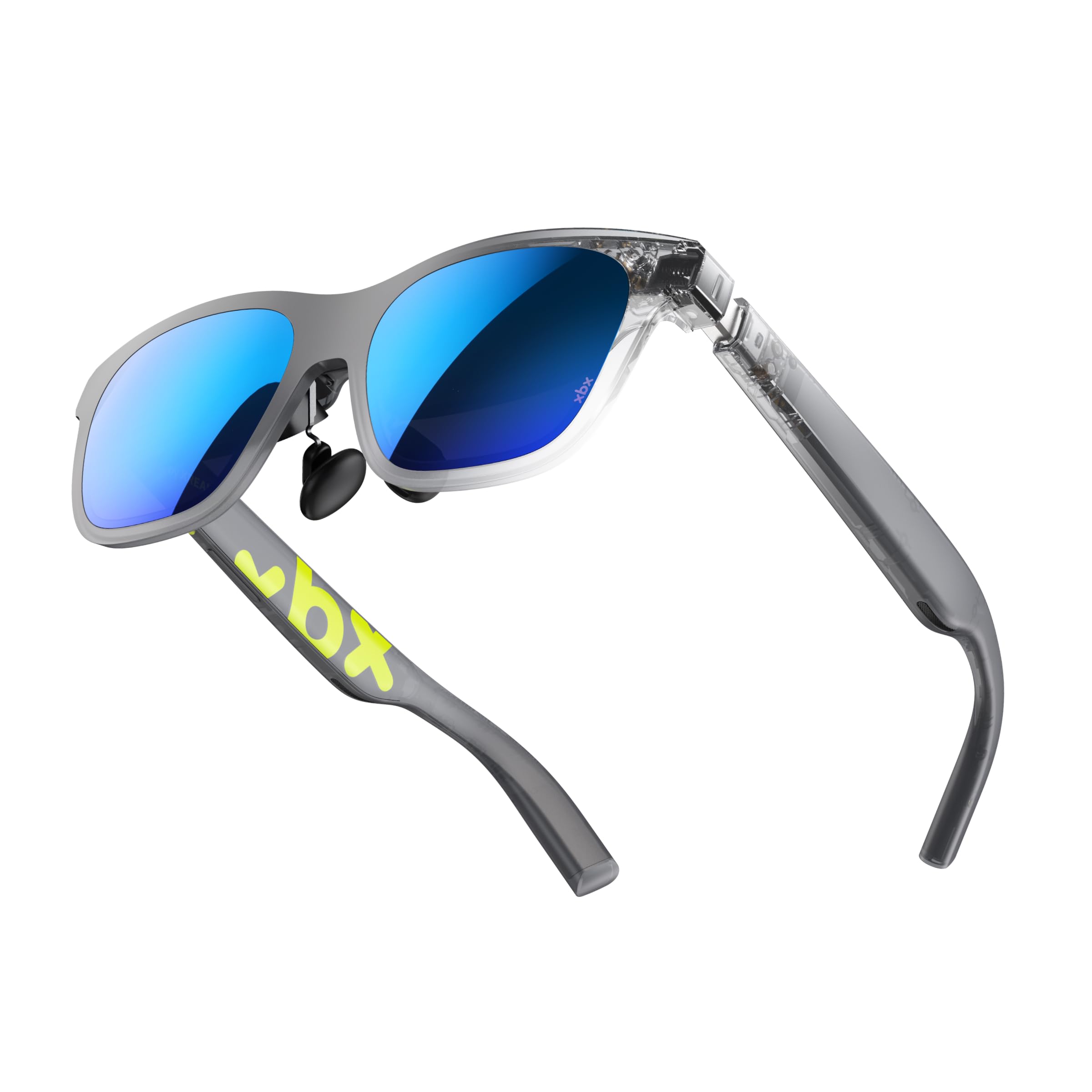
4. XREAL xbx a01+ AR Glasses
A featherweight frame with a 1600-nit panel that disappears on your face during a long movie.
At just 62 grams, these are among the lightest AR glasses you can buy, which makes a real difference when you’re lying down or on a long flight. The frame looks like ordinary sunglasses rather than a tech gadget, and three nose-pad sizes plus flexible temples help you dial in the fit. Owners who keep them praise the super bright OLED screens and solid sound quality for the price.
The display uses dual Full HD 1080p-per-eye micro-OLED panels with a dedicated Pixelworks processor, HDR10, and real-time SDR-to-HDR conversion. The 1600-nit brightness across 14 levels is excellent for bright environments, and the flicker-free 3840Hz dimming with TÜV Eye Comfort 5.0 certification makes long sessions easier on your eyes. A relaxed 4-meter focal distance also helps reduce eye strain.
The screen follows your view with stabilized tracking, so it stays centered as you look around — no drift to reset. Built-in directional speakers offer four one-touch modes (Surround, Whisper, Cinema, Standard) to keep audio mostly private. One honest fit note: some owners found the right side image dimmer or blurrier than the left, and the screen can appear smaller than the marketed 147 inches, so set expectations accordingly.
Why it stands out: The 62-gram weight and 1600-nit brightness make this the most forgettable-on-your-face option here, ideal for extended wear.
The trade-off: Picture quality is mixed across users, so this is a fit-dependent pick that rewards trying it yourself.
Pick this for: all-day travel comfort and bright-screen viewing where weight matters most.
Think twice if: you’re sensitive to slight image alignment differences between eyes.
5. VITURE Luma Pro XR Glasses

A step-up display with 1200p clarity and a 52° field of view that makes text look razor-sharp.
If you’ve tried other glasses and found text too blurry to read, this is the resolution upgrade you’ve been waiting for. The Luma Pro pushes a 1200p resolution (1920×1200) that feels noticeably sharper than the standard 1080p found on most rivals, and owners describe the clarity as a clear upgrade from the older VITURE Pro. The 52° field of view (the width of the virtual screen you see) is also wider than many competitors, making the virtual screen feel more rich.
Built-in myopia adjustment up to -4.0 diopters means many nearsighted users won’t need prescription inserts at all, which is a huge convenience. The Harman audio delivers deeper bass and fuller sound, and the electrochromic film darkens the lenses with one tap to block out the room around you. Owners also rate the build quality and comfort highly, with multiple nose pads and tilt-adjustable temples for a personalized fit.
The SpaceWalker app open up multi-screen productivity on Mac and PC, and the 2D-to-3D conversion works in real time. It’s also worth knowing this is a media and gaming display first — owners note it’s not ideal for astigmatism, and the 152-inch screen claim feels closer to a large monitor in practice.
The highlights
- Sharpest 1200p resolution for readable text
- Built-in myopia adjustment up to -4.0D
- Excellent Harman audio and premium build
Keep in mind
- Highest price in this budget roundup
- Not ideal for users with astigmatism
- Screen size feels smaller than the 152-inch claim
Splurge on this if: text sharpness and a wider field of view are your top priorities.
Save your money if: you only need a casual movie viewer and don’t want the premium price.
6. TOZO VIZO V1 AR Glasses
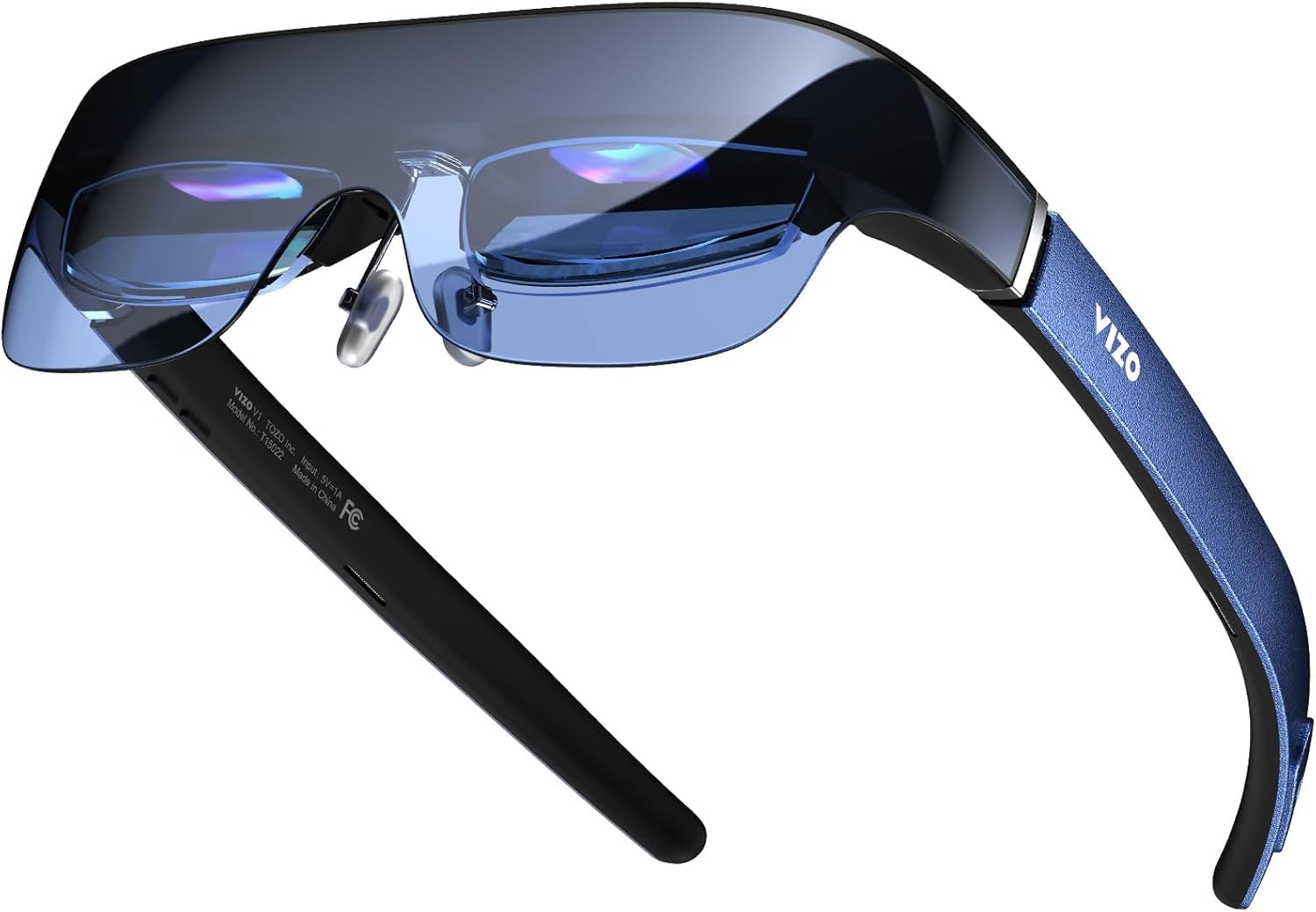
The pick for glasses wearers, with built-in focus adjustment from 0 to 500 degrees of myopia.
This is the rare budget model that lets you ditch your prescription glasses entirely. The built-in diopter adjustment fine-tunes focus from 0 to 500 degrees (0 to -5.0 diopters), so you get sharp, comfortable visuals tailored to your eyesight without needing clip-in lenses. Glasses wearers report this built-in correction eliminates the need for clip-on lenses during daily use.
The display is notably bright, with an 1800-nit panel at the source and 800 nits at eye level, which keeps the picture clear even in sunlit rooms. The 118-inch virtual screen is more modest than some rivals, but owners describe the image as sharp and vibrant, with a theater-like feel. The nitinol memory wire nose pads bend to your face shape and hold, paired with hypoallergenic silicone for a non-slip fit during long sessions.
Setup is genuinely plug-and-play with no complex menus, and it connects to iPhone 15/16/17, Samsung Galaxy S-series, and various laptops. The 2D/3D mode switching adds flexibility for different content. One recurring note is that the stability sensor can cause a shaky image for some users when moving, making it less ideal for plane travel. Some owners also found the edge of the screen slightly blurry depending on face shape.
What impresses
- Built-in myopia correction from 0 to 500 degrees
- Ultra-bright 1800-nit display for daylight use
- Adaptable nitinol nose pads for a custom fit
Watch out for
- Stability sensor can cause a shaky image in motion
- Runs off your device’s battery
- Edge clarity varies with face shape
Choose this for: a bright, comfortable viewer that corrects near-sightedness up to 500 degrees without inserts.
Skip it for: use on planes or in bumpy vehicles where the stability sensor struggles.
7. Lenovo Legion Glasses Gen 2

A solid, portable companion for the Legion Go and Steam Deck, with crisp micro-OLED visuals that travel well.
Owners rate the build quality as the standout feature here, and the included prescription lens frame adds real value for glasses wearers. The 65-gram frame is lighter than the already-featherweight XREAL a01+ by just 3 grams, and it packs a micro-OLED display with a 120Hz refresh rate that makes gaming on handhelds feel responsive and smooth. The included light shield and carry case make it a genuinely portable package.
Plug-and-play setup means you just connect the USB-C cable to any device with DP-Alt mode support — no software needed. It works with the Legion Go, laptops, Steam Deck, smartphones, and game consoles, which is why it’s popular with travelers and couch gamers. Owners describe the image as crisp, vibrant, and ideal for a quick gaming session on the go, with the high-quality screen especially praised by farsighted users.
Comfort is where opinions split, and that’s the honest caveat. Some owners find the nose bridge uncomfortable after about five minutes, and the screen position can’t be adjusted if it slides up and cuts off your view. The built-in speakers are also described as weak, so you’ll likely want earbuds. This is a capable display, but it demands a fit that works with your face shape.
What stands out
- Excellent build quality and portability
- Crisp, vibrant micro-OLED with 120Hz refresh
- Includes prescription lens frame and light shield
The honest catch
- Nose bridge can get painful after a few minutes
- Basic on-screen menus and weak speakers
- Screen position not adjustable
Grab these if: you game on a Legion Go or Steam Deck and want a solid, portable second screen.
Pass if: you need all-day comfort and strong built-in audio.
8. TCL Nxtwear S+ AR Glasses

A 49° field of view and 120Hz refresh make this a fun pick for gamers who love 3D content.
What sets this model apart is the combination of a wide 49-degree field of view and a blazing-fast 120Hz refresh rate (how many times the screen updates per second), which creates an rich, smooth experience for gaming and 3D movies. The 1920×1080 LED display delivers a vibrant, clear picture, and owners note the screen is big enough to entertain, even if it doesn’t quite reach the marketed 130-inch claim. The SBS 3D support (side-by-side 3D format) works well via HDMI on devices like the Nvidia Shield, adding to its versatility.
Comfort is a genuine strength here. The all-new air-filled capsule nose pads are lightweight, soft, and skin-friendly, providing real adjustability to accommodate different nose shapes. The temples also adjust at a 30-degree angle, making them comfortable on different face shapes. The TÜV Rheinland triple eye protection certification covers low blue light and flicker-free viewing, which is a nice reassurance for long sessions.
This pick makes the list because it works beautifully as a simple second display for laptops, the Legion Go, or as a screen mirroring device. The honest reality is that the companion app has issues — owners describe it as limited with a clunky interface, and features like the view drifting or needing firmware updates can frustrate. Some also found blurry edges, which can be fixed with prescription lenses, and the speakers distort on low frequencies. If you treat it as a portable monitor rather than a full AR ecosystem, you’ll likely be satisfied.
What stands out: The 49° field of view and air-filled nose pads deliver a comfortable, wide rich view for 3D movies.
Honest note: The software and app experience lags behind, so this works best as a screen mirroring device.
Great match for: 3D enthusiasts who want a wide field of view and a comfortable fit for movies and gaming.
Not ideal if: you rely on companion apps for your daily workflow.
Understanding the Specs
Brightness (Nits)
This measures how bright the display appears to your eyes. Higher numbers mean the screen stays visible and vivid in brighter rooms or near windows, while lower numbers work best in dark, controlled environments.
Refresh Rate (Hz)
This is how many times the screen updates per second. A 120Hz refresh rate makes fast-moving game action look smooth, while 60Hz can show motion blur or stutter in quick scenes.
FAQ
Will budget AR glasses work with my iPhone or Android phone?
What is the difference between AR glasses and a VR headset?
Can I use budget AR glasses for productivity and work?
How important is weight when choosing AR glasses?
Can I wear these glasses over my prescription glasses?
Do budget AR glasses need a battery or charging?
Is HDR10 worth paying extra for in AR glasses?
What causes blurry edges on AR glasses and can I fix it?
Can I play console games like PS5 or Switch with AR glasses?
What is the best budget AR glasses option for gaming on a Steam Deck?
Final Thoughts: The Verdict
For the majority of shoppers, the budget ar glasses winner is the RayNeo Air 4 Pro because it balances a stunning first HDR10 display, excellent Bang & Olufsen sound, and a friendly price in one comfortable frame. If you want the absolute brightest screen for daylight travel, grab the RayNeo Air 3s Pro. And for the sharpest text clarity and a wider field of view, the VITURE Luma Pro is the one to reach for.
How We Picked
We do not accept paid placement. Every pick is matched to a real buyer and a real use-case; we do not hands-on test units.
Sources & Methodology
Specifications: manufacturer listings and product documentation. Review insights: verified customer reviews, as of August 2026. Pricing: not shown on this page (it changes often); check the current price via the retailer link.
As an Amazon Associate, FitlyFast earns from qualifying purchases. This does not affect which products we feature.