
Our readers keep the lights on and the weekend projects moving. As an Amazon Associate, I earn from qualifying purchases.
Specs are compiled from manufacturer listings and verified buyer reviews and can change over time — please confirm the key details on the product page before buying.
When you shop for a budget color printer, the real cost often hides in the ink, not the machine. A low sticker price can still empty your wallet if replacement cartridges are expensive, so the smart move is to find a model that pairs a cheap upfront price with affordable running costs. Here are seven all-in-one inkjet printers that print, scan, and copy without the premium price tag.
I’m Rikta — the founder and writer behind FitlyFast. This guide is built by comparing the manufacturers’ published specifications and the patterns across verified customer reviews, so you get each pick’s real strengths and trade-offs instead of marketing spin.
Find the right budget color printer by matching print speed, duplex abilities, and scan features to how you actually use one at home.
Our Picks at a Glance

How To Choose The Best Budget Color Printer
Before you sort through inkjet models, decide what the printer will actually do each week. A student printing essays needs fast black-and-white output and reliable Wi-Fi. A family printing school projects and photos needs good color depth and easy mobile printing. A home office printing multi-page reports needs an auto document feeder.
Match Print Speed to Your Workload
Print speed is measured in pages per minute, and budget models vary widely. A printer rated at 16 pages per minute in black will finish a 20-page document in about 1.25 minutes, while one rated at 8 pages per minute takes about 2.5 minutes. If you only print a few pages a day, slower speeds won’t bother you.
Check How It Handles Paper
Look for two things here: a paper tray large enough for your typical job, and an automatic document feeder (ADF) if you scan multi-page stacks. A 150-sheet tray means fewer refills, while a 20-sheet ADF lets you scan a whole stack without feeding each page by hand.
Look for Automatic Duplex Printing
Duplex printing means the printer flips the page automatically so you can print on both sides. That cuts paper use in half for reports and study notes. Manual duplex means you flip pages yourself, which is slower and easy to forget.
Quick Comparison
| Model | Best For | Color Speed | B&W Speed | Duplex | Amazon |
|---|---|---|---|---|---|
| Canon PIXMA TS3720★ Best Overall | Simple home use | 4 ppm | 7.7 ppm | No | Amazon |
| HP DeskJet 4327Best Value | Basic docs + AI layout | 5.5 ppm | 8.5 ppm | Manual | Amazon |
| Brother MFC-J1360DW | Home office value | 9 ppm | 16 ppm | Automatic | Amazon |
| Canon PIXMA TR7120 | Duplex + ADF | 9 ppm | 14 ppm | Automatic | Amazon |
| Brother MFC-J1410DW | Small office + touchscreen | 9 ppm | 16 ppm | Automatic | Amazon |
| HP OfficeJet Pro 8139 | Professional color docs | 10 ppm | 20 ppm | Automatic | Amazon |
In‑Depth Reviews
1. Canon PIXMA TS3720 Wireless All-in-One Printer
The set-and-forget starter that keeps ink costs low for casual families.
The strongest draw of this Canon is how little it costs to run, thanks to a 2-cartridge system that replaces both colors with just two affordable cartridges — no messy individual tanks to juggle. Print quality lands solidly in the “good enough” zone, with crisp black text for school handouts and decent but not spectacular color pages. The scanner gets singled out as genuinely excellent, which matters if you digitize photos or documents often.
Setup takes minutes through the Canon PRINT app, and dual-band Wi-Fi (2.4GHz or 5GHz) keeps the connection stable once paired. The 1.5″ segment LCD is small but intuitive, and it handles envelopes, 5″ x 5″ square photos, and borderless prints up to 5″ x 7″ for creative projects. As buyers report: “prints well, though sometimes you can see lines” — a fair heads-up that color output is functional, not gallery-grade.
The trade-off is speed and paper handling. It manages just 4 pages per minute in color and 7.7 in black, and there’s no automatic duplex, so double-sided printing means flipping pages yourself. It’s best for occasional printing — a few pages a day — not a busy home office. Reviewers who pushed it harder hit setup snags and aggressive sleep modes, confirming this is a light-duty pick.
What Wins People Over
- Cheap, easy-to-replace 2-cartridge ink system
- Scanner praised as amazing for the price
- Fast app-based setup with dual-band Wi-Fi
Where It Falls Short
- Slow color output at 4 ppm
- No automatic duplex printing
- Only for light, occasional use
Reach for this if: you want a simple, cheap-to-run printer for homework and the occasional photo, and you don’t mind slower output.
Look elsewhere if: you print large color batches or need double-sided printing without manual page flipping.
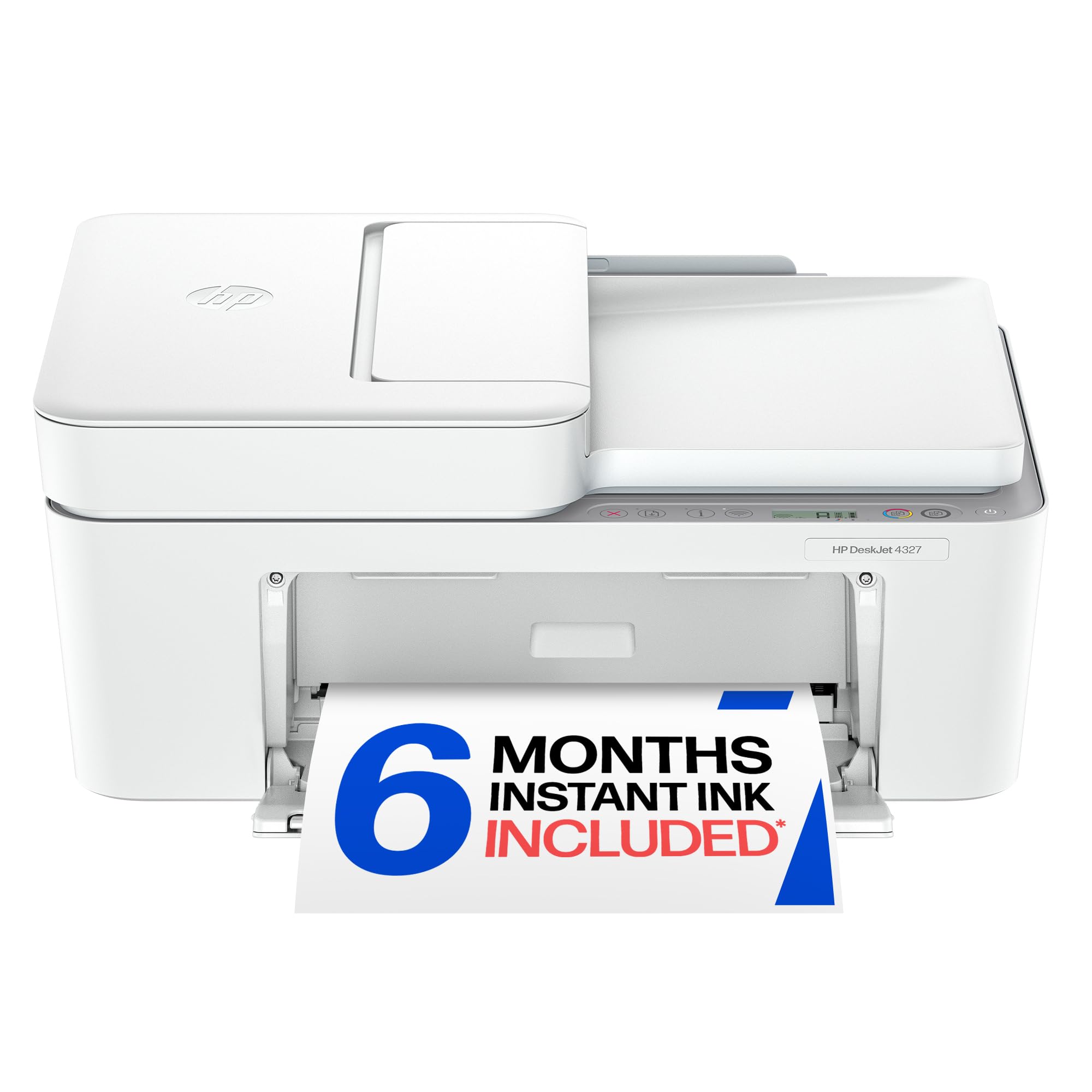
2. HP DeskJet 4327 Wireless All-in-One Color Inkjet Printer
An all-in-one that cleans up web page layouts before they hit paper.
What makes this HP stand apart in the budget tier is its AI formatting: print web pages and emails with unwelcome ads and awkward layouts stripped out automatically, so you don’t waste paper on clutter. It’s a genuinely useful trick for recipe printing and article saves. Print quality is the most-mentioned strength, and it delivers clean everyday documents at up to 8.5 ppm in black and 5.5 ppm in color.
The 35-sheet auto document feeder is a rare find at this level, letting you scan or copy a stack without standing over the machine. A 60-sheet input tray handles basic home jobs, and the 6-month Instant Ink trial can cut ink costs significantly — after that, a monthly fee applies unless you cancel. The HP app ties it together for scan, copy, and print from your phone.
Setup is the honest catch here, as owners mention: “wireless setup is confusing and difficult” for some, with repeated connection drops during pairing. Reliability also gets mixed feedback — many find it dependable once running, but a few say it stops working. Manual duplex means you flip pages for double-sided printing, and the 24-bit color depth gives it a modest edge in color richness over some rivals, yet the 20-second first-page time tests patience.
Smart pick for: households that print a lot of web content and want an ADF for scanning stacks, with a 6-month Instant Ink cushion.
A fair heads-up: wireless setup can frustrate, so budget extra time to get it paired the first day.
3. Brother Work Smart 1360 Wireless Color Inkjet All-in-One Printer

The speed king of the budget tier with automatic duplex and a roomy tray.
This Brother crushes the competition on speed: it prints 16 pages per minute in black and 9 in color — at 9 ppm color versus the Canon TS3720’s 4 ppm, and 16 ppm black versus its 7.7 ppm. For a home office or a household with school-aged kids, that difference adds up fast. Automatic duplex printing means you never flip pages manually, saving paper on reports and study notes.
The 1.8″ color display makes cloud printing from Google Drive, Dropbox, Box, and OneDrive surprisingly pleasant — no phone juggling needed. A 20-sheet automatic document feeder handles multi-page scans, and the 150-sheet paper tray cuts down on refills. Reviewers rave about the easiest printer setup they’ve had, with guided steps and an intuitive app, and one even notes it “accepts Avery sticky labels” without jamming.
The honest trade-off is ink economy: a few owners found starter cartridges lasting roughly 100 pages, though enabling eco mode helps. Occasional paper jams do happen, but they’re easy to clear. First page out takes about 6.2 seconds in black and 9.6 in color, so it feels responsive from the start.
Speed and Smarts
- 16 ppm black / 9 ppm color — fastest in this list
- Automatic duplex saves paper easily
- Easy setup praised as the simplest yet
Watch For
- Starter ink can deplete around 100 pages
- Occasional paper jams, though easy to clear
- Screen navigation can feel clunky at times
Best suited for: home offices and busy families who print enough that speed and paper savings actually matter.
Think twice if: you barely print and can’t justify buying replacement ink sooner than you’d like.
4. Canon PIXMA TR7120 Wireless Color Inkjet Printer

A duplex-equipped workhorse that squeezes office features into a small footprint.
Sharp, clear print quality is what wins people over here — it’s the most-mentioned strength, with owners praising crisp text and vivid colors from the 2-cartridge hybrid ink system. At 14 ppm in black and 9 ppm in color, it keeps pace with faster rivals while the automatic duplex printing saves paper without any manual flipping. Setup earns high marks too, with easy prompts and quick Wi-Fi pairing.
The auto document feeder makes multi-page scanning and copying a hands-free affair, and the 1.42″ monochrome OLED screen lets you check ink levels and printer status at a glance. It works with the Canon PRINT app, Apple AirPrint, and Mopria for Android, and supports borderless photo printing up to 8.5″ x 11″. Its compact footprint fits neatly on a desk without dominating the space.
There are real limits to know. The paper tray runs small, which owners note as a minor annoyance, and there’s no duplex scanning — you flip documents yourself for two-sided scans. Wi-Fi can drop on restart until you assign a fixed IP address, a fix that needs your internet provider’s help. Ink consumption runs high, so budget for replacements, though effective duplexing softens the sting.
A solid value for: hybrid workers wanting duplex printing and ADF scanning in a compact white unit that doesn’t dominate a desk.
A caveat to plan for: the small tray and occasional Wi-Fi drops need a little patience, and a fixed IP may be required.
5. Brother Work Smart 1410 Wireless Color Inkjet All-in-One Printer

The touchscreen all-in-one that adds fax to the home office equation.
A 2.7″ color touchscreen sets this Brother apart, making on-printer navigation feel modern and fast — no hunting through tiny buttons. It matches the MFC-J1360’s brisk 16 ppm black and 9 ppm color speeds, and it adds fax capability that the cheaper model lacks, which matters if you still send or receive faxes for work. Print quality earns top marks, with owners reporting clear output and no smudges or streaks.
Cloud connectivity is smooth through Google Drive, Dropbox, Box, and OneDrive, and the touchscreen streamlines those operations. The 20-sheet ADF and 150-sheet tray mirror its sibling’s on paper handling, while automatic duplex printing keeps paper waste down. It connects well with iPhones (users pair it easily with iPhone 15) and runs quietly once set up, with efficient ink use over time.
The catch here is ink availability and setup. Some owners hit a frustrating wall with proprietary ink — only 2 starter cartridges ship in the box, and replacement LC501 ink can be hard to find in stock, with one buyer left waiting indefinitely. USB setup via PC app proved difficult for some, though Wi-Fi pairing went smoothly. Students and small-job users are exactly who this fits.
The Upside
- 2.7″ touchscreen makes navigation easy
- Fax, scan, and copy in one compact unit
- Vivid prints with no smudges or streaks
The Downside
- Proprietary ink can be out of stock
- Only starter cartridges included
- USB setup via PC app can frustrate
Choose this for: a small office or student who wants fax capability and a modern touchscreen without paying enterprise prices.
Avoid it if: you need replacement ink immediately and can’t risk supply delays.
6. HP OfficeJet Pro 8139 Wireless All-in-One Color Inkjet Printer
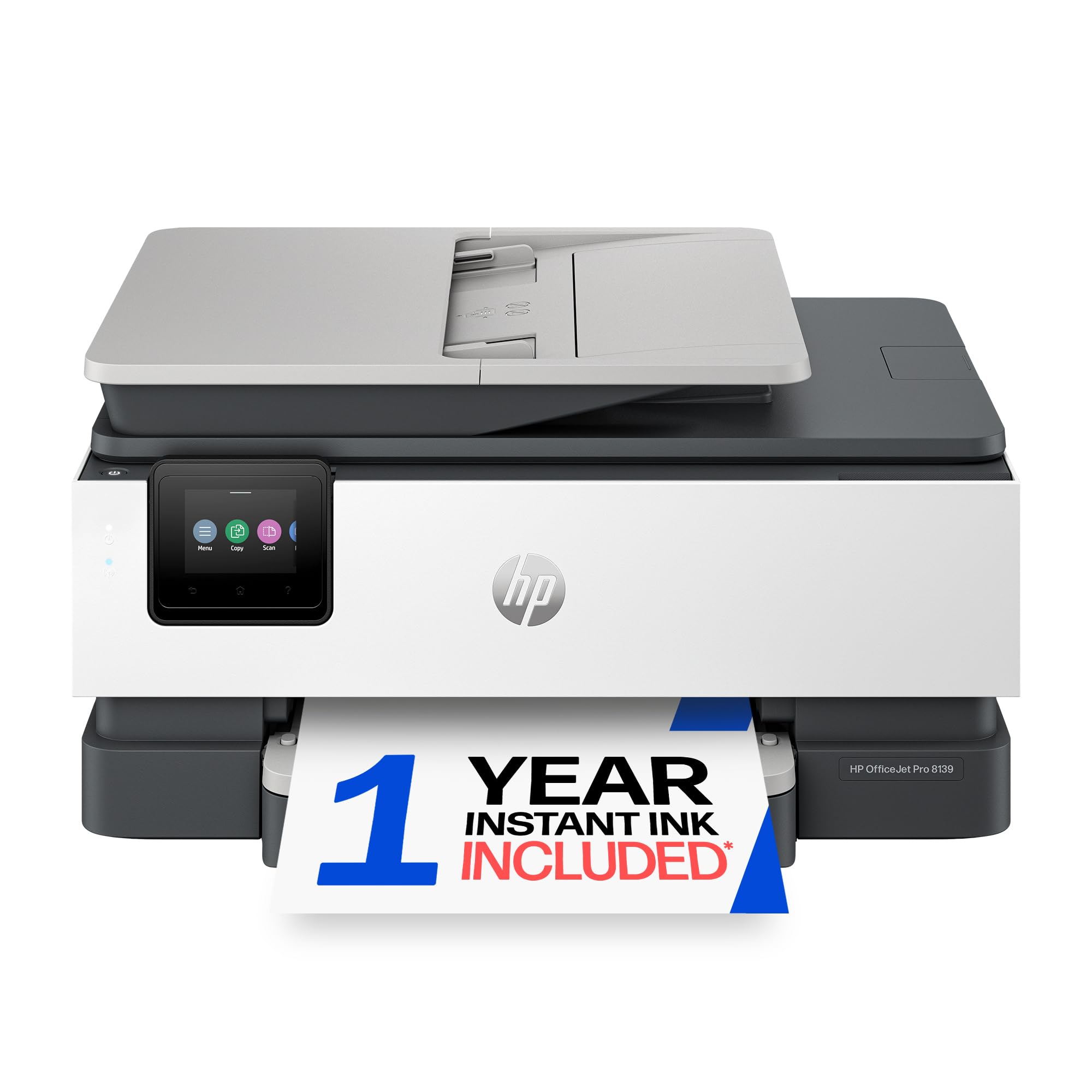
The fastest office-ready pick that prints professional color at 20 ppm.
This HP targets pro-grade color documents — business reports, presentations, and flyers — and it has the speed to back it up: 20 ppm in black and 10 ppm in color, the fastest pair in this lineup. The 2.7-inch touchscreen with a phone-like interface makes navigation feel natural, and the 225-sheet input tray is the largest here, so you refill far less often. A 1-year Instant Ink trial can slice ink costs up to 50%, delivering cartridges before you run dry.
Auto 2-sided printing and an auto document feeder round out the office feature set, plus fax capability via the HP app. HP Wolf Essential Security helps protect your network, and the sustainable build uses more than 45% recycled plastic. First page out takes about 18 seconds, and customers note pages dispensed quickly with great quality once set up — one calls it “cheaper than trying to buy ink for an existing printer.”
The recurring gripe is wireless connectivity, with some buyers wrestling Bluetooth pairing for hours before their laptop finds the printer. Ink cartridges also earn mixed feedback — they’re hard to open, and the orange adapters on black cartridges are stubborn to remove. Ethernet is included as a wired fallback if Wi-Fi frustrates you, which is a solid safety net.
Grab this for: a home office producing presentation-quality color, where speed and a big tray justify the premium.
Plan around: possible Bluetooth pairing struggles — use the Ethernet port if wireless fights back.
Understanding the Specs
Pages Per Minute (ppm)
This is the printer’s speed rating for output. A higher ppm means a faster printer. For example, a model rated at 16 ppm in black finishes a 32-page document in about two minutes, while a 4 ppm color printer takes much longer for the same job in color. Match this to how many pages you actually print.
Automatic Duplex Printing
Duplex means the printer automatically flips each page to print on both sides. Models without it require manual flipping, which is slower and easy to forget. If you print reports, study guides, or multi-page documents, automatic duplex cuts paper use roughly in half and is worth prioritizing.
FAQ
Is a budget color printer worth buying, or will it break quickly?
What’s the difference between automatic and manual duplex printing?
How much does ink cost per page on a budget color printer?
Do budget color printers work with my phone?
What does an auto document feeder (ADF) do and do I need it?
Why is my budget printer so slow at color printing?
Can I print borderless photos on a budget color printer?
What does color depth mean and does it affect photo quality?
Which budget color printer has the cheapest running costs?
Will a budget printer handle envelopes and cardstock?
Final Thoughts: The Verdict
Across the board, the budget color printer winner is the Canon PIXMA TS3720 because low ink costs and easy setup make it the safest bet for everyday home printing. If you want automatic duplex and faster output, grab the Brother MFC-J1360DW. And for professional-quality color documents in a home office, the HP OfficeJet Pro 8139 is the one to reach for.
How We Picked
We do not accept paid placement. Every pick is matched to a real buyer and a real use-case; we do not hands-on test units.
Sources & Methodology
Specifications: manufacturer listings and product documentation. Review insights: verified customer reviews, as of August 2026. Pricing: not shown on this page (it changes often); check the current price via the retailer link.
As an Amazon Associate, FitlyFast earns from qualifying purchases. This does not affect which products we feature.