
Our readers keep the lights on and the weekend projects moving. As an Amazon Associate, I earn from qualifying purchases.
Specs are compiled from manufacturer listings and verified buyer reviews and can change over time — please confirm the key details on the product page before buying.
Upgrading an old PC with a budget NVMe SSD is the single best value move in tech today. You get dramatically quicker boot times and snappier app loading without emptying your wallet. The real question isn’t whether to buy one — it’s which spec trade-off matters most for your specific motherboard and usage.
I’m Rikta — the founder and writer behind FitlyFast. This guide is built by comparing the manufacturers’ published specifications and the patterns across verified customer reviews, so you get each pick’s real strengths and trade-offs instead of marketing spin.
You need to know the difference between Gen3 and Gen4, what SLC cache does, and which budget nvme ssd actually delivers on its promised speeds for the lowest cost.
Our Picks at a Glance

How To Choose The Best Budget NVMe SSD
Buying a budget NVMe SSD is about smart compromises. You want the fastest drive your motherboard can actually use, enough storage for your files, and a warranty that covers you for years — all without paying for speed your system can’t reach.
Check Your Motherboard’s PCIe Generation First
The slot your drive plugs into decides how fast it can go. A PCIe Gen3 slot caps out around 3,500 MB/s, while Gen4 boards can handle up to roughly 7,000 MB/s. Installing a Gen4 drive in a Gen3 slot still works, but it runs at Gen3 speeds, so paying extra for top-end read speeds is wasted money on older hardware.
Look at Real World Speeds, Not Just Advertised Peaks
Advertised speeds like 6,300 MB/s are the maximum burst rate, not what you get every second. The SLC cache — a fast temporary write buffer — dictates how long the drive stays at peak speed before slowing down. For everyday tasks like booting Windows or loading games, even a drive rated at 2,400 MB/s feels instant.
Match Capacity to Your Budget and Needs
Budget drives typically start at 500GB, which is enough for an OS and a few games. A 1TB drive costs more but doubles your space, and it’s harder to fill up. Consider that these drives also mark the endurance with a TBW (Terabytes Written) rating, which tells you how many total writes the drive is built to survive.
Quick Comparison
| Model | Best For | Interface | Read Speed | Capacity | Amazon |
|---|---|---|---|---|---|
| Ediloca EN880E★ Best Overall | Peak speed on a budget | PCIe Gen 4×4 | 6300 MB/s | 500 GB | Amazon |
| TEAMGROUP G50Smart Value | Balanced value | PCIe Gen 4×4 | 5000 MB/s | 512 GB | Amazon |
| WD Green SN3000Laptop Saver | Upgrading older laptops | PCIe Gen 4×4 | 5000 MB/s | 500 GB | Amazon |
| WD Green SN350 | Entry-level Gen3 systems | PCIe Gen 3 | 2400 MB/s | 500 GB | Amazon |
| TEAMGROUP MP44L | Reliable all-rounder | PCIe Gen 4×4 | 5000 MB/s | 500 GB | Amazon |
| Sandisk Optimus GX 7100 | Top-tier write speeds | PCIe Gen 4 | 6800 MB/s | 500 GB | Amazon |
| fanxiang S501Q | Extra capacity on Gen3 | PCIe 3.0×4 | 3500 MB/s | 1 TB | Amazon |
| Kingston NV3 | Proven brand, big capacity | PCIe Gen 4×4 | 6000 MB/s | 1 TB | Amazon |
| Crucial E100 | Reliable everyday storage | PCIe Gen4 | 5000 MB/s | 1 TB | Amazon |
In‑Depth Reviews
1. Ediloca EN880E M.2 SSD
The budget drive that outruns drives costing twice as much on paper.
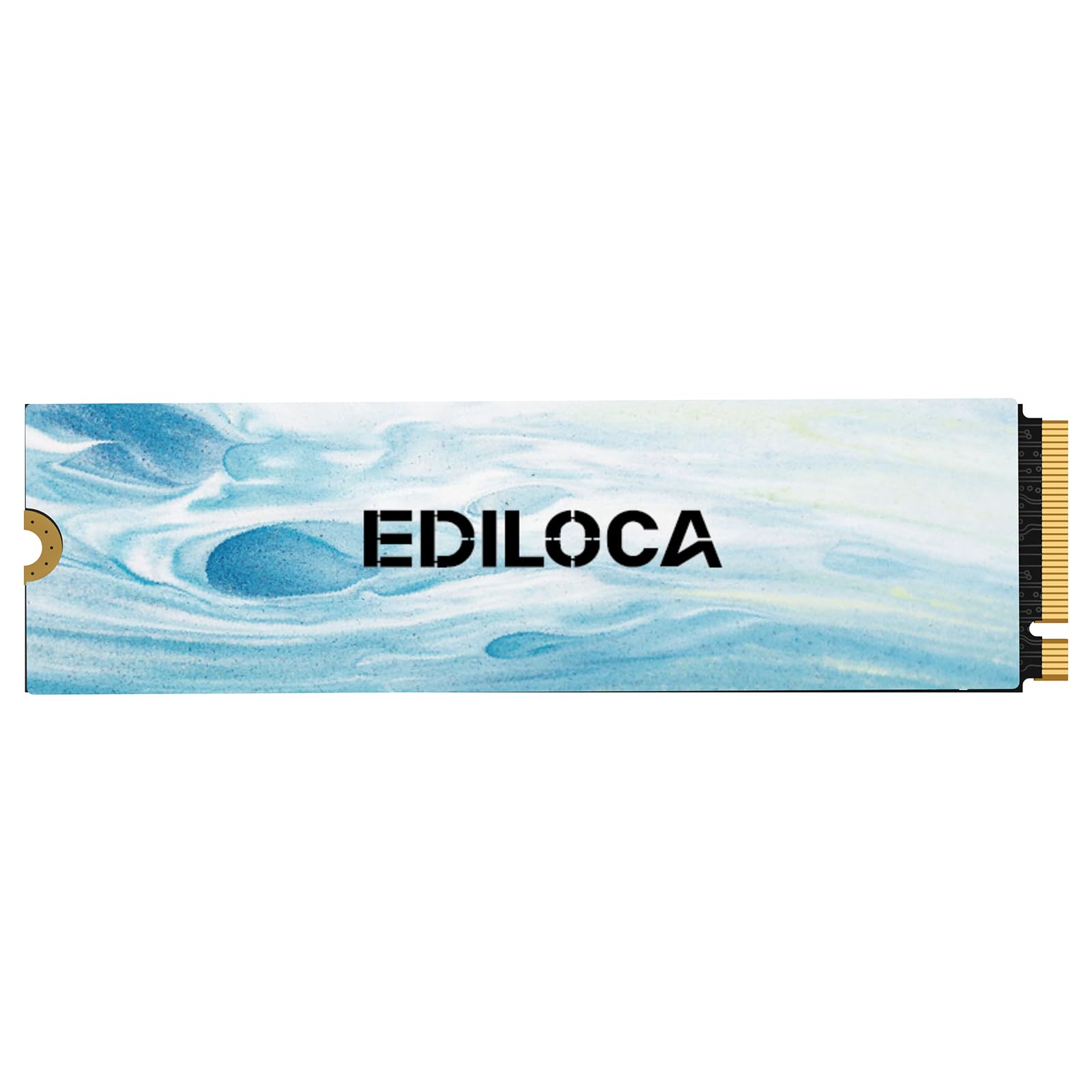
This Ediloca delivers the headline speed you’d expect from a premium drive. It’s a PCIe Gen 4×4 model with read speeds up to 6300 MB/s and write speeds up to 3100 MB/s — numbers that put it a full 26% ahead of the TEAMGROUP G50’s 5000 MB/s reads. In real life, that means Windows boots in seconds and big game files transfer without the long waits.
It manages that speed without turning your case into a furnace, thanks to its high-conductivity graphite heatsink. The drive also uses HMB (Host Memory Buffer), a feature that borrows a little of your system’s RAM for caching, plus SLC cache technology for faster writes. Buyers report it’s a plug-and-play upgrade, with one saying it works great with fast shipping and no install headaches.
Compatibility is broad — it fits laptops, desktops, and even PlayStation 5 as storage expansion. The 3-year warranty covers you for up to 300TBW (Terabytes Written), a measure of how much data you can write before the drive wears out. It’s backed by solid-but-not-huge owner feedback, with a 4.3-star average across a few hundred ratings.
Why It Wins
- Fastest read speed in this budget class at 6300 MB/s
- Graphite heatsink keeps sustained speeds near peak
- Works in PS5 as well as PCs
Keep In Mind
- 500GB fills quickly if you install big modern games
- Smaller owner base than the WD drives below
Reach for it if: you want the fastest boot and load times your money can buy on a Gen4 system.
Think twice if: your motherboard only supports PCIe Gen3, because you won’t open up its 6300 MB/s peak.
2. TEAMGROUP T-Force G50
A Gen4 drive that owners say makes Windows 11 feel noticeably snappier.
You get fast everyday performance from the T-Force G50 without paying a premium. It delivers read and write speeds of 5000/2500 MB/s, and its SLC caching (a type of fast temporary storage that speeds up writes) keeps those speeds flowing during everyday bursts of activity. Owners who used it on an older Gen3 motherboard (a previous-generation connection standard) still found it “better than other budget SSDs,” praising its responsiveness even if it doesn’t sustain peak speeds forever.
Its defining feature is the ultra-thin graphene heat spreader, which keeps the drive cool without adding bulk that gets in the way during installation. That’s why it’s a clean fit inside tight laptop chassis and desktop builds alike. With a 5-year limited warranty, it offers the longest protection in this budget lineup.
The main things owners praise are raw performance and value for money, with several noting it works great in systems like the UGREEN DXP2800 NAS. The honest trade-off is endurance: it’s built for responsiveness rather than heavy, sustained writes. Owners mention the drive improved Windows 11 snappiness right away, though one noted occasional system crashes that were actually traced back to a Windows update, not the drive itself.
The High Points
- 5-year warranty beats most budget rivals
- Graphene spreader keeps install easy and drive cool
- Strong owner satisfaction on performance
The Trade-Off
- Read speed trails the Ediloca above by a notable margin
- Not aimed at heavy sustained write workloads
Grab it for: a balanced, trusty Gen4 upgrade with the longest warranty here.
skip it if: you need absolute maximum read speed and have a Gen4 board open up.
3. Western Digital WD Green SN3000
The upgrade that breathes new life into older laptops, including MacBooks.
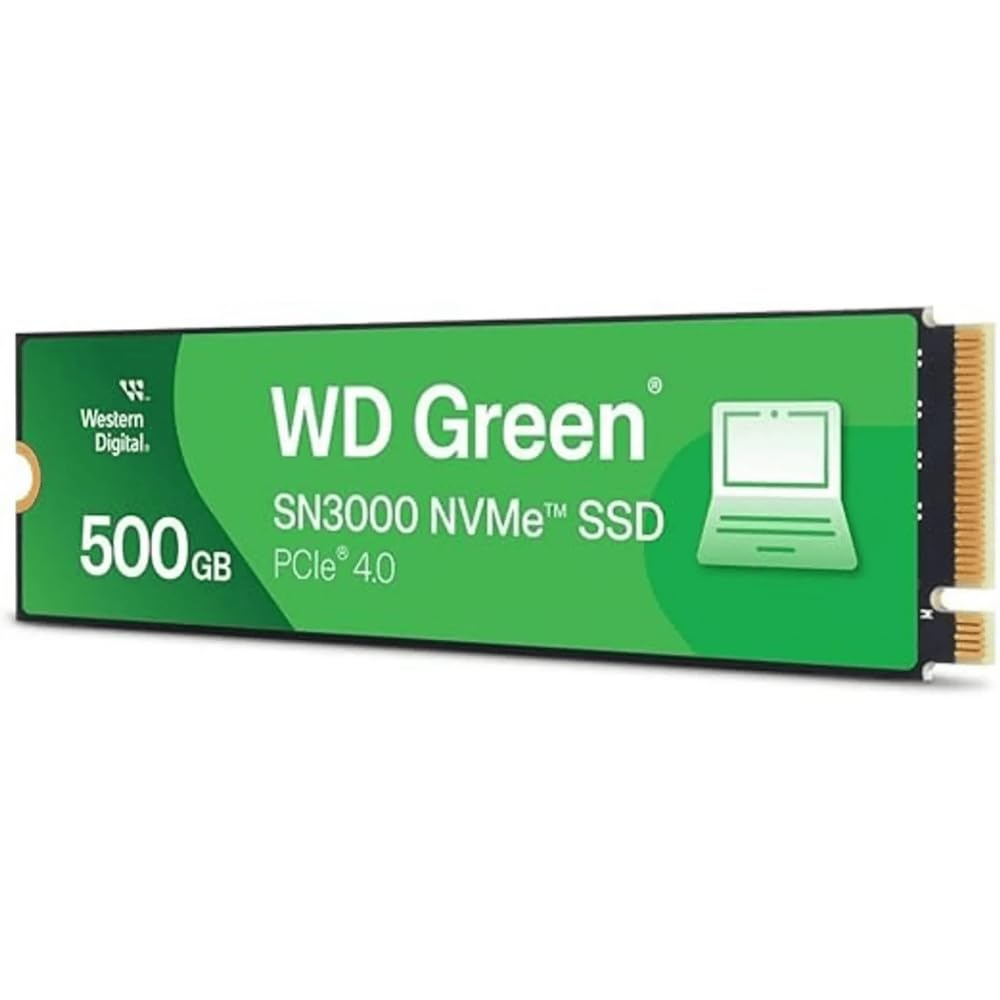
This WD Green SN3000 is the pick when your machine needs a second chance. It’s a PCIe Gen4 drive with read speeds up to 5,000 MB/s, and its single-sided M.2 2280 design means it’s slim enough for thin laptops and small form-factor PCs. Customers note installing it in a MacBook Pro Retina 15-inch Mid 2015 with an NVMe adapter, saying it “brought new life to my old MacBook.”
Western Digital bundles nCache 4.0 technology for smoother multitasking, and the drive is available up to 2TB if you want more breathing room. It also comes with free downloadable Acronis True Image software, making it simple to migrate your old operating system and files onto the new drive without starting from scratch.
The 500GB capacity is the main thing owners mention, and a few note the usable space shows as roughly 465 GB after formatting — normal for any drive. The single-sided layout is a genuine advantage here over thicker rivals, since it fits more laptop chassis. Value for money is the second-most-praised aspect, making it a smart pick for reviving an aging system rather than buying a new one.
Why It’s A Great Fit
- Slim single-sided build fits thin laptops
- Free cloning software for easy migration
- Trusted Western Digital reliability
What To Watch
- 500GB gets tight for large game libraries
- Uses an adapter for some older MacBooks
Choose it if: you’re upgrading a slim laptop or an older MacBook that needs speed.
Look elsewhere if: you need maximum storage and budget is the only factor.
4. Western Digital WD Green SN350

The massive crowd favorite for entry-level builds and Raspberry Pi projects.
You get a drive that thousands of owners trust, with a 4.7-star average across reviews. The WD Green SN350 is a Gen3 PCIe drive (a standard connection for older motherboards) rated at 2,400 MB/s reads, yet reviewers point out real-world speeds exceeding that figure — some hitting 3,200 MB/s on capable systems. That’s plenty for booting Windows quickly and loading games smoothly.
One of its biggest fan bases is the Raspberry Pi 5 community. Owners use it as a low-power boot drive, and it works great in that role because it sips power while still being dramatically faster than an SD card. The slim M.2 2280 form factor slips into any standard NVMe slot, and the downloadable WD SSD Dashboard lets you monitor drive health.
The most-discussed aspect is performance, with speed and value for money close behind. It uses QLC flash, which is smooth for gaming and media but weaker for heavy sustained write tasks like video editing. A few owners note it can run warm during heavy loads, though others say it runs cool without a heatsink. The 3-year warranty is standard, and the shock-resistance design protects against accidental bumps.
What Owners Love
- Huge owner base with very high satisfaction
- Often exceeds its 2400 MB/s rating
- Ideal for Raspberry Pi 5 builds
Know The Limits
- QLC flash is weak for heavy sustained writes
- Runs warm under load for some
Perfect for: entry-level PCs, older Gen3 systems, and power-conscious Raspberry Pi builds.
Not ideal for: heavy video editing or constant large-file writes where QLC slows down.
5. TEAMGROUP MP44L

The drive reliability is the thing owners rave about most.
Reliability is the #1 reason buyers choose the TEAMGROUP MP44L — it’s the most-praised aspect by far in its owner feedback. This Gen 4×4 NVMe drive offers read/write speeds up to 5,000/3,700 MB/s, and owners moving from an older SATA drive notice a huge jump in boot times and app launches. One owner reported transferring a 50GB game in about 10 seconds.
Its clever graphene coating on the label is less than 1mm thick, which eliminates mechanical interference when installing in tight spots. Combined with the onboard M.2 heatsink, the heat-dissipating performance is doubled, keeping the drive cool even during long gaming sessions or heavy video editing.
The drive works on many different motherboards, runs at full PCIe 3.0 speeds on older platforms, and comes with a 5-year or TBW limited warranty. It’s easy to install, with owners noting it’s a perfect fit for MSI boards and older 10-year-old computers being revived. Value for money is the third-most-praised aspect, making it a smart pick for budget builds that don’t want to compromise on reliability.
What Stands Out
- Reliability is the top owner praise
- 5-year or TBW warranty coverage
- Runs cool with combined heatsink design
The One Caveat
- 5,000 MB/s reads trail the fastest Gen4 drives
- Label coating is clever but adds little real speed
Pick it when: reliability and cool running matter more than raw top-end speed.
Pass if: your workflow demands the absolute fastest sequential transfer rates.
6. Sandisk Optimus GX 7100
For buyers who want near-flagship speed without the flagship price tag.
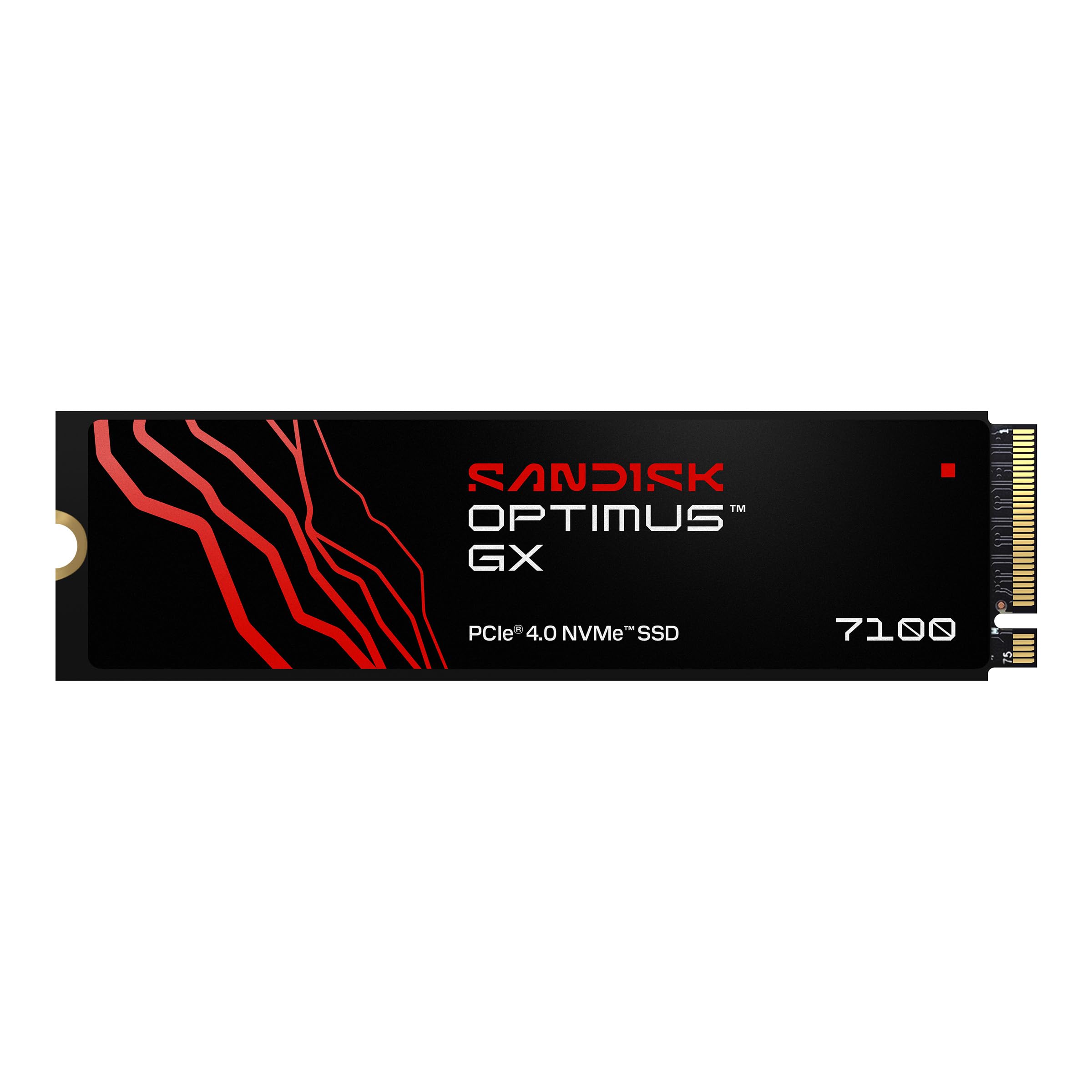
The Sandisk Optimus GX 7100 is the speed-focused pick. It’s a PCIe Gen 4 drive with a data transfer rate up to 6,800 MB/s reads, and its power-efficient architecture means you can keep gaming or working before the laptop battery taps out. Owners using it in a PS5 report real-world speeds around 6,500 MB/s, which is excellent even compared to the lab ratings.
It’s built on 8th-gen Sandisk BiCS TLC 3D CBA NAND, which balances speed with endurance. The included Sandisk Dashboard software (Windows only) lets you enable Game Mode, and Acronis True Image software makes migrating your old system easy. The drive boots a newly installed system quickly and works well as a home NAS boot drive.
The M.2 2280 form factor makes it compatible with desktops, laptops, and consoles, including the PS5. Owners note the full 500GB is recognized and there are no compatibility issues. The main trade-off is endurance — it’s built for peak speed bursts, not sustained heavy writes, so it’s best as a boot drive or game drive rather than a scratch disk for constant video rendering.
Why It’s Fast
- 6,800 MB/s reads are among the fastest here
- Works great in PS5 with a heatsink
- Power-efficient for laptops
The Catch
- 500GB fills fast for heavy game libraries
- Premium price for the brand and speed
Get it for: PS5 expansion or a Gen4 PC where load times are everything.
pass on it if: your budget is tight and you don’t need speeds above 5,000 MB/s.
7. fanxiang S501Q

The 1TB Gen3 drive that gives you double the space without a huge price jump.
If 500GB feels cramped, the fanxiang S501Q doubles your storage to 1TB while staying firmly in budget territory. It’s a PCIe 3.0×4 drive with read speeds up to 3,500 MB/s, which makes it ideal for older systems that can’t take advantage of Gen4 speeds anyway. Owners with a Dell Inspiron 3891 noted it was “just right” since that computer can’t use newer drive speeds.
It uses SLC cache technology to accelerate everyday reads and writes, hitting 3,200 MB/s reads and 1,750 MB/s writes. The drive adds graphene heat dissipation stickers to manage temperatures, and its shock-resistant design means no moving parts to worry about. It’s compatible with Windows 7 through 11 and Mac OS 10.9 and later, making it very flexible.
Performance is the top owner praise, with value for money close behind. The package includes installation screws and a screwdriver, so you won’t need extra tools. The 3-year service and up to 320TBW endurance give reasonable long-term confidence.
Why It’s Big Value
- 1TB capacity doubles your space
- Perfect match for older Gen3 systems
- Includes screws and screwdriver
What To Check
- Mixed reports on Mac Mini compatibility
- Writes cap lower at 1750 MB/s
Best suited for: older desktops and laptops needing a big, fast, inexpensive upgrade.
Avoid if: you’re installing into a Mac Mini, where compatibility is uncertain.
8. Kingston NV3 1TB

The crowd favorite 1TB drive that delivers 6,000 MB/s without breaking a sweat.
Kingston is a name people trust, and the NV3 backs it up with a 4.7-star average across a massive owner base. It’s a Gen 4×4 NVMe drive with read speeds up to 6,000 MB/s and write speeds up to 4,000 MB/s, making it one of the fastest 1TB drives in this budget-friendly roundup. Owners describe it as “fast and reliable,” with near-instant boot times and smooth game loading.
Its M.2 2280 form factor fits laptops, desktops, and consoles, and it’s backward compatible with older systems. The drive stays cool and stable under load, which is a common owner observation. It includes Acronis cloning software, making the switch from an old drive straightforward, and it works with Macs in external hubs like the Mac Studio.
Unsurprisingly, performance and speed are the top owner praises, with value for money close behind. A few note durability mixed feelings after long-term use, but the 5-year limited warranty provides solid coverage. The 1TB capacity is the standout here — you get double the space of the 500GB drives for a modest step up in what you’ll pay.
What Wins People Over
- Huge owner base with very high satisfaction
- 6,000 MB/s reads with 1TB capacity
- 5-year warranty and cloning software included
The Minor Gripes
- Mixed long-term durability feedback
- Premium cost for the brand name
Reach for it if: you want a proven brand with 1TB of fast storage from a name you know.
Go elsewhere if: your system is Gen3-only and you don’t need 6,000 MB/s peak speeds.
9. Crucial E100 1TB

The 1TB Gen4 drive that’s all about reliability and easy cloning.
The Crucial E100 is the drive to pick when you want dependable performance without any surprises. It’s a Gen4 NVMe offering speeds up to 5,000 MB/s, which the maker says is 8x faster than SATA and 33x faster than hard disk drives. Shoppers say it works perfectly to create a duplicate of their system drive, with one saying “if my system crashes, all I do is swap out the drives.”
It’s available up to 2TB, though this 1TB version gives you solid room for games, photos, and videos. The drive runs quieter and cooler than a traditional HDD, and its sturdy build means less to worry about with accidental bumps. Step-by-step instructions make installation approachable even for first-timers, and owners note fast boot speeds right after install in machines like an Alienware Aurora.
Reliability is the top owner praise, followed by speed, and the drive revives older PCs with extra storage and responsiveness. The limited 3-year warranty is a bit shorter than some rivals, and Gen4 speed is wasted if you’re on a Gen3 motherboard. But for a straightforward, trustworthy 1TB upgrade, this is a strong, quiet choice.
Why It’s Solid
- Reliability is the #1 owner praise
- 1TB capacity with solid 5,000 MB/s
- Easy cloning for system backup
Where It Lags
- 3-year warranty is shorter than some rivals
- 5,000 MB/s is mid-pack for Gen4
Buy it for: a dependable 1TB system drive with easy cloning and proven reliability.
Pass if: you want the longest warranty or the absolute fastest Gen4 reads.
Understanding the Specs
PCIe Gen3 vs Gen4
This determines the speed ceiling your drive can reach. Gen3 slots cap out around 3,500 MB/s, while Gen4 doubles that headroom. A Gen4 drive works in a Gen3 slot but runs at the slower Gen3 speed, so match the drive to your motherboard to avoid paying for unused performance.
SLC Cache and TBW
SLC cache is a fast temporary buffer that makes everyday tasks feel instant, while TBW (Terabytes Written) measures how much data the drive can write before wearing out. Higher TBW means longer life for heavy users, and a longer warranty usually signals better confidence from the maker.
FAQ
Will a PCIe Gen4 SSD work in my old Gen3 motherboard?
How much faster is a 6,300 MB/s drive than a 5,000 MB/s one in everyday use?
Is 500GB enough for a budget NVMe SSD?
What does TBW mean and how much do I need?
Is QLC flash bad for a budget SSD?
Will these drives work in my PlayStation 5?
Do I need a heatsink for a budget NVMe SSD?
What is SLC cache and why does it matter?
How do I clone my old drive to a new SSD?
Will a budget SSD improve an old computer significantly?
Final Thoughts: The Verdict
Across the board, the budget nvme ssd winner is the Ediloca EN880E because it delivers the fastest Gen4 read speeds at a budget-friendly price. If you want a trusted brand with more owner feedback and a 5-year warranty, grab the TEAMGROUP G50. And for a dependable 1TB drive with proven reliability, the Kingston NV3 is the one to reach for.
How We Picked
We do not accept paid placement. Every pick is matched to a real buyer and a real use-case; we do not hands-on test units.
Sources & Methodology
Specifications: manufacturer listings and product documentation. Review insights: verified customer reviews, as of August 2026. Pricing: not shown on this page (it changes often); check the current price via the retailer link.
As an Amazon Associate, FitlyFast earns from qualifying purchases. This does not affect which products we feature.