
Our readers keep the lights on and the weekend projects moving. As an Amazon Associate, I earn from qualifying purchases.
Specs are compiled from manufacturer listings and verified buyer reviews and can change over time — please confirm the key details on the product page before buying.
You don’t need to spend a fortune to get a sharp, smooth screen for work or play. The key is knowing which specs—refresh rate, panel type, and size—truly impact your daily experience, and where budget models compromise. This guide focuses on the specs that matter most for everyday use, so you can find a monitor that punches above its price.
I’m Rikta — the founder and writer behind FitlyFast. This guide is built by comparing the manufacturers’ published specifications and the patterns across verified customer reviews, so you get each pick’s real strengths and trade-offs instead of marketing spin.
The best budget monitors prove you can get a fluid 120Hz experience and rich IPS colors without stretching your wallet too far.
Our Picks at a Glance

How To Choose The Best Budget Monitors
A budget monitor doesn’t have to mean a bad screen—it’s about prioritizing the specs that matter most for your daily tasks. Many shoppers focus on resolution and refresh rate but overlook the panel type, which determines color accuracy and viewing angles.
Panel Type: IPS vs. Basic LCD
The panel type dictates color accuracy and how the image looks from off-center angles. IPS (In-Plane Switching) panels give you accurate, vibrant colors that stay consistent from wide viewing angles — ideal if you move around or share your screen. Cheaper LCD panels can look washed out or shift colors when viewed off-angle, so an IPS is usually worth the small premium.
Refresh Rate: Why 120Hz Feels Smoother
Refresh rate is how many times the screen updates per second, measured in hertz (Hz). A standard monitor runs at 60Hz, but a 120Hz display doubles that — making cursor movement, scrolling, and fast-paced games feel noticeably fluid with less motion blur. For gaming or smoother scrolling, a 120Hz refresh rate is the most effective upgrade on a budget monitor.
Quick Comparison
| Model | Best For | Screen Size | Refresh Rate | Panel Type | Amazon |
|---|---|---|---|---|---|
| LG 24U411A-B★ Best Overall | Best All-Around Value | 24 inch | 120Hz | IPS | Amazon |
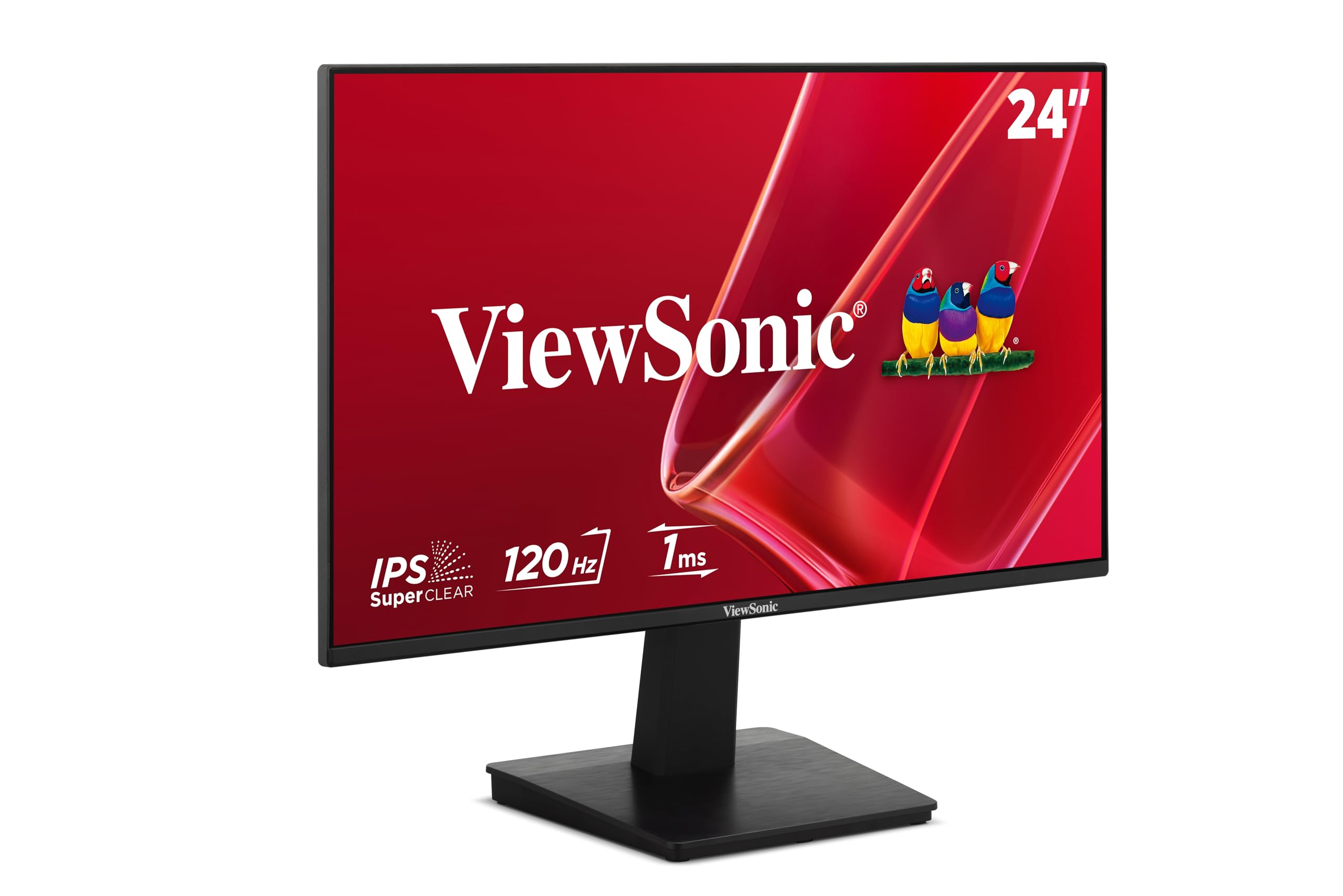
| ViewSonic VA2448-MHEye Care Pick | Eye Comfort + Brightness | 24 inch | 120Hz | IPS | Amazon |
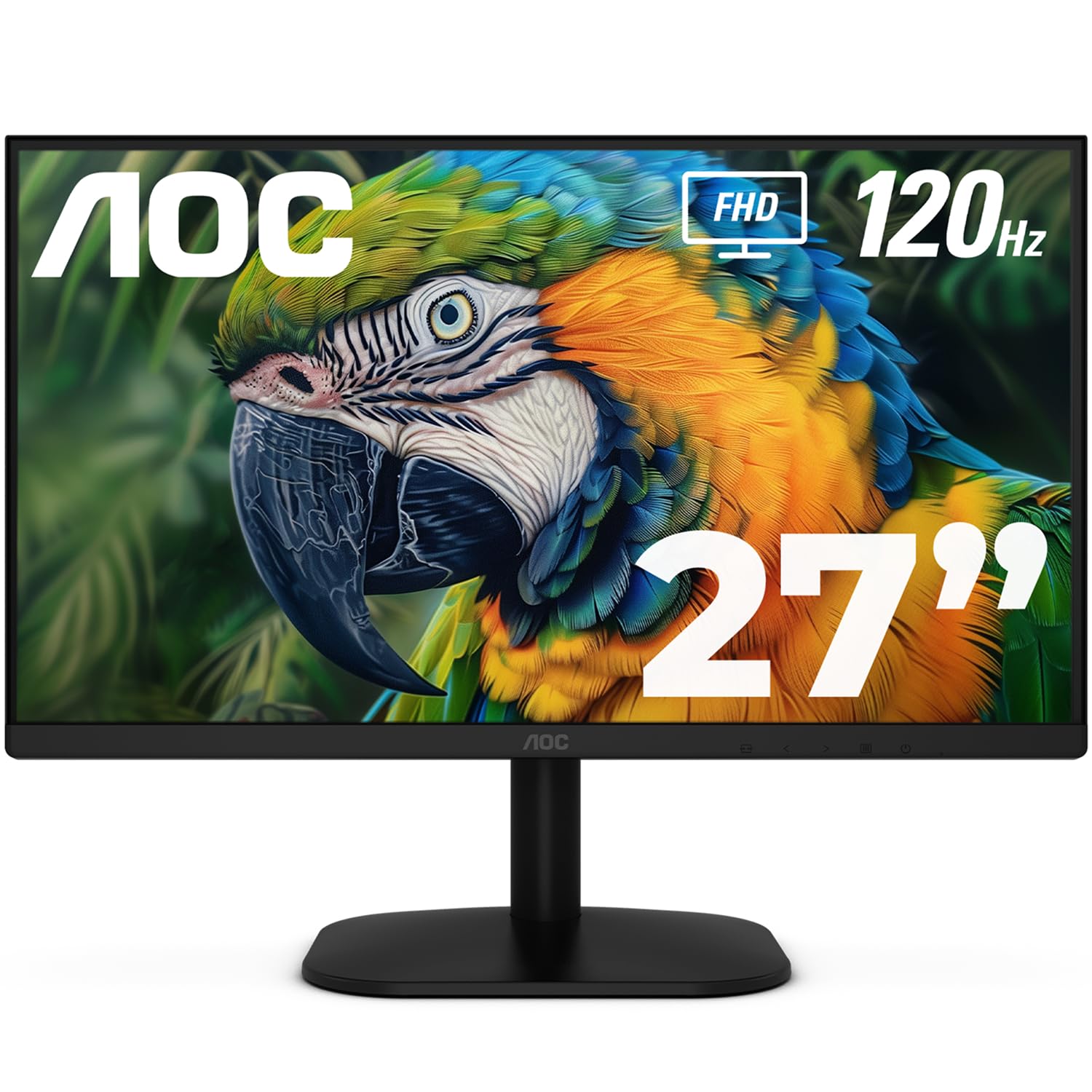
| AOC 27B35H3Big Screen Value | Largest Screen on a Budget | 27 inch | 120Hz | VA | Amazon |
| Sceptre Prime E248W-FW100T | Gaming Features | 24 inch | 100Hz | LCD | Amazon |
| Amazon Basics 24-inch | Office / Productivity | 24 inch | 75 Hz | IPS | Amazon |
| LG 24G411A-B UltraGear | Serious Gaming | 24 inch | 144Hz | IPS | Amazon |
| ViewSonic VA2456A-MHD | Connection Flexibility | 24 inch | 120Hz | IPS | Amazon |
| Dell S2425HSM | Ergonomic Adjustability | 23.8-inch | 144Hz | LCD | Amazon |
| Acer SB272U Ebiip | High Resolution Work | 27 inch | 100Hz | IPS | Amazon |
In-Depth Reviews
1. LG 24U411A-B
The crowd-pleasing 24-inch IPS panel that nails work, streaming, and casual gaming in one affordable package.
This LG gives you the full everyday package: a 24-inch Full HD (1920 x 1080) IPS screen with a 120Hz refresh rate, so scrolling and light gaming feel fluid, not choppy. The 1500:1 contrast ratio beats the AOC’s 1000:1 below, which means deeper blacks and punchier images for movies and documents alike. Owners rave about the build quality and picture — with 100×100 VESA mounting, you can even attach it to a monitor arm.
For long work sessions, the Reader Mode (a setting that cuts blue light) helps reduce eye strain, and the tilt moves smoothly from -5° to 20° so you can angle it just right. It also supports HDR10 (a high-dynamic-range format for richer contrast) and covers up to 99% of the sRGB color gamut (the standard color space for web and video), so creative projects look vivid. Buyers pair it with Macs and PCs alike — as one owner puts it, “Though not quite as bright as the Mac 27, it is still a very good monitor.”
The catch? It lacks built-in speakers, so you’ll need headphones or external audio. Some owners also note the included screws were missing for the stand, so check the box early — but the panel quality makes it a favorite for a reason. This is the one most owners settle on when they want a do-everything screen without the premium price.
What wins owners over
- 120Hz refresh makes everyday use feel smooth
- IPS panel keeps colors accurate from wide angles
- Reader Mode eases eye strain for long sessions
Keep in mind
- No built-in speakers included
- Stand feels flimsy to some owners
Reach for this if: you want the best all-around value for work and casual play.
Look elsewhere if: you need speakers from the start — this one is silent.
2. ViewSonic VA2448-MH
A brighter-than-usual 24-inch IPS screen with built-in speakers and eye-care extras that make long days easier.
This ViewSonic stands out with a 300 nits brightness rating (that’s the amount of light the screen emits) — a step above the 250 nits you often see at this price, so it stays visible even in a bright room. The 24-inch IPS panel runs at 120Hz for smooth motion, and the 1500:1 contrast ratio edges out the AOC’s 1000:1, giving you richer depth in dark scenes. Owners say the image is crisp with no distortion, and some report it’s even visible outdoors.
Flicker-Free technology and a Blue Light Filter help reduce eye strain during extended use., while five view presets (“Game,” “Movie,” “Web,” “Text,” and “Mono”) let you tune the screen to what you’re doing. The built-in 2W speakers are a rare bonus at this price point, and buyers call them a welcome addition. As the review pages sum it up: “For a very inexpensive 24 inch monitor, this is great value for money.”
Connectivity is flexible with HDMI and VGA inputs, and the frameless design boost usable screen area. The trade-off is a tilt-only stand with no height adjustment, so you’ll want to position it carefully on your desk. If eye comfort and a brighter panel are your priorities, this is a strong pick.
Why it shines: The 300 nits brightness and true 120Hz make it feel more premium than its price suggests.
The honest limit: No height adjustment on the stand — tilt only.
3. AOC 27B35H3
The budget pick that goes big — a 27-inch screen that towers over the 24-inch crowd for the same money.
If screen size is your top priority, this AOC gives you a 27-inch Full HD display at a price where 24 inches is the norm — a full 12% larger footprint than the 24-inch LG for the same budget. That extra screen area lets you keep multiple windows open side-by-side without constant switching., letting you spread out spreadsheets, documents, and video calls without constantly alt-tabbing. The 120Hz refresh and 1ms response time keep motion fluid, and Adaptive Sync (a tech that matches the screen’s refresh to your graphics card) reduces screen tearing.
Colors are a highlight, with 100.1% sRGB coverage making images vibrant, and it’s HDR Ready for dynamic contrast. It’s also a green choice, consuming only 13W in eco mode — a nice touch for energy-conscious buyers. Owners who use it for remote work praise the flicker-free and low blue light features for reducing eye strain during long days.
The downside is a 1000:1 contrast ratio — noticeably less depth than the 1500:1 you get on the LG or ViewSonic above, so blacks won’t be as inky. Ports are limited to one HDMI and one VGA, so check your setup ahead of time. For the money, though, that big 27-inch canvas is hard to argue with.
Best for: anyone who wants maximum screen area for multitasking on a tight budget.
skip it if: you need multiple modern ports — you get just one HDMI here.
4. Sceptre Prime E248W-FW100T

A gaming-minded 24-inch panel with gamer-first features that still respects a tight budget.
This Sceptre is built with gamers in mind, offering a 100Hz refresh rate (that’s how many times the screen updates per second) and a 1ms response time to keep fast action crisp. It hits a full 100% sRGB color gamut, delivering vivid colors that owners describe as an upgrade from older, smaller screens. The built-in speakers and FPS-RTS game modes — custom display settings for First Person Shooter and Real-Time Strategy genres — make it a plug-and-play choice for console and PC players alike.
Connectivity is a highlight: it includes both DisplayPort and two HDMI ports, giving you more modern options than the single-HDMI AOC. AMD FreeSync (a technology that prevents screen tearing during gameplay) keeps motion smooth, and it’s VESA wall-mountable to save desk space. Owners note it handles games from PC to console without complaints, and the picture quality exceeds expectations for the price.
The trade-offs are minor but real: the stand offers no height adjustment, and the built-in speakers lack bass and volume according to owners. Some also note the included HDMI cable is cheap and easily replaced. If you want gaming features without gaming prices, this delivers.
Standout feature: DisplayPort and dual HDMI inputs give you modern connection options others lack.
The catch: Speakers are weak — plan for headphones or external audio.
5. Amazon Basics 24-inch

The dependable worker that prioritizes crisp text and easy setup over flashy gaming specs.
If your monitor is a workhorse for writing, spreadsheets, and email, this Amazon Basics model is a proven favorite. The 24-inch IPS panel delivers the color accuracy and wide viewing angles IPS is known for, and the 1080P resolution looks crisp and clear for daily tasks. It runs at 75 Hz (faster than the standard 60Hz, so scrolling feels a touch smoother), and owners say plugging everything in takes under 5 minutes.
Where it wins for productivity is the stand: it tilts from -5° to 23° and offers full adjustability — a feature many budget monitors skimp on. It’s VESA compatible with a 100x100mm hole pattern for wall or arm mounting, and it comes with HDMI, DisplayPort, and VGA inputs plus an audio jack. It’s also Energy Star certified to keep power use down.
The honest weak spot is the built-in speakers — owners consistently describe them as extremely weak, even at maximum volume. And at 75 Hz, it’s not the pick for gamers chasing fluid motion. But for a dedicated work monitor that’s easy on the eyes and easy to set up, this is a reliable choice that has earned its strong reputation.
Choose this for: long office days where easy setup and a comfortable view matter most.
Think twice if: you plan to game — 75 Hz and weak speakers hold it back.
6. LG 24G411A-B UltraGear

The gamer’s pick that pushes to 144Hz, with G-Sync and FreeSync support to keep every frame tear-free.
This UltraGear takes the winning LG formula and cranks up the speed for gaming. It runs at 120Hz natively and overclocks to 144Hz for even smoother motion, with 1ms MBR (Motion Blur Reduction) keeping fast action sharp. It supports both NVIDIA G-Sync Compatible and AMD FreeSync — adaptive sync technologies that prevent screen tearing — so it plays nice with both major graphics card brands. Buyers running PS5 games report it hits 120Hz with gameplay that feels noticeably fast.
It shares the quality of the LG 24U411A-B above: HDR10, up to 99% sRGB color gamut, and a 1500:1 contrast ratio for rich, vivid tones. Gaming-specific extras include Black Stabilizer to brighten dark scenes and a Crosshair feature for FPS accuracy. The slim, floating-looking design is a favorite with owners, who call it “a solid support monitor” next to pricier setups.
The trade-off for that speed: owners note noticeable IPS glow on darker screens — a common trait where the panel backlight bleeds at edges. The stand is also slim with tilt-only adjustment. If smooth, tear-free gaming is your goal, this is the budget tier’s balance.
The speed you get
- 144Hz overclocked refresh for fluid gaming
- Works with both G-Sync and FreeSync
- HDR10 and 99% sRGB for vivid color
The speed costs
- Noticeable IPS glow on dark screens
- Tilt-only stand, no height adjustment
Reach for this if: gaming is a priority and you want a tear-free, high-speed experience.
Look elsewhere if: you watch a lot of dark movies — IPS glow may bother you.
7. ViewSonic VA2456A-MHD

A flexible 24-inch IPS monitor with three input types, making it the most versatile connector of the group.
This ViewSonic stands apart with its triple connectivity — HDMI, DisplayPort, and VGA — so it can handle a modern laptop, an older desktop, or a legacy machine without needing adapters. The 24-inch IPS panel delivers accurate, vivid colors from wide angles thanks to SuperClear IPS technology, and the 120Hz refresh rate keeps motion fluid. Owners praise the sharp text and clean image, calling it “sharp, bright” and “great for spreadsheets, email, web apps.”
Eye comfort is a core focus: Flicker-Free technology and a Blue Light Filter reduce fatigue during extended use, which is why it’s a popular choice for home offices and dual-monitor setups. The thin bezels make it easy to run side-by-side, and it offers the same five view presets (“Game,” “Movie,” “Web,” “Text,” “Mono”) as the VA2448-MH. Owners with server racks and work desks alike find it a reliable performer.
It’s not without limits: the stand is basic with no height adjustment, brightness tops out at 250 nits, and there’s no USB hub. But for connection flexibility at this price, it’s hard to match — especially if you’re juggling older and newer devices.
Why it’s versatile: HDMI, DisplayPort, and VGA inputs cover nearly any machine you own.
Where it’s basic: The stand and 250 nits brightness are entry-level.
8. Dell 24 Plus S2425HSM

The ergonomic standout with full height, tilt, pivot, and swivel adjustments for a truly custom fit.
This Dell is the pick for anyone who’s tired of propping books under their monitor. It offers the most complete stand of the group — height, tilt, pivot, and swivel adjustments — so you can position the screen exactly where it’s comfortable all day. The 23.8-inch Full HD panel runs at a fast 144Hz refresh rate with a 1ms MPRT (Moving Picture Response Time) for smooth, tear-free motion. Owners call it clear and easy on the eyes during long workdays.
This is also the rare budget monitor with genuinely useful audio: dual integrated 3W speakers deliver a wider frequency range, and buyers praise the built-in sound quality. The 1500:1 contrast ratio matches the LG and ViewSonic for deep blacks, and the 300 nits brightness keeps the screen readable in bright rooms. It’s a 4-star TÜV-certified display for reduced harmful blue light, so it’s designed with comfort in mind.
Connectivity is minimal — a single HDMI port — so it’s best for a straightforward single-device setup. The Ash White color is a style choice that won’t suit every desk. But if adjustability and solid audio matter more than port variety, this Dell is a refined pick.
Best for: anyone who spends all day at a desk and wants a monitor that moves with them.
pass on it if: you need multiple device inputs — this one has a single HDMI.
9. Acer SB272U Ebiip

The sharpest text of the bunch — a 27-inch QHD screen that crams 2560×1440 pixels into a budget price.
This Acer is the resolution king of the list, offering a 27-inch WQHD (2560 x 1440) IPS display at a price where most competitors stick to 1080p. That extra pixel density — a pixel pitch of just 0.233mm — makes text and images look noticeably crisper, which owners describe as a “huge upgrade” for office work and a standout for readability. At 100Hz with 1ms VRB response, it handles casual gaming smoothly while keeping everyday use fluid.
It’s a productivity powerhouse: the larger 27-inch QHD canvas gives you tons of content on screen, and two HDMI 2.0 ports plus one DisplayPort 1.2 offer solid connection options. AMD FreeSync reduces screen tearing in games and video, and the VESA mount (75 x 75mm) lets you attach it to an arm for a cleaner setup. Owners who bought multiples for their home office report they worked instantly with no configuration needed.
The notable omission is speakers — there are none, and owners note the box itself says “Audio: N/A,” so budget for external audio. Brightness is also mixed in feedback, with some finding it hard to see in very bright rooms. But for crisp, high-resolution work, this is the clear standout.
What stands out: QHD resolution at this price gives you the sharpest text and images here.
The real gap: No built-in speakers and modest brightness hold it back.
Understanding the Specs
Refresh Rate (Hz)
This is the number of times your screen redraws the image each second. Standard monitors run at 60Hz, but budget picks now often hit 100Hz or 120Hz, making scrolling, cursor movement, and games feel much smoother. If you do any gaming or hate a laggy feel, aim for at least 100Hz.
IPS vs. VA Panel
IPS (In-Plane Switching) panels give accurate colors and wide viewing angles, so the image looks right even if you’re off to the side. VA panels offer higher contrast (deeper blacks) but can shift colors at angles. For general work and most users, IPS is the safer, more consistent choice.
Adaptive Sync (FreeSync / G-Sync)
This tech matches your monitor’s refresh rate to your graphics card’s output to stop screen tearing during fast motion. AMD FreeSync and NVIDIA G-Sync are the two main standards — some budget monitors support both, which means they work with either graphics card brand.
Resolution and Size
Full HD (1920 x 1080) is the budget standard and looks sharp at 24 inches. QHD (2560 x 1440) packs more pixels for noticeably crisper text, ideal at 27 inches. Bigger screens give more room to multitask, but remember — more pixels require more graphics power.
FAQ
Is 120Hz worth it on a budget monitor?
What is the difference between IPS and VA panels on a budget?
Will a 1440p budget monitor work with my laptop?
Will a 120Hz monitor work with a PS5 or Xbox?
Do budget monitors come with built-in speakers?
What does VESA mounting mean and why should I care?
Is a budget monitor good enough for photo or video editing?
How long do budget monitors typically last?
Final Thoughts: The Verdict
For most people, the budget monitors winner is the LG 24U411A-B because it nails the essentials — a 120Hz IPS panel, great colors, and a crowd-pleasing reputation — without stretching your budget. If you want the smoothest gaming experience, grab the LG UltraGear with its 144Hz overclock. And for the sharpest text and most screen real estate, the Acer SB272U delivers QHD resolution that feels far above its price class.
How We Picked
We do not accept paid placement. Every pick is matched to a real buyer and a real use-case; we do not hands-on test units.
Sources & Methodology
Specifications: manufacturer listings and product documentation. Review insights: verified customer reviews, as of August 2026. Pricing: not shown on this page (it changes often); check the current price via the retailer link.
As an Amazon Associate, FitlyFast earns from qualifying purchases. This does not affect which products we feature.