
Our readers keep the lights on and the weekend projects moving. As an Amazon Associate, I earn from qualifying purchases.
Specs are compiled from manufacturer listings and verified buyer reviews and can change over time — please confirm the key details on the product page before buying.
Your day starts with a 6 a.m. clinical, rolls into a lecture hall, and ends with a 2 a.m. drug-interaction quiz. You need a machine that keeps up with that pace, not one that dies on the ward or lags when you flip between your care-plan doc and a video on wound care. The laptops below are the ones that actually fit a nursing student’s real week — enough battery for a full shift, enough RAM (random-access memory, the short-term workspace that keeps apps running) for your charting software and 30 browser tabs, and a keyboard you can type care plans on for hours.
I’m Rikta — the founder and writer behind FitlyFast. This guide is built by comparing the manufacturers’ published specifications and the patterns across verified customer reviews, so you get each pick’s real strengths and trade-offs instead of marketing spin.
We break down the best options for note-taking, telehealth prep, and clinical software, and we name the computers for nursing students that hold up through four intense years without draining your savings or your patience.
Our Picks at a Glance

How To Choose The Best Computers For Nursing Students
Nursing school is a marathon of long clinical days, library study sessions, and late-night writing. Your laptop needs to survive all three, which means you should focus on a few specific specs rather than the flashiest new model.
Battery Life Is a Shift-Length Spec
You will not always find an outlet in a hospital break room or a lecture hall. Look for a machine that can run at least 8 to 9 hours on a charge, so a full clinical rotation doesn’t strand you. Fast charging helps too — a quick top-up between classes can make the difference between finishing your care plan and losing work.
RAM and Storage Handle Your Multitasking
Modern nursing coursework means running a browser with several tabs, a word processor, and sometimes video-call software like Zoom at the same time. 16GB of RAM is the comfortable starting point for this kind of multitasking without lag. For storage, a 512GB solid-state drive (SSD) gives you space for books, notes, and software, while booting up in seconds.
Portability Matters More Than You Think
You’ll carry this laptop in a tote or backpack between campus, clinical sites, and home. A lighter machine, ideally under 4 pounds, is easier to manage during a long day on your feet. A laptop that’s small enough to set up on a crowded ward table is also a practical win.
Quick Comparison
| Model | Best For | Processor | RAM | Storage | Amazon |
|---|---|---|---|---|---|
| ASUS Vivobook 14★ Best Overall | Best Overall Value | Intel Core i3-1215U | 16GB | 1TB SSD | Amazon |
| HP 14 Student 2025Best Value | Budget Bundle | 4-Core 13th Gen Intel | 16GB | 128GB + 500GB | Amazon |
| HP OmniBook 3 16Best Battery | Long Battery & Touch | AMD Ryzen 3 | 8GB | 256GB SSD | Amazon |
| HP 15.6 FHD 2026 | Dependable Everyday | Intel N100 | 8GB | 256GB SSD | Amazon |
| NIMO 15.6 Student | Fingerprint Security | Intel Core i3-1215U | 16GB | 512GB SSD | Amazon |
| NIMO 17.3 Creator | Big Screen Multitasking | AMD Ryzen 5 6600H | 32GB | 1TB SSD | Amazon |
| Dell 16 2K Touch | Premium Display | Intel Core 7 150U | 16GB | 1TB SSD | Amazon |
| Microsoft Surface Laptop | All-Day Portability | Snapdragon X Plus | 16GB | 512GB SSD | Amazon |
| Lenovo ThinkPad E16 | Business-Grade Build | AMD Ryzen 7 7735HS | 16GB | 512GB SSD | Amazon |
| Lenovo ThinkBook 16 | Power User Workstation | Intel Ultra 7 255H | 32GB | 1TB SSD | Amazon |
| ASUS ZenBook Flip S | Ultra-Portable OLED | Intel Core i7-1165G7 | 16GB | 1TB SSD | Amazon |
In-Depth Reviews
1. ASUS Daily Vivobook Laptop
Our pick — over 4.5★ from 100+ verified ratings; the strongest balance of quality and price.
The best all-rounder for clinical notes and lecture slides, with a huge 1TB drive that just disappears.
You can store your entire nursing textbook PDF library plus recorded lectures without an external drive, thanks to the 1TB PCIe NVMe M.2 solid-state drive (a fast storage chip that reads and writes data quickly). The 16GB of high-bandwidth DDR4 RAM (the memory that keeps multiple apps running at once) keeps everything smooth when you have your charting app, a browser full of research tabs, and your care plan all open — a scenario buyers praise more than anything else, with dozens singling out the snappy performance.
Long library reading sessions stay comfortable on the 14-inch FHD (1920 x 1080) anti-glare screen at 250 nits (a brightness measure; higher means easier to see in bright light). You can hook up a monitor via Wi-Fi 6, HDMI, or a USB-C port. The trade-off, as buyers report: “Battery lasts for 2 hours tops although I have a partition with linux and it lasts 4 hours.” That points to a Windows-side issue, but if you absolutely need all-day battery, treat this as a machine you’ll charge between classes.
Where it beats the higher-priced HP 14 Student model is pure storage and processor speed — the i3-1215U clocks a max turbo of 4.4 GHz, compared to the HP’s 3.6 GHz. It’s also a main choice for owners who mention its versatility for home and business, not just study.
What owners love
- Performance is the top praised aspect — over two dozen owners highlight it
- 1TB SSD leaves room for all your clinical software and files
- Sharp FHD display and fast startup
Real trade-offs
- Battery life is short on Windows, around 2 hours per owner reports
- No SD card slot — you will want a micro flash drive or adapter
the balance: You get a fast, light 14-inch machine with more storage than most laptops here — ideal if you hoard PDFs and videos.
Think first if: Your clinical days run past 4 hours without a charger, because the battery is the one weak link.
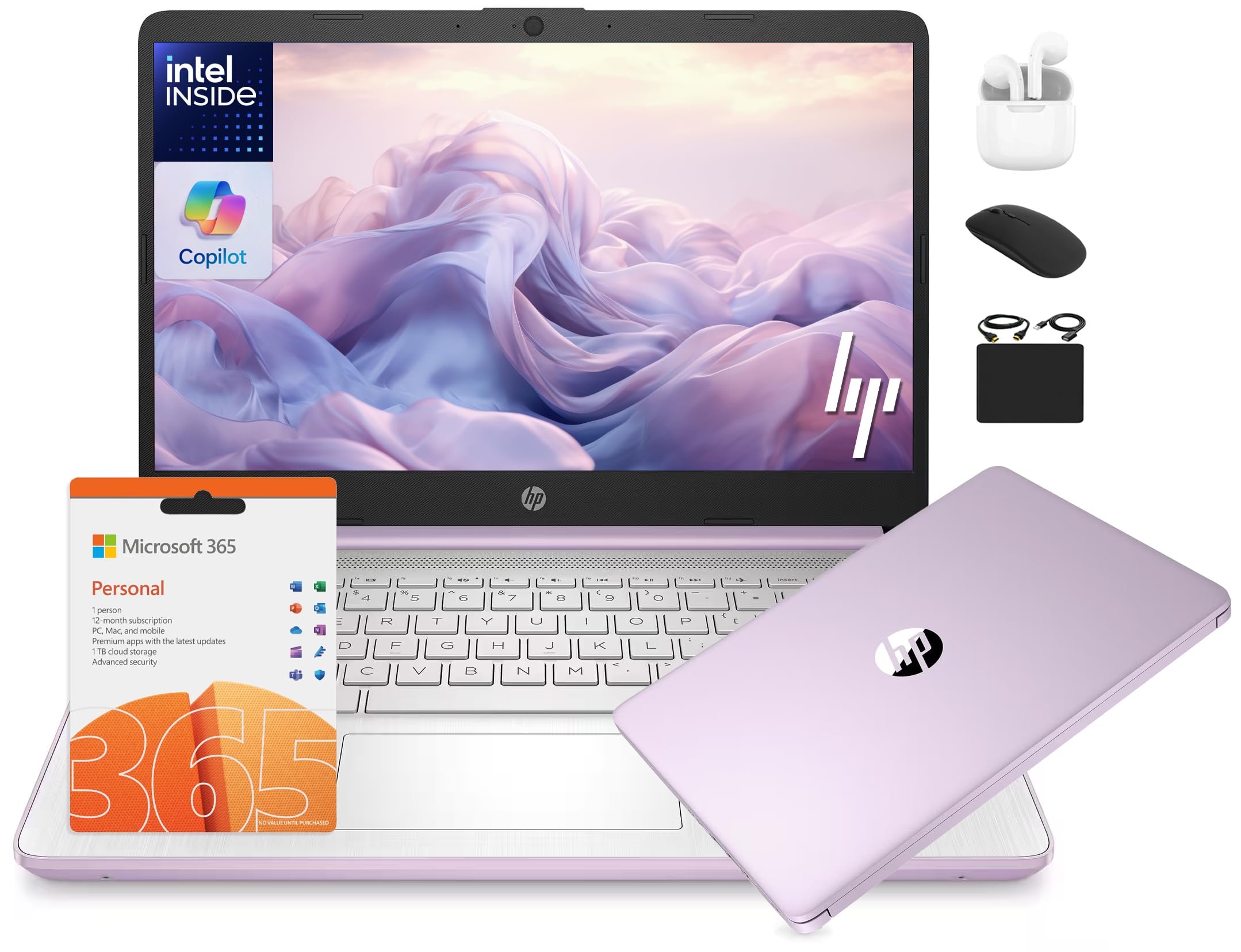
2. HP 14 Laptop Student Business 2025
A complete starter kit for your first semester, straight from the start with mouse, earbuds, and Office.
The whole package is the story here. You get the 14-inch laptop, wireless earbuds, a 64GB SD card, USB extension cord, HDMI cable, mouse pad, and a wireless mouse, plus a 1-year Microsoft Office 365 subscription. For a student starting fresh, that’s everything on your supply list in one box. The 16GB of RAM means you won’t be closing apps to free up memory while you study.
Quality is the highest-mentioned positive aspect, with dozens of owners calling it excellent for school and office settings, and the honey lavender color gets regular shout-outs. The 4-Core 13th Gen Intel processor handles coursework and streaming fine. Rated at 9 hours, it covers a full day of classes and study sessions.
The honest catch is mixed reliability feedback — a small number of owners mention units that “never booted up,” and customers note it’s a real risk with a budget-tier machine. That’s why it’s best seen as a starter laptop for your first year or two, not a four-year workhorse.
Why it fits: The 14-inch HD anti-glare screen plus the included wireless mouse makes it a grab-and-go kit for the library. Its lightweight feel and good build shine for a student carrying it to class daily.
Who it’s not for: If you need heavy-duty processing for data analysis or plan to keep one laptop all four years, the mixed reliability is your signal to step up.
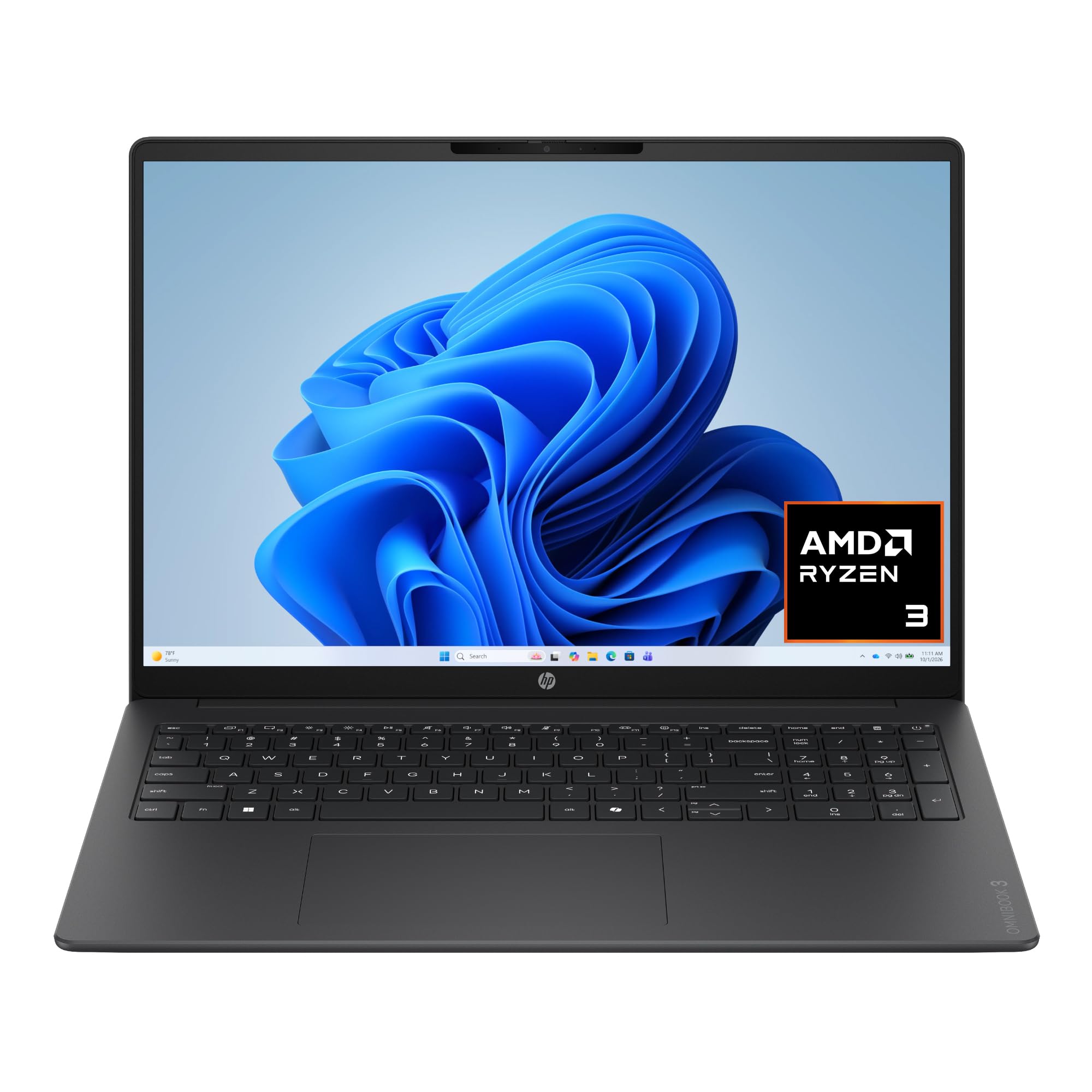
3. HP OmniBook 3 16 Inch Laptop
The marathon runner that goes a full clinical shift and then some, with a touchscreen to boot.
This is the pick when your biggest fear is a dead battery mid-rotation. Rated up to 14 hours and 15 minutes, HP Fast Charge refills 0 to 50% in about 45 minutes for a quick afternoon boost. The 16-inch 2K touchscreen (a high-resolution display with about 2560 x 1600 pixels) with a 16:10 aspect ratio (taller than standard widescreen) is also a big upgrade for reading research articles side-by-side.
Owners who switched from a MacBook call it great value, noting the larger and touchscreen features justify the price. It also has Advanced AI Noise Reduction for your video calls — it tracks only your voice during conferences and filters out background noise, which is a genuine blessing when you’re on a telehealth sim in a shared space. The 8GB of LPDDR5 RAM (a fast, power-efficient memory type) is a step down from the 16GB on the Vivobook, so heavier multitasking is better handled elsewhere.
The FHD camera with HDR auto-switch keeps your face clear during video lectures. It also has Wi-Fi 6 and Bluetooth 5.4, and it comes with a physical webcam shutter for privacy when you’re not in a call.
The standout: Battery life measured in a full shift, not hours — that’s the defining trait here, and the Fast Charge 45-minute refill is the backup plan. The 2K touchscreen makes it a top-tier display for the money.
Watch the RAM: At 8GB, this suits note-taking and streaming over running several heavy apps at once.
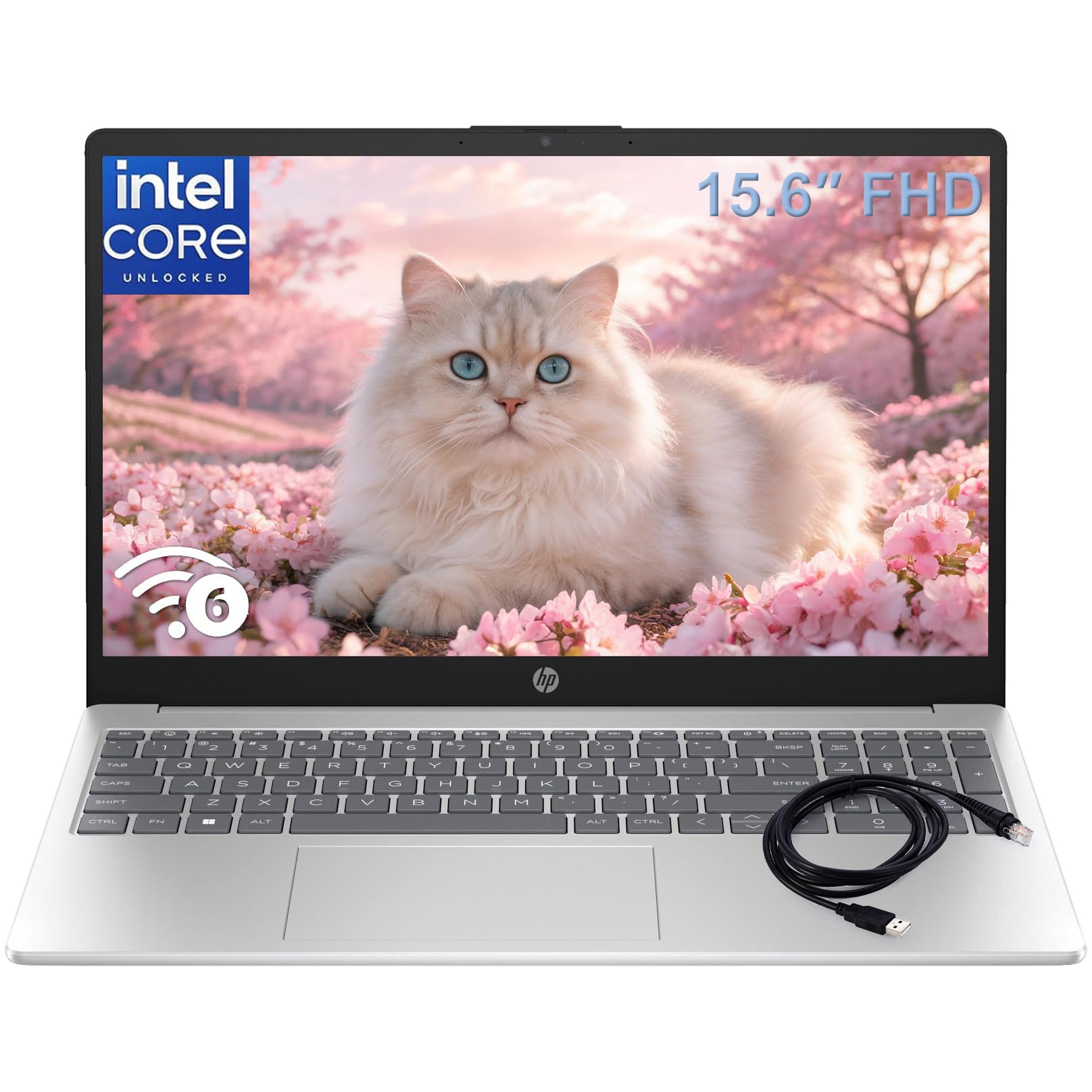
4. HP 15.6″ FHD Laptop 2026 Notebook
A solid, no-drama workhorse that’s proven itself reliable for years of daily student grind.
This one earns its place through proven longevity — reviewers point out it’s still running great after four years of use, handling dev software and even SQL Server without complaint. For a nursing student, that long-term reliability is exactly what you want before you sink time into your degree. The 15.6-inch FHD (1920×1080) anti-glare screen with thin bezels gives you a comfortable canvas for documents and videos.
At just 3.64 lbs, it’s ultra-portable for moving between the library, coffee shops, and your dorm room. It comes with Wi-Fi 6 and Bluetooth 5.3, plus a full-size keyboard with a numeric keypad — genuinely useful if you’re typing out medication calculations. An included Type-C to RJ45 adapter gives you a wired internet option when the campus Wi-Fi is spotty.
Owners note the 8GB DDR4 memory is fine for running multiple browser tabs and video calls at once. The built-in 720p HD camera with dual-array mics keeps your online classes clear. A minority mention the keyboard requires a firmer touch and the colors aren’t the most vivid — a fair trade-off at this level.
Why it lasts
- Proven reliability over years of student use
- Numeric keypad for calculations and data entry
- Ultra-portable weight for a 15.6-inch screen
Skinny bits
- 8GB RAM is the baseline, not a multitasking beast
- Office 365 is a free trial only — the laptop side is one month
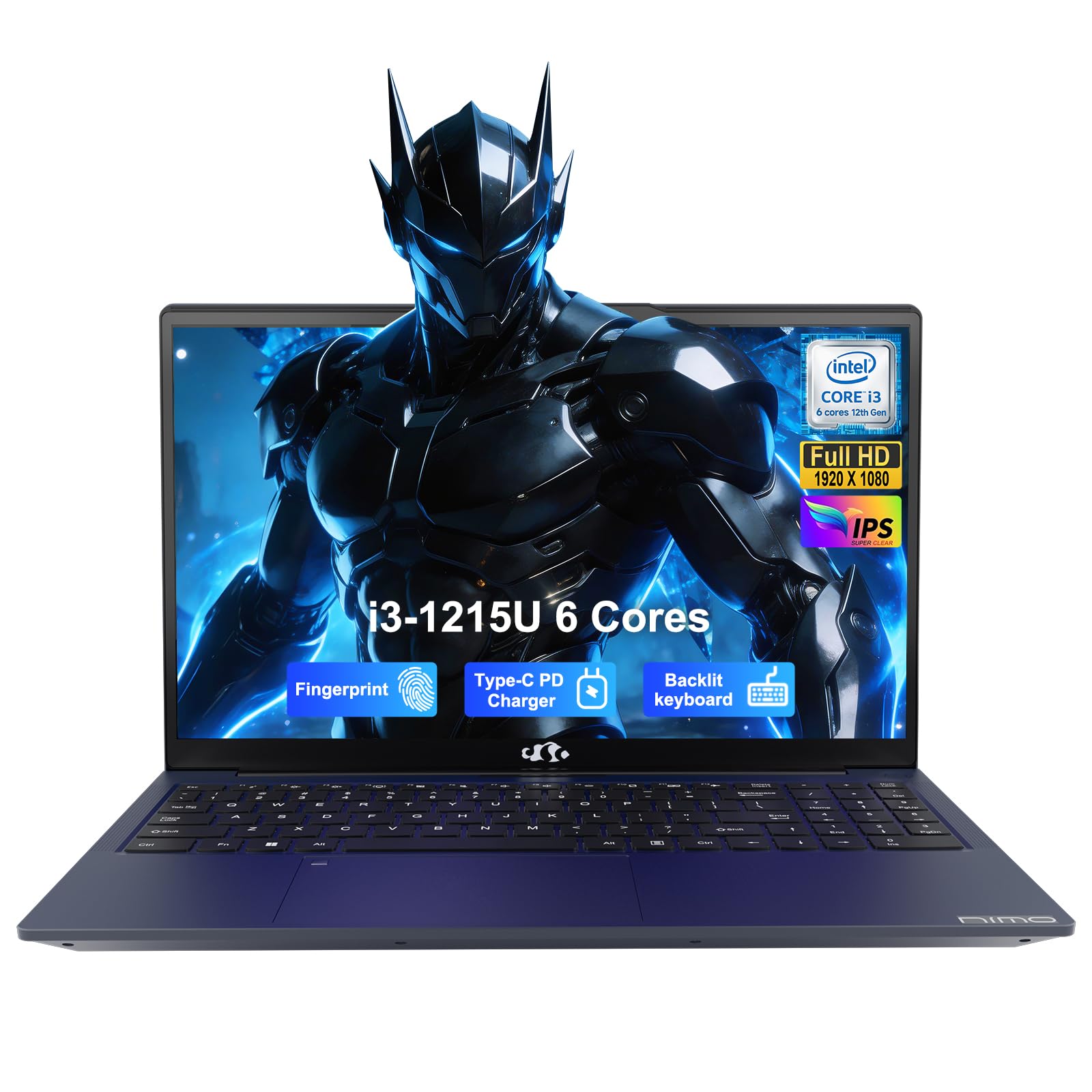
5. NIMO 15.6″ IPS FHD Student Laptop
Security you can touch — a fingerprint login keeps your patient-data files locked down fast.
When you’re handling sensitive clinical information, the built-in SPI fingerprint sensor on the touchpad is a legitimate edge. It gives you one-touch login via Windows Hello, so you don’t have to type a password every time you switch tasks on the ward. There’s also a physical webcam privacy shutter, which matters when the camera isn’t in use for a telehealth session.
Under the hood, the 12th Gen Intel Core i3-1215U (6 cores, up to 4.4 GHz) is the same processor as the top pick, and the 16GB of DDR4 RAM keeps things moving. The 15.6-inch FHD IPS display is bright and colorful for longer study sessions, and the anti-glare coating helps in a lecture hall with overhead lights. The backlit keyboard is a real bonus for late-night dorm study.
Several owners were skeptical at first but found it “running very smoothly” for office work like Excel, PowerPoint, and video calls. The 2-year warranty and 90-day return window add a safety net the big-box brands often skip. The main catch: one review noted the fingerprint sensor worked for the first week but then stopped detecting, and another flagged it running hot, so treat those as occasional issues, not the norm.
Best security value: A 16GB laptop with a fingerprint reader and webcam shutter is rare in this range, so the NIMO nails the privacy angle for clinical rotations.
Heads-up: Some owners found it a bit heavier than expected, and an occasional fingerprint reader may need setup tweaking.
6. NIMO 17.3″ AI-Creator-Laptop
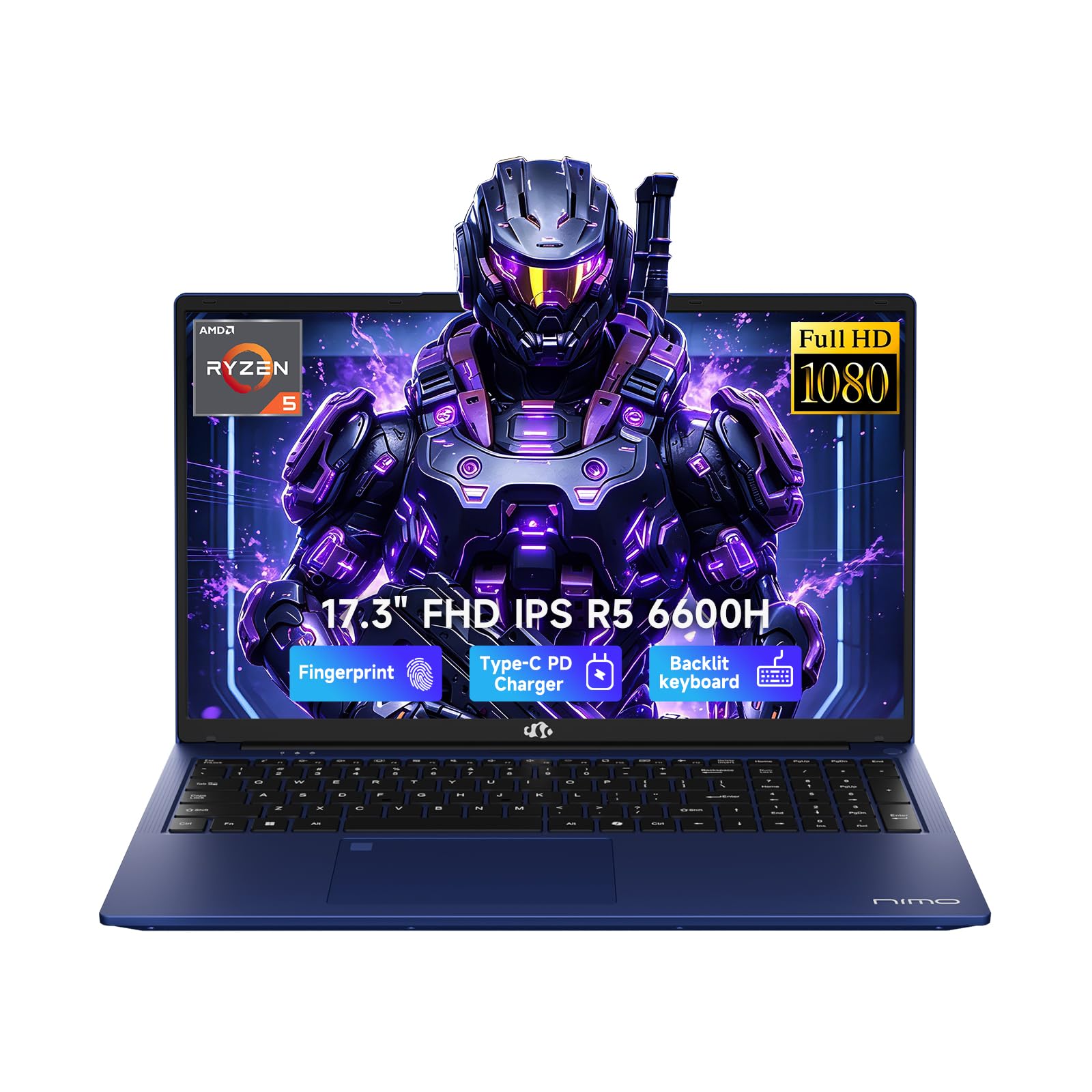
A desktop-sized 17.3-inch display that lets you split the screen between your care plan and your research.
The 17.3-inch 1920 x 1080 Full HD display is the defining feature here. It gives you a much wider work space than the 14-inch models, which means no more constant window-switching when you’re writing a care plan while referencing a journal article on the same screen. The 6-core AMD Ryzen 5 6600H (up to 4.5 GHz) and 32GB of DDR5 RAM make this the most powerful machine on the list for heavy multitasking.
Quality is the thing owners praise most — it’s a clear, durable build, and the backlit keyboard is the second most-mentioned positive. The 1TB PCIe SSD boots fast and holds all your files. You also get 2 full-function USB-C ports supporting PD and DP, plus HDMI 2.0, a Micro SD slot, and a 3.5mm audio jack, so you rarely need a dongle.
Battery life is rated at 6 to 8 hours for light tasks, which is a trade-off for the big screen. It weighs 2.1kg or less, which is surprisingly light for a 17.3-inch, and includes a 100W PD fast charger. The two-year warranty and USA-based support are nice reassurances for a big purchase.
Big-screen wins
- 32GB RAM and 1TB SSD handle anything your program throws at it
- Split-screen workflow for research and writing
- Backlit keyboard praised by owners for low-light work
Bulk factor
- 6-8 hour battery is lower than the OmniBook’s 14+ hours
- Heavier in a backpack than 14-inch models
7. Dell 16 Laptop DC16251

Edge-to-edge clarity on a 16-inch 2K touchscreen, built for the nursing student who stares at research all day.
The display is the reason to pick this Dell. The 16-inch 2K 16:10 screen offers more vertical workspace than 14-inch FHD models for long case studies and papers. The touchscreen is a plus if you like to interact directly with your notes or scroll through diagrams in anatomy class.
Dell ComfortView Plus cuts blue light without washing out colors, so long study sessions are easier on your eyes. The Intel Core 7 150U processor and 16GB of DDR5 RAM deliver strong performance, and the 1TB SSD gives you plenty of room for everything. Owners call it great value, and performance is the most-praised aspect.
The FHD camera is designed for video calls, with wide dynamic range to keep you looking clear even in poor lighting. It also includes adaptive thermal technology, which senses when the laptop is on a stable surface and adjusts power for efficiency. A minor owner note mentions having to press the power button twice sometimes — a small quirk, not a dealbreaker.
Why this one: The 2K touchscreen plus ComfortView Plus makes it the most comfortable display for long reading sessions, and the 16:10 ratio fits a student’s multi-window workflow.
The cost: It’s a mid-to-premium price, so budget for the long haul rather than a quick replacement.
8. Microsoft Surface Laptop (2024)

The lightest all-day companion, with battery life that genuinely lasts from your first lecture to your last.
The battery life is the headline here — rated up to 20 hours, the most-praised feature among owners. This is the machine that runs your whole clinical day and your evening study session without hunting for an outlet. The 13.8-inch touchscreen is bright and sharp, and the size and weight are consistently called out as perfect for carrying to class.
The Snapdragon X Plus processor delivers snappy performance, and owners note apps open in under a second. The design is sleek, and the Dune color has its fans. It’s a Copilot+ PC, meaning AI features are built in for boosting productivity. The keyboard is praised as fantastic for typing up long care plans.
The honest caveat here is the mixed feedback on performance for certain tasks and some compatibility complaints from long-term users around USB drivers and occasional resume-from-sleep quirks. For a nursing student focused on writing, note-taking, video calls, and light multitasking, this is a superb match. It’s just not built for heavy gaming or graphic design, which most nursing programs won’t demand.
All-day wins
- Up to 20 hours of battery — the longest on this list
- Perfect size and weight for daily campus carry
- Snappy performance for everyday apps
Compatibility notes
- Some owners hit USB device quirks and resume-from-sleep issues over time
- Not suited for heavy gaming or graphic design
9. Lenovo ThinkPad E16
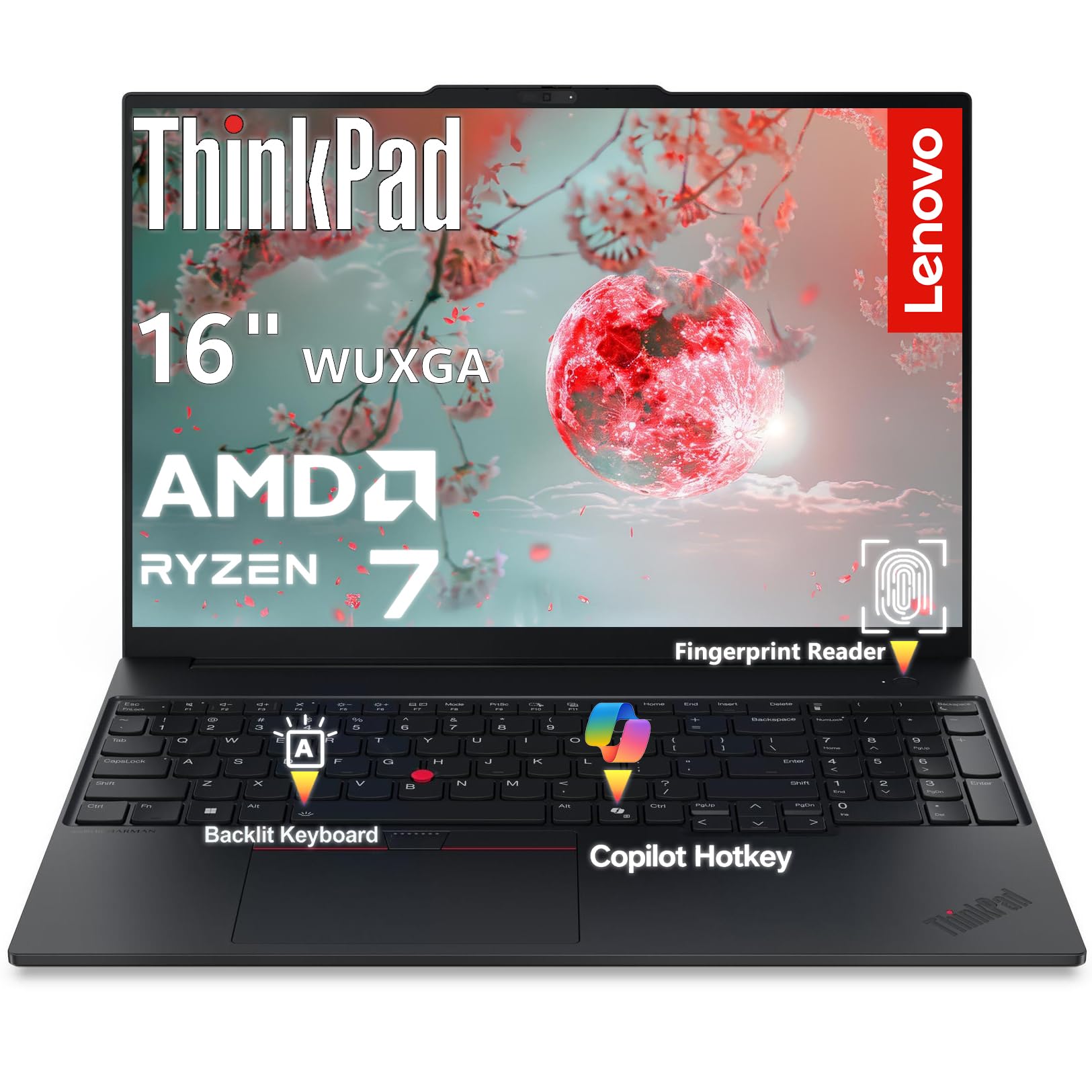
A rugged business tank with a 16-inch screen and a keyboard that survives your hardest typing days.
The ThinkPad name carries weight, and this E16 follows the tradition with a premium aluminum chassis on top and bottom. The 16-inch WUXGA (1920×1200) 16:10 display offers a 1920×1200 resolution; standard 16:9 displays are 1920×1080. At 300 nits with an anti-glare coating, it’s readable in most lighting.
Under the hood, the AMD Ryzen 7 7735HS is a significant step up in power, with 8 cores and 16 threads boosting up to 4.75 GHz. This is one of the few machines here where performance is genuinely overkill for most nursing coursework — it’s built for pros, developers, and power users. It also includes Windows 11 Professional with BitLocker encryption, plus a TPM 2.0 chip for hardware-level security.
The FHD 1080p webcam with an IR sensor supports Windows Hello facial recognition — just look at it to log in. There’s a fingerprint reader in the power button too. It weighs 3.99 lbs and has a backlit keyboard with stereo speakers by HARMAN featuring Dolby Atmos. Shoppers say it’s great quality and easy to set up from the start.
The power pick: This is the most performant and secure option for a nursing student who also treats their laptop as a mini-workstation. The aluminum body feels built to last all four years.
The premium cost: You pay a premium for the business-grade build and Windows 11 Pro, which is worth it if you want max durability.
10. Lenovo ThinkBook 16 Gen 8

A 32GB beast for the student who also runs data analysis and dual-monitor setups without breaking a sweat.
This is the laptop for the nursing student who wants zero compromise on speed. The Intel 16-Core Ultra 7 255H with AI acceleration handles complex spreadsheets, video calls, and enterprise apps easily, and the 32GB of DDR5 RAM means you can run multiple heavy applications at once without lag. Owners doing database work with dual-monitor setups call it “phenomenal” and say it operates beyond a workstation standard.
The 16-inch FHD+ (1920×1200) display gives ample room for presentations and data analysis. It’s built for collaboration with WiFi 6E and Bluetooth 5.3 for stable connections. The fingerprint reader adds enterprise-grade security, and it runs Windows 11 Professional, which includes features like BitLocker for protecting sensitive data.
The 1TB PCIe SSD gives you fast boot times and lots of storage. Owners love the speed and ease of use. There is one caution flagged on the listing about a specific unit arriving as a previously-configured model, so check your unit’s specs when it arrives, but this is an isolated report rather than a common pattern.
Max performance: The 32GB RAM and Intel Ultra 7 put this in a class above the others for serious multitasking. If you like everything open at once, this is your machine.
Budget reality: This is a premium investment, so it’s best for a student who wants one powerful laptop to last well beyond graduation.
11. ASUS ZenBook Flip S 13

A 13.3-inch 4K OLED stunner that folds into a tablet for your clinical reference when you need hands-free reading.
The display is the showstopper. The 13.3-inch 4K UHD OLED touchscreen at 400 nits delivers vivid colors and deep blacks that make anatomy diagrams pop. It’s one of the smallest and lightest laptops here, and the 360-degree ErgoLift hinge converts it into a tablet, which works well for reading an ebook or checking a procedure guide during a clinical break
That portability is the big selling point for a nursing student on foot. It weighs very little, and the ultralight design slips into a tote bag easily. The 11th-gen Intel Core i7-1165G7 (up to 4.7 GHz) with 16GB RAM and 1TB SSD provides solid power for real work, and the backlit keyboard is comfortable for typing.
The honest caveat from owners is real: battery life is a letdown at about 4 to 5 hours on a charge, which falls short for a full clinical day. The 4K screen also drains it faster, and some note it can be a fingerprint magnet and has a glossy screen that can glare. It runs Windows 10 Pro, not the newer 11, which is fine for coursework but worth knowing.
Screen magic
- 4K OLED touchscreen is the best display quality on this list
- Ultra-slim, ultra-light for easy carrying
- Folds into tablet mode for hands-free reference
Honest limits
- Battery life of 4-5 hours can’t cover a full clinical shift
- Runs Windows 10 Pro, not Windows 11
Understanding the Specs
Processor and RAM
The processor (CPU) is the brain of your laptop, and RAM is its short-term memory. For a nursing student, a mid-range chip like an Intel Core i3 or an AMD Ryzen 3 with 8GB to 16GB of RAM is plenty for coursework, research, and video calls. Step up to 16GB or 32GB if you plan to run several heavy apps at once or keep dozens of browser tabs open. A faster processor (like the i5 or Ryzen 5 tier) only matters if you do data analysis, video editing, or serious multitasking.
Battery Life and Portability
Battery life is measured in hours of use, and for nursing students, it should be measured in shifts. Look for 8 hours or more so a laptop lasts a full clinical day or a long library session. Weight matters just as much — under 4 pounds is comfortable to carry between campus and clinical sites all day. A lighter laptop is easier to manage when you are already carrying a stethoscope, books, and other gear.
FAQ
Do I need a MacBook or a Windows laptop for nursing school?
How much RAM do I really need as a nursing student?
Can I use a Chromebook for nursing school?
Is a touchscreen worth it for nursing students?
What is the ideal screen size for a nursing student?
How many hours of battery life should I expect?
Do I need a 1TB SSD or is 256GB enough?
Is it worth buying a premium laptop for nursing school?
Final Thoughts: The Verdict
Across the board, the computers for nursing students winner is the ASUS Vivobook 14 because it pairs 16GB of RAM with a 1TB SSD for a price that respects a student budget, and the performance is the thing owners praise most. If you want all-day battery to survive every clinical shift, grab the HP OmniBook 3 with its 14-hour-plus runtime. And for a premium, ultra-portable screen that makes anatomy diagrams look unreal, the Microsoft Surface Laptop is the one to reach for.
How We Picked
We do not accept paid placement. Every pick is matched to a real buyer and a real use-case; we do not hands-on test units.
Sources & Methodology
Specifications: manufacturer listings and product documentation. Review insights: verified customer reviews, as of August 2026. Pricing: not shown on this page (it changes often); check the current price via the retailer link.
As an Amazon Associate, FitlyFast earns from qualifying purchases. This does not affect which products we feature.