
Our readers keep the lights on and the weekend projects moving. As an Amazon Associate, I earn from qualifying purchases.
That split-second blur between a clean headshot and a respawn timer isn’t just bad luck—it’s a monitor struggling to keep up with your reaction time. A 1080p gaming monitor eliminates that disconnect by prioritizing raw speed and fluid motion over sheer pixel density, making it the definitive choice for competitive shooters, fast-paced racers, and esports titles where every frame matters.
I’m Rikta — the co-founder and writer behind FitlyFast. I’ve spent hundreds of hours analyzing hardware specifications, reading through thousands of verified buyer experiences, and cross-referencing panel technologies to build this guide around the specs that actually determine your in-game performance.
Whether you are building your first battlestation or upgrading a secondary tournament rig, understanding the differences in refresh rate, response time, and panel type is essential to finding the best 1080p gaming monitor for your specific setup and budget.
How To Choose The Best 1080p Gaming Monitor
Choosing a 1080p gaming monitor is a different decision tree than picking a 4K productivity display. Your priorities shift from absolute pixel count to motion handling, latency, and refresh rate scaling. Here are the critical specs that define whether a monitor feels fast or sluggish during actual gameplay.
Refresh Rate: 144Hz vs 240Hz vs 360Hz
Refresh rate is the number of times the screen redraws per second. A standard 60Hz monitor shows one frame every 16.6ms, while a 240Hz monitor updates every 4.1ms. The jump from 60Hz to 144Hz delivers the most noticeable smoothness improvement. Moving from 144Hz to 240Hz offers diminishing returns but remains valuable for competitive first-person shooters. A 360Hz monitor is overkill unless you consistently push above 300 frames per second in your target games.
Panel Type: IPS versus VA versus TN
IPS (In-Plane Switching) panels offer the best color accuracy and viewing angles, making them ideal for games where visual clarity matters. VA (Vertical Alignment) panels provide superior contrast ratios (3000:1 or higher), delivering deeper blacks that enhance immersion in single-player titles. TN (Twisted Nematic) panels are rare in modern monitors but offer the theoretically fastest response times at the cost of poor viewing angles. For most gamers, Fast IPS is the current sweet spot.
Adaptive Sync: FreeSync and G-Sync
Adaptive sync technology matches the monitor’s refresh rate to the graphics card’s frame output, eliminating screen tearing and stuttering without the input lag penalty of V-Sync. AMD FreeSync works with compatible AMD and select NVIDIA GPUs. G-Sync is NVIDIA’s proprietary solution, often adding a premium. FreeSync Premium (like on the Acer Nitro KG251Q) includes low framerate compensation (LFC) for smoother playback when frame rates drop below the monitor’s minimum range.
Response Time and Motion Blur Reduction
Response time measures how quickly a pixel changes from one color to another. Gray-to-gray (GTG) ratings below 1ms are excellent, but MPRT (Moving Picture Response Time) is a more honest metric for perceived blur. Technologies like ASUS Extreme Low Motion Blur (ELMB) and Backlight Strobing reduce persistence blur by flashing the backlight between frame refreshes, but they often reduce overall brightness. Black Equalizer features (found on the Samsung Odyssey G3) lift shadow details without overexposing bright areas, helping you spot enemies in dark corners.
Quick Comparison
On smaller screens, swipe sideways to see the full table.
| Model | Category | Best For | Key Spec | Amazon |
|---|---|---|---|---|
| Alienware AW2523HF | Premium IPS | Esports & Competitive FPS | 360Hz / 0.5ms GtG | Amazon |
| Z-Edge UG27H | Value VA Curved | High-FPS Immersive Gaming | 300Hz / 1500R Curve | Amazon |
| ASUS TUF VG259Q3A | Fast IPS | Balanced Gaming & Work | 180Hz / ELMB | Amazon |
| Samsung Odyssey G3 G30D | Ergonomic VA | All-Day Comfort & Adjustability | 180Hz / Height-Adjustable Stand | Amazon |
| LG 27GS50F-B | Borderless IPS | Clean Multi-Monitor Setup | 180Hz / 3-Side Borderless | Amazon |
| Acer Nitro KG251Q | 280Hz Budget | Maximum Refresh for Low Cost | 280Hz / FreeSync Premium | Amazon |
| KTC H27E22P | Fast VA 280Hz | Deep Blacks & Smooth Motion | 280Hz / 4000:1 Contrast | Amazon |
| SANSUI 27 Curved 240Hz | Curved Value | Curved Immersion on a Budget | 240Hz / 1500R Curve | Amazon |
| Amazon Basics 27 165Hz | Entry-Level IPS | First Gaming Monitor Upgrade | 165Hz / Adaptive Sync | Amazon |
In‑Depth Reviews
1. Alienware 25 Gaming Monitor AW2523HF

The Alienware AW2523HF sits at the top of the 1080p performance pyramid with its 360Hz variable refresh rate and 0.5ms gray-to-gray response time. This is not a speculative spec—the monitor carries VESA AdaptiveSync Display certification, meaning it has been independently tested to maintain a tear-free experience across its entire refresh range. The Fast IPS panel delivers 99% sRGB color coverage straight out of the box, though some users find the default calibration slightly oversaturated for competitive play and recommend reducing digital vibrance through the graphics driver.
The ergonomic stand is a genuine highlight: the hexagonal base provides a small footprint that allows full mouse movement without obstruction, while height, tilt, swivel, and pivot adjustments let you dial in your exact viewing position. The integrated retractable headset hanger is a thoughtful addition that keeps cables and headphones off the desk surface. The monitor includes one DisplayPort 1.4 and two HDMI 2.0 ports, but achieving the full 360Hz requires DisplayPort—HDMI is limited to 240Hz.
At this refresh rate, the increment from 240Hz to 360Hz is perceptible mostly in sub-20ms flick timing scenarios in titles like Valorant, CS2, and Overwatch. For gamers who do not consistently push above 300 FPS in their target titles, the premium over a 240Hz or 280Hz monitor may not translate to observable in-game advantage. The lack of built-in speakers is expected at this tier, but the absence of USB-C connectivity is a minor oversight for a monitor at this price point.
Why it’s great
- Industry-leading 360Hz with VESA AdaptiveSync certification ensures zero tearing
- Fully adjustable stand with small-footprint hexagonal base
- Fast IPS panel provides wide viewing angles and 99% sRGB color accuracy
Good to know
- 360Hz benefit is only realized if your GPU consistently delivers 300+ FPS
- No built-in speakers or USB-C input
- Requires DisplayPort cable to achieve maximum 360Hz refresh rate
2. Z-Edge UG27H Curved Gaming Monitor

The Z-Edge UG27H punches far above its price class by offering a 300Hz refresh rate on a 27-inch VA panel with a 1500R curvature. Most monitors in this competitive bracket cap out at 240Hz, so hitting 300Hz with a 1ms MPRT response time makes this an excellent option for gamers who play high-frame-rate shooters like Apex Legends or Call of Duty but want the deeper contrast of VA technology. The 3000:1 contrast ratio produces noticeably richer blacks than any IPS panel at a similar price, which enhances visibility in dark game environments without crushing shadow detail.
The build includes two DisplayPort 1.4 ports and two HDMI 2.0 ports, with both DP connections supporting the full 300Hz output. The HDMI ports are capped at 240Hz, which is still sufficient for console gaming or secondary PC connections. The frameless bezel design works well for multi-monitor setups, though buyers should note the stand offers only tilt adjustment—a VESA 100x100mm mount is recommended for users who need height or swivel flexibility. The on-screen display is controlled via a simple button layout rather than a joystick, which can feel dated but remains functional.
Customer feedback consistently highlights the monitor’s motion clarity improvement over standard 144Hz panels, particularly in fast-paced FPS titles. The 1500R curve is subtle enough to avoid geometric distortion in productivity use but immersive enough to fill peripheral vision during gaming sessions. The built-in speakers are basic and lack bass response, but the audio jack provides a clean signal for external speakers or headsets. Some users reported that the included DP cable works adequately, but upgrading to a certified DP 1.4 cable resolved minor flickering issues in isolated cases.
Why it’s great
- 300Hz refresh rate provides fluid motion beyond standard 240Hz offerings
- VA panel delivers 3000:1 contrast ratio for deep blacks and immersive gaming
- Two DP 1.4 ports support full 300Hz output without bandwidth limitations
Good to know
- VA panel viewing angles are narrower than IPS—color shifts at extreme angles
- Stand lacks height and swivel adjustment; VESA mount recommended
- HDMI ports limited to 240Hz, so console users will not hit 300Hz
3. ASUS TUF Gaming VG259Q3A

The ASUS TUF Gaming VG259Q3A uses a 24.5-inch Fast IPS panel with a 180Hz refresh rate and 1ms GTG response time, making it a strong all-rounder for gamers who split their time between competitive titles and visually rich single-player campaigns. The Fast IPS technology delivers the wide viewing angles and color accuracy typical of IPS panels while reducing the pixel transition lag that older IPS implementations suffered from. The 99% sRGB coverage ensures consistent color reproduction that holds up for content consumption and light creative work.
ASUS includes its Extreme Low Motion Blur (ELMB) technology, which uses backlight strobing to reduce perceived motion blur in fast-moving scenes. ELMB can be enabled alongside FreeSync, but it reduces overall brightness—users with bright rooms may find the trade-off unacceptable. The Shadow Boost feature is genuinely useful for competitive games: it lifts gamma in dark areas without blowing out bright highlights, making it easier to spot enemies hiding in shadowed corners of maps like Mirage in CS2 or Estate in Hunt: Showdown.
The build quality is solid, with a sturdy plastic chassis and an aggressive TUF aesthetic that fits gaming setups without feeling garish. The stand offers tilt, swivel, and height adjustment, giving it better ergonomics than many monitors in its range. The built-in 1.5W x 2 speakers are adequate for system sounds but lack the volume and clarity for immersion—external speakers or a headset are effectively mandatory. Some users report that plugging headphones into the audio jack does not mute the speakers, requiring a workaround through Windows sound settings or an external audio extractor.
Why it’s great
- Fast IPS panel provides excellent color accuracy and wide viewing angles
- ELMB technology reduces motion blur without heavy ghosting artifacts
- Fully adjustable stand with height, swivel, and tilt flexibility
Good to know
- Headphone jack does not mute built-in speakers automatically
- ELMB reduces brightness significantly, limiting daytime usability
- Built-in speakers are underwhelming for gaming audio immersion
4. Samsung Odyssey G3 G30D

The Samsung Odyssey G3 G30D brings premium ergonomics to the 1080p category with a fully adjustable stand that offers height, swivel, tilt, and pivot adjustments—a rare feature at this price point. The 27-inch VA panel delivers a 3000:1 contrast ratio and 180Hz refresh rate with a 1ms MPRT response time. The high contrast ratio makes this monitor particularly effective for single-player games with dark environments, as the deeper blacks create better separation between shadow layers and improve overall image depth compared to IPS alternatives.
Samsung includes its Black Equalizer feature, which operates similarly to ASUS Shadow Boost by adjusting the gamma curve in dark regions to reveal hidden details without washing out the overall image. The Virtual Aim Point feature overlays customizable crosshairs in the center of the screen, useful for games that lack native crosshair options or for hip-firing in titles like Escape from Tarkov. The 3-sided borderless design minimizes bezel distraction and works well in dual-monitor configurations where seamless visual flow matters.
The Eye Saver Mode reduces blue light emission to minimize eye strain during extended sessions, and the Flicker-Free technology eliminates PWM dimming that can cause headaches in sensitive users. The on-screen display is controlled through a joystick located on the back right edge, which makes navigation intuitive once you locate it. The stand base is solid and provides good stability without taking up excessive desk space. The monitor includes a DisplayPort 1.2 cable and an HDMI cable in the box, though HDMI is limited to 144Hz output—achieving the full 180Hz requires DisplayPort.
Why it’s great
- Fully ergonomic stand with height, swivel, tilt, and pivot adjustments
- VA panel with 3000:1 contrast ratio delivers deep blacks for immersive gaming
- Black Equalizer and Virtual Aim Point enhance competitive visibility
Good to know
- Eye Saver mode locks brightness at a lower level, limiting daytime usability
- HDMI port limited to 144Hz; DisplayPort needed for full 180Hz output
- VA panel viewing angles are narrower than IPS—color shifts off-axis
5. LG 27GS50F-B Ultragear
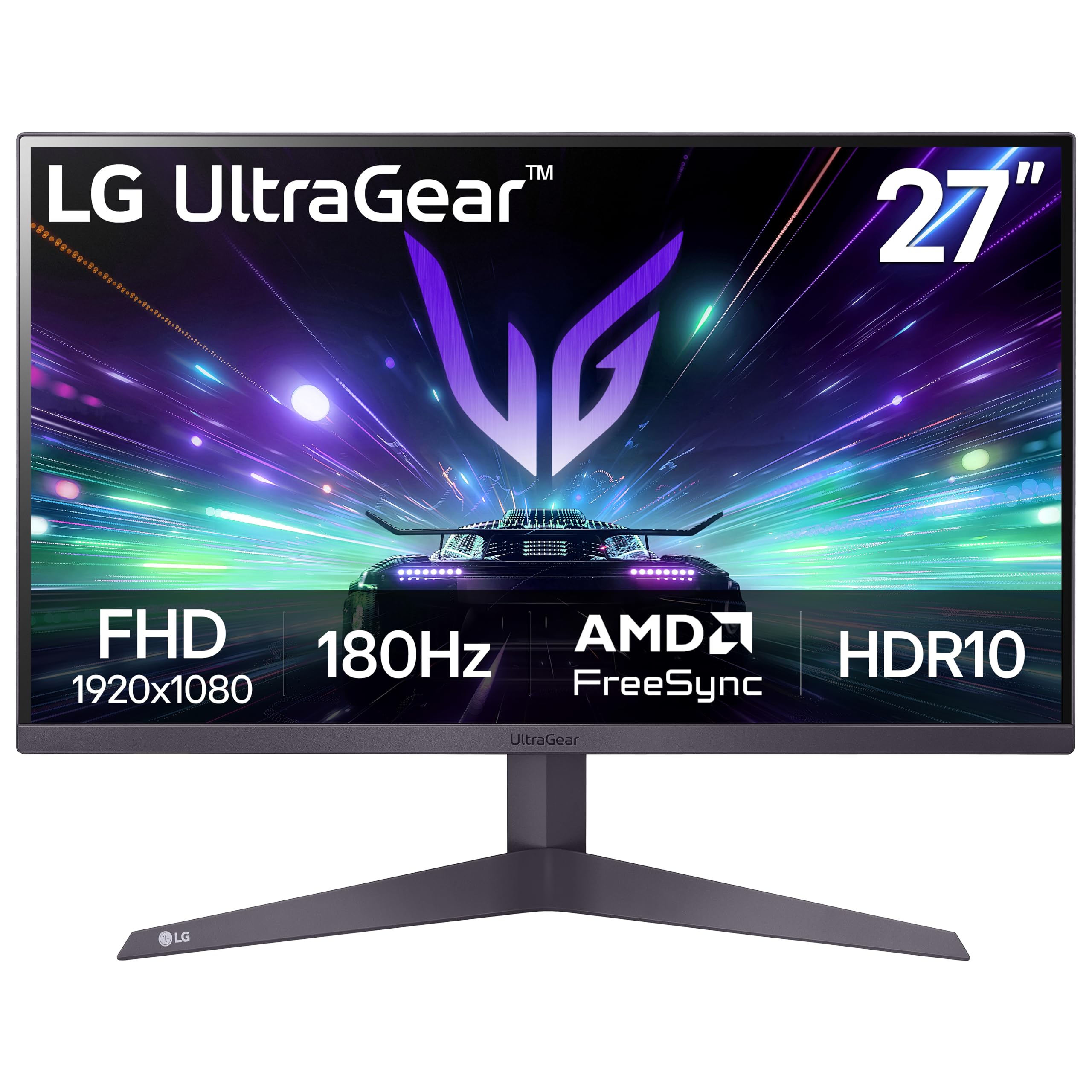
The LG 27GS50F-B Ultragear uses a 27-inch IPS panel with a 180Hz refresh rate and 1ms MBR (Motion Blur Reduction) response time. The three-side virtually borderless design minimizes bezel distraction, making this an excellent choice for dual or triple monitor setups where uninterrupted screen real estate matters. The IPS panel delivers consistent color reproduction across the entire 178-degree viewing range, so the image does not wash out when you lean to one side or share the screen with a teammate sitting nearby.
LG equips this monitor with several gaming-specific GUI features. Dynamic Action Sync reduces input lag by syncing the monitor’s frame processing with the GPU output, making it feel more responsive in fast-paced titles. Black Stabilizer lifts shadow details in dark scenes without over-brightening the overall image, and the FPS Counter provides real-time frame rate monitoring without needing third-party overlay software. The Crosshair feature overlays a customizable reticle in the center of the screen, helpful for games that lack native crosshair options or when playing on console ports with limited reticle customization.
HDR10 support is included but limited by the 250 cd/m² brightness—the monitor does not have the peak luminance required for true HDR impact, so HDR content looks slightly washed out compared to dedicated HDR displays. The stand offers only tilt adjustment, which may be a limitation for users who need height or swivel flexibility, though VESA 100x100mm compatibility allows aftermarket mount solutions. The two HDMI 2.0 ports and single DisplayPort 1.4 provide sufficient connectivity for most setups, but there is no USB hub or USB-C input for peripheral passthrough.
Why it’s great
- Three-side borderless design enables seamless multi-monitor configurations
- IPS panel provides wide viewing angles and consistent color reproduction
- Dynamic Action Sync and Black Stabilizer improve competitive visibility
Good to know
- HDR10 support is limited by 250 cd/m² brightness—minimal HDR impact
- Stand lacks height and swivel adjustment; only tilt available
- No USB hub or USB-C connectivity for peripheral daisy-chaining
6. Acer Nitro KG251Q

The Acer Nitro KG251Q delivers a 280Hz refresh rate at a price point that typically maxes out at 240Hz, making it one of the strongest raw-value propositions in the 1080p competitive gaming space. The 24.5-inch LCD panel uses AMD FreeSync Premium technology, which includes low framerate compensation (LFC) to maintain smooth playback even when frame rates dip below the monitor’s minimum adaptive sync range. The 1ms VRB (Visual Response Boost) response time reduces ghosting in fast-moving scenes, though enabling VRB disables adaptive sync due to the backlight strobing mechanism.
The zero-frame design reduces bezel thickness around the top and sides, creating a cleaner appearance and making multi-monitor setups feel more cohesive. The monitor includes one DisplayPort 1.4 and two HDMI 2.0 ports, with the DisplayPort connection required to reach the full 280Hz. HDMI ports support up to 240Hz, which is still sufficient for console gaming or secondary PC inputs. The stand is basic and offers only tilt adjustment without height or swivel flexibility—users who need ergonomic adjustment should plan for a VESA 100x100mm mount.
Customer reviews highlight that the default color calibration is overly saturated with a cool tint, particularly at the default 80% brightness setting. Adjusting brightness to 100% and using AMD Adrenalin software to tweak color temperature and saturation significantly improves image quality. Some users reported ghosting artifacts when the competitive mode overdrive setting is too aggressive—the “Normal” overdrive setting provides the best balance between motion clarity and artifact reduction. The included DP cable caused artifacting for some users, and replacing it with a certified DP 1.4 cable resolved the issue in those cases.
Why it’s great
- 280Hz refresh rate exceeds standard 240Hz offerings at a competitive price
- FreeSync Premium includes low framerate compensation for smoother low-FPS playback
- Zero-frame design minimizes bezel distraction for multi-monitor setups
Good to know
- Default color calibration is oversaturated and requires adjustment
- Basic stand lacks height and swivel adjustment
- Included DP cable may cause artifacting; aftermarket cable recommended
7. KTC H27E22P

The KTC H27E22P uses a Fast VA panel with a 280Hz refresh rate and a 4000:1 contrast ratio, making it a standout option for gamers who prioritize deep blacks and rich shadow detail in their games. VA panels traditionally have slower pixel response times than IPS, but KTC’s Fast VA implementation keeps GTG response at 1ms, which is sufficient to avoid visible ghosting in most gameplay scenarios. The 350 cd/m² brightness is higher than many monitors in this tier, allowing the VA panel’s contrast advantage to shine even in moderately lit rooms.
The monitor achieves 126% sRGB color gamut coverage, which means colors appear more saturated than standard sRGB content requires. This can make games look punchy and vibrant, but users doing color-sensitive work may need to switch to the sRGB mode in the OSD to avoid oversaturation. The 8-bit panel with FRC (Frame Rate Control) simulates 10-bit color depth, displaying 1.07 billion colors—this improves gradient smoothness in scenes with subtle color transitions, like sunsets or foggy environments in games like Red Dead Redemption 2.
The stand offers only tilt adjustment, which is a limitation for ergonomic customization. However, the VESA 100x100mm compatibility allows for aftermarket mounting. The on-screen display is controlled via a joystick, which is more intuitive than button-based interfaces. Some users reported that the default DP cable caused intermittent flickering at 280Hz, and switching to a high-quality DP 1.4 cable resolved the issue. The viewing angles are typical of VA panels—color and brightness shift noticeably when viewed from off-center positions, so this monitor is best suited for single-user desktop setups.
Why it’s great
- 4000:1 contrast ratio produces deep blacks superior to IPS panels
- 280Hz Fast VA panel maintains 1ms GTG response for smooth motion
- 126% sRGB coverage delivers vibrant, punchy color reproduction
Good to know
- VA panel viewing angles cause color and brightness shifts off-axis
- Default DP cable may cause flickering at 280Hz; upgrade recommended
- Stand offers only tilt adjustment without height or swivel
8. SANSUI 27 Inch Curved 240Hz
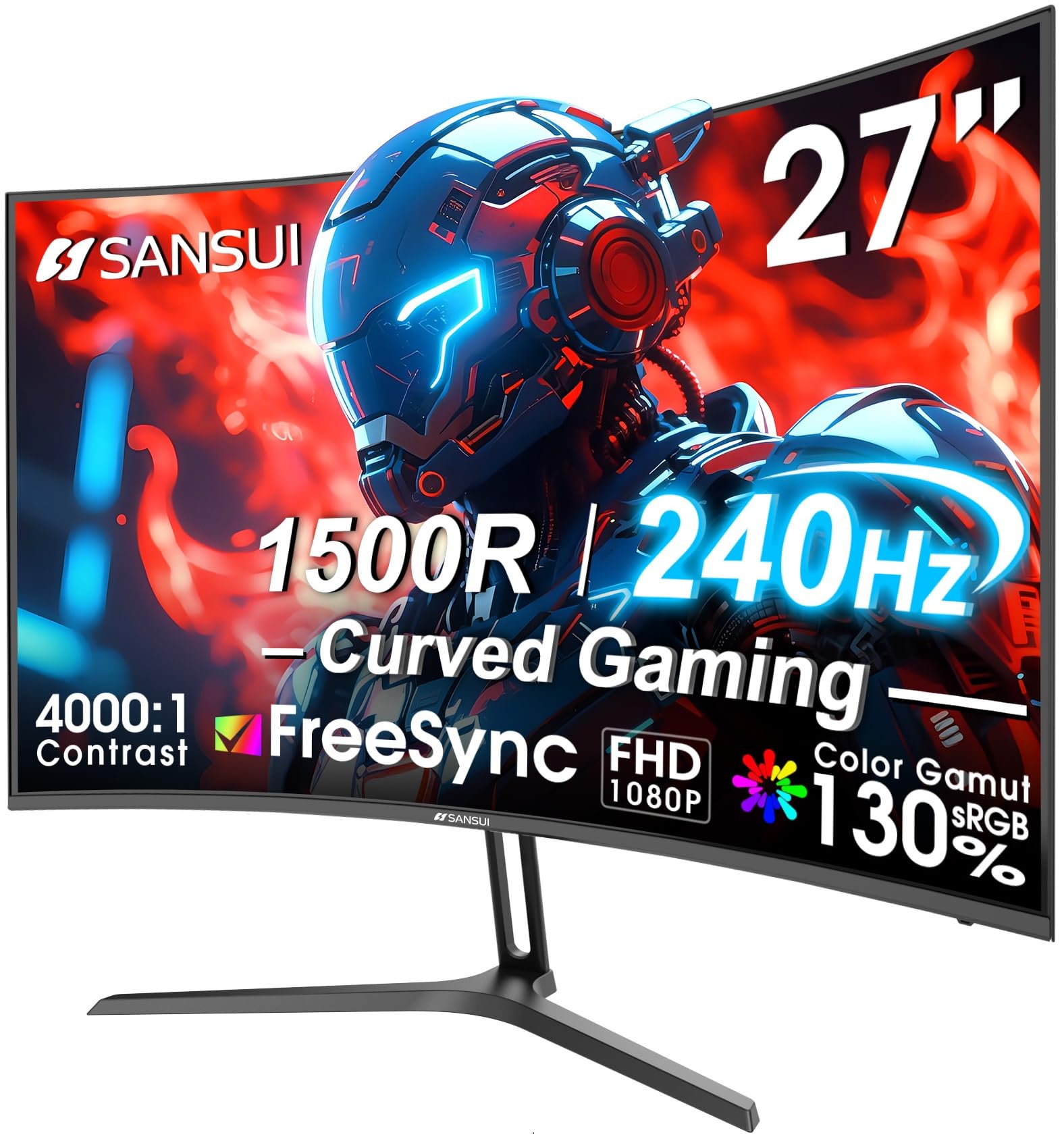
The SANSUI 27-inch Curved 240Hz monitor brings curved gaming to the budget tier with a 1500R curvature and a VA panel that delivers a 4000:1 contrast ratio. The 1500R curve matches the natural focal plane of the human eye, reducing the need for eye movement across the screen and creating a more immersive experience in single-player games. The 240Hz refresh rate is paired with MPRT 1ms response time and FreeSync adaptive sync, providing smooth tear-free motion that rivals monitors costing significantly more.
The color coverage is surprisingly strong for the price point, with 130% sRGB and 95% DCI-P3 color gamut coverage. This means the monitor can reproduce wider-than-sRGB color spaces, resulting in vivid, punchy colors in games and HDR content. The 300 cd/m² brightness is adequate for indoor use, though the HDR implementation lacks the peak luminance for true HDR impact. The metal stand provides sturdy support with tilt adjustment from -5° to 15°, and the VESA 100x100mm compatibility allows for monitor arm installation if you need height adjustment.
Cable management is handled through a cutout in the stand neck, keeping the desk surface clean. The monitor includes one DisplayPort 1.4 cable in the box, but there are no built-in speakers—an audio jack is provided for headphone connection. Some users reported that the included power adapter has a large wall plug that can obstruct adjacent outlets, and the power cord feels less durable than premium offerings. The on-screen display menu is straightforward but uses button controls rather than a joystick, which can be less intuitive for quick adjustments during gameplay.
Why it’s great
- 240Hz refresh rate with 1500R curve provides immersive, smooth gameplay
- VA panel delivers 4000:1 contrast for deep blacks and vibrant colors
- 130% sRGB and 95% DCI-P3 coverage exceeds many competitors at this tier
Good to know
- No built-in speakers; audio output requires external speakers or headset
- Power adapter plug is bulky and may block adjacent power outlets
- Stand lacks height adjustment; VESA mount recommended for ergonomic setup
9. Amazon Basics 27 Inch Gaming Monitor
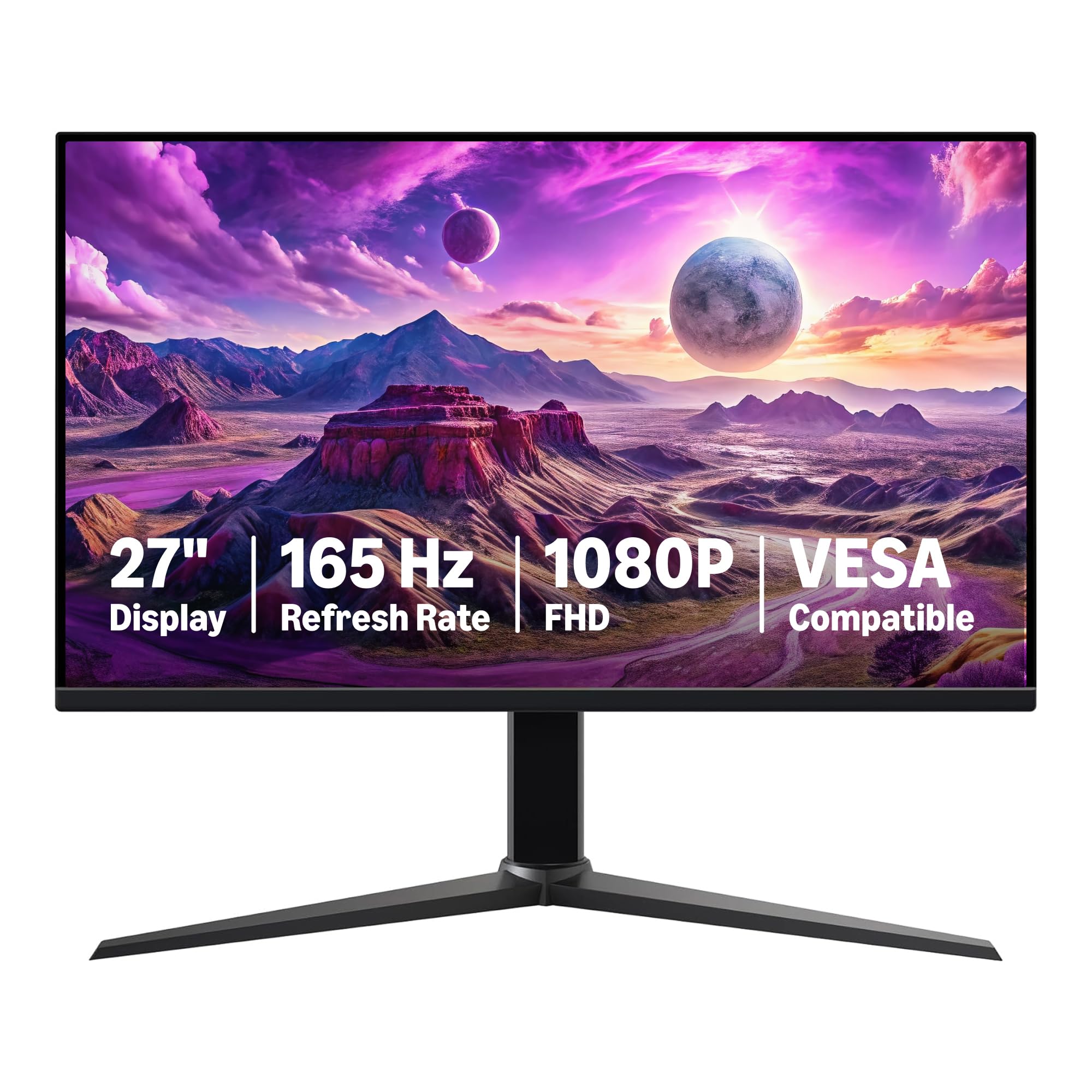
The Amazon Basics 27-inch Gaming Monitor is an entry-level 1080p IPS display with a 165Hz refresh rate and 1ms response time, designed for buyers transitioning from standard office monitors to gaming-focused displays. The IPS panel provides wide 178-degree viewing angles and consistent color reproduction that holds up for both gaming and general productivity tasks. The 165Hz refresh rate doubles the smoothness of a standard 60Hz monitor, making the upgrade immediately noticeable in desktop navigation, web browsing, and game motion.
Adaptive sync compatibility reduces screen tearing when paired with a compatible AMD or NVIDIA graphics card, though the monitor lacks FreeSync Premium certification, so low framerate compensation is not guaranteed below 48Hz. The monitor includes HDMI and DisplayPort inputs, but buyers should note that achieving the full 165Hz requires a DisplayPort 1.4 or HDMI 2.0 connection—older HDMI standards will cap at lower refresh rates. The stand includes a standard VESA 100x100mm mounting pattern, but the included stand offers only tilt adjustment without height or swivel capabilities.
Customer feedback is generally positive, with users praising the smooth motion and clear display quality for the price. Some users reported that the display appears slightly foggy or washed out in default settings, which can be improved by adjusting brightness and color temperature in the OSD or graphics driver settings. The monitor includes a protective film on the panel surface that must be removed before use—several users missed this film initially and reported haze or scratches that disappeared after removal. The build quality is decent for the price point, with a plastic chassis that feels sturdy enough for stationary desktop use but may not withstand frequent repositioning.
Why it’s great
- 165Hz IPS panel provides smooth motion and wide viewing angles
- VESA compatible for flexible mounting options with aftermarket arms
- Adaptive sync reduces screen tearing in supported games
Good to know
- Default color calibration may appear foggy or washed out
- Stand lacks height and swivel adjustment; only tilt available
- Protective film on panel must be removed before use—easily missed
FAQ
Is a 1080p monitor still good for gaming in 2026?
Can I use a console like PS5 with a 1080p gaming monitor?
What is the difference between 1ms GTG and 1ms MPRT?
Should I get a 24-inch or 27-inch 1080p monitor?
Final Thoughts: The Verdict
For most users, the best 1080p gaming monitor winner is the Alienware AW2523HF because its 360Hz refresh rate, 0.5ms GtG response time, and fully adjustable stand set the standard for competitive gaming performance. If you want deep blacks and immersive contrast without sacrificing high refresh, grab the Z-Edge UG27H for its 300Hz VA panel and 1500R curve. And for a balanced mid-range option that handles both gaming and daily productivity with solid ergonomics, nothing beats the ASUS TUF Gaming VG259Q3A.