
Setting up a dual monitor workspace sounds simple until you realize mismatched bezels, jarring color shifts, and cramped 24-inch screens ruin the flow. The goal is a seamless field of view where two screens behave like one continuous desktop, not two warring islands.
I’m Rikta — the co-founder and writer behind FitlyFast. I’ve spent hundreds of hours analyzing panel specs, stand ergonomics, and edge-to-edge uniformity to find which 24-inch pairs actually deliver that unified, fatigue-free experience.
This guide breaks down the best 24 inch monitors for dual setup by matching refresh rates, bezel thickness, color accuracy, and stand adjustability so you can pick a pair that finally syncs.
How To Choose The Best 24 Inch Monitors For Dual Setup
Buying one 24-inch monitor is easy. Buying two that look identical side-by-side is the real challenge. Here are the specs that make or break a dual setup.
Bezel Width and Frame Design
A thick bezel creates a dark gap between screens that breaks your visual flow. Look for monitors with a three-side frameless design and a bezel width under 8mm. This minimizes the black bar between panels and makes the two screens feel like one wide display.
Color and Brightness Matching
Even two identical models can ship with different factory color calibrations. Prioritize monitors with sRGB coverage of at least 99% and an IPS panel. IPS maintains consistent color and brightness from all viewing angles, which is critical when you are glancing from one screen to the other without moving your head.
Stand Adjustability and VESA Mounting
Nothing ruins a dual setup like one monitor sitting a quarter-inch higher than the other. Each monitor should offer tilt, swivel, and height adjustment. If the budget allows, look for pivot rotation too. For ultimate alignment, ensure both monitors have a 100x100mm VESA mount pattern so you can attach them to a dual-arm stand.
Quick Comparison
On smaller screens, swipe sideways to see the full table.
| Model | Category | Best For | Key Spec | Amazon |
|---|---|---|---|---|
| ASUS ProArt PA247CV | Premium IPS | Color-critical work / Design | Delta E < 2 factory calibration | Amazon |
| Dell P2425H | Business Grade | Office ergonomics / All-day comfort | Full ergonomic stand (height, pivot, swivel) | Amazon |
| Dell S2425HSM | Entertainment Hybrid | Media / Light gaming + work | 144Hz refresh rate + dual 3W speakers | Amazon |
| HP Series 3 Pro | Value Ergonomic | Budget-conscious dual setup with full stand | Full tilt/swivel/pivot/height adjustment | Amazon |
| LG 24G411A-B | Gaming Ready | Competitive gaming / 144Hz overclock | 144Hz (OC) / 1ms MBR | Amazon |
| KOORUI G2421V | High Resolution | Sharp image / HDR400 | 1440p QHD / 180Hz / HDR400 | Amazon |
| ViewSonic VA2456A-MHD | Budget Workhorse | Office / Home hybrid | 120Hz refresh rate / 1500:1 contrast | Amazon |
| ASUS VA249QG | Entry Level | Basic dual extension / Budget | 120Hz / 1ms MPRT / 99% sRGB | Amazon |
| Kado C24X Dual Series | Dual Bundle | Out-of-box pair / Curved immersion | 2-pack / 1500R curve / built-in speakers | Amazon |
In‑Depth Reviews
1. ASUS ProArt Display PA247CV

This is the monitor for anyone who needs two screens that look identical. The PA247CV ships with a factory calibration report guaranteeing Delta E < 2, meaning the colors on both units will match without manual tweaking. The 100% sRGB and 100% Rec. 709 coverage makes it ideal for photo editing or video work where color fidelity matters.
The USB-C port delivers 65W of power delivery, so you can charge a laptop and send video through a single cable. This simplifies cable management in a dual setup significantly. The IPS panel delivers wide 178-degree viewing angles, so colors stay consistent even when you are glancing at the secondary screen from an angle.
The included stand offers height, tilt, swivel, and pivot adjustment, allowing perfect alignment between two units. The only catch is the 75Hz refresh rate, which is fine for productivity but not designed for fast-paced gaming. If you need a pair of monitors for color-accurate design work, this is the pick.
Why it’s great
- Factory calibrated Delta E < 2 ensures seamless color matching out of the box
- USB-C 65W power delivery simplifies cable management for laptops
- Full ergonomic stand with height, pivot, swivel, and tilt
Good to know
- 75Hz refresh rate is not suitable for competitive gaming
- Built-in speakers are weak for music or immersive audio
2. Dell P2425H
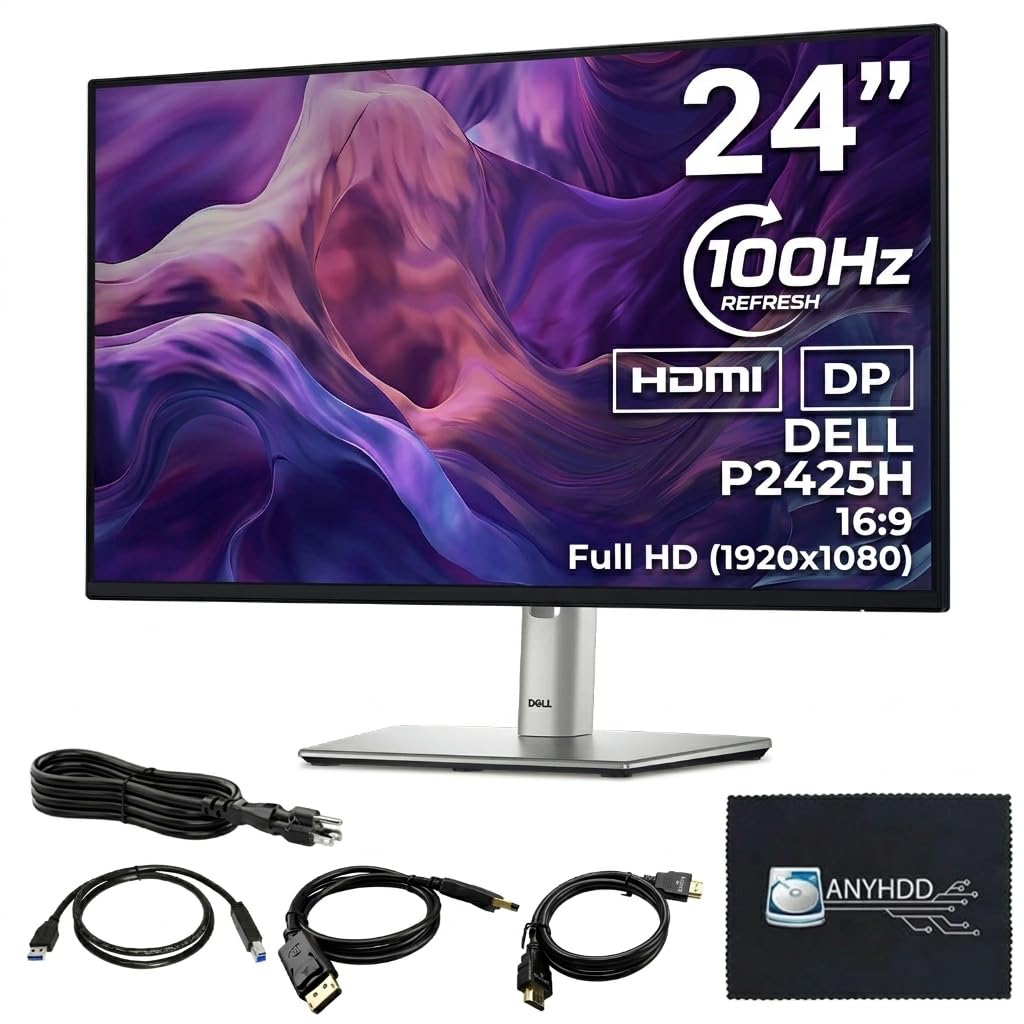
The Dell P2425H is built for professionals who demand ergonomic perfection. The stand offers height adjustment, pivot rotation, swivel, and tilt, making it trivial to align two monitors at the exact same height and angle. This is the biggest pain point in any dual setup, and Dell solves it without requiring a third-party arm.
The 24-inch IPS panel delivers 100Hz refresh rate, which is a noticeable step up from standard 60Hz for smoother scrolling and window snapping. The anti-glare coating works well even in bright rooms, reducing reflections that can be distracting when two screens are side by side.
A built-in 4-port USB-A hub adds convenience for connecting peripherals like a mouse or keyboard. The 1000:1 static contrast ratio produces solid blacks for an IPS panel. The only trade-off is the 250-nit brightness, which is adequate for indoor use but not particularly vivid for HDR content.
Why it’s great
- Full ergonomic stand with height, pivot, swivel, and tilt makes alignment effortless
- Built-in USB hub reduces cable clutter on the desk
- 100Hz refresh rate feels smoother than standard 60Hz for productivity
Good to know
- 250 nits brightness is adequate but not bright for HDR-style visuals
- No DisplayPort cable included in the box
3. Dell 24 Plus Monitor S2425HSM

The S2425HSM bridges the gap between productivity and entertainment. The 144Hz refresh rate makes window animations, scrolling, and casual gaming feel fluid. For a dual setup where one screen runs a game or video while the other handles emails, the smooth motion on both is a real advantage.
Color accuracy is strong with 99% sRGB coverage, and the 1500:1 contrast ratio produces deeper blacks than typical IPS panels. The dual 3W speakers are notably good for built-in monitor audio, delivering fuller sound than the usual tinny drivers found on most monitors in this category.
The ash white color option is a refreshing alternative to the sea of black monitors. The stand offers height, tilt, swivel, and pivot adjustment, giving you full control over alignment. The main limitation is the lack of a DisplayPort input, which means you rely on HDMI for higher refresh rates.
Why it’s great
- 144Hz refresh rate delivers smooth motion for both work and gaming
- Dual 3W speakers provide best-in-class built-in audio
- Full ergonomic stand makes dual alignment simple
Good to know
- No DisplayPort input limits connectivity options
- Ash white color may not match all desktop aesthetics
4. HP Series 3 Pro 24″
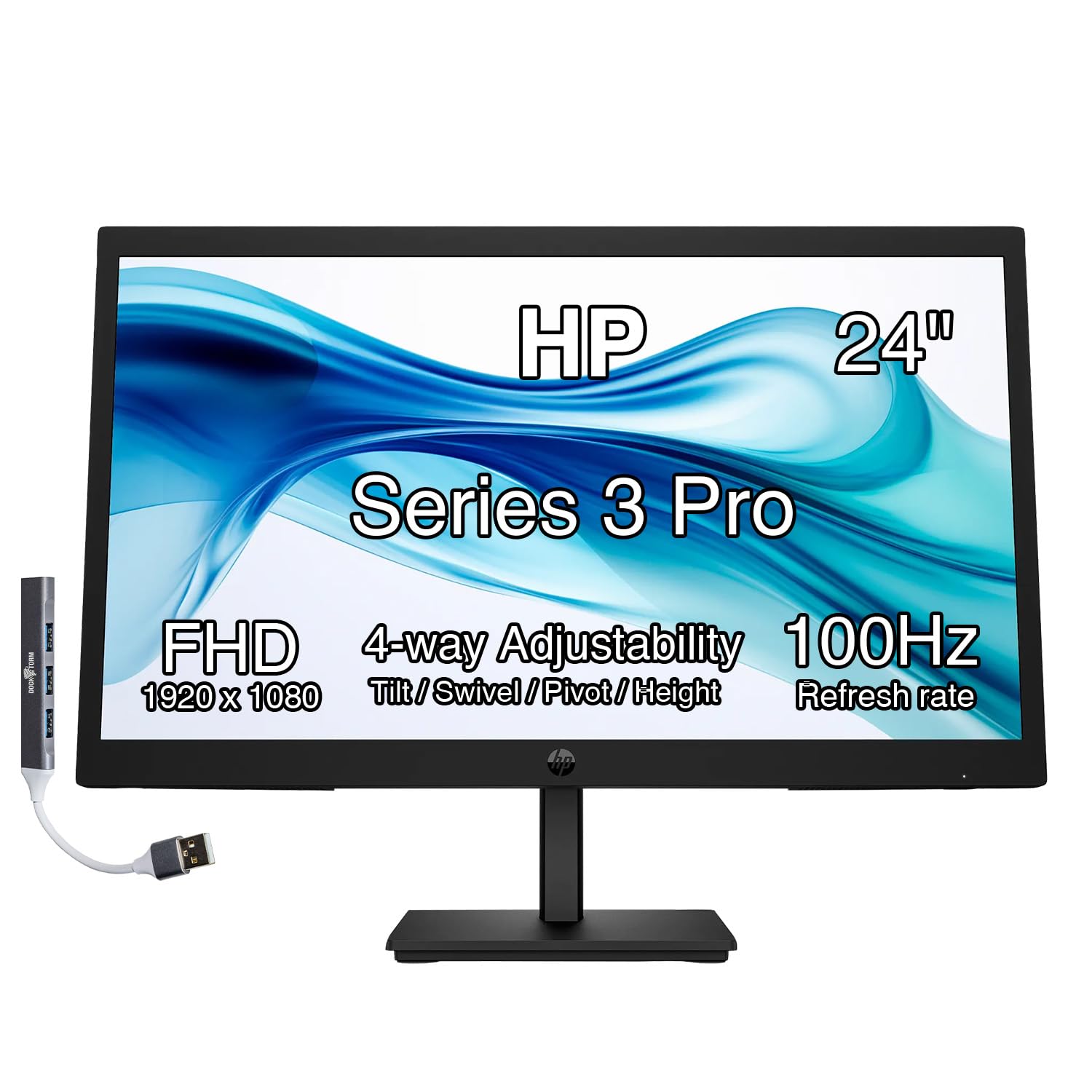
The HP Series 3 Pro delivers a surprising amount of ergonomic flexibility at a mid-range price point. The stand offers height, pivot, swivel, and tilt adjustment, which is rare at this price tier. For a dual setup, this means you can align both monitors perfectly without buying an aftermarket arm.
The 100Hz IPS panel provides smooth scrolling for office work and casual media consumption. The 99% sRGB color gamut ensures decent color consistency between units. The bundle includes a Docztorm data hub, which adds a few extra USB ports for peripheral connectivity.
The VESA 100mm mount pattern gives you the flexibility to swap the included stand for a dual-arm mount later. The 250-nit brightness is adequate for indoor use but not suitable for glare-heavy environments. If you are building a dual office setup on a moderate budget, this monitor delivers the ergonomic features that matter most.
Why it’s great
- Full height, pivot, swivel, and tilt stand at a mid-range price
- 100Hz refresh rate improves daily scrolling and multitasking
- VESA mount compatible for future arm upgrades
Good to know
- 250 nits brightness is on the lower end for bright offices
- Built-in speakers are basic and lack volume
5. LG 24G411A-B UltraGear

The LG UltraGear is built for gamers who want a dual setup that can handle competitive titles. The 144Hz overclocked refresh rate combined with 1ms MBR (Motion Blur Reduction) delivers exceptionally fluid visuals with minimal ghosting. The IPS panel provides vibrant colors and wide viewing angles that TN gaming panels cannot match.
G-Sync Compatible and AMD FreeSync support ensure tear-free gameplay even when you are running two monitors with different content. The Dynamic Action Sync reduces input lag, which is critical for fast-paced shooters. The on-screen crosshair feature is a nice bonus for FPS games.
The slim bezel design keeps the gap between two screens minimal. The stand is only tilt-adjustable, which means you will likely need a VESA arm to achieve perfect height alignment in a dual setup. The monitor includes both HDMI and DisplayPort inputs, giving you flexibility in connecting multiple devices.
Why it’s great
- 144Hz overclockable refresh rate with 1ms MBR for smooth gaming
- G-Sync and FreeSync compatible for tear-free gameplay
- IPS panel delivers vibrant colors and wide viewing angles
Good to know
- Stand is only tilt-adjustable, requiring a VESA arm for dual alignment
- 250 nits brightness is adequate but not bright for HDR gaming
6. KOORUI G2421V
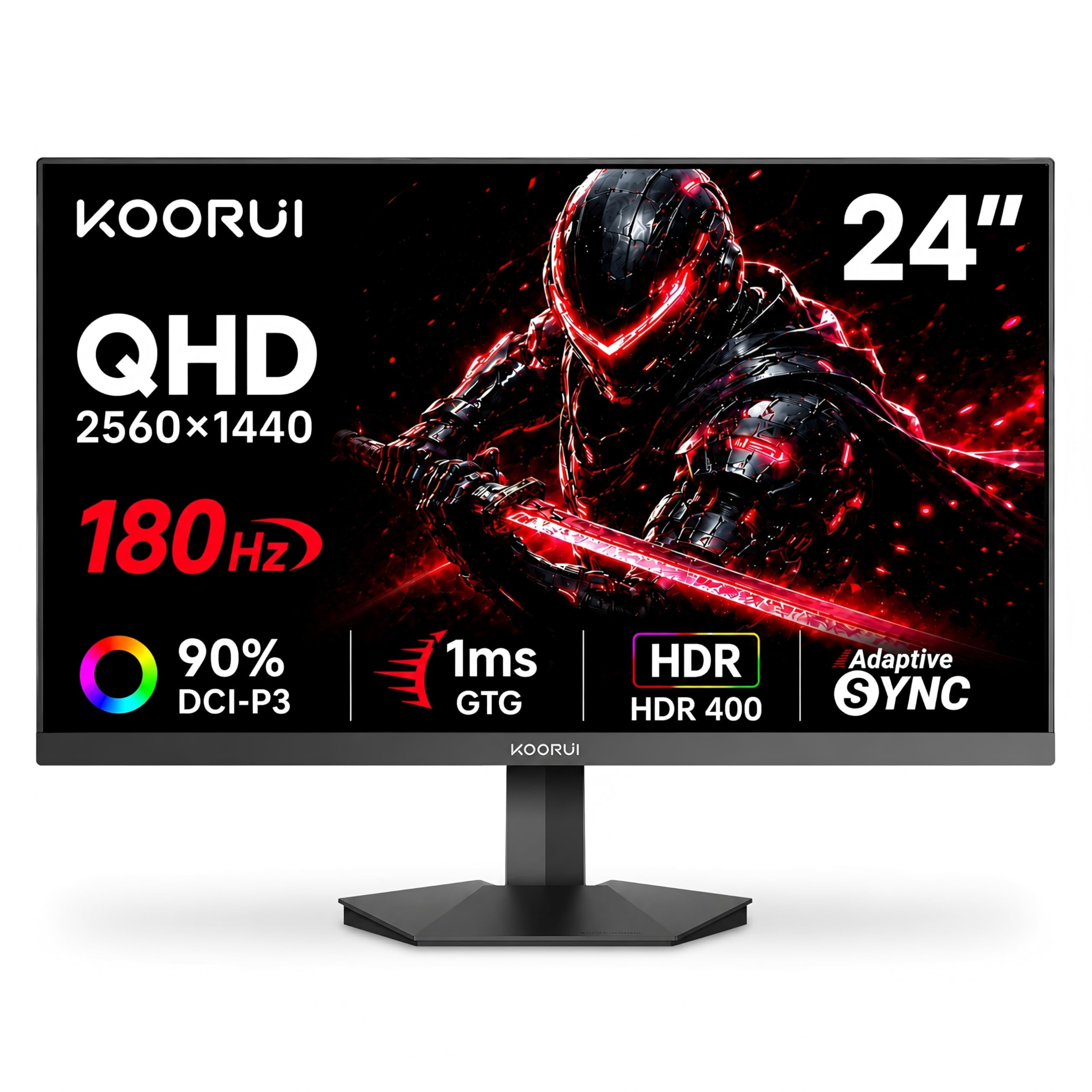
The KOORUI G2421V stands out because it packs 1440p QHD resolution into a 24-inch panel, giving you significantly sharper text and images than standard 1080p. For a dual setup, this extra resolution means you can fit more windows side by side without things feeling cramped. The 180Hz refresh rate is also exceptional at this tier.
The Fast IPS panel covers 90% of the DCI-P3 color gamut, which translates to rich, vibrant colors suitable for both gaming and creative work. The HDR400 certification provides better highlight detail than standard SDR monitors, though the 350-nit peak brightness is not transformative.
Adaptive Sync support (FreeSync Premium and G-Sync Compatible) eliminates screen tearing. The joystick control makes menu navigation easy. The stand is tilt-only and feels basic, so a VESA mount is recommended for a clean dual setup. The 1440p resolution also demands a reasonably powerful GPU to drive high frame rates.
Why it’s great
- 1440p QHD resolution delivers much sharper text and image detail than 1080p
- 180Hz refresh rate with 90% DCI-P3 for smooth, vibrant visuals
- Adaptive Sync FreeSync Premium and G-Sync Compatible
Good to know
- Stand is tilt-only, requiring a VESA arm for perfect dual alignment
- HDR400 is modest; brightness is adequate but not stunning
7. ViewSonic VA2456A-MHD

The ViewSonic VA2456A-MHD offers an excellent balance of price and performance for a dual productivity setup. The 120Hz refresh rate makes everyday scrolling and window management feel dramatically smoother than a standard 60Hz office monitor, without the premium cost of high-end gaming displays.
The SuperClear IPS technology delivers accurate colors and consistent brightness across wide viewing angles, which is critical when you are working across two screens. The 1500:1 contrast ratio produces deeper blacks than typical 1000:1 IPS panels, making text and images pop more. The three-side frameless design keeps the bezel gap between monitors thin.
Connectivity is versatile with HDMI, DisplayPort, and VGA inputs, so it works with older laptops and desktops. The stand is basic with tilt-only adjustment and feels a bit wobbly, so a VESA mount is recommended for a stable dual setup. The built-in speakers are functional for voice calls but not for music.
Why it’s great
- 120Hz refresh rate for smooth scrolling at a budget-friendly price
- 1500:1 contrast ratio provides deeper blacks than most budget IPS monitors
- Frameless design minimizes the bezel gap in a dual setup
Good to know
- Basic tilt-only stand feels wobbly, VESA mount recommended
- 250 nits brightness is sufficient but not bright
8. ASUS VA249QG

The ASUS VA249QG is a solid entry-level option for anyone building a dual setup on a tight budget. The 120Hz IPS panel with 1ms MPRT delivers smooth motion for casual gaming and everyday use. The 99% sRGB coverage ensures the two monitors will have reasonably consistent colors out of the box.
The frameless design keeps the bezels thin, reducing the visual gap in a dual configuration. ASUS Eye Care technology with TUV-certified flicker-free and low blue light makes long work sessions more comfortable. The built-in speakers are functional but very tinny, best avoided for anything beyond system sounds.
The stand offers only tilt adjustment, and multiple users have reported slight height inconsistencies between two identical units. This is a common issue at this price point, so a VESA mount is a smart addition for perfect alignment. The 120Hz refresh rate at this price point is the main draw for budget-conscious buyers.
Why it’s great
- 120Hz refresh rate at a very accessible price point
- 99% sRGB coverage ensures good color consistency between units
- TUV-certified flicker-free and low blue light for eye comfort
Good to know
- Stand is tilt-only and may have slight height variance between two units
- Built-in speakers sound tinny and are not suitable for music
9. Kado Dual Monitor Setup C24X

The Kado C24X is unique because it ships as a 2-pack, eliminating the hassle of buying two separate monitors and hoping they match. Both monitors come from the same production batch, which reduces the risk of color or brightness variance. The 1500R curved design wraps gently around your field of view, creating a more immersive dual-screen experience.
The 75Hz refresh rate is a modest step up from 60Hz, providing slightly smoother scrolling for office work and casual browsing. The 100% sRGB coverage ensures decent color accuracy for everyday tasks. The built-in speakers are convenient for basic audio, saving desk space that would otherwise go to external speakers.
The 2-pack pricing makes this the most convenient option for a dual setup, as you get everything in one box. However, the 75Hz refresh rate and 1080p resolution are limiting for gamers or creative professionals who need higher performance. The bezels are not the thinnest on this list, but the curved design helps the two screens feel more connected.
Why it’s great
- 2-pack eliminates color and brightness variance between units
- 1500R curved design provides a more immersive dual-screen feel
- Built-in speakers are convenient for basic audio
Good to know
- 75Hz refresh rate is limiting for gaming and high-speed content
- Bezels are not the thinnest, creating a slightly larger gap
FAQ
Do both monitors in a dual setup need to be the same model?
Is 1080p resolution enough for a 24-inch dual monitor setup?
Final Thoughts: The Verdict
For most users, the 24 inch monitors for dual setup winner is the ASUS ProArt PA247CV because it combines factory-calibrated color accuracy with USB-C convenience and a fully adjustable stand, making two screens look identical with minimal effort. If you want full ergonomic adjustability without the high price, grab the Dell P2425H. And for a seamless out-of-box pair, nothing beats the Kado C24X Dual Series.