
Our readers keep the lights on and the weekend projects moving. As an Amazon Associate, I earn from qualifying purchases.
A 24-port PoE switch is the backbone of a modern IP camera system, a dense VoIP deployment, or a multi-AP wireless network. The challenge is balancing port count with the total power budget—misjudge the wattage, and your cameras cycle on and off or your access points fail to adopt. The right switch delivers clean, uninterrupted power to every port while handling full gigabit data throughput across all 24 connections simultaneously.
I’m Rikta — the co-founder and writer behind FitlyFast. I’ve spent years analyzing network infrastructure hardware, dissecting PoE budgets, switching architectures, and thermal management to separate reliable long-haul switches from units that fail under sustained load.
After evaluating unmanaged, smart managed, Layer 2+, and full Layer 3 options across power budgets from 190W to over 400W, I’ve built this guide to help you find the best 24 port poe switch for your specific deployment without overspending on features you do not need.
How To Choose The Best 24 Port PoE Switch
Building a reliable wired network around a 24-port PoE switch requires matching three core specs to your device load. Here is what to look for before you buy.
Total PoE Budget vs. Per-Port Power
A switch may offer 24 PoE ports at 30W each on paper, but the total available power is shared across all ports. A 190W budget can power twelve 15W cameras, while a 400W budget handles twenty-four 30W devices simultaneously. Always add up the peak draw of every connected device and leave at least 20% headroom.
Management Features and VLAN Support
Unmanaged switches are plug-and-play but offer zero traffic segmentation. Smart managed and L2+ switches support VLANs, QoS, IGMP snooping, and link aggregation, which are essential for separating camera traffic from corporate data or for prioritizing VoIP packets. Cloud-managed options from Aruba and Ubiquiti simplify remote monitoring without a dedicated controller.
Uplink Ports and Future-Proofing
Check whether the switch has dedicated SFP or SFP+ uplinks. Two 1G SFP slots suffice for small offices, but 10G SFP+ uplinks prevent the switch from becoming a bottleneck when multiple clients push traffic to a central server or NAS. Multi-gigabit 2.5G ports on the access side future-proof your network for WiFi 6 access points.
Quick Comparison
On smaller screens, swipe sideways to see the full table.
| Model | Category | Best For | Key Spec | Amazon |
|---|---|---|---|---|
| NICGIGA S25-2402P | Unmanaged | High-power multi-gig | 400W PoE Budget, 2.5G Ports | Amazon |
| Ubiquiti USW-Pro-24-PoE | Layer 3 Managed | Enterprise deployment | Gigabit Ports, SFP+ Uplinks | Amazon |
| Aruba Instant On 1930 | Smart Managed | SMB cloud management | 4x 10G SFP+, 195W Budget | Amazon |
| NETGEAR GS724TPP | Smart Managed | High-power 24-port | 380W PoE+ Budget | Amazon |
| NETGEAR GS724TP | Smart Managed | Balanced managed PoE | 190W Budget, Insight Cloud | Amazon |
| TP-Link TL-SG1428PE | Easy Smart Managed | Camera system segmentation | 250W Budget, PoE Auto Recovery | Amazon |
| TP-Link SG3428 | L2+ Managed | Omada SDN integration | L2+/L4 QoS, Omada SDN | Amazon |
| Ubiquiti USW-24-POE | Layer 2 Managed | UniFi ecosystem | Fanless, UniFi Controller | Amazon |
| VIMIN VM-GS2422P | Unmanaged | Budget camera setup | 320W Budget, One-Key VLAN | Amazon |
In‑Depth Reviews
1. NICGIGA S25-2402P 24 Port 2.5G PoE Switch
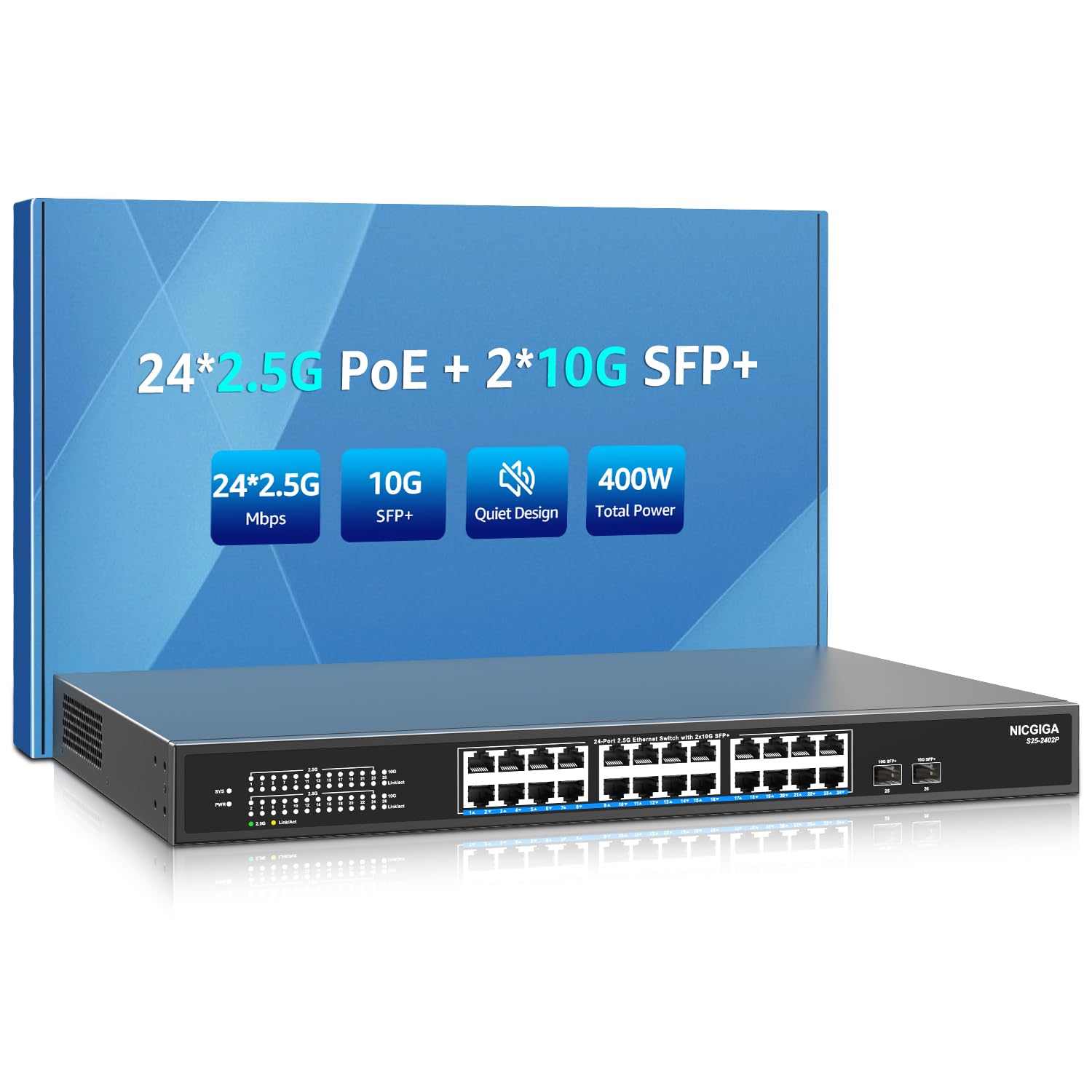
The NICGIGA S25-2402P delivers the highest PoE budget in this lineup at 400W with 24 ports of 2.5GBASE-T connectivity, making it a future-proof choice for WiFi 6 access points and high-resolution cameras. The two 10G SFP+ uplinks eliminate bottlenecks when multiple clients push data to a NAS or NVR simultaneously. Its fanless design keeps operation silent, and the extended temperature range up to 50°C allows placement in attics or network closets without active cooling.
Color-coded LED indicators on every port simplify troubleshooting, and the metal housing provides effective passive heat dissipation through side cooling vents. Setup is truly plug-and-play with automatic MDI/MDIX detection, and the switch automatically recognizes PoE device class, only delivering power when a compatible device is detected. The 6KV lightning protection adds peace of mind for outdoor camera deployments where surges are a concern.
Note that it only supports 44-57V standard PoE devices, so passive PoE equipment (common on some older cameras) requires a separate injector. For most users seeking high-speed multi-gig PoE with silent operation, this unit offers a strong power-to-price ratio.
Why it’s great
- 400W total PoE budget powers 24 high-draw devices simultaneously
- Fanless and silent operation with passive convection cooling
- 2.5G base-T ports and 10G SFP+ uplinks for future-proofing
Good to know
- Unmanaged only, no VLAN or QoS configuration
- Only supports 44-57V standard PoE, not passive 24V PoE
2. Ubiquiti USW-Pro-24-PoE

The Ubiquiti USW-Pro-24-PoE is a full Layer 3 managed switch with 24 Gigabit Ethernet PoE ports and SFP+ uplink slots for fiber connectivity. This puts it in a different class from typical smart switches, enabling advanced inter-VLAN routing without an external router. It is well suited to standard gigabit PoE devices such as cameras, VoIP phones, and access points where multi-gig speeds are not required.
The rack-mountable metal chassis is built for continuous operation, and the UniFi controller interface provides granular control over port profiles, VLAN segmentation, and traffic flow monitoring. The build is well engineered and integrates seamlessly with other UniFi gear, following the same polished industrial design the UniFi lineup is known for.
Setup takes minutes through the UniFi Network app, and the switch supports zero-touch provisioning for multi-site deployments. The main consideration is the premium price, which reflects the enterprise-grade feature set. For users already invested in the UniFi ecosystem or those needing Layer 3 switching in a compact 24-port form factor, this is a strong choice.
Why it’s great
- Layer 3 full routing capabilities in a 24-port PoE switch
- SFP+ uplinks for fast fiber backhaul
- Polished UniFi ecosystem integration with remote management
Good to know
- Premium price point for an all-PoE 24-port deployment
- Gigabit ports only, not 2.5G — check your throughput needs
- Requires UniFi controller hardware or software for full management
3. Aruba Instant On 1930 24-Port Switch

The Aruba Instant On 1930 delivers enterprise-level reliability with 24 Gigabit PoE+ ports at 195W total budget and four 10G SFP+ uplinks—a combination rarely seen at this price tier. The cloud management via the Aruba Instant On app requires no licensing fees, giving SMBs a 24/7 network monitoring solution without recurring costs. The white plastic chassis may look modest, but the internal power supply and rack-mount ears make installation straightforward.
It serves as a compelling alternative to Meraki without the subscription lock-in. The web GUI offers advanced configuration including static routing, ACLs, and SNMP for those who prefer a traditional local interface. Two-factor authentication is enabled by default, adding a security layer that is often missing in this category.
The fan noise is the most common complaint in this unit, so consider your placement if noise matters. For small to medium businesses that need VLAN segmentation, multi-WAN failover, and centralized cloud management without annual fees, the Aruba 1930 is a smart investment.
Why it’s great
- Free cloud management via Aruba Instant On app with no licensing
- Four 10G SFP+ uplinks for future-proof fiber connectivity
- Enterprise-grade reliability with two-factor authentication
Good to know
- Fan is audibly loud in quiet environments
- Plastic chassis feels less premium than metal alternatives
4. NETGEAR GS724TPP 26-Port Managed Switch

The NETGEAR GS724TPP stands out with its 380W total PoE budget, distributing up to 30W across all 24 ports simultaneously—enough to power high-consumption devices like motorized cameras and high-performance APs without compromise. The smart managed interface includes DHCP snooping, ACLs, and 802.1Q VLAN support, while NETGEAR Insight offers optional cloud monitoring from a single pane of glass. The rack-mountable metal chassis includes a lifetime limited warranty with next-business-day replacement.
The management feature set is more than adequate for complex VLAN segmentation and link aggregation setups, and staying within the 380W ceiling should keep power delivery stable across all 24 ports, making it a strong contender for dense camera arrays.
As with any switch with an active cooling fan, it is worth checking your unit on arrival to confirm the fan spins up correctly, since a stuck fan on a high-wattage PoE switch can lead to overheating. Additionally, full feature access requires NETGEAR registration and cloud account creation, which may frustrate users who want a purely local configuration experience. Despite these caveats, the raw power budget makes this switch a top pick for power-hungry deployments.
Why it’s great
- 380W total PoE budget, the highest in its managed class
- Lifetime limited hardware warranty with next-business-day replacement
- Insight cloud management for remote network oversight
Good to know
- Multiple reports of DOA units with failed fans
- Requires NETGEAR account registration for local VLAN setup
5. NETGEAR GS724TP 26-Port Smart Switch
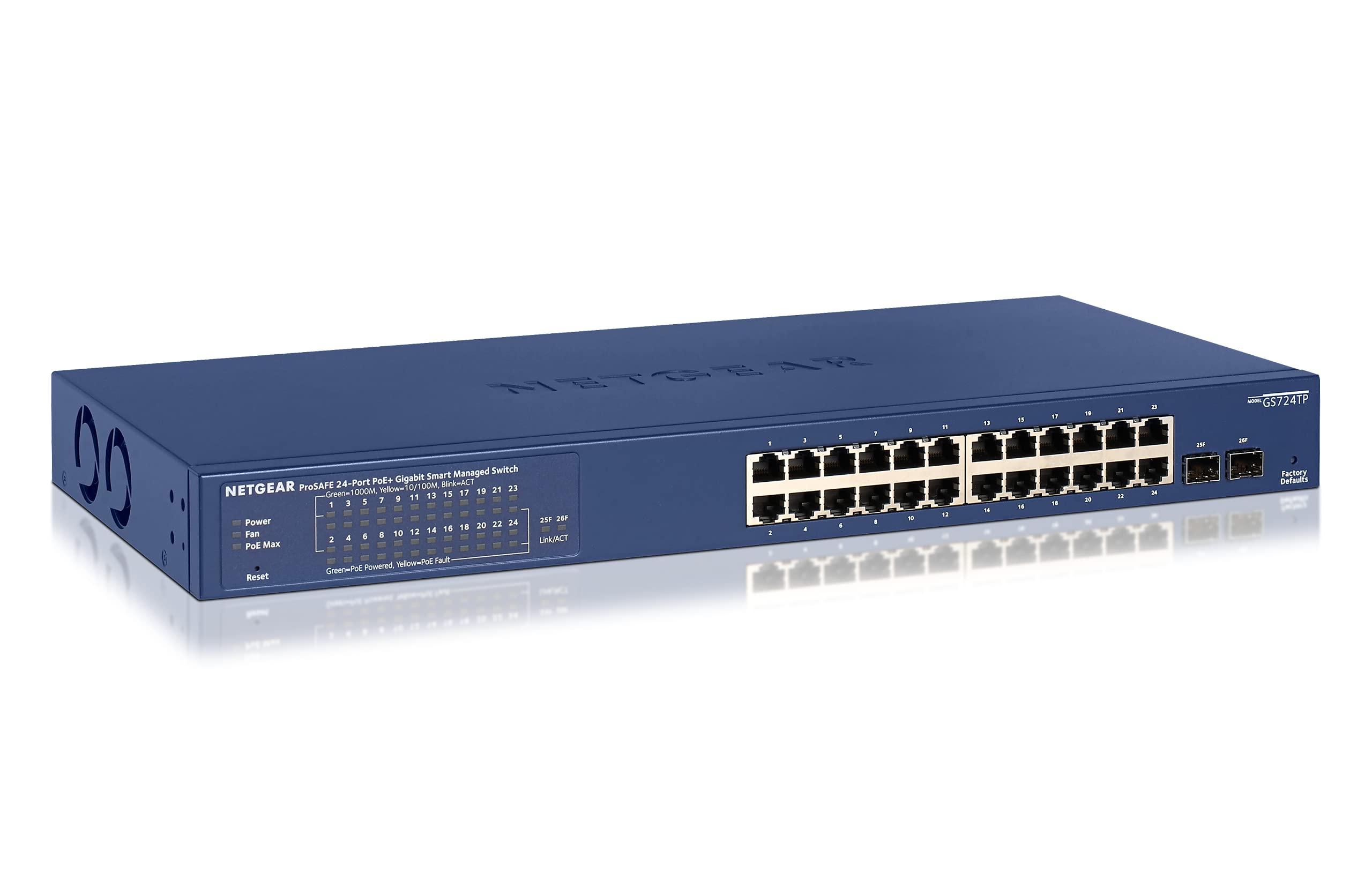
The NETGEAR GS724TP offers 24 Gigabit PoE+ ports with a 190W total budget plus two 1G SFP uplinks in a smart managed form factor that includes a user-friendly web GUI with per-port labeling and VLAN configuration. The optional Insight cloud management allows remote monitoring without a dedicated controller, and the Energy Efficient Ethernet (IEEE 802.3az) compliance reduces power draw during low traffic periods.
The GS724TP delivers managed switch capabilities including link aggregation, QoS, and IGMP snooping at a price that undercuts many unmanaged competitors. The v2 version improves GUI responsiveness, and port labeling makes physical cable management straightforward in a crowded rack.
The dual fans are the primary drawback—they are loud and ramp up aggressively with heat. The 190W budget limits simultaneous high-power device deployments to roughly twelve 15W cameras. For environments where fan noise is acceptable and PoE loads are moderate, this remains a reliable, feature-rich smart switch.
Why it’s great
- Intuitive web GUI with per-port labeling and VLAN support
- Optional Insight cloud management for remote access
- Energy efficient design with IEEE 802.3az compliance
Good to know
- Dual fans are audibly loud under load
- 190W budget limits high-density PoE deployments
6. TP-Link TL-SG1428PE Easy Smart Switch

The TP-Link TL-SG1428PE is an easy smart managed switch that brings 24 PoE+ ports with a 250W total budget plus two non-PoE uplinks and two SFP slots. The standout feature is PoE Auto Recovery, which automatically detects and reboots unresponsive PoE-powered devices such as cameras that have frozen — eliminating the need to physically power-cycle equipment in hard-to-reach locations.
The web-based management interface provides VLAN segmentation for traffic isolation, along with QoS and IGMP snooping for optimizing video and voice streams. The steel chassis handles passive cooling adequately for most rack environments, and the plug-and-play default mode means basic setups can skip the management interface entirely.
The fan is the primary compromise—it runs continuously rather than cycling based on temperature, producing a constant noise level that is noticeable in quiet rooms. At 17.3 inches deep, it also takes up the full depth of a standard rack. For camera-centric networks that benefit from automated device recovery, the TL-SG1428PE delivers targeted value.
Why it’s great
- PoE Auto Recovery reboots frozen cameras and APs automatically
- 250W budget provides headroom for 16-20 typical PoE devices
- Easy smart management with VLAN and IGMP support
Good to know
- Fan runs continuously and is audibly loud
- Requires web GUI configuration to enable PoE Auto Recovery
7. TP-Link Omada SG3428 L2+ Switch

The TP-Link Omada SG3428 is a fanless L2+ smart managed switch with 24 Gigabit ports and four SFP slots, designed for seamless integration into the Omada Software Defined Networking (SDN) platform. With support for static routing, advanced L2/L3/L4 QoS, and comprehensive security features including IP-MAC-Port binding, ACLs, and DHCP snooping, it provides robust traffic control without the complexity of full Layer 3 routing.
The Omada SDN platform allows centralized cloud management across multiple sites via a single interface, with support for hardware controllers or the free software controller. Once adopted and configured through the Omada ecosystem, the switch is designed to run reliably with minimal hands-on maintenance. The CLI will feel familiar to those used to Cisco-style switch management, and the web GUI offers dual-image firmware for safe upgrades.
The unit lacks PoE, which limits its application to environments where power is supplied by separate injectors or upstream PoE switches. The boot time is relatively slow, and some users note that VLAN setup requires careful PVID configuration that may trip up beginners. For networks already running Omada APs and gateways, this switch provides consistent management from a single pane of glass.
Why it’s great
- Fanless operation with silent deployment
- Seamless Omada SDN integration with cloud management
- L2+ features include static routing and advanced ACLs
Good to know
- No PoE support, requires external power solutions
- Slow boot time and complex VLAN PVID configuration
8. Ubiquiti USW-24-POE Layer 2 Switch

The Ubiquiti USW-24-POE is the Gen 2 fanless Layer 2 switch from UniFi, providing 24 Gigabit PoE+ ports with a 195W total budget in a sleek, silent chassis that integrates perfectly with the UniFi Controller ecosystem. The built-in 1-inch LCD touchscreen displays real-time port status, network throughput, and device adoption information, making physical troubleshooting quick without logging into the controller.
Ubiquiti’s UniFi line is known for polished industrial design and seamless integration across its ecosystem, and this switch follows that pattern. The fanless design means it runs hot to the touch under load, so it requires adequate spacing for passive airflow.
The Gen 2 variant (distinguished by the front LCD screen) operates silently, while earlier Gen 1 units have audible fans. The 195W PoE budget is adequate for typical AP and camera loads but limits high-density deployments. For those already committed to the UniFi ecosystem, the USW-24-POE offers a drop-in management experience that simply works.
Why it’s great
- Fanless design provides silent operation
- Integrated LCD touchscreen for at-a-glance diagnostics
- Seamless UniFi Controller management with remote access
Good to know
- Runs hot under load; requires good ventilation
- No 10G uplinks or multi-gigabit ports
9. VIMIN 28 Port Gigabit PoE Switch
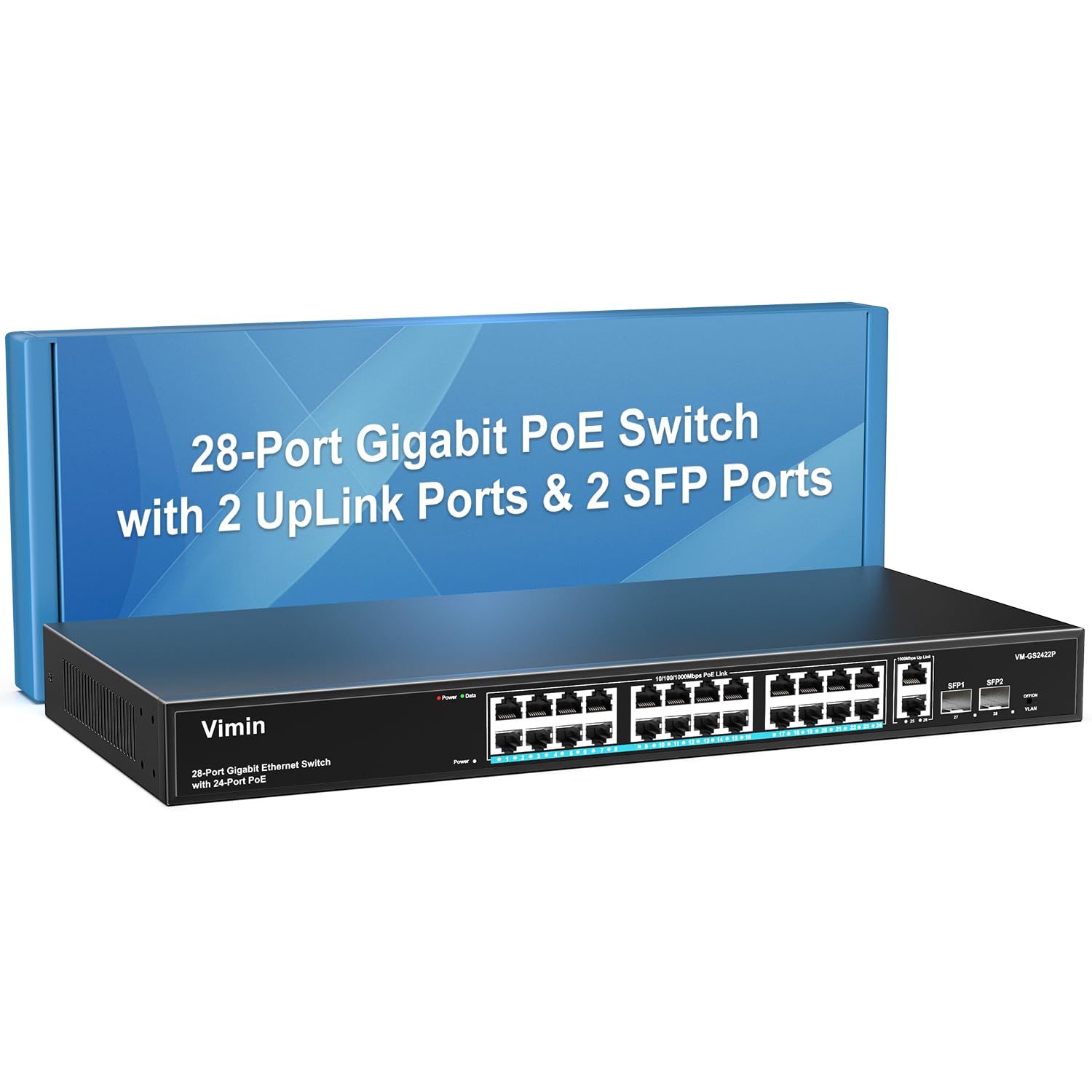
The VIMIN 28 Port Gigabit PoE Switch brings 24 PoE+ ports with a substantial 320W total budget plus two Gigabit uplinks and two SFP slots at an entry-level price point. The metal housing, 6KV lightning protection, and one-key VLAN mode for port isolation offer features normally found on more expensive switches. The plug-and-play design requires zero configuration for basic operation.
The one-key VLAN feature improves security by isolating the 24 PoE ports from each other while maintaining uplink connectivity, making it suitable for environments where camera traffic should not be accessible across the local subnet.
As with most budget unmanaged switches, it is worth testing all 24 ports on arrival to confirm PoE delivery is working as expected before a permanent install. For budget-conscious buyers, the raw PoE capacity and feature set represent excellent value.
Why it’s great
- 320W PoE budget at a budget-friendly price point
- One-key VLAN mode for easy port isolation
- 6KV lightning protection and sturdy metal housing
Good to know
- Quality control issues reported, including defective ports
- Manual wattage discrepancy may cause confusion
FAQ
How do I calculate the PoE budget I need for 24 devices?
Can I use a 24-port PoE switch with non-PoE devices?
What is the difference between a smart managed and an unmanaged switch?
Do I really need 10G SFP+ uplinks on a 24-port switch?
Final Thoughts: The Verdict
For most users, the 24 port poe switch winner is the NICGIGA S25-2402P because it combines a massive 400W PoE budget, silent fanless operation, and future-proof 2.5G ports at a mid-range price. If you need full Layer 3 routing and enterprise management, the Ubiquiti USW-Pro-24-PoE delivers solid enterprise-grade routing in the UniFi ecosystem. And for SMBs wanting free cloud management without licensing fees, the Aruba Instant On 1930 offers 10G uplinks and reliable HPE engineering.