
Our readers keep the lights on and the weekend projects moving. As an Amazon Associate, I earn from qualifying purchases.
Specs are compiled from manufacturer listings and verified buyer reviews and can change over time — please confirm the key details on the product page before buying.
A curved monitor can reduce how much you turn your head to see the edges of the screen. But with refresh rates from 180Hz to 400Hz and resolutions from Full HD (1920 x 1080) to QHD (2560 x 1440), choosing the right one depends on understanding which spec actually matters for the games you play. This guide compares the specifications of eight popular 27-inch curved monitors, so you know what each upgrade delivers.
I’m Rikta — the writer behind FitlyFast. This guide relies on manufacturer specifications and patterns from verified customer reviews, so you get each pick’s real strengths and trade-offs instead of marketing spin.
Here is the honest breakdown of the best 27 inch curved monitor choices available right now.
Quick Picks
- SANSUI 27 Inch 280Hz Curved Gaming Monitor — Best Overall
- Samsung 27″ Odyssey G65B Curved Gaming Monitor — Premium Pick
- Acer Nitro 27 Inch 1500R Curved Gaming Monitor (XZ270) — Top Performer
- KTC 27 Inch 240Hz Curved Gaming Monitor (H27S25E) — Compact Curve
- KTC 27 inch WQHD 180Hz 1ms Curved Gaming Monitor — Best Value
- Pixio PXC278 Wave White 27 Inch 180Hz Curved Gaming Monitor — Style Pick
- CRUA 27” Curved Gaming Monitor 260Hz/240Hz, QHD 1440P — Budget QHD
- AOC C27G4ZH 27″ Curved Gaming Monitor — Budget Champion
How To Choose The Best 27 Inch Curved Monitor
A 27-inch curved monitor sits at a balance — big enough to feel rich, but not so wide that the curve becomes distracting in everyday desktop use. Here is what actually matters when comparing the specs.
Curvature: 1500R vs 1800R vs 1000R
The lower the number, the tighter the curve. A 1500R curvature wraps the screen in a circle with a radius of 1500mm, while a 1000R curve is even more pronounced, designed to mimic the natural shape of your eyes. For most people, a 1500R curve feels rich without being aggressive, while 1800R is gentler and more suitable for work or mixed-use setups. The tightest curve at 1000R creates the strongest sense of depth but can take a moment to adjust to.
Refresh Rate and Response Time
Refresh rate, measured in Hertz (Hz), tells you how many times the screen updates per second — 240Hz means 240 new frames every second, which makes fast motion look incredibly smooth. Response time (measured in milliseconds, or ms) tells you how fast a pixel can change color; a lower number, like 1ms or 0.3ms, means less blur during fast movement. For competitive shooters, you want both a high refresh rate and a low response time, but for single-player story games, a 180Hz panel with 1ms is already excellent.
Resolution: Full HD vs QHD
On a 27-inch screen, Full HD (1920 x 1080) has a lower pixel density, meaning individual pixels are more visible if you sit close. QHD (2560 x 1440) packs over 77% more pixels, making text look sharper and game textures appear more detailed. If your graphics card can handle it, QHD is the better long-term investment for a 27-inch curved monitor.
Quick Comparison
| Model | Best For | Refresh Rate | Resolution | Curvature | Amazon |
|---|---|---|---|---|---|
| SANSUI 27 | Dual-mode competitive play | 280Hz / 400Hz | 2560 x 1440 | 1500R | Amazon |
| Acer Nitro XZ270 | All-round gaming & ergonomics | 280Hz | 1920 x 1080 | 1500R | Amazon |
| Samsung Odyssey G65B | Premium HDR & smart features | 240Hz | 2560 x 1440 | 1000R | Amazon |
| KTC 27 240Hz | Ultra-tight 1000R curve | 240Hz | 2560 x 1440 | 1000R | Amazon |
| KTC 27 180Hz | Price-to-performance QHD | 180Hz | 2560 x 1440 | 1500R | Amazon |
| Pixio PXC278 Wave | White aesthetic & casual gaming | 180Hz | 2560 x 1440 | 1650R | Amazon |
| CRUA 27 | Budget QHD with speakers | 260Hz | 2560 x 1440 | 1800R | Amazon |
| AOC C27G4ZH | Lowest-cost high-refresh gaming | 280Hz | 1920 x 1080 | 1500R | Amazon |
In‑Depth Reviews
1. SANSUI 27 Inch 280Hz Curved Gaming Monitor
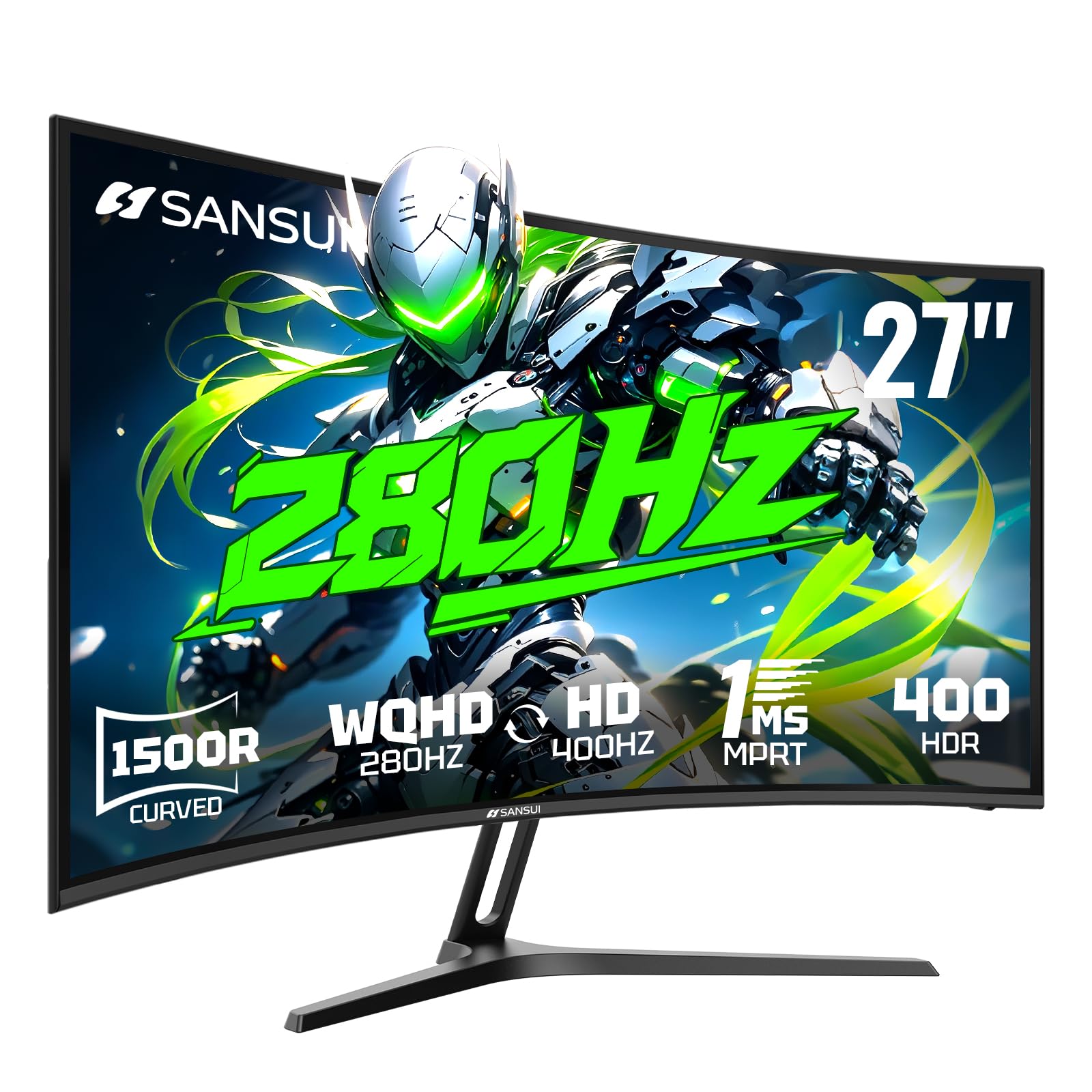
The high-refresh QHD contender that throws in a dual-mode trick for extra versatility.
You get crisp 1440p gaming and a blistering-fast 1080p esports mode from the same screen. The SANSUI runs at 2560 x 1440 (QHD) with a 280Hz refresh rate, but it also has a dual-mode that lets you switch to a 400Hz mode at a lower resolution — a rare spec in this price range. That means you get the sharpness of QHD for RPGs and the raw speed of 400Hz for competitive shooters, all on the same screen. The 1500R curvature wraps the image around you without being extreme, and the 5000:1 contrast ratio (the difference between the brightest white and darkest black) delivers deep blacks that make shadows in dark game scenes actually look dark, not washed out. Buyers report that the colors are vibrant and bright, and they praise the brand’s reputation.
The trade-off is that there are no built-in speakers, and the HDR mode (High Dynamic Range, which expands color and brightness) is not true HDR — owners mention it tends to dull the image rather than enhance it, so you will want to leave HDR off. The power button placement is also a bit awkward. But for anyone who plays both single-player story games and fast-paced multiplayer titles, this monitor delivers where it matters most: the image quality and the refresh rate.
Why it leads the pack
- Dual-mode: 280Hz at QHD or 400Hz at HD for flexible gaming
- 5000:1 contrast ratio for deep, rich blacks
- 135% sRGB color gamut makes games look vibrant right from the start
The honest catch
- No built-in speakers — you need headphones or external ones
- HDR mode is weak and can make the picture look dull
- Power button placement is awkward, according to buyers
Your move if: you game across different genres and want the flexibility of switching between a high-res 280Hz mode and a super-fast 400Hz mode on the same panel.
Think twice if: you need speakers built into the monitor or you rely on HDR performance for content creation — this one is built for raw gaming speed.
2. Samsung 27″ Odyssey G65B Curved Gaming Monitor

The premium panel that wraps your vision with the tightest 1000R curve in the list.
The Samsung Odyssey G65B is the most rich monitor here, thanks to its 1000R curvature — the tightest among all eight picks. That means the screen literally wraps around your peripheral vision, making you feel inside the game rather than just looking at it. It runs at QHD 2560 x 1440 resolution with a 240Hz refresh rate and a 1ms (GTG) response time (how quickly a pixel changes from gray to gray), so motion stays sharp and responsive without ghosting. But the real standout is the DisplayHDR 600 certification (a standard that ensures at least 600 nits peak brightness for richer colors), which delivers noticeably deeper blacks and brighter highlights than monitors with basic HDR support, making dark game scenes pop with detail. Customers note that the picture is excellent and the refresh rate is flawlessly responsive, with no tearing or ghosting.
The catch, as several owners note, is the on-screen interface. It has a frustrating 6-step process to change inputs, and the smart features — like Gaming Hub and update pop-ups — can be intrusive for a traditional PC user. Some reviewers mention that the monitor auto-switches inputs randomly, which is a genuine annoyance during gameplay. If you just want a pure high-performance gaming monitor without the smart-TV extras, this might not be the one. But if you value a tight curve and true HDR quality above all, the Odyssey delivers a premium experience you won’t get from the cheaper picks.
The premium difference
- DisplayHDR 600 provides genuine high-dynamic-range quality for deeper blacks
- 1000R curve is the most rich in the comparison, filling your peripheral vision
- Built-in Gaming Hub lets you stream games without a PC
A frustrating interface
- On-screen menu is slow and annoying — a 6-step process to change inputs
- Smart features push update pop-ups and boot-up countdowns that interrupt gameplay
- Some units auto-switch inputs randomly, which buyers find disruptive
Reach for this if: you want the deepest curve and the best HDR performance in the list, and you don’t mind a bit of smart-TV complexity in exchange.
Look at something else if: you just want a plug-and-play gaming monitor with no software fuss — the Acer Nitro or AOC below will be less distracting day to day.
3. Acer Nitro 27 Inch 1500R Curved Gaming Monitor (XZ270)

The fully adjustable monitor that combines a 280Hz refresh with a proper ergonomic stand.
Most curved gaming monitors at this price point force you into a fixed tilt-only stand. Not this one. The Acer Nitro XZ270 gives you a height adjustment of 3.93 inches, plus swivel and tilt, so you can position the screen exactly where your eyes naturally land — a huge comfort advantage during long sessions. The 1500R curve provides a balanced immersion, and the VA panel (Vertical Alignment panel, known for good contrast) delivers a strong 100,000,000:1 dynamic contrast ratio that makes dark areas in games look genuinely deep. With FreeSync Premium (AMD’s screen-tearing elimination technology) and a 280Hz refresh rate, tearing is eliminated and motion stays velvety smooth. Reviewers point out that the 280Hz over DP (DisplayPort) provides ultra-smooth motion and improves target tracking in fast-paced games.
The main trade-off is the resolution — this is a Full HD (1920 x 1080) panel, not QHD. On a 27-inch screen, that means the pixel density is lower, so text and fine details won’t look as sharp as the QHD options in this list. If you sit close, you may notice individual pixels. But for competitive gaming where frame rate matters more than pixel density, and for anyone who plays on a console that tops out at 1080p, this monitor is a fantastic performer with a stand that rivals monitors costing twice as much.
Ergonomics done right
- Height-adjustable stand with 3.93″ range plus swivel and tilt for custom fit
- 280Hz refresh with FreeSync Premium makes motion incredibly smooth
- 100,000,000:1 dynamic contrast produces deep blacks
The resolution trade-off
- Full HD at 27 inches means lower pixel density than QHD rivals
- Some buyers mention the manual lacks cable details (DP vs HDMI)
- No built-in speaker quality mentioned for those without a headset
Best for: competitive gamers who want a premium adjustable stand and ultra-smooth 280Hz motion without paying for QHD they don’t need.
Better options exist if: you want sharp text for work or detailed QHD graphics in games — the SANSUI or Pixio will look noticeably crisper side by side.
4. KTC 27 Inch 240Hz Curved Gaming Monitor (H27S25E)
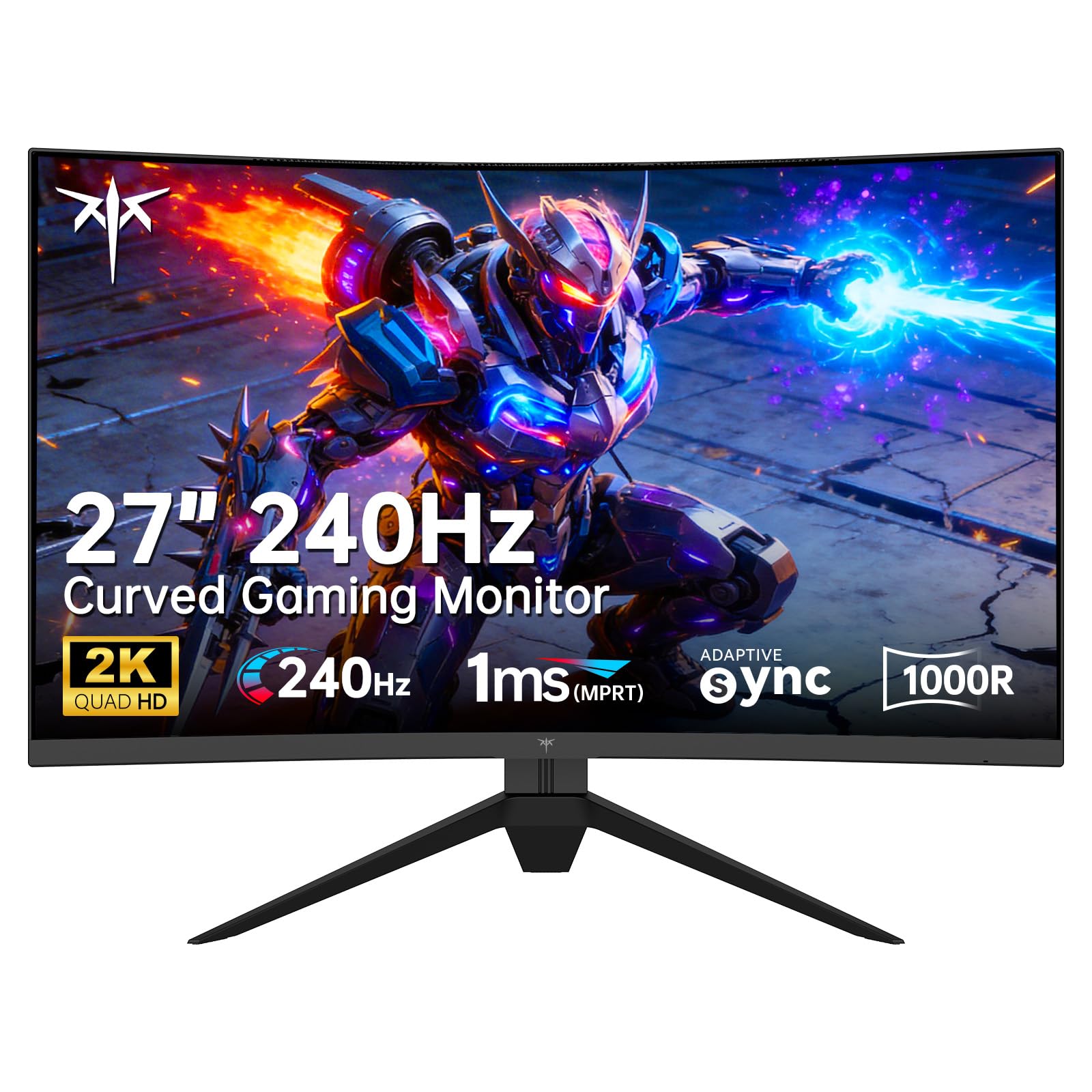
A tight 1000R curve at 240Hz makes this feel like a cockpit display for single-player adventures.
If you want the rich wrap of a 1000R curve without paying Samsung prices, this KTC monitor is the alternative. The 1000R curvature is noticeably tighter than the 1500R screens around it, which makes a real difference in how much the image fills your peripheral vision — racing games and atmospheric RPGs feel genuinely deeper. The QHD resolution keeps text and textures sharp, and the 240Hz refresh rate paired with 1ms response time delivers smooth, blur-free motion. It also has a 124% color gamut, so colors look rich and saturated without needing calibration. Shoppers say that the picture is stunningly sharp and vibrant, and that the 240Hz makes gaming and video editing feel incredibly smooth.
One honest issue: the VESA mount (standard 100x100mm hole pattern for wall-mounting) does not fit standard 100x100mm monitor arms without an adapter, which some buyers found frustrating. Also, the brightness sits at 300 nits (a measure of screen brightness), which is average — not as punchy as the Samsung Odyssey’s HDR 600. And unlike the KTC 180Hz model (product 6 below), this one has a 2500:1 contrast ratio, which is lower than the 5000:1 you get on the cheaper KTC. So while the curve is more rich, the contrast is less dramatic. Pick based on whether you prioritize the tight curve or the deeper blacks.
Why the curve matters
- 1000R curvature is the tightest available, creating true peripheral immersion
- QHD 240Hz at 1ms response for sharp, smooth gameplay
- 124% color gamut delivers vibrant, saturated colors
What to know
- VESA mount does not fit standard 100x100mm arms without an adapter
- 2500:1 contrast ratio is lower than the 5000:1 on the cheaper KTC 180Hz model
- HDR implementation is weak — stuck on auto/off for some users
Reach for this if: you play rich single-player games and want the tightest curve you can get at this price, and you don’t need VESA arm mounting right away.
skip it if: deep contrast matters more to you than the curve — the KTC 180Hz model below has double the contrast ratio for less money.
5. KTC 27 inch WQHD 180Hz 1ms Curved Gaming Monitor

The QHD monitor that brings a 5000:1 contrast ratio to the value conversation.
Where the 240Hz KTC above focuses on a tight curve, this 180Hz KTC focuses on contrast and value — and it nails both. The 5000:1 contrast ratio is a standout spec at this price, producing noticeably deeper blacks than the 2500:1 and 3000:1 panels in the list. In dark game scenes, shadows stay black rather than gray, giving images more depth and pop. The QHD resolution keeps everything crisp, and the 180Hz refresh rate is plenty smooth for most gamers — especially with the 1ms response time that eliminates ghosting. Buyers report that this monitor offers great price-to-performance, with rich, vibrant colors and deep blacks.
The SANSUI above beats it on raw refresh rate and dual-mode flexibility, but the KTC 180Hz holds its own where it counts: image depth. One reviewer noted that the short included DP cable makes it hard to reach some setups, and that you might need to manually set the monitor to 175Hz instead of the advertised 180Hz. But for the price, this is tough to top.
Contrast champion
- 5000:1 contrast ratio delivers the deepest blacks in its price bracket
- QHD 1440p resolution for sharp detail while staying affordable
- 180Hz with 1ms response keeps motion smooth and blur-free
Small compromises
- 180Hz is 56% lower refresh than the SANSUI’s 280Hz — noticeable in fast competitive shooters
- Included DP cable is short; some buyers recommend buying a longer one
- Some units max out at 175Hz instead of the advertised 180Hz
Pick this if: you want QHD resolution and the deepest blacks at the best price, and you are okay with a solid 180Hz instead of chasing the highest refresh numbers.
Consider the SANSUI instead if: you play competitive shooters and need the extra 100Hz headroom to stay smooth at high frame rates.
6. Pixio PXC278 Wave White 27 Inch 180Hz Curved Gaming Monitor
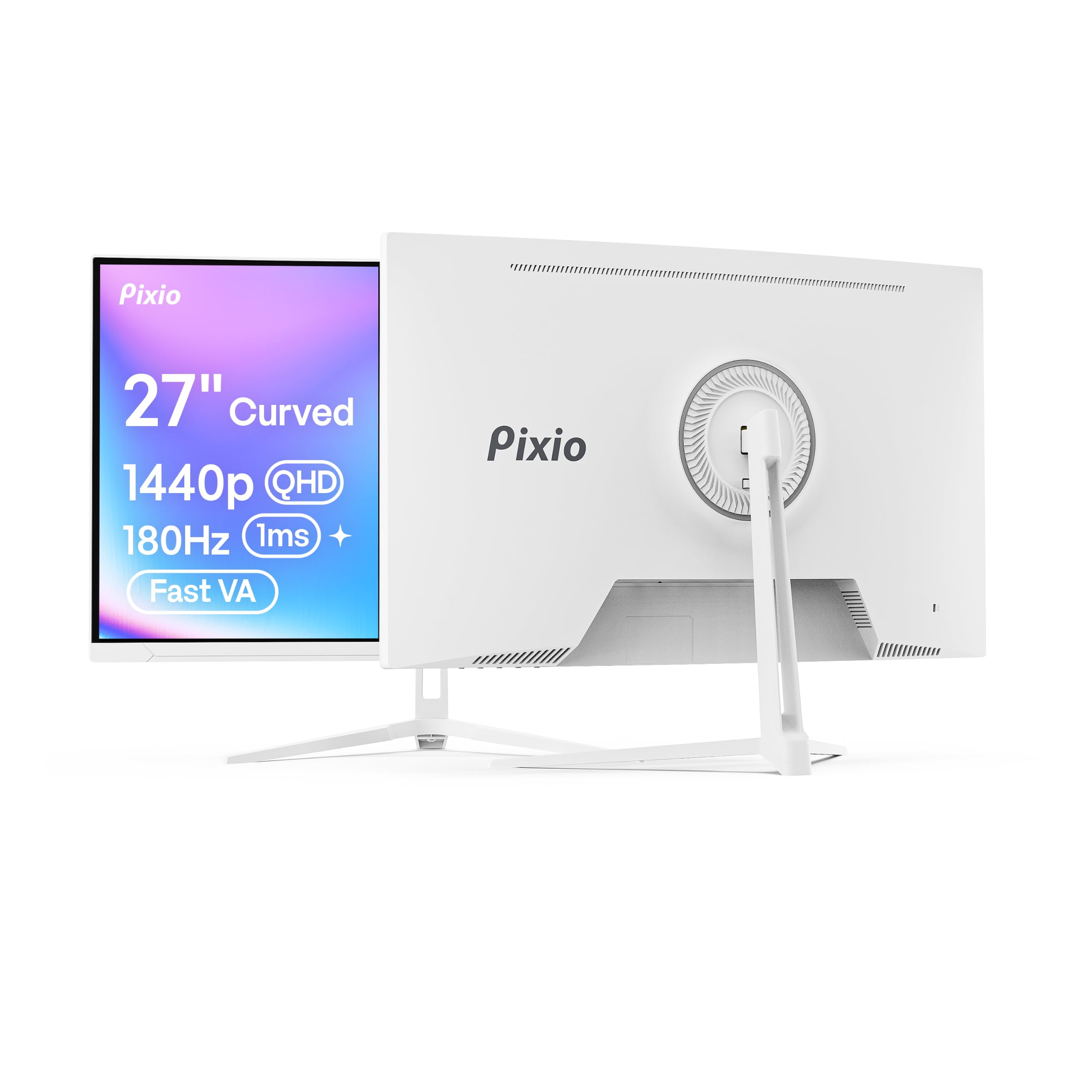
A clean white QHD monitor that looks as good on your desk as it performs in games.
If your setup has a white theme, this is the only monitor in the list that matches. The Pixio PXC278 Wave comes in a crisp white finish with matching cables, so it integrates into a light-colored desk aesthetic without sticking out as a black slab. But it is not just a looks pick — it runs a 1650R curve (slightly gentler than 1500R), QHD 2560 x 1440 resolution, and a 180Hz refresh rate with a 1ms GTG (gray-to-gray) response time. The 5000:1 contrast ratio matches the KTC 180Hz above, giving solid black depth for dark scenes. Buyers describe the display as gorgeous with vibrant colors and a smooth high refresh rate, perfect for casual and cozy gaming sessions.
The catch is the built-in speakers — reviewers consistently report that they sound grainy and thin, so you will want external speakers or a headset. There is also no Bluetooth (a wireless connection standard), which some buyers mistakenly assumed for connecting peripherals. And at a 1650R curve, the wrap is less aggressive than the 1500R or 1000R options, so immersion is gentler. If you want the tightest curve, look at the Samsung or the KTC 240Hz instead. But if you want a good-looking QHD monitor that performs solidly and doesn’t look like every other black gaming panel, this is a unique and capable choice.
Why it stands out
- Unique white finish with matching cables for a clean desk aesthetic
- QHD resolution with 5000:1 contrast for deep blacks and sharp detail
- 180Hz refresh rate with 1ms GTG response for smooth gameplay
Honest limitations
- Built-in speakers sound grainy and thin — you will want external audio
- 1650R curve is the gentlest in the list, less rich than 1500R or 1000R
- No Bluetooth connectivity, despite some buyer confusion
Ideal for: anyone building a white-themed gaming setup who still wants QHD resolution and solid 180Hz gaming performance without compromise.
Look elsewhere if: you want the most rich curve — the 1650R is the mildest here, so the Samsung or KTC 240Hz will feel more enveloping.
7. CRUA 27” Curved Gaming Monitor 260Hz/240Hz, QHD 1440P
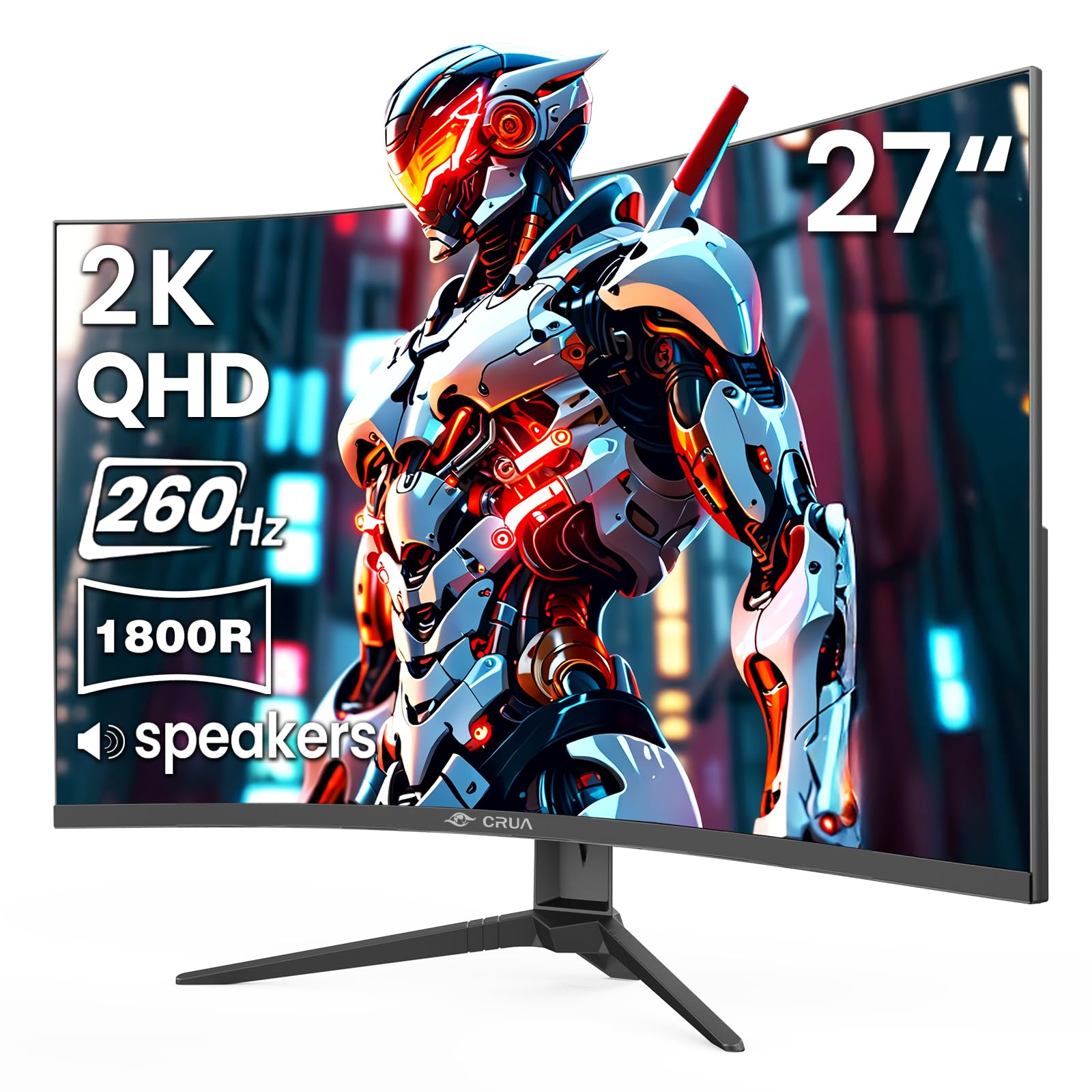
The budget QHD pick that sneaks in a 260Hz refresh rate and built-in speakers.
At this price point, most curved monitors either offer a high refresh rate at Full HD or a standard 144Hz at QHD. The CRUA gives you both: QHD 2560 x 1440 resolution with a 260Hz refresh rate, which is an unusually good combo for the money. The 1800R curvature is the gentlest in the list — a 20% looser curve than the AOC’s 1500R — which some people actually prefer for work-from-home setups because it reduces distortion on spreadsheets and text documents. The VA panel delivers a 3000:1 contrast ratio, which is solid if not class-leading. Owners mention that it is a good budget monitor for WFH (work from home), with no dead pixels and easy HDMI setup.
The biggest knock is the stand: it is not height-adjustable, and customers note it feels shaky on a desk, with some recommending a monitor arm instead. The included DP cable is also quite short at 1.5 meters. But if you are looking for a QHD curved monitor and you are willing to supply your own stand or mount, the CRUA offers specs that punch well above its price tag — especially the 260Hz refresh rate and the surprisingly loud built-in speakers.
Where it surprises
- QHD 1440p at 260Hz is an excellent spec-to-price ratio
- Built-in speakers are loud enough for casual use, per buyer reports
- 1800R curve is gentle enough for both gaming and office work
What needs work
- Stand is not height-adjustable and feels shaky — a monitor arm is a smart upgrade
- 1800R curve is the loosest here, so immersion is less intense than 1500R or 1000R panels
- Short 1.5m DP cable limits placement flexibility
Spend your money here if: you absolutely want QHD resolution and a high 260Hz refresh rate on a tight budget, and you have room for a monitor arm to replace the wobbly stand.
Pass on this if: you need height adjustment built into the stand — the Acer Nitro above has that in a Full HD panel for a similar price.
8. AOC C27G4ZH 27″ Curved Gaming Monitor

The entry-level speed demon that gives you 280Hz for less than you would expect.
If your priority is the smoothest motion at the lowest possible price, this AOC is the pick. It delivers a 280Hz refresh rate and a 0.3ms MPRT (Moving Picture Response Time, a blur-reduction measure) response time — that is a 3.3x faster response than the SANSUI’s 1ms spec, meaning motion blur is aggressively reduced during fast-paced gameplay. The 1500R curve is a balanced curve that adds immersion without being intrusive, and the VA panel with 3000:1 contrast gives you deeper blacks than an IPS panel (In-Plane Switching, known for accurate color but lower contrast) at this price. The stand is also fully adjustable with tilt, swivel, and height options, which is rare at this price level. Reviewers point out the 280Hz over DP provides ultra-smooth motion that improves target tracking.
The sacrifice is resolution. At 1920 x 1080 on a 27-inch screen, the pixel density is lower than any QHD monitor here, so text and fine details look less sharp. The contrast ratio also sits at 3000:1, well below the 5000:1 you get from the KTC 180Hz or Pixio. But if you play competitive shooters where every millisecond of motion clarity matters, and you are not worried about pixel-peeping, the AOC gives you the fastest response time in the list at the lowest entry price.
Speed first
- 0.3ms MPRT response time is the fastest in this comparison, 3.3x quicker than 1ms panels
- 280Hz refresh rate for buttery-smooth motion in competitive games
- Fully adjustable height, tilt, and swivel stand — rare at this price
Where it cuts corners
- Full HD at 27 inches limits sharpness — fine detail and text look less crisp
- 3000:1 contrast ratio is good but beaten by the 5000:1 panels in this list
- Some buyers noted one arrived broken, though replacement was handled smoothly
Buy this for: competitive shooters on a budget where motion clarity at 280Hz outranks everything else, and you want a proper adjustable stand.
Spend a bit more if: you want sharper QHD detail and deeper blacks — the KTC 180Hz is the next step up for a small increase.
Understanding the Specs
Response Time and Refresh Rate
Response time (measured in milliseconds, or ms) tells you how fast a single pixel can change from one color to another — a lower number means less ghosting behind fast-moving objects. Refresh rate (measured in Hertz, or Hz) tells you how many new frames the screen draws per second. The two work together: a high refresh rate with a slow response time looks blurry, and a fast response with a low refresh rate looks choppy. On a gaming monitor, you ideally want both numbers working in your favor — 280Hz at 1ms or 0.3ms is the balance for competitive play.
Contrast Ratio and Panel Type
The contrast ratio is the difference between the brightest white and the darkest black a screen can show. A 5000:1 ratio means the white is 5000 times brighter than the black — this makes dark scenes in games look deep and rich rather than washed out. Most curved gaming monitors use VA (Vertical Alignment) panels, which naturally produce higher contrast ratios than IPS panels. The 5000:1 ratings you see on the KTC and Pixio monitors will give noticeably better black levels than the 2500:1 or 3000:1 panels, especially in a dim room.
FAQ
What does 1500R mean on a curved monitor?
Is 240Hz better than 180Hz for a curved gaming monitor?
Will a 27 inch curved monitor work for office work?
What is FreeSync Premium and do I need it?
Does a curved monitor cause eye strain?
Can I use a 27 inch curved monitor with a PS5 or Xbox?
What is the difference between 1ms and 0.3ms response time?
How do I mount a 27 inch curved monitor on a wall?
Final Thoughts: The Verdict
Across the board, the best 27 inch curved monitor winner is the SANSUI 27 because it combines QHD resolution, a 280Hz refresh rate, and a rare dual-mode that switches to 400Hz — all while delivering excellent image quality. If you want the deepest immersion with true HDR performance, grab the Samsung Odyssey G65B. And for the best value that does not compromise on contrast, the KTC 27 inch 180Hz is tough to top.
How We Picked
We do not accept paid placement. Every pick is matched to a real buyer and a real use-case; we do not hands-on test units.
Sources & Methodology
Specifications: manufacturer listings and product documentation. Review insights: verified customer reviews, as of July 2026. Pricing: not shown on this page (it changes often); check the current price via the retailer link.
As an Amazon Associate, FitlyFast earns from qualifying purchases. This does not affect which products we feature.