
Our readers keep the lights on and the weekend projects moving. As an Amazon Associate, I earn from qualifying purchases.
Finding a quality 27-inch screen under $200 means navigating a dense field of panels where a single poor spec choice—like a slow 60Hz refresh rate or a weak contrast ratio—can ruin the experience for both work and light gaming. The sweet spot in this category demands a balance of panel technology, ergonomic flexibility, and a refresh rate that keeps scrolling and motion smooth without introducing ghosting.
I’m Rikta — the co-founder and writer behind FitlyFast. For this guide, I spent weeks analyzing the technical specifications of nine differently-priced 27-inch monitors, cross-referencing real user feedback on IPS color uniformity, adaptive sync performance, stand adjustability, and measurable brightness levels to separate the true performers from the rest.
After reviewing the data, I’ve selected only the models that deliver consistent image quality and practical features. This is the definitive guide to finding the best 27 inch monitor under $200 that works for your setup and your eyes.
How To Choose The Best 27 Inch Monitor Under $200
Buying a monitor in this budget range requires focusing on a few non-negotiable specs. The panel type, refresh rate, and stand ergonomics define your daily experience more than any single marketing claim. Here’s what to prioritize.
Panel Technology: IPS Is the Standard
For a 27-inch screen used for productivity, web browsing, or media consumption, an IPS (In-Plane Switching) panel provides the widest viewing angles and most consistent color reproduction. VA panels offer higher native contrast but suffer from color shifting when viewed off-angle—a problem at this screen size. Most of the recommended monitors here use IPS panels for a reason.
Refresh Rate: Beyond the Basics
A standard 60Hz panel feels sluggish after you experience 100Hz or 120Hz. Higher refresh rates make cursor movement, scrolling through documents, and watching video feel significantly smoother. In this price bracket, 100Hz is the new baseline, with several models reaching 120Hz or even 180Hz for gaming-oriented builds. Don’t settle for less.
Ergonomics and Connectivity
A monitor with only tilt adjustment limits how you set up your workspace. Prioritize models with height adjustment, swivel, and pivot for portrait mode. For connectivity, ensure the monitor has at least one HDMI and one DisplayPort. A built-in USB hub is a valuable convenience rarely found at this price but worth seeking out for reducing cable clutter.
Quick Comparison
On smaller screens, swipe sideways to see the full table.
| Model | Category | Best For | Key Spec | Amazon |
|---|---|---|---|---|
| LG 27GS50F-B | Gaming | High-speed competitive play | 180Hz / 1ms MBR | Amazon |
| Samsung 27″ S3 (S32GF) | All-Rounder | Productivity and casual gaming | 120Hz / IPS Panel | Amazon |
| ASUS VA27DQSB | Ergonomic | Full ergonomic adjustment | 75Hz / 4-Way Stand | Amazon |
| Dell SE2725HM | Office | Multi-monitor color matching | 100Hz / ComfortView Plus | Amazon |
| HP Series 3 327se | Eco-Friendly | Sustainable build with speakers | 100Hz / Eyesafe Certified | Amazon |
| Acer SH272 G0bih | Adjustable | Fully adjustable office use | 120Hz / Tilt/Swivel/Height | Amazon |
| Samsung 27” S40GD | Business | Borderless business setup | 100Hz / IPS Panel | Amazon |
| Amazon Basics 27″ | Basic | Simple dual-monitor setup | 100Hz / 4 USB Ports | Amazon |
| ASUS VA279QG | Value | Budget conscious with speakers | 120Hz / Built-In Speakers | Amazon |
In‑Depth Reviews
1. LG 27GS50F-B
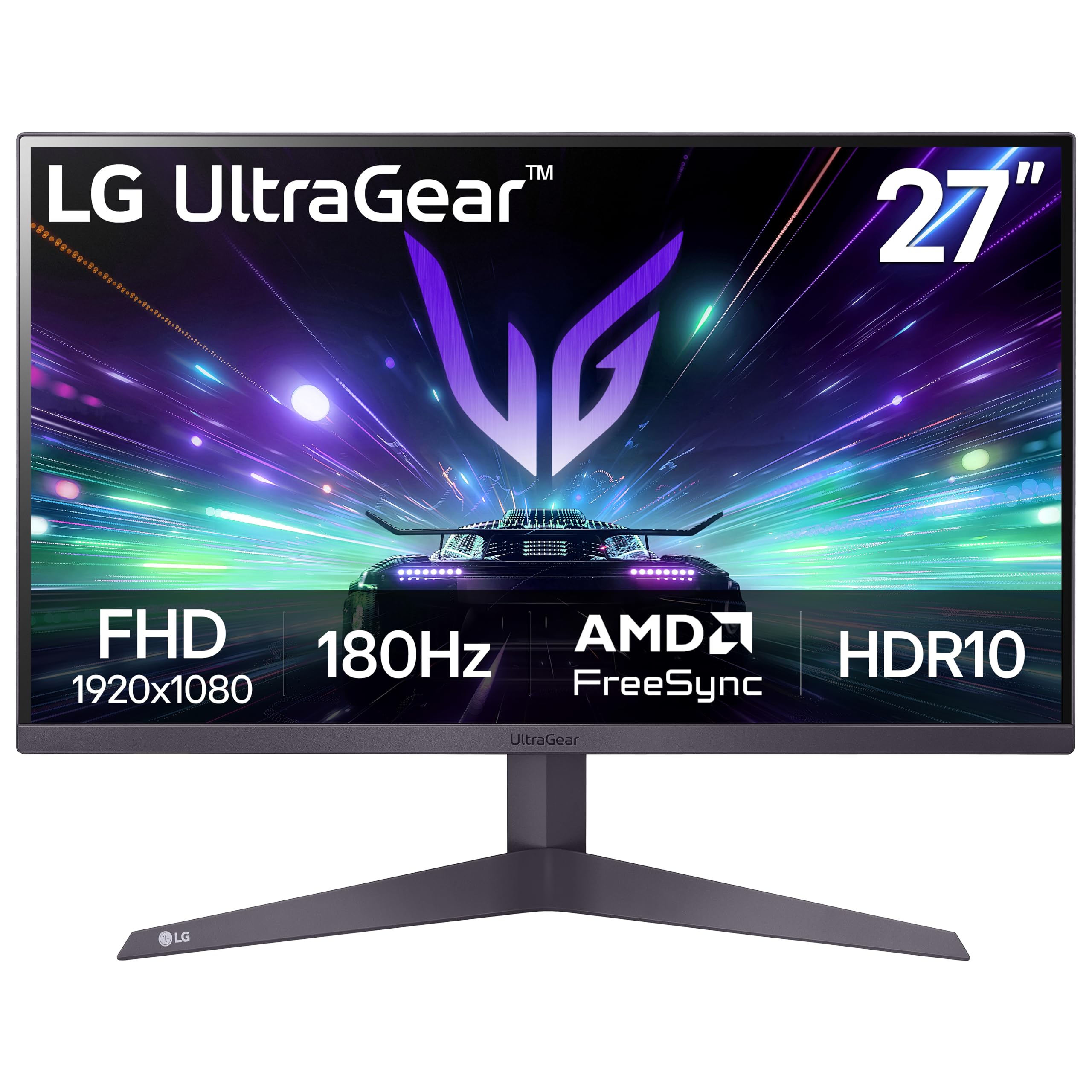
The LG 27GS50F-B pushes the boundaries of what a budget monitor can deliver with a 180Hz refresh rate that eliminates motion blur during fast-paced gaming. The 1ms MBR (Motion Blur Reduction) works with AMD FreeSync to keep frames tear-free, making it a legitimate option for competitive shooters and racing titles. The three-side virtually borderless design also enhances immersion without costing extra desk space.
Beyond gaming, the IPS panel offers solid 250-nit brightness and 72% color gamut coverage that handles productivity tasks and media consumption with good clarity. The HDR10 support adds a slight dynamic range lift, though peak brightness caps prevent it from reaching true HDR performance. The stand provides tilt adjustment, while the dual HDMI and single DisplayPort inputs give console and PC users flexible connectivity.
Customer feedback consistently praises the crisp image quality and smooth motion, with many noting it outperforms expectations for a sub-$200 gaming display. The 3000:1 contrast ratio delivers deeper blacks than many IPS competitors, giving it an edge in darker scenes. If you want the fastest refresh rate available in this price tier without sacrificing color accuracy, this LG is the clear pick.
Why it’s great
- 180Hz refresh rate offers class-leading smooth motion
- 1ms MBR reduces ghosting in fast action
- 3000:1 contrast ratio for deeper blacks
Good to know
- Stand only offers tilt adjustment
- Brightness caps out at 250 nits
2. Samsung 27″ S3 (S32GF)

The Samsung 27″ S3 (S32GF) brings a refined balance of performance and ergonomics to the table with its 120Hz IPS panel and Eye Saver mode that reduces blue light without washing out colors. It’s a strong fit for users who split their time between work spreadsheets and casual gaming, as the 120Hz refresh rate handles both scrolling and motion with equal fluidity. The ultra-thin bezels make it a clean addition to any multi-monitor array.
Color accuracy is consistent across wide viewing angles thanks to the IPS technology, and the 250 cd/m² brightness is adequate for indoor office or bedroom setups. The monitor supports a basic tilt stand, but the real draw is the modern aesthetic with a slim profile that doesn’t dominate the desk. Game Picture Mode and optimizable game settings give console gamers quick adjustments for different genres.
Users highlight the easy setup and clear display quality, often noting that it feels like a more expensive screen than the price suggests. The included HDMI cable is long enough for generous cable routing. For those wanting a stylish, everyday monitor that handles games well without breaking the bank, this Samsung is a top contender.
Why it’s great
- 120Hz refresh rate for smooth productivity and gaming
- Ultra-slim design with minimal bezels
- Eye Saver mode reduces strain
Good to know
- Stand only offers tilt adjustment
- No built-in USB ports
3. ASUS VA27DQSB

The ASUS VA27DQSB stands out for its complete ergonomic stand that offers tilt, swivel, pivot, and height adjustment—a rarity at this price point. This level of adjustability allows you to position the 27-inch IPS panel precisely for long work sessions without neck strain. The 75Hz refresh rate with Adaptive-Sync technology keeps motion smooth during everyday tasks, though it falls short of the higher refresh rates found on dedicated gaming monitors.
Connectivity is generous with HDMI, DisplayPort, D-sub, and a built-in USB hub, making it easy to connect peripherals directly to the monitor. The frameless design maximizes screen real estate, and the TÜV Rheinland-certified Flicker-free and Low Blue Light technologies reduce eye fatigue during extended use. The Color Augmentation feature helps differentiate colors for better visibility in specific work tasks.
Customer reviews consistently praise the sturdy build quality and the versability of the stand, noting that the monitor feels solid and professional. The included cables for HDMI, DisplayPort, and USB simplify setup. If ergonomic flexibility and a clean cable-managed desk are your priorities, this ASUS model delivers where most competitors only offer tilt.
Why it’s great
- Full ergonomic stand with height, pivot, swivel
- Built-in USB hub for peripheral connectivity
- Flicker-free and low blue light certified
Good to know
- 75Hz refresh rate is lower than some peers
- Built-in speakers are weak
4. Dell SE2725HM

The Dell SE2725HM targets productivity users with its 100Hz refresh rate and ComfortView Plus technology that reduces harmful blue light without sacrificing color accuracy. This always-on feature means you get eye protection from the moment you power on, which is a distinct advantage for all-day office work. The IPS panel delivers 16.7 million colors with 72% color gamut and a 1000:1 contrast ratio that keeps text sharp and images clear.
The build quality shows Dell’s enterprise design ethos, featuring a built-in power supply unit and a cable holder that keeps the desk tidy. The small footprint stand provides tilt adjustment and supports VESA mounting for arm setups. Connectivity is limited to HDMI and VGA, but this keeps the monitor simple for office deployments where legacy compatibility is needed. The anti-glare coating is effective in brightly lit rooms.
Users highlight excellent panel uniformity and color temperature consistency, making this an ideal choice for multi-monitor configurations where matching displays is critical. The 100Hz refresh rate provides a noticeable upgrade over standard 60Hz office monitors. If you need a reliable, easy-on-the-eyes screen for spreadsheets and documents, this Dell is a strong, no-nonsense option.
Why it’s great
- ComfortView Plus always-on low blue light
- Enterprise-grade panel uniformity
- Built-in power supply and cable management
Good to know
- Only HDMI and VGA connectivity
- Stand only offers tilt adjustment
5. HP Series 3 327se

The HP Series 3 327se integrates sustainability into its design with an enclosure made from at least 90% post-consumer recycled plastics, without compromising on performance. The 27-inch FHD IPS panel delivers a 1300:1 contrast ratio that produces deeper blacks and more pronounced highlights than the typical 1000:1 competitor. The 100Hz refresh rate provides smooth scrolling for both office work and media consumption.
HP Eye Ease with Eyesafe certification offers an always-on low blue light filter that maintains true color reproduction, a key feature for users sensitive to eye strain. The built-in dual 2W speakers deliver adequate audio for calls and casual listening, reducing the need for external speakers. Connectivity includes VGA, HDMI 1.4, and DisplayPort 1.2, ensuring broad compatibility with modern and legacy devices.
Users appreciate the robust stand with height adjustment and the overall image clarity, noting that the monitor is noticeably brighter than older models. The micro-edge bezel design makes it suitable for seamless dual-monitor setups. For environmentally conscious buyers who still want a capable, well-built monitor with integrated speakers, this HP is a rare find at this price.
Why it’s great
- 1300:1 contrast ratio for superior depth
- Eyesafe certified low blue light
- Built with recycled materials
Good to know
- Speakers need volume tuning up to 100%
- White color option may not suit all setups
6. Acer SH272 G0bih

The Acer SH272 G0bih brings a premium adjustable stand—including tilt, swivel, and height adjustment—to a 27-inch IPS monitor with a 120Hz refresh rate. This combination allows you to fine-tune your viewing angle for maximum comfort while enjoying smooth motion for both work and gaming. The 1ms VRB (Visual Response Boost) ensures fast-moving scenes remain crisp without smearing.
The zero-frame design provides a nearly edge-to-edge viewing experience, and the Adaptive-Sync Support (FreeSync compatible) matches the monitor’s refresh rate to your graphics card for tear-free gameplay. The Full HD resolution at 27 inches offers a pixel density of about 82 PPI, which is sharp enough for productivity tasks and immersive enough for gaming. Connectivity is handled through HDMI and VGA ports.
Users consistently rate the monitor highly for its sharp visuals and robust build, with many noting that the color quality rivals more expensive screens. The easy assembly and adjustable stand are frequently mentioned as key differentiators. If you need a monitor that can pivot to portrait mode for coding or reading and still deliver a fast 120Hz experience, the Acer SH272 is an excellent choice.
Why it’s great
- Full ergonomic stand with height, swivel, tilt
- 120Hz refresh rate with 1ms VRB
- Zero-frame design for edge-to-edge view
Good to know
- No DisplayPort connectivity
- Brightness is standard at 250 nits
7. Samsung 27” S40GD
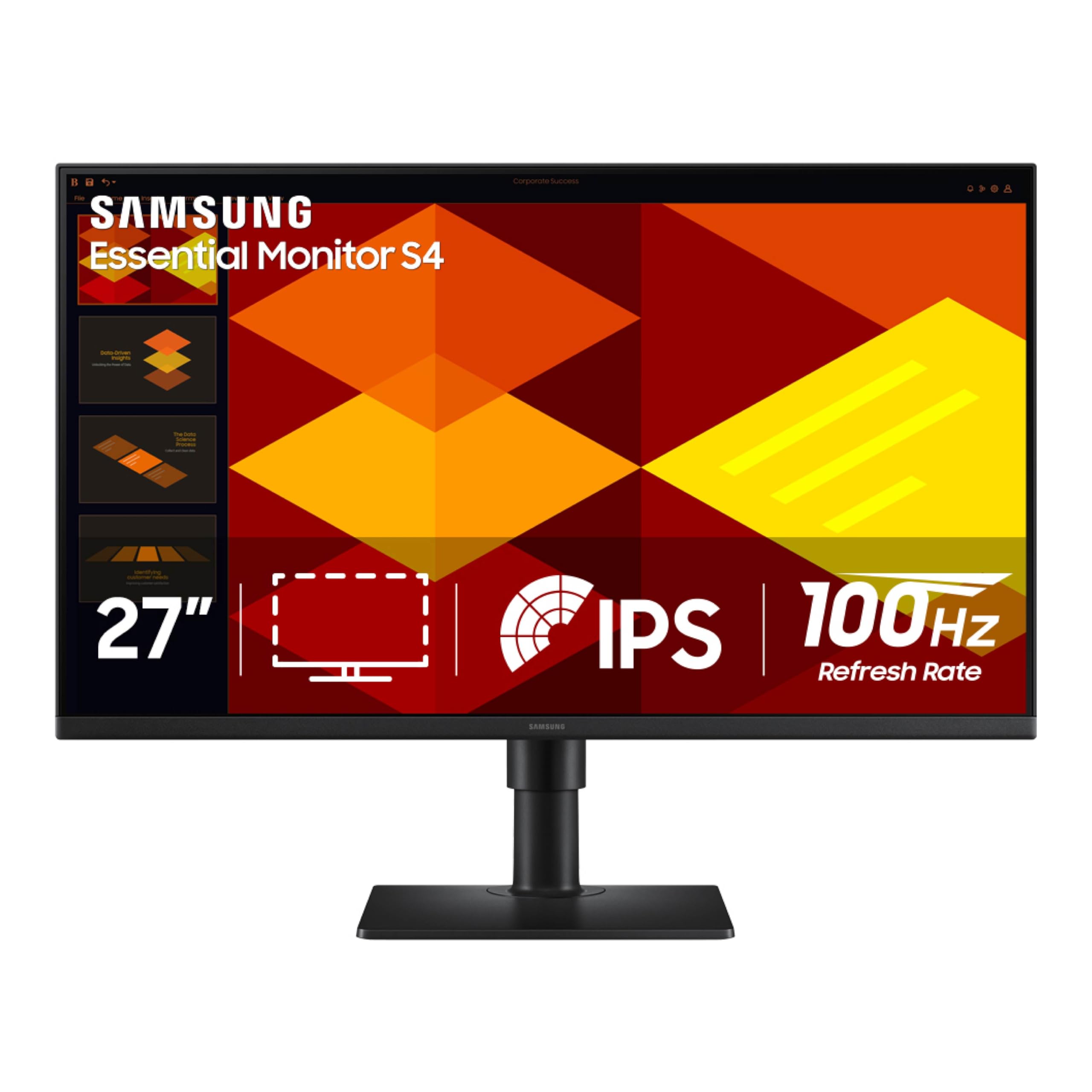
The Samsung 27” S40GD (borderless business monitor) combines a height-adjustable stand with a 100Hz IPS panel and a built-in USB hub, making it a versatile option for professional environments. The ability to pivot the screen into portrait mode is a standout feature for document editing or coding, while the ultra-thin bezels create a clean, modern look on any desk. The IPS panel ensures consistent colors across wide viewing angles, which is crucial for collaborative work.
The Eye Saver Mode and Flicker Free technology reduce eye strain during extended use, and the Game Picture Mode optimizes settings for different content types. Connectivity includes DisplayPort, dual HDMI ports, and a USB hub for peripherals, providing the flexibility needed for a multi-device setup. The 250 cd/m² brightness is standard for this class but sufficient for typical indoor lighting.
Users report excellent value for the price, praising the versatile stand and clear picture quality. Some note that the USB and headphone ports are awkwardly placed at the rear, which requires careful cable routing. If you need a monitor that can transition from spreadsheet work to vertical portrait mode without missing a beat, this Samsung is a well-rounded business tool.
Why it’s great
- Height-adjustable stand with pivot
- Built-in USB hub for peripherals
- Ultra-thin bezel design
Good to know
- USB ports are rear-facing
- Some units may have backlight bleed
8. Amazon Basics 27″

The Amazon Basics 27 Inch Monitor offers a straightforward, no-frills approach to the category, delivering a 100Hz IPS panel with a 1500:1 contrast ratio and built-in speakers. Its defining feature is the integrated 4-port USB hub, which lets you connect a keyboard, mouse, and other peripherals directly through the monitor. This is a rare convenience at this price point and significantly reduces desk cable clutter.
The monitor includes HDMI, DisplayPort, and VGA inputs, ensuring broad compatibility with modern and legacy devices. The matte screen coating helps reduce glare in bright environments, making it practical for home offices. The stand offers tilt adjustment only, but VESA compatibility allows for arm mounting if you need more flexibility. The built-in speakers provide basic audio for system sounds and video calls.
Users find it easy to set up and appreciate the solid build quality at a low cost. The USB hub is frequently praised for its functionality in dual-monitor setups. If you need a dependable, no-surprises monitor that adds USB connectivity without adding cost, the Amazon Basics model is a practical, entry-level choice.
Why it’s great
- 4-port USB hub for peripherals
- 1500:1 contrast ratio for good blacks
- Includes HDMI, DisplayPort, and VGA
Good to know
- Stand only offers tilt adjustment
- Remove protective film from panel before use
9. ASUS VA279QG
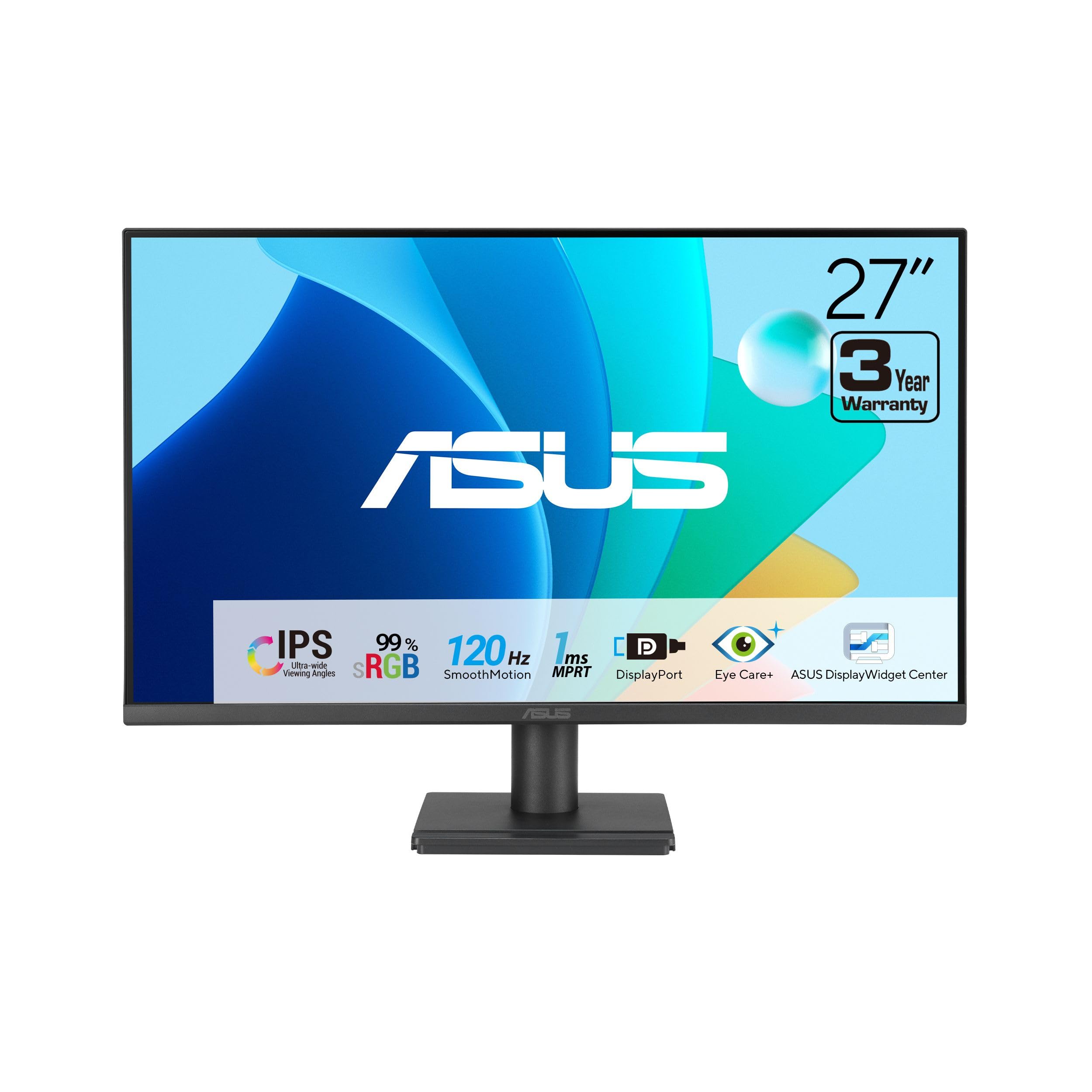
The ASUS VA279QG delivers a 120Hz refresh rate and 1ms MPRT response time at a very accessible price point, making it one of the best value picks for budget-conscious buyers who still want smooth motion. The 99% sRGB color coverage on the IPS panel provides vivid, lifelike colors for web browsing, streaming, and light creative work. This color accuracy is a standout feature at its price tier.
Eye Care technology includes TÜV-certified Flicker-Free and Low Blue Light filters, helping reduce strain during long sessions. The monitor includes built-in speakers, HDMI, DisplayPort, and VGA connectivity, along with VESA mount compatibility for space-saving setups. The phone slot on the base is a small but useful organizational touch for keeping a smartphone nearby.
Users note that the image quality is easy on the eyes for extended viewing, and the built-in speakers are adequate after increasing the volume level in the settings. The ability to connect legacy devices via VGA is a plus for mixed equipment environments. If your priority is a budget-friendly monitor that doesn’t sacrifice color or smoothness, the VA279QG offers strong returns on a modest investment.
Why it’s great
- 120Hz refresh rate with 1ms MPRT
- 99% sRGB color gamut coverage
- Eye Care certified for reduced strain
Good to know
- Built-in speakers need volume adjustment
- Stand offers tilt only
FAQ
Is a 100Hz refresh rate enough for casual gaming?
Can I use a 27-inch 1080p monitor for photo editing?
Does a higher contrast ratio always mean a better picture?
Final Thoughts: The Verdict
For most users, the 27 inch monitor under $200 winner is the LG 27GS50F-B because it delivers a blazing 180Hz refresh rate and 1ms MBR response time—performance typically reserved for more expensive gaming monitors—while maintaining solid IPS color quality for everyday use. If you need full ergonomic adjustability for a professional workspace, grab the ASUS VA27DQSB. And for a sustainable, well-rounded office monitor with integrated speakers, nothing beats the HP Series 3 327se.