
Our readers keep the lights on and the weekend projects moving. As an Amazon Associate, I earn from qualifying purchases.
Choosing a 32-inch gaming monitor means deciding between raw speed and visual fidelity—a 1080p high-refresh panel for competitive shooters and a 4K HDR screen for immersive single-player worlds. The right pick hinges on your GPU’s horsepower and whether you prioritize pixel response or color accuracy.
I’m Rikta — the co-founder and writer behind FitlyFast. I’ve spent countless hours analyzing panel technologies, refresh rate curves, and adaptive sync implementations to separate marketing claims from real-world gaming performance.
This guide cuts through the spec sheet noise to help you find the best 32 inch gaming monitor that matches your play style and hardware.
How To Choose The Best 32 Inch Gaming Monitor
A 32-inch panel is a big investment in your gaming setup. Focus on resolution, refresh rate, panel technology, and adaptive sync compatibility—each factor directly affects how your games look and feel.
Resolution: QHD vs 4K UHD
QHD (2560×1440) hits the sweet spot for high-refresh gaming, demanding less from your GPU while still looking sharp at 32 inches. 4K UHD (3840×2160) delivers pinpoint detail but requires a powerful card—think RTX 4070 or above—to push past 100 FPS in modern titles. Choose QHD for competitive edge, 4K for visual immersion.
Refresh Rate and Response Time
Refresh rates from 144Hz to 330Hz define motion smoothness. For fast-paced shooters, 240Hz or higher reduces perceived lag. Response time (1ms vs 0.03ms OLED) determines ghosting. OLED panels achieve near-instantaneous pixel transitions, while Fast IPS and VA panels trail slightly behind but still satisfy most gamers.
Panel Technology: IPS, VA, or OLED
Fast IPS panels offer wide viewing angles and accurate color, ideal for mixed productivity and gaming. VA panels deliver deeper blacks and higher contrast but can suffer from slower dark transitions. OLED (QD-OLED or WOLED) provides infinite contrast, perfect blacks, and the fastest response, though burn-in remains a long-term concern if used primarily for static desktop work.
Adaptive Sync and HDR
G-Sync Compatible and FreeSync Premium Pro eliminate screen tearing. HDR certification matters—DisplayHDR 400 is entry-level, while True Black 400 or higher on OLED panels reveals lifelike highlights and shadow detail. Ensure your GPU supports the monitor’s adaptive sync standard.
Quick Comparison
On smaller screens, swipe sideways to see the full table.
| Model | Category | Best For | Key Spec | Amazon |
|---|---|---|---|---|
| ASUS ROG Swift PG32UCDM | QD-OLED | High-end 4K gaming | 240Hz / 0.03ms / True Black 400 | Amazon |
| MSI MPG 321URX QD-OLED | QD-OLED | Competitive 4K 240Hz | 240Hz / 0.03ms / 99% DCI-P3 | Amazon |
| LG 32GX850A-B UltraGear | WOLED | Glossy OLED dual-mode | 165Hz/330Hz / 0.03ms / TrueBlack 400 | Amazon |
| ASUS ROG Strix XG32UCG | Fast IPS | Dual-mode versatility | 4K 160Hz / FHD 320Hz / 0.3ms | Amazon |
| Samsung Odyssey G50D | Fast IPS | Mid-range QHD gaming | 180Hz / 1ms / DisplayHDR 400 | Amazon |
| MSI MAG321CUP | VA Curved | Entry-level 4K 160Hz | 4K / 160Hz / 1ms / 1500R | Amazon |
| KTC H32C5 | VA Curved | Budget high-refresh FHD | 280Hz / 1080p / 1500R | Amazon |
| KOORUI 32-inch Curved | VA Curved | Budget QHD gaming | 170Hz / 1ms / 1500R | Amazon |
| CRUA 32-inch 4K 240Hz | VA Curved | White build 4K gaming | 4K / 240Hz / 120% sRGB | Amazon |
In‑Depth Reviews
1. ASUS ROG Swift PG32UCDM

The ASUS ROG Swift PG32UCDM is a 32-inch 4K QD-OLED monitor that delivers a 240Hz refresh rate and 0.03ms GTG response time, a combination that pushes motion clarity beyond what IPS or VA panels can achieve. Its custom heatsink and graphene film actively manage heat to reduce burn-in risk, a welcome engineering detail for heavy users.
Color coverage hits 99% DCI-P3 with true 10-bit depth, and VESA DisplayHDR True Black 400 ensures that dark scenes retain shadow detail without blooming. The glossy QD-OLED surface enhances perceived contrast and vibrancy, though it can reflect ambient light in bright rooms—plan your setup accordingly.
NVIDIA G-Sync Compatible and FreeSync Premium Pro support eliminate tearing across variable frame rates. The included 90W USB-C port powers a laptop while carrying a video signal, and the 3-year warranty with burn-in coverage provides peace of mind for a premium investment.
Why it’s great
- Infinite contrast ratio with perfect blacks
- 240Hz at 4K with near-instant 0.03ms response
- Robust heatsink and graphene film for burn-in protection
Good to know
- Glossy screen reflects light in bright rooms
- Premium pricing above other 32-inch 4K monitors
- Text fringing may be visible at close distance
2. MSI MPG 321URX QD-OLED

The MSI MPG 321URX pairs a 31.5-inch QD-OLED panel with a native 240Hz refresh rate and 0.03ms GTG response, placing it on equal footing with the best OLED gaming monitors on the market. Color accuracy is factory-calibrated to Delta E ≤2, and its 99% DCI-P3 gamut reproduces HDR content with stunning vibrancy.
VESA DisplayHDR True Black 400 certification ensures deep, uniform blacks, while OLED Care 2.0 includes pixel shift and panel refresh to mitigate burn-in over time. The KVM switch with PiP/PbP is a practical addition for users who toggle between a gaming PC and a work laptop on the same screen.
Connectivity covers HDMI 2.1, DisplayPort 1.4a, and a 90W USB-C port. Some users note a slight purple tint on reflections due to the QD-OLED layer, but in dim to moderate ambient lighting, the image quality is reference-grade for both gaming and productivity.
Why it’s great
- Factory-calibrated Delta E ≤2 color accuracy
- KVM switch with PiP/PbP for multi-device setups
- 240Hz 4K with zero ghosting
Good to know
- Purple tint visible on reflections in bright light
- Stand is somewhat bulky on the desk
- Mac dual-monitor setup requires DSC adjustment
3. LG 32GX850A-B UltraGear

The LG 32GX850A-B uses a 32-inch WOLED panel with Micro Lens Array+ technology, achieving a typical brightness of 275 nits and a 1.5M:1 contrast ratio. Its glossy finish delivers punchy, natural-looking blacks without the purple tint associated with some QD-OLED panels, making it a strong choice for dark-room gaming.
Dual-mode lets you switch between 4K UHD at 165Hz and Full HD at 330Hz, a feature that benefits players who want crisp visuals for story-driven titles and extreme smoothness for competitive shooters without swapping monitors. The 0.03ms GTG response ensures that motion blur is virtually nonexistent.
Three UL certifications for anti-glare, flicker-free, and low blue light reduce eye fatigue during long sessions. The fully adjustable stand offers tilt, height, swivel, and pivot, and connectivity includes HDMI, DisplayPort, and USB ports. Some users report minor text clarity issues inherent to WOLED’s subpixel layout.
Why it’s great
- Glossy WOLED with natural black levels and no purple tint
- Dual-mode 165Hz 4K / 330Hz FHD
- Fully ergonomic stand with pivot support
Good to know
- Text clarity may appear slightly softer than QD-OLED
- Peak brightness is modest for HDR highlights
- Premium price point
4. ASUS ROG Strix XG32UCG

The ASUS ROG Strix XG32UCG distinguishes itself with a Fast IPS panel that supports dual-mode operation: 4K at 160Hz or Full HD at 320Hz. That makes it one of the few non-OLED monitors to offer a meaningful refresh rate toggle for different game genres, all while maintaining 0.3ms response time—extremely fast for an IPS panel.
Color accuracy reaches 95% DCI-P3 with 130% sRGB coverage, and ASUS’s advanced gray-scale tracking ensures smooth gradation. The Extreme Low Motion Blur Sync (ELMB SYNC) works in tandem with variable refresh rate to eliminate ghosting and tearing even in high-speed panning shots.
USB-C with DP Alt mode simplifies single-cable connection to laptops, and the tripod socket is a thoughtful addition for streamers who mount a camera above the display. The stand offers full ergonomic adjustments, and the 3-year warranty backs the investment.
Why it’s great
- Dual-mode 4K 160Hz / FHD 320Hz
- 0.3ms response—class-leading for Fast IPS
- ELMB SYNC eliminates ghosting with VRR active
Good to know
- HDR peak brightness is moderate at 450 nits typical
- No built-in speakers
- Requires DisplayPort for 320Hz mode
5. Samsung Odyssey G50D

The Samsung Odyssey G50D combines QHD resolution with a 180Hz Fast IPS panel and 1ms GTG response, offering a balanced spec sheet for gamers who want high frame rates without jumping to 4K. The 178-degree viewing angles ensure consistent color when sharing the screen or sitting off-center.
VESA DisplayHDR 400 delivers modest HDR improvement—enough to make highlights pop in supported games, though not enough to rival OLED-level contrast. AMD FreeSync and G-Sync Compatibility work together to keep motion smooth and tear-free, even when frame rates fluctuate.
The fully adjustable stand supports tilt, swivel, and height changes, and Eye Saver Mode reduces blue light for extended sessions. Build quality feels solid, and the on-screen menu is straightforward. A minor caveat: the default color calibration may need manual tuning to tame oversaturated whites.
Why it’s great
- QHD 180Hz at a competitive price
- Full ergonomic stand with swivel and height adjustment
- G-Sync and FreeSync dual compatibility
Good to know
- Default color calibration requires manual correction
- HDR400 is entry-level with limited dynamic range
- 1ms GTG is fast but slightly behind OLED
6. MSI MAG321CUP

The MSI MAG321CUP pushes a 32-inch 4K VA panel to 160Hz with a 1500R curvature, making it one of the more affordable entry points into high-refresh 4K gaming. The VA architecture delivers a 3000:1 contrast ratio, producing deeper blacks than comparable IPS monitors at this price tier.
Adaptive sync supports FreeSync, and the frameless design keeps the focus on the action. However, the stand offers only tilt adjustment—no height or swivel—so buyers planning an ergonomic desk setup should factor in a VESA arm. Console users should note that the panel supports 120Hz at QHD resolution for PS5 and Xbox Series X.
Reviews indicate that achieving the full 160Hz requires enabling overclocking via the DisplayPort, and color out of the box may appear warm. Adjusting the response time to “fastest” helps reduce motion blur, but VA’s inherent dark-level smearing is noticeable in fast-paced scenes.
Why it’s great
- 4K resolution at 160Hz with 1500R curve
- VA panel delivers deeper blacks than IPS options
- Frameless bezel for multi-monitor setups
Good to know
- Tilt-only stand; lacks height and swivel
- Requires DP overclocking for full 160Hz
- VA dark-level smearing in fast scenes
7. KTC H32C5
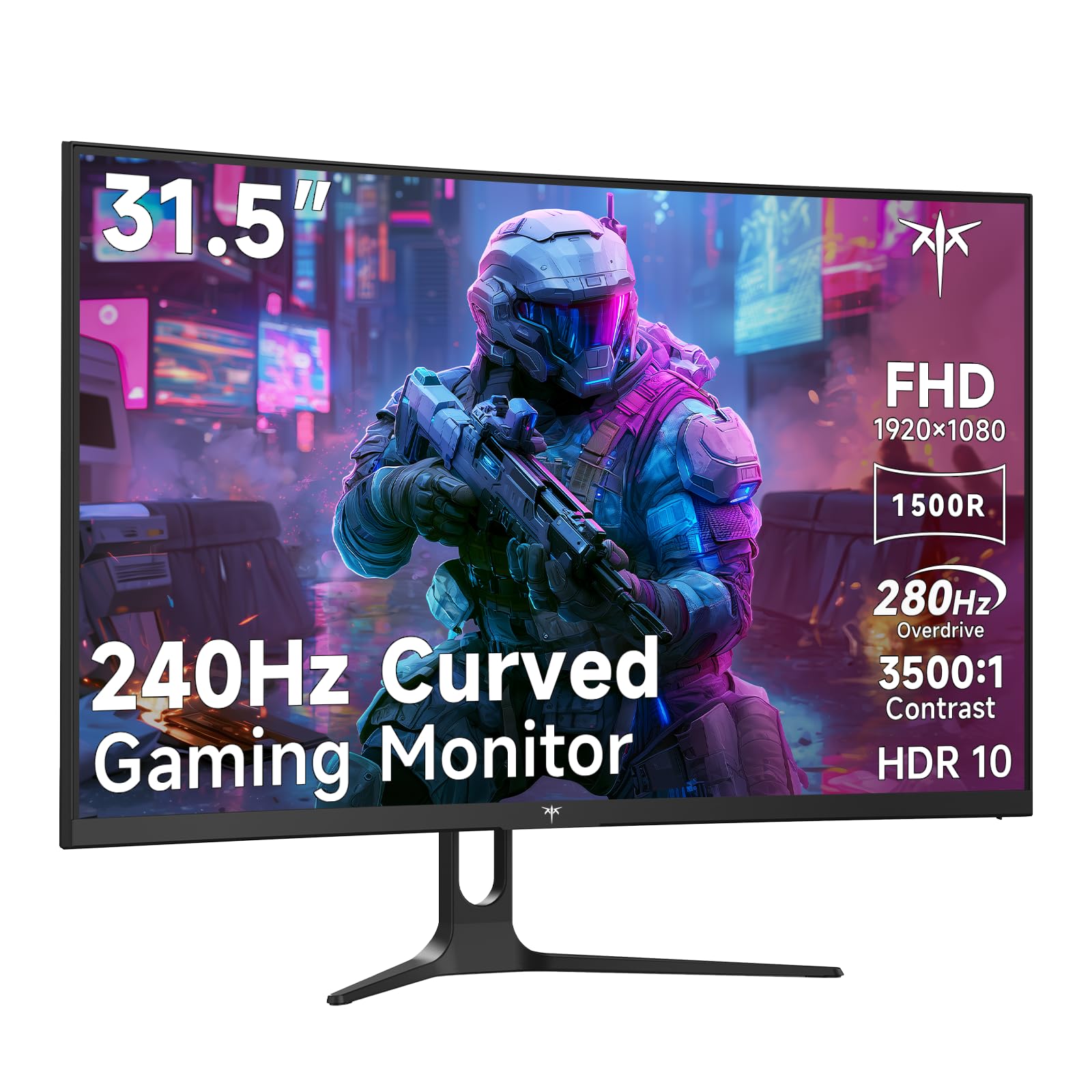
The KTC H32C5 targets competitive gamers who prioritize refresh rate over resolution. Its 1080p VA panel hits 280Hz with a 1500R curve, providing the high frame rate necessary for fast-twitch shooters without requiring a top-tier GPU. The 3500:1 contrast ratio adds depth to dark game environments.
Adaptive-Sync keeps tearing in check, and the 128% sRGB gamut delivers punchy colors for the price. Connectivity includes dual HDMI 2.0 and DisplayPort 1.4, the latter enabling the full 280Hz refresh rate. Tilt adjustment and 100x100mm VESA mounting offer basic ergonomic flexibility.
Customers note that the on-screen display can be confusing to navigate, and the monitor lacks built-in speakers. For pure FPS performance on a budget, the KTC H32C5 delivers a high frame rate experience that many premium monitors cost significantly more to achieve.
Why it’s great
- 280Hz refresh rate ideal for esports titles
- 1500R curve enhances immersion at 32 inches
- Low price for such a high refresh rate
Good to know
- 1080p resolution can appear soft at 32 inches
- OSD menu is clunky to navigate
- No built-in speakers
8. KOORUI 32-inch Curved
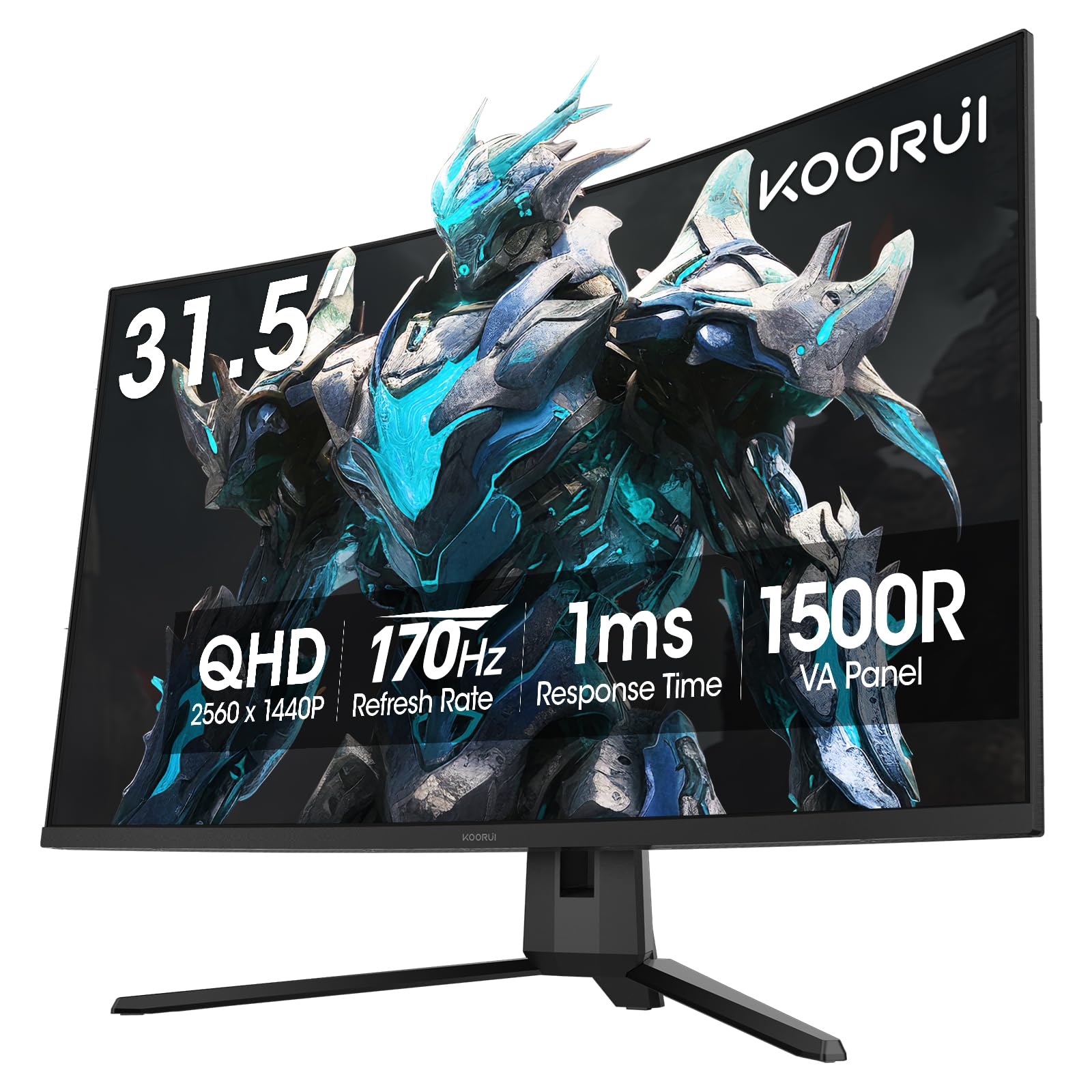
The KOORUI 32-inch Curved monitor brings QHD resolution and a 170Hz refresh rate together at a price that undercuts most competitors. Its 1500R VA panel covers 90% DCI-P3 with HDR10 support, producing vibrant colors and a 3000:1 contrast ratio that makes dark scenes look detailed rather than washed out.
Adaptive Sync (FreeSync and G-Sync Compatible) keeps gameplay smooth, and the 1ms response time is adequate for the refresh rate. The ergonomic stand offers tilt adjustment from -5° to 20°, and VESA compatibility allows for wall mounting. Dual HDMI 2.0 and DisplayPort 1.2 provide flexible connectivity.
Build quality is decent for the price point, though the bezels are slightly thicker than modern frameless designs. Some users report that the on-screen menu button feels fiddly. Overall, the KOORUI is a well-rounded budget option for gamers who want sharp QHD visuals without spending on a premium brand.
Why it’s great
- QHD 170Hz at a very accessible price
- 90% DCI-P3 coverage for vibrant colors
- VESA compatible and includes tilt-adjustable stand
Good to know
- Thicker bezels than modern frameless designs
- Menu joystick is small and awkward
- No built-in speakers
9. CRUA 32-inch 4K 240Hz

The CRUA 32-inch 4K 240Hz monitor is an unusual entry that combines a 4K VA panel with a 240Hz refresh rate, 1500R curvature, and a white chassis—a rare aesthetic for high-spec monitors. Its 120% sRGB coverage and 3000:1 contrast ratio deliver rich, immersive visuals suitable for both gaming and content consumption.
AMD FreeSync reduces screen tearing, and HDMI 2.1 and DP 1.4 ports allow for high-bandwidth connections. Built-in speakers and RGB backlighting add convenience and flair, though the speakers lack bass and volume. The stand only offers tilt adjustment, so users seeking full ergonomic control will need a VESA mount (75x75mm).
Customer feedback highlights that the on-screen settings can be confusing without a remote, and the advertised 240Hz at 4K demands a powerful GPU—an RTX 4080 or higher—to utilize fully. For those building a white-themed gaming setup, this monitor provides a unique visual and performance combination.
Why it’s great
- 4K 240Hz in a white finish for themed builds
- Built-in speakers and RGB backlighting
- PIP/PBP support for multitasking
Good to know
- Stand offers tilt only; lacks height and swivel
- Built-in speakers are weak and tinny
- Required GPU power for 4K 240Hz is substantial
FAQ
Is QD-OLED better than WOLED for gaming?
Can my GPU run a 4K 240Hz monitor?
What is the difference between 1ms and 0.03ms response time?
Final Thoughts: The Verdict
For most users, the best 32 inch gaming monitor winner is the ASUS ROG Swift PG32UCDM because it combines QD-OLED’s infinite contrast with a 240Hz refresh rate, robust burn-in protection, and a 3-year warranty that covers OLED degradation. If you want a more affordable OLED with dual-mode versatility, grab the LG 32GX850A-B. And for a mid-range QHD workhorse that doesn’t break the bank, nothing beats the Samsung Odyssey G50D.