
Our readers keep the lights on and the weekend projects moving. As an Amazon Associate, I earn from qualifying purchases.
Specs are compiled from manufacturer listings and verified buyer reviews and can change over time — please confirm the key details on the product page before buying.
Switching from a standard 27-inch screen to a 34-inch ultrawide gaming monitor gives you more peripheral view, so you see enemies sneaking from the side in shooters and feel the full road in racing games without turning your head. But with refresh rates (how many times the screen updates per second) ranging from 160Hz to 240Hz and panel types from VA (good contrast, lower cost) to OLED (perfect blacks, fast response), picking the right one for your setup and budget means knowing what each spec actually does during real gameplay.
I’m Rikta — the founder and writer behind FitlyFast. This guide is built by comparing the manufacturers’ published specifications and the patterns across verified customer reviews, so you get each pick’s real strengths and trade-offs instead of marketing spin.
Whether you prioritize raw speed for competitive shooters or deep contrast for cinematic single-player titles, finding the right 34 inch gaming monitor means matching the panel tech, refresh rate, and curve to the games you actually play.
Quick Picks
- LG 34GS95QE 34-inch Ultragear OLED — Best OLED for Speed
- Acer Predator X34 — Best OLED Value
- Alienware AW3423DWF Curved QD-OLED — Best QD-OLED Immersion
- AOC Agon PRO AG346UCD — Best QD-OLED Value
- AOC CU34G4Z — Budget 240Hz Champion
- LG 34G600A-B Ultragear — Best Productivity Blend
- ASUS TUF Gaming VG34VQL3A — Best Value VA
- ViewSonic VX3418-2K — No-Curve Simplicity
- KTC H34S5 — Best Ergonomics Value
- KOORUI 34E6UC — Budget Ultrawide
How To Choose The Best 34 Inch Gaming Monitor
Every 34-inch ultrawide gaming monitor covers more of your peripheral vision than a standard 16:9 screen, but the differences in panel technology, refresh rate, and curve shape decide whether that wider view delivers smooth motion or muddy trails. Here is what to check first.
Panel Type: VA vs OLED vs QD-OLED
The panel determines contrast, motion clarity, and color. VA panels deliver strong black levels (typically a 4000:1 contrast ratio) for the price, but you may notice some dark-level smearing in fast motion. OLED and QD-OLED panels produce true blacks with a near-infinite contrast ratio and near-instantaneous response times (0.03ms), but they cost more and require care to avoid burn-in over many years of static desktop use.
Refresh Rate and Response Time
Refresh rate (measured in Hz) tells you how many times the image refreshes per second — higher numbers mean smoother motion. A 165Hz screen already feels fluid for most games, while 240Hz gives a visible edge in fast-paced shooters. Response time (measured in ms, or milliseconds) describes how fast a pixel changes color — lower numbers (1ms or below) reduce ghosting, the blurry trail behind moving objects.
Curve Radius
A curved monitor wraps the display edges toward you so the distance from your eyes to every part of the screen stays roughly equal. A tighter curve like 800R feels more enveloping in racing and flight sims, while a gentler curve like 1500R feels natural for mixed gaming and productivity work.
Quick Comparison
| Model | Best For | Refresh Rate | Panel Type | Response | Amazon |
|---|---|---|---|---|---|
| LG 34GS95QE | OLED Performance | 240Hz | OLED | 0.03ms | Amazon |
| Acer Predator X34 | OLED Versatility | 240Hz | OLED | 0.01ms | Amazon |
| Alienware AW3423DWF | QD-OLED Immersion | 165Hz | QD-OLED | 0.1ms | Amazon |
| AOC Agon PRO AG346UCD | QD-OLED Value | 175Hz | QD-OLED | 0.03ms | Amazon |
| AOC CU34G4Z | High Refresh Value | 240Hz | VA | 0.3ms | Amazon |
| LG 34G600A-B | Productivity & Gaming | 160Hz | VA | 1ms MBR | Amazon |
| ASUS TUF VG34VQL3A | Balanced Specs | 180Hz | VA | 1ms | Amazon |
| ViewSonic VX3418-2K | Flat Ultrawide | 165Hz | LED | 1ms | Amazon |
| KTC H34S5 | Adjustable Ergonomics | 180Hz | VA | 1ms | Amazon |
| KOORUI 34E6UC | Entry Price | 180Hz | VA | 1ms | Amazon |
In‑Depth Reviews
1. LG 34GS95QE 34-inch Ultragear OLED

The OLED that makes every other screen look like yesterday’s tech.
True blacks change everything in a dark game scene — and this LG delivers them with a 1.5M:1 contrast ratio and a 240Hz refresh rate that keeps motion impossibly smooth. The 800R curve wraps around your peripheral vision aggressively, so in a racing sim or a first-person shooter, the edges of the screen feel like they are in your field of view. Buyers report that “the first time my desktop loaded, I thought the monitor was off” — that is how deep the blacks go.
Text clarity on light backgrounds is softer than a VA panel (a trait of OLED), and the menu button on the back caused one reviewer to mention hand cramps. But for gaming motion at 240Hz, this is the smoothest panel in this list. It runs at 240Hz, while the Alienware AW3423DWF below runs at 165Hz, though the Alienware offers better out-of-box color in Creator Mode.
Owners mention that burn-in prevention settings must be enabled manually, and the aggressive 800R curve improves FPS peripheral vision but reduces immersion for slower games.
Why It Dominates
- 240Hz refresh rate with OLED motion clarity — sharper motion than any VA or IPS panel
- True blacks with 1.5M:1 contrast ratio for stunning HDR scenes
- 0.03ms response time eliminates ghosting entirely
Where It Demands Compromise
- Soft text on light backgrounds due to OLED subpixel layout
- 800R curve is very aggressive — not ideal for desktop productivity
- Burn-in prevention requires manual settings
Grab it for: competitive gamers who want the fastest motion and deepest blacks an OLED can deliver at 240Hz.
Look elsewhere if: you need sharp text for spreadsheet work or prefer a gentler curve for mixed use.
2. Acer Predator X34

OLED speed with a KVM switch and USB-C charging that doubles as a workstation hub.
The Acer Predator X34 matches the LG 34GS95QE on refresh rate (240Hz) and panel type (OLED), but adds a USB-C port that delivers 90W of power to charge your laptop and a built-in KVM switch (a feature that lets you control two computers with one keyboard and mouse). That means you can switch between your PC and console without swapping cables. Its 0.01ms response time (how fast a pixel changes color) is the fastest on paper in this list, though in real play you will not feel the difference from the LG’s 0.03ms. The 800R curve (how much the screen wraps around you) matches the LG for immersion.
Where the Acer pulls ahead is versatility. Customers note the matte finish reduces reflections better than glossy QD-OLED panels, and the 2x HDMI 2.1 ports let you run a PS5 or Xbox Series X at full bandwidth. The downside: reviewers point out that a burn-in prevention pop-up appears hourly in some units, causing a 5-minute black screen if you accept it, and sleep mode can fail to wake, requiring a PC restart.
What Makes It Versatile
- USB-C 90W PD charges your laptop and sends video through one cable
- KVM switch lets you control two devices with one keyboard and mouse
- HDMI 2.1 support for PS5 and Xbox Series X at 240Hz
Annoyances to Know
- Burn-in prevention pop-up can interrupt gameplay hourly
- Sleep mode sometimes fails to wake the display
- No dedicated KVM button — switching requires menu dive
Best suited to: a multi-device gamer who wants OLED motion and the convenience of a single-cable laptop dock.
Pass if: you cannot tolerate firmware quirks during gameplay or need a simpler wake-from-sleep experience.
3. Alienware AW3423DWF Curved QD-OLED

QD-OLED color that made one reviewer say they cannot use anything else.
The Alienware uses a different OLED approach — Quantum Dot OLED, which takes blue light and converts it through a quantum dot layer to produce red and green. The result is a 99.3% DCI-P3 color gamut that looks more vibrant than the standard OLED panels in the LG and Acer above. With VESA DisplayHDR 400 and a 1M:1 contrast ratio, highlights pop while shadows stay genuinely black. The 1800R curve is gentler than the 800R panels, making this a better fit for mixed productivity and gaming.
A unique advantage here is the 3-year premium warranty that covers OLED burn-in (permanent image ghosting), so you are protected if the QD-OLED panel (a type of OLED that uses quantum dots for wider color) develops marks from static elements. Reviewers praise the colors, contrast, and smooth 165Hz motion, but note that the panel runs a 4-minute pixel maintenance cycle every 4 hours, which can interrupt work if you leave the monitor idle. One reviewer noted using it for software development and loving the deep blacks, though text on light backgrounds is less sharp than an IPS panel (a panel type known for crisp text and wide viewing angles).
Why It Stands Out
- 99.3% DCI-P3 color gamut — richer and more vibrant than standard OLED
- 3-year burn-in warranty protects a premium purchase
- Gentler 1800R curve works well for both gaming and desktop work
Reality Check
- 165Hz refresh rate is slower than 240Hz OLED competitors
- Pixel maintenance cycle disrupts workflow every 4 hours
- Text clarity on light backgrounds is softer than VA or IPS
Choose this for: gamers who prioritize color vibrancy and want burn-in protection for long-term confidence.
skip it if: you need the highest possible refresh rate (240Hz) for competitive shooters.
4. AOC Agon PRO AG346UCD

QD-OLED with a lower entry price than the Alienware and a 175Hz refresh rate versus the Alienware’s 165Hz.
The AOC Agon PRO packs a QD-OLED panel with a 175Hz refresh rate and 0.03ms response time, landing between the Alienware (165Hz) and the 240Hz OLED options above. The HDR400 True Black certification means you get inky blacks with 400 nits of peak brightness — enough for HDR content to look punchy without the aggressive ABL (automatic brightness limiter) of some older OLEDs. Reviewers call the picture “stunning” and say the glossy coating makes colors look even more saturated than matte OLED panels.
One buyer warned that the screen protector is very hard to remove and left sticky residue between the screen and bezel. The V-stand takes up more desk depth than the Alienware’s base, and some users report a logo detection bug. But for the price, this offers a lower entry point than the Alienware, with a 175Hz refresh rate versus the Alienware’s 165Hz.
Strong Points
- QD-OLED panel with 175Hz and a lower price than the Alienware, which runs at 165Hz
- HDR400 True Black delivers deep blacks with good peak brightness
- Glossy coating makes colors pop more than matte OLED panels
Trade-offs
- Screen protector removal can leave sticky residue
- V-stand is wide and may conflict with mouse space
- Firmware has minor bugs like a logo detection issue
Reach for it if: you want QD-OLED color and 175Hz speed without paying Alienware’s premium.
Think twice if: you need a 3-year burn-in warranty (check AOC’s policy in your region).
5. AOC CU34G4Z
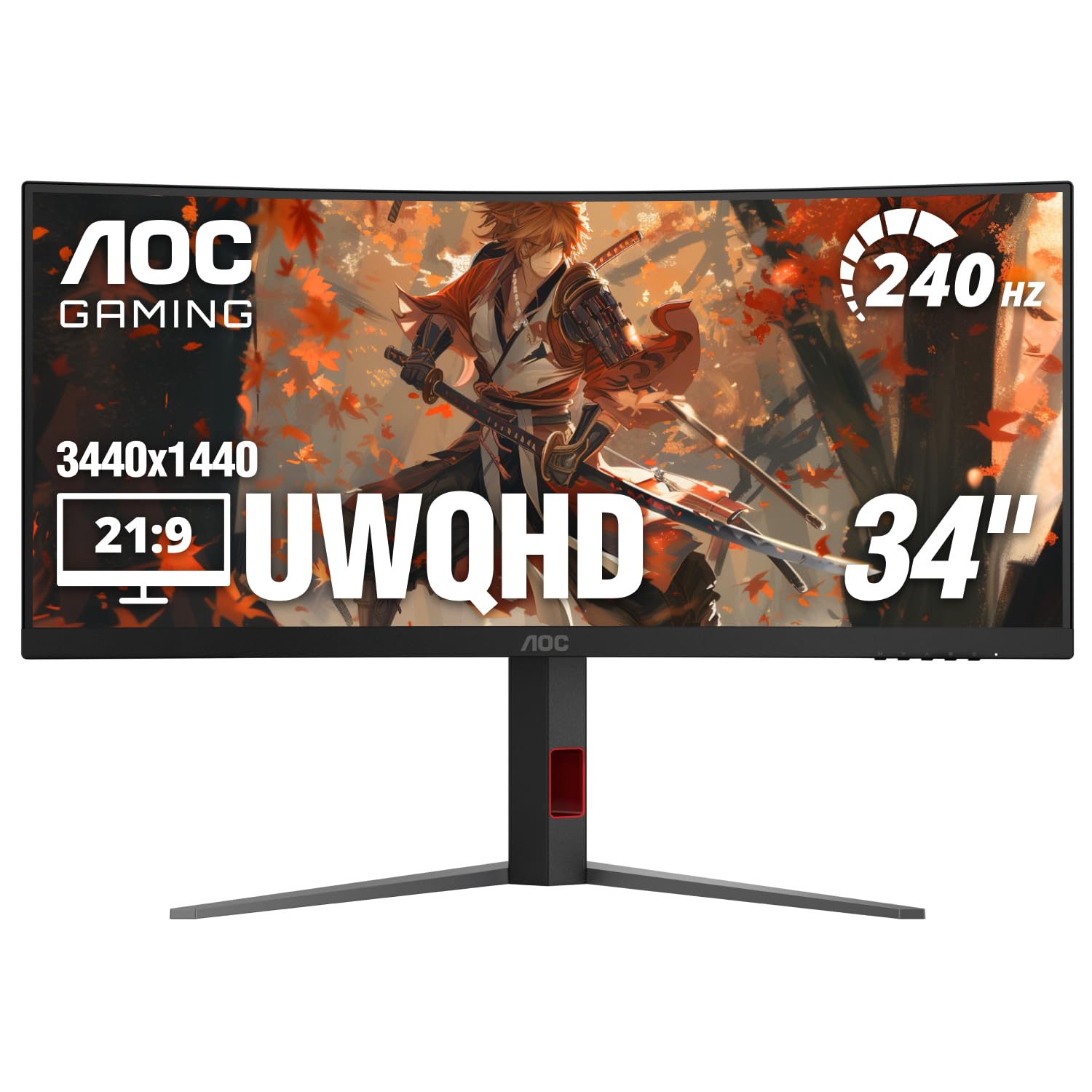
240Hz on a VA panel at a price that undercuts every OLED by hundreds.
The AOC CU34G4Z delivers a 240Hz refresh rate and 0.3ms MPRT response time on a VA panel, making it the fastest non-OLED monitor in this list. If your priority is smooth motion for competitive shooters but you are not ready to pay OLED prices, this is the pick. The 450 nits brightness is higher than most VA competitors, and the 80,000,000:1 dynamic contrast ratio helps dark scenes retain detail. The 1500R curve is comfortable for both gaming and productivity.
Reviewers praise the value — one called it “exceptional value at under ” with minimal ghosting and good factory calibration. However, another buyer reports noticeable ghosting on all overdrive settings, which suggests the VA panel cannot fully eliminate motion blur at the level of an OLED. The stand includes height, swivel, and tilt adjustments but no pivot. A few owners mention coil whine as a downside.
Unlike the 165Hz ViewSonic VX3418-2K below, this AOC offers 240Hz for a small price bump — making it a stronger choice for speed-focused buyers on a budget.
Speed at a Price
- 240Hz refresh rate — matches OLEDs for motion smoothness
- 450 nits brightness — brighter than most VA ultrawides
- Great value for the refresh rate tier
VA Trade-offs
- Noticeable ghosting reported by some buyers despite low response spec
- Coil whine has been reported in some units
- No factory-fresh firmware; some users needed driver download
Pick this if: 240Hz is your priority and you want to stay at a mid-range price point.
Opt for OLED if: you cannot tolerate any ghosting and want true blacks for single-player games.
6. LG 34G600A-B Ultragear
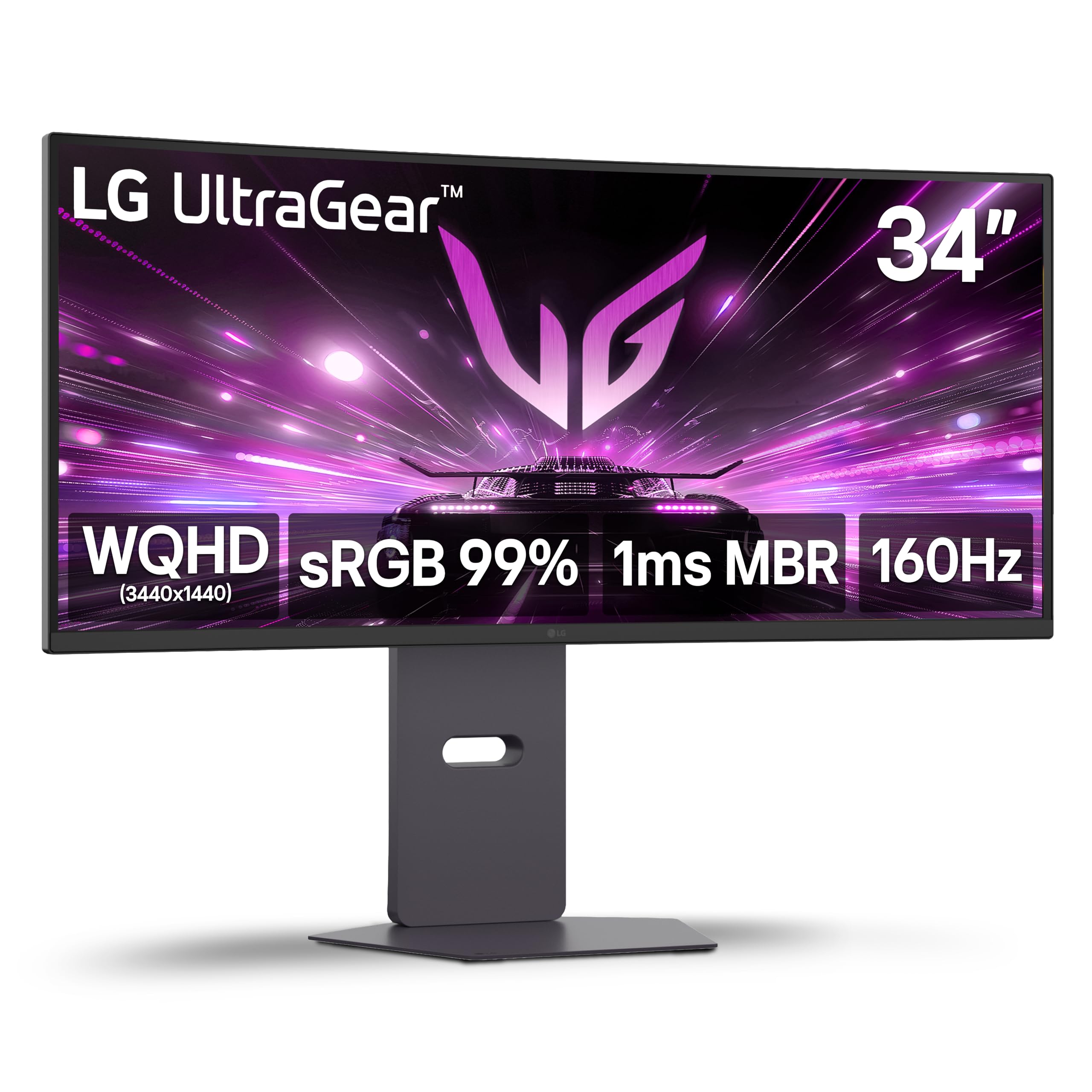
A VA panel that balances gaming motion with workstation sharpness.
The LG 34G600A-B runs at 160Hz with a 1ms Motion Blur Reduction mode and a 1800R VA panel that delivers a 4000:1 contrast ratio. For mixed use — gaming at night and running AutoCAD or spreadsheets during the day — this is a strong middle ground. The built-in stereo speakers with Waves MaxxAudio save desk space, and the stand offers height, tilt, and swivel adjustments. HDR10 support with up to 99% sRGB coverage means colors look natural in HDR content.
Shoppers say that paired with a 45-inch 5K OLED, the picture difference is minimal in normal use, and the non-OLED panel avoids burn-in risk entirely. One reviewer called the 34-inch screen “great for multi-tasking” and bought four more for their office. The downside: at 300 nits brightness, it is not as punchy in HDR as the AOC CU34G4Z’s 450 nits, and motion blur at 160Hz is more noticeable than the 240Hz options above.
What Makes It Practical
- Built-in speakers with Waves MaxxAudio — no external speakers needed
- 1800R curve is comfortable for 8-hour workdays and gaming sessions
- 99% sRGB coverage delivers accurate colors for content creation
Limitations
- 300 nits brightness is lower than premium VA and OLED options
- 160Hz is slower than 240Hz monitors for competitive shooters
- HDR performance is entry-level without strong peak brightness
Best for: users who split time between work software and gaming and want a reliable, burn-in-free VA panel.
Consider something faster if: competitive FPS is your primary use — the 240Hz AOC CU34G4Z will feel smoother.
7. ASUS TUF Gaming VG34VQL3A

180Hz with FreeSync Premium Pro at a price that undercuts most VA competitors.
The ASUS TUF VG34VQL3A runs a 180Hz VA panel with a 1ms (GTG) response time and FreeSync Premium Pro certification — which means variable refresh rate works smoothly even in HDR scenes. The 1500R curve and 3440×1440 resolution deliver the same ultrawide immersion as the LG above, but with a faster refresh rate and a lower price point. The stand offers height, tilt, and swivel adjustment.
Reviewers mention that colors from the start look “awful” until you find good settings online, but once adjusted, the monitor is “great for FPS games.” A notable firmware bug: only 2 of the 4 shortcut buttons are configurable, and Custom Setting #2 loads #1 settings when assigned to a hotkey. One buyer mentioned there is no easy way to switch inputs between PC and console, wishing for a dedicated button or remote.
At 180Hz with Adaptive-Sync, this outpaces the 160Hz LG 34G600A-B for smoother motion, though the LG has built-in speakers and a less aggressive curve for work.
Why It Works
- 180Hz refresh rate at a competitive price point
- FreeSync Premium Pro delivers tear-free HDR gameplay
- Height, tilt, and swivel stand included
What to Watch For
- Firmware bugs limit the shortcut buttons and hotkey configuration
- No input-switch shortcut — swapping between PC and console is menu-heavy
- Out-of-box colors require manual tuning
Go for it if: you want 180Hz on a VA panel and are comfortable tweaking OSD settings to fix colors.
Avoid if: you frequently switch between PC and console and want a quick input button.
8. ViewSonic VX3418-2K

A flat ultrawide that skips the curve to make coding and productivity cleaner.
While most 34-inch monitors in this list curve the screen, the ViewSonic VX3418-2K stays flat, which some users prefer for precise work like coding or video editing where straight lines matter. The 165Hz refresh rate and 1ms MPRT response time keep motion smooth enough for most games, and FreeSync Premium prevents screen tearing. The WQHD 3440×1440 resolution delivers the same pixel count as curved options, with thin bezels that look clean on a desk.
Buyers report the monitor is “fantastic for productivity” with a crisp display, but note that the stand base is very wide with “gaming feet” that take up significant desk space — most end up using a mounting arm. One review mentioned a dark flickering corner that was successfully replaced under warranty. The 300 nits brightness is adequate for indoor use but not as punchy as the 450-nit AOC CU34G4Z.
Why Flat Works
- Flat panel avoids distortion for spreadsheet columns and code lines
- 165Hz is smooth for most gaming genres
- Thin bezels keep the desk look clean
Compromises
- Stand legs are huge — a VESA arm is almost mandatory
- 300 nits brightness is entry-level for HDR
- No VESA mount screws included in the box
Best for: developers and productivity users who want an ultrawide without curve distortion.
Look at curved VA options if: immersion in racing or flight sims is your priority.
9. KTC H34S5
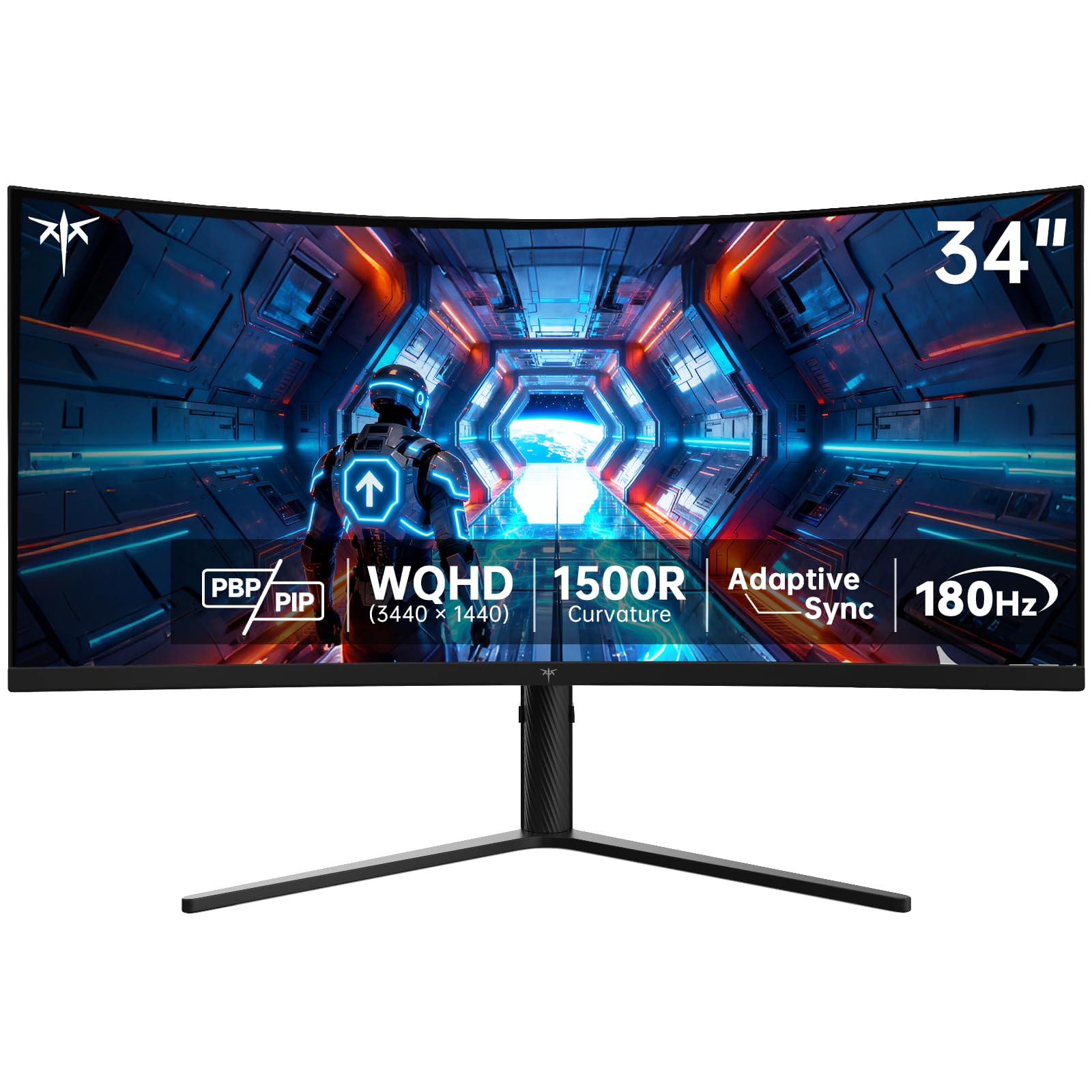
180Hz with a full ergonomic stand — tilt, swivel, pivot, and height — at a budget-ish price.
The KTC H34S5 uses a 180Hz VA panel (a panel type with high contrast and deep blacks) with a 4000:1 contrast ratio (how much brighter white is than black) and a 1500R curve, so motion stays smooth and blacks look decent for a non-OLED screen. what separates it in its price range is the stand: you get tilt (-5° to 20°), swivel (±45°), pivot (±5°), and height adjustment up to 110mm, plus VESA 100x100mm compatibility (a standard mount pattern for third-party arms). The 125% sRGB color gamut (a measure of color range) and 1.07 billion colors ensure vibrant visuals, and HDR support adds extra detail in bright and dark scenes.
Reviewers praise the value — one buyer liked it so much they bought a second one. Another noted the monitor is “moderately good” with a lightweight plastic design and a dim LED ring, and mentioned that the stand is low (6.5 inches of clearance) so a laptop may block the bottom of the screen. Out-of-box colors are washed out, but custom settings improve them significantly. The 180Hz refresh rate matches the ASUS TUF above while offering more ergonomic adjustments.
What You Get
- Full ergonomic stand with tilt, swivel, pivot, and height adjustment
- 180Hz refresh rate with Adaptive Sync (FreeSync and G-Sync)
- 125% sRGB color gamut for vibrant visuals
Downsides
- Lightweight plastic build feels less premium than ASUS or LG
- Out-of-box colors need manual calibration
- Stand clearance is low — a laptop may block screen bottom
Reach for it if: you need a full ergonomic stand at a mid-range price and do not mind tweaking color settings.
Pass if: build quality and a polished OSD experience matter more than extra ergonomic adjustments.
10. KOORUI 34E6UC
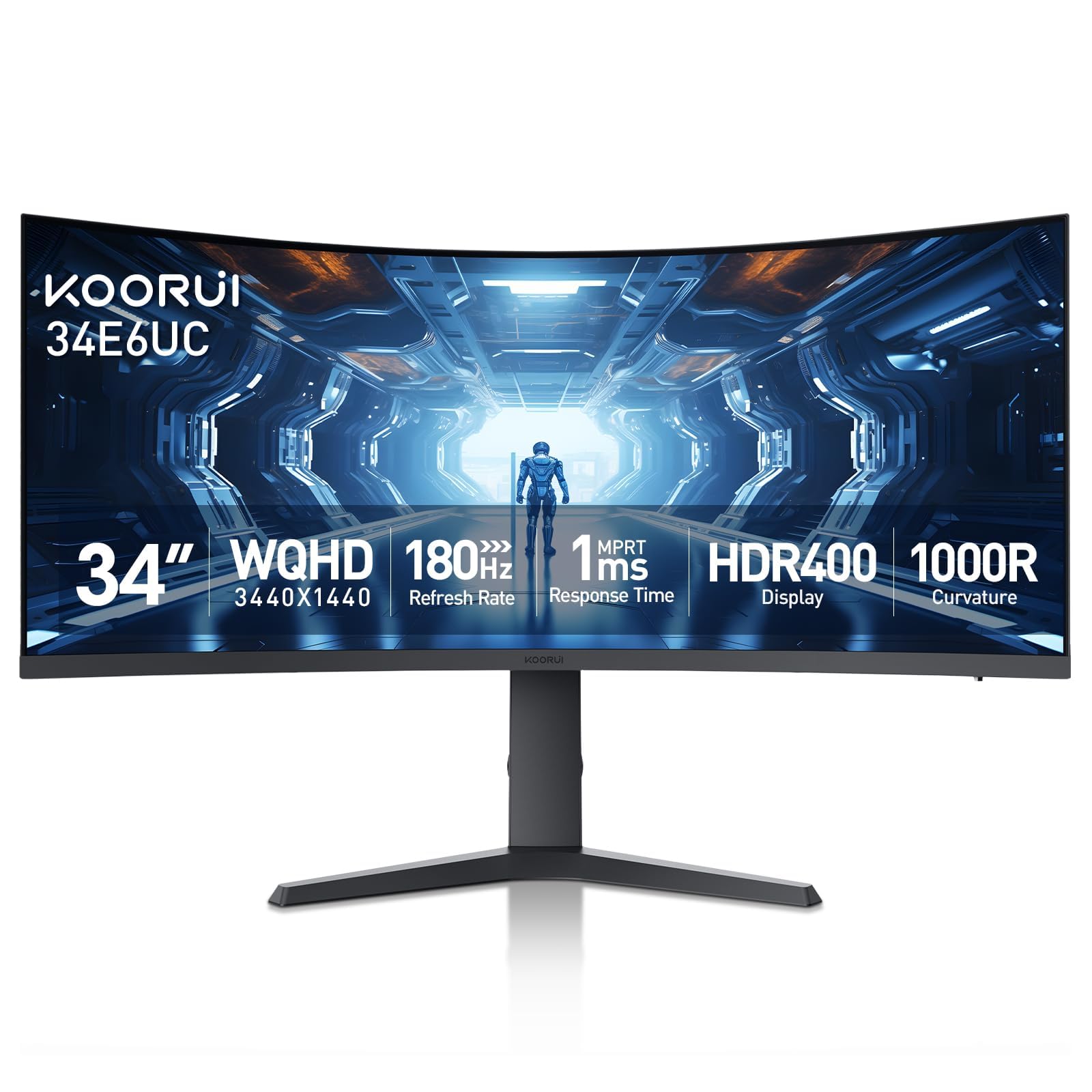
An entry-level 180Hz ultrawide with the steepest curve in the budget category.
The KOORUI 34E6UC uses a 1000R curve — tighter than most budget monitors — which wraps the 3440×1440 VA panel around your field of view more aggressively than the 1500R picks above. At 180Hz with a 1ms MPRT response time and FreeSync Premium support, it delivers smooth motion for the price. The DCI-P3 95% color gamut and 400 nits brightness are strong specs at this tier, outperforming some more expensive VA options on paper.
Owners mention that the picture quality is “sharp and colorful” and the adjustable stand (tilt, swivel, height) is a rarity at this price. However, reviews also note that FreeSync may cause flashing on some units (disabling it fixes the issue), and long-term reliability is unproven — one buyer’s monitor became unusable after a year due to a power/control button failure. The sleep function over DisplayPort is broken per multiple reports, causing the backlight to stay on constantly.
At 180Hz with a 1000R curve (a tighter curve that wraps more around you), this matches the KTC H34S5 on speed but with a more aggressive curve that suits rich gaming over productivity.
Value Highlights
- 1000R curve is the tightest in this list for maximum immersion
- 180Hz with 1ms MPRT and FreeSync Premium
- 400 nits brightness with DCI-P3 95% color gamut
Risk Factors
- FreeSync can cause flashing on some units
- Sleep function broken over DisplayPort — backlight stays on
- Long-term reliability is questionable based on user reports
Best for: budget-conscious buyers who want a steep 1000R curve and 180Hz speed at the lowest entry point.
Consider spending more if: you need reliable sleep/wake behavior and proven long-term durability.
Understanding the Specs
Refresh Rate (Hz)
Refresh rate is the number of times per second your monitor redraws the entire image. A higher number — 165Hz, 180Hz, 240Hz — means motion looks smoother, especially in fast-paced games where the camera moves quickly. You see the difference most clearly when you swing your view in a shooter or race down a straight at high speed. The jump from 60Hz to 165Hz is dramatic; the jump from 165Hz to 240Hz is smaller but visible to experienced players.
Panel Type: VA vs OLED vs QD-OLED
The panel type decides how the monitor produces each pixel’s color and brightness. VA (Vertical Alignment) panels offer solid contrast — typically 4000:1 — for deep blacks at a budget price, but they can show dark-level smearing in fast motion. OLED panels use self-lit pixels that turn off completely for true blacks, giving you infinite contrast and near-instantaneous response times (0.03ms). QD-OLED is a newer variant that uses a quantum dot layer to produce wider color volume than standard OLED, often reaching 99% DCI-P3 coverage. OLED and QD-OLED cost more and need care to avoid image retention from static elements like taskbars or HUDs.
FAQ
Will a 34-inch ultrawide monitor fit on my standard desk?
Is 165Hz enough for competitive gaming on a 34-inch ultrawide?
What is the difference between a 1000R, 1500R, and 1800R curve?
Can my graphics card run a 3440×1440 ultrawide monitor at 240Hz?
Does a 34-inch ultrawide monitor support split-screen or Picture-in-Picture?
Are OLED gaming monitors prone to burn-in?
What is the ideal viewing distance for a 34-inch curved ultrawide?
Will a 3440×1440 monitor work with a PS5 or Xbox Series X?
What is the real-world difference between 1ms and 0.03ms response time?
Can I mount a 34-inch ultrawide monitor on a VESA arm?
Final Thoughts: The Verdict
For most people, the 34 inch gaming monitor winner is the LG 34GS95QE because it pairs a 240Hz OLED panel with a 0.03ms response time and true blacks that transform how games look and feel. If you want QD-OLED color with burn-in warranty, grab the Alienware AW3423DWF. And for budget-conscious gamers who still want 240Hz smoothness on a VA panel, the AOC CU34G4Z delivers that speed at a lower price.
How We Picked
We do not accept paid placement. Every pick is matched to a real buyer and a real use-case; we do not hands-on test units.
Sources & Methodology
Specifications: manufacturer listings and product documentation. Review insights: verified customer reviews, as of July 2026. Pricing: not shown on this page (it changes often); check the current price via the retailer link.
As an Amazon Associate, FitlyFast earns from qualifying purchases. This does not affect which products we feature.