
Our readers keep the lights on and the weekend projects moving. As an Amazon Associate, I earn from qualifying purchases.
A 34-inch ultrawide monitor is essentially two 24-inch monitors merged into one seamless, curved canvas. The space it clears on your desk — both physically from removing a bezel gap and mentally from not having to snap windows across two displays — is immediate. Choose the wrong type of panel, and you will be fighting washed-out blacks, smeary motion, or a permanent blue-light headache.
I’m Rikta — the founder and writer behind FitlyFast. I’ve spent the last several weeks analyzing contrast ratios, refresh rate curves, color gamut coverage, and stand ergonomics across eleven 34-inch models to separate the handful that genuinely deliver on that “one-screen” promise from the ones that just take up desk space.
This guide cuts through the marketing around popular 34 inch monitor options by breaking down the real-world difference between VA, IPS, and QD-OLED panels, what refresh rates actually matter for your use case, and which connectivity features prevent your new ultrawide from immediately needing a adapter.
How To Choose The Best 34 Inch Monitor
The 34-inch category is a battleground of compromises. You are balancing panel type, curvature, refresh rate, and connectivity against a budget. Getting the balance right depends entirely on whether you spend your screen time in spreadsheets, in respawn timers, or in a color-timed export queue.
Panel Technology: VA vs. IPS vs. QD-OLED
VA (Vertical Alignment) panels are the workhorses of the 34-inch price spectrum. They deliver native contrast ratios of 3000:1 or higher, meaning blacks look genuinely black rather than a dusty gray. This makes VA the go-to choice for media consumption and dark-themed productivity. The trade-off is slower pixel response compared to IPS or OLED, which can produce visible dark-level ghosting in fast-paced scenes. IPS panels offer better color consistency and viewing angles, but struggle with contrast — typical IPS black levels hover around 1000:1, which looks flat in a dim room. QD-OLED is the premium tier: per-pixel lighting delivers infinite contrast and sub-millisecond response, but burn-in risk and higher price mean it belongs only in the hands of users who understand the maintenance.
Refresh Rate and Adaptive Sync
Refresh rate is not a vanity number. At 100Hz, the jump from a standard 60Hz office monitor is noticeable — scrolling feels fluid, and cursor movement is snappy. At 180Hz, fast motion in games becomes significantly clearer. At 240Hz, you are entering competitive territory where every frame reduction in sample-and-hold blur matters. The more important factor is adaptive sync. FreeSync Premium and G-Sync Compatible remove tearing without adding input lag. If you own an AMD GPU, FreeSync Premium is a must. For NVIDIA users, look for monitors explicitly listed as G-Sync Compatible — not all FreeSync monitors play well with GeForce cards.
Connectivity and USB-C Power Delivery
Many 34-inch monitors include two or three HDMI ports, a DisplayPort, and a headphone jack. The spec that changes your entire desk setup is USB-C with power delivery. A single USB-C cable carrying 65W will drive the display, charge a laptop, and pass data simultaneously. This eliminates the clutter of a separate power brick and display cable. Models with lower than 65W PD may not charge a high-power laptop under load — they will trickle-charge or simply maintain the battery, which can be frustrating during long work sessions.
Curvature: 1500R vs 1800R vs 1000R
The curvature of a 34-inch monitor determines how far the edges wrap into your peripheral vision. 1500R is the most common radius, offering a subtle wrap that works well for both productivity and gaming without distorting straight lines in spreadsheets. 1800R is flatter and better suited to general office use or shared workstations. 1000R is aggressively curved and pulls the edges close to your face, which can feel claustrophobic for productivity but deeply immersive for sim racing and flight simulators.
Stand Ergonomics and VESA Mounting
No one buys a 34-inch monitor thinking about the stand, but the stand will define your comfort within a week. Full articulation — height, tilt, and swivel — is non-negotiable for a monitor this wide. A stand that only tilts forces you to adjust your chair height to match, which is a fast track to neck strain. Check VESA compatibility (100x100mm is standard for this category). Many monitors in the budget tier ship with minimal stands that are too short for side-by-side setups, making a separate monitor arm a necessary add-on cost.
Quick Comparison
On smaller screens, swipe sideways to see the full table.
| Model | Category | Best For | Key Spec | Amazon |
|---|---|---|---|---|
| Alienware AW3423DW | QD-OLED Premium | Cinematic Gaming & HDR | 0.1ms GtG / 175Hz | Amazon |
| AOC Agon PRO AG346UCD | QD-OLED | High-FPS Gaming | 0.03ms GtG / 175Hz | Amazon |
| LG 34G630A-B | High-Refresh VA | Competitive Gaming & Work | 240Hz / 1ms GtG | Amazon |
| ASUS TUF Gaming VG34VQ3B | Gaming VA | Console & PC Gaming | 180Hz / 1ms MPRT | Amazon |
| Dell S3425DW | Productivity VA | Office & USB-C Laptop | 120Hz / 0.03ms | Amazon |
| LG 34WR55QK-B | Productivity VA | Laptop Docking | 100Hz / USB-C 65W | Amazon |
| Pixio PXC348C Neo | Curved VA | Immersive & Value | 180Hz / 1000R Curve | Amazon |
| MSI MAG 346CQ | Gaming VA | Fast VA Gaming | 180Hz / 1ms MPRT | Amazon |
| ViewSonic VX3418C-2K | Budget Gaming VA | Budget Gaming | 180Hz / 1ms MPRT | Amazon |
| Samsung ViewFinity S50GC | Budget Productivity | Office Multi-Window | 100Hz / 3000:1 Contrast | Amazon |
| KTC H34S5 | Budget Entry | Entry-Level Ultrawide | 180Hz / 1ms MPRT | Amazon |
In‑Depth Reviews
1. Alienware AW3423DW

The AW3423DW is built around a QD-OLED panel that delivers per-pixel lighting with a 1,000,000:1 contrast ratio. Black levels are absolute — a starfield simulator has no glow around the stars. The 175Hz refresh rate pairs with native G-Sync Ultimate, meaning no adaptive-sync compatibility headaches. The 1800R curve is mild enough to feel natural for productivity while providing enough wrap for immersive gaming. Creator Mode lets you switch between DCI-P3 and sRGB color spaces, which is rare in a gaming-focused monitor and genuinely useful for photographers who also game.
The downsides are tied to OLED’s fundamental nature. The pixel refresher kicks in every four hours of cumulative use, taking about seven minutes to complete. A full panel refresh after one thousand hours takes an hour. This can interrupt a long work session if the monitor enters standby. The HDMI 2.0 ports limit console gaming to 100Hz at 3440×1440, which feels slow compared to the DisplayPort experience. The glossy screen coating looks beautiful in a dim room but washes out black levels noticeably in direct sunlight.
Alienware includes a three-year burn-in warranty, which mitigates the primary fear with OLED monitors. The included stand is heavy but fully articulated. The internal fan is quiet enough not to register in a quiet office, though some units exhibit an occasional spin-down noise. For anyone who wants the absolute best image quality in a 34-inch form factor and can accept the OLED maintenance cadence, this is the benchmark.
Why it’s great
- Per-pixel blacks with 1M:1 native contrast ratio
- Native G-Sync Ultimate prevents screen tearing without input lag
- Creator Mode enables accurate DCI-P3 and sRGB switching
- Three-year burn-in warranty provides peace of mind
Good to know
- Pixel refresher interrupts workflow after every four hours of use
- HDMI 2.0 limits consoles to 100Hz
- Glossy coating struggles in bright rooms with direct light
- No user-accessible firmware updates available
2. AOC Agon PRO AG346UCD

The AG346UCD is a direct QD-OLED competitor to the Alienware, trading the native G-Sync hardware for G-Sync Compatibility via adaptive sync over DisplayPort. The 0.03ms GtG response time is mathematically faster than the Alienware’s 0.1ms, though the difference is imperceptible in blind testing — both are instant. The 175Hz refresh rate is identical. The HDR400 True Black certification ensures that HDR content hits proper black floor without clipping shadow detail. The stand offers full height, tilt, and swivel adjustment with 150mm of vertical travel.
The OSD is controlled via a joystick, which is responsive but requires navigating a dense menu structure. The built-in speakers are present but thin — they handle system sounds and dialog but lack any low-end presence, so external speakers remain the better choice for media. The screen protector on the panel has been reported as difficult to remove, with some users leaving sticky residue. This seems to be a packaging quality-control issue rather than a design flaw. The RGB lighting on the back is customizable but adds nothing to the actual display experience.
For buyers who prioritize absolute motion clarity and per-pixel contrast, this monitor delivers at a slightly gentler price than the Alienware. The burn-in risk is identical to any QD-OLED product — varied content and regular pixel refresh cycles are mandatory. The G-Sync Compatibility works flawlessly with modern NVIDIA cards, but older drivers may require a DDU cleanup to eliminate micro-stutter. It is a serious gaming monitor for serious gamers who understand OLED’s trade-offs.
Why it’s great
- 0.03ms GtG response eliminates all motion blur
- HDR400 True Black certification for accurate HDR
- Full ergonomic stand with generous height range
Good to know
- Screen protector removal can leave residue
- On-screen display navigation requires dense menu diving
- Built-in speakers lack bass for media consumption
3. LG 34G630A-B

The 34G630A-B stands nearly alone in the 34-inch category with a 240Hz refresh rate on a VA panel. Most 34-inch VA monitors cap at 180Hz. The extra 60Hz is perceptible in fast-twitch shooters and racing titles where sample-and-hold blur reduction directly correlates to target tracking clarity. The 1ms GtG response time is measured at the overdrive setting, and the monitor handles overdrive well — minimal inverse ghosting at the fastest setting. The VA native contrast of approximately 3000:1 ensures dark scenes in games like Diablo or Cyberpunk 2077 maintain shadow detail without the gray haze typical of IPS panels.
The stand is one of the best in this price tier: height, tilt, and swivel with a compact base that doesn’t consume the entire desk depth. USB-C power delivery is limited to 15W, which will not charge a laptop under load — it is fine for a smartphone or tablet but not for a MacBook Pro during extended sessions. The built-in speakers are surprisingly competent for a gaming monitor, with enough volume and clarity for casual viewing without immediate recourse to external speakers. The bezels are narrow on three sides, making multi-monitor setups less visually intrusive.
The OSD includes Dynamic Action Sync for input lag reduction and Black Stabilizer for lifting shadows in competitive shooters. These features actually work without oversaturating the image, which is not always the case with gaming-oriented black level boosters. The 34G630A-B is the right choice for users who want high refresh gaming without the premium cost or maintenance burden of OLED, and who need a panel that also works well for mixed-use productivity.
Why it’s great
- 240Hz refresh rate is class-leading for 34-inch VA monitors
- Built-in speakers are above average for a gaming monitor
- Sturdy, fully articulated stand with compact base
Good to know
- USB-C PD limited to 15W, insufficient for laptop charging
- VA panel still suffers from dark-level smearing at lower refresh rates
4. ASUS TUF Gaming VG34VQ3B

The VG34VQ3B pairs a 1500R VA panel with a 180Hz refresh rate and FreeSync Premium, making it a natural fit for AMD GPU owners and Xbox Series X users who need reliable VRR. The 90% DCI-P3 color coverage is solid for a VA panel at this price, producing vibrant in-game colors without looking oversaturated. ASUS includes ELMB Sync, their backlight strobing technology that runs in parallel with FreeSync to reduce motion blur without sacrificing brightness — a rare combo in this price tier. The 1ms MPRT response time is typical for a gaming VA panel at this refresh rate.
The downsides are focused on mechanical compromises. The stand provides only tilt adjustment — no height adjustment and no swivel. At 34 inches, a fixed-height stand forces you to either use books or a monitor arm to achieve proper ergonomic alignment. The built-in speakers are thin and tinny, suitable only for system sounds or emergency use. ASUS includes a L-shaped screwdriver for VESA mounting, which is a thoughtful touch, but the lack of a height-adjustable stand out of the box feels like a cost-cutting choice on an otherwise well-specified monitor.
The OSD is accessible via a joystick and includes the usual TUF Gaming features: crosshair overlays, timer, and FPS counter. DisplayWidget Center software allows mouse-based control on Windows, which is convenient for switching between preset modes. For AMD users who want a 180Hz 34-inch VA and already have a monitor arm on their desk, this monitor delivers strong image quality at a fair price.
Why it’s great
- ELMB Sync runs simultaneously with FreeSync for blur reduction
- 90% DCI-P3 coverage provides vibrant gaming colors
- Includes L-shaped screwdriver for VESA mounting
Good to know
- Stand offers tilt only — no height or swivel adjustment
- Built-in speakers are very tinny and quiet
5. Dell S3425DW

The Dell S3425DW is designed around the USB-C docking workflow. It provides 65W power delivery over a single USB-C cable, which is enough to charge a 14-inch MacBook Pro under moderate load while transmitting display signal and data simultaneously. The 3000:1 VA contrast ratio and 99% sRGB / 95% DCI-P3 coverage make it a strong candidate for color-sensitive productivity work. The 120Hz refresh rate is a meaningful upgrade from the 60Hz standard for office monitors — scrolling through documents and web pages becomes noticeably fluid without the motion overhead of a 180Hz gaming panel.
Dell includes ComfortView Plus, which reduces blue light emission to 35% or less without the yellow tint that plagues software-based blue light filters. For anyone who spends eight-plus hours a day on spreadsheets or code, this is a genuine ergonomic benefit. The built-in speakers have been re-engineered for this generation, delivering better frequency response and higher output than older Dell monitors. The 0.03ms response time is unusually fast for a productivity-focused monitor and eliminates ghosting on UI elements.
The VESA mount design on the S3425DW is recessed, requiring a bracket assembly that adds a quarter-inch of depth, which may interfere with flush-mount monitor arms. The port selection is limited to one HDMI, one USB-C, and one USB-A — there is no DisplayPort, which is an odd omission for a monitor in this price bracket. The stand is fully adjustable with height, tilt, and swivel, but the base is wide and may not fit on a deep desk with a keyboard tray. For the laptop-centric professional who wants a single-cable ultrawide, the Dell is a polished solution.
Why it’s great
- USB-C with 65W PD eliminates docking station need
- ComfortView Plus reduces blue light without yellow tint
- 120Hz refresh rate improves scrolling fluidity over 60Hz
Good to know
- No DisplayPort input — limited to HDMI and USB-C
- Recessed VESA mount requires bracket assembly
6. LG 34WR55QK-B

The 34WR55QK-B focuses on the professional workflow with a VA panel, USB-C 65W power delivery, and a 100Hz refresh rate. The 99% sRGB coverage is appropriate for design and office work, and the 3000:1 contrast ratio provides decent depth for media consumption. LG’s OnScreen Control software enables PBP (Picture-by-Picture) mode, which allows you to display two input sources at native resolution — useful for running a work laptop and a personal desktop on the same screen without mechanical KVM switching. The stand is height and tilt adjustable, providing a solid base for a monitor of this size.
The monitor does not include built-in speakers, which is a notable omission for a productivity-focused model at this price. If you plan to use this as a standalone work hub, you will need external speakers plugged into the headphone jack or a USB audio interface. The USB-C cable is included, which is not always the case with competitors. The 300-nit brightness is adequate for a typical office environment but may struggle in a room with high ambient light. The bezels are described as virtually borderless on three sides, giving the monitor a clean appearance in a multi-screen setup.
This monitor feels purpose-built for the user who wants a single USB-C cable to their laptop and needs the screen real estate for document-heavy workflows without any gaming-oriented flash. The Reader Mode reduces blue light effectively for late-night reading. For the price, the missing speakers and the 100Hz refresh rate (rather than 120Hz) are the primary compromises when compared to the Dell S3425DW.
Why it’s great
- USB-C with 65W PD for single-cable laptop docking
- 99% sRGB coverage for accurate office colors
- PBP mode displays two sources side by side at native resolution
Good to know
- No built-in speakers require external audio
- 300-nit brightness may feel dim in bright rooms
7. Pixio PXC348C Neo
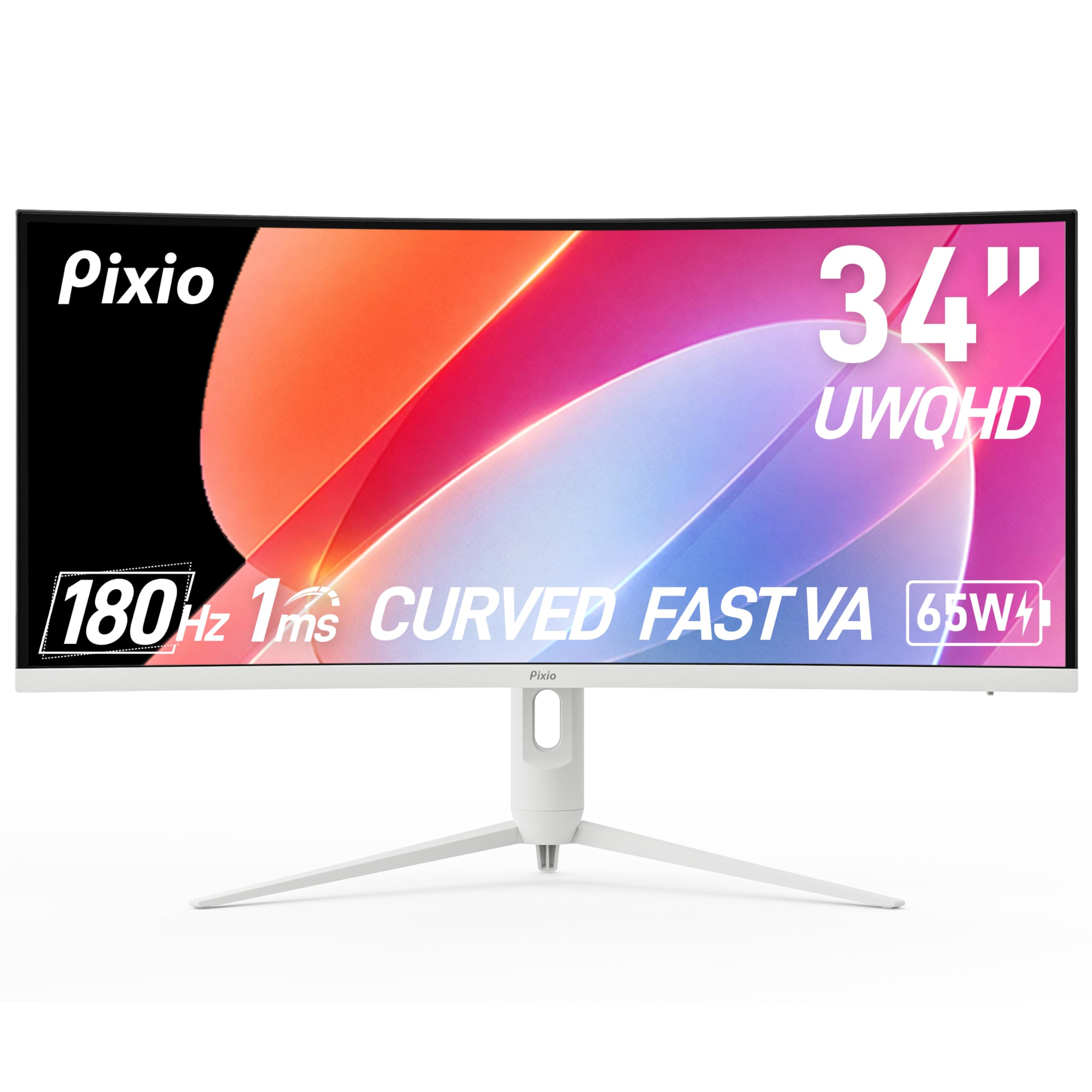
The PXC348C Neo differentiates itself with a 1000R curvature — the most aggressive curve in this guide. At a typical viewing distance of 60-70 cm, the edges of the screen wrap noticeably into your peripheral vision, creating a sense of enclosure that is particularly compelling for flight simulators, driving games, and first-person shooters. The 180Hz refresh rate and 1ms MPRT response time are standard for this category, but the 400-nit peak brightness is higher than most VA competitors, delivering punchier highlights in HDR content. The USB-C port supports video input and 65W power delivery, enabling a clean single-cable laptop connection.
The white color scheme is a deliberate design choice that may clash with typical black monitor setups but stands out aesthetically. The stand is adjustable for height and tilt, though the range is limited compared to premium options. The OSD is controlled by buttons along the bottom edge, which is less convenient than a joystick but workable. The built-in speakers are functional but lack bass. HDR support is present, but at 3000:1 native contrast, the experience does not rival OLED-level HDR — it provides a boost in highlight brightness rather than true dynamic range expansion.
Pixio includes the necessary cables and a power adapter in the box. The build quality feels solid, with no creaking in the plastic housing. For users who want the most immersive curve available on a VA panel, the PXC348C Neo delivers without demanding a premium price. The aggressive 1000R curvature does introduce some geometric distortion in productivity apps — spreadsheet grid lines may appear slightly bowed at the edges, which can be distracting during data entry.
Why it’s great
- 1000R curve is the most immersive in this category
- 400-nit brightness provides punchy highlights
- USB-C with 65W PD for clean laptop connection
Good to know
- 1000R curve can distort grid lines in productivity apps
- OSD buttons are less convenient than a joystick
8. MSI MAG 346CQ
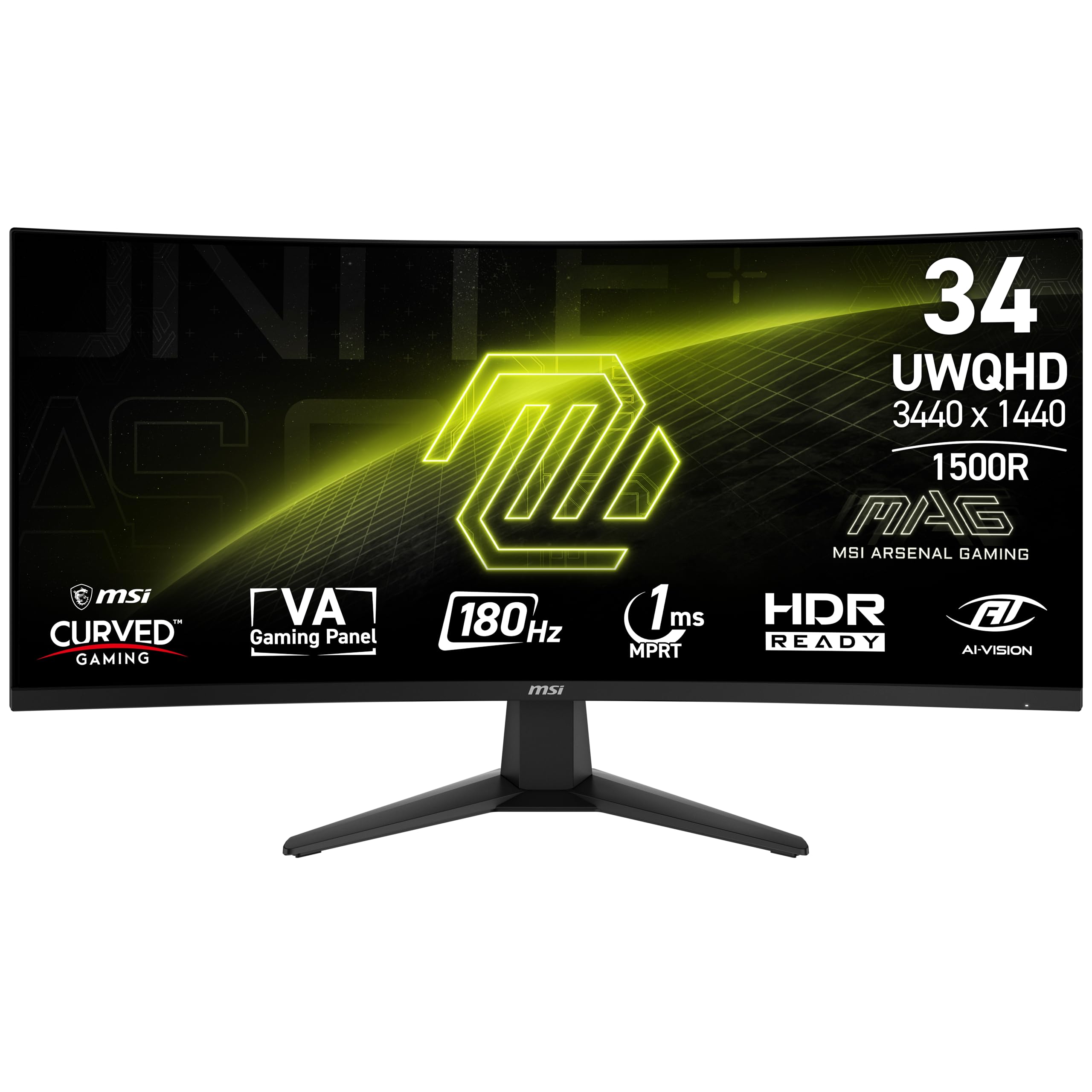
The MAG 346CQ is a straightforward 180Hz VA ultrawide that focuses on getting the basics right without adding expensive extras. The 4000:1 dynamic contrast ratio delivers the deep blacks expected from a VA panel, and the 1ms MPRT response time handles fast motion competently. The FreeSync Premium certification ensures a smooth tear-free experience with AMD GPUs and is also compatible with G-Sync on NVIDIA cards, though not certified. MSI’s AI Vision technology brightens dark areas without crushing highlights, which is useful for competitive shooters where spotting enemies in shadows is critical.
The stand provides tilt adjustment only, which is a limitation at this price tier. The monitor is VESA mountable with a standard 100x100mm pattern. The OSD includes a gamer-centric feature set: crosshair overlays, a refresh rate tracker, and a frame rate counter. The built-in speakers are present but mediocre — fine for system sounds but inadequate for music or movies. The port selection includes two HDMI 2.0b ports and one DisplayPort 1.4, which covers most setups but lacks USB-C connectivity.
Build quality is consistent with MSI’s MAG lineup — solid plastic with a brushed metal finish on the stand. Some users have reported DisplayPort failure after extended use, though this appears to be a QC variance rather than a systemic issue. The monitor ships with a DisplayPort cable, power adapter, and HDMI cable. For budget-conscious buyers who want 180Hz gaming on a VA panel and do not need USB-C, the MAG 346CQ offers reliable performance at a fair price.
Why it’s great
- 4000:1 contrast ratio provides deep blacks for gaming
- FreeSync Premium certification for smooth AMD gaming
- AI Vision brightens dark scenes without crushing highlights
Good to know
- Stand offers tilt only, no height or swivel adjustment
- No USB-C connectivity for laptop users
9. ViewSonic VX3418C-2K
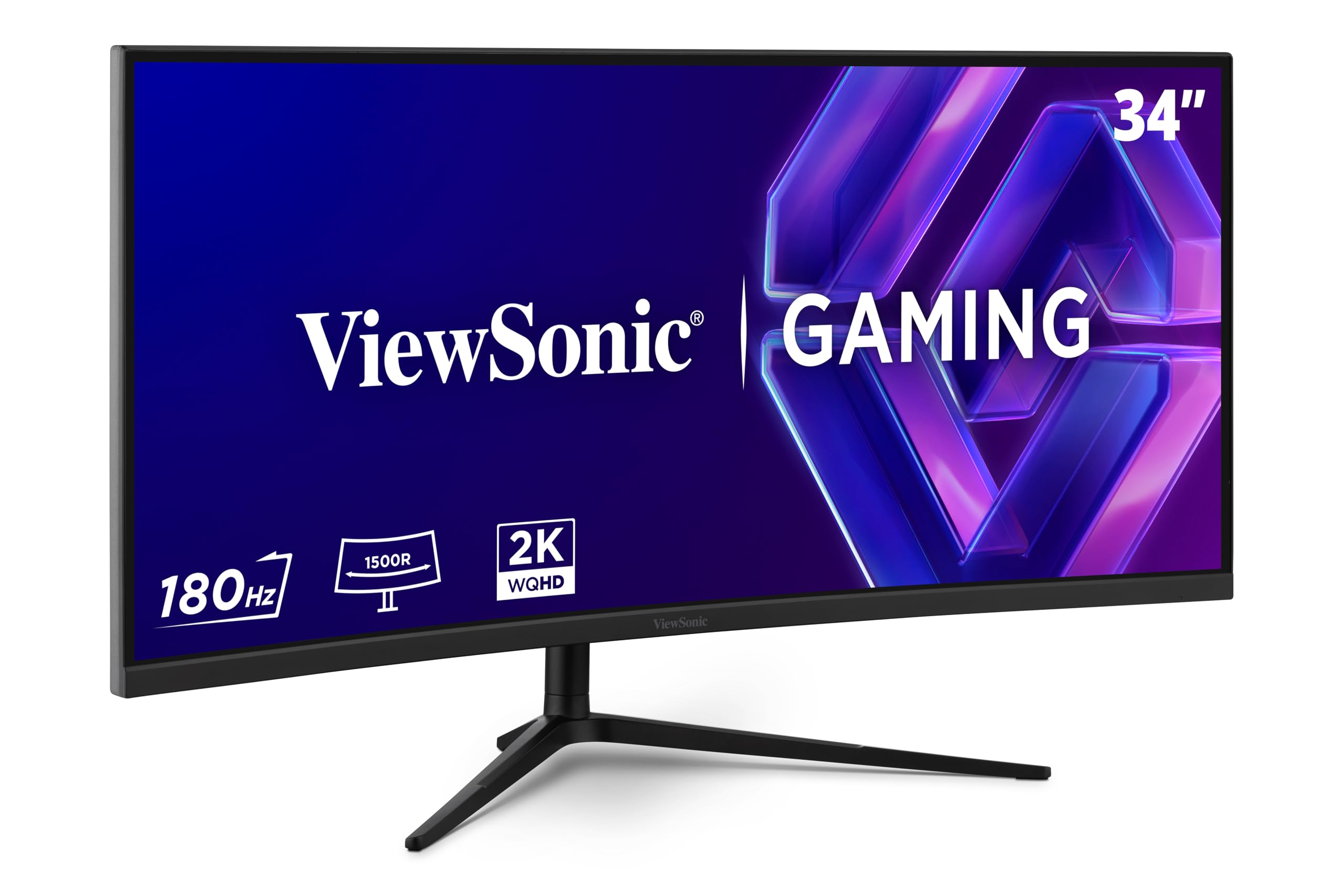
The VX3418C-2K brings a 180Hz VA panel with FreeSync Premium to a price point that undercuts most competitors. The 1500R curve is standard for the category, and the 4000:1 contrast ratio produces the expected VA black levels. The anti-glare screen coating is effective in reducing reflections, which helps the 250-nit peak brightness feel adequate in an office environment. ViewSonic includes pre-set visual modes for FPS, RTS, and MOBA gaming, each adjusting color temperature and contrast to suit the genre.
The built-in speakers have been widely criticized as nearly unusable — they are quiet and tinny, with no bass response. The stand provides tilt adjustment only and is described as flimsy. Most users in reviews recommend using a VESA monitor arm immediately. The OSD includes Blue Light Filter and Flicker-Free technology for eye comfort, and these work without the yellow tint that cheaper blue-light filters introduce. The port selection includes DisplayPort 1.4, HDMI 2.0, and a USB Type-A hub.
ViewSonic has a reliable warranty and customer support reputation, which adds value for buyers who are concerned about dead pixels or backlight bleed. The VX3418C-2K is a good entry point for someone who wants to test the ultrawide waters without a significant financial commitment, provided they budget for a separate monitor arm and external speakers. The 250-nit brightness is the main long-term frustration — it is adequate for general use but is not sufficient for HDR content or brightly lit rooms.
Why it’s great
- 180Hz at an aggressive price point for budget builds
- 4000:1 contrast ratio provides good VA black levels
- Effective anti-glare coating reduces reflections
Good to know
- 250-nit brightness is low for HDR and bright rooms
- Stand is flimsy and limited to tilt adjustment only
- Built-in speakers are nearly unusable
10. Samsung ViewFinity S50GC

The ViewFinity S50GC is a flat VA ultrawide designed for office productivity rather than gaming. The flat panel design is intentional — it avoids the geometric distortion that curved screens can cause with spreadsheet grids and CAD lines. The 100Hz refresh rate is adequate for office work and provides a clear upgrade over standard 60Hz monitors. The 3000:1 static contrast ratio delivers solid blacks for a flat panel, and the HDR10 support with 1 billion colors provides a noticeable improvement over standard SDR monitors for photo viewing and video content.
The PBP and PIP features are implemented well, allowing you to display two input sources simultaneously at native resolution. This is genuinely useful for a work environment where a desktop and laptop need to share the same screen. The Eye Saver Mode and ambient light sensor automatically adjust brightness throughout the day, which is a rare feature at this price and genuinely reduces eye strain. The stand is height-adjustable and provides good stability for the panel size.
The 100Hz refresh rate is the main limitation for any gaming use — it is smooth for casual titles but will feel slow for competitive shooters. The VA panel responds slower than IPS at its native refresh rate, so some dark-level smearing may be visible in fast motion. The on-screen display controls are menu-heavy, and switching between input sources requires multiple button presses. For the office user who wants a large flat ultrawide with PBP functionality and does not game, the ViewFinity S50GC offers excellent value.
Why it’s great
- Flat panel avoids curve distortion in productivity apps
- PBP and PIP support for dual-source workflows
- Ambient light sensor adjusts brightness automatically
Good to know
- 100Hz refresh rate is too slow for competitive gaming
- Input source switching requires multiple OSD button presses
11. KTC H34S5
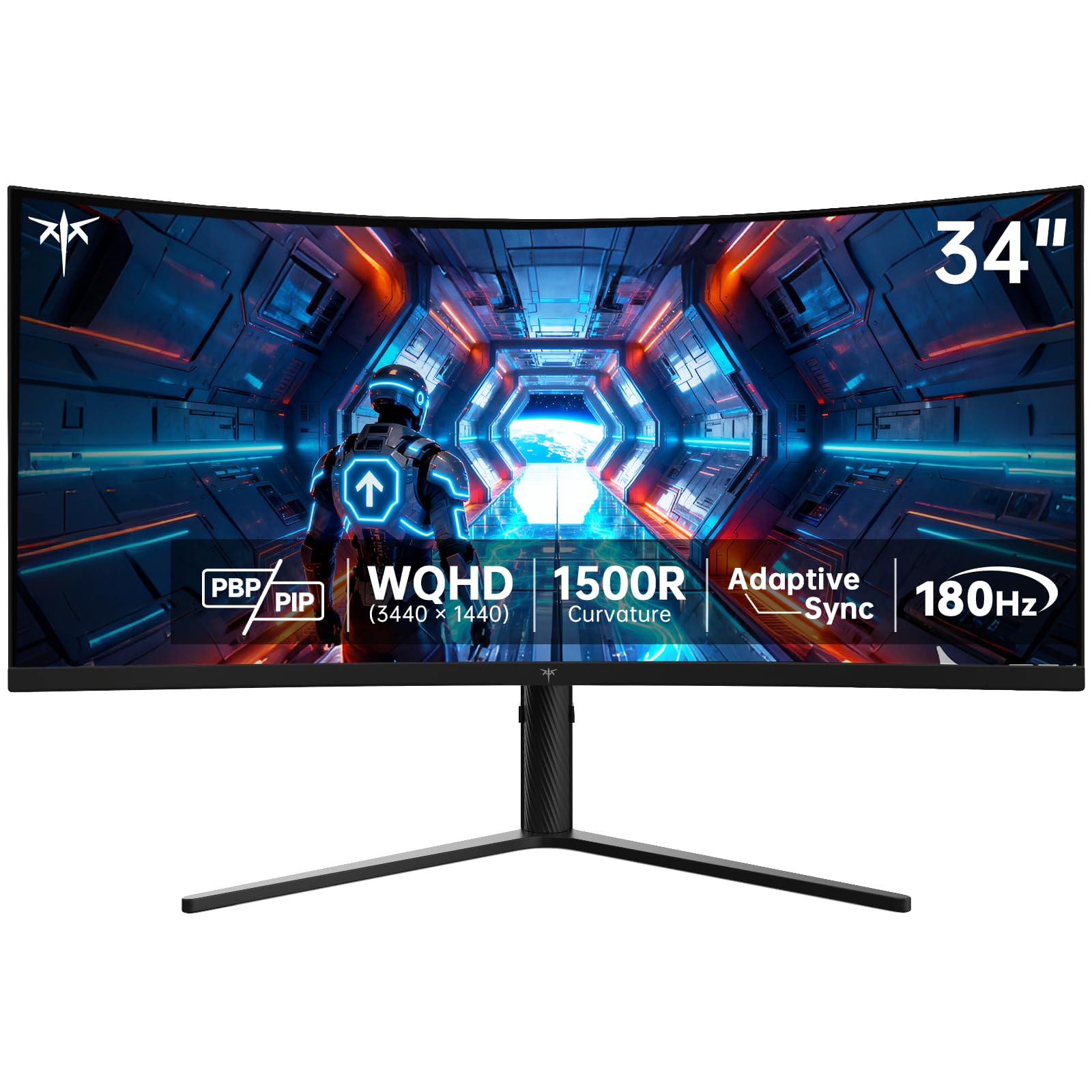
The KTC H34S5 uses an HVA panel — a VA variant that claims better pixel response than traditional VA. The 180Hz refresh rate and 1ms MPRT response time are competitive with mid-range monitors, and the 4000:1 contrast ratio delivers the deep blacks expected from VA technology. The 125% sRGB color gamut area provides vibrant colors for a panel in this price tier. The ergonomic stand is a surprise at this price — offering height adjustment up to 110mm, tilt, swivel, and even pivot rotation, which is more articulation than many monitors costing twice as much.
The port selection is generous, with two HDMI 2.0 ports and two DisplayPort 1.4 ports. The HDMI ports are limited to 100Hz at 3440×1440, while the DisplayPort connections unlock the full 180Hz. PBP and PIP modes are supported for multitasking. The on-screen display is controlled via a joystick, which is responsive and intuitive. The built-in speakers are present but described by users as merely functional. The bezels are thicker than the marketing images suggest, and there is a visible gap between the panel and the outer bezel that may collect dust.
KTC offers a three-year warranty and claims 12-hour customer support response times, which is better than many budget brands. The monitor includes a DP cable, power adapter, and a quick start guide. The H34S5 is the right choice for a budget-conscious buyer who wants 180Hz ultrawide gaming and refuses to compromise on stand ergonomics. The main concessions are the thicker bezels and the less recognizable brand, but the core specifications and build quality are competitive.
Why it’s great
- Ergonomic stand with height, tilt, swivel, and pivot adjustment
- Two DisplayPort 1.4 inputs for full 180Hz support
- 125% sRGB gamut provides punchy, vibrant colors
Good to know
- Thicker bezels than advertised with visible panel gap
- HDMI limited to 100Hz at this resolution
FAQ
Is a curved 34-inch monitor better than a flat one for productivity?
Can a 34-inch ultrawide replace a dual-monitor setup?
What GPU do I need to drive a 3440×1440 34-inch monitor at 180Hz?
Final Thoughts: The Verdict
For most users, the 34 inch monitor winner is the Alienware AW3423DW because its QD-OLED panel delivers unmatched contrast, motion clarity, and color fidelity that redefines what a desktop display can look like, and the included three-year burn-in warranty makes the premium cost a manageable calculated risk. If you want high-speed gaming without the OLED maintenance burden, the LG 34G630A-B offers 240Hz VA performance with a robust feature set and a competitive price. And for the laptop-centric professional who prioritizes a single USB-C cable and all-day eye comfort, nothing beats the Dell S3425DW.