
Our readers keep the lights on and the weekend projects moving. As an Amazon Associate, I earn from qualifying purchases.
Finding a 40-inch smart TV that balances room fit, picture quality, and smart TV usability is harder than it should be. Most brands push 43-inch models hard, leaving the 40-inch class with fewer options that often skimp on HDR support, operating system polish, or panel quality.
I’m Rikta — the co-founder and writer behind FitlyFast. I’ve spent dozens of hours combing through real owner reviews, display specs, and smart TV platform quirks to separate the sets worth your money from the ones that frustrate within a week. This guide cuts through the noise.
Whether you need a bedroom companion, a gaming monitor, or a secondary living room screen, this breakdown of the best 40 inch smart tv options on the market will help you make the right call based on specs that actually matter.
How To Choose The Best 40 Inch Smart TV
Choosing the right 40-inch smart TV means looking past screen size and considering panel technology, smart platform speed, and audio capabilities. This size is often placed in secondary rooms, so durability and user-friendliness matter as much as picture quality.
Panel Technology: LED vs QLED vs 4K UHD
A standard 40-inch TV typically uses an LED-backlit LCD panel with Full HD (1080p) resolution. Premium models in this size class, or slightly larger 43-inch alternatives, bring QLED (quantum dot) technology for a wider color gamut and higher brightness, plus 4K UHD (3840×2160) resolution. If you sit within eight feet of the screen, 4K delivers noticeably sharper detail. For budget setups, 1080p remains perfectly watchable, but QLED models like the Westinghouse Roku TV provide far richer colors than basic LED.
Smart Platform: Which OS is Actually Smooth?
The operating system determines how fast you can launch Netflix, how often ads appear, and whether future updates slow your TV to a crawl. Google TV (found on the FPD and Sony models) offers deep voice search and Cast compatibility. Roku OS is famously simple and speedy, while Fire TV (Hisense, Amazon Omni) integrates Alexa deeply but can show lag. Samsung’s Tizen is polished but sometimes slow on remote inputs. Avoid any TV whose owner reviews repeatedly mention interface lag—it’s the top complaint across the board.
Audio and Connectivity: Don’t Overlook the Back Panel
Most 40-inch TVs rely on 8W to 10W stereo speakers that lack bass. Look for Dolby Audio or Dolby Atmos support if you plan to skip an external soundbar. HDMI 2.0 ports (two or more) are essential for connecting a streaming stick, game console, or soundbar via ARC/eARC. USB ports matter for media playback. Wi-Fi 5 or better ensures smooth 4K streaming. Bluetooth 5.0 or later lets you connect wireless headphones for late-night viewing without disturbing others.
Quick Comparison
On smaller screens, swipe sideways to see the full table.
| Model | Category | Best For | Key Spec | Amazon |
|---|---|---|---|---|
| Westinghouse Roku 43″ QLED | Premium QLED | Lifelike color from wider angles | QLED + HDR10+ & Dolby Vision | Amazon |
| Amazon Fire TV 43″ Omni QLED | Premium QLED | Hands-free Alexa control | 4K QLED + Dolby Vision IQ | Amazon |
| Samsung 43″ Crystal UHD 4K | Mid-Range 4K | Motion handling for sports | Motion Xcelerator 60Hz | Amazon |
| Hisense 43″ E6 QLED 4K | Mid-Range 4K | Dolby Vision + Atmos combo | Hi-QLED + Dolby Vision | Amazon |
| Roku Select 43″ 4K HDR | Mid-Range 4K | Beginner-friendly Roku OS | 4K HDR10 + VRR | Amazon |
| Westinghouse 43″ 4K Xumo | Mid-Range 4K | Built-in free live TV channels | 4K UHD + Dolby Vision | Amazon |
| Samsung 40″ FHD F6000 | Entry-Level 1080p | Compact, reliable Samsung build | 1080p + Object Tracking Sound Lite | Amazon |
| FPD 40″ Full HD Google TV | Budget 1080p | Google TV on a tight budget | 1080p + Google TV OS | Amazon |
| Sony 85″ Mini LED QLED | Premium Flagship | Cinema-grade brightness & PS5 | Mini LED + 120Hz | Amazon |
In‑Depth Reviews
1. Westinghouse 43″ Roku TV QLED 4K UHD
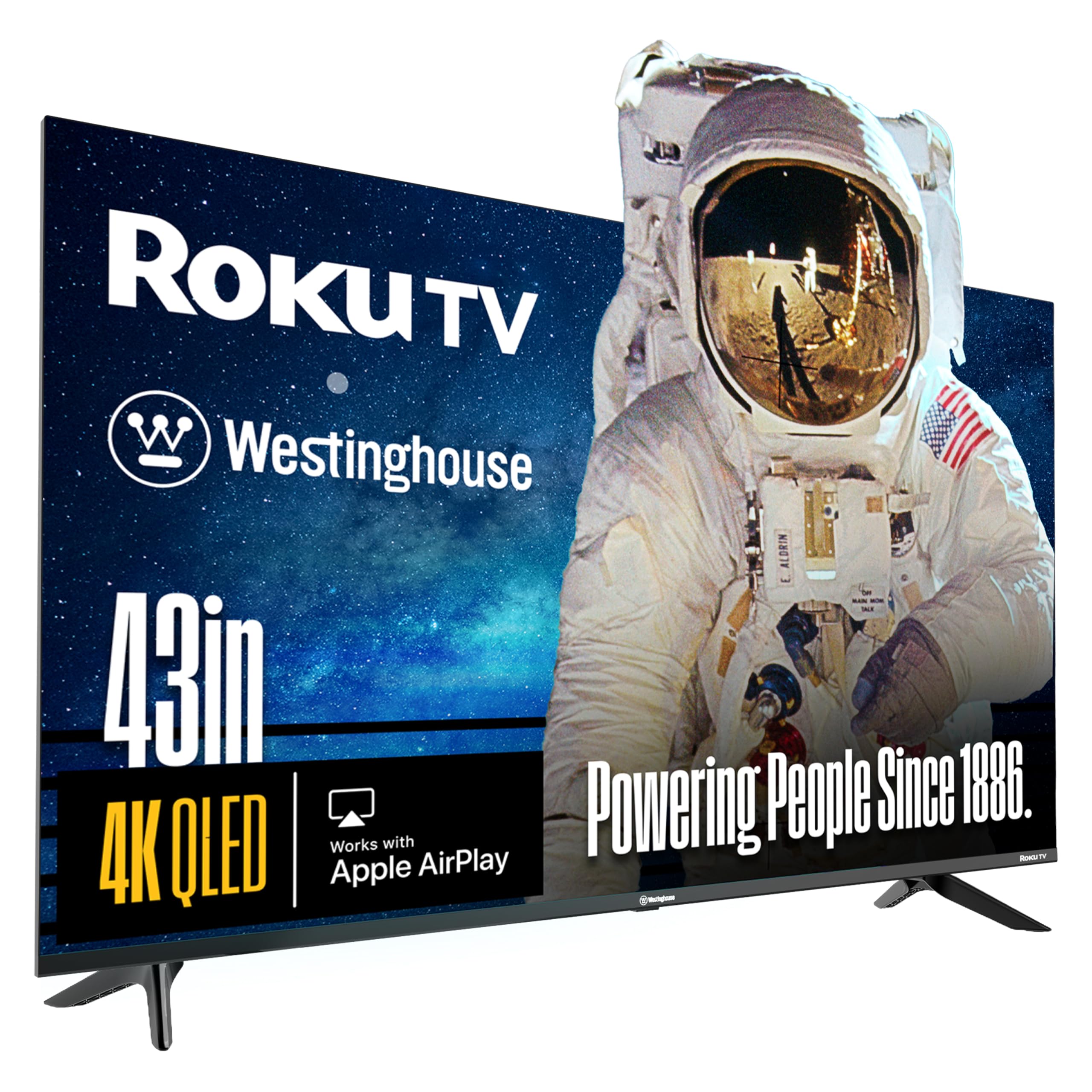
The Westinghouse Roku TV combines a Quantum Dot QLED panel with the dead-simple Roku smart platform, delivering vibrant, accurate colors across a wide viewing angle. Dolby Vision and HDR10+ support ensure you get cinematic contrast whether you are watching Prime Video or a 4K Blu-ray. The bezel-less design pushes the image to the edge for an immersive look that outperforms many rival 43-inch sets at this tier.
Owners consistently praise the picture quality, calling it one of the best values on the market. The Roku Voice Remote lets you search across thousands of apps hands-free. Setup is quick and user-friendly, perfect for less tech-savvy family members. The four HDMI ports offer excellent expandability for a gaming console, soundbar, and streaming stick simultaneously.
Real-world use shows the QLED panel produces noticeably richer reds and blues than standard LED TVs. The built-in speakers are adequate for news and talk shows, but pairing a soundbar unlocks the Dolby Audio potential. The Roku home screen stays snappy without the ad bloat of competing platforms.
Why it’s great
- Stunning QLED color accuracy and brightness
- Dolby Vision + HDR10+ dual support
- Fast, clutter-free Roku interface
- Four HDMI inputs for flexible setup
Good to know
- Internal speakers lack deep bass
- Not 120Hz — 60Hz panel
2. Amazon Fire TV 43″ Omni QLED 4K

The Amazon Fire TV Omni QLED brings a vibrant 4K display with Dolby Vision IQ and HDR10+ Adaptive, meaning the TV automatically adjusts brightness based on ambient light in the room. The built-in microphones allow true hands-free Alexa control—no remote needed for volume, app launch, or content search. The Fire TV Ambient Experience turns the screen into art when idle.
Reviewers highlight the excellent picture quality after calibration, with the 50-inch version featuring local dimming that helps control blooming. Connection to Echo speakers is seamless for a fuller sound stage without a soundbar. The four HDMI inputs, including eARC, make it a versatile hub for gaming and cable boxes.
Some owners note the Fire TV interface can feel slower than a dedicated Fire TV Cube or Stick, with occasional lag switching apps. Initial setup requires multiple software updates. For users already in the Alexa ecosystem, the integration is unmatched, but those prioritizing pure speed may prefer a Roku-based panel.
Why it’s great
- Hands-free Alexa — can control without remote
- Dolby Vision IQ with adaptive brightness sensor
- Ambient art mode when inactive
- eARC for easy soundbar connection
Good to know
- Interface can lag compared to Roku
- TV speakers are mediocre on their own
3. Samsung 43″ Crystal UHD 4K U8000H

Samsung’s Crystal Processor 4K upscales lower-resolution content to near-4K clarity while Color Booster enhances vibrancy. The Motion Xcelerator technology estimates and adjusts frame transitions in real time, reducing blur during fast-paced sports and action sequences. The design features thin bezels and a sleek profile that fits neatly into most entertainment centers.
Buyers report crystal-clear graphics and loud, clear audio that in many cases eliminates the need for a soundbar in a small bedroom. Tizen OS provides access to 2,700+ free channels via Samsung TV Plus. The new remote is praised for its ergonomics, though some older users find the minimalist design difficult.
A frequently cited drawback is the laggy remote response. Multiple reviewers mention a 1–4 second delay when pressing buttons or switching apps. Setting up the TV requires a forced account creation and internet connection, which can frustrate cord cutters or less technical users. The stand is also described as cheap and unstable by some.
Why it’s great
- Excellent 4K upscaling and color boosting
- Motion Xcelerator handles sports smoothly
- 2,700+ free channels included
- Built-in speakers are loud and clear
Good to know
- Remote response lag is widely reported
- Setup requires online account creation
4. Hisense 43″ E6 QLED 4K Fire TV

The Hisense E6 Cinema Series fuses a Hi-QLED panel with the Full HDR Solution — supporting Dolby Vision, HDR10+, HDR10, and HLG — to deliver ink-black blacks and vibrant highlights. The Motion Rate 120 effectively reduces judder during sports. The Fire TV platform with Alexa built-in makes voice control effortless, allowing you to launch apps, check scores, and control smart home devices.
Complimentary reviews emphasize the superb picture quality for the price, noting the 4K resolution and QLED colors surpass even some older Samsung 4K models. Bluetooth headphone pairing is easy, a feature appreciated for late-night viewing. The setup is straightforward, and the thin bezels maximize screen real estate.
Some owners note that Fire TV’s app layout is less intuitive than Roku. Initial remote lag was reported but resolved after updates. The TV lacks an AV output, which may be a problem for older devices. Occasional loading delays on certain streaming apps can occur, likely related to WiFi stability.
Why it’s great
- Full HDR support with Dolby Vision + HDR10+
- Hi-QLED panel delivers rich, true-to-life colors
- Built-in Alexa and Fire TV platform
- Motion Rate 120 smooths fast action
Good to know
- Fire OS layout is less intuitive than Roku
- No AV output for older peripherals
5. Roku Select 43″ 4K HDR
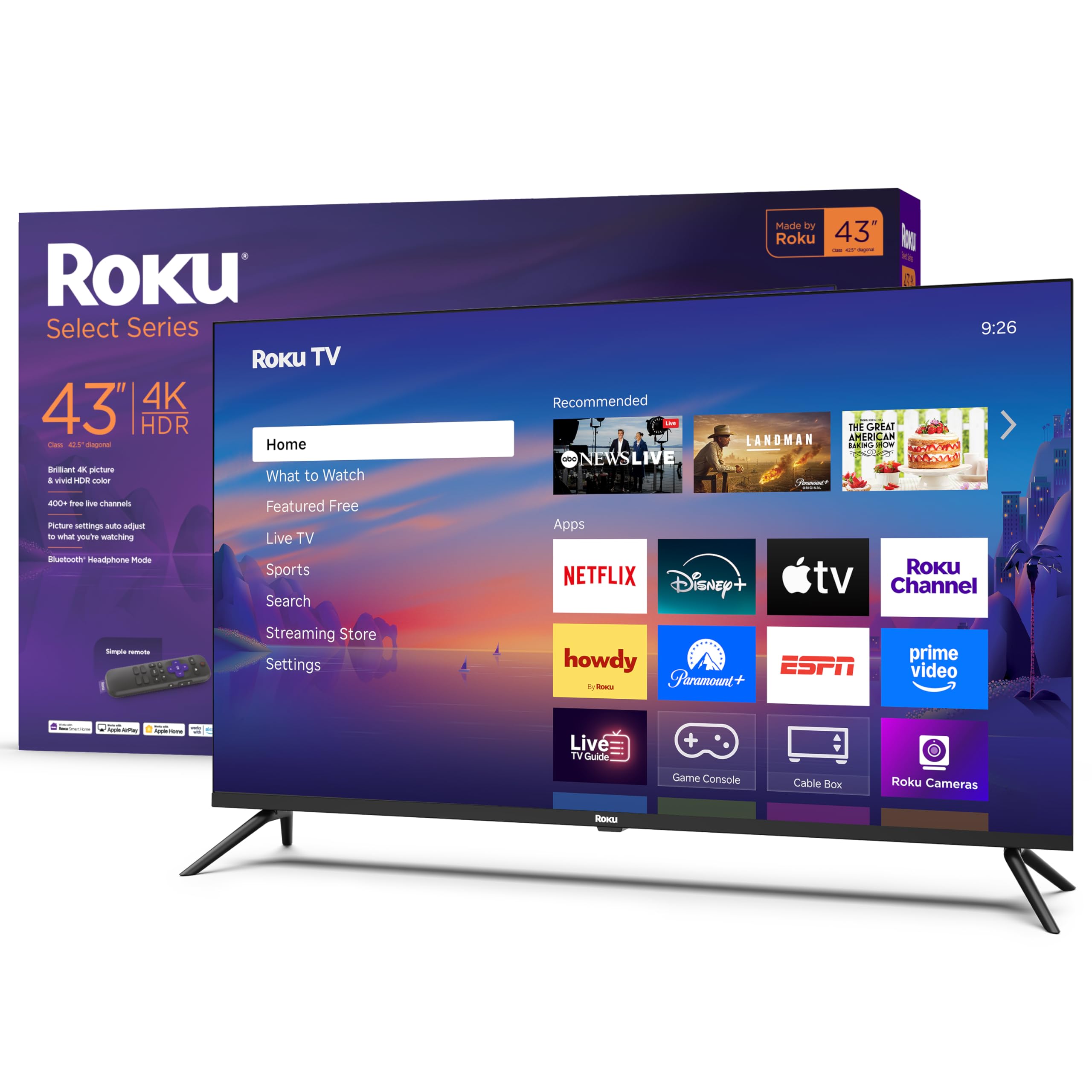
The Roku Select Series delivers sharp 4K resolution with HDR10 support for lifelike clarity, driven by Roku’s Smart Picture technology that optimizes incoming signals. Direct LED backlighting with dimming provides decent contrast for a 60Hz panel. The included Roku Remote gives you one-touch access to major streaming channels plus a private listening mode via the Roku mobile app.
Users consistently mention that the picture quality exceeded their expectations, especially those upgrading from non-4K sets. The Roku interface remains the gold standard for simplicity — apps open quickly and the home screen is customizable. Bluetooth headphone mode works seamlessly. Setup takes under ten minutes.
At this price point, the 43-inch screen size is slightly larger than a strict 40-inch, but the fit is close enough for most cabinets. The built-in speakers are acceptable but not immersive. Gamers will appreciate the variable refresh rate (VRR) support, though the 60Hz panel limits high-frame-rate gaming.
Why it’s great
- Superb 4K HDR10 picture quality for the price
- Simple, fast Roku interface
- VRR support for smoother gaming
- Private listening via mobile app
Good to know
- No Dolby Vision — HDR10 only
- Only two HDMI ports
6. Westinghouse 43″ 4K Xumo TV
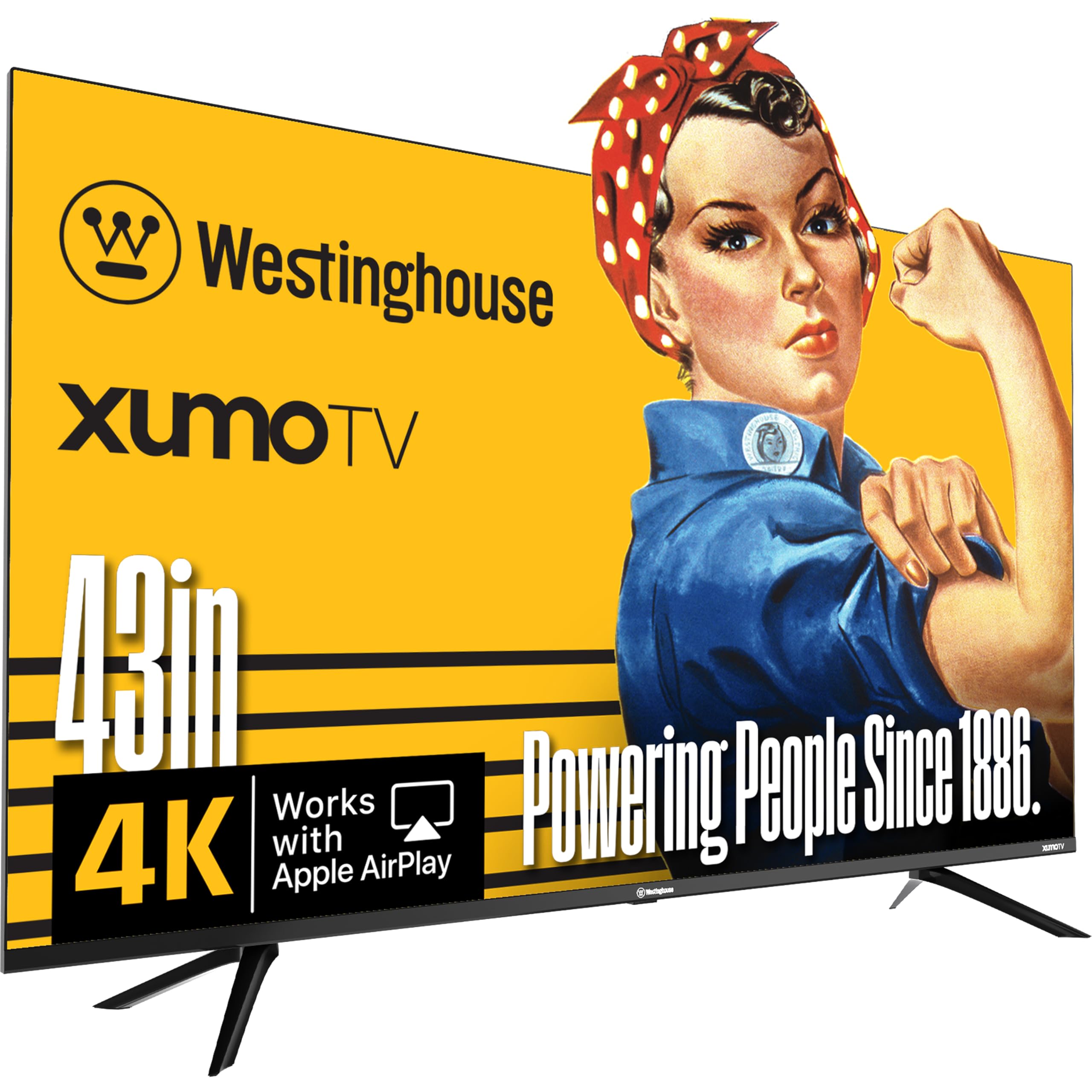
Westinghouse’s Xumo TV offers a 43-inch 4K UHD display with Dolby Vision and HDR10+ for enhanced contrast, plus Dolby Atmos for spacious audio. The Xumo Play platform provides instant access to 350+ free live channels and 70,000+ on-demand movies without any subscription. Apple AirPlay and built-in Bluetooth 5.1 round out the connectivity suite.
Owners praise the spectacular 4K picture quality and the surprising volume and clarity of the built-in speakers, which many find adequate without a soundbar. The three HDMI inputs offer good flexibility. Voice remote with universal search reduces app-hopping. Bluetooth pairing works well for headphones.
The Xumo platform is less established than Roku or Fire TV, and some users find adding non-standard apps unintuitive. The TV does not support a web browser. A few early units arrived with cosmetic damage (bezel gaps), though the hardware performance was solid. Remote features may not all function exactly as advertised.
Why it’s great
- 350+ free live channels with no subscription
- Excellent built-in speaker performance
- Apple AirPlay and Bluetooth 5.1
- Dolby Vision + Dolby Atmos included
Good to know
- Xumo platform has fewer apps than Roku
- No web browser available
7. Samsung 40″ FHD F6000 Smart TV

The Samsung F6000 is a 40-inch 1080p Full HD smart TV built around the Tizen platform with Object Tracking Sound Lite for virtual surround effects. Mega Contrast automatically adjusts brightness between light and dark scenes, while PurColor aims for lifelike hues. The 3-bezel-less design keeps the frame minimal and the focus on the screen.
Positive reviews highlight the excellent picture quality — some call it nearly 3D — and easy setup. The compact size fits perfectly in a small bedroom or kitchen. Sound is clear enough for casual viewing without a soundbar. Samsung TV Plus offers 2,700+ free channels including 400+ premium ones.
The remote lag issue appears again here, with multiple owners noting a frustrating 1–4 second delay between button press and TV response. The remote is also small and has tiny buttons. One reviewer reported the TV losing station memory and requiring a full setup repeat. There is no physical on/off switch, and the stand feels unstable.
Why it’s great
- Stunning 1080p picture quality for the size
- Object Tracking Sound Lite for virtual surround
- Samsung TV Plus with thousands of free channels
- Sleek, thin-bezel design
Good to know
- Remote control lag is a common complaint
- No physical power switch
8. FPD 40″ Full HD Google TV

The FPD Palette-Series brings Google TV and Chromecast Built-in to a 40-inch 1080p panel, making it the most affordable entry point for hands-free control via Google Assistant. HDR10 support provides decent contrast, and Dolby Audio ensures clear sound. The voice remote allows search, control, and smart home commands without extra hardware.
Owners appreciate the easy setup and user-friendly interface. Gaming on this TV works well, according to one verified gamer. The front-facing color accuracy is excellent for the price, though the field of view narrows beyond 45 degrees — colors wash out. It fits comfortably in a 53.5-inch entertainment center.
The narrow viewing angle is the most noted limitation: beyond 90 degrees total, colors lose saturation. A small number of users report non-functional remote controls out of the box (batteries not working). The 60Hz refresh rate is standard for this tier. The OS should receive future updates.
Why it’s great
- Full Google TV with Chromecast built-in
- Voice remote with Google Assistant
- HDR10 and Dolby Audio support
- Very budget-friendly entry point
Good to know
- Very narrow 45-degree optimal viewing angle
- Some units ship with defective remotes
9. Sony 85″ Mini LED QLED Bravia 7

The Sony Bravia 7 is a completely different class: an 85-inch Mini LED QLED panel driven by Sony’s XR Backlight Master Drive for thousands of precisely controlled dimming zones. The XR Processor upscales all content in real time, while XR Triluminos Pro delivers billions of accurate colors. Dolby Vision, IMAX Enhanced, and DTS:X support bring cinema to your living room.
Exclusive PlayStation 5 features — Auto HDR Tone Mapping and Auto Genre Picture Mode — make this the ultimate companion for PS5 owners. The included Sony Pictures Core app provides five 4K movie credits for instant access to high-bitrate films. The display handles reflections well, and the built-in Acoustic Multi-Audio technology creates surprisingly immersive sound.
The premium price places this far above the 40-inch segment, but for those building a dedicated home theater, it sets the benchmark. Some users note noticeable blooming in high-contrast scenes and a narrow optimal viewing angle (under 30 degrees). The panel is also thicker than comparable LCD sets. A rare panel failure after one year has been reported.
Why it’s great
- Best-in-class Mini LED backlight control
- Dedicated PS5 features and Game Menu
- XR Processor for superb upscaling
- Dolby Vision, Atmos, IMAX Enhanced
Good to know
- Noticeable blooming on high-contrast scenes
- Very narrow 30-degree optimal viewing angle
FAQ
Is a 40-inch TV big enough for a living room?
Should I get a 1080p or 4K TV at 40 inches?
Why do some owners report remote control lag?
Can I use a soundbar with a 40-inch TV?
Final Thoughts: The Verdict
For most users, the best 40 inch smart tv winner is the Westinghouse 43″ Roku TV QLED because it combines a vibrant Quantum Dot panel, Dolby Vision and HDR10+, and the fastest smart platform on the market — all in a compact bezel-less design. If you want hands-free Alexa control and adaptive brightness, grab the Amazon Fire TV 43″ Omni QLED. And for a strict 40-inch 1080p budget build with Google TV integration, nothing beats the FPD 40-inch Google TV.