
Our readers keep the lights on and the weekend projects moving. As an Amazon Associate, I earn from qualifying purchases.
A 42-inch monitor changes everything. It replaces two or three smaller panels with one massive canvas, eliminating bezel gaps and giving you a true command-center view. But the shift from a standard 27-inch or 32-inch screen to this size is not just a spec bump — it demands a different level of pixel density, panel technology, and desk depth to work well.
I’m Rikta — the co-founder and writer behind FitlyFast. I’ve spent countless hours digging into the panel specs, color accuracy data, refresh rate thresholds, and connectivity requirements that define a quality 42-inch monitor for real-world productivity and gaming. This guide reflects that deep research across eleven of the most compelling models available.
If you are ready to replace a multi-monitor setup with a single, stunning display, this analysis of the best 42 inch monitor options will help you match the right screen to your workflow and budget.
How To Choose The Best 42 Inch Monitor
Jumping to a 42-inch panel changes your entire viewing relationship. You need to balance raw size with the resolution, panel type, refresh rate, and ports that actually make that size useful for your daily tasks.
Pixel Density: 4K at 42 Inches
At 42 inches, a standard 3840×2160 (4K) resolution gives you roughly 105 PPI. That is noticeably less crisp than a 27-inch 4K monitor (163 PPI), but still sharp enough for most productivity and gaming. For the truest text clarity and image detail from two feet away, some premium models push 5K2K resolutions on slightly smaller 40-inch panels, bumping pixel density to the 140 PPI range.
Panel Technology: OLED, IPS, and VA
OLED monitors like the LG C3, LG C4, and Sony A90K produce perfect blacks and infinite contrast because each pixel emits its own light. This delivers an unmatched cinematic and gaming picture. IPS panels (Dell U4320Q, Dell U4025QW) offer wide viewing angles, accurate colors, and consistent brightness, making them a standard for professional color work. VA panels (Samsung M7, most ultrawide models) provide strong contrast ratios (3000:1) and rich blacks but have narrower viewing angles.
Refresh Rate and Adaptive Sync
For pure productivity, 60Hz is sufficient. For gaming, target 120Hz or higher. OLED TVs like the LG C4 and Samsung S90F reach 144Hz, while some gaming-focused ultrawides push 200Hz and 240Hz. Adaptive sync (FreeSync / G-Sync) eliminates screen tearing and works best over HDMI 2.1 or DisplayPort 1.4. Paired with a powerful GPU, a high refresh rate delivers fluid motion without stutter.
Connectivity and Desk Hubs
A 42-inch monitor can become the center of your desk. Look for USB-C with power delivery (65W or higher) to charge a laptop and drive the display through a single cable. HDMI 2.1 (48Gbps) supports 4K at 120Hz with HDR, critical for modern consoles and high-end PC gaming. Built-in USB hubs and KVM switches let you share one keyboard, mouse, and monitor between a work PC and a personal laptop without swapping cables.
Quick Comparison
On smaller screens, swipe sideways to see the full table.
| Model | Category | Best For | Key Spec | Amazon |
|---|---|---|---|---|
| LG C4 42 | OLED TV/Monitor | Best Overall: Gaming & Media | 4K OLED, 144Hz, 0.1ms | Amazon |
| Sony A90K 42 | OLED TV | Best Picture Quality | OLED, 120Hz, XR Processor | Amazon |
| Dell U4320Q 43 | 4K IPS Monitor | Professional Productivity | 4K IPS, 60Hz, USB-C Hub | Amazon |
| Samsung S90F 42 | QD-OLED TV | Best Color & Brightness | QD-OLED, 144Hz, HDR+ | Amazon |
| LG C3 42 | OLED TV | Premium Value OLED | 4K OLED, 120Hz, Gen6 AI | Amazon |
| Dell U4025QW | 5K2K IPS Black | Ultra-Productivity & Color Work | 5K2K, 120Hz, IPS Black | Amazon |
| Samsung M7 43 | Smart Monitor | Work & Entertainment Hub | 4K VA, 60Hz, Smart TV | Amazon |
| INNOCN 49Q1S | OLED Ultrawide | Immersive Gaming & Racing | 5120×1440, 240Hz, OLED | Amazon |
| Deco Gear 49 | VA Ultrawide | Budget Dual Monitor Replacement | 5120×1440, 120Hz, USB-C 65W | Amazon |
| Gawfolk 45 | Gameing Ultrawide | High-FPS Ultrawide Gaming | 5120×1440, 200Hz, VA | Amazon |
| CRUA 49 | Budget Ultrawide | Entry-Level Ultrawide Work & Play | 5120×1440, 120Hz, VA | Amazon |
In‑Depth Reviews
1. LG C4 42-Inch OLED evo (OLED42C4PUA)

The LG C4 strikes the ideal balance between picture quality, gaming performance, and value for a 42-inch screen. It uses LG’s OLED evo panel technology, which pushes brightness higher than previous C-series models while maintaining the perfect black levels and infinite contrast that make OLED so compelling. At 42 inches, the 3840×2160 resolution delivers a pixel density of about 105 PPI, which is crisp for desktop use when scaled properly.
The 144Hz refresh rate with native G-Sync and FreeSync Premium support makes it a formidable gaming display, and the four HDMI 2.1 ports (48Gbps each) let you connect a PC, PS5, Xbox Series X, and a soundbar without compromise. The a9 AI Processor Gen7 handles upscaling exceptionally well, sharpening lower-resolution content and smoothing motion for sports and film. The 0.1ms response time ensures zero perceivable ghosting in fast-paced titles.
Text clarity is solid for an OLED, though users sensitive to subpixel rendering may want to adjust ClearType on Windows. The stand is functional but wide — a VESA mount is recommended for desk use. The smart TV platform (webOS 24) is responsive, and the Magic Remote adds convenience for media browsing, though some may find the pointer-style remote distracting for monitor use. This is the most versatile 42-inch panel available.
Why it’s great
- Stunning OLED contrast and color volume
- 144Hz with G-Sync and FreeSync Premium
- Four HDMI 2.1 ports
Good to know
- Wide stand, needs deep desk or VESA mount
- Windows text may need ClearType tuning
2. Sony A90K 42-Inch OLED (XR42A90K)

The Sony A90K is widely regarded as the best-looking 42-inch display money can buy, thanks to its Cognitive Processor XR. This processor analyzes how humans perceive reality, adjusting contrast, color, and luminance in real time. The result is an image with unmatched depth, natural skin tones, and highlight details that stay crisp without haloing. The XR OLED Contrast Pro pushes brightness in small, bright areas while keeping blacks perfectly inky.
For PlayStation 5 owners, this monitor is uniquely optimized. Auto HDR Tone Mapping and Auto Genre Picture mode automatically adjust settings when you switch from streaming to gaming, and input lag drops to 8.5ms in game mode. The 120Hz panel supports VRR and ALLM over HDMI 2.1, making it a seamless companion for high-frame-rate console gaming. Acoustic Surface Audio+ turns the screen into a speaker, producing surprisingly full sound without external speakers.
The Google TV interface is smooth and supports all major streaming apps, but smart TV functions may feel unnecessary for pure monitor use. The multi-position stand is flexible, fitting smaller desks better than the LG C4’s wide feet. The main trade-off is the price — it commands a significant premium for its size — and the 120Hz refresh rate, which, while excellent, is lower than the 144Hz offered by the LG C4.
Why it’s great
- Best-in-class processing and motion clarity
- Deep Pixel-level contrast and natural colors
- Optimized for PS5 with exclusive features
Good to know
- Premium price for the 42-inch segment
- 120Hz refresh vs 144Hz on competitors
3. Dell U4320Q 43-Inch IPS 4K

The Dell U4320Q is a productivity-first 43-inch monitor built for professionals who need reliable color, consistent brightness, and seamless multi-device workflows. Its IPS panel delivers 350 nits of brightness, a 1000:1 contrast ratio, and wide 178-degree viewing angles. At 3840×2160 with a 60Hz refresh rate, this monitor is not aimed at competitive gamers — it is built for stock traders, engineers, video editors, and anyone who lives in a grid of windows.
The built-in USB-C hub is the standout feature. A single USB-C cable (included) carries 65W of power delivery upstream to a laptop, video signal, and data for connected peripherals. There are also HDMI, DisplayPort, and four USB-A ports, allowing you to connect multiple devices and switch between them easily. The Dell Display Manager software lets you split the screen into as many as four 1080p zones, effectively replicating a four-monitor grid without the bezels.
This monitor is VESA compatible and its thin bezels make it suitable for multi-monitor arrays if you need even more real estate. The pixel density at 43 inches is about 103 PPI, meaning text is readable but not as sharp as a 27-inch 4K panel. It is also limited to 60Hz, which is fine for office tasks but feels sluggish for scrolling-intensive workflows or gaming.
Why it’s great
- USB-C hub with 65W PD
- IPS panel with consistent color and wide viewing angles
- Excellent multi-window productivity
Good to know
- 60Hz refresh rate only
- Pixel density lower than smaller 4K monitors
4. Samsung S90F 42-Inch OLED (2025)

The Samsung S90F is a 2025 OLED TV that uses QD-OLED technology, which combines quantum dots with an OLED panel to achieve wider color volume and higher peak brightness than traditional WOLED panels. The result is a picture with incredibly vibrant, saturated colors and deep blacks, making it a strong competitor to the LG C4 for mixed-use scenarios. The NQ4 AI Gen3 processor with 128 neural networks handles upscaling and HDR tone mapping exceptionally well.
Gamers will appreciate the 144Hz refresh rate with Motion Xcelerator Turbo Pro, which supports 4K 144Hz VRR over HDMI 2.1. The panel’s response time is effectively instantaneous, and input lag is negligible. The S90F also excels at motion handling for sports, reducing blur on fast-moving objects. The AI upscaling transforms lower-resolution content and SDR streams into HDR-like quality, making everything from YouTube to Netflix look punchy.
Samsung’s Tizen smart platform is fast and offers built-in Gaming Hub for cloud streaming. The design is sleek and slim, but the thin bezel and fragile top edge require careful handling during setup. The anti-reflective coating is good but can be damaged by aggressive cleaning. For those wanting the brightest, most colorful OLED option for both PC gaming and media, the S90F delivers a step above the standard OLED experience.
Why it’s great
- QD-OLED delivers exceptional color and brightness
- 144Hz VRR with low input lag
- Advanced AI upscaling and HDR processing
Good to know
- Fragile construction, handle with care
- Bright room reflection may be an issue
5. LG C3 42-Inch OLED evo (OLED42C3PUA)

The LG C3 is the predecessor to the C4, offering a very similar feature set at a lower entry point. It features LG’s OLED evo panel (Brightness Booster) and the a9 AI Processor Gen6, which still delivers stunning picture quality, though it lacks the C4’s brightness improvements and 144Hz support. For most users, the difference between 120Hz and 144Hz is minor, making the C3 a compelling value choice for a premium 42-inch OLED experience.
It supports 4K at 120Hz with G-Sync and FreeSync Premium, and includes four HDMI 2.1 ports. The 0.1ms response time eliminates motion blur, and the infinite contrast ratio makes HDR content look spectacular. The Magic Remote and webOS 23 interface remain responsive and provide access to all major streaming services. The C3’s processing can upscale 1080p content effectively, giving older games and standard TV a sharper appearance.
The same caveats apply: the stand is wide, text clarity benefits from ClearType adjustment, and the panel uses a glossy finish that can reflect ambient light. The C3 is an excellent OLED monitor for gaming and media, and when priced below the C4, it represents a smart purchase for anyone who does not strictly need the extra 24Hz or the latest processor generation.
Why it’s great
- Premium OLED quality at a lower price
- 120Hz with G-Sync and FreeSync Premium
- Four HDMI 2.1 ports
Good to know
- No 144Hz support
- Slightly less bright than the C4
6. Dell U4025QW 40-Inch 5K2K Curved

The Dell U4025QW is a 40-inch 5K2K (5120×2160) ultrawide monitor with a 21:9 aspect ratio, offering significantly more horizontal resolution than a standard 4K panel. With a pixel density of roughly 140 PPI, text and icons appear exceptionally sharp — far clearer than a 42-inch 4K panel. The IPS Black technology delivers a 2000:1 contrast ratio, which is double that of standard IPS, producing deeper blacks while maintaining the color accuracy and viewing angles that professionals rely on.
This is a workstation display first. The 120Hz refresh rate smooths scrolling and cursor movement without approaching gaming-focused speeds. The built-in KVM switch and Thunderbolt 4 hub (with 140W power delivery) let you connect a high-end laptop and a desktop PC simultaneously, sharing a single keyboard, mouse, and the monitor’s Ethernet connection. The ergonomic stand offers full height, tilt, swivel, and pivot adjustments. The anti-glare coating reduces reflections in bright offices.
At its high price, it is an investment for serious workflows: video editing, software development with many file trees, and financial analytics where every pixel of width matters. The 5K2K resolution requires a powerful GPU to drive at full resolution, especially at 120Hz. For pure productivity and text clarity, this is the best display in this roundup, but it is not intended for high-refresh-rate gaming.
Why it’s great
- Sharp 5K2K resolution with 140 PPI
- IPS Black panel with 2000:1 contrast
- Thunderbolt 4 hub with 140W PD
Good to know
- High price point
- Requires a powerful GPU for full resolution
7. Samsung 43-Inch M7 (M70D) Smart Monitor

The Samsung M7 M70D is a 43-inch 4K VA panel designed as an all-in-one entertainment and productivity hub. It runs Samsung’s Tizen smart platform, giving you built-in access to streaming services like Netflix, YouTube, and Disney+ without needing a separate device. It also includes Samsung Gaming Hub for cloud gaming via Xbox Game Pass and other services. This makes it an excellent choice for a living room or a desk where you want to work and unwind without switching inputs.
Connectivity is strong for the price: USB-C with 65W power delivery, HDMI, and USB-A ports allow you to connect a laptop and peripherals with one cable. The SolarCell Remote is a nice eco-friendly touch, charging via ambient light. Built-in speakers deliver adequate sound for casual viewing and video calls, though they lack bass. The VA panel provides a 5000:1 contrast ratio, producing deep blacks for a non-OLED display, and the 300-nit brightness is fine for indoor use.
The 60Hz refresh rate locks this to productivity and media consumption — competitive gaming is not its purpose. Some users report the glossy screen can produce reflections in bright rooms, and the remote-dependent menu system feels less responsive than direct monitor buttons. For a combined work-and-streaming setup at a reasonable price, the M7 is a versatile and space-saving option.
Why it’s great
- Built-in smart TV and cloud gaming hub
- USB-C with 65W PD
- SolarCell Remote included
Good to know
- 60Hz refresh rate only
- Glossy screen can reflect light
8. INNOCN 49Q1S 49-Inch OLED Curved

The INNOCN 49Q1S is a 49-inch OLED ultrawide monitor with a 32:9 aspect ratio and 5120×1440 resolution. It uses an OLED panel with a 1,000,000:1 contrast ratio, delivering the same perfect blacks and vibrant colors as the LG C4, but stretched across a super-ultrawide form factor. The 240Hz refresh rate and 0.03ms response time set it apart for competitive gaming, providing extremely fluid motion with no perceivable blur or ghosting.
Connectivity is comprehensive: two DisplayPort 1.4 ports, one HDMI 2.1, and a USB-C port with 90W power delivery, plus a USB hub and an RJ45 Ethernet port. The 1800R curvature wraps around your field of view, enhancing immersion for racing and flight sim games. It also supports PIP and PBP modes, letting you display content from two sources simultaneously — useful for monitoring a stream while gaming on your main PC.
The glossy OLED finish enhances contrast but can be reflective in bright rooms. Some users report that certain applications have issues with the ultrawide resolution, causing misaligned UI elements. The built-in speakers are functional but weak. This monitor is a top-tier choice for gaming enthusiasts who want OLED blacks and a very high refresh rate, but it comes with a premium price and the specific ergonomic demands of a 49-inch curved panel.
Why it’s great
- OLED contrast with perfect blacks
- 240Hz refresh rate with 0.03ms response
- USB-C 90W PD and RJ45
Good to know
- Glossy screen can be reflective
- Some apps may have ultrawide scaling issues
9. Deco Gear 49-Inch Ultrawide Curved
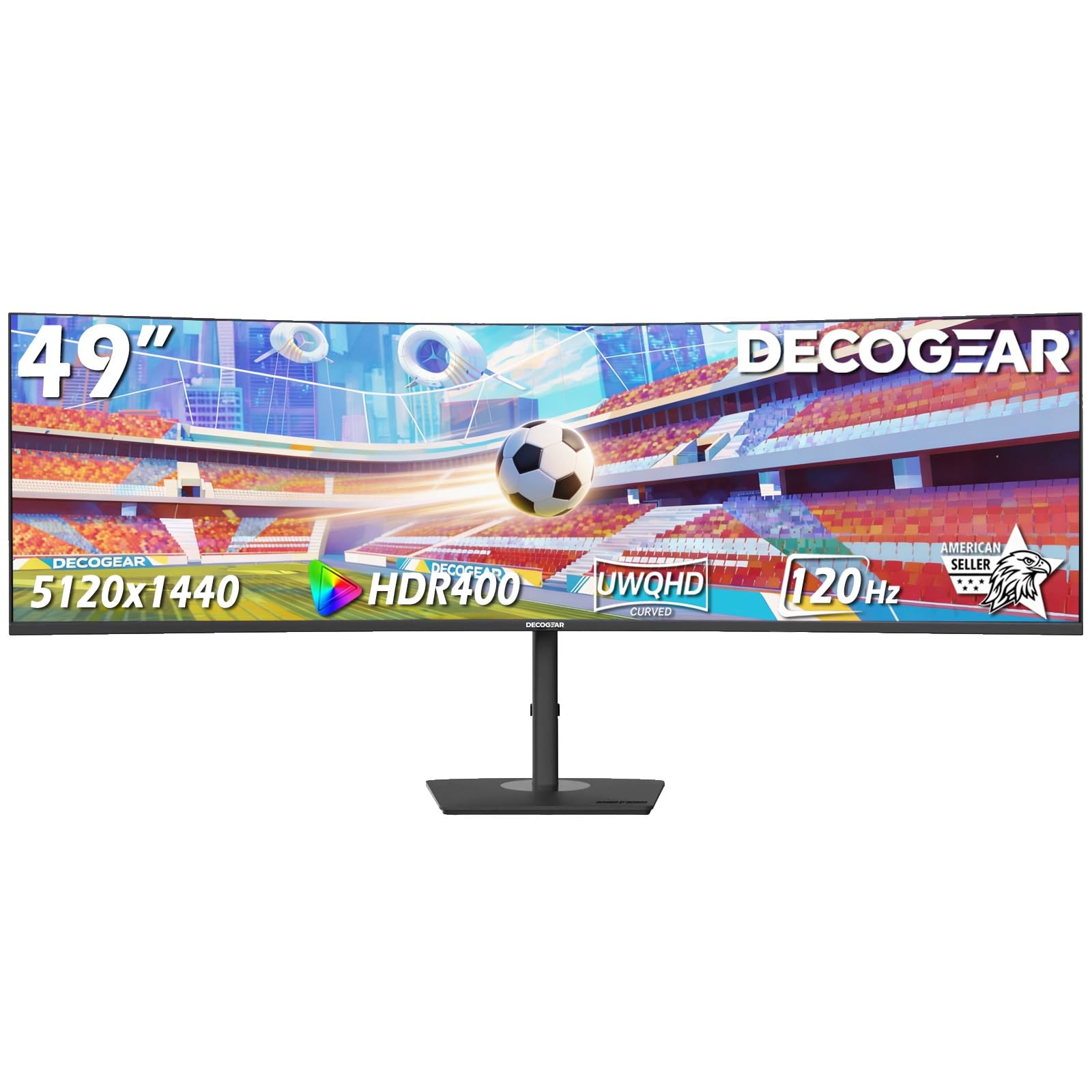
The Deco Gear 49 is a 49-inch VA ultrawide that offers 5120×1440 resolution, a 120Hz refresh rate, and a 1ms MPRT response time at a competitive price. It is designed as a dual-monitor replacement, giving you the equivalent of two 27-inch QHD screens side by side without the bezel gap. The VA panel provides a 3000:1 contrast ratio, producing deep blacks and good shadow detail in dark scenes.
It includes a USB-C port with 65W power delivery and a built-in KVM switch, allowing you to control two computers with one set of peripherals. The ergonomic stand offers height, tilt, and swivel adjustments. HDMI 2.0 and DisplayPort 1.4 inputs are available, though HDMI 2.0 limits adaptive sync to 60Hz — use DisplayPort for the full 120Hz experience. PIP and PBP modes enable multi-source viewing.
The 250-nit brightness is on the lower side, making it less suitable for brightly lit rooms. Color accuracy is decent out of the box, but some users have noted the need for manual RGB adjustments to achieve proper saturation. The stand is sturdy, and the overall build quality is solid for the price. For users seeking a large ultrawide to replace dual monitors without spending a premium, the Deco Gear 49 provides good value.
Why it’s great
- Good value for a 49-inch ultrawide
- USB-C 65W PD with KVM switch
- 120Hz refresh rate with 1ms MPRT
Good to know
- Brightness limited to 250 nits
- Color accuracy may require manual calibration
10. Gawfolk 45-Inch Ultrawide Curved
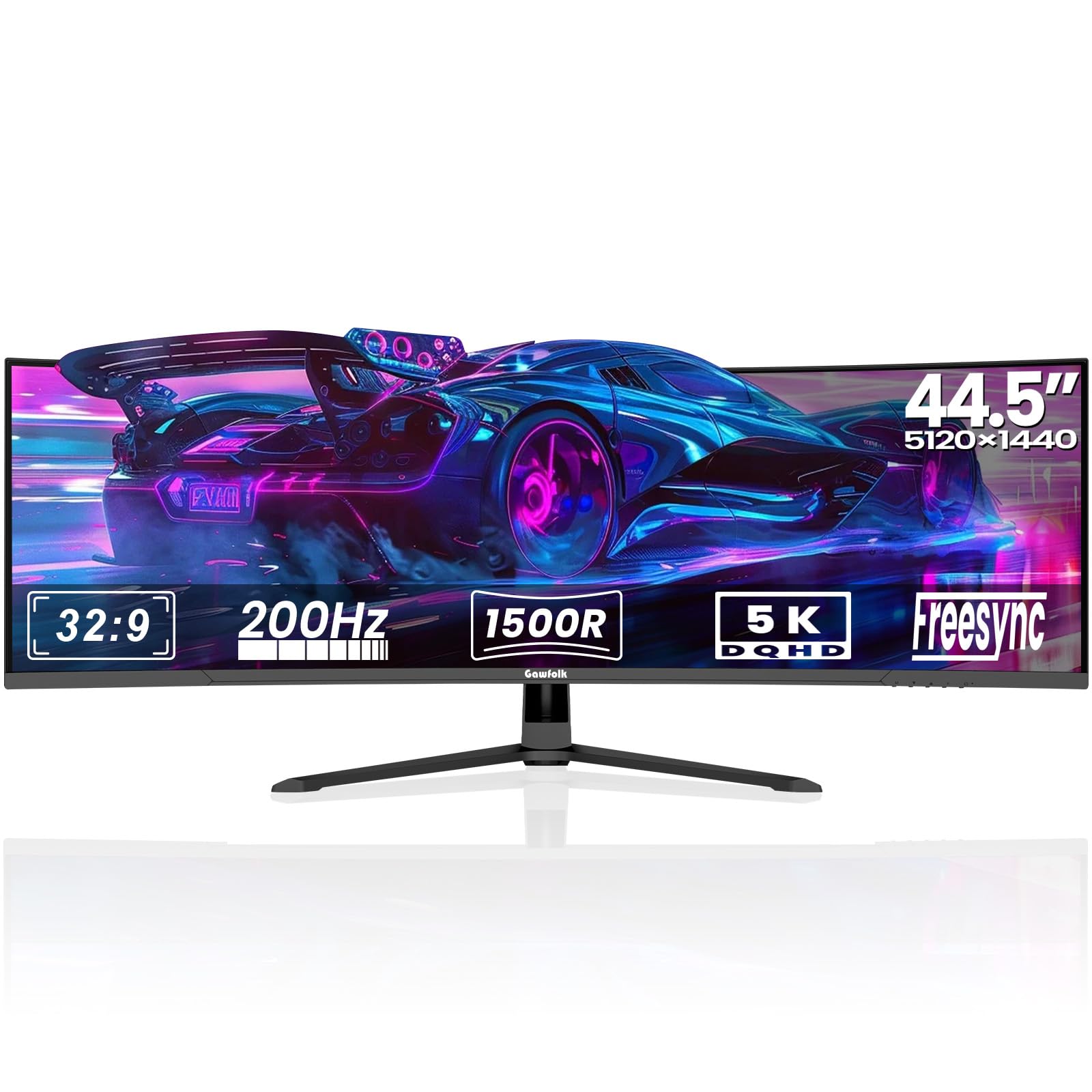
The Gawfolk 45 offers a 45-inch, 1500R curved VA panel with a 32:9 aspect ratio and 5120×1440 resolution, but its main draw is the 200Hz refresh rate. This high refresh rate, combined with FreeSync and G-Sync compatibility, makes it a strong candidate for competitive multiplayer games where smooth motion and low latency are essential. The 3000:1 contrast ratio provides deep blacks and good separation in shadow areas.
The monitor includes two HDMI 2.1 ports and two DisplayPort 1.4 inputs, giving you flexibility for multiple devices. PIP and PBP modes let you display two independent input sources at once, which is useful for live-streaming setups or for running a console and PC simultaneously. The build features a sturdy aluminum alloy base, and the rear has customizable ambient lighting for aesthetic customization.
There are notable quality concerns. Several reports mention the screen cutting out intermittently during gaming, accompanied by ghosting upon reconnection. The built-in speakers lack bass and are not suitable for primary audio. Color accuracy out of the box can appear washed out, requiring manual adjustment. This monitor offers impressive specs on paper at a mid-range price, but potential buyers should be aware of the reliability risks.
Why it’s great
- 200Hz refresh rate for smooth gaming
- Two HDMI 2.1 and two DP 1.4 ports
- Large 45-inch VA panel with 3000:1 contrast
Good to know
- Reports of screen cut-out and ghosting
- Speakers lack bass, color needs calibration
11. CRUA 49-Inch Curved White
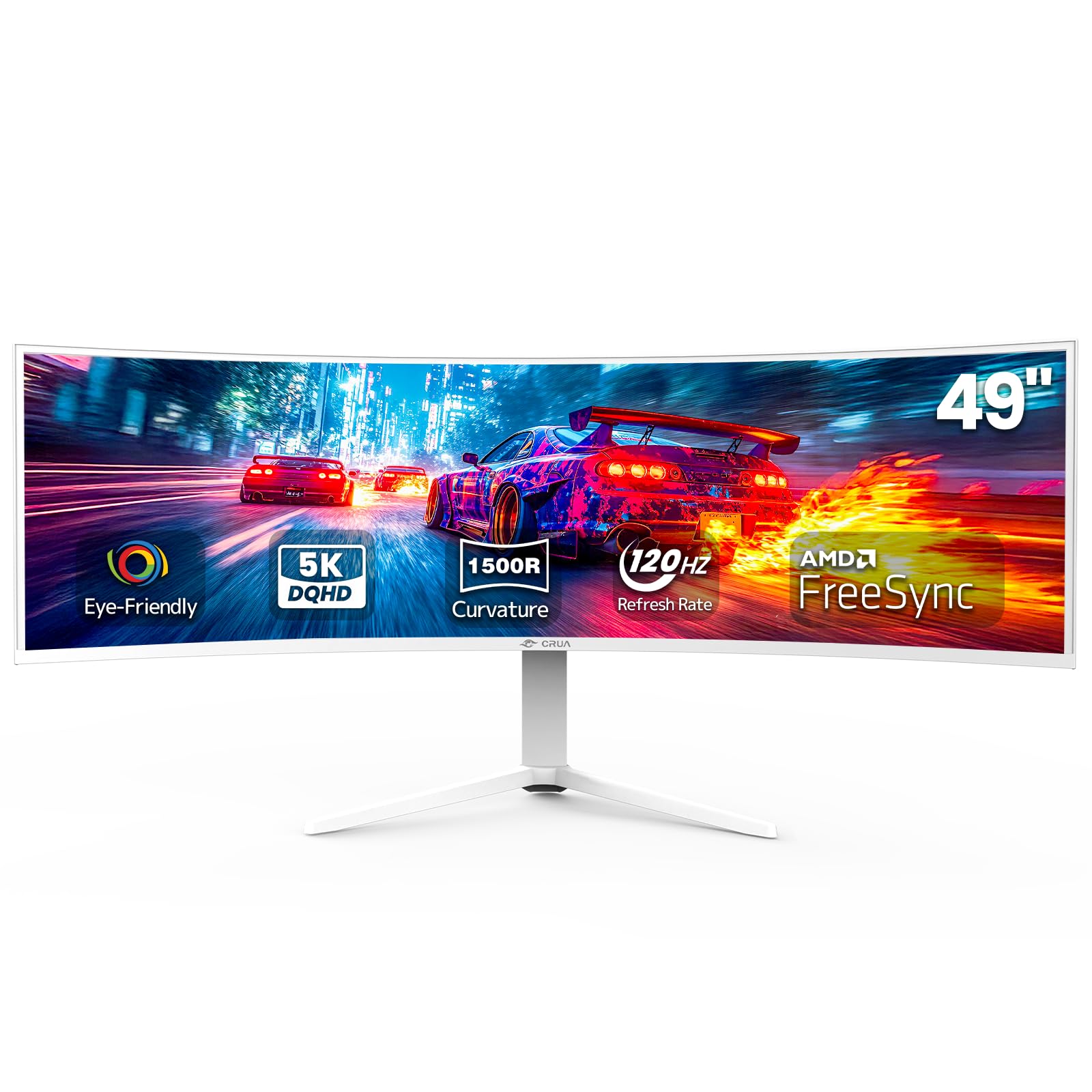
The CRUA 49 is an entry-level 49-inch VA ultrawide with a 32:9 aspect ratio and 5120×1440 resolution. It offers a 120Hz refresh rate with AMD FreeSync, providing a smooth visual experience for both work and gaming at a very competitive price point. The 1500R curvature helps reduce eye strain during long sessions by matching the natural curve of your vision.
Color coverage is listed at 120% sRGB, which allows for reasonably vibrant colors in everyday use and casual content creation. The 3000:1 contrast ratio delivers solid black levels, typical of VA panels. The height-adjustable stand offers tilt and lift adjustments, and the monitor is VESA-compatible for wall mounting. Available in a white color, it fits well with lighter desk setups and modern gaming themes.
This monitor has some significant trade-offs at its low price. There are no built-in speakers, requiring external speakers or headphones. Some users report a high-pitched whine from the external power adapter. Picture quality out of the box can appear dull, with low brightness and poor glare handling from the screen. While perfectly usable for productivity and lighter gaming, reliability and image quality are not on the same level as mid-range competitors. It serves best as a budget-friendly entry into the 32:9 ultrawide world.
Why it’s great
- Very affordable 49-inch ultrawide
- 120Hz refresh rate with FreeSync
- Height-adjustable stand and VESA mount
Good to know
- No built-in speakers
- Reports of power adapter whine and dull image
FAQ
Will a 42-inch monitor fit on a standard 60-inch desk?
Is 60Hz enough for a 42-inch productivity monitor?
What GPU do I need for a 42-inch 4K 120Hz monitor?
Final Thoughts: The Verdict
For most users, the best 42 inch monitor winner is the LG C4 42-Inch OLED because it combines stunning OLED picture quality, a 144Hz refresh rate, and four HDMI 2.1 ports in a package that works equally well for gaming and media consumption. If you want the absolute best picture quality for movies and console gaming, grab the Sony A90K. And for pure productivity with the highest pixel density and connectivity hub features, nothing beats the Dell U4025QW.