
Our readers keep the lights on and the weekend projects moving. As an Amazon Associate, I earn from qualifying purchases.
The bezel gap between two monitors is a constant source of friction, breaking your flow and causing that subtle neck strain by the end of the day. A 49-inch ultrawide with a 32:9 aspect ratio eliminates the bezel entirely, giving you one seamless digital canvas where your spreadsheets, code, and design tools live side by side without interruption.
I’m Rikta — the co-founder and writer behind FitlyFast. My buying guides are built on hundreds of hours of spec analysis, cross-referencing real customer feedback against technical datasheets to find the monitors that actually deliver on their promises for productivity workflows.
Whether you manage financial models, edit video timelines, or juggle a dozen browser tabs, best 49 inch monitor for work comes down to finding the right balance of resolution, curvature, connectivity, and color accuracy for your specific daily tasks.
How To Choose The Best 49 Inch Monitor For Work
A 49-inch monitor is a serious desk investment. Picking the wrong one means dealing with blurry text, limited connectivity, or an uncomfortable curve that fights your natural field of view. Here are the critical factors to get right for a productive work setup.
Resolution: DQHD Is The Productivity Standard
The most common and useful resolution for a 49-inch work monitor is 5120×1440 (Dual Quad HD or DQHD). This gives you the same pixel height as a standard 1440p monitor but twice the width, perfectly emulating two 27-inch QHD monitors side by side without a bezel. Cheaper 49-inch models with 3840×1080 (Double FHD) have significantly less vertical space, forcing more scrolling in documents and spreadsheets.
Curvature: 1000R Is Best For Deep Focus
The curvature, measured in millimeters of radius (R), determines how well the screen wraps around your field of view. A 1000R curve is the most aggressive and closely matches the natural shape of the human eye, reducing the need to turn your head to see the far edges. For full-time work, 1000R provides the most comfortable viewing experience, while 1500R or 1800R are milder curves better suited for shared viewing or mixed-use scenarios.
Connectivity & USB-C Power Delivery
A work monitor needs to be a hub. Look for models with USB-C that delivers at least 65W of power, so it charges your laptop while sending video and data through a single cable. A built-in KVM switch lets you control two computers with one keyboard and mouse, which is essential if you switch between a work laptop and a personal desktop. HDMI 2.1 and DisplayPort 1.4 ensure you can hit full resolution at 120Hz or higher.
Color Accuracy & Panel Type
For design and content creation work, look for monitors with 99% or higher sRGB coverage and a Delta E ≤ 2 rating for color accuracy. VA panels deliver excellent contrast (3000:1 typical) and deeper blacks, making them strong for both work and media consumption. IPS panels offer wider viewing angles but usually lower contrast. OLED panels provide the best color and contrast but require burn-in management and come at a higher price point.
Quick Comparison
On smaller screens, swipe sideways to see the full table.
| Model | Category | Best For | Key Spec | Amazon |
|---|---|---|---|---|
| Samsung Odyssey G9 G95C | Gaming / Work | High-refresh multitasking | 240Hz / 1000R / 1000nit HDR | Amazon |
| Samsung Odyssey G9 G91F | Work / Gaming | Productivity + immersive gaming | 144Hz / 1000R / DisplayHDR 600 | Amazon |
| Samsung Business Curved | Professional | Docking hub + productivity | 90W USB-C / 1000R / 120Hz | Amazon |
| Deco Gear 49″ | Multi-Device | KVM dual-PC workflow | 65W USB-C / KVM / 120Hz | Amazon |
| INNOCN 49C1G | Budget Ultrawide | Affordable multi-window setup | 65W USB-C / 144Hz / 3840×1080 | Amazon |
| ZZA Ultrawide 49″ | Value Pick | Entry-level 5120×1440 | 165Hz / 1500R / 5120×1440 | Amazon |
| MSI MPG 491CQP | Color Critical | Professional color work | QD-OLED / 144Hz / Delta E≤2 | Amazon |
| Dell UltraSharp U4919DW | Enterprise | Coding & document heavy use | IPS / USB-C 90W / 5120×1440 | Amazon |
In‑Depth Reviews
1. SAMSUNG 49″ Odyssey G9 (G95C)

The Samsung Odyssey G9 G95C is the most versatile 49-inch monitor for work because it packs a 240Hz refresh rate, 1000R curvature, and DisplayHDR 1000 into a package that handles productivity and gaming equally well. The 5120×1440 DQHD resolution gives you the pixel count of two 27-inch QHD monitors, while the aggressive 1000R curve reduces eye movement across the wide panel. With AMD FreeSync Premium Pro, motion stays fluid even when scrolling through massive data sets or running complex visualizations.
Color reproduction is excellent thanks to the QLED panel, hitting 1,000,000:1 dynamic contrast and 1000 nits peak brightness. The deep blacks and bright highlights make text pop on white backgrounds and keep dark-mode code editors looking crisp. The stand offers height, tilt, and swivel adjustments, and Auto Source Switch+ automatically detects your active device so you can move between a work laptop and a gaming PC without reaching for the OSD joystick.
Customer reviews consistently praise the image quality and wide field of view, though some note the aggressive curve requires a few days of adjustment. The lack of built-in speakers means you will need external audio for conference calls. This monitor is the best pick for anyone who wants a single ultrawide that can handle eight-hour work days and then seamlessly transition into high-refresh-rate entertainment.
Why it’s great
- 240Hz refresh rate for butter-smooth scrolling and gaming
- 1000R curve matches natural eye focus, reducing head turning
- DisplayHDR 1000 with 1M:1 contrast for vivid, depth-rich visuals
- Auto Source Switch+ simplifies multi-device setups
Good to know
- No built-in speakers
- Large and heavy, requires a sturdy desk or monitor arm
2. SAMSUNG 49-inch Odyssey G9 (G91F)

The G91F shares the same 49-inch DQHD panel and 1000R curvature as the G95C but dials the refresh rate back to 144Hz and the HDR spec to DisplayHDR 600, making it a more focused work-oriented option that still handles gaming well. The 1ms response time eliminates ghosting when dragging windows across the entire 32:9 canvas, and the 1,000,000:1 contrast ratio ensures text remains sharp against any background.
Business users report this monitor replaces three separate displays for office applications like EMR development, financial modeling, and project management. The aluminum silver finish looks professional on a desk, and the ergonomic stand provides full height, tilt, and swivel adjustments. Picture-by-Picture and Picture-in-Picture modes let you connect two sources simultaneously, which is ideal for running a MacBook and a Windows PC side by side on the same screen.
The panel lacks built-in speakers, so plan for external speakers or a headset for calls. Customers highlight the packaging and build quality as excellent, with one noting the 1000R curve eliminates neck and shoulder strain compared to a flat dual-monitor setup. For a dedicated work monitor that occasionally handles immersive gaming, the G91F is a smart mid-range value.
Why it’s great
- Professional aluminum silver design fits office environments
- 144Hz refresh rate balances fluidity and power efficiency
- PiP/PBP for dual-PC workflows without a separate KVM
- Replaces three monitors in real-world office use
Good to know
- No built-in speakers
- Brightness of 280 nits is lower than the G95C variant
3. Samsung 49″ Business Curved Ultrawide

This Samsung Business monitor is explicitly built for productivity over gaming, featuring a 1000R curved VA panel at 5120×1440 with a 120Hz refresh rate and VESA DisplayHDR 400. The standout feature is the USB-C port with 90W power delivery, which charges a high-end laptop while transmitting video and data through a single cable. Combined with two HDMI 2.0 inputs and a DisplayPort, this monitor effectively replaces a separate docking station.
The built-in speakers are a welcome addition for work video calls, saving desk space and cable clutter. Eye Care technology with TÜV certification reduces blue light and flicker, which matters when you are staring at spreadsheets for hours. The 179-degree viewing angle means you can share your screen with a colleague without color shift, and the matte screen surface minimizes glare from overhead office lighting.
Customer feedback confirms the monitor transforms a messy laptop-and-dock setup into a clean single-cable connection, though initial setup with older laptops may require firmware updates or compatibility checks. The 400-nit brightness and 3000:1 contrast ratio deliver a crisp, readable image for text-heavy work. This is the best pick for professionals who prioritize laptop integration and built-in speaker convenience over raw gaming performance.
Why it’s great
- 90W USB-C power delivery replaces a dedicated dock
- Built-in speakers for conference calls without external audio
- TÜV Eye Care certified for reduced eye fatigue
- Matte screen and 179-degree viewing angles for shared use
Good to know
- 120Hz refresh rate is sufficient for work but not competitive gaming
- Older laptops may have compatibility issues at full resolution
4. Deco Gear 49 Inch Curved Monitor
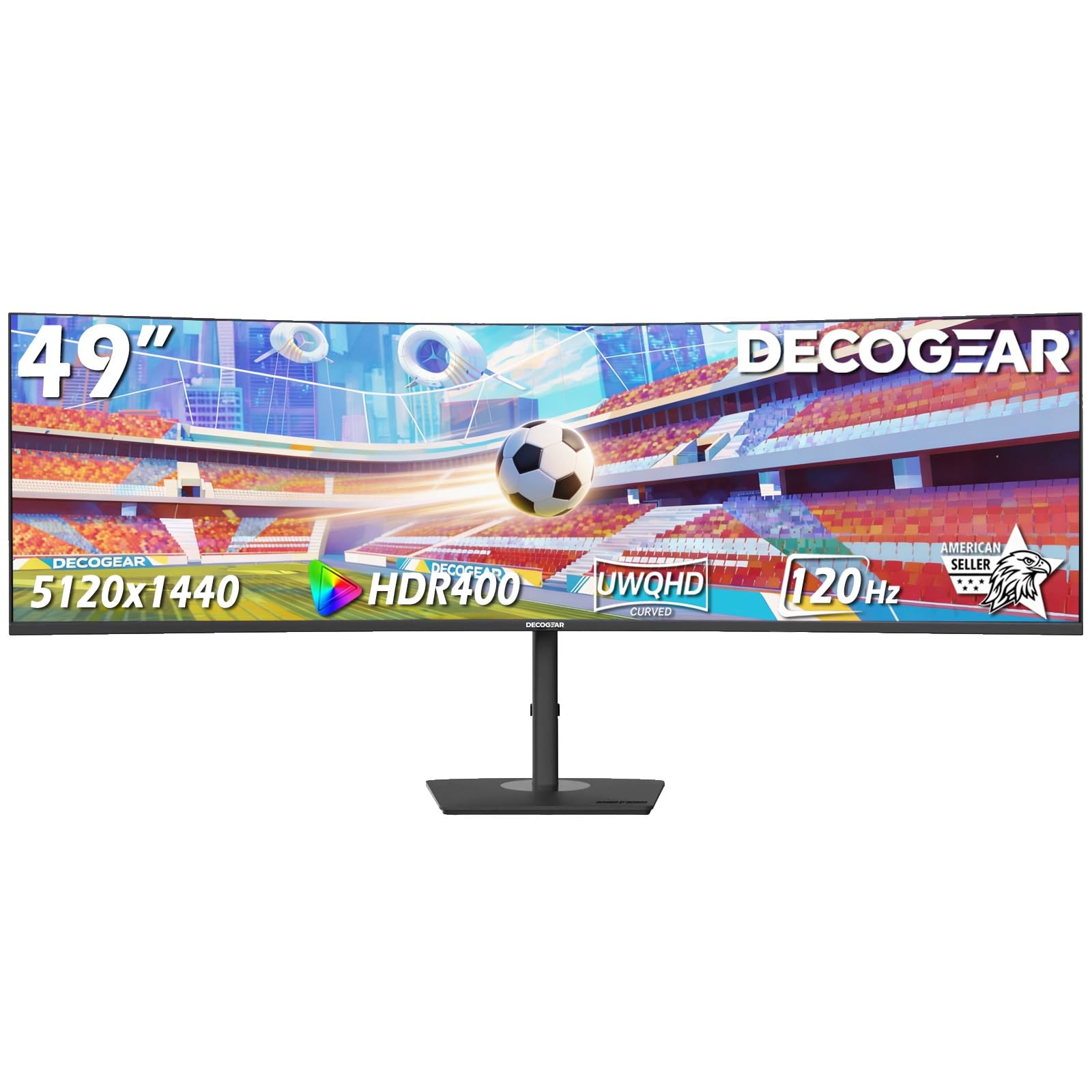
The Deco Gear 49-inch monitor is built for the multi-device professional, integrating a built-in KVM switch and USB-C with 65W power delivery into a 5120×1440 DQHD panel with a 1500R curve. The KVM lets you control a desktop PC and a laptop with a single keyboard and mouse, while the USB-C cable charges your laptop and transmits video. This eliminates the need for a separate KVM box and reduces cable spaghetti on your desk.
The 120Hz refresh rate and 1ms MPRT response time keep motion smooth, and the VA panel delivers 3000:1 contrast for good depth in design work. The 100% sRGB color gamut is adequate for general office and content creation tasks, though not quite as wide as the high-end QD-OLED options. PiP/PBP modes let you view two inputs simultaneously, and the ergonomic stand offers height, tilt, and swivel for comfortable long-term use.
Customer reviews highlight the transformative desk cleanup this monitor enables, with many noting a reduction in eye and neck strain compared to dual monitors. The built-in speakers are functional for calls but limited for media consumption. Some users reported early failures and mixed customer support experiences, so an extended protection plan is worth considering. For dual-computer workflows, this monitor provides a cleaner, more integrated experience than any non-KVM alternative in its class.
Why it’s great
- Built-in KVM switch for seamless dual-PC control
- 65W USB-C reduces dock and cable clutter
- PiP/PBP for viewing two sources side by side
- 1500R curvature with full ergonomic stand adjustments
Good to know
- Mixed reports on long-term reliability and support
- Color accuracy is adequate but not professional-grade
5. INNOCN 49C1G

The INNOCN 49C1G uses a 3840×1080 resolution on its 49-inch VA panel, giving you the width of an ultrawide at a lower vertical pixel count. This means you get the horizontal screen real estate for three or four app windows side by side, but with less vertical space than a DQHD panel. The 1800R curvature is the gentlest in this roundup, making it a better fit for shared viewing or users who find aggressive curves disorienting.
Connectivity is strong for the price, with a USB-C 65W port, HDMI 2.1, DisplayPort 1.4, and an RJ45 Ethernet jack for wired network access. The 144Hz refresh rate and Adaptive-Sync support prevent tearing during scrolling and light gaming. The 99% sRGB coverage and HDR400 support are respectable for a budget-tier ultrawide, and the 3000:1 contrast ratio from the VA panel gives text decent pop.
Customers who replaced three separate monitors for work report excellent multitasking capability and a cleaner desk. The panel is shorter than many 49-inch models due to the 1080p vertical resolution, so tall documents will require more scrolling. The built-in speakers are passable but not a replacement for dedicated audio. This is a cost-effective entry point into the ultrawide workspace if your workflow is horizontal rather than vertical.
Why it’s great
- Affordable entry into 49-inch ultrawide multitasking
- USB-C 65W and RJ45 Ethernet for dock-like connectivity
- 1800R gentle curve suitable for shared viewing
- 144Hz refresh rate with Adaptive-Sync for smooth scrolling
Good to know
- 3840×1080 resolution has limited vertical space for coding or writing
- Color accuracy is good for the price but not professional grade
6. ZZA Ultrawide 49 Inch
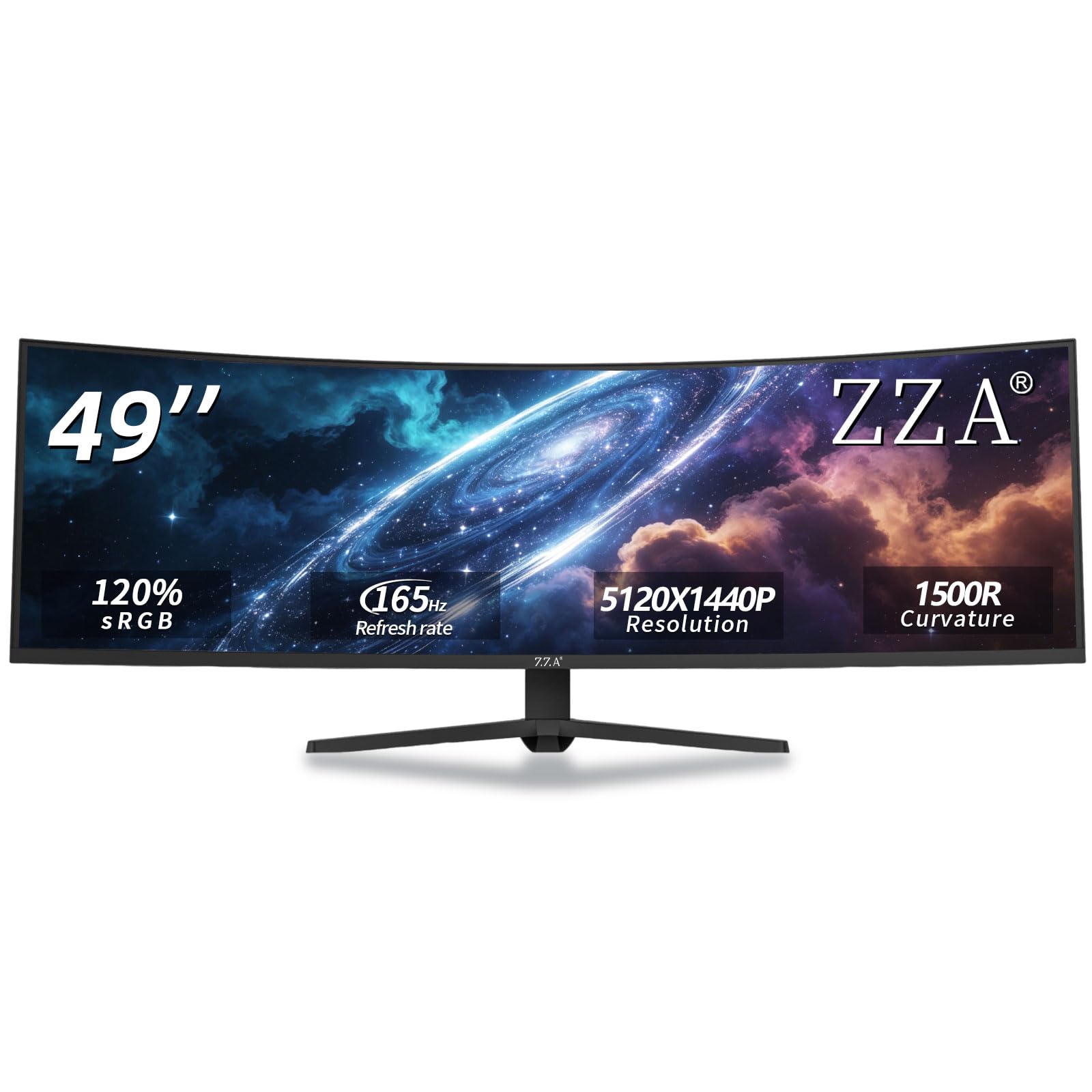
The ZZA Ultrawide offers a full 5120×1440 DQHD resolution at an aggressive entry-level price point. This gives you the same pixel density as the premium Samsung and Dell models, making it a genuine dual-monitor replacement. The 1500R curvature is a compromise between the immersive 1000R and the flatter 1800R, providing good wrap-around without feeling too tight for general office use.
The 165Hz refresh rate is higher than most work-focused monitors and benefits both productivity scrolling and after-hours gaming. The 120% sRGB color gamut is wider than the standard 99% sRGB found on many business models, delivering vivid colors for media consumption and basic creative work. The HDMI 2.1 and DisplayPort 1.4 ports support the full resolution at high refresh rates, and the VESA mount compatibility allows for flexible desk mounting.
Customer reviews emphasize the great picture quality and easy setup, though some note the DisplayPort connection is required to get full resolution with MacBooks. The stand offers height, tilt, and swivel adjustments, and the matte screen finish minimizes reflections in bright rooms. The 300-nit brightness is adequate for indoor use but may struggle in very bright environments. This is the best option if you need DQHD resolution on a tighter budget and are willing to accept a less established brand.
Why it’s great
- Full 5120×1440 DQHD resolution at the lowest price point
- 165Hz refresh rate for smooth motion and fast scrolling
- 120% sRGB color gamut for vivid, punchy colors
- HDMI 2.1 and DP 1.4 support high-bandwidth connections
Good to know
- DisplayPort required for full resolution with some MacBooks
- 300-nit brightness may be dim in very bright offices
7. MSI MPG 491CQP QD-OLED

The MSI MPG 491CQP uses a next-generation QD-OLED panel that delivers 98% Adobe RGB and 99% DCI-P3 color gamut coverage with a Delta E ≤ 2 out of the box. This makes it the most color-accurate 49-inch monitor for work in this list, ideal for photo editing, video color grading, and any workflow where precise color reproduction matters. The 5120×1440 resolution on the 32:9 aspect ratio gives you a massive canvas with per-pixel color control.
The 144Hz refresh rate and 0.03ms GtG response time are overkill for most work tasks but ensure zero ghosting when dragging windows. VESA DisplayHDR True Black 400 delivers exceptional contrast with infinite black levels, making dark-mode UIs look stunning and video edits pop with depth. MSI’s OLED Care 2.0 includes pixel refresh, panel protect, and taskbar detection features to reduce burn-in risk during long work sessions.
Customer reviews are overwhelmingly positive about the image quality, with many calling it superior to competing LCD-based ultrawides. The KVM function lets you share peripherals between two devices, and the USB-C port supports video input and data. The lack of built-in cable management in the stand is a minor inconvenience, and the 250-nit brightness is lower than some LCD competitors. For color-critical work, this OLED panel is in a class of its own.
Why it’s great
- Industry-leading QD-OLED color accuracy with Delta E≤2
- Infinite contrast with DisplayHDR True Black 400
- 0.03ms response time for completely blur-free motion
- OLED Care 2.0 burn-in protection for long work sessions
Good to know
- Lower peak brightness (250 nits) than high-end LCD panels
- No cable management built into the stand
- Premium price point reflects the panel quality
8. Dell UltraSharp U4919DW

The Dell UltraSharp U4919DW is a classic enterprise-grade 49-inch monitor that uses an IPS panel instead of the VA panels found on most competitors. This means wider 178-degree viewing angles and more consistent color across the screen, which is essential for collaborative work where people gather around your desk. The 5120×1440 resolution and 1000:1 contrast ratio produce crisp, readable text from edge to edge.
Connectivity includes a USB-C port with 90W power delivery, two HDMI inputs, and DisplayPort, supporting a clean single-cable laptop setup. The monitor does not have a native refresh rate above 60Hz, which is perfectly adequate for productivity-focused work like coding, writing, and data analysis. The height-adjustable stand with tilt and swivel is robust and professional, and the monitor ships carefully on a pallet to protect the large panel.
Professional coders and project managers consistently report that this monitor transforms their workflow, allowing four or more application windows to remain visible simultaneously. The IPS panel ensures no color shift when viewing from an angle, and the matte screen surface handles bright office lighting well. The lack of high refresh rate and HDR makes it less suitable for mixed-use scenarios, but for pure productivity in a professional environment, it remains a reliable benchmark.
Why it’s great
- Professional IPS panel with wide 178-degree viewing angles
- 90W USB-C power delivery for a clean laptop connection
- Robust ergonomic stand with full adjustability
- Proven reliability in demanding office environments
Good to know
- 60Hz refresh rate only — no high-refresh support
- No HDR support or high contrast ratio
- Premium price with fewer gaming-oriented features
FAQ
Can I use a 49-inch monitor for work without a dedicated GPU?
Will a 49-inch monitor work with my MacBook Pro?
How much desk space does a 49-inch monitor need?
Is 3840×1080 resolution enough for professional work?
Does a gentle curve like 1800R cause distortion for spreadsheet work?
Final Thoughts: The Verdict
For most users, the best 49 inch monitor for work winner is the Samsung Odyssey G9 G95C because it combines a 240Hz refresh rate, 1000R curvature, DisplayHDR 1000, and DQHD resolution into a versatile package that handles both productivity and entertainment. If you want a dedicated color-accurate screen for professional content creation, grab the MSI MPG 491CQP QD-OLED. And for a clean single-cable docking solution with built-in speakers, nothing beats the Samsung Business Curved Ultrawide.