
Our readers keep the lights on and the weekend projects moving. As an Amazon Associate, I earn from qualifying purchases.
Finding a 50-inch television that delivers a sharp 4K picture with solid HDR support without stretching your wallet is the central challenge in this price tier — the right panel needs to balance contrast, color volume, and smart platform responsiveness without cutting corners that ruin the viewing experience.
I’m Rikta — the co-founder and writer behind FitlyFast. I’ve spent hundreds of hours analyzing panel technologies, HDR protocols, smart TV operating systems, and real-world user reliability data across dozens of models to determine which sets actually deliver the best picture and smooth performance for the money.
This guide isolates the true standouts from the noise, testing for real 4K upscaling, Dolby Vision compatibility, motion handling, and interface speed so you can confidently choose a 50 inch budget tv that will serve your daily viewing for years to come.
How To Choose The Best 50 Inch Budget TV
When you’re shopping for a 50-inch TV at a sensible price, you aren’t just comparing screen sizes — you are weighing panel technology against smart platform stability and HDR support. A bad choice here means washed-out blacks, a sluggish interface that frustrates you every day, or compatibility issues with your streaming services. Focus on the three specs that define the experience at this level: the display type, the HDR formats it supports, and the speed of its operating system.
Panel Technology: QLED vs Standard LED
A standard LED-backlit LCD panel is the baseline, and many budget models still use it. The step up to QLED — a Quantum Dot layer — makes a visible difference in color volume and peak brightness. QLED panels can produce a wider color gamut, which helps HDR content actually look like HDR content, with brighter highlights and more saturated colors. If you watch a lot of nature documentaries, animated films, or HDR-enabled movies, a QLED model justifies its slightly higher cost. For casual news and daytime talk shows, a solid standard LED is still perfectly adequate.
HDR Support: Dolby Vision vs HDR10 vs HDR10+
HDR — High Dynamic Range — is what makes bright parts of the image look bright and dark parts look truly dark. The most common HDR format is HDR10, which uses static metadata to set brightness and contrast for the entire movie. Dolby Vision and HDR10+ use dynamic metadata, adjusting the picture scene by scene or even frame by frame for superior contrast. Dolby Vision is the most widely used dynamic format, found on Netflix, Disney+, and most UHD Blu-rays. HDR10+ is more common on Amazon Prime Video. Ideally, a budget TV should support at least HDR10 and one of the dynamic formats.
The Smart Platform: Speed and Ecosystem Lock-in
The smart TV operating system determines how fast you can switch between Netflix and YouTube, how many apps are available, and whether the interface slows down over time. Fire TV offers tight Alexa integration and a huge app library but can feel ad-heavy. Roku TV is famously simple and responsive with minimal clutter. Google TV provides strong search and integrates well with Android phones. Each platform has its strengths, but the key spec for a budget TV is processor speed — a slow chip will cause menu lag and app crashes regardless of the OS.
Quick Comparison
On smaller screens, swipe sideways to see the full table.
| Model | Category | Best For | Key Spec | Amazon |
|---|---|---|---|---|
| Samsung M70H Mini LED | Premium | Stunning contrast & motion | Mini LED, 1B colors | Amazon |
| Amazon Ember QLED | Premium | Fast Alexa+ & gaming | Wi-Fi 6, quad-core chip | Amazon |
| Samsung U8000H Crystal UHD | Mid-Range | Color accuracy & free content | Crystal Processor 4K | Amazon |
| Hisense E6 Hi-QLED | Mid-Range | Vibrant QLED color | Hi-QLED, Dolby Vision | Amazon |
| Roku Select QLED | Mid-Range | Easiest interface & Bluetooth audio | QLED, HDR10, VRR | Amazon |
| Amazon Fire TV Omni QLED | Mid-Range | Local dimming & ambient mode | 48-zone local dimming | Amazon |
| VIZIO V-Series | Entry-Level | Simple 4K streaming | IQ Active processor | Amazon |
| Toshiba C350 | Entry-Level | Budget-friendly Fire TV | REGZA Engine, AI Upscaler | Amazon |
| FPD Google TV | Entry-Level | Google Cast & MEMC motion | MEMC, HDMI 2.1 eARC | Amazon |
In‑Depth Reviews
1. Samsung 50″ M70H Mini LED (2026)

The Samsung M70H represents a genuine leap in picture quality for a mid-range 50-inch set by using a Mini LED backlight array. This technology allows for supremely deep blacks alongside very bright highlights, delivering an HDR contrast ratio that standard edge-lit TVs simply cannot match. The combination of Pure Spectrum Color and the Mini LED Processor 4K produces over a billion true-to-life colors, making skin tones appear natural and landscapes incredibly vibrant.
Motion handling is a strong suit here thanks to Motion Xcelerator+ with DLG 120Hz support, which effectively doubles the perceived refresh rate for fast-moving sports and action sequences. The Samsung Gaming Hub consolidates cloud gaming services like Xbox Game Pass directly on the TV interface, while the 60Hz native panel with DLG keeps gameplay smooth without the cost of a native 120Hz panel. The Tizen OS has been streamlined for 2026, and Samsung TV Plus offers over 2,700 free channels.
The main drawbacks are the remote, which reviewers consistently describe as too small and complicated, and the smart interface that sometimes boots to a default live TV channel. Setup requires creating a Samsung account and connecting to Wi-Fi, which can be frustrating for less tech-savvy users. Once calibrated, however, the picture quality at this price point is unmatched for those who prioritize contrast and color accuracy over a simple remote.
Why it’s great
- Mini LED backlight delivers exceptional contrast and deep blacks
- DLG 120Hz mode improves motion clarity for sports and gaming
- Over a billion colors for vivid, accurate HDR reproduction
Good to know
- Remote control is small, minimalistic, and hard to use
- Smart interface forces account setup and can boot to unwanted channels
- No Dolby Vision; relies on HDR10+ dynamic format
2. Amazon Ember 50″ QLED (newest model)

The Amazon Ember QLED is built around performance first, with a new quad-core processor and Wi-Fi 6 support that make app loading and menu navigation feel noticeably snappier than previous Fire TV generations. The 4K QLED panel produces vibrant, punchy colors that work well in bright rooms, and the inclusion of both Dolby Vision and HDR10+ Adaptive means it automatically adjusts to the best HDR format from any streaming service. The Omnisense sensor wakes the TV instantly when you walk into the room, showing artwork or your last-used app.
Hands-free Alexa integration is deeply embedded here — you can ask to play shows, set timers, or control smart home devices without touching the remote, even when the screen is off. For gamers, Amazon Luna and Xbox Game Pass streaming work directly on the TV without a console, and the low-latency mode keeps input lag manageable for casual play. The included Alexa+ voice assistant is faster and understands more natural language than older Fire TV versions.
Audio quality from the internal speakers is decent for dialogue but lacks bass for action movies, and a soundbar is recommended. Some users report occasional audio sync issues and a home screen that heavily promotes Amazon rentals, which can feel intrusive. The privacy feature — a physical switch to disconnect the microphones — is a welcome addition for those concerned about always-listening devices.
Why it’s great
- Quad-core processor and Wi-Fi 6 for very fast app performance
- Supports both Dolby Vision and HDR10+ Adaptive
- Hands-free Alexa with microphone disconnect switch
Good to know
- Internal speakers lack bass; soundbar is recommended
- Home screen is ad-heavy, pushing Amazon rentals
- Some users report occasional audio sync issues
3. Samsung 50″ U8000H Crystal UHD (2026)

The Samsung U8000H uses a Crystal Processor 4K to intelligently upscale lower-resolution content to near-4K clarity, which is a practical benefit when watching older shows or live broadcasts. The Color Booster technology enhances saturation across the spectrum, making reds and blues pop, while the Motion Xcelerator reduces judder during fast-paced sports content. For a standard LED-backlit panel, it delivers surprisingly clean image processing and minimal motion blur.
Its smart platform offers over 2,700 free streaming options through Samsung TV Plus, including news, sports, and reality channels without any subscription. The 2026 Tizen interface is smoother than previous versions, and Alexa is built-in for voice control. The ultra-slim design and minimal bezel make it feel more expensive than it is, and the stand is stable on a wide variety of media consoles.
The remote is again a point of frustration — it is tiny, lacks dedicated input buttons, and requires a complicated setup process. Reviewers noted that the interface frequently requires internet connection and account creation, which can be a hurdle for cord-cutters or older users. It also lacks Dolby Vision support, relying on HDR10+ and standard HDR10 for dynamic metadata.
Why it’s great
- Excellent 4K upscaling from HD content via Crystal Processor
- Vibrant color saturation with Color Booster technology
- Huge library of free content via Samsung TV Plus
Good to know
- Remote is small, confusing, and lacks input switching buttons
- No Dolby Vision; limited to HDR10+ dynamic format
- Onboarding requires internet and account creation
4. Hisense 50″ E6 Cinema Hi-QLED
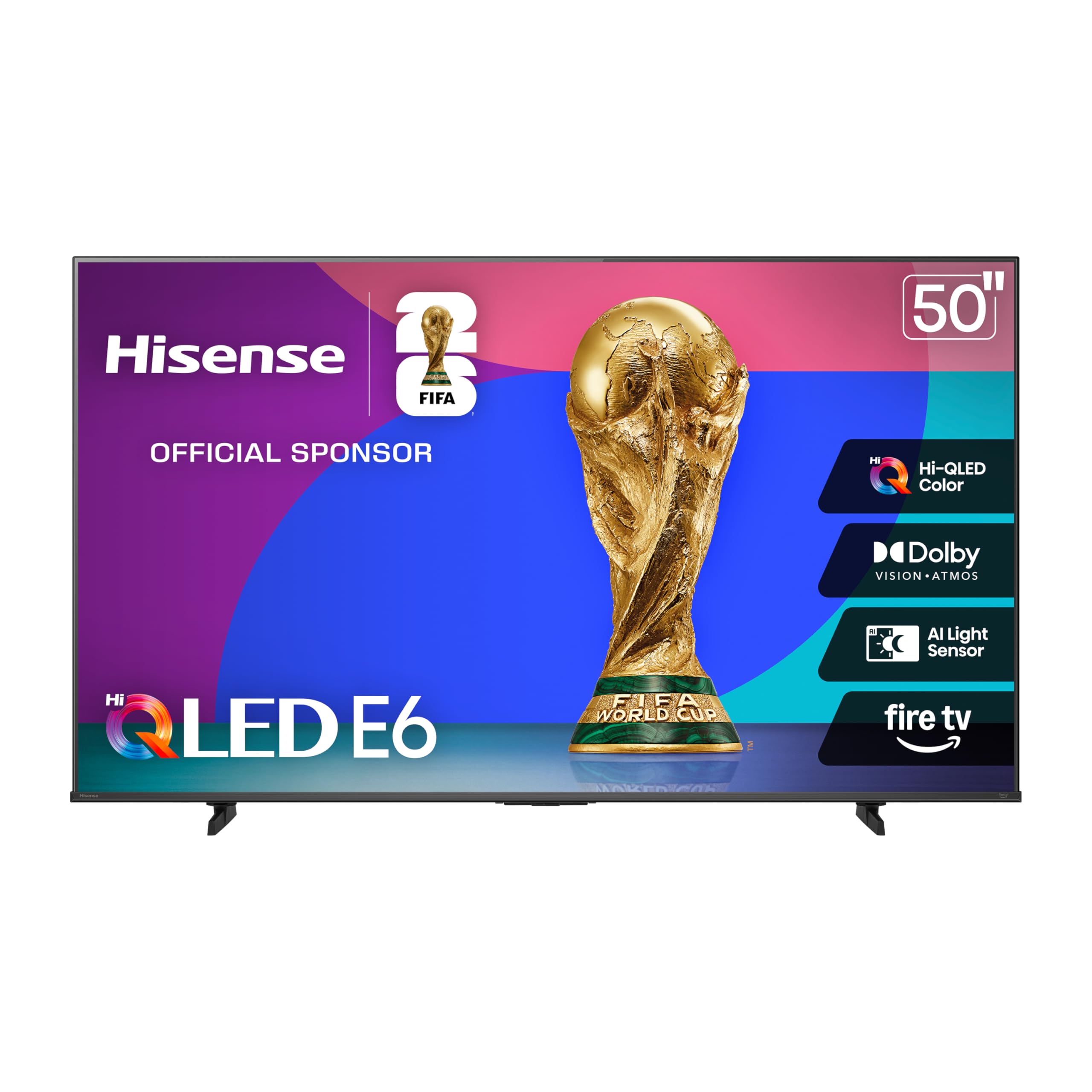
The Hisense E6 packs a Hi-QLED panel — essentially Quantum Dot technology — into a very competitive price bracket, delivering rich, saturated colors and good brightness for HDR content. It supports all major HDR formats including Dolby Vision, HDR10+ Adaptive, and standard HDR10, making it a universal choice for any streaming platform. The Total HDR Solution tuning ensures blacks stay deep and colors remain accurate even in mixed-lighting environments.
The built-in Fire TV platform is responsive, with Alexa voice control integrated into the remote for hands-free searching and content launching. The slim bezel design keeps the focus on the screen, and the inclusion of Apple AirPlay and HomeKit means it works seamlessly with Apple devices for screen mirroring. The Game Mode Plus with ALLM reduces input lag for console gaming, and the 60Hz panel handles most content without issue.
Some users prefer the Roku interface to Fire TV, citing occasional lag when switching between apps and a slightly cluttered home screen that promotes Amazon content. The audio from the internal speakers is usable but thin, and a soundbar will improve the experience noticeably. One minor software bug causes live TV to default to the last channel, which can be annoying for some viewers.
Why it’s great
- Hi-QLED panel delivers vibrant, true-to-life color reproduction
- Supports Dolby Vision, HDR10+, and HDR10 for full format compatibility
- Includes Apple AirPlay and HomeKit for Apple ecosystem users
Good to know
- Fire TV interface can feel cluttered with Amazon promotions
- Internal sound quality is adequate but benefits from a soundbar
- Minor software bug with live TV channel default
5. Roku Select Series 50″ QLED
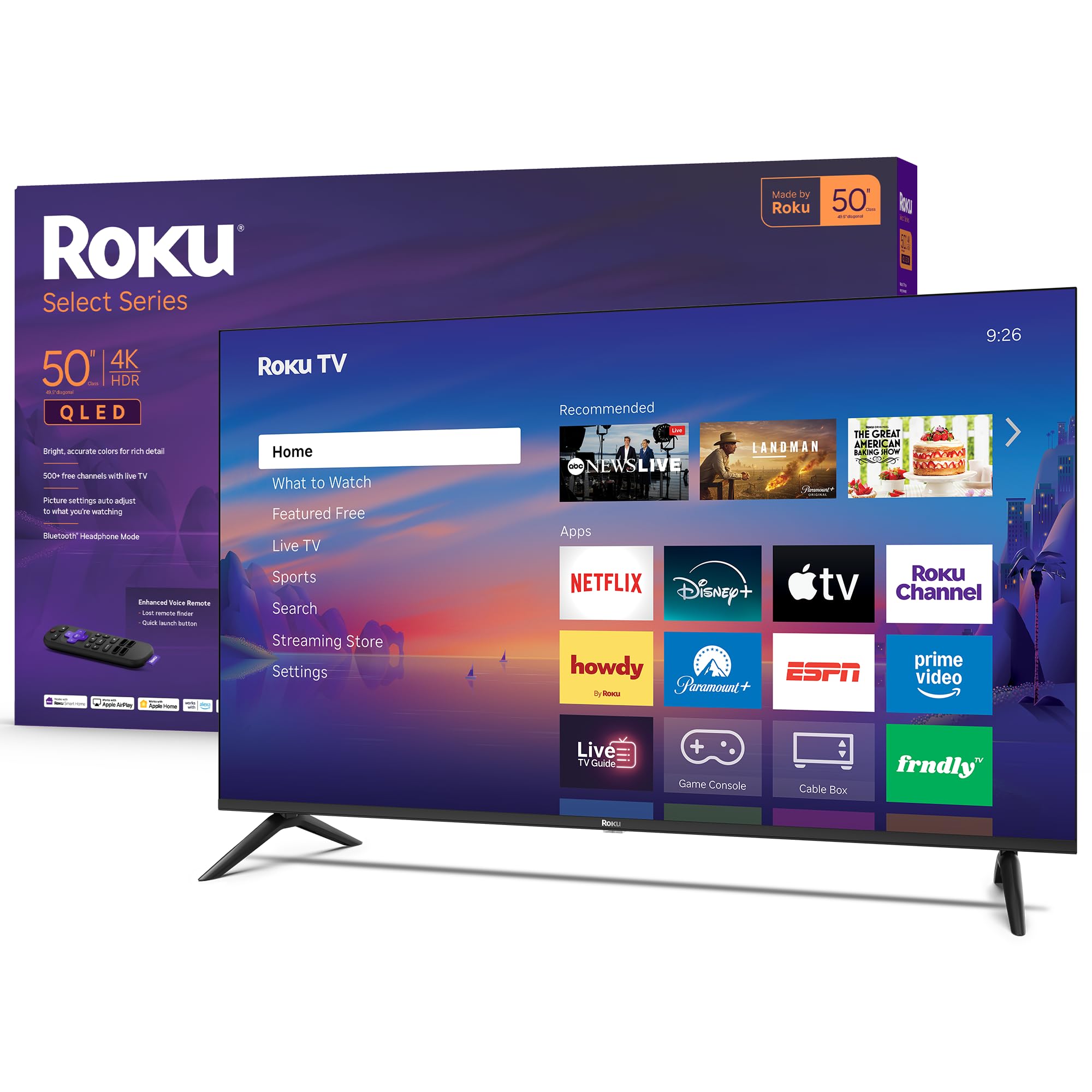
The Roku Select Series 50-inch QLED is designed for the person who values simplicity above all else. Its strength is the Roku operating system — the cleanest, fastest, and least ad-heavy smart TV platform available. Apps load quickly, the home screen is customizable so you can remove channels you don’t use, and automatic software updates keep the experience fresh. The QLED panel and HDR10 support deliver bright, accurate colors that look great for streaming movies and live sports.
This model includes Bluetooth Headphone Mode, which lets you connect wireless headphones directly to the TV for private listening without disturbing anyone else in the room — a rare and practical feature at this price. The Enhanced Voice Remote has a lost remote finder and programmable shortcut buttons for your favorite apps, and it works with Siri, Alexa, and Google Assistant. The frameless design gives it a modern, sleek appearance on the wall or stand.
Variable Refresh Rate (VRR) support is included for gamers, reducing screen tearing, though the panel is still 60Hz. The black levels are decent for a QLED but not as deep as the Mini LED Samsung M70H, and HDR peak brightness is moderate — fine for dimmer rooms but not for very bright spaces. The sound quality is clear for dialogue, but you will want a soundbar for cinematic bass.
Why it’s great
- Roku OS is the simplest, most user-friendly smart platform available
- Bluetooth Headphone Mode enables private wireless listening
- Voice remote with lost remote finder and programmable shortcuts
Good to know
- HDR peak brightness is moderate, best for dimmer rooms
- Black levels are good but not as deep as Mini LED alternatives
- No Dolby Vision; limited to HDR10 format
6. Amazon Fire TV Omni QLED 50″

The Amazon Fire TV Omni QLED distinguishes itself with full array local dimming across 48 individual zones, which provides significantly better contrast control than edge-lit competitors. Dark scenes retain deep black levels while bright objects like stars or reflections stay luminous, creating a more immersive HDR experience. The inclusion of Dolby Vision IQ and HDR10+ Adaptive means the TV automatically adjusts the picture based on both the content and the ambient lighting in your room, using a built-in light sensor.
The Fire TV Ambient Experience is a highlight — it turns the screen into a digital art frame when idle, displaying over a thousand pieces of free artwork or your personal photos. Hands-free Alexa is built into the TV itself with far-field microphones, so you can control content without the remote. The interface supports all major streaming apps, and the Alexa Home Theater feature lets you pair Echo speakers wirelessly for a surround sound setup.
The out-of-box picture quality suffers from the soap opera effect and requires manual calibration to look natural, which may deter casual users. Some users report lag and occasional software glitches that require a power cycle to fix. The 60Hz panel and moderate peak brightness mean it is not ideal for competitive gaming or very bright rooms, but for a living room used primarily for streaming and casual viewing, the combination of local dimming and QLED color is compelling.
Why it’s great
- 48-zone local dimming for excellent contrast and black levels
- Dolby Vision IQ auto-adjusts for ambient room lighting
- Ambient Experience turns the screen into an art display
Good to know
- Out-of-box picture requires calibration to remove soap opera effect
- Software glitches and lag reported by some users
- 60Hz panel and moderate peak brightness for the price
7. VIZIO 50″ V-Series 4K

The VIZIO V-Series is a straightforward, no-nonsense 4K smart TV that focuses on solid core performance. The IQ Active processor handles 4K upscaling from HD sources reasonably well, and Active Pixel Tuning adjusts brightness at the pixel level for improved contrast. The V-Gaming Engine automatically enables low-latency mode when it detects a game console, which reduces input lag noticeably for a more responsive gaming experience.
The SmartCast platform provides access to all major streaming apps, and the included remote has dedicated buttons for Netflix, Disney+, and other services. Chromecast and Apple AirPlay are built-in, making it easy to cast content from a phone or tablet directly to the screen. The design is simple and functional, with a lightweight chassis that is easy to mount on a wall.
Long-term reliability is a concern — several reports describe a “black screen of death” failure after the first year, and the warranty covers only 12 months. The smart interface can feel slow compared to newer competitors, and the 60Hz panel lacks any motion smoothing technology. For a secondary room or for someone who simply needs a basic 4K screen with minimal fuss, it works fine, but the risk of early failure pushes it down the priority list.
Why it’s great
- Active Pixel Tuning improves per-pixel contrast accuracy
- Auto Game Mode with low input lag for console gaming
- Built-in Chromecast and Apple AirPlay for easy casting
Good to know
- Multiple reports of motherboard failure after 12 months
- Smart interface is slower than modern Roku or Fire TV
- Lacks motion smoothing or advanced HDR features
8. Toshiba 50″ C350 Series Fire TV

The Toshiba C350 is a compelling entry-level pick because it includes the REGZA Engine ZR, which performs intelligent 4K upscaling on HD content and optimizes contrast frame by frame. Despite being a standard LED panel, the Super Contrast Booster helps create a sense of depth, and the inclusion of both Dolby Vision and Dolby Atmos for a budget price is rare. The Fire TV platform is responsive, and the voice remote with Alexa makes content discovery easy.
Gamers get ALLM and VRR support for smoother gameplay, and the dedicated Sports Mode tailors the picture settings to reduce motion blur during fast-paced matches. Setup is straightforward — users consistently praise the easy assembly and the fact that wall-mount screws are included. The sound quality is good enough for casual viewing, though a soundbar will improve the experience for movies.
The color accuracy out of the box is warm, giving skin tones a slightly yellow tint that requires manual adjustment to correct. The 60Hz refresh rate is standard, and the viewing angles are limited — colors wash out if you sit off to the side. It is a solid introduction to 4K and Fire TV for the most budget-conscious shopper, but those wanting premium color volume should look at the QLED models above.
Why it’s great
- REGZA Engine provides solid 4K upscaling from HD content
- Includes Dolby Vision and Dolby Atmos at a very low cost
- Game Mode supports ALLM, VRR, and eARC for gaming
Good to know
- Out-of-box color runs warm and needs manual adjustment
- 60Hz panel with narrow viewing angles
- Sound quality is adequate; soundbar recommended for movies
9. FPD 50″ Google TV (CG50-C3)
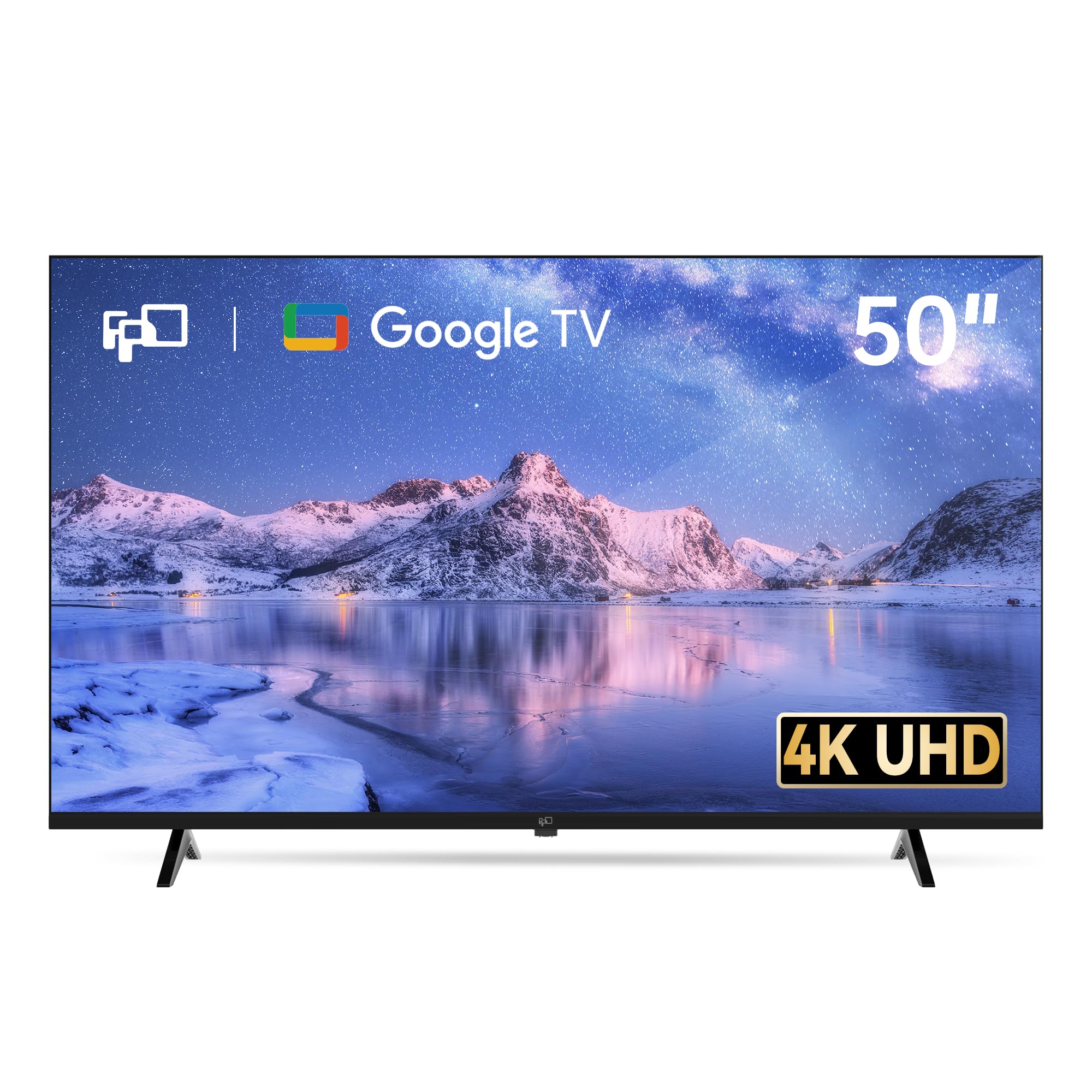
The FPD 50-inch Google TV stands out for its integration of the Google TV operating system, which offers excellent content search across apps, personalized recommendations, and built-in Google Cast for easy phone-to-TV streaming. It includes MEMC motion technology, which interpolates extra frames to reduce motion blur during fast-paced scenes like sports and action movies — a feature rarely found at this price level. The panel delivers 4K UHD resolution with HDR10 support and Dolby Audio for clearer sound.
The inclusion of three HDMI 2.1 ports with one eARC port is generous for a budget model, allowing simultaneous connection of a soundbar, game console, and streaming device without swapping cables. The voice remote with Google Assistant works well for searching content, controlling playback, and checking the weather. The overall design is sleek, with thin bezels that make the screen the focal point.
Build quality is inconsistent — some units have arrived with uneven back panels, and customer service experiences vary widely. The smart interface can feel sluggish compared to the Roku Select Series, and the internal speakers lack depth for any immersive audio experience. For users deeply embedded in the Google ecosystem who prioritize MEMC motion smoothing and HDMI 2.1 connectivity, it offers good value, but the reliability concerns make it a riskier choice than the Toshiba or Roku.
Why it’s great
- MEMC motion smoothing reduces blur for sports and action content
- Google TV offers excellent search and personalized recommendations
- Three HDMI 2.1 ports with eARC provide flexibility
Good to know
- Build quality is inconsistent; some units have defects
- Smart interface can be slower than premium competitors
- Internal speakers are weak; a soundbar is recommended
FAQ
Does a 60Hz panel ruin sports or gaming?
Why would I choose a Roku TV over a Fire TV?
Is Mini LED worth paying more for on a budget TV?
Can I use a budget 50-inch TV as a computer monitor?
Final Thoughts: The Verdict
For most users, the 50 inch budget tv winner is the Samsung M70H Mini LED because its Mini LED backlight delivers unparalleled contrast for the price, making HDR movies and dark scenes look genuinely impressive. If you want the fastest smart platform with blazing app loads and Dolby Vision plus HDR10+ support, grab the Amazon Ember QLED. And for the simplest, most frustration-free experience with a clean interface and Bluetooth Headphone Mode, nothing beats the Roku Select Series QLED.