
Our readers keep the lights on and the weekend projects moving. As an Amazon Associate, I earn from qualifying purchases.
Using a living-room TV as your primary computer monitor sounds like a dream until you sit two feet from a 65-inch screen and realize the pixel density is too low for sharp text, the input lag makes mouse movement feel sluggish, and the auto-dimming feature keeps fighting your spreadsheets. A true desktop-grade large-format display must balance size with crisp subpixel rendering, low latency, and a panel technology that won’t burn in from a static taskbar.
I’m Rikta — the co-founder and writer behind FitlyFast. I’ve spent hundreds of hours parsing luminance specs, refresh-rate tables, and real-world calibration data to separate monitor-grade panels from living-room televisions that masquerade as workstations.
The best option for a dual-role desk setup depends on how aggressively you push HDR peak brightness and variable refresh. This guide dissects the 65 inch computer monitor market across eleven models to help you match panel technology to your actual workflow or gaming demands.
How To Choose The Best 65 Inch Computer Monitor
Choosing a 65-inch panel as a computer monitor forces you to weigh several trade-offs that don’t exist on smaller displays. The viewing distance, pixel density, local dimming behavior, and input latency all shift dramatically at this size. Below are the four most critical filters for narrowing your options.
Panel Technology: OLED vs Mini-LED vs Standard LED
OLED delivers perfect black levels and instantaneous pixel response, but the risk of permanent burn-in from a static desktop toolbar is real — especially if you keep the same layout for eight-hour workdays. Mini-LED solves the longevity concern by using thousands of tiny backlight zones to approximate OLED contrast without organic pixel degradation. Standard direct-LED panels offer lower cost but suffer from poor black levels and noticeable blooming on white text against dark backgrounds. For mixed-use desk setups that combine productivity and gaming, Mini-LED currently offers the best compromise between contrast and peace of mind.
Refresh Rate and Variable Refresh Rate Support
A 60-Hz panel feels sluggish when you’re moving windows across a 65-inch canvas. Look for a native 120-Hz or 144-Hz panel, and verify that the monitor supports variable refresh rate (VRR) over its primary input — ideally HDMI 2.1 or DisplayPort 2.1. FreeSync Premium Pro and G-Sync compatibility reduce tearing during gaming, but the real desktop benefit is the fluidity of scrolling through code, spreadsheets, or long documents. Some televisions cap VRR at 48-120 Hz, while true desktop-grade panels extend that range down to 24 Hz for smoother low-frame-rate compensation.
Local Dimming Zone Count and Peak Brightness
The number of local dimming zones determines how well the panel can isolate bright objects against a dark background. A monitor with fewer than 200 zones will show noticeable halos around a white cursor on a black screen. Aim for at least 500 zones for comfortable desktop use, and prefer panels with 1000-plus zones if you work with HDR content or play dark-scene games. Peak brightness above 600 nits helps overcome ambient light in a home office, but anything over 1000 nits may cause eye strain at typical desk viewing distances of three to five feet.
Connectivity: HDMI 2.1 vs DisplayPort 2.1
HDMI 2.1 supports 4K at 144 Hz with 10-bit color, which is sufficient for most gaming consoles and media streaming. DisplayPort 2.1 unlocks higher bandwidth for ultrawide resolutions like 7680 by 2160 at 240 Hz, making it essential for the flagship super-ultrawide segment. If you plan to connect a high-end PC with an RTX 40-series or RX 7000-series GPU, verify that the monitor includes at least one DisplayPort 2.1 input. For console-primary setups, four HDMI 2.1 ports are more valuable than a single DP 2.1 connection.
Quick Comparison
On smaller screens, swipe sideways to see the full table.
| Model | Category | Best For | Key Spec | Amazon |
|---|---|---|---|---|
| Hisense 65″ U8 Series | Mini-LED TV | Bright HDR gaming | 5000 nits, 5600 zones | Amazon |
| Samsung 65″ OLED S95F | OLED TV | Glare-free cinema | Matte OLED, 165Hz | Amazon |
| TCL 65″ QM8K | Mini-LED TV | Desk-suitable brightness | Anti-reflective HVA panel | Amazon |
| LG 65″ OLED C4 | OLED TV | Cinematic HDR desktop | 0.1ms response, 144Hz | Amazon |
| Sony BRAVIA 3 II | LED TV | Anti-glare work zone | XR processor, 120Hz | Amazon |
| iFFALCON 65U85 | Mini-LED TV | Value Mini-LED | 144Hz, 7000:1 contrast | Amazon |
| LG 65″ QNED evo | Mini-LED TV | Smart TV hub | AI upscaling, 120Hz | Amazon |
| COOLHOOD 65″ Smart Board | Interactive Whiteboard | Touchscreen collaboration | 20-point multi-touch | Amazon |
| Dell UltraSharp U4025QW | Ultrawide Monitor | Professional color work | 5120×2160, IPS Black | Amazon |
| Samsung 57″ Odyssey Neo G9 | Ultrawide Gaming | Dual 4K gaming | 7680×2160, 240Hz | Amazon |
| INNOCN 49Q1S | OLED Ultrawide | Immersive 32:9 gaming | 5120×1440, 240Hz | Amazon |
In‑Depth Reviews
1. Hisense 65″ U8 Series ULED Mini-LED 4K Smart Google TV
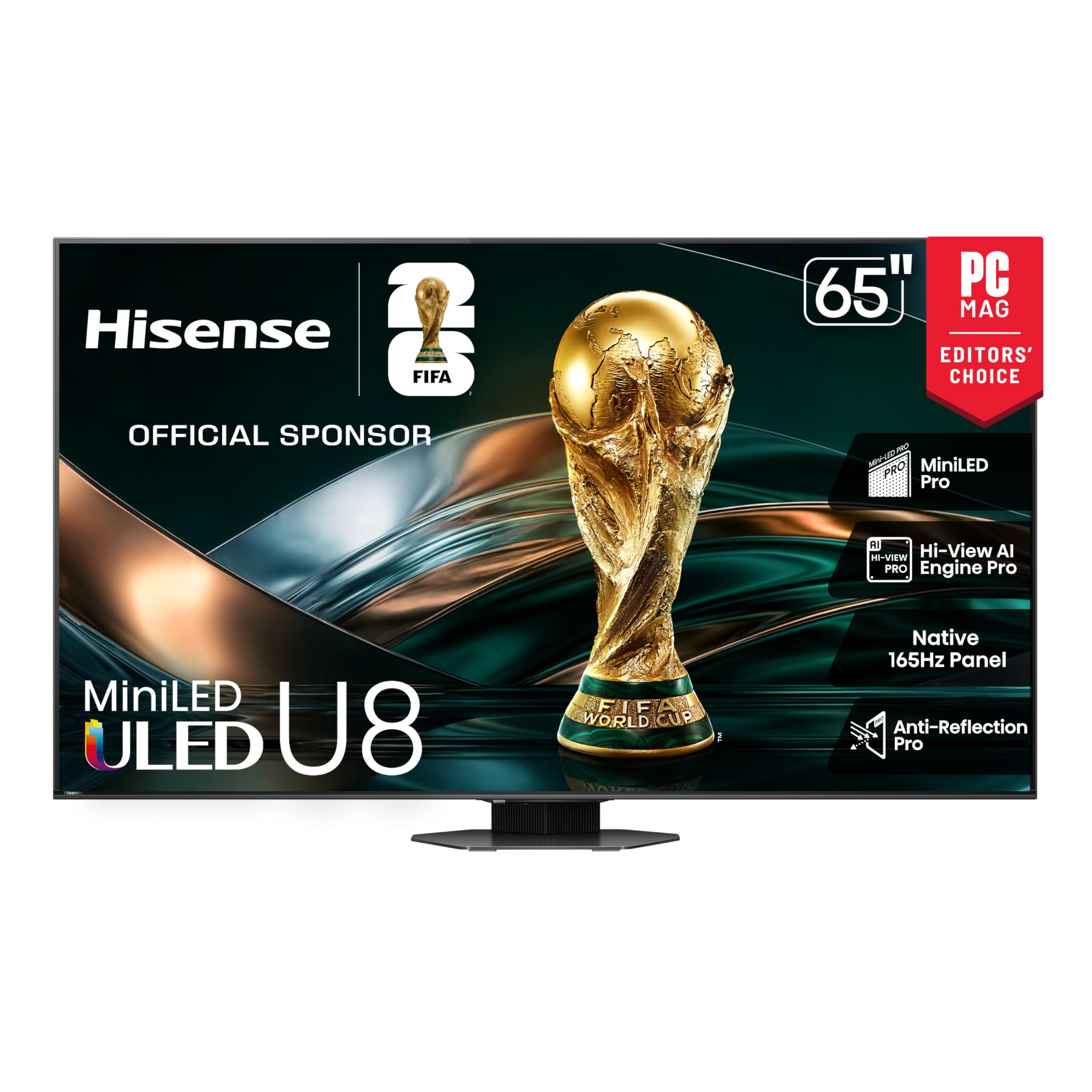
The Hisense U8 series packs a native 165-Hz panel with a variable refresh rate ceiling of 288 Hz, making it one of the fastest large-format displays for desktop gaming. The 5000-nit peak brightness and 5600 local dimming zones produce exceptional HDR highlights and minimize blooming around the Windows cursor — a rare combination at this size. The 4.1.2-channel Dolby Atmos speaker system delivers a wide soundstage that reduces the need for external desktop speakers.
Pantone-validated QLED color ensures accurate sRGB and DCI-P3 coverage for photo editing, while the Anti-Reflection Pro coating cuts glare from overhead office lights. The Hi-View AI Engine Pro adjusts contrast and sharpness in real time, which is useful for varied content but slightly aggressive on static desktop wallpapers. Google TV with built-in Chromecast provides a responsive smart platform, though the interface includes sponsored content rows that some users find distracting in a professional context.
The primary trade-off is software reliability. Several long-term users report occasional system lockups that require a power cycle, and the Amazon Prime app exhibits glitchy behavior that led one reviewer to switch to a Fire Stick. For users who prioritize raw luminance and gaming fluidity over software polish, this remains the most performant 65-inch panel for combined desktop and entertainment use.
Why it’s great
- Industry-leading 5000-nit peak brightness with 5600 dimming zones for near-zero blooming
- Native 165-Hz panel with 288-Hz VRR ceiling ideal for competitive gaming
- Built-in 4.1.2-channel Dolby Atmos audio reduces desktop speaker clutter
Good to know
- Software instability may require occasional power cycling
- Amazon Prime app performs poorly; a streaming stick solves the issue
- AI processing can oversharpen static UI elements during desktop use
2. Samsung 65-Inch Class OLED S95F 4K Smart TV

The Samsung S95F is the first large OLED to ship with a true matte anti-glare layer, addressing the primary reason desktop users avoided OLED televisions — distracting reflections from room lights and windows. The NQ4 AI Gen3 processor uses 128 neural networks to upscale lower-resolution content to 4K, which is relevant when using the panel as a secondary display for a laptop at 1080p. The Motion Xcelerator 164-Hz support creates smooth scrolling in productivity apps and virtually tear-free gameplay.
HDR Pro pushes OLED brightness to Samsung’s highest levels yet, making specular highlights pop against the deep black background without the haloing that Mini-LED panels exhibit. The glare-free finish does not noticeably reduce perceived black levels in a typical dimly lit office, which was a concern among early adopters. Samsung Vision AI adapts picture and sound based on ambient conditions, but the smart platform occasionally fails to detect a Chromecast source for 20 to 30 seconds — a known software lag.
The panel is noticeably thin and requires two people to unbox and mount without flexing the display. At this price point, the software quirks around casting and the forced Samsung TV Plus content on the home screen are frustrating in a dedicated desktop environment. For users who work in a bright room and want OLED contrast without the mirror-like reflections of a glossy panel, this is the only viable option.
Why it’s great
- Matte OLED finish eliminates reflections without crushing black levels
- 128-neural-network AI upscaling improves clarity for lower-resolution desktop content
- 164-Hz VRR support provides exceptionally smooth motion in games and scrolling
Good to know
- Cast detection delay can take over 20 seconds to recognize a source
- Very thin panel requires careful handling during installation
- Smart home screen includes unwanted auto-play Samsung content
3. TCL 65 Inch Class QM8K Mini LED QLED 4K HDR
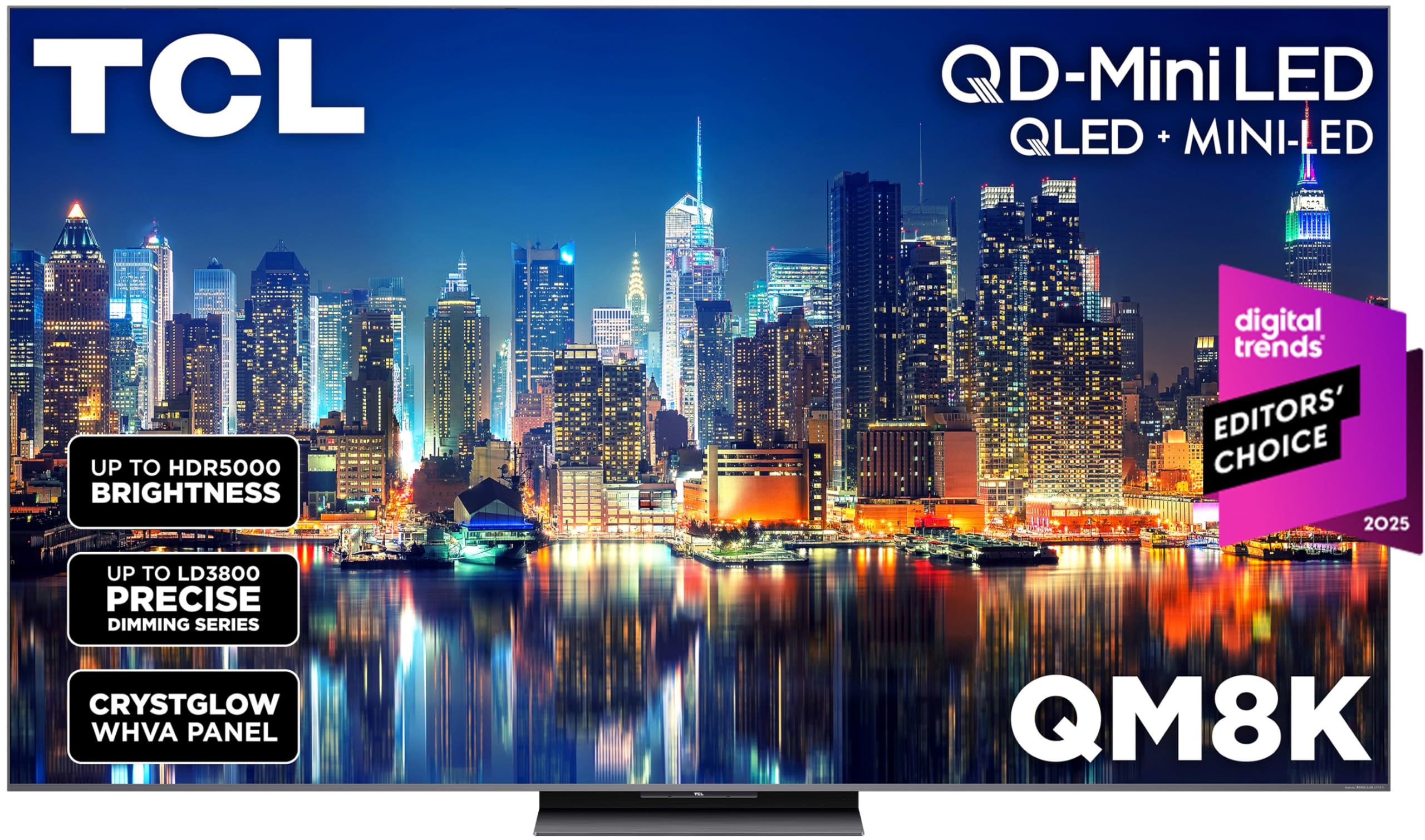
The TCL QM8K features a CryslGlow WHVA panel that combines an anti-reflective coating with wide viewing angles, making it one of the most desk-friendly large televisions for a home office with side windows. The Halo Control System uses a combination of high-energy LED microchips and condensed micro lenses to keep blooming tightly controlled around bright UI elements. At roughly 5000 nits peak brightness, this panel competes directly with the Hisense U8 series on luminance but uses fewer total dimming zones, so the edge around small white text on a black desktop background is slightly more visible.
Game Accelerator 288 supports a variable refresh rate up to 288 Hz, which pairs well with high-end GPUs for competitive gaming at 1440p. The built-in Bang and Olufsen audio delivers clear dialogue and moderate bass, though desktop users will still want a separate soundbar for critical listening. Google TV with hands-free voice control works out of the box and includes a backlit premium voice remote — a small but appreciated ergonomic detail for a dimly lit desk.
The Hulu app exhibited audio and video sync issues in one reviewer’s experience, and TCL support was unable to resolve the problem. If you rely on Hulu as a primary desktop streaming source, this could be a sticking point. For users who prioritize bright-room contrast and a high VRR ceiling over absolute black-level purity, the QM8K offers the best balance of specs and price in the premium Mini-LED tier.
Why it’s great
- Anti-reflective WHVA panel maintains contrast in well-lit offices
- Halo Control System minimizes blooming better than most sub-1000-zone panels
- 288-Hz VRR enables ultra-smooth motion for fast-paced gaming
Good to know
- Hulu app suffers from audio-video desync that TCL has not patched
- Lower zone count than competitors means more visible bloom on thin white text
- Built-in audio lacks deep bass for music production work
4. LG 65-Inch Class OLED evo C4 Series Smart TV

The LG C4 remains the gold standard for desktop OLED use because of its 144-Hz native refresh rate, 0.1-millisecond response time, and four HDMI 2.1 inputs that allow simultaneous connection of a PC, PS5, Xbox, and soundbar. The Brightness Booster technology pushes the WRGB OLED panel to higher luminance than the previous C3 generation, though it still falls short of Mini-LED panels in sustained bright-room performance. For a dedicated dark-room desktop where you control the ambient light, the C4’s per-pixel dimming produces infinite contrast with no blooming whatsoever.
The A9 AI Processor Gen7 handles upscaling of 1080p desktop content cleanly, and the anti-glare coating is effective enough for a moderately lit room. WebOS 24 includes the Re:New program for five years of software updates, but the interface is slower than Google TV and includes promotional rows that cannot be fully removed. The Magic Remote pointer cursor is polarizing — some users find it intuitive for media browsing, while others find it imprecise for desktop navigation and switch to a standard keyboard-and-mouse setup.
Burn-in risk is the primary consideration. A static taskbar, stock ticker, or IDE interface visible for eight hours a day will eventually leave a ghost image on the organic pixels. OLED care features like pixel cleaning and logo luminance adjustment help, but users who work in a single application for long stretches should consider a Mini-LED alternative. For mixed-use sessions that alternate between web browsing, video editing, and gaming, the C4 delivers the most cinematic desktop experience available.
Why it’s great
- Per-pixel dimming delivers infinite contrast with zero blooming on dark desktop backgrounds
- Four HDMI 2.1 ports with 144-Hz support for multi-device gaming desks
- Brightness Booster increases OLED luminance beyond previous C-series models
Good to know
- Static desktop elements risk permanent burn-in over long work sessions
- WebOS interface is slower than Google TV and cannot remove promotional content
- Magic Remote pointer is imprecise for traditional desktop navigation
5. Sony BRAVIA 3 II 65 Inch 4K HDR LED Smart Google TV
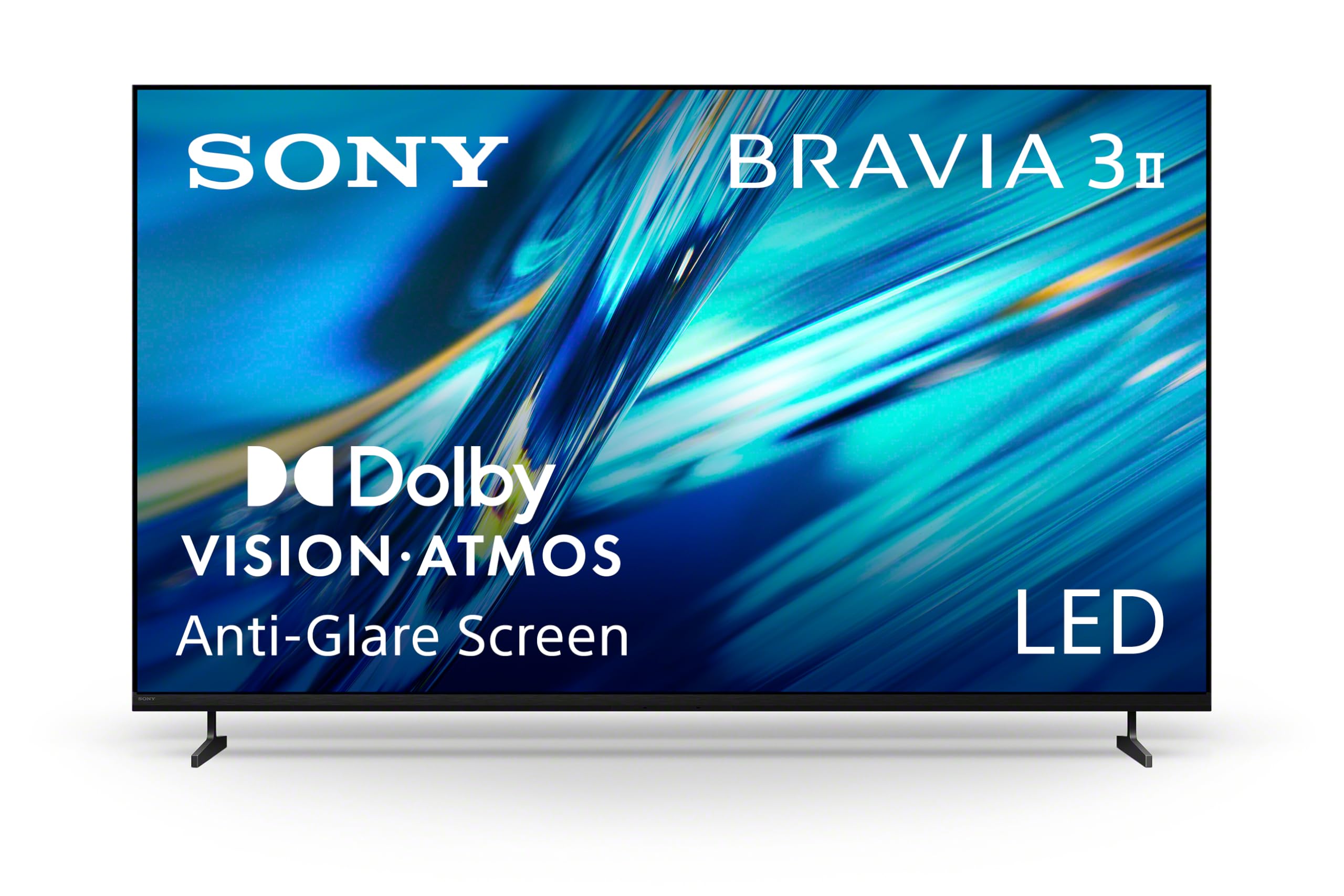
The Sony BRAVIA 3 II is built around the XR Processor with AI scene recognition, which optimizes contrast and sharpness on a per-frame basis for both native 4K content and upscaled sources. The dedicated anti-glare screen is available on the 65-inch and 75-inch sizes and minimizes reflections from overhead lighting, making it suitable for a desk positioned near a window. Motionflow XR maintains clarity during fast scrolling, though the maximum native refresh rate is 120 Hz — lower than the 144-Hz and 165-Hz panels from LG and Hisense.
XR Triluminos Pro reproduces over a billion colors with natural shading, which is valuable for photo and video professionals who need accurate sRGB coverage out of the box. The integration with PlayStation 5 is seamless — Auto HDR Tone Mapping and Auto Genre Picture Mode detect the console and adjust settings automatically. Google TV with Gemini voice search provides a fast, bloat-light interface that feels more desktop-oriented than LG’s WebOS or Samsung’s Tizen.
Several users have reported persistent firmware-level casting and DRM errors that prevented streaming from Android devices and paid video apps. Sony tech support was unable to resolve the issue, and affected users ultimately returned the unit. For buyers who rely heavily on phone-to-TV casting or have a complex streaming setup, this compatibility risk should be weighed against the excellent picture processing and anti-glare performance.
Why it’s great
- XR processor delivers industry-leading upscaling and per-frame optimization for desktop clarity
- Anti-glare screen works well with overhead office lights and side windows
- PS5 integration with Auto HDR and Auto Genre modes simplifies console gaming
Good to know
- Firmware issues with casting and DRM affect a subset of units
- Native 120-Hz refresh rate trails competitors offering 144-Hz and 165-Hz panels
- Anti-glare coating is only available on 65-inch and 75-inch sizes
6. iFFALCON 65″ 4K MiniLED Smart TV 65U85
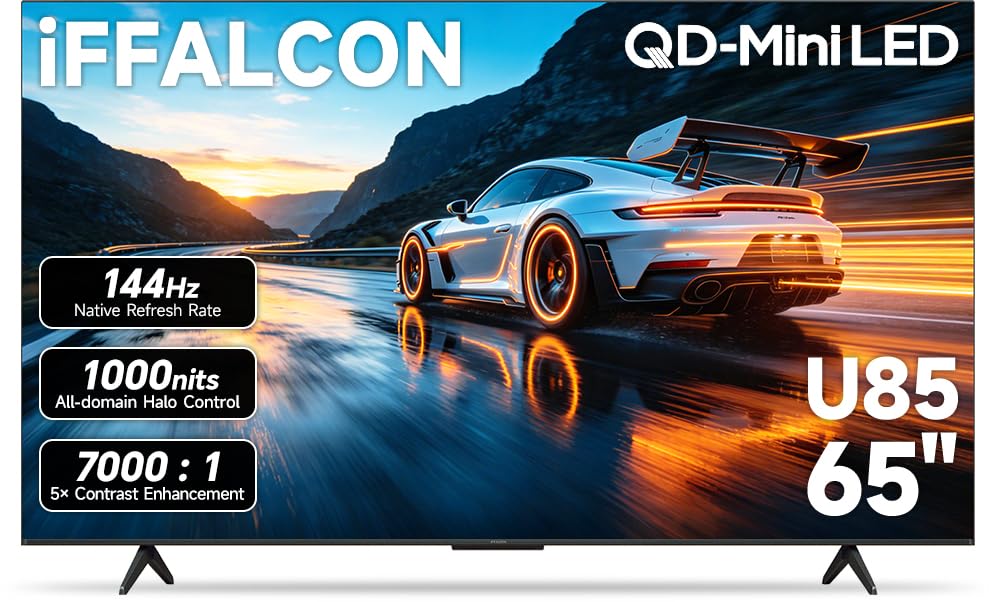
The iFFALCON 65U85 is a Mini-LED panel that undercuts the competition on price while still delivering a native 144-Hz refresh rate with VRR support up to 288 Hz. The 7000-to-1 contrast ratio and local dimming produce deep blacks for a Mini-LED at this tier, though the limited zone count means some blooming is visible around the mouse cursor on a pure black screen. Dolby Vision Gaming and IMAX Enhanced certification ensure the HDR formats used by modern consoles look accurate.
Four HDMI 2.1 ports — two running at 4K at 144 Hz and two at 4K at 60 Hz — give this panel genuine multi-console connectivity at a price point where competitors often include only one high-bandwidth port. The built-in 50-watt audio system with Dolby Atmos and DTS Virtual:X provides a wide soundstage adequate for desktop use without external speakers. Google TV with Alexa integration offers a familiar smart platform that runs smoothly with no noticeable interface lag.
The panel is slightly thicker than ultra-thin OLED and high-end Mini-LED models, which is noticeable when wall-mounting but irrelevant for desk use with the included table stands. A small number of reviewers reported that the full retail price is too close to baseline OLED options, making the value proposition weaker outside of sale periods. For budget-constrained buyers who need HDMI 2.1 bandwidth and Mini-LED contrast, this is the most cost-effective entry point.
Why it’s great
- Four HDMI 2.1 inputs at an entry-level Mini-LED price point
- 144-Hz native panel with 288-Hz VRR provides smooth gaming motion
- Dolby Vision Gaming and IMAX Enhanced support for console compatibility
Good to know
- Limited local dimming zones produce visible blooming around the desktop cursor
- Slightly thicker chassis than competing Mini-LED models
- Value is strongest when purchased at sale pricing
7. LG 65-Inch Class QNED evo AI QNED92A Series Mini LED 4K Smart TV
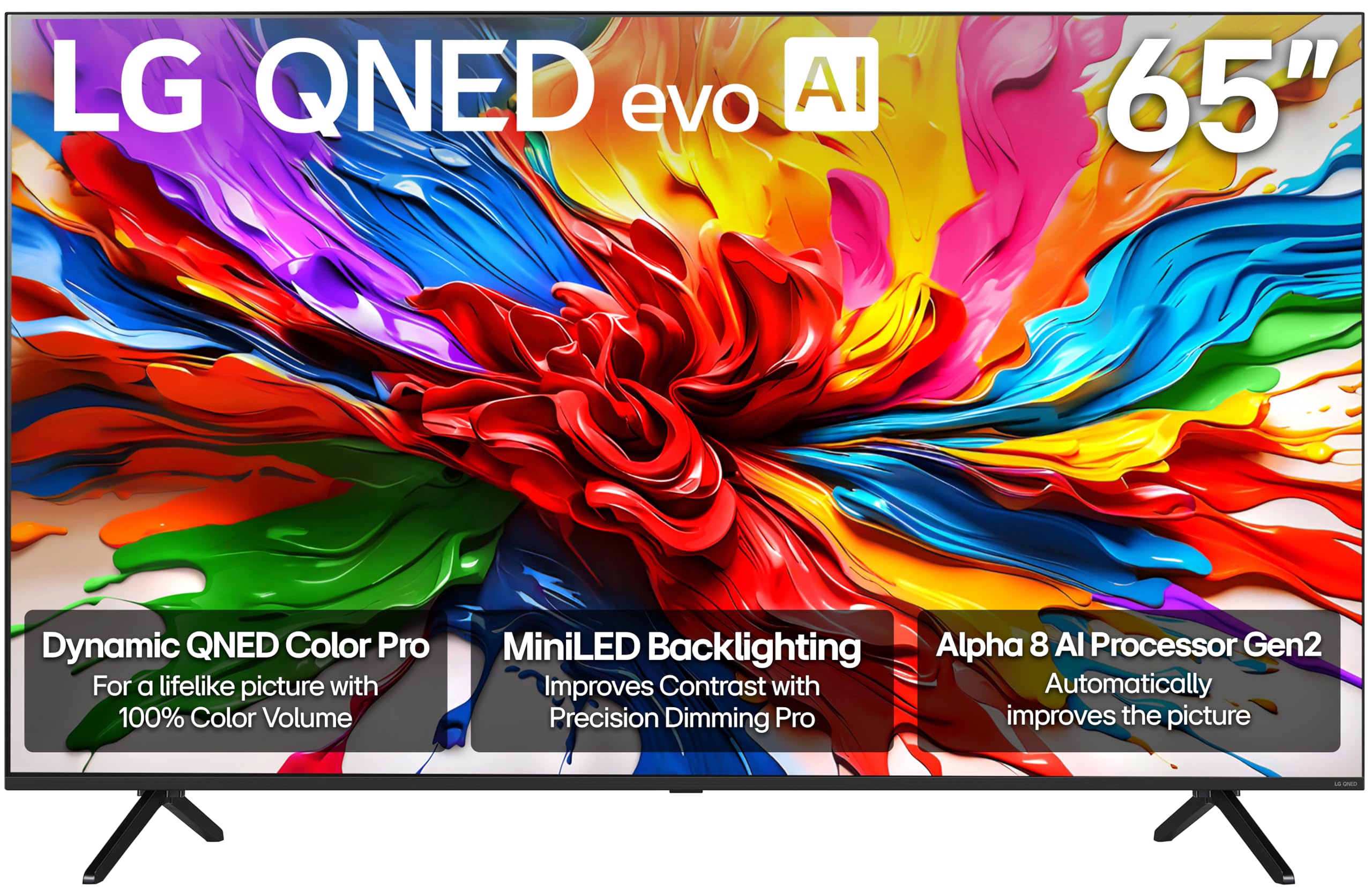
The LG QNED evo QNED92A combines Mini-LED backlighting with LG’s Precision Dimming Pro, which individually controls hundreds of dimming zones to improve black levels and reduce blooming. The Alpha 8 AI Processor Gen2 detects the content type and adjusts the picture and sound automatically, which is helpful when switching between a productivity desktop session and a streaming movie. Dynamic QNED Color Pro delivers 100 percent color volume, ensuring vibrant and accurate tones across the entire brightness range.
The 120-Hz native refresh rate with FreeSync Premium and VRR support is sufficient for casual PC gaming, but the 120-Hz cap is a limitation for competitive gamers who prefer the 144-Hz and 165-Hz panels from Hisense and TCL. WebOS provides a polished smart TV experience with the Re:New program for five years of updates, though the Magic Remote cursor control can be frustrating for desktop navigation — some users found it required two hands to operate and lacked a dedicated mute button.
The AI-powered Personalized Picture Wizard analyzes your preferred images to create a custom picture profile, but several reviewers reported that the AI presets required manual calibration to look natural. An occasional halo effect appears around white subtitles on dark scenes, which is a common artifact of edge-lit and lower-zone Mini-LED panels. For users who want a solid Mini-LED desktop display with strong smart platform features and are not chasing the highest possible refresh rate, this is a reliable middle-ground option.
Why it’s great
- Precision Dimming Pro with hundreds of individual zones reduces desktop blooming
- AI Super Upscaling improves clarity of lower-resolution desktop content
- WebOS Re:New program guarantees five years of software updates
Good to know
- 120-Hz refresh rate is lower than competing Mini-LED options
- Magic Remote cursor lacks mute button and can be unwieldy for desktop use
- AI picture presets need manual calibration for accurate skin tones
8. COOLHOOD 65″ Smart Board 4K UHD Touchscreen Interactive Whiteboard

The COOLHOOD 65 Smart Board is an all-in-one interactive whiteboard that functions as a 4K touchscreen display, an Android computer, and a wireless collaboration hub. The 20-point multi-touch system with a 6-millisecond response time and 1-millimeter precision enables smooth handwriting and annotation without noticeable lag. The octa-core processor and 128 GB of onboard storage allow it to run native Android apps, including Zoom, Microsoft Teams, and Google Meet, without requiring an external PC.
Wireless screen sharing works across Mac, Windows, iOS, and Android devices, and the built-in QR code sharing system makes file distribution quick in a classroom or meeting room setting. The 2000-to-1 contrast ratio and IPS panel provide adequate color accuracy for presentations, though the peak brightness is lower than consumer Mini-LED and OLED panels, making it less suitable for a sunny home office. The wall mount is included, but the stand must be ordered separately.
The lack of a built-in camera is a notable omission for a device marketed as a video conferencing hub, forcing users to attach an external USB webcam. Some early buyers reported that the OPS module installation required customer support guidance, and the touch responsiveness can be inconsistent when using non-native Android apps. For classroom environments or corporate meeting rooms where touch collaboration is the primary use case, this is a capable tool; for a personal desktop monitor, the touch features are unlikely to justify the premium over a standard 4K panel.
Why it’s great
- 20-point multi-touch with 6ms response enables real-time annotation and sketching
- Built-in Android 13 with 128 GB storage eliminates the need for a separate PC
- QR code file sharing streamlines document distribution in team settings
Good to know
- No built-in camera requires a separate webcam for video calls
- Stand is sold separately; only the wall mount is included
- Touch responsiveness varies with non-native Android apps
9. Dell UltraSharp U4025QW 40″ 5K2K WUHD Curved Monitor

The Dell UltraSharp U4025QW is a dedicated productivity monitor with a 40-inch 5K2K (5120-by-2160) resolution, offering roughly 140 pixels per inch — substantially sharper than a 65-inch 4K panel at typical desk distance. IPS Black technology delivers a 2000-to-1 contrast ratio, which is double that of standard IPS panels, making dark desktop backgrounds look deeper without the blooming artifacts of Mini-LED. The 120-Hz refresh rate is generous for a professional monitor and eliminates the fatigue of 60-Hz cursor movement across such a wide canvas.
The integrated Thunderbolt 4 hub provides 140-watt power delivery and connects to a laptop with a single cable, while the built-in KVM switch lets you toggle between a Mac and a Windows PC seamlessly. The color gamut covers 99 percent DCI-P3 and 100 percent sRGB with factory-calibrated Delta E accuracy below 2, making it suitable for color-critical design and video editing work. The 2500R curve wraps the workspace around your field of view without introducing noticeable distortion on straight lines.
At 40 inches, this monitor does not match the 65-inch surface area of the television-based options in this guide, but it provides superior text clarity and a proper desktop aspect ratio of 21-to-9. The price is significantly higher than comparably sized Mini-LED televisions, and the contrast ratio, while excellent for IPS, cannot compete with OLED’s infinite blacks. For professionals who spend eight-plus hours reading and editing text, the U4025QW’s pixel density and connectivity ecosystem justify the investment.
Why it’s great
- 140-PPI resolution provides sharp text clarity that 65-inch 4K panels cannot match
- IPS Black technology offers 2000:1 contrast with zero blooming on dark UIs
- Thunderbolt 4 hub with 140W power delivery and KVM simplifies multi-device desks
Good to know
- 40-inch diagonal is smaller than the 65-inch displays elsewhere in this guide
- Higher price per diagonal inch than large-format Mini-LED televisions
- Contrast ratio is good for IPS but still far from OLED’s per-pixel black level
10. Samsung 57″ Odyssey Neo G9 G95NC Dual 4K Gaming Monitor

The Samsung Odyssey Neo G9 is the world’s first dual UHD monitor, packing 7680 by 2160 pixels across a 57-inch 32-to-9 super-ultrawide panel. This resolution is equivalent to two 4K monitors side by side without a bezel, providing an immense canvas for financial dashboards, video timelines, or sim racing games. The Quantum Mini-LED backlight with 2392 local dimming zones and a 1,000,000-to-1 contrast ratio delivers HDR highlights at 1000 nits peak brightness, with minimal blooming even at this extreme width.
The 240-Hz refresh rate with a 1-millisecond gray-to-gray response time is made possible by DisplayPort 2.1, which provides the bandwidth needed to drive this resolution at full speed. AMD FreeSync Premium Pro ensures tear-free motion across the entire refresh range. The 1000R curvature matches the natural field of view of the human eye, reducing neck strain when scanning the wide desktop surface. CoreSync lighting projects the on-screen colors onto the wall behind the monitor for added immersion.
The physical footprint is enormous — the monitor weighs approximately 40 pounds and requires a desk at least 30 inches deep for comfortable viewing. Several users noted that the included DisplayPort cable is only 3 feet long, forcing a specific desk layout, and the firmware has occasional wake-from-sleep bugs. The price places this firmly in the enthusiast tier, but for users who genuinely need a dual-4K workspace without physical bezels, there is no alternative at this performance level.
Why it’s great
- Dual 4K resolution provides a seamless bezel-free canvas for multitasking
- 240-Hz refresh rate with DisplayPort 2.1 is the highest bandwidth available in ultrawide
- 2392-zone Mini-LED backlight delivers HDR with minimal blooming
Good to know
- Massive 57-inch width requires a deep desk and careful mounting planning
- Firmware wake-from-sleep bugs can be frustrating in a daily driver setup
- Short included DisplayPort cable may not reach all desk configurations
11. INNOCN 49″ 49Q1S OLED Curved Gaming Monitor

The INNOCN 49Q1S uses a 49-inch OLED panel with a 5120-by-1440 resolution, matching the horizontal width of a dual 1440p setup in a single 32-to-9 ultrawide package. The 240-Hz refresh rate and 0.03-millisecond response time are native OLED advantages that produce absolutely no motion blur, making this one of the fastest displays available for competitive gaming. The 1,000,000-to-1 contrast ratio delivers perfect per-pixel black levels that make desktop icons appear to float against a dark background.
The connectivity suite includes two DisplayPort 1.4 inputs, one HDMI 2.1 port, one USB-C port with 90-watt power delivery, a USB hub, and an RJ45 Ethernet port, giving this monitor true workstation-level docking capability. The 1800R curvature wraps the wide screen around your peripheral vision without the extreme curve of the Samsung G9. Built-in speakers provide desktop audio convenience, though they lack the low-end extension for critical media consumption.
The glossy OLED finish reproduces deep blacks beautifully but reflects direct light sources, making this a poor choice for desks positioned opposite windows. One reviewer reported the monitor stopped working after three months, and another noted that some applications display tiny or misaligned text due to the non-standard resolution. For gamers who want OLED motion clarity at a 32-to-9 aspect ratio and don’t need the full dual-4K pixel count of the Samsung G9, this offers a more accessible entry point into ultrawide OLED.
Why it’s great
- OLED panel with 0.03ms response delivers zero motion blur for competitive gaming
- 240-Hz native refresh rate matches the fastest ultrawide monitors available
- 90-Watt USB-C with Ethernet and USB hub reduces cable clutter on the desk
Good to know
- Glossy OLED finish creates strong reflections in brightly lit rooms
- 5120×1440 resolution can cause text scaling issues in some applications
- Long-term reliability is unproven; isolated reports of failure after three months
FAQ
Will a 65-inch OLED television burn in from a static Windows taskbar?
What is the minimum viewing distance for a 65-inch computer monitor?
Can I use a 65-inch Mini-LED television as a primary desktop monitor for coding?
Do I need DisplayPort 2.1 for a 65-inch 4K computer monitor?
Final Thoughts: The Verdict
For most users, the 65 inch computer monitor winner is the Hisense 65″ U8 Series because it combines a record 5000-nit peak brightness with 5600 local dimming zones and a native 165-Hz panel — a rare trifecta that makes it equally capable for HDR content creation and competitive gaming. If you want OLED contrast without burn-in risk, grab the LG 65″ OLED C4 for its per-pixel dimming and 144-Hz gaming performance. And for a bright-room desktop setup where reflections ruin the experience, nothing beats the Samsung 65″ OLED S95F with its unique matte anti-glare OLED panel.