
Our readers keep the lights on and the weekend projects moving. As an Amazon Associate, I earn from qualifying purchases.
If you’re a professional video editor, photographer, or developer, you already know that screen real estate and pixel density are the bottlenecks to your workflow. A 4K panel simply doesn’t deliver the vertical workspace or the pin-sharp text clarity needed to keep timelines, tool palettes, and reference images all visible without constant scaling compromises. The transition to a 6K monitor is about eliminating that compromise — achieving Retina-class clarity on a canvas large enough to hold your entire production environment at once.
I’m Rikta — the co-founder and writer behind FitlyFast. I’ve spent countless hours analyzing the spec sheets, panel technologies, and real-world performance data of the current 6K monitor market to separate genuinely productivity-enhancing displays from overpriced aspirational hardware.
Whether you are color-grading a feature film or managing a complex codebase, the right panel can transform your daily efficiency. This guide breaks down the top contenders to help you find the best 6k monitor for your specific creative or professional setup.
How To Choose The Best 6K Monitor
A 6K monitor is a long-term investment for your eyes and your workflow. To make the right choice, you need to look past just the resolution number and evaluate the panel technology, color performance, and connectivity that match how you actually work.
Panel Type: IPS Black vs. Nano IPS vs. OLED
For professional productivity on a 6K monitor, IPS-based panels dominate because they offer wide viewing angles and stable color. IPS Black technology delivers a 2000:1 contrast ratio, producing noticeably deeper blacks than standard IPS without the burn-in risk of OLED. Nano IPS offers a broader color gamut, often covering 98% DCI-P3, making it ideal for video editing. OLED panels provide infinite contrast and perfect blacks but are currently rare at 6K and carry a risk of image retention if used for static desktop work for long hours.
Color Accuracy and Gamut Coverage
For professional work, you want a monitor that is factory-calibrated to a Delta E (ΔE) of less than 2, meaning the colors you see are virtually indistinguishable from the intended output. Look for coverage of 98% DCI-P3 for video work or 99% Adobe RGB for print photography. A real 10-bit color depth ensures smooth gradients without banding, which is critical for HDR content creation.
Connectivity and Power Delivery (Thunderbolt 4/5)
The biggest advantage of a modern 6K monitor is the ability to act as a single-cable hub for your laptop. Thunderbolt 4 offers 40Gbps bandwidth sufficient for 6K video and daisy-chaining, while Thunderbolt 5 doubles that speed for future-proofing. Power delivery of at least 90W-96W ensures your laptop charges while connected. A built-in KVM switch lets you toggle between two computers with one keyboard and mouse, a massive productivity gain for multi-machine setups.
Pixel Density (PPI) and Scaling
A 32-inch 6K panel typically has a pixel density of around 218-224 PPI, which macOS treats as Retina-class clarity. This gives you the sharpest text possible and a massive UI canvas when running at full resolution. A 40-inch 5K2K ultrawide has a lower PPI but offers an extremely wide workspace for timelines and spreadsheets. Choose based on whether you prioritize razor-sharp text or maximum horizontal screen real estate for your specific applications.
Quick Comparison
On smaller screens, swipe sideways to see the full table.
| Model | Category | Best For | Key Spec | Amazon |
|---|---|---|---|---|
| ASUS ProArt PA32QCV | Mid-Range | Best Overall Value | 6016 x 3384, IPS, ΔE < 2 | Amazon |
| LG 32U990A-S | Premium | World’s First TB5 6K | 6144 x 3456, Nano IPS, 2000:1 | Amazon |
| LG 39GX950B-B | Premium | Gaming & Productivity | 5120 x 2160, OLED, 165Hz | Amazon |
| Dell UltraSharp U4025QW | Premium | Ultrawide Productivity | 5120 x 2160, IPS Black, 120Hz | Amazon |
| Kuycon G32P | Mid-Range | Glossy 6K Alternative | 6144 x 3456, IPS, 223 PPI | Amazon |
| Samsung Odyssey Neo G9 57″ | Premium | Extreme Immersion | Dual 4K, Mini-LED, 240Hz | Amazon |
| Dell UltraSharp U3224KB | Premium | Professional 6K Standard | 6144 x 3456, IPS Black, 2000:1 | Amazon |
| Samsung The Frame Pro 75″ | Premium | TV & Art Display | 4K, Neo QLED, Mini LED | Amazon |
| Wacom Cintiq Pro 27 | Premium | Creative Drawing | 3840 x 2160, 120Hz, 8192 Pen | Amazon |
| BenQ PD3220U | Premium | Design & Color Work | 3840 x 2160, IPS, Thunderbolt 3 | Amazon |
| ASUS ROG Swift OLED PG32UCDM | Premium | High-End Gaming | 3840 x 2160, QD-OLED, 240Hz | Amazon |
In‑Depth Reviews
1. ASUS ProArt Display PA32QCV

The ASUS ProArt PA32QCV delivers the most compelling value proposition in the 6K monitor space. At 31.5 inches with a native resolution of 6016 x 3384, it offers a LuxPixel anti-glare IPS panel that provides 178-degree viewing angles and a 3000:1 contrast ratio—significantly deeper than standard IPS. The factory calibration ensures a Delta E of less than 2, and it is Calman Verified, meaning the color accuracy out of the box is reliable for professional editing work right from the start.
Connectivity is a standout feature with dual Thunderbolt 4 ports supporting up to 96W power delivery and daisy-chaining, alongside HDMI 2.1 and DisplayPort 1.4. The built-in Auto KVM lets you seamlessly switch between two computers using a single keyboard and mouse, making it a true productivity hub. The M Model-P3 color preset matches the performance of a MacBook display, ensuring consistency across your devices without manual tweaking.
Its ergonomic stand offers full tilt, swivel, pivot, and height adjustments, and the 5-year warranty (after registration) adds long-term peace of mind. The 60Hz refresh rate is standard for professional work, not gaming. While the built-in speakers are weak and the wake-up time can be slightly slow, the overall package of 6K resolution, color-critical performance, and extensive connectivity at this tier makes it our top recommendation for professionals.
Why it’s great
- Calman Verified with Delta E < 2 out of the box
- Dual Thunderbolt 4 with 96W power delivery and KVM
- Excellent 3000:1 contrast ratio for deeper blacks
- 5-year warranty with registration
Good to know
- Speakers are weak and unsuitable for media
- Slow input switching and wake-up from sleep
- Limited to 60Hz refresh rate
2. LG 32U990A-S UltraFine evo 6K

The LG 32U990A-S is a true flagship for the creative professional, featuring what LG claims as the world’s first 6K monitor with Thunderbolt 5 connectivity. Its 32-inch Nano IPS Black panel delivers a 6144 x 3456 resolution with a pixel density of 224 PPI, offering Retina-class clarity that matches the MacBook Pro’s display scaling perfectly. The 2000:1 contrast ratio from the IPS Black technology provides significantly deeper blacks than standard IPS, making it a strong choice for HDR content grading.
Color performance is paramount here, with coverage of up to 99.5% Adobe RGB and 98% DCI-P3, coupled with real 10-bit color depth for smooth tonal transitions. The Thunderbolt 5 port provides 96W of power delivery and enables daisy-chaining multiple 6K monitors for an expansive workspace. Connectivity is comprehensive with HDMI 2.1, DisplayPort 2.1, and a built-in USB hub. It is also TÜV Rheinland Eye Comfort certified for long workflow sessions.
Despite its impressive specifications, the monitor has received mixed feedback regarding reliability. Some users report frequent wake-from-sleep failures requiring a power cycle, and the USB-C hub can be unstable with disconnections. The fan noise can be audible, and the KVM functionality is unreliable for some. For those who receive a flawless unit, the visual quality is outstanding, but the potential for hardware issues makes it a higher-risk purchase than its competitors.
Why it’s great
- First 6K monitor with Thunderbolt 5 for blazing bandwidth
- Nano IPS Black panel with 2000:1 contrast ratio
- Wide color gamut covering Adobe RGB and DCI-P3
- TÜV Rheinland Eye Comfort certified for long hours
Good to know
- Reliability concerns with wake-from-sleep failures
- USB hub and KVM can be unstable
- Audible fan noise on some units
3. LG 39GX950B-B UltraGear evo 5K2K OLED
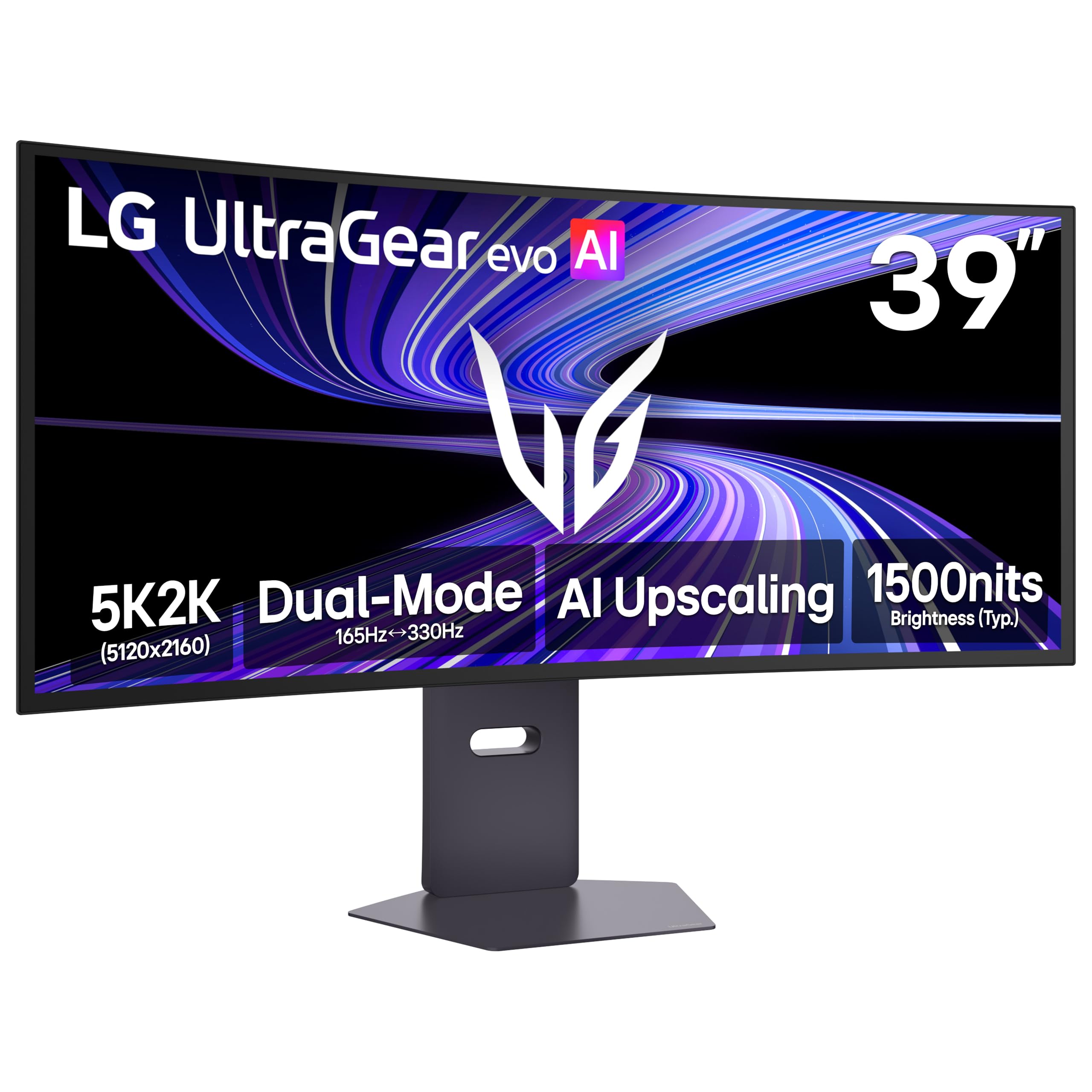
The LG 39GX950B-B is a unique 5K2K (5120 x 2160) OLED monitor that perfectly bridges the gap between high-resolution creative work and high-refresh-rate gaming. Its 39-inch 21:9 ultrawide panel with a 1500R curvature delivers an immersive field of view, while the 4th Gen Primary RGB Tandem OLED technology provides a peak brightness of 335 nits typical, infinite contrast, and 99.5% DCI-P3 coverage. The 143 PPI pixel density ensures crisp text, making it suitable for productivity alongside gaming.
Performance is exceptional with a 165Hz native refresh rate and a near-instant 0.03ms GtG response time, eliminating ghosting in fast-paced titles. The Dual-Mode feature allows switching to Wide Full HD at 330Hz for competitive gaming. It supports both NVIDIA G-Sync and AMD FreeSync Premium Pro for tear-free gameplay. The AI Upscaling processor can enhance lower-resolution content toward the display’s 5K2K resolution, reducing the need for a top-tier GPU for general use.
The AI Scene Optimization feature can cause distracting white balance shifts and should be disabled for accurate color work. Text clarity is excellent, with fringing unnoticeable at a normal viewing distance. This is a powerful all-in-one display for those who demand high resolution and high refresh rates.
Why it’s great
- Infinite OLED contrast with vibrant DCI-P3 colors
- 165Hz native refresh rate with 0.03ms response
- 21:9 ultrawide format is superb for productivity
- AI Upscaling improves lower-resolution content
Good to know
- OLED burn-in risk if used for static desktop work
- Glossy screen with slight sheen reflects light
- AI scene optimizer must be disabled for color accuracy
4. Dell UltraSharp U4025QW

The Dell UltraSharp U4025QW is a 40-inch behemoth designed for maximum productivity. Its 5K2K (5120 x 2160) resolution on an IPS Black panel delivers a 2000:1 contrast ratio, providing deep blacks and excellent shadow detail that elevate it above standard IPS productivity monitors. The 21:9 ultrawide aspect ratio is ideal for video editors needing a long timeline, financial analysts with massive spreadsheets, or developers with multiple code windows open side-by-side.
This monitor is a significant upgrade over its predecessor, offering a smooth 120Hz refresh rate that makes window management and scrolling feel much more fluid than the typical 60Hz professional panel. It is VESA DisplayHDR 600 certified and covers 99% DCI-P3 color gamut, making it viable for color-critical work. The built-in KVM switch works well and allows you to control two computers with one set of peripherals, while the comprehensive hub includes Ethernet, USB-C, HDMI, and DisplayPort connectivity.
At this price, the build quality is very good, but the plastic chassis can feel less premium than expected. The downward-facing ports can be inconvenient to access, especially when wall-mounted. Real-world contrast is good but not as deep as OLED, and the maximum brightness could be higher for very bright rooms. The 5K2K resolution is a true upgrade from 4K ultrawide, providing that extra pixel density for sharp text and more screen real estate without scaling headaches on Windows.
Why it’s great
- Massive 40-inch ultrawide canvas for multitasking
- IPS Black panel offers 2000:1 contrast ratio
- 120Hz refresh rate for smooth workflow navigation
- Excellent built-in KVM switch with Ethernet support
Good to know
- Plastic chassis feels less premium for the price
- Downward-facing ports are hard to reach
- Requires significant desk depth for comfortable use
5. Kuycon G32P 6K Monitor
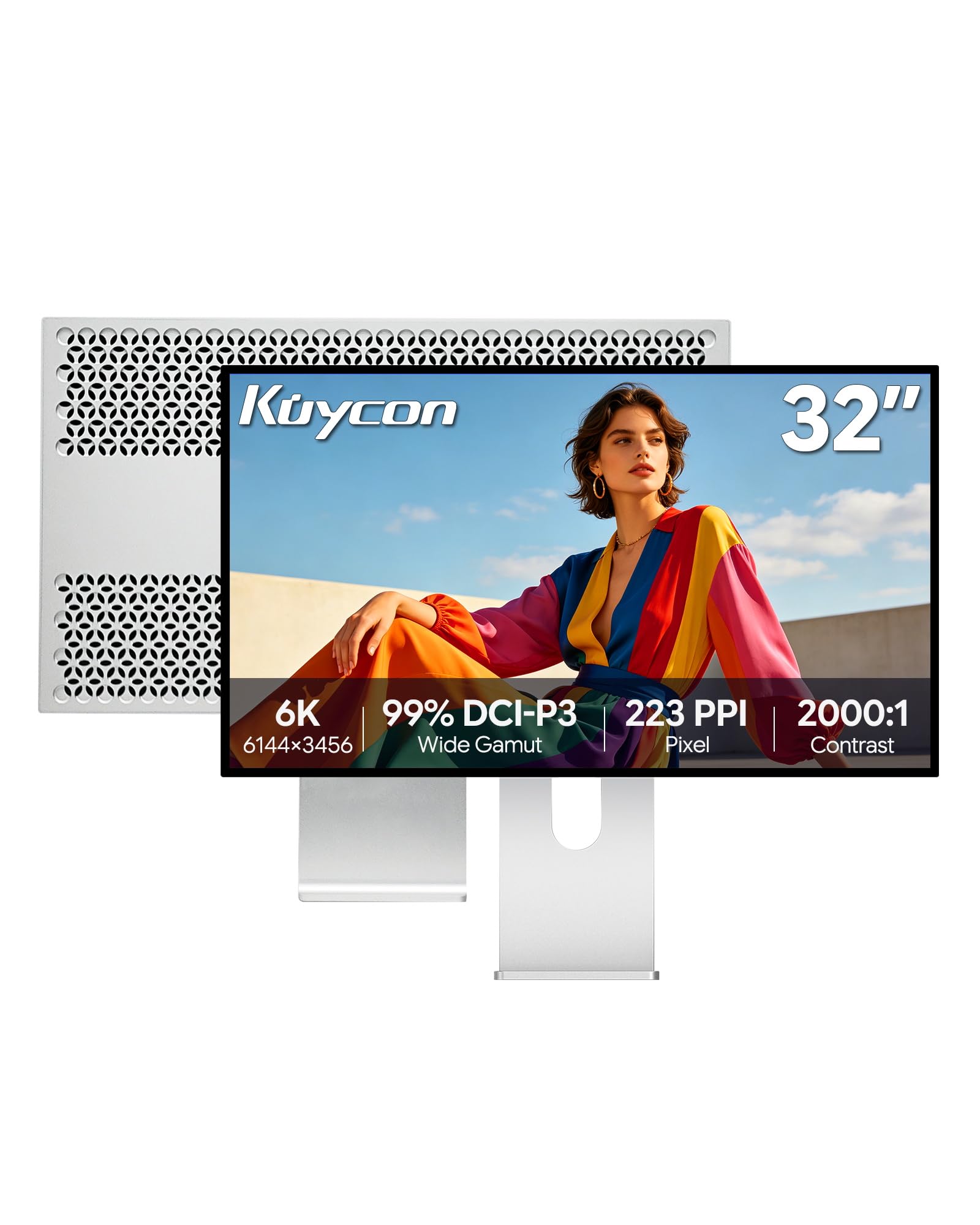
The Kuycon G32P is a rare find in the 6K monitor world: a glossy screen. For users who miss the vivid, punchy colors and sharp text of a glossy display (similar to Apple’s Pro Display XDR), this 32-inch IPS panel with 6144 x 3456 resolution and 223 PPI delivers an exceptional Retina-like experience. The glossy coating provides superior perceived contrast and color saturation compared to matte alternatives, making images and text pop with lifelike clarity.
Color performance is strong with 99% sRGB and 99% DCI-P3 coverage and a Delta E of less than 2, making it suitable for professional photo and video editing. The aluminum body with honeycomb cooling gives it a premium, tank-like build quality. It includes useful connectivity with HDMI, DisplayPort, and USB-C ports, and comes with a height-adjustable stand. The 2000:1 contrast ratio is excellent for an IPS panel.
There are notable trade-offs. It lacks a full integrated Thunderbolt dock, offering only a single high-speed port instead of the multi-port hub found on the ASUS or Dell. The glossy screen is highly reflective and requires higher brightness settings in well-lit rooms. Quality control can be a concern, with some users reporting dead pixels or defective units out of the box. Additionally, the remote control does not come with a battery. It’s a niche product for those who prioritize glossy aesthetics above all else.
Why it’s great
- Gorgeous glossy 6K screen with excellent contrast
- Premium aluminum body with honeycomb cooling
- 223 PPI delivers sharp Retina-like text clarity
- Wide DCI-P3 color gamut with Delta E < 2
Good to know
- Glossy screen is highly reflective in bright environments
- No full Thunderbolt dock; limited to one high-speed port
- Quality control and consistency can be hit-or-miss
6. Samsung Odyssey Neo G9 57″ G95NC

The Samsung Odyssey Neo G9 57-inch is not a standard 6K monitor, but its Dual 4K UHD resolution (7680 x 2160) on a 32:9 super-ultrawide panel provides an equivalent pixel count and an unmatched level of immersion. Quantum Mini-LED technology with 2392 local dimming zones delivers a peak brightness of 1000 nits and a 1,000,000:1 contrast ratio, making HDR content spectacularly bright and detailed. The 1000R curvature wraps around your peripheral vision, creating a truly cinematic experience.
For gaming, it is a powerhouse with a 240Hz refresh rate, 1ms GtG response time, and support for both AMD FreeSync Premium Pro and DisplayPort 2.1 input, which is necessary to drive Dual 4K at 240Hz. The monitor includes comprehensive connectivity with HDMI 2.1 and a USB hub. Its Picture-by-Picture (PBP) mode allows you to run two separate sources side-by-side at their native 4K resolution, effectively replacing a dual-monitor setup without a bezel gap.
This display demands significant desk space and GPU power to drive effectively. The extreme 32:9 aspect ratio is not ideal for all games or productivity tasks, as the far edges of the screen can be difficult to see. The OSB (on-screen display) menu can be complex to navigate, and the sheer size makes it challenging to ship and set up. It is a niche product for the power user who wants the absolute widest, most immersive screen available.
Why it’s great
- Massive 57-inch 32:9 super-ultrawide immersion
- 240Hz refresh rate with 1ms response time
- Quantum Mini-LED with 2392 dimming zones
- DP 2.1 enables full bandwidth at Dual 4K 240Hz
Good to know
- Requires very powerful GPU for demanding games
- Extreme size needs a deep desk and careful setup
- OSB menu is complex and non-intuitive
7. Dell UltraSharp U3224KB

The Dell UltraSharp U3224KB is the most established 6K monitor for professional use, featuring a 31.5-inch IPS Black panel with a native 6144 x 3456 resolution. The IPS Black technology achieves a 2000:1 contrast ratio, providing significantly deeper blacks than standard IPS while maintaining excellent color accuracy across a wide 178-degree viewing angle. Its 4K webcam with AI auto-framing and a built-in microphone array make it a complete hub for remote work and video conferencing.
Connectivity is robust with Thunderbolt 4 providing up to 140W power delivery, a rarity that can charge even high-power laptops. It includes Ethernet, multiple USB ports, HDMI, and a Mini DisplayPort. The stand is fully adjustable with tilt, swivel, pivot, and height adjustments. For professionals, the color accuracy is strong with 99% DCI-P3 coverage, and the matte anti-glare coating is effective in bright environments.
The primary caveats are software and reliability. The Dell Display Manager software is poorly designed and can be crashy, though the monitor works fine without it. Some Mac users report persistent half-screen green failures requiring a 30-minute power cycle, a known driver incompatibility with Apple Silicon that Dell has not fully resolved. The screen is also extremely fragile and can be damaged by minor impacts. Despite these issues, its visual quality and connectivity make it a top choice for many creative studios.
Why it’s great
- IPS Black panel produces excellent 2000:1 contrast
- Thunderbolt 4 with 140W power delivery for laptops
- Built-in 4K webcam with AI auto-framing
- Extensive connectivity including Ethernet
Good to know
- Dell Display Manager software is buggy and crashy
- Known green screen issues with some Apple Silicon Macs
- Screen is very fragile and sensitive to movement
8. Samsung The Frame Pro 75″ LS03FW
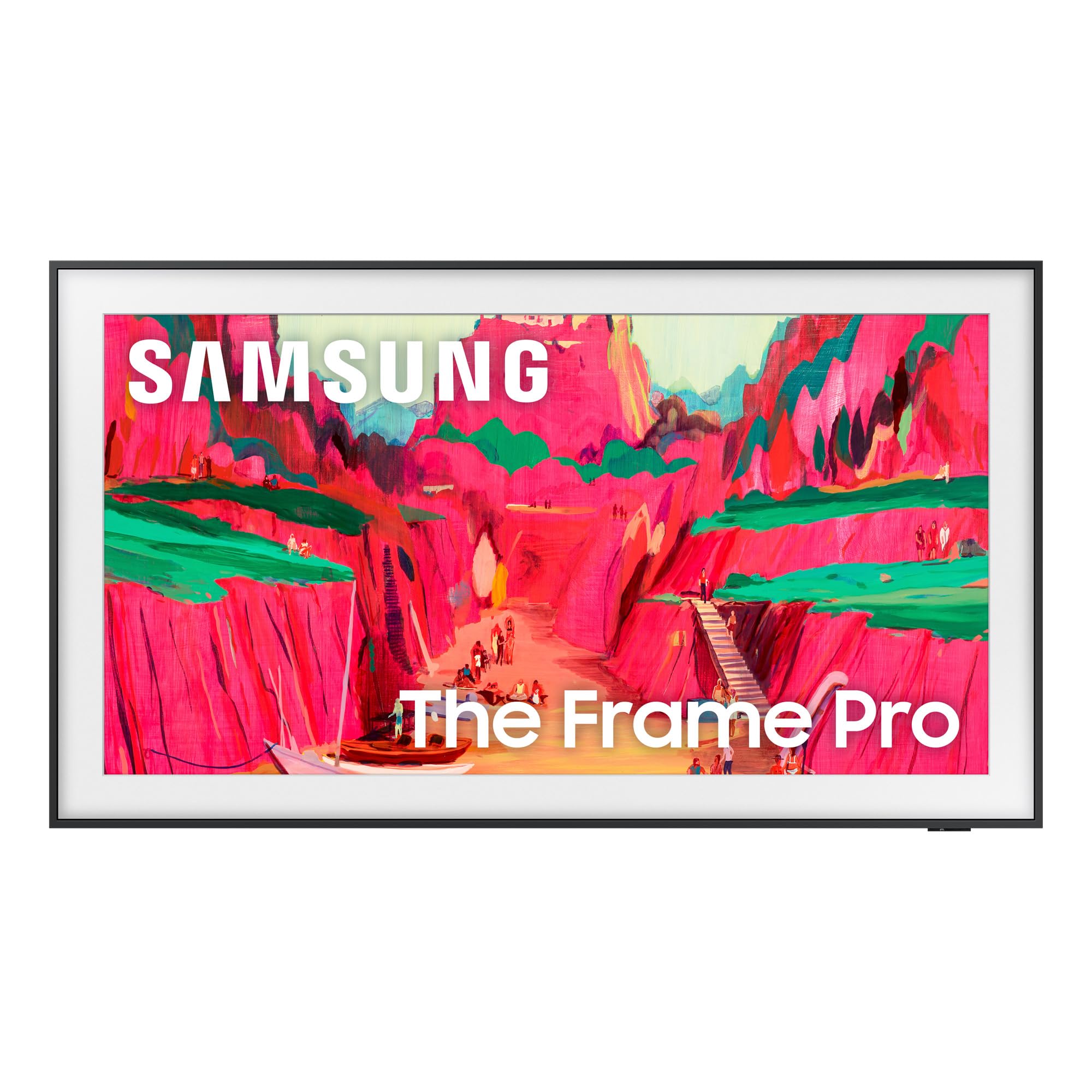
The Samsung The Frame Pro is distinctly different from the professional monitors on this list, focused on blending into a living space as a piece of art. In Art Mode, it displays curated artwork or personal photos with a matte, print-like finish, minimizing glare and looking remarkably like a framed picture on the wall. The 2025 model features Neo QLED Mini-LED technology, which provides excellent brightness and contrast, far surpassing previous Frame models for HDR content.
Its design is its biggest selling point. The Wireless One Connect box removes cable clutter, allowing for a near-flush wall mount. Customizable bezels let you match the decor. While it is a 4K, not a 6K display, its 75-inch size and QLED picture quality make it a stunning choice for a main living area where design is as important as picture quality. Oprah named it a “Favorite Thing” in 2025.
For pure professional use, it falls short due to its 4K resolution, which lacks the pixel density of 6K for detailed editing work. Some users report issues with the wireless connection box dropping frames on 4K HDR content and blooming in dark scenes. The single Micro HDMI input is a limitation for advanced setups. It is a lifestyle TV, not a professional monitor, so expectations should be set accordingly.
Why it’s great
- Beautiful art-on-the-wall aesthetic with Art Mode
- Near-flush mounting with Wireless One Connect box
- Neo QLED Mini-LED delivers excellent brightness
- Customizable bezels match home decor
Good to know
- 4K resolution, not suitable for 6K demanding workflows
- Wireless connection can drop frames on high bitrate content
- Blooming and lifted blacks in dark scenes
9. Wacom Cintiq Pro 27

The Wacom Cintiq Pro 27 is the industry-standard tool for digital artists, not a standard monitor. Its 27-inch 4K UHD display with 99% Adobe RGB color accuracy is designed for drawing and painting directly on the screen. The Pro Pen 3 offers 8,192 levels of pressure sensitivity, three side switches, and customizable grips, providing unparalleled control for line work. The etched glass surface provides a satisfying paper-like resistance.
The 120Hz refresh rate makes the pen feel incredibly fluid and lag-free, a major upgrade over previous Cintiq models. The eight customizable ExpressKeys on the display bezel allow for quick access to shortcuts, improving workflow efficiency. It includes four 1/4-inch mount points for adding accessories like a camera arm or an extension table for reference materials. Connectivity is flexible with USB-C, HDMI, and mini DisplayPort options.
The primary drawbacks are the cost and the fact that it is not a standard 6K monitor. At 4K, the pixel density is lower than a 6K display, which can make text and details appear less sharp. The fan noise, while quiet, is present, and the screen can get warm after extended use. The stand is sold separately and is expensive and wobbly. For digital artists, it remains the best tool for the job, but it is not a replacement for a high-resolution productivity monitor.
Why it’s great
- Unrivaled drawing experience with Pro Pen 3 technology
- 120Hz refresh rate for fluid pen input
- Industry-standard color accuracy (99% Adobe RGB)
- Customizable ExpressKeys and 1/4″ mount points
Good to know
- 4K resolution, not a 6K display for general productivity
- Expensive, especially with the separate stand
- Fan noise is low but audible in quiet rooms
10. BenQ PD3220U

The BenQ PD3220U is a highly regarded professional 4K monitor for designers and photographers. It features a 31.5-inch IPS panel with 3840 x 2160 resolution and factory-calibrated color accuracy. The wide color gamut covers a significant portion of the DCI-P3 and sRGB standards, making it a reliable choice for color-critical work. The Thunderbolt 3 port provides connectivity and up to 85W of power delivery for a laptop.
Its standout feature is the HotKey Puck G2, a physical controller that provides fast access to custom display modes and brightness settings, a huge productivity boost for professionals who switch between different color spaces (sRGB, Adobe RGB, DCI-P3) frequently. The KVM switch is integrated and works well. The ergonomic stand with height, swivel, and pivot adjustments is excellent, and the build quality feels premium.
The primary limitation is that it is a 4K display, not a 6K display. On a 31.5-inch screen, the pixel density is lower (140 PPI) compared to a 6K panel (218 PPI), which means text won’t be as sharp. The built-in speakers are notoriously weak and tinny. It lacks the high refresh rate of newer models. For professionals on a tighter budget who need excellent color and a robust KVM, it is a solid choice, but for maximum clarity, 6K is a significant step up.
Why it’s great
- Superb factory-calibrated color accuracy for design work
- HotKey Puck G2 offers fast, tactile mode switching
- Thunderbolt 3 with 85W power delivery
- Excellent ergonomic stand with full adjustability
Good to know
- 4K resolution lacks sharpness compared to 6K panels
- Speakers are very low quality
- Aging port selection with no Thunderbolt 4 or HDMI 2.1
11. ASUS ROG Swift OLED PG32UCDM

The ASUS ROG Swift OLED PG32UCDM is the pinnacle of gaming monitor technology, offering a 32-inch 4K QD-OLED panel with a blazing 240Hz refresh rate and a near-instant 0.03ms response time. The QD-OLED panel delivers infinite contrast, deep blacks, and a wide 99% DCI-P3 color gamut, ensuring that games look incredibly vibrant and lifelike. It is VESA DisplayHDR 400 True Black certified and can reach a peak brightness of 1000 nits in small highlights.
To mitigate burn-in risk, the monitor features a custom heat sink, advanced airflow design, and a graphene sheet for superior heat management. The DisplayWidget Center software allows for easy adjustment of OLED Care functions. Connectivity is comprehensive with DisplayPort 1.4 (DSC), two HDMI 2.1 ports, and a USB-C port with 90W power delivery, making it compatible with the latest consoles and laptops. It supports both G-Sync and FreeSync Premium Pro.
There are some caveats. Some HDR functionality is disabled when using certain features, though this can be fixed with firmware updates which are difficult to obtain from ASUS. The QD-OLED panel can show a raised black level in very bright rooms, and reflections can be an issue if direct light hits the screen. For pure gaming performance and visual quality, this is one of the best monitors available, but it is not designed for professional 6K productivity due to its lower 4K resolution.
Why it’s great
- Stunning QD-OLED picture with infinite contrast
- 240Hz refresh rate with 0.03ms for ultra-smooth gaming
- Excellent heat management to reduce burn-in risk
- USB-C with 90W power delivery and dual HDMI 2.1
Good to know
- 4K resolution may not match 6K for professional work
- Firmware updates are hard to get directly from ASUS
- QD-OLED blacks can lift in very bright rooms
FAQ
What kind of GPU is required to drive a 6K monitor effectively?
Is the 6K difference worth it over a 5K or 4K monitor?
Can I use a 6K monitor for gaming?
What is the benefit of Thunderbolt 5 over Thunderbolt 4 for a 6K monitor?
Final Thoughts: The Verdict
For most users, the best 6k monitor winner is the ASUS ProArt PA32QCV because it delivers professional-grade color accuracy, dual Thunderbolt 4 connectivity, and a 5-year warranty at a price that undercuts the competition significantly. If you need the world’s first Thunderbolt 5 6K monitor with next-generation bandwidth, grab the LG 32U990A-S, but be mindful of its reliability concerns. And for the ultimate in high-resolution gaming and productivity hybrid, nothing beats the LG 39GX950B-B 5K2K OLED.