
Our readers keep the lights on and the weekend projects moving. As an Amazon Associate, I earn from qualifying purchases.
Your old reels of Super 8 and standard 8mm film hold moments you cannot replace — birthday parties, graduations, long-gone relatives. But projector bulbs are fading and the film itself is slowly decaying. A dedicated converter captures those frames as MP4 files at 1080p, letting you watch, share, and archive them without the risk of sprocket tears or vinegar syndrome. The right machine saves you hundreds in professional transfer fees and gives you full control over exposure, sharpness, and frame rate.
I’m Rikta — the co-founder and writer behind FitlyFast. For this guide, I spent weeks cross-referencing sensor resolution, frame-capture consistency, reel-size compatibility, and real-world feedback across nine different models so you can match the right machine to your film collection without wasting time or money.
Whether you are dealing with a few family reels or a lifetime collection, picking the right device means balancing scanning speed, output quality, and ease of use. This guide breaks down everything you need to confidently choose the best 8mm film to digital converter for your specific stack of reels.
How To Choose The Best 8mm Film To Digital Converter
Not every converter handles Super 8 and standard 8mm the same way. Some are designed strictly for slides and negatives and completely ignore movie reels. Before you click buy, you need to understand three things that separate a keeper from a headache.
Reel Size and Format Compatibility
Standard 8mm and Super 8 film comes on reels sized from 3 inches up to 9 inches. A converter that only accepts 3-inch reels will be useless if your family collection is on 7-inch spools. Check the product’s listed reel diameters — some include adapters for larger reels, while others limit you to small home-movie reels. Also confirm whether the machine supports both 8mm and Super 8; the sprocket-hole spacing differs between the two.
Scanning Mechanism: Frame‑by‑Frame vs. Video Pass‑Through
Budget converters often use a simple camera pointed at the film, capturing video as the film runs. That method introduces flicker, jitter, and inconsistent exposure. Specialized film scanners capture each frame individually with a stationary sensor, then stitch the frames into a smooth MP4. The frame‑by‑frame approach gives you better sharpness, steadier playback, and the ability to adjust exposure for each frame. If you care about preserving fine detail, choose a unit that advertises individual frame capture rather than live video recording.
Output Resolution and Frame‑Rate Handling
Most consumer converters output 1080p MP4 files. Some claim higher numbers through interpolation, but that often adds digital noise rather than real detail. Native 1080p from a quality CMOS sensor is enough to capture the grain of home‑movie film. Pay attention to the output frame rate: original Super 8 typically runs at 18 fps, while standard 8mm runs at 16 fps. A converter that saves at 20 or 24 fps requires post‑processing to restore natural motion. If that matters to you, look for a model that lets you set the exact target frame rate.
Quick Comparison
On smaller screens, swipe sideways to see the full table.
| Model | Category | Best For | Key Spec | Amazon |
|---|---|---|---|---|
| KODAK REELS Digitizer | Premium | Large reel collections (up to 9″) | 8.08 MP sensor, 1080p MP4 | Amazon |
| Magnasonic FS81 | Premium | Dedicated 8mm/Super 8 (3″‑7″) | 1080p MP4, RCA video out | Amazon |
| HP FilmScan 700 | Mid-Range | Slides & negatives plus 8mm | 13 MP CMOS, 7″ touchscreen | Amazon |
| HP FilmScan 500 | Mid-Range | Compact 8mm/slide combo scanning | 13 MP CMOS, 5″ touchscreen | Amazon |
| KODAK Slide N Scan Max | Mid-Range | Quick slide/negative/film digitizing | 13 MP sensor, 7″ tiltable LCD | Amazon |
| Wolverine Titan 8-in-1 | Mid-Range | Multi‑format film (slides+negatives) | 20 MP, 4.3″ screen, HDMI out | Amazon |
| Magnasonic FS70 | Mid-Range | Super 8 stills & slides | 25 MP interpolation, 5″ LCD | Amazon |
| BEONEGLOBAL ClearScan S5 | Value | Budget 8mm/slide digitizing | 24 MP interpolation, 5″ LCD | Amazon |
| DigitPro C190 | Value | Entry‑level film/slide conversion | 22 MP interpolation, 5″ LCD | Amazon |
In‑Depth Reviews
1. KODAK REELS Digitizer

The KODAK REELS Digitizer is the most versatile converter for home‑movie film because it accepts reels from 3 inches all the way up to 9 inches without requiring third‑party adapters. Its 8.08‑megapixel sensor captures each frame individually and assembles them into a 1080p MP4 file, giving you steady, flicker‑free playback that beats any video‑camera‑based converter. The large 5‑inch touchscreen interface makes it easy to adjust sharpness, exposure, and tint on the fly.
Users report that converting a standard 3‑minute reel takes roughly 30 minutes, while a full 400‑foot reel runs about 4.5 hours — the machine operates at a deliberate frame‑by‑frame pace to preserve detail. Pre‑existing film damage (broken sprocket holes, splices) will stop the feed, so plan to babysit the process. The unit saves directly to an SD card (not included) and transfers via USB; no computer or software is required for the basic workflow.
On the downside, this converter does not capture sound, and the default 20 fps output runs slightly faster than the original 16‑18 fps film speed, so you may need third‑party software to correct playback. Some users also note a mild flicker on high‑contrast lighting changes. Still, for a home‑user who wants professional‑grade results across multiple reel sizes, this is the most complete package available.
Why it’s great
- Accepts 3″‑9″ reels out of the box
- Frame‑by‑frame capture for steady playback
- Large 5″ touchscreen with real‑time controls
Good to know
- No audio capture
- Slow scanning speed (≈30 min per 3‑min reel)
- Default 20 fps needs speed correction
2. Magnasonic FS81 Super 8/8mm Film Scanner

The Magnasonic FS81 is purpose‑built for movie film only — it does not handle slides or still negatives, but it converts 3‑inch, 5‑inch, and 7‑inch reels of both standard 8mm and Super 8 into digital MP4 files. The unit uses a frame‑by‑frame capture mechanism that outputs steady 1080p video, and it includes RCA composite video out so you can preview scans on an older TV or monitor without HDMI.
Real‑world scanning time is roughly 35‑40 minutes per 3‑inch reel and up to 90 minutes for a 4‑inch reel, running at approximately 2 frames per second during capture. The small 2.3‑inch LCD screen is adequate for checking alignment but not for detailed preview. Owners report that default brightness and sharpness settings work well for most film, but old, brittle film will still cause occasional stops at splices or broken sprocket holes.
No SD card is included, and the unit lacks a headphone jack or audio capture. The manual rewind process requires you to physically reverse the reels after scanning. Despite these quirks, the FS81 is a reliable, dedicated workhorse for anyone who exclusively wants to digitize 8‑millimeter home movies without paying for hybrid slide/film features they will never use.
Why it’s great
- Dedicated 8mm/Super 8 — no wasted features
- Produces stable 1080p frame‑by‑frame output
- Handles 3″‑7″ reels with included adapters
Good to know
- Small 2.3″ preview screen
- Complicated manual rewind process
- No audio capture
3. HP FilmScan 700 (7″ Touch Screen)
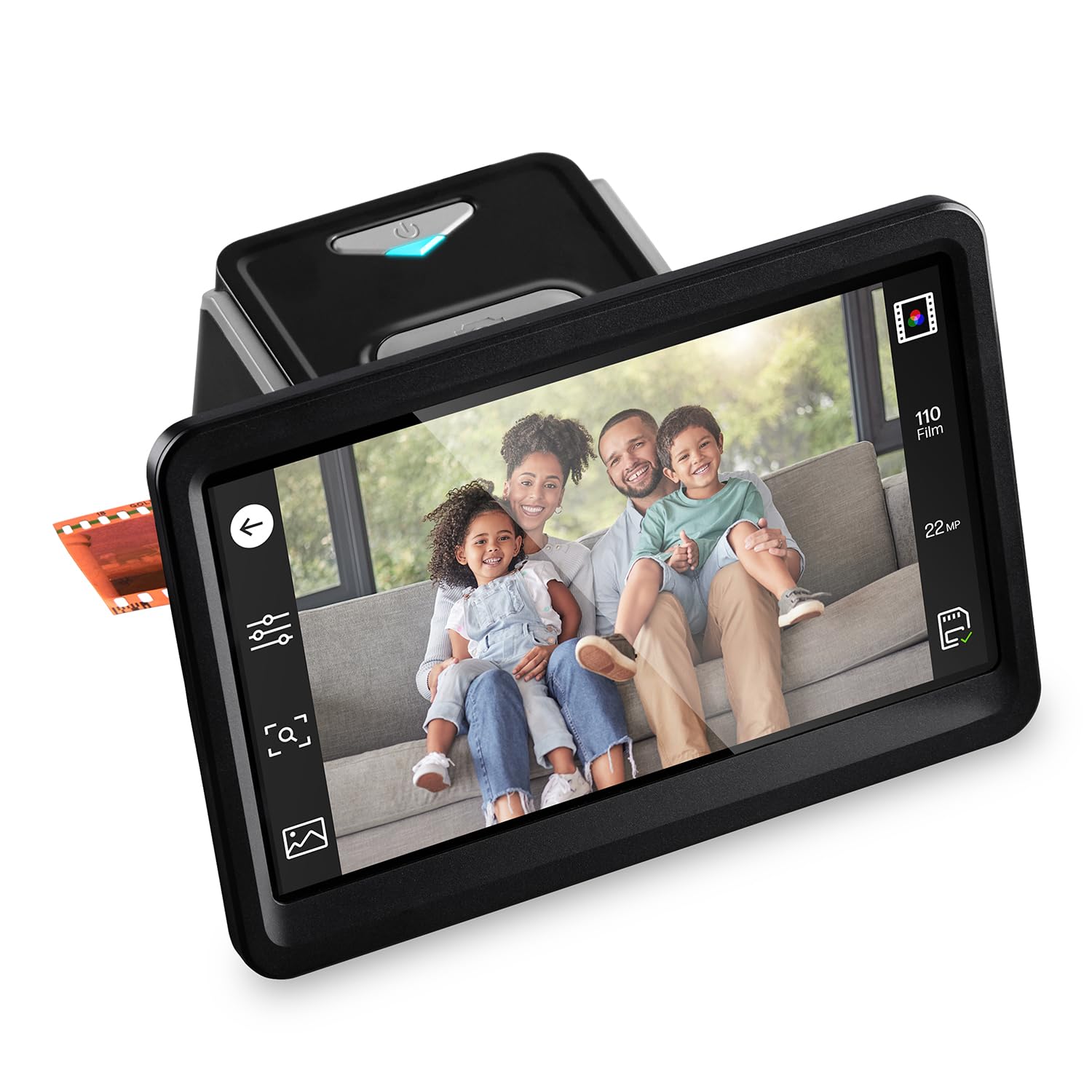
The HP FilmScan 700 brings a large, tiltable 7‑inch color touchscreen to the digitizing workflow — a huge advantage when you are previewing fine details on old film grain. It is a hybrid converter that handles 135, 126, and 110 slides and negatives, and includes a 50mm slide adapter. While not a dedicated film reel scanner, it can digitize Super 8 still frames using the quick‑feed loading tray.
The 13‑megapixel CMOS sensor delivers clean JPEG output with built‑in cropping and brightness/color controls. The HDMI port allows you to display scans on a TV for group viewing, and USB‑C connectivity simplifies file transfer. Owners praise the intuitive touchscreen navigation and the ability to make quick exposure adjustments without a computer.
Keep in mind that this unit is best suited for users who need a multi‑format converter for slides, negatives, and occasional 8mm stills. It does not offer frame‑by‑frame reel scanning for movie footage; you load individual film strips or slides. The plastic film adapters feel a bit fragile, and the 22‑megapixel interpolation is software‑based, not native. For someone with a mix of media types, this is a versatile mid‑range option.
Why it’s great
- Large 7″ tiltable touchscreen for previewing
- HDMI out for big‑screen viewing
- USB‑C powered and data transfer
Good to know
- Not for continuous reel movie scanning
- Plastic adapters feel delicate
- 22MP interpolation, not native resolution
4. HP FilmScan 500 (5″ Touch Screen)

The HP FilmScan 500 shares its core technology with the 7‑inch model but packages it into a more compact, budget‑friendly body with a 5‑inch touchscreen. It still uses the same 13‑megapixel CMOS sensor with 22‑megapixel interpolation, and it supports the same range of 135, 126, and 110 formats plus Super 8 film strips. The all‑angle LCD touch panel lets you preview scans and make edits directly on the device.
USB‑C power and data connectivity make this unit easy to integrate into a modern desk setup — no bulky AC adapter required. The gallery mode allows the scanner to double as a digital picture frame. Early users report that the touchscreen is responsive and the quick‑load tray reduces film handling time compared to older slot‑based scanners.
The main trade‑off is the smaller screen, which makes fine‑detail inspection a bit more challenging. Like the larger HP model, this is not a reel‑to‑digital movie scanner; you feed individual film strips or slides. If you have a modest collection of mixed media and prefer a compact footprint, the FilmScan 500 hits a strong value point.
Why it’s great
- USB‑C powered for simple desk setup
- Responsive touchscreen with gallery mode
- Compact footprint for home use
Good to know
- 5″ screen is small for detailed previews
- Not for continuous reel scanning
- Interpolated 22MP, not native
5. KODAK Slide N Scan Max

The KODAK Slide N Scan Max is one of the most popular consumer film scanners on the market, and for good reason: the 7‑inch tiltable LCD screen makes it easy to review your scans from any angle, and the quick‑feed tray allows you to load slides and negatives continuously without repositioning each frame. Its 13‑megapixel sensor produces clean 4320×2880 JPEGs that preserve the natural grain and color of original film.
Real‑world scanning speed is impressive — users report processing 100–175 slides per hour after a short learning curve. The auto‑exposure and color‑inversion algorithms handle most color negative film well, and the manual ±2 EV compensation gives you control over tricky lighting. The unit supports 135, 126, and 110 formats directly, and it can handle Super 8 still frames with the included adapter.
Some users note that the loader slot is positioned at the back of the unit, which can strain your back during long scanning sessions. The scanner also crops the edges of slide and negative frames slightly, so you lose the very outer border. And it cannot set a date stamp before 1980, which matters if you are archiving older film. For the price, the Max is a strong all‑rounder for slides and negatives with occasional 8mm use.
Why it’s great
- 7″ tiltable screen for comfortable viewing
- Quick‑feed tray for high‑volume scanning
- Excellent auto‑color and exposure correction
Good to know
- Rear loader slot causes back strain
- Cropping cuts off film border
- Cannot set date before 1980
6. Wolverine Titan 8-in-1

The Wolverine Titan covers eight different film formats including 35mm, 126, 110, APS, and 127 slides and negatives, making it one of the most format‑flexible converters in its class. The bundle includes a 32GB SanDisk SD card and a 6‑foot HDMI cable, so you have everything you need out of the box. The 4.3‑inch screen is smaller than most competitors, but the bright display is adequate for checking composition.
Scan speed is roughly three seconds per frame, and output is saved as 20‑megapixel JPEGs. Owners consistently praise the results on 35mm slides and negatives, noting that the image quality is excellent after downloading to a computer. The onboard screen image can look oversaturated or tinted, so do not judge final quality from the preview alone. The unit uses a universal 110‑240V power adapter, which is rare and helpful for international travelers.
Reliability is the biggest concern: multiple user reviews report units failing after 200‑300 scans, with the device freezing or refusing to advance past the boot screen. Wolverine support has a mixed reputation. The Titan is a fantastic value if you get a unit that holds up, but the quality‑control lottery is real. For occasional use, it delivers great image quality per dollar.
Why it’s great
- Supports 8 film formats including APS
- Includes 32GB SD card and HDMI cable
- Worldwide voltage adapter (110‑240V)
Good to know
- Quality‑control issues with long‑term reliability
- Small 4.3″ screen
- Preview image oversaturated
7. Magnasonic FS70 All‑in‑One Film Scanner

The Magnasonic FS70 is a jack‑of‑many‑formats converter that handles 35mm, 110, 126, and Super 8 film along with 135/126/110 slides. The large 5‑inch TFT LCD screen provides a clear live preview, and the HDMI output (cable not included) lets you display scans on a TV. It uses a CCD optical sensor, which some users prefer over CMOS for color reproduction on still images.
Claimed resolution is 25 megapixels, though this is interpolated from a lower native sensor — and multiple user reviews note that the actual output is soft, even at the highest setting. The scan time is under five seconds per frame, and the fast‑loading trays help keep the workflow moving. The unit has 64MB of internal memory plus an SD card slot supporting up to 128GB.
The main criticism is image quality: even at 13‑megapixel and 25‑megapixel settings, output can look comparable to a low‑end digital camera rather than a true scanner. If you plan to enlarge scans beyond 8×10 prints, the softness will be visible. For quick digitizing of slides and occasional Super 8 stills for social media sharing, the FS70 is functional and affordable, but do not expect archival‑grade sharpness.
Why it’s great
- Fast scan time — under 5 seconds per frame
- Large 5″ LCD with HDMI output
- Accepts multiple film formats including Super 8
Good to know
- Interpolated resolution yields soft results
- Not suitable for large prints
- Internal memory insufficient for collections
8. BEONEGLOBAL ClearScan S5 Film Scanner
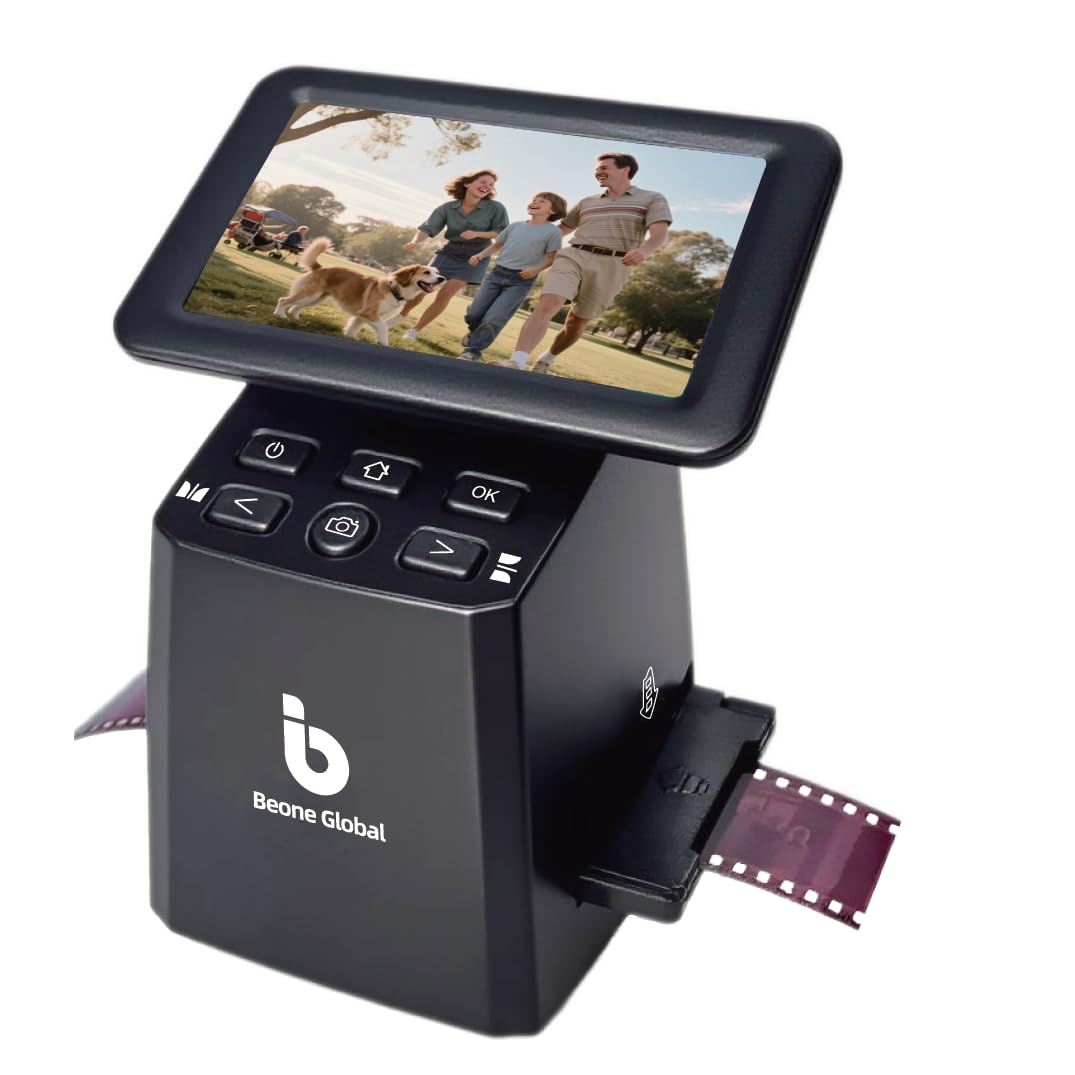
The BEONEGLOBAL ClearScan S5 offers a solid entry into film and slide digitization with a 5‑inch LCD screen and a 1/2.3‑inch CMOS sensor that captures up to 24‑megapixel JPEGs (interpolated). It supports 135, 126, 110, and Super 8 negatives and slides, and the front‑panel button layout puts all controls under your fingers without awkward reaching.
Real‑world owners describe it as easy to set up and reliable for high‑volume scanning — one user digitized 800 family slides without issues. The built‑in 128MB memory holds a few scans, but you will want an SD card (up to 32GB) for any real collection. The ergonomic front controls are a clever design touch, making it more comfortable than models where buttons are placed beside the screen.
The biggest risk is quality control: some units arrive with defective SD card slots that fail to format or save images, and the device may lose saved images after powering off. A few users also report that the scan quality is decent but not exceptional — adequate for sharing on social media or viewing on a TV, but lacking the fine detail of more expensive converters. It is a decent budget starting point for small collections.
Why it’s great
- Ergonomic front‑panel button layout
- Big 5″ screen for preview
- Works for slides, negatives, and Super 8
Good to know
- Quality‑control defects reported (SD slot)
- Interpolated resolution, not true 24MP
- Images may not survive power cycle
9. DigitPro C190 Film and Slide Scanner
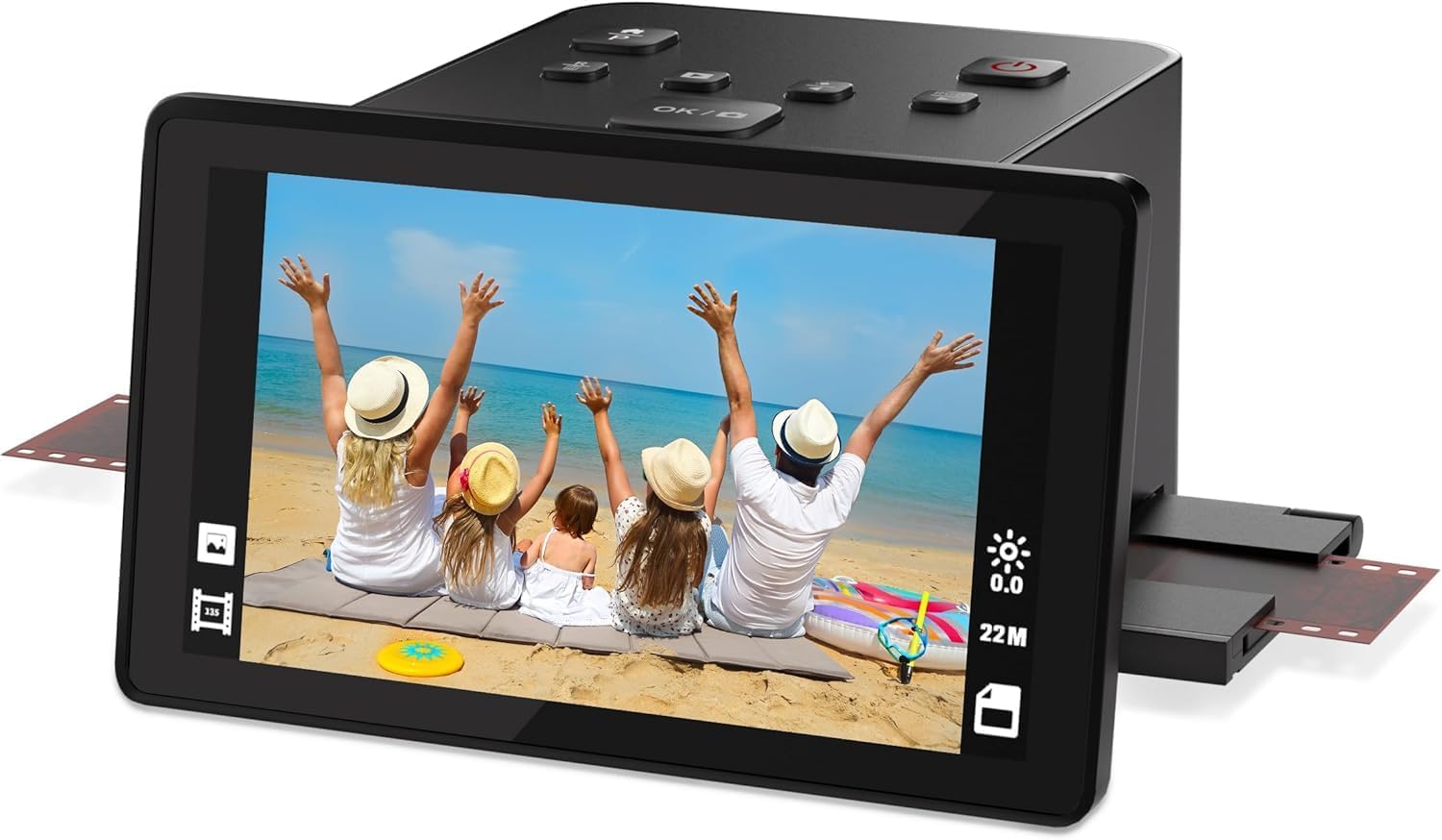
The DigitPro C190 is the most affordable option in this guide, designed for users who want to dip their toes into film digitization without a big investment. It supports color and black‑and‑white 35mm, 110, 126 negatives, 50mm slides, and Super 8 film. The 5‑inch LCD screen offers real‑time preview, and one‑touch scanning makes the process simple for beginners.
Built‑in 128MB memory stores a handful of images, and an external SD card (up to 64GB) provides room for bigger projects. HDMI and USB‑C output let you view scans on a TV or transfer files to a computer. The included kit comes with multiple film holders, a cleaning brush, AC adapter, and HDMI cable — all the accessories you need to get started.
The downsides are significant: controls are unintuitive, the manual is nearly useless, and the scan‑and‑save workflow is more manual than competing models — you have to handle each negative more frequently. Image quality is acceptable for the price but not sharp, and some users report difficulty with computer file transfer because the unit is not recognized as a drive without proper drivers. If your collection is small and your expectations are modest, it will get the job done, but the extra effort may frustrate.
Why it’s great
- Lowest entry price for 8mm film conversion
- Full accessory kit included (holders, cables)
- 5″ screen for preview
Good to know
- Unintuitive controls and poor manual
- Manual film handling is tedious
- Soft image quality at any resolution setting
FAQ
Will these converters capture sound from my 8mm films?
How long does it take to digitize a single 8mm reel?
Can I use a slide/negative scanner for 8mm movie film?
What if my film is brittle or has splices?
What frame rate should I set for best playback?
Final Thoughts: The Verdict
For most users with a mix of standard 8mm and Super 8 reels, the best 8mm film to digital converter is the KODAK REELS Digitizer because it handles the widest range of reel sizes (3″‑9″) and produces stable frame‑by‑frame 1080p output without needing a computer. If you have exclusively smaller reels (3″‑7″) and want a dedicated, no‑frills workhorse, the Magnasonic FS81 delivers reliable results at a lower price point. And for those who need a multi‑format converter that can also digitize slides and negatives alongside 8mm film stills, the HP FilmScan 700 combines a large touchscreen with versatile format support.