
Our readers keep the lights on and the weekend projects moving. As an Amazon Associate, I earn from qualifying purchases.
The wrong label sheet turns a quick envelope run into a printer jam, a smudged return address, or a roll of stickers that peel off before they hit the mailbox. Address labels live on the line between fast office workflow and a frustrating waste of paper, and choosing the wrong adhesive, template, or paper weight costs minutes and professional polish every single time.
I’m Rikta — the co-founder and writer behind FitlyFast. I’ve tracked the print-adhesive market through hundreds of test sheets, comparing die-cut sharpness, adhesive bonds, and printer feed reliability across workhorse brands to cut through the noise.
Whether you need crisp return addresses for a wedding, durable shipping labels for your small business, or a massive batch for a move, this guide breaks down the adhesive chemistry, printer compatibility specs, and sheet counts that actually matter for address labels.
How To Choose The Best Address Labels
The perfect label depends on how often you print, which printer you use, and what surfaces the label will stick to. Here are the three most overlooked factors that separate a problem-free sheet from a sticky disaster.
Adhesive Strength & Surface Compatibility
Not all permanent adhesives behave the same. A label that grips corrugated cardboard like cement may peel off a glossy envelope within a day. Look for labels explicitly rated for plastic, glass, and painted metal if your use extends beyond paper. Standard paper mailing labels work well on cardboard and standard #10 envelopes, but poly bubble mailers often require a stronger, more flexible adhesive formulation.
Printer Type & Sheet Construction
Inkjet printers need a matte or coated paper surface that absorbs wet ink without bleeding. Laser printers require heat-resistant adhesive that won’t melt inside the drum. Some budget sheets are too thin and buckle during a laser print pass, causing misalignment. The best labels are optimized for both, but you should always check the manufacturer’s rating before buying for your specific printer model.
Template Compatibility & Die-Cut Precision
Most address labels are designed to work with the Avery 5160 / 8160 template (1” x 2-5/8”, 30 labels per sheet). A label sheet that has slightly imprecise die-cutting can shift during printing, throwing off the alignment for all 30 labels. Reputable brands offer downloadable templates or work with Avery’s online software, so you can test-print one label instead of wasting a whole sheet.
Quick Comparison
On smaller screens, swipe sideways to see the full table.
| Model | Category | Best For | Key Spec | Amazon |
|---|---|---|---|---|
| Avery Easy Peel (8460) | Premium White | Reliable high-volume printing | Pop-up edge for quick peel | Amazon |
| Staples 1” x 2-5/8” | Office Mainstay | Smooth printer feed | 30 labels/sheet for 100 sheets | Amazon |
| OnlineLabels 2.625” x 1” | Professional Matte | Crisp smudge-free print on matte | Matte finish for low glare | Amazon |
| Avery Gold Foil (08987) | Premium Foil | Elegant invitations & events | Shimmering gold foil finish | Amazon |
| Premium Label Supply (2”x4”) | Multipurpose | Large label & folder labeling | 2”x4” size for more content | Amazon |
| L LIKED (1”x2-5/8”) | Value Bulk | Budget-friendly high count | 3,000 labels for under | Amazon |
| EastCrane (1”x2-5/8”) | Eco Bulk | Eco-friendly & FBA labeling | BPA-free, biodegradable paper | Amazon |
In‑Depth Reviews
1. Avery Easy Peel Printable Address Labels (8460)
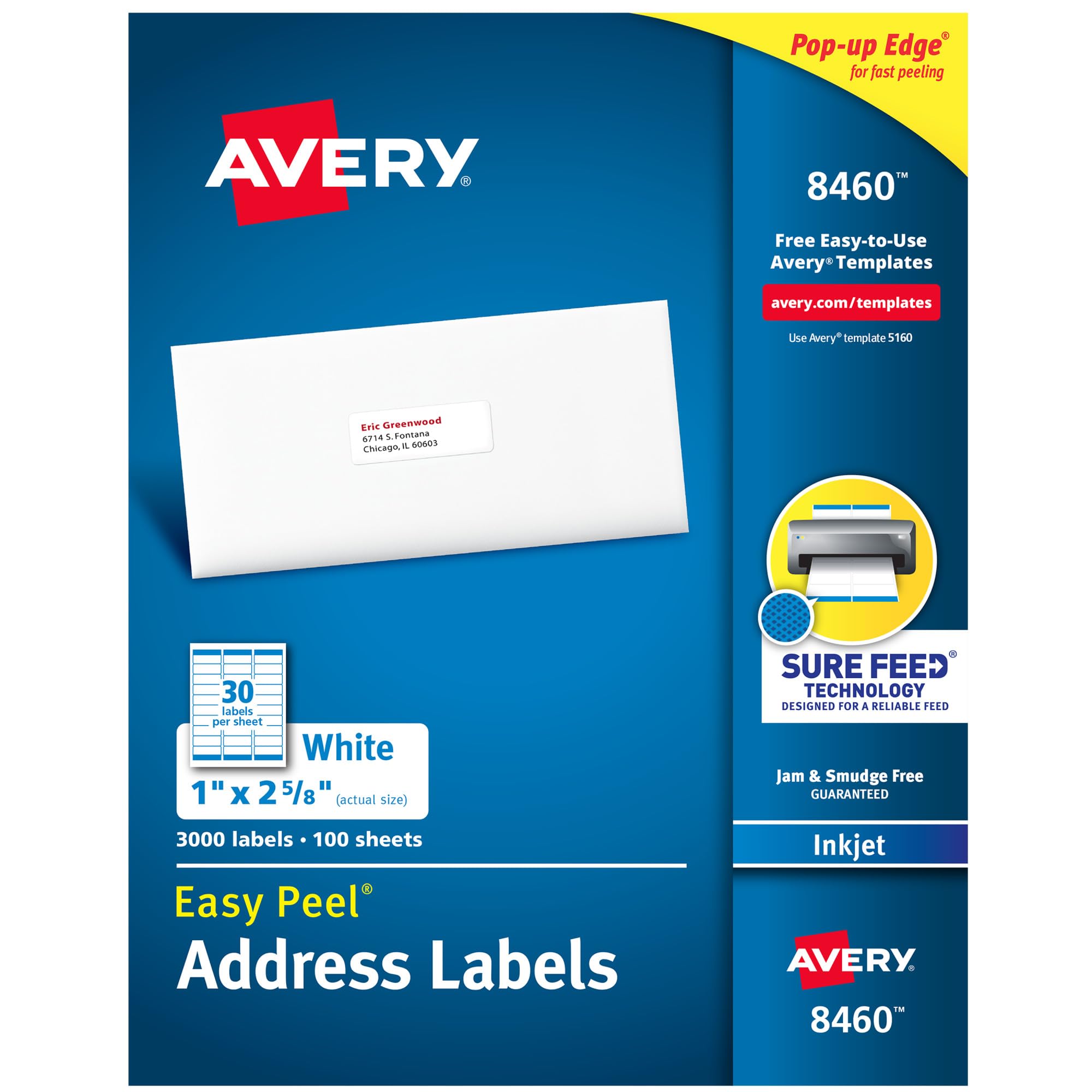
The Avery 8460 is the gold standard for a reason. Its Easy Peel feature creates a pop-up edge that separates each sticker from the carrier sheet without curling the adjacent labels, saving real time when you’re processing a few hundred envelopes. The Sure Feed technology also prevents the sheet from shifting inside the printer, so misprints are rare even on older inkjet models.
Optimized for both inkjet and laser printers, the white matte surface delivers sharp black text without smearing or bleed. At 3,000 labels per pack (30 per sheet, 100 sheets), it covers heavy mailing seasons or small business shipping without frequent reordering. The blend paper material resists curling and keeps the adhesive flat against the envelope after application.
This is the label that sets the template compatibility benchmark — Avery’s Design & Print Online software is the most widely supported in the industry. While the upfront cost is higher than generic brands, the zero-waste reliability per sheet often makes it the cheaper choice in the long run.
Why it’s great
- Pop-up edge peeling speeds up high-volume work
- Sure Feed virtually eliminates printer jams and shifts
- Industry-standard template compatibility
Good to know
- Premium pricing compared to bulk off-brands
- Limited to standard 1” x 2-5/8” size only
2. Staples 1″ x 2-5/8″ Address Labels
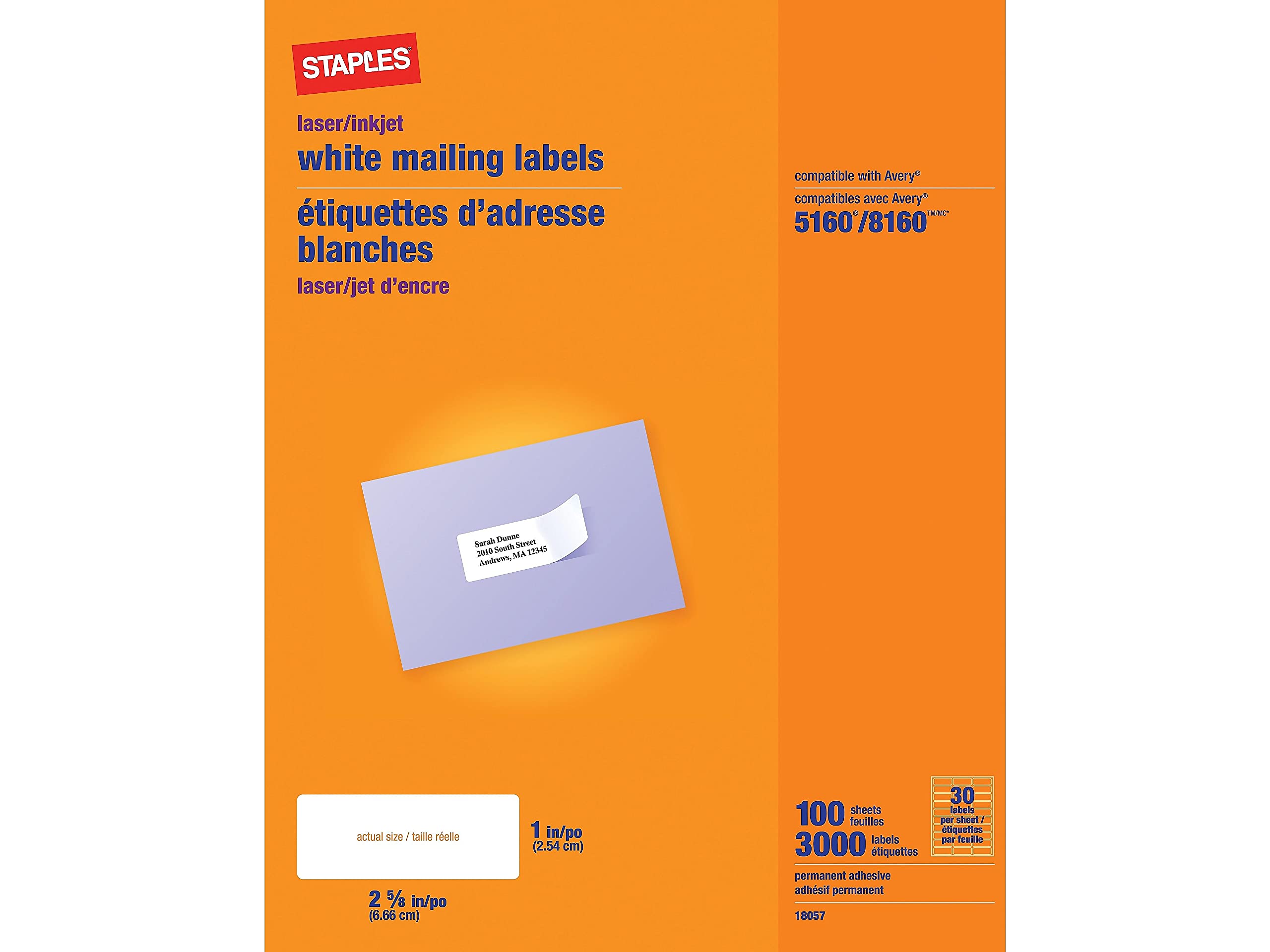
Staples delivers a polished, no-fuss label that runs through HP and Brother printers without hanging up. The permanent adhesive is strong for standard envelope and cardboard applications, and the polished finish gives a clean, professional look that resists smudging better than basic matte sheets.
These labels are fully compatible with the Avery 5160 and 8160 templates, making formatting a breeze. At 30 labels per sheet across 100 sheets (3,000 total), the pack size hits the sweet spot between a trial run and a bulk warehouse box. The sheets feel slightly thinner than Avery’s premium line, but the die-cutting is precise and the backing peels cleanly without tearing.
For office managers who need a consistent, affordable supply, this is the reliable workhorse. The only noticeable trade-off is that the paper is a touch thin, which can cause slight buckling in laser printers that run hot or have sharp paper path bends.
Why it’s great
- Consistent feed in HP and Brother printers
- Avery template compatibility for quick formatting
- Strong permanent adhesive for envelopes and packages
Good to know
- Paper feels thinner than premium competitors
- May buckle slightly in some laser printers
3. OnlineLabels 2.625″ x 1″ Address Labels (OL875WX)
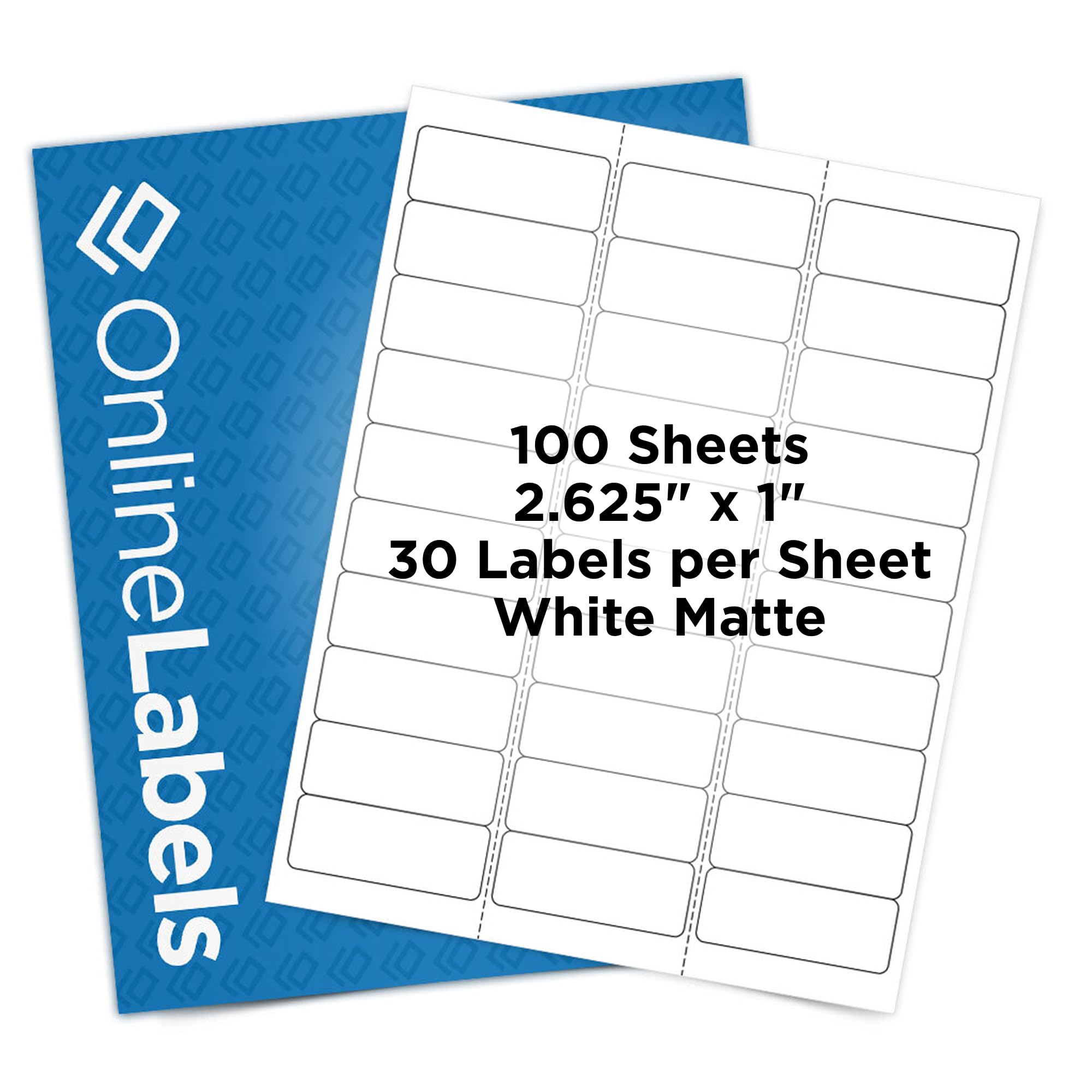
The OnlineLabels OL875WX stands out for its true matte finish that eliminates glare and creates a low-reflective surface for sharp, smudge-free text. The 30-per-sheet layout matches the Avery 5160 footprint, but the included activation code for Maestro Label Designer gives you a professional design tool with templates pre-loaded for their sheets.
The permanent adhesive bonds strongly to plastic, glass, metal, and cardboard, making these labels versatile beyond just mailing. Users consistently report that the adhesive holds up well on poly mailers and candle jars, which is a good sign for small business sellers. The sheets are pre-perforated between columns, making separation quick without tearing the adjacent label.
One catch: the template software is powerful but less intuitive than Avery’s online tool, and some users find the initial alignment tricky. Printing at “default” size rather than “fit to page” solves the alignment issue, but it’s an extra step newer users may not expect.
Why it’s great
- True matte finish for glare-free, crisp prints
- Strong permanent adhesive sticks to varied surfaces
- Includes Maestro label designer software
Good to know
- Template alignment requires a “default” size print setting
- Software less intuitive than Avery’s online tool
4. Avery Gold Foil Return Address Labels (08987)

The Avery Gold Foil labels are the go-to choice for events where presentation matters. The shimmering gold finish catches light beautifully on wedding invitations, holiday cards, and party favors while remaining printable on most inkjet printers. The permanent adhesive keeps them securely bonded to paper, cardboard, glass, and even painted metal surfaces.
At 0.75” x 2.25”, these are slightly smaller than standard address labels, leaving a clean, refined look on the back flap of an envelope. The 300-label pack is a good quantity for a wedding guest list or holiday card season without the commitment of a 3,000-count box. The labels come with full template support via Avery’s Design & Print Online platform.
Inkjet users should note that heavy ink coverage on large text can smear if not allowed to dry fully before handling. This is not an issue for laser printers, but inkjet users should test one sheet first. The gold finish also makes thin, light-colored fonts hard to read, so bold, dark text or graphics work best.
Why it’s great
- Rich shimmering gold finish for upscale mailings
- Easy-to-use Avery online templates
- Permanent adhesive sticks to varied surfaces
Good to know
- Large inkjet text can smear; let dry fully
- Gold finish reduces legibility of light, thin fonts
5. Premium Label Supply White Sticker Address Labels (2”x4”)

The Premium Label Supply 2” x 4” label is built for multipurpose use beyond standard return addresses. The larger surface works well for shipping labels, folder tabs, or naming storage bins, and the bright white smudge-proof paper prevents ink from bleeding across the label surface.
Each sheet holds 10 labels, with 25 sheets totaling 250 labels in the pack. The powerful general-purpose permanent adhesive aggressively bonds to cardboard, poly bags, and painted surfaces, and the die-cutting is accurate with no rough edges that would catch in a printer. Users report clean peeling from the carrier sheet without tearing, even after the sheet has been stored for a while.
Made in the USA, these labels feed reliably through both inkjet and laser printers. The only minor complaint is that the backing sheet is white, making it harder to see whether a label has already been removed in low light. For the price, the adhesive strength and smudge resistance are excellent.
Why it’s great
- Large 2”x4” size for shipping and organizing
- Smudge-proof surface prevents ink bleed
- Strong permanent adhesive bonds aggressively
Good to know
- White backing makes it hard to see missing labels
- Only 250 labels per pack; need to reorder sooner
6. L LIKED Printable Address Labels (1”x2-5/8”)
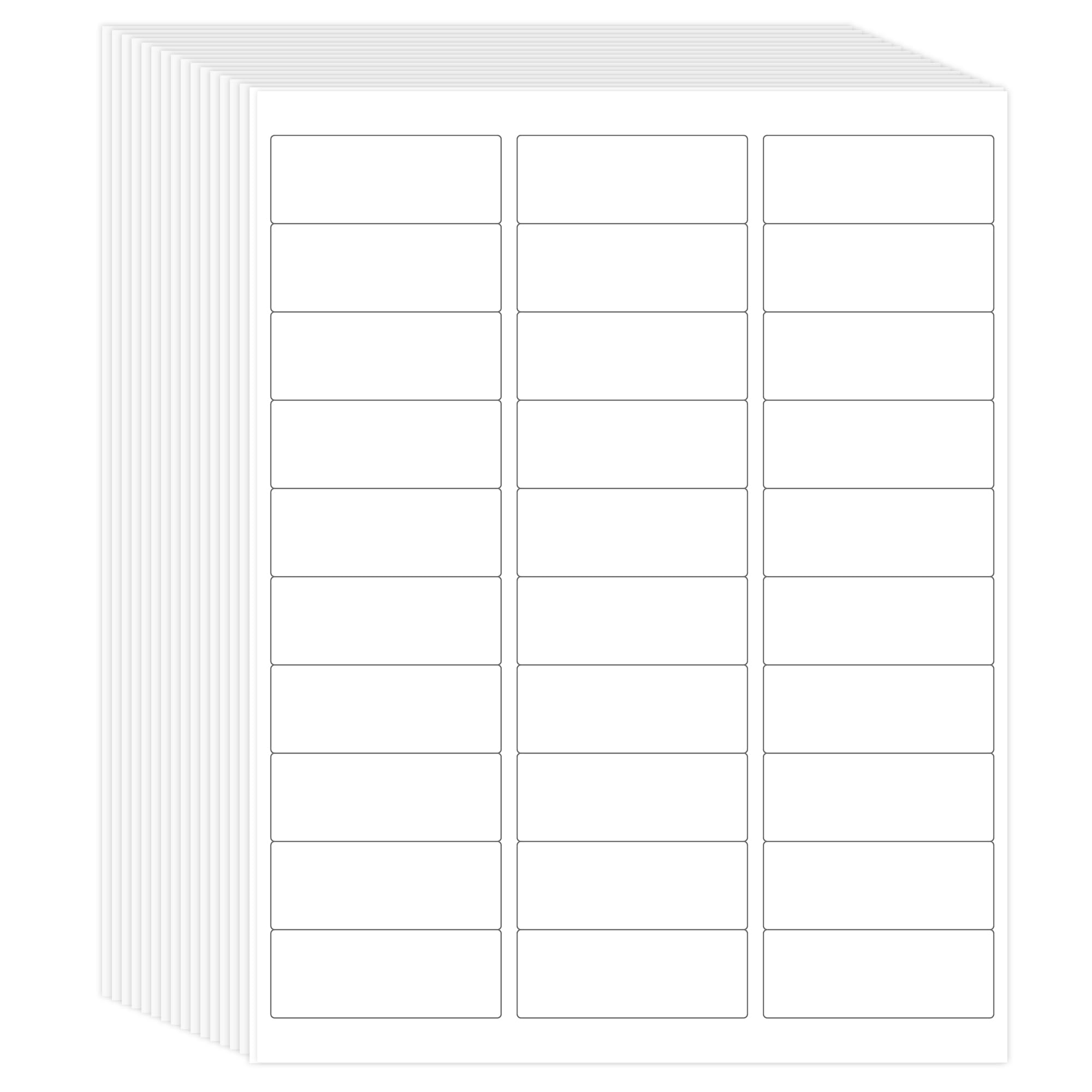
The L LIKED label pack delivers 3,000 labels at a price that undercuts the major brands by a significant margin. The standard 1” x 2-5/8” size matches the Avery 5160 template, so formatting takes no extra effort. Users consistently report clear, black text with no smearing or fading on both inkjet and laser printers.
The adhesive strength is notably strong, holding well to paper, cardboard, and plastic without peeling or curling. The matte white finish is professional-looking, though some users note it is slightly less bright white than the Avery premium line. The peel is straightforward, and the sheets separate cleanly from the carrier without tearing.
The main limitation is the lack of a direct Google Docs template; the available templates are for Word, PNG, and PDF formats. A free online label designer works fine for most, but Mac users who rely heavily on Pages have reported minor alignment issues. For sheer value, this is hard to beat.
Why it’s great
- Excellent value for a 3,000-label pack
- Strong adhesive with no peeling or curling
- Clean print quality on both inkjet and laser
Good to know
- Paper is slightly less bright white than premium brands
- No direct Google Docs template; test first on Mac
7. EastCrane Printable Mailing Address Labels (1”x2-5/8”)
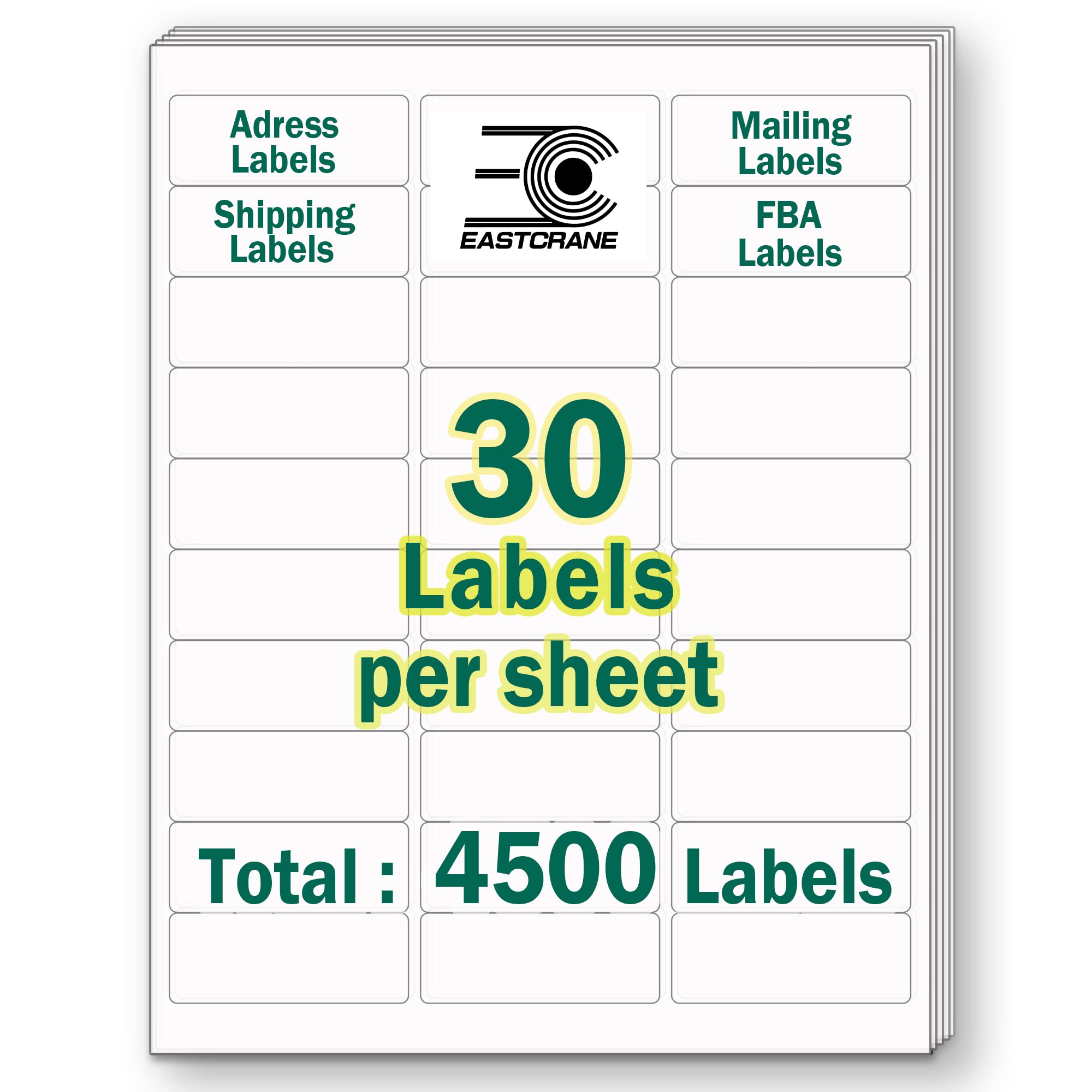
EastCrane differentiates itself with an environmental promise: these labels are BPA-free, biodegradable, and recyclable. For users who want to reduce plastic waste from their shipping supplies, this is a meaningful improvement without sacrificing label performance. The 4,500-count pack (150 sheets) gives the highest sheet count in this guide.
The labels are compatible with both laser and inkjet printers and accept a range of writing tools including pencil, pen, Sharpie, and colored pen. The permanent adhesive bonds well to cardboard, glass, plastic, and storage boxes, making them suitable for FBA labeling or pantry organization. Users confirm compatibility with the Avery 8160 template for quick setup.
The main caveat is that some users report the adhesive can peel up on plastic bags after a few days, so these may not be the best choice for poly mailers or long-term bag labeling. The paper is also slightly thinner than the Avery premium line, which can cause minor buckling during laser printing. For envelope mailing and box labeling, however, the eco-friendly formulation works well.
Why it’s great
- BPA-free and biodegradable material
- Highest label count in the guide at 4,500
- Accepts multiple writing instruments
Good to know
- Adhesive may peel on poly bags over time
- Paper is slightly thinner; can buckle in laser printers
FAQ
Can I use the Avery 5160 template for third-party labels?
How do I stop my labels from smudging on an inkjet printer?
What label size is best for standard #10 envelopes?
Final Thoughts: The Verdict
For most users, the address labels winner is the Avery Easy Peel (8460) because its pop-up edge and Sure Feed technology eliminate the two biggest frustrations: slow peeling and printer alignment errors. If you want a polished, elegant look for wedding invitations or holiday mail, grab the Avery Gold Foil (08987). And for budget-conscious bulk labeling with strong adhesion, nothing beats the L LIKED 3,000-count pack.