
Our readers keep the lights on and the weekend projects moving. As an Amazon Associate, I earn from qualifying purchases.
The difference between a sluggish PC and a responsive machine often comes down to one component: your storage. A slow hard drive is a bottleneck that affects every boot, app load, and file transfer. Upgrading to an SSD is the single most impactful change you can make for an older laptop or desktop, delivering near-instant wake times and dramatically faster program launches that make the system feel brand new.
I’m Rikta — the founder and writer behind FitlyFast. I’ve spent years analyzing hardware specifications, market trends, and user feedback to identify which storage upgrades deliver genuine real-world gains without unnecessary costs.
This guide breaks down the top models across both SATA and NVMe interfaces, helping you find the right balance of speed, durability, and capacity for your needs. Whether you’re resurrecting an old office PC or building a budget gaming rig, the best affordable ssd for your situation is waiting in the reviews below.
How To Choose The Best Affordable SSD
Choosing the right SSD requires checking your motherboard’s interface, your capacity needs, and the type of NAND flash used. Overlooking any one of these can lead to buying a drive that’s incompatible or that wears out faster than expected.
Interface Compatibility: SATA III vs. NVMe (PCIe Gen3 / Gen4)
Your first step is to confirm which slot is available. A 2.5-inch SATA III drive fits into any standard laptop or desktop bay and tops out at around 550MB/s. An M.2 NVMe drive plugs directly into the motherboard and can reach 3500MB/s (Gen3) or 5000MB/s+ (Gen4). SATA works universally; NVMe requires a compatible M.2 slot. If your motherboard supports PCIe 4.0, a Gen4 drive gives you the fastest possible load times, but a Gen3 drive is still a massive upgrade and often a better value for general use.
NAND Type and TBW Endurance
3D NAND comes in TLC (Triple-Level Cell) and QLC (Quad-Level Cell) varieties. TLC drives typically offer higher write endurance, often rated for 150-300 TBW per 1TB of capacity. QLC drives are cheaper but have lower endurance, making them better suited for read-heavy tasks like storing game libraries. Always check the TBW rating if you plan to write large amounts of data daily.
Form Factor and Physical Fit
Most 2.5-inch SATA drives are 7mm thick, which fits ultrabooks and standard bays. Some older laptops may require a 9.5mm drive, so check your clearance. For M.2 drives, ensure the key notch (usually M-Key) matches your motherboard’s slot, and verify the length (2280 is the standard).
Quick Comparison
On smaller screens, swipe sideways to see the full table.
| Model | Category | Best For | Key Spec | Amazon |
|---|---|---|---|---|
| Sandisk SSD Plus 500GB | SATA III | Reliable daily driver upgrade | 545MB/s Read; 505MB/s Write | Amazon |
| TEAMGROUP MP44L 1TB | NVMe Gen4 | Blazing fast gaming/creative workloads | 5000MB/s Read; 4500MB/s Write | Amazon |
| Crucial BX500 240GB | SATA III | Budget-friendly system repair | 540MB/s Read; 3-year warranty | Amazon |
| fanxiang S501Q 1TB NVMe | NVMe Gen3 | Mid-range speed with good endurance | 3200MB/s Read; 320 TBW | Amazon |
| Kingston A400 240GB | SATA III | Entry-level OS boot drive | 500MB/s Read; DRAM-less design | Amazon |
| PNY CS900 500GB | SATA III | PS4/console storage expansion | 550MB/s Read; ultra-low power | Amazon |
| fanxiang S101 500GB | SATA III | Value SATA with TLC NAND | 500MB/s Read; TLC chips | Amazon |
In‑Depth Reviews
1. Sandisk SSD Plus 500GB
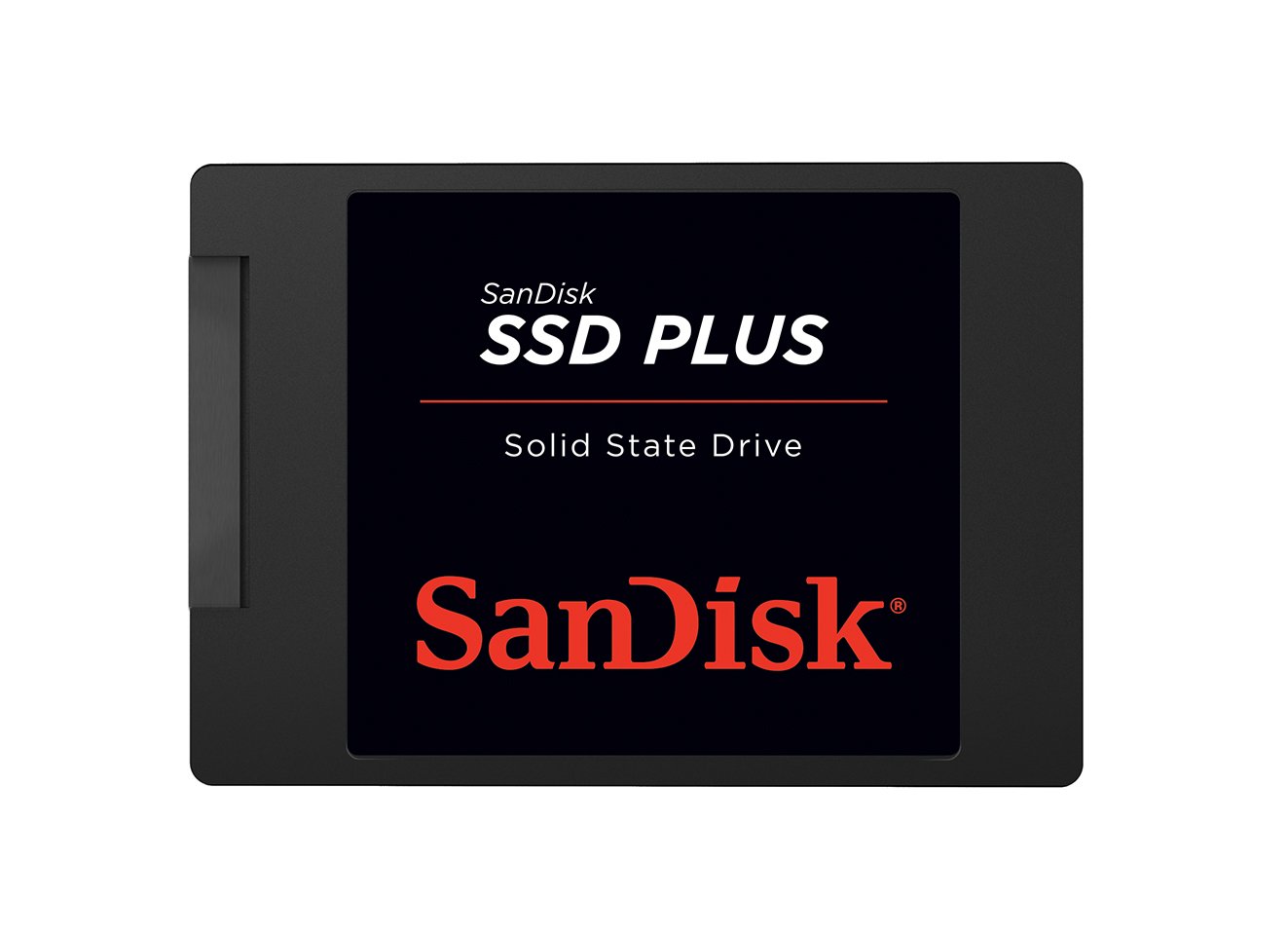
The Sandisk SSD Plus 500GB sits at the sweet spot for a universal SATA upgrade. With sequential reads hitting 545MB/s and writes up to 505MB/s, it saturates the SATA III link and provides a night-and-day improvement over any spinning hard drive. Build quality is solid, with a shock-resistant design that provides an extra layer of protection in laptops that get moved around frequently.
User reports consistently highlight how quiet and cool this drive runs, even during extended file transfers. It works flawlessly as a boot drive for older desktops and laptops, but it also shines in non-traditional roles — one reviewer installed it in a modded PlayStation 2, and another used the 2TB variant in a security camera system, noting immediate recognition and rock-solid performance.
The 7mm form factor ensures compatibility with ultrabooks and standard bays alike. This is a no-fuss, reliable drive that delivers the full SATA speed spectrum without requiring any special drivers or software tweaks.
Why it’s great
- Saturates SATA III bandwidth with 545/505MB/s speeds
- Shock-resistant build adds durability for portable laptops
- Proven compatibility across PCs, Macs, and retro consoles
Good to know
- No DRAM cache, so random write performance can dip under heavy multi-tasking
- Limited to SATA speeds, not an option for NVMe-only slots
2. TEAMGROUP MP44L 1TB

For users with a PCIe 4.0 motherboard, the TEAMGROUP MP44L 1TB is an absolute speed demon at an aggressive price point. With sequential reads topping 5000MB/s and writes at 4500MB/s, it more than doubles the performance of a Gen3 NVMe drive, making tasks like loading massive game levels or rendering high-bitrate video files feel practically instant.
Thermal management is a highlight here. TEAMGROUP uses a conductive graphene coating on an aluminum foil label — less than 1mm thick — that works alongside the onboard M.2 heat sink to keep temperatures under control during sustained writes. Multiple reviewers running this drive on MSI boards and in budget builds report that it stays cool and reliable even during extended gaming sessions.
The 1TB capacity offers plenty of room for a modern OS plus a large game library, and the 5-year or TBW limited warranty provides long-term peace of mind. Just confirm your motherboard has a Gen4 M.2 slot before purchasing, as the drive will still work in a Gen3 slot but will be limited to Gen3 speeds.
Why it’s great
- Blistering 5000/4500MB/s speed on Gen4 systems
- Innovative graphene/foil heatsink design prevents thermal throttling
- 5-year warranty with robust endurance rating
Good to know
- Requires PCIe 4.0 motherboard for full speed potential
- No built-in DRAM cache, relies on HMB
3. Crucial BX500 240GB

The Crucial BX500 240GB is a high-value choice for a pure OS boot drive or for reviving a very old machine. Backed by Micron’s 40 years of memory manufacturing, this drive offers sequential reads up to 540MB/s — enough to cut boot times from a minute-plus to under 15 seconds in most systems. The 3D NAND construction ensures decent reliability for its class.
One of the standout practical advantages is the power efficiency: Crucial claims it consumes 45 times less energy than a typical hard drive, which directly translates to improved battery life in older laptops. A reviewer who upgraded their 2018 laptop reported boot times under 10 seconds and silent, cool operation. However, some users noted that the bundled Acronis cloning software can be finicky, and running large file transfers can cause the drive to run warm.
At 240GB, the capacity is tight for anything beyond the OS and essential applications, but it’s more than adequate as a dedicated system drive paired with a larger secondary storage device. The 3-year limited warranty adds a baseline level of assurance.
Why it’s great
- Excellent energy efficiency extends laptop battery life
- Reliable Micron 3D NAND with a trusted brand legacy
- Sub-15-second boot times from a fresh install
Good to know
- 240GB capacity fills quickly with modern games and software
- Can run warm during sustained sequential writes
4. fanxiang S501Q 1TB NVMe

The fanxiang S501Q brings solid NVMe performance to users still on PCIe 3.0 hardware. With read speeds up to 3200MB/s and writes hitting 1750MB/s, it nearly saturates the Gen3 interface, making it a massive step up from even the fastest SATA drives. The graphene heat dissipation sticker included in the package helps keep the controller cool during extended use.
Endurance is a strong point here. The drive is rated for up to 320 TBW, which is competitive for a TLC-based drive in this price range. The included screw and screwdriver make installation straightforward. User reports confirm it works well in systems like the Dell Inspiron 3891, where faster Gen4 drives would be wasted because the older chipset can’t take advantage of them.
The 1TB capacity is a comfortable size for a modern OS, productivity tools, and a decent game library. While it’s not the absolute fastest NVMe on the market, it hits an excellent performance-per-dollar ratio for anyone with a Gen3 slot.
Why it’s great
- 3200MB/s reads almost max out PCIe 3.0 bandwidth
- 320 TBW rating offers good endurance for TLC NAND
- Includes graphene sticker and tools for easy installation
Good to know
- Write speeds are significantly slower than reads at 1750MB/s
- 3-year warranty is shorter than some premium rivals
5. Kingston A400 240GB

The Kingston A400 is one of the most widely deployed entry-level SATA SSDs on the market, and for good reason—it offers a substantial real-world speed boost over any mechanical hard drive. The 240GB variant delivers sequential reads of around 500MB/s, which translates to boot times of under 20 seconds on most Windows 10/11 systems. The 2.5-inch, 7mm form factor fits into virtually any laptop or desktop bay without issue.
User reviews consistently praise its ability to revive older hardware. One reviewer noted that it brought a 2013 HP laptop back from the dead, making it snappy for web browsing and light office work. Another long-term user reported that after years of daily use, the drive maintained over 90% health, which speaks to its reliability for non-intensive workloads.
That said, this is a DRAM-less design with QLC NAND, and its write endurance is modest — about 80 TBW for the 240GB model. It’s best suited as a low-cost system drive where you read more than you write. If you plan to do heavy file editing or constant large downloads, a drive with TLC NAND and a DRAM cache would be a better fit.
Why it’s great
- Universal compatibility with 2.5-inch SATA bays
- Proven track record for reviving slow laptops
- Runs cool and nearly silent in operation
Good to know
- Low write endurance (80 TBW) for the 240GB capacity
- DRAM-less design struggles with prolonged mixed I/O workloads
6. PNY CS900 500GB

The PNY CS900 500GB is a SATA III drive that puts a premium on read-speed consistency and power efficiency. It offers up to 550MB/s sequential reads and 500MB/s writes, which is at the ceiling of what a SATA III link can deliver. Users upgrading from an HDD will notice near-instant boot times and much snappier application loading.
A unique advantage of this drive is its compatibility with game consoles. Multiple verified reviewers have successfully used it as a replacement internal drive for a PS4, noting that it runs cool and cuts down on loading screens significantly compared to the stock mechanical drive. One user even confirmed it works perfectly with a Eufy HomeBase 3 security system, which requires a specific voltage draw that some other SSDs couldn’t meet.
The 3D NAND construction and backwards compatibility with SATA II are useful for older hardware. However, it lacks any advanced endurance specification and has a shorter warranty period than some premium options, so it’s best suited for read-dominant use cases like gaming, media storage, or as a secondary drive.
Why it’s great
- Full SATA III speeds with 550/500MB/s read/write
- Plays well with PS4 consoles and security camera systems
- Ultra-low power consumption extends battery life
Good to know
- No official TBW rating listed, making endurance hard to gauge
- Warranty is shorter than some Crucial or Samsung alternatives
7. fanxiang S101 500GB

The fanxiang S101 500GB is a 2.5-inch SATA drive specifically designed to be a drop-in replacement for a slow HDD. With read speeds hitting 500MB/s, it provides the instant-on experience that every old computer needs. The standout feature here is the use of 3D NAND TLC chips, which offer a significantly longer write lifespan than the cheaper QLC chips found in many budget drives.
User reports generally praise it as an exceptional value. One review from a coworker’s PC noted it made the old computer feel new, and another reviewer successfully used it to speed up a laptop, achieving sub-10-second boots after a simple OS clone. The 500GB capacity is a practical sweet spot, offering enough room for the OS, applications, and several large games without feeling cramped.
That said, there are isolated reports of drives failing after a few months, particularly in older laptops with compromised power delivery. It’s worth treating this as a great entry-level option, but backing up critical data is still wise. The 3-year quality assurance provides a safety net.
Why it’s great
- TLC NAND offers better write endurance than QLC alternatives
- 500GB provides a practical balance of space and cost
- Consistent 500MB/s read speeds for fast everyday use
Good to know
- Some reports of failure after a few months in older systems
- Polycarbonate enclosure feels less premium than metal drives
FAQ
Can I put an NVMe SSD in a SATA-only slot?
How do I clone my old hard drive to a new SSD?
Does a DRAM-less SSD slow down my computer?
Is 240GB enough for a Windows 11 computer?
Final Thoughts: The Verdict
For most users, the best affordable ssd winner is the Sandisk SSD Plus 500GB because it delivers the full SATA III speed spectrum at a mid-range price with proven reliability and shock-resistant build. If you want NVMe speeds for heavy gaming or creative work, grab the TEAMGROUP MP44L 1TB. And for a budget system repair where every dollar counts, nothing beats the Crucial BX500 240GB.