
Our readers keep the lights on and the weekend projects moving. As an Amazon Associate, I earn from qualifying purchases.
Your game library is stacked, but your current tablet stutters on the opening screen—frame drops and lag spikes ruin every boss fight. Finding a device that delivers smooth refresh rates and a responsive touch screen without draining your wallet is the real challenge for mobile gamers on a budget.
I’m Rikta — the co-founder and writer behind FitlyFast. I’ve spent countless hours analyzing processor benchmarks, display refresh rates, and battery specs to separate the genuine gaming performers from the underpowered wannabes in the affordable tablet space.
This guide breaks down the top models that balance raw performance, screen fluidity, and long-lasting batteries so you can game without compromise. Whether you’re into casual puzzles or competitive shooters, finding the right affordable tablet for gaming starts with understanding what actually matters under the hood.
How To Choose The Best Affordable Tablet For Gaming
Not every budget tablet can keep up with demanding mobile games. You need to prioritize the components that directly affect gaming performance—refresh rate, processor power, RAM, and battery endurance. Ignore marketing fluff like “AI-enhanced” and focus on the hardware specs that actually make a difference when frames drop.
Display Refresh Rate – Why 90Hz or Higher Is Non-Negotiable
A standard 60Hz display refreshes 60 times per second, which can feel sluggish during fast-paced games. A 90Hz or 120Hz panel refreshes faster, making motion appear smoother and reducing input lag. For competitive gaming, this difference can mean landing that critical shot or missing entirely. Aim for a minimum of 90Hz; 120Hz is the sweet spot for responsive gameplay without breaking the bank.
Processor and RAM – The Engine Room
The processor (CPU) and RAM determine how well your tablet handles multitasking and graphically intensive games. Look for octa-core chips with a clock speed of at least 2.2 GHz. Physical RAM of 8GB is ideal for smooth multitasking, but some tablets offer virtual RAM expansion (typically 8GB+8GB virtual). Be aware that virtual RAM is less effective than physical RAM for sustained gaming performance—it helps with background apps but doesn’t replace raw hardware.
Battery Capacity – Marathon Gaming Sessions
Gaming is a power-hungry activity. A tablet with a 7,000mAh battery may last several hours, but 10,000mAh or higher gives you true all-day endurance. Fast charging (18W or higher) is also critical so you can get back to gaming quickly. Some tablets even offer reverse charging to power your earbuds or phone on the go.
Quick Comparison
On smaller screens, swipe sideways to see the full table.
| Model | Category | Best For | Key Spec | Amazon |
|---|---|---|---|---|
| Xiaomi Pad 7 | Premium | High-refresh gaming & media | 3.2K 144Hz display | Amazon |
| OnePlus Pad Go 2 | Premium | Fluid performance & battery life | 12.1″ 120Hz Dolby Vision display | Amazon |
| Lenovo Idea Tab | Mid-Range | Study & casual gaming | 2.5K 90Hz IPS display | Amazon |
| Samsung Galaxy Tab A9+ Plus | Mid-Range | Family & light gaming | 90Hz display, quad speakers | Amazon |
| TCL NXTPAPER 14 | Mid-Range | Reading & creative gaming | 14.3″ paper-like 2.4K display | Amazon |
| TECLAST Artpadpro | Mid-Range | Drawing & media consumption | 12.7″ 2K display, 20GB RAM | Amazon |
| TCL TAB A1 Plus | Mid-Range | Multitasking & streaming | 12.2″ 2.4K 120Hz display | Amazon |
| 13.4″ VekfulPC Tablet | Budget | Large screen & productivity | 120Hz refresh rate, 10000mAh | Amazon |
| TABWEE Android 16 Tablet | Budget | Entry-level gaming & study | 24GB RAM (8+16 virtual), 256GB | Amazon |
In‑Depth Reviews
1. Xiaomi Pad 7

The Xiaomi Pad 7 sets a new benchmark for affordable gaming tablets with its stunning 3.2K resolution and 144Hz refresh rate display. This combination delivers buttery-smooth motion in fast-paced games like Call of Duty Mobile or Genshin Impact, and the 345 ppi pixel density ensures every detail pops. The Snapdragon 7+ Gen 3 chip is an absolute powerhouse at this price point, handling heavy multitasking and demanding titles without any noticeable lag.
The 8850mAh battery provides several hours of continuous gaming, and the 45W turbo charging (adapter sold separately) gets you back in action quickly. The Dolby Vision support and quad speakers with Hi-Res audio create an immersive gaming experience that rivals more expensive tablets. It is a WiFi-only model with no SIM slot, so you will need a stable connection for online play.
User reviews consistently praise its fluid performance and vibrant display, with many calling it the best value tablet on the market. The lack of an included charger and no microSD slot (only 128GB internal) are the main trade-offs, but the raw gaming capability here is unmatched in the budget-friendly tier.
Why it’s great
- Exceptional 144Hz 3.2K display for ultra-smooth gaming
- Snapdragon 7+ Gen 3 processor delivers flagship-level performance
- Dolby Vision and quad speakers create immersive audio-visual gaming
Good to know
- No power adapter included in the box
- No microSD slot for storage expansion
- WiFi-only model—no cellular connectivity
2. OnePlus Pad Go 2
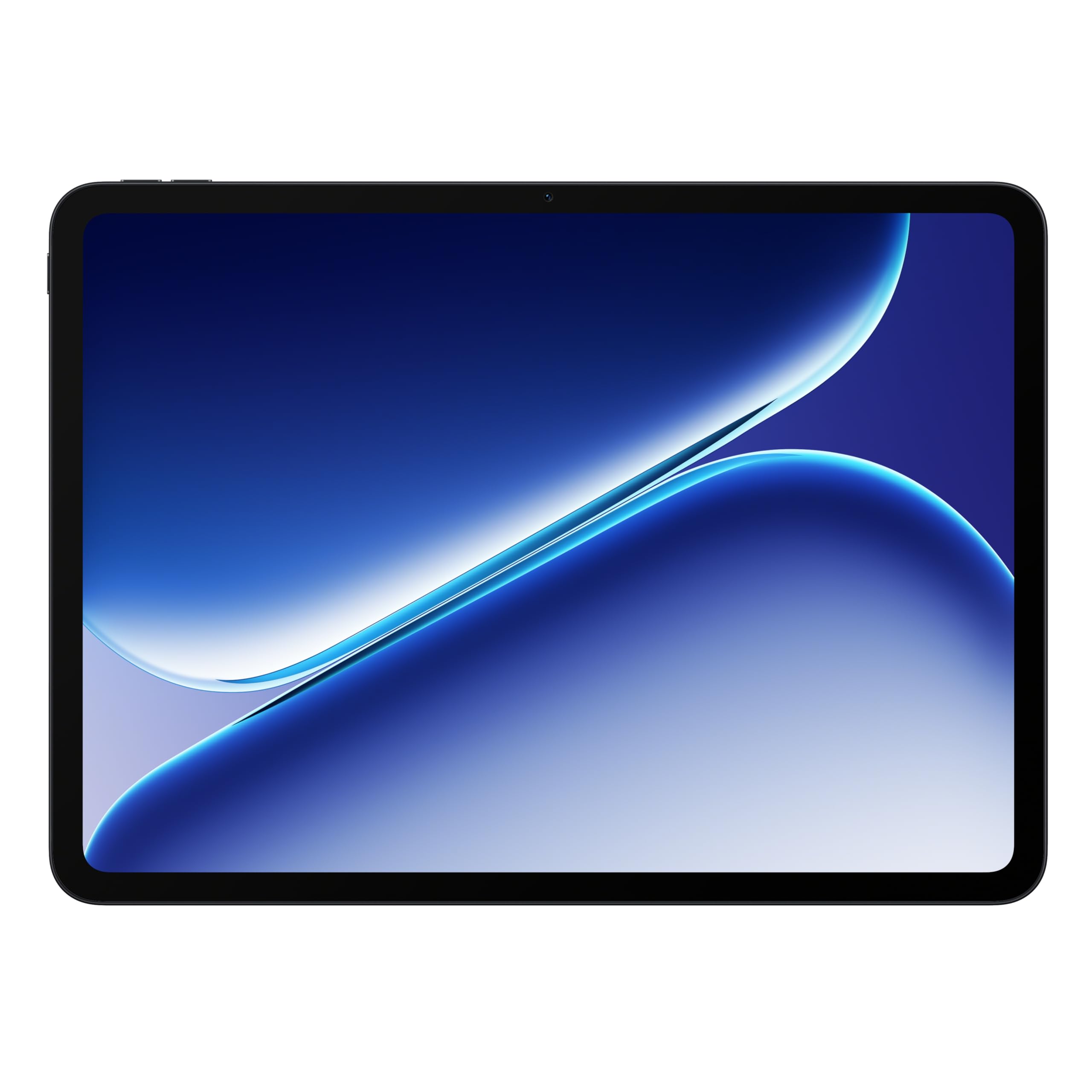
The OnePlus Pad Go 2 strikes an excellent balance between premium design and gaming capability. Its 12.1-inch Dolby Vision display with a 120Hz refresh rate ensures fluid scrolling and responsive touch input during competitive play. The MediaTek Dimensity 7300-Ultra chip handles moderate to heavy games comfortably, and the 8GB of physical RAM keeps apps open without reloading.
Battery life is a standout feature here—the massive 10,050mAh cell easily lasts a full day of mixed use, including extended gaming sessions. The SUPERVOOC fast charging (included) quickly replenishes the battery when you need a top-up. The sleek aluminum body feels sturdy and premium, and at just under 1.2 pounds, it’s comfortable to hold for long periods.
User feedback highlights the smooth OxygenOS software experience, the bright outdoor-readable screen, and the reliable fingerprint sensor. The lack of a headphone jack and somewhat average speakers are minor drawbacks, but the overall package is exceptionally well-rounded for the mid-range segment.
Why it’s great
- Bright 120Hz Dolby Vision display for smooth gaming visuals
- Massive 10,050mAh battery with fast SUPERVOOC charging
- Premium metal build with fingerprint sensor
Good to know
- No 3.5mm headphone jack
- Speakers are adequate but not exceptional
- Stylus and keyboard accessories sold separately
3. Lenovo Idea Tab

The Lenovo Idea Tab is purpose-built for students who also want a capable gaming device. The 11-inch 2.5K IPS display with a 90Hz refresh rate offers sharp visuals and smooth scrolling that works well for both reading textbooks and playing mid-tier games. The MediaTek Dimensity 6300 processor handles everyday tasks and lighter games without breaking a sweat, though it will struggle with the most demanding 3D titles at max settings.
Lenovo bundles a Tab Pen and folio case in the box, adding serious value for note-takers and digital artists. The 7216mAh battery delivers up to 12 hours of mixed use, and the 20W fast charging keeps downtime minimal. The quad Dolby Atmos-tuned speakers provide clear, immersive audio for gaming and streaming—a rare find at this price.
Reviews consistently praise the sharp, vibrant display and the included accessories. Some users note the build feels slightly less premium than pricier alternatives, but the combination of screen quality, included pen, and smooth 90Hz performance makes this a top pick for budget-conscious gamers who also study or work on their tablet.
Why it’s great
- Sharp 2.5K 90Hz display for smooth visuals
- Includes Tab Pen and folio case in the box
- Dolby Atmos quad speakers deliver rich sound
Good to know
- Processor chokes on heavy 3D games at max settings
- Included folio case is somewhat flimsy
- Battery life drops significantly during gaming
4. Samsung Galaxy Tab A9+ Plus

The Samsung Galaxy Tab A9+ Plus is a well-rounded choice for families and light gamers who value brand reliability and Samsung’s ecosystem. The 11-inch display offers a smooth 90Hz refresh rate that makes navigation and casual gaming feel responsive. The upgraded chipset and 8GB of RAM (in higher configurations) handle multitasking well, but heavy gamers may notice some hesitation with demanding titles.
The quad speakers with Dolby Atmos deliver surprisingly rich audio for movies and games, and the Samsung Kids app makes it a safe choice for younger users. The 7040mAh battery provides decent all-day life for mixed use, though intensive gaming will drain it faster. With microSD support up to 1TB, storage expansion is easy and affordable.
Customer reviews highlight the great value proposition, smooth performance for everyday tasks, and long battery life. The cameras are mediocre, and the 60Hz base refresh rate on some models can feel dated, but the 90Hz model (recommended) offers a much better gaming experience. If you want a reliable tablet from a major brand that balances family features with decent gaming chops, this is it.
Why it’s great
- Smooth 90Hz display for responsive gaming
- Quad Dolby Atmos speakers for immersive audio
- Samsung Kids app and expandable storage
Good to know
- Cameras are not great for photos or video calls
- Performance lags on heavy 3D games
- Battery drains quickly during extended gaming
5. TCL NXTPAPER 14
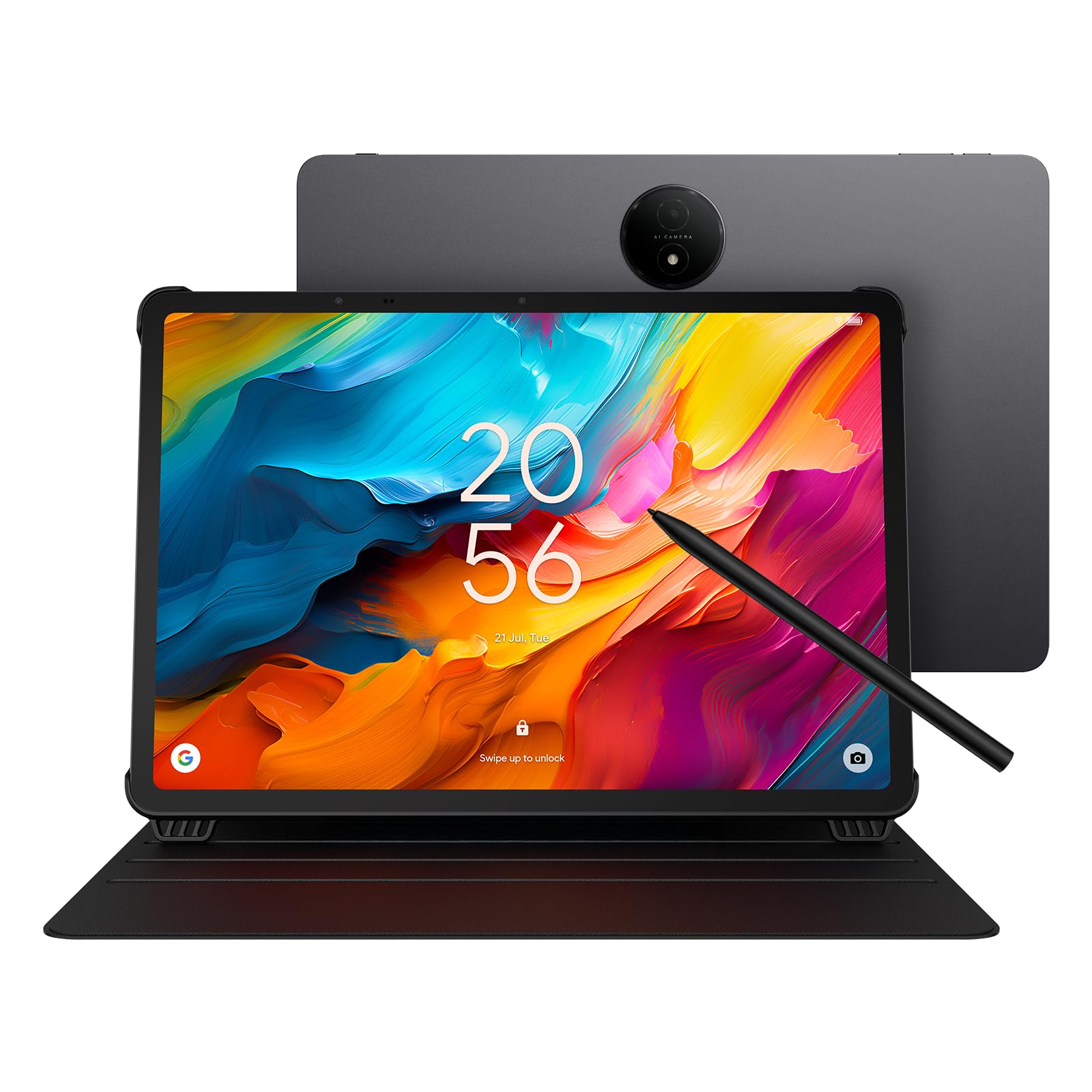
The TCL NXTPAPER 14 is a unique offering that prioritizes eye comfort and creative work alongside gaming. Its 14.3-inch 2.4K paper-like display uses NXTPAPER 3.0 technology to reduce glare and filter blue light, making it ideal for long reading sessions or gaming in bed without eye strain. The 4096-level T-PEN stylus is excellent for note-taking, drawing, or navigating menus during strategy games.
Powered by the MediaTek Helio G99 and 8GB of RAM (plus 8GB expandable virtual RAM), it handles most games at medium settings smoothly. The massive 10,000mAh battery lasts impressively long even during gaming sessions, and the reverse charging feature is handy for topping up accessories. The quad speakers with Smart PA deliver room-filling sound for an immersive experience.
User feedback emphasizes its versatility as a music reader (sheet music), digital notebook, and creative tablet. The 60Hz refresh rate is a limitation for competitive gamers, but the paper-like display quality more than compensates for casual and strategy gaming. The lack of a microSD slot and headphone jack are notable omissions, but the included flip case and stylus add significant value.
Why it’s great
- Largest display (14.3″) with paper-like eye comfort
- 4096-level stylus included for drawing and notes
- Excellent battery life with reverse charging
Good to know
- 60Hz refresh rate limits competitive gaming smoothness
- No microSD slot for storage expansion
- No headphone jack; Bluetooth required for audio
6. TECLAST Artpadpro

The TECLAST Artpadpro packs an impressive 20GB of RAM (8GB physical + 12GB virtual expansion) and 256GB of UFS storage, making multitasking and app switching exceptionally smooth. The 12.7-inch 2K resolution display offers vibrant colors and sharp details, with a 4:3 aspect ratio that’s perfect for reading comics, browsing, or playing strategy games that benefit from extra vertical space.
The MediaTek G99 processor paired with Android 15 provides a fast, responsive experience for streaming and mid-tier gaming. The 10,000mAh battery supports 30W fast charging, so you can get hours of use from a quick charge. The included T-Pen stylus with 4096 levels of pressure sensitivity works well for digital art and note-taking, though some users report the pen can register touches before contact.
Reviews highlight the excellent build quality (metal body), bright responsive screen, and great value for creative users. Heavy 3D games may cause some performance dips, and the accessory ecosystem is limited compared to major brands. Overall, it’s a solid choice for gamers who also want a capable drawing and media tablet.
Why it’s great
- Massive 20GB RAM for fluid multitasking
- Large 12.7″ 2K display with 4:3 ratio
- Fast 30W charging with 10,000mAh battery
Good to know
- Struggles with heavy 3D games at high settings
- Included stylus can be finicky with touch registration
- Limited accessory options compared to big brands
7. TCL TAB A1 Plus
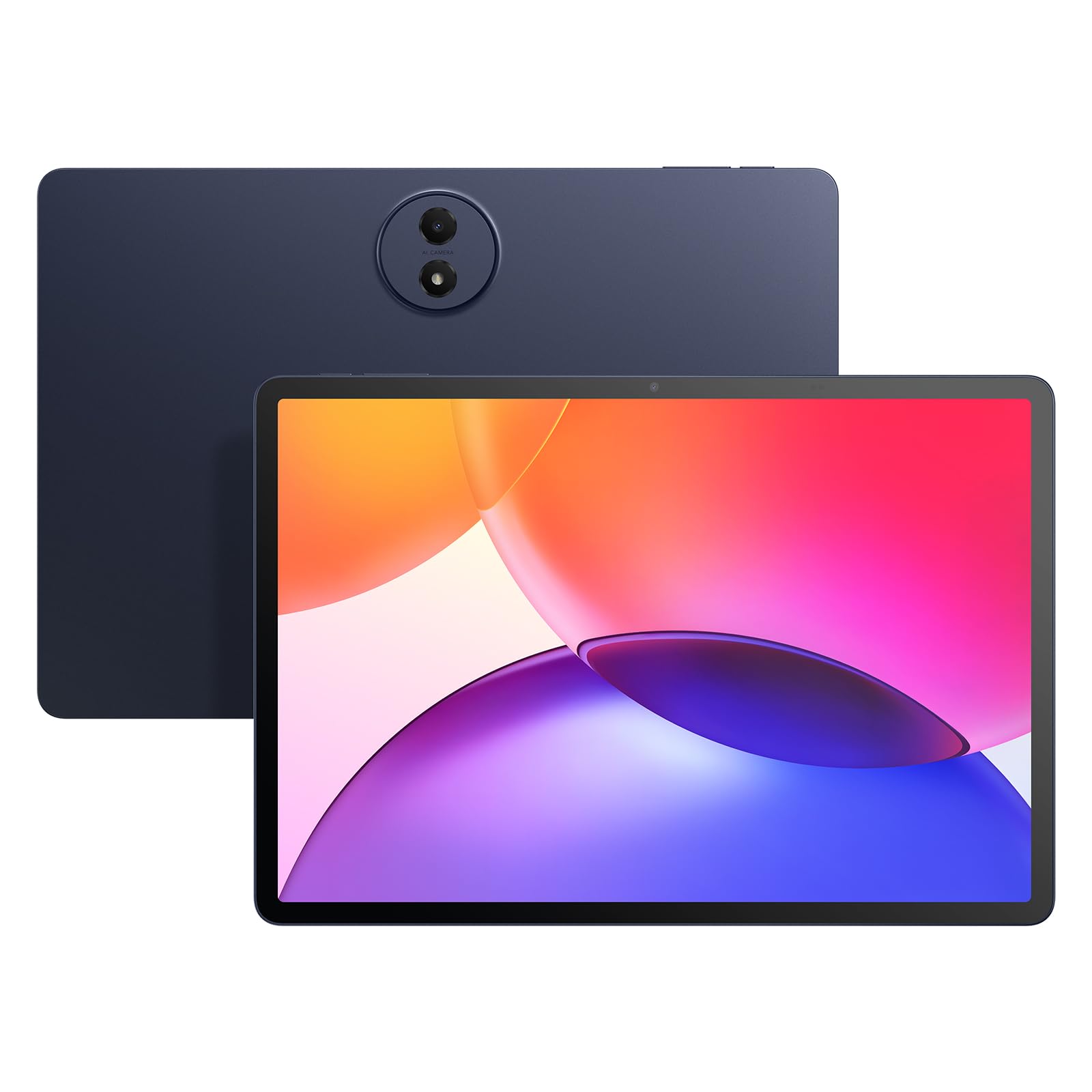
The TCL TAB A1 Plus offers a rare combination at this price point: a sharp 12.2-inch 2.4K display with a smooth 120Hz refresh rate. That high refresh rate makes a noticeable difference in games like Asphalt 9 and mobile shooters, providing fluid motion and responsive touch. The Snapdragon 4 Gen 2 processor, paired with up to 16GB of RAM (6GB physical + 10GB virtual), handles multitasking and moderate gaming without major issues.
The 8000mAh battery with 20W fast charging provides solid endurance for mixed use, though hardcore gaming sessions will drain it faster. The quad speakers deliver loud, clear audio, and the slim metal design (just 6.7mm thick) makes it easy to carry. Google Gemini AI integration adds useful tools for notes, translation, and voice commands.
Customer reviews appreciate the matte screen (reduces glare), the included stylus and case, and the overall performance for the price. Some users note storage limitations (no microSD slot on this model) and a mediocre auto-brightness sensor. If you prioritize a high-refresh display for gaming above all else, the TCL TAB A1 Plus is a strong contender.
Why it’s great
- Stunning 120Hz 2.4K display for fluid gaming
- Slim metal design (6.7mm) with quad speakers
- Useful AI tools via Google Gemini
Good to know
- No microSD slot for storage expansion
- Auto-brightness sensor can be inconsistent
- Battery drains faster during gaming sessions
8. 13.4″ VekfulPC Tablet
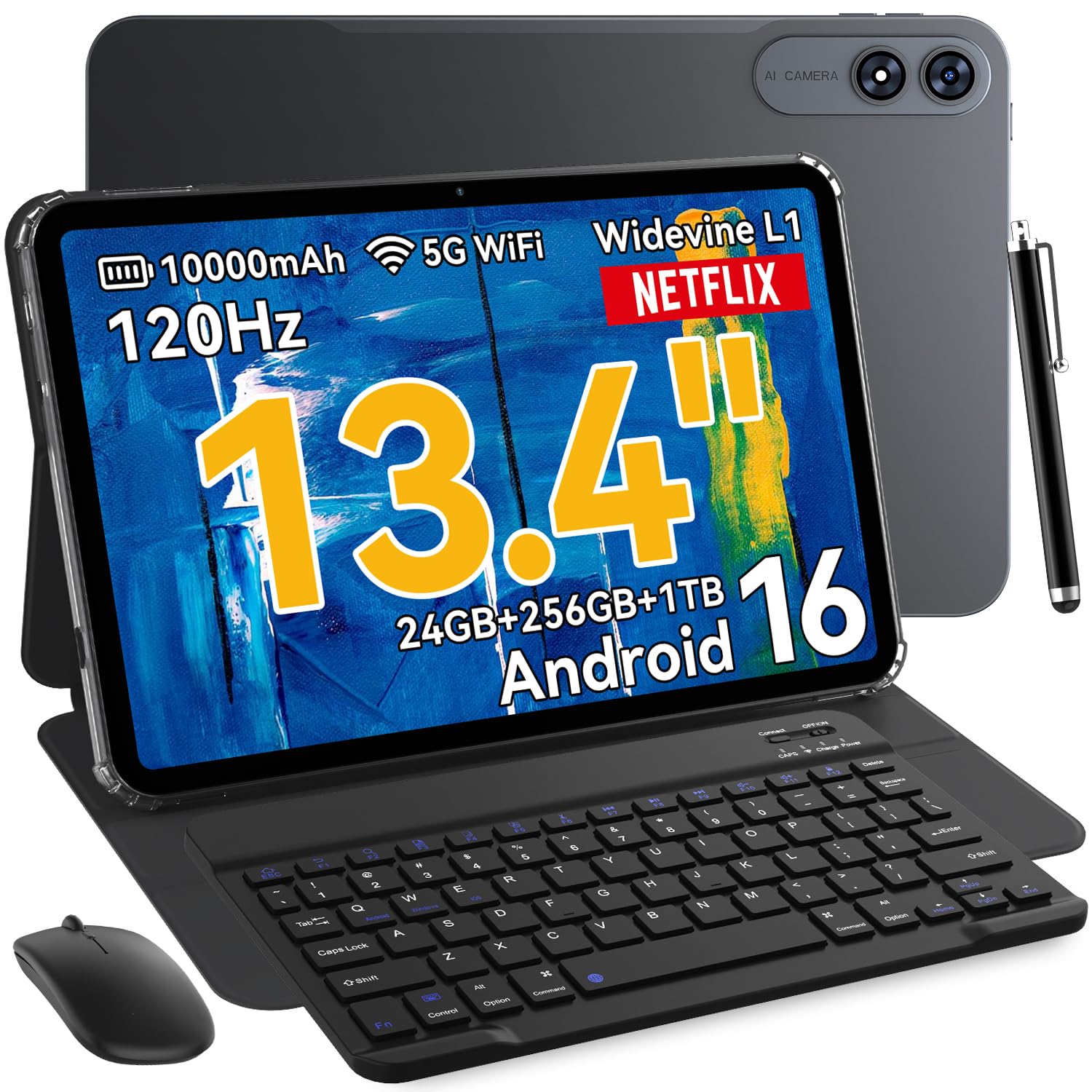
For gamers who crave a big screen without the big price tag, the VekfulPC tablet delivers a massive 13.4-inch 2K display with a 120Hz refresh rate. This larger canvas is excellent for strategy games, RPGs, and media consumption, where the extra screen real estate enhances immersion. The octa-core processor and 8GB RAM (expandable to 24GB virtual) provide enough power for smooth performance in most games.
The 10,000mAh battery is a highlight, offering all-day endurance even with heavy use. It also supports reverse charging, so you can use it as a power bank for your phone or earbuds. The 2-in-1 kit includes a Bluetooth keyboard, mouse, stylus, and case, making it a true productivity workstation when you’re not gaming. The Android 16 operating system with Gemini AI adds smart features for notes and translation.
User reviews mention the easy setup, vibrant colors, and smooth touch response. Some note that the display, while bright, isn’t as sharp as higher-resolution panels, but at this size and price, it’s a reasonable trade-off. The bundled accessories significantly boost the overall value, making this an appealing option for budget-conscious gamers who also need a productivity device.
Why it’s great
- Huge 13.4″ 120Hz display for immersive gaming
- Long-lasting 10,000mAh battery with reverse charging
- Full 2-in-1 kit: keyboard, mouse, stylus, and case included
Good to know
- Display resolution isn’t as sharp as premium panels
- Octa-core processor may struggle with very demanding games
- Build quality feels less premium than metal-body tablets
9. TABWEE Android 16 Tablet
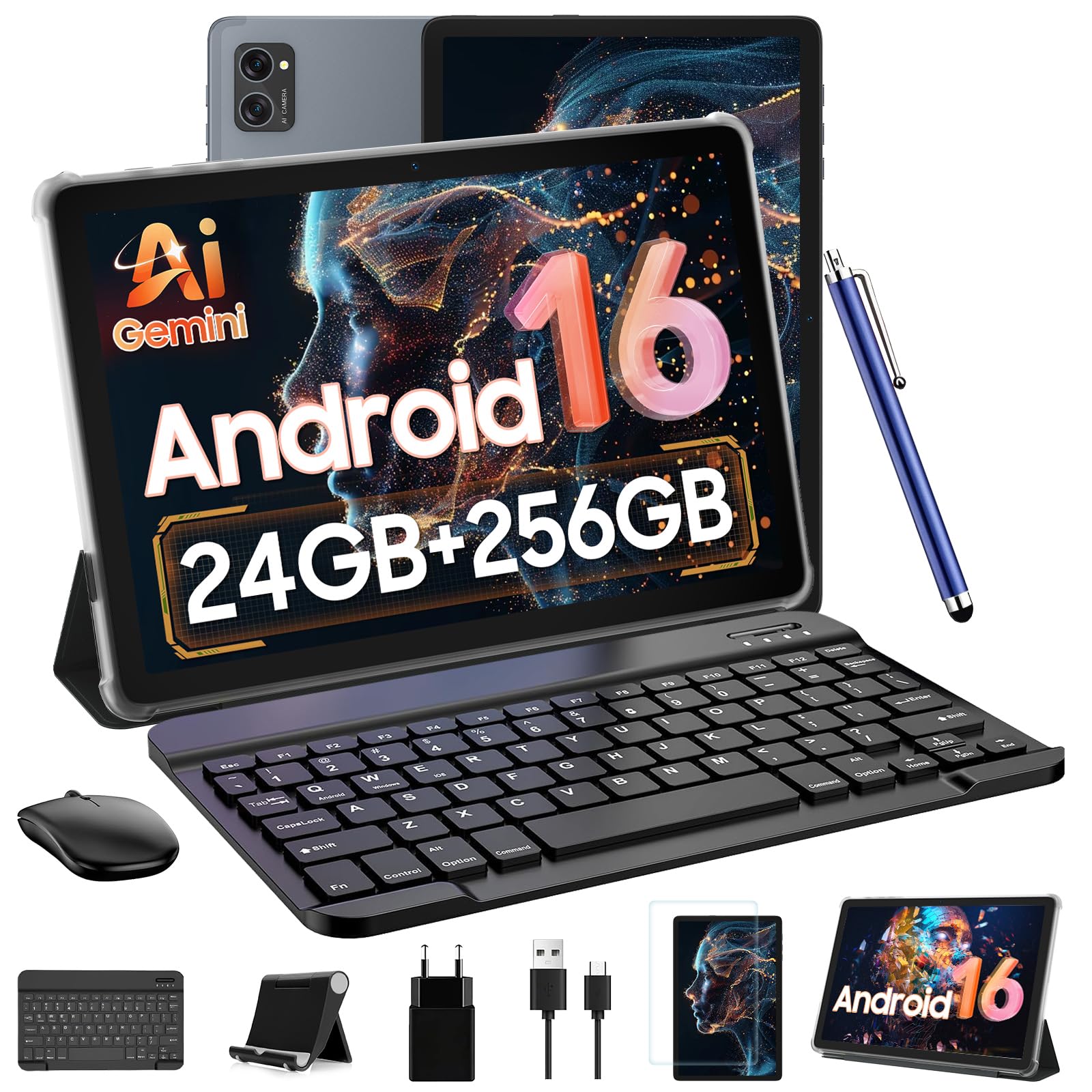
The TABWEE Android 16 tablet is an entry-level powerhouse on paper, boasting 24GB of RAM (8GB physical + 16GB virtual) and 256GB of storage expandable up to 2TB. The 10-inch HD display with Widevine L1 certification streams Netflix and Prime Video in crisp 1080p. The T606 octa-core processor handles basic games and multitasking well, but it will show its limits with graphically intensive modern titles.
The 5000mAh battery is adequate for light to moderate gaming sessions, but heavy use will require a midday recharge. The 2-in-1 bundle includes a detachable Bluetooth keyboard, wireless mouse, stylus, and anti-glare screen protector—everything you need for a mobile workstation. Gemini AI integration adds smart features for voice assistance, translation, and note summarization.
Customer feedback is generally positive, with users praising the value-for-money and the comprehensive accessory bundle. Some performance slowdowns were noted with demanding apps, and the battery life is average at best. For students or casual gamers on a tight budget who need a versatile device for study and light play, this is a solid starting point.
Why it’s great
- High RAM and expandable storage for multitasking
- Includes keyboard, mouse, stylus, and screen protector
- Widevine L1 for HD streaming on major platforms
Good to know
- Processor struggles with heavy 3D gaming
- Battery life (5000mAh) is average for gaming
- Performance can slow down under heavy multitasking
FAQ
Does a 120Hz display make a real difference for mobile gaming?
Can I use a tablet with 4GB of RAM for gaming?
Is virtual RAM useful for gaming performance?
Final Thoughts: The Verdict
For most users, the affordable tablet for gaming winner is the Xiaomi Pad 7 because its 144Hz display and Snapdragon 7+ Gen 3 chipset deliver flagship-level gaming smoothness at a mid-range price. If you want a bright 120Hz screen and all-day battery life in a premium metal body, grab the OnePlus Pad Go 2. And for a balance of sharp 90Hz visuals and included productivity accessories like a pen and case, nothing beats the Lenovo Idea Tab for study and casual play.