
Our readers keep the lights on and the weekend projects moving. As an Amazon Associate, I earn from qualifying purchases.
Finding a streaming box that balances raw processing power with a clean, ad-free interface is the real challenge in today’s market. Most cheap sticks choke on 4K HDR content or bury you in sponsored rows, while premium options demand a serious investment for features like AI upscaling and lossless audio passthrough.
I’m Rikta — the co-founder and writer behind FitlyFast. I’ve spent countless hours comparing SoC benchmarks, RAM configurations, and real-world app compatibility to separate the genuinely capable Android TV boxes from the ones that frustrate you within a week.
Whether you prioritize the highest-end audiovisual specs or a straightforward, lag-free interface, this guide breaks down exactly which android media streaming box delivers the experience you’re actually paying for.
How To Choose The Best Android Media Streaming Box
Not all Android TV boxes are created equal. While the core OS is the same, the hardware underneath determines everything from load times and HDR support to whether your favorite app even shows up in the Play Store. Here’s what matters most when sorting through the options.
RAM & Storage: Real-World Performance
RAM is the most underrated spec in a streaming box. 2GB is the minimum for a smooth Android TV experience, but expect some hesitation when switching between heavy apps like Kodi and a live TV service. 3GB of RAM makes multitasking feel instant and prevents the interface from reloading when you pause and return. Storage is for apps and game data—32GB is comfortable, while 8GB fills up fast with a few large apps and cached streams.
Video & Audio Codec Support
Every box claims 4K, but check for Dolby Vision and HDR10+ support specifically. Many budget units claim HDR but do not pass the Dolby Vision metadata correctly. For audio, Dolby Atmos passthrough is common, but only premium boxes like the NVIDIA Shield offer lossless formats (Dolby TrueHD, DTS-HD MA) for a full home theater setup. If you run a soundbar or AVR, look for boxes with a proper HDMI 2.1 port for eARC compatibility.
Connectivity: Ethernet vs. Wi-Fi 6
For stable 4K streaming, wired Ethernet remains king—it avoids interference and drops. Many stick-style devices lack an Ethernet port entirely, relying on Wi-Fi. Wi-Fi 6 (802.11ax) is a solid alternative, offering lower latency and better bandwidth in congested homes, but a Gigabit Ethernet port is still the standard for reliability, especially for Plex servers and large local files.
Quick Comparison
On smaller screens, swipe sideways to see the full table.
| Model | Category | Best For | Key Spec | Amazon |
|---|---|---|---|---|
| NVIDIA Shield TV Pro | Premium Box | Home theater & gaming | 3GB RAM, AI upscaling | Amazon |
| Xiaomi TV Box S 3rd Gen | Mid-Range Box | Clean Google TV experience | Wi-Fi 6, HDMI 2.1 | Amazon |
| onn 4K Pro (Google TV) | Mid-Range Box | Fast navigation & Ethernet | 3GB RAM, backlit remote | Amazon |
| KP1 Google Certified TV Box | Mid-Range Box | Android 11 stability | 32GB storage, voice remote | Amazon |
| TiVo Stream 4K | Budget Stick | Live TV integration | Dolby Atmos, voice remote | Amazon |
| Roku Streaming Stick 4K | Budget Stick | Simple, clean interface | Long-range Wi-Fi, 16GB | Amazon |
| POFAN Wireless HDMI Kit | Specialty Kit | Wireless presentation & mirroring | 165ft range, plug-and-play | Amazon |
In‑Depth Reviews
1. NVIDIA Shield TV Pro

The NVIDIA Shield TV Pro is the undisputed top performer in this category, powered by the Tegra X1+ chip with dedicated AI upscaling that enhances 1080p and even 720p content to near-4K clarity in real time. This isn’t a gimmick—the difference is visible on any 4K display, especially with compressed streaming video from YouTube or older cable TV shows. The 3GB RAM ensures zero lag during app switching, and the interface remains snappy even after weeks without a reboot.
Beyond streaming, the Shield Pro doubles as a fully capable Plex Media Server when connected to external storage via its two USB 3.0 ports. It supports the widest range of audio codecs of any Android TV box, including lossless Dolby TrueHD and DTS-HD Master Audio, which is critical for anyone with a dedicated surround sound system or high-end soundbar.
It also supports GeForce Now cloud gaming and runs Android games and emulators smoothly. The remote is motion-activated with backlit buttons and has a built-in locator feature. The main trade-off is the premium investment, but for those who want the absolute best in video processing, audio fidelity, and long-term OS updates, the Shield TV Pro remains the gold standard.
Why it’s great
- AI upscaling dramatically improves HD content
- Lossless audio passthrough for home theater setups
- Plex Media Server and USB 3.0 expansion
Good to know
- Premium investment compared to most sticks
- Remote layout has a learning curve
2. Xiaomi TV Box S 3rd Gen
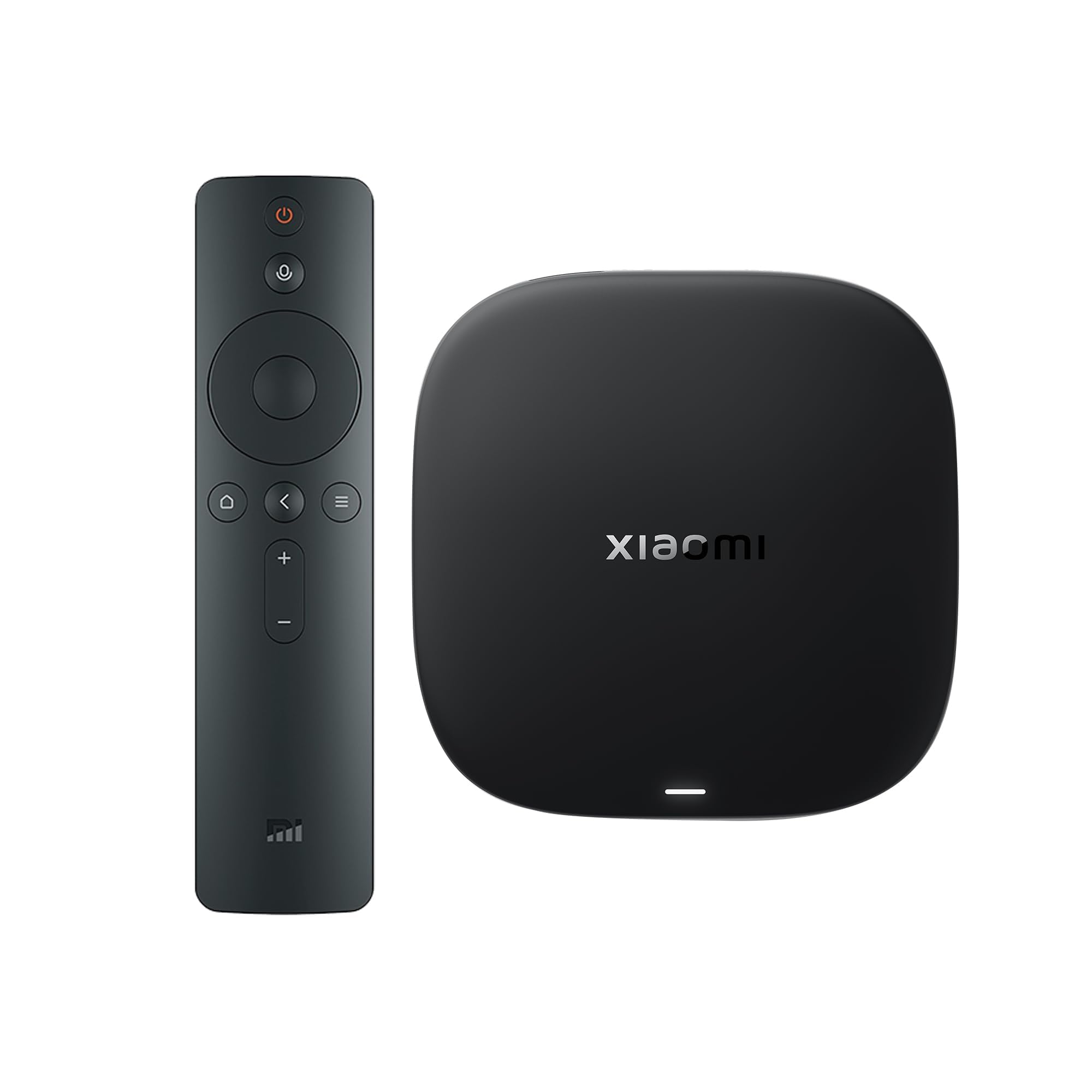
The Xiaomi TV Box S (3rd Gen) is a well-rounded mid-range box that brings Google TV to your screen with a clean, ad-reduced interface. It uses a modern 6nm quad-core A55 processor, which keeps the UI responsive and app launch times short. With 2GB RAM and 32GB storage, it handles daily streaming tasks comfortably, and the inclusion of Wi-Fi 6 ensures consistent bandwidth even in households with many connected devices.
Video quality is a highlight here—it supports Dolby Vision and HDR10+ alongside DTS:X and Dolby Atmos for a true cinematic audio experience. The HDMI 2.1 port is future-proof for eARC audio passthrough. The 360° Bluetooth remote works well with Google Assistant, and Chromecast built-in makes casting from a phone seamless.
One thing to note: the box requires separate power for the TV (no HDMI power passthrough), and some users reported the system might need a manual power toggle on certain TV brands. Otherwise, this is a strong pick for anyone wanting a premium Google TV experience without jumping to the top price tier.
Why it’s great
- Modern 6nm processor with Wi-Fi 6
- Dolby Vision, HDR10+, DTS:X support
- Clean Google TV interface with minimal bloat
Good to know
- No Ethernet port on the box itself
- TV must be turned on separately
3. onn 4K Pro (Google TV)
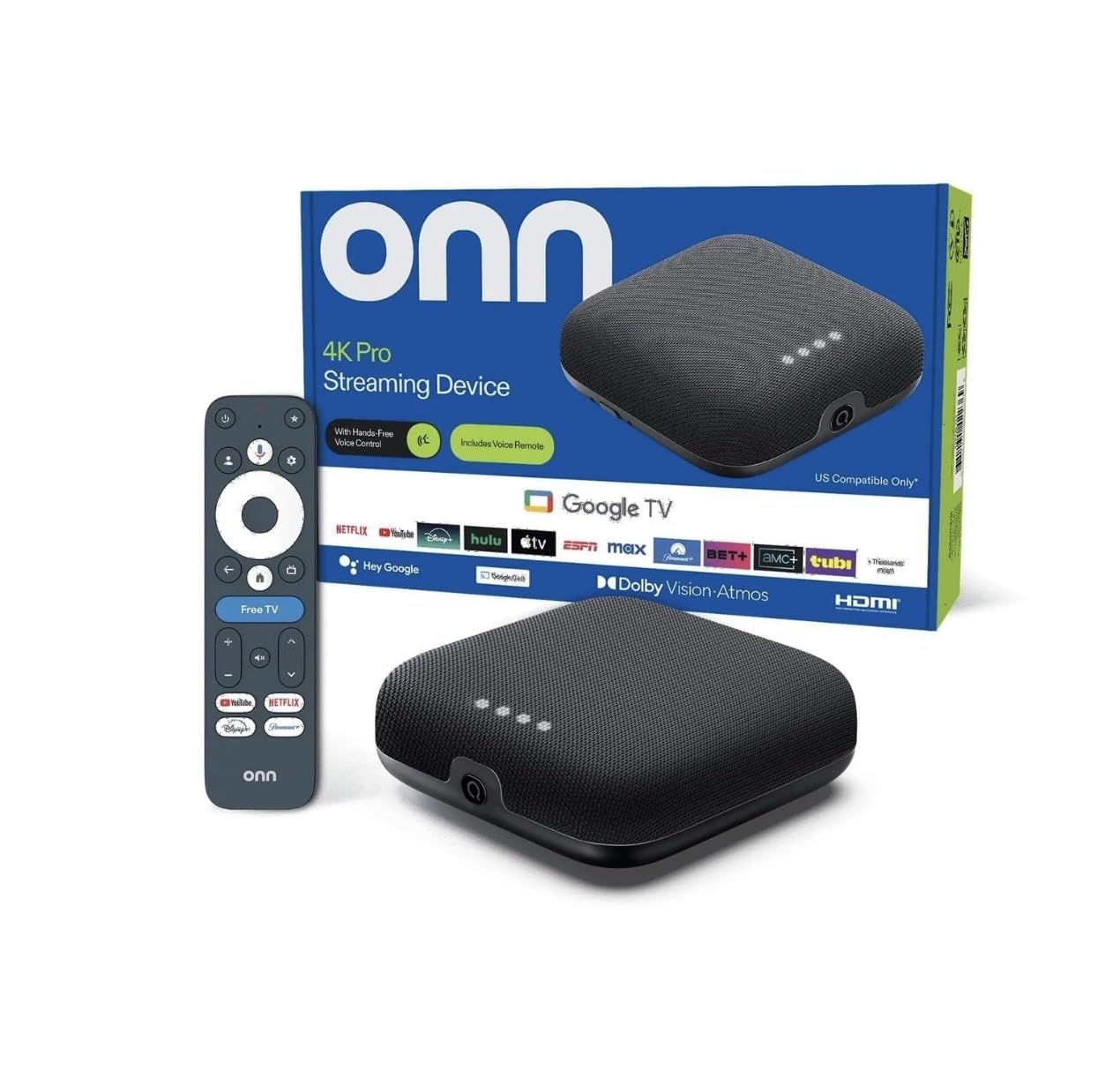
The onn 4K Pro packs a surprising amount of power for its price point, running Google TV with 3GB of RAM—50% more than many comparable mid-range boxes. This extra memory translates to genuinely snappy performance, with smooth 4K playback and quick app launches even when several apps are cached in the background. The Dolby Vision and Atmos support means movies look and sound vibrant through a compatible sound system.
Connectivity is well-thought-out: the box includes both Wi-Fi 6 and a Gigabit Ethernet port, giving you a rock-solid wired option if your router is nearby. The remote is a standout feature for this tier—it’s backlit and has a built-in “Find My Remote” functionality, which is rare at this price. The compact design sits neatly in an entertainment center without blocking ports.
Setup is quick, and the Google TV interface delivers personalized recommendations. The only minor drawback is that the toggle button on the remote can feel a bit sensitive during initial use. For a balanced combination of performance, storage, and connectivity, the onn 4K Pro is a strong mid-range contender.
Why it’s great
- 3GB RAM for fluid multitasking
- Gigabit Ethernet plus Wi-Fi 6
- Backlit remote with finder function
Good to know
- Toggle button can be overly sensitive
- Interface may show ads in recommended row
4. KP1 Google Certified TV Box
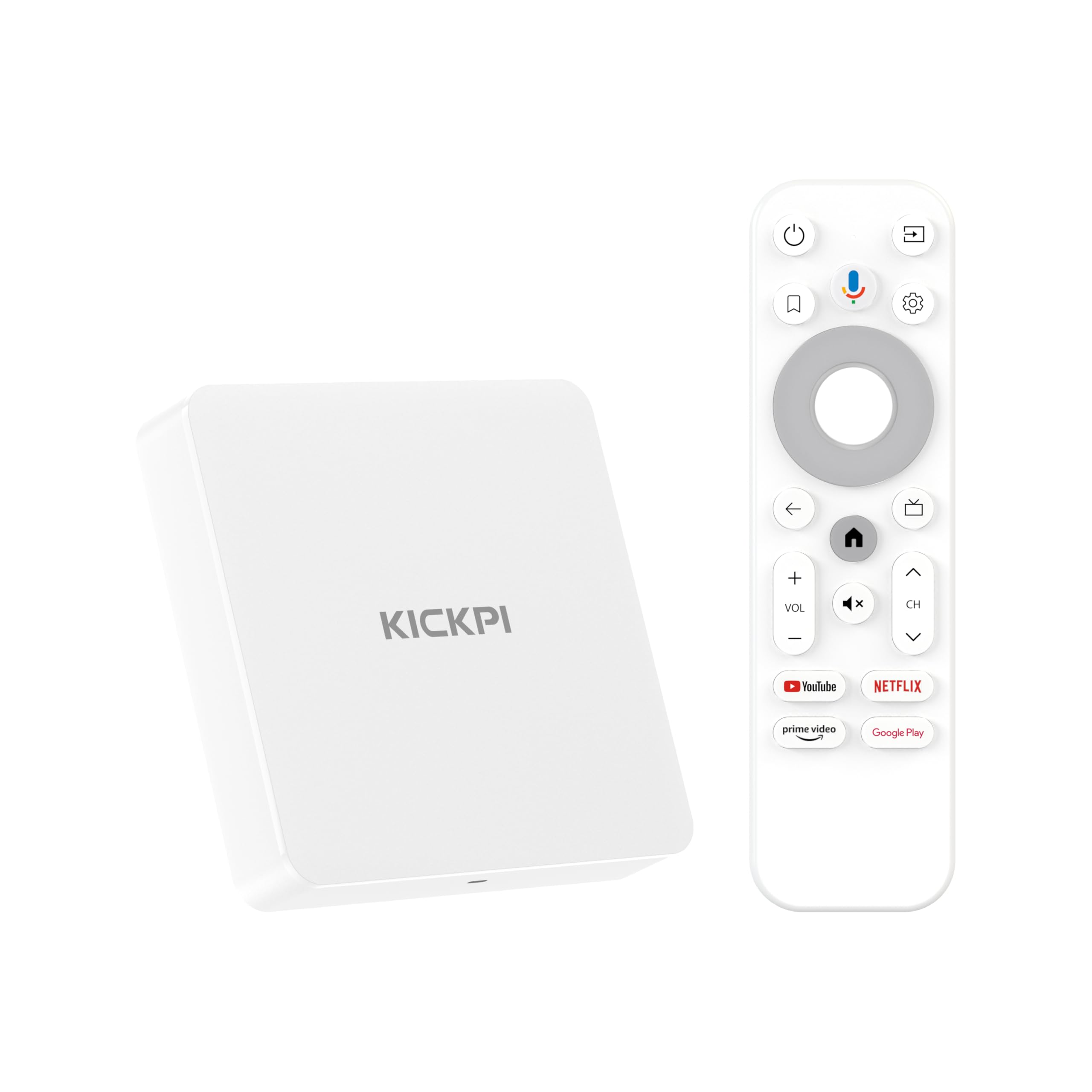
The KP1 Google Certified TV Box runs Android 11 (with an option to update to Android 12), providing a stable and secure foundation for streaming. With 2GB RAM and 32GB storage, it offers enough space for a solid app library including Netflix, Prime Video, Disney+, YouTube, and side-loaded productivity tools. Chromecast built-in works seamlessly for mirroring from a phone or tablet.
Video output is 4K HDR with Dolby Audio, and the interface feels responsive for general streaming. The remote includes dedicated buttons for YouTube and Prime Video plus a Google Assistant button for voice search. Users also noted that the box handles VPN connections well, which is a plus for those who need geolocation flexibility.
The main caution is that some users experienced an audio delay (lip-sync issue) on certain streaming apps, though this did not appear consistently across all apps. The box is also limited to 1080p for some side-loaded content due to DRM restrictions. For the price, it’s a capable unit for mainstream services and light app use, but not for audiophile-grade sound synchronization.
Why it’s great
- Google certified with Widevine L1 for HD streaming
- 32GB storage and Android 11 with update path
- VPN compatibility works well
Good to know
- Audio delay reported on some apps
- Side-loaded content limited to 1080p
5. TiVo Stream 4K

The TiVo Stream 4K is unique because it prioritizes live TV integration over a standard app-grid interface. It runs Android TV but overlays a Tivo-inspired live guide that aggregates channels from Sling, Pluto, Locast, and other IPTV sources into one scrollable list—a feature that rivals like Roku and Fire TV handle less intuitively. For cord-cutters who still want a channel-surfing feel, this is a compelling option.
Hardware-wise, it’s a standard Android TV stick with 8GB storage, Dolby Vision, Dolby Atmos, and a voice remote with Google Assistant. The picture quality is solid, with sharp 4K output and support for Dolby Atmos audio. The remote is well-regarded for its layout and responsiveness, and it can control TV power and volume via IR.
The biggest limitation is the 8GB storage—after the OS and pre-installed apps, you’re left with roughly 1.3GB of free space, which fills quickly. Also, some users found the setup process time-consuming, requiring a Google account and app re-authentication. It’s best for those who value live TV aggregation over raw storage or gaming potential.
Why it’s great
- Best-in-class live TV channel guide integration
- Dolby Vision and Dolby Atmos supported
- Excellent remote with TV controls
Good to know
- 8GB storage is very limited
- Setup requires Google account re-authentication
6. Roku Streaming Stick 4K

Although Roku runs its own OS rather than Android TV, the Roku Streaming Stick 4K deserves consideration for its legendary ease of use and clean, uncluttered interface. It supports Dolby Vision and HDR10+, and the long-range Wi-Fi receiver ensures stable streaming even in rooms far from the router. The setup process is famously fast—just plug into HDMI, connect to Wi-Fi, and start watching.
The remote is simple with dedicated buttons for major services, voice search, and TV power/volume controls. Roku’s home screen is a straightforward grid of channels with minimal ads, making it ideal for less tech-savvy users or as a secondary device for a guest room. It also includes a free live TV channel guide with over 500 channels.
The limitation is that Roku’s app store lacks some niche Android apps and does not support Chromecast natively. Also, the interface does not have a built-in web browser. For users who prioritize simplicity and stability over customizability, the Roku Stick is a solid budget-oriented choice with excellent picture quality.
Why it’s great
- Easiest setup and most intuitive interface
- Long-range Wi-Fi for reliable streaming
- Extensive free live TV channel lineup
Good to know
- Not Android TV—limited app selection
- No native Chromecast support
7. POFAN Wireless HDMI Transmitter and Receiver Kit
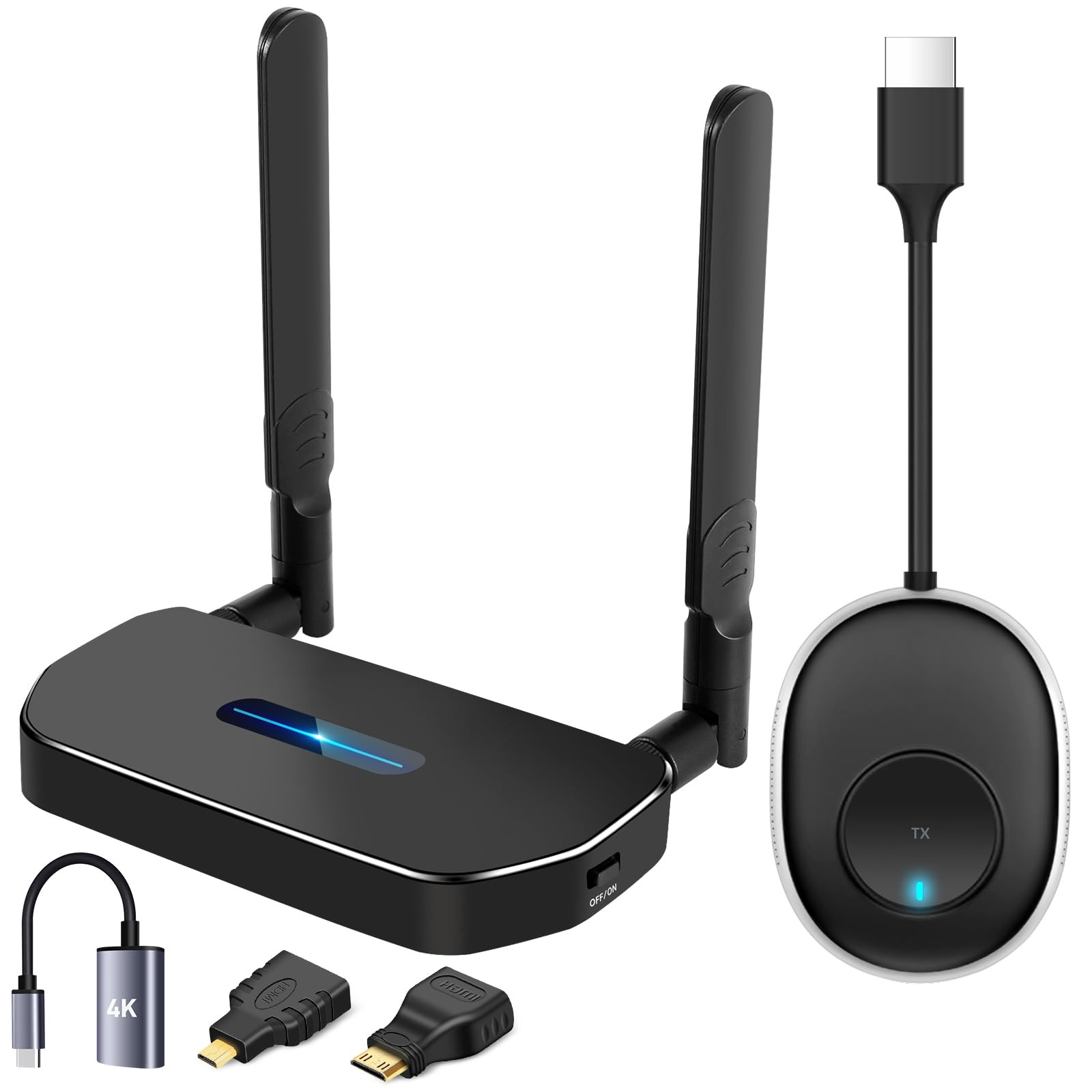
This product is a wireless HDMI transmitter/receiver kit, not a traditional streaming box with an OS. It solves a different problem—mirroring any HDMI source (laptop, camera, cable box) to a TV or projector without running long cables. It transmits full HD at 60Hz up to 165 feet, using 2.4G/5G dual-band Wi-Fi with minimal latency. It’s ideal for conference rooms, digital signage, or connecting a security DVR to a distant monitor.
The plug-and-play design requires no drivers or apps—just connect the transmitter to your source and the receiver to your display. The kit also includes a USB-C to HDMI adapter and a mini HDMI adapter, expanding compatibility with modern laptops and cameras. One receiver can pair with up to 8 transmitters for device switching during meetings.
The main limitation is environment-dependent range: concrete walls can reduce transmission to 3–5 meters. It also requires both units to be powered via a 5V/1A or higher charger. For users who need a dedicated wireless HDMI bridge rather than a standalone streaming box, this kit is a reliable tool with stable performance.
Why it’s great
- True plug-and-play, no software needed
- Supports 8 transmitters per receiver
- USB-C and mini HDMI adapters included
Good to know
- Range drops significantly through concrete walls
- Both units require external power
FAQ
What is Widevine L1 and why does it matter for streaming boxes?
Can I use a Bluetooth keyboard or game controller with an Android TV box?
Do all Android TV boxes support Dolby Atmos?
Final Thoughts: The Verdict
For most users, the android media streaming box winner is the NVIDIA Shield TV Pro because it combines AI upscaling with lossless audio and long-term OS support for the most complete experience. If you want a clean Google TV interface with Wi-Fi 6 and future-proof HDMI 2.1, grab the Xiaomi TV Box S 3rd Gen. And for a fast, well-connected daily driver that won’t break the bank, nothing beats the onn 4K Pro.