
Our readers keep the lights on and the weekend projects moving. As an Amazon Associate, I earn from qualifying purchases.
Finding a tablet that doesn’t require a magnifying glass or a degree in computer science to operate is the real challenge when shopping for an older adult. The standard small text, complex menus, and fragile designs of many modern tablets create a frustrating experience rather than a helpful tool for connection and entertainment. The right device removes these barriers, offering large, clear displays, simplified navigation, and robust build quality tailored for ease of use.
I’m Rikta — the co-founder and writer behind FitlyFast. I’ve spent countless hours analyzing the hardware, software, and user feedback on dozens of models to pinpoint which ones genuinely deliver a senior-friendly experience without sacrificing essential features or clear visibility.
You want a device that empowers rather than confuses, and this guide helps you cut through the clutter to find the absolute best android tablet for seniors that matches their specific needs and comfort level with technology.
How To Choose The Best Android Tablet for Seniors
Choosing the right tablet for a senior involves focusing on usability and comfort rather than chasing the fastest processor. The goal is a device that reduces frustration and enhances daily activities like video calls, reading, and browsing the web.
Screen Size and Display Quality
A larger screen, ideally 10 inches or more, reduces eye strain by making on-screen elements bigger. Look for a display with a resolution of at least 1920×1080 (Full HD) for sharp text and clear images. High brightness levels, measured in nits, also help when using the tablet in a well-lit room or near a window.
User Interface and Navigation
The best tablets for seniors feature a clean, uncluttered interface. Stock Android or a lightly skinned version is often easier to navigate than heavily customized systems. Some tablets also offer a dedicated “Easy Mode” that enlarges icons and simplifies settings menus. A straightforward setup process is equally critical to avoid a stressful first experience.
Battery Life and Durability
Seniors often forget to charge devices daily, so a battery that lasts 10 hours or more is a major convenience. A lightweight design, typically under 1.5 pounds, makes the tablet comfortable to hold for extended periods. A sturdy build and the inclusion of a protective case are strong points in favor of any model, as they guard against accidental drops.
Quick Comparison
On smaller screens, swipe sideways to see the full table.
| Model | Category | Best For | Key Spec | Amazon |
|---|---|---|---|---|
| GrandPad | Premium Senior | Zero-setup simplicity & security | Curated apps & private network | Amazon |
| HOOGEE 15.6″ | Large Screen | Reading sheet music & large text | 15.6″ FHD display | Amazon |
| Callsky-Pro 14″ | Mid-Range Large | A budget-friendly large screen | 14″ FHD+ with 16GB RAM | Amazon |
| Nexall N90 12″ | Value Bundle | Getting a full kit (keyboard & pen) | 12″ 2K display with 9000mAh | Amazon |
| TECLAST T65 13.4″ | High Refresh | Buttery-smooth scrolling & 4G | 13.4″ 120Hz display | Amazon |
| Samsung Tab A9+ 11″ | Refurb Premium | A trusted brand at a lower price | 11″ 90Hz with quad speakers | Amazon |
| Lenovo Tab One 8.7″ | Compact Portable | Lightweight reading & travel | 8.7″ display with folio case | Amazon |
| Samsung Tab A 10.1″ | Refurb Value | A reliable Samsung on a budget | 10.1″ display with 13hr battery | Amazon |
| DigiLand 10″ | Budget Entry | An ultra-low-cost starter device | 10″ HD display with 12hr battery | Amazon |
In‑Depth Reviews
1. GrandPad Easy to Use Tablet & Phone

The GrandPad is the most purpose-built device on this list, designed entirely around the concept of zero-complexity for seniors. It operates on a locked private network that blocks spam and scam calls, which removes a major source of stress for less tech-savvy users. The interface features extremely large icons and a simplified navigation system that sidesteps the clutter of a standard Android home screen.
Setup requires a call to GrandPad for activation and a service plan, a trade-off that delivers a truly streamlined experience without confusing pop-ups or endless settings menus. The included wireless charging cradle, protective case, and stylus mean everything needed is in the box, removing the guesswork of buying accessories. The 8-inch screen is smaller than others here, but the ease of use is unmatched.
It also offers a companion app for family members on Android or iOS, allowing them to share photos and videos securely. This creates a private, safe social network for the senior user. The U.S.-based customer care team is a standout feature, providing real human help without navigating automated phone trees or online chats.
Why it’s great
- Extremely simple, senior-focused user interface.
- Private network blocks spam and scams automatically.
- Includes wireless charging cradle and protective case.
- Dedicated, U.S.-based customer support.
Good to know
- Requires an active service plan monthly or yearly.
- Locked to its own network; not compatible with other carriers.
- Smaller 8-inch screen compared to other models reviewed here.
2. HOOGEE 15.6″ Large Tablet Android 14
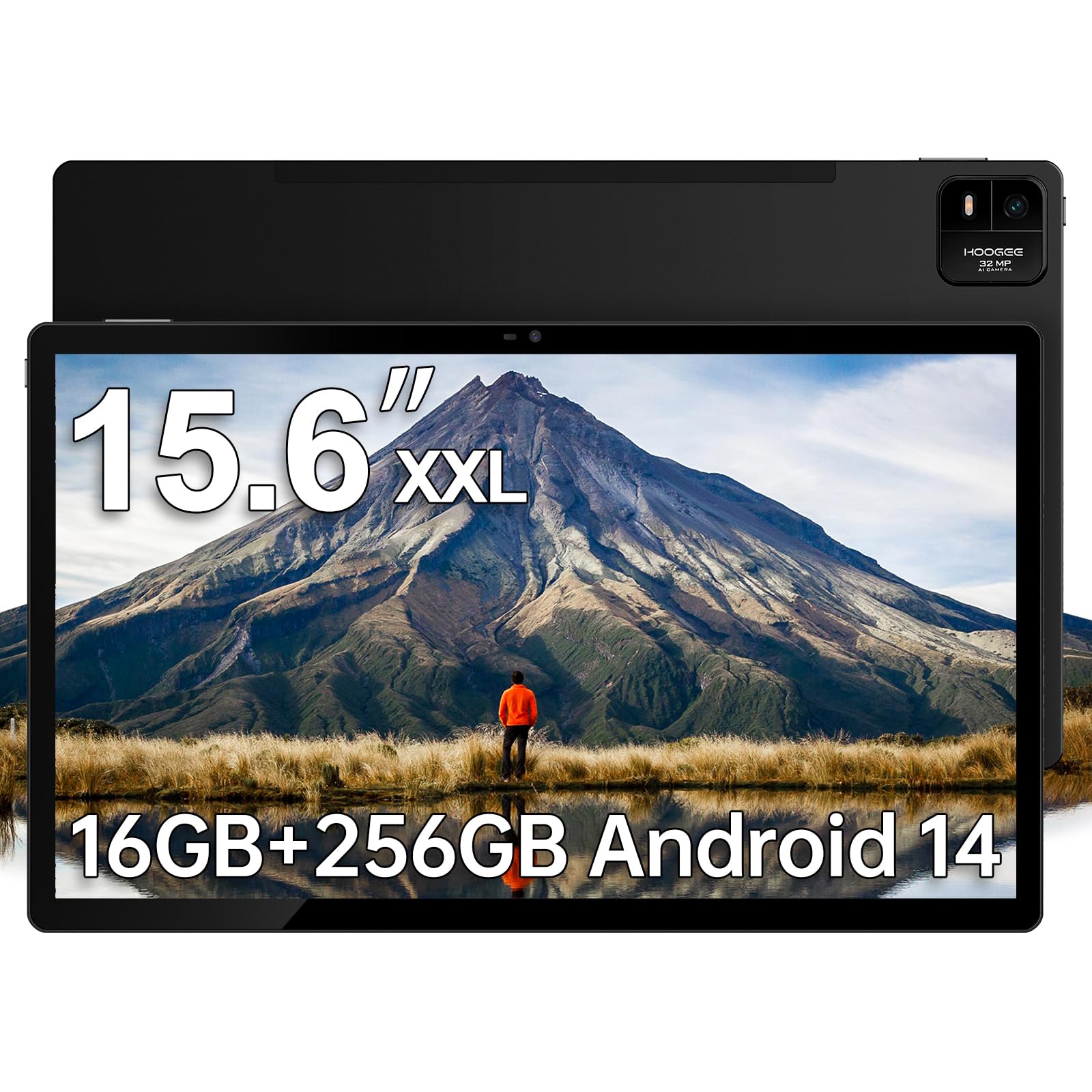
This HOOGEE tablet is built for seniors who need a massive screen for reading or viewing content. Its 15.6-inch Full HD display provides over 90 percent more viewable area than a standard 10-inch tablet, making text, photos, and digital sheet music exceptionally easy to see without zooming. The Android 14 interface supports a simple layout that can be customized with large icons.
Inside, the MediaTek Helio G99 processor and 16GB of RAM (8GB physical plus 8GB virtual expansion) ensure the tablet handles multitasking without lag. The 12000mAh battery is a powerhouse, easily lasting through a full day of heavy use, and the 30W fast charging gets it back up quickly. It is thick and weighs a bit more due to its size, so it is best used with a desk stand or on a lap, not held up for long periods.
A key detail for seniors is the built-in diagnostic app from HOOGEE, providing one-click access to technical support. This removes the frustration of hunting for help online when something goes wrong. It also features a 3.5mm headphone jack, which is helpful for seniors who prefer wired headphones for better audio clarity during calls or videos.
Why it’s great
- Extra-large 15.6-inch screen reduces eye strain significantly.
- Massive 12000mAh battery for all-day use.
- 30W fast charging reduces downtime.
- Built-in diagnostic support app for easy troubleshooting.
Good to know
- Heavier than typical tablets; not ideal for handheld use.
- Does not support cellular data connectivity.
3. Callsky-Pro 14″ Large Screen Tablet
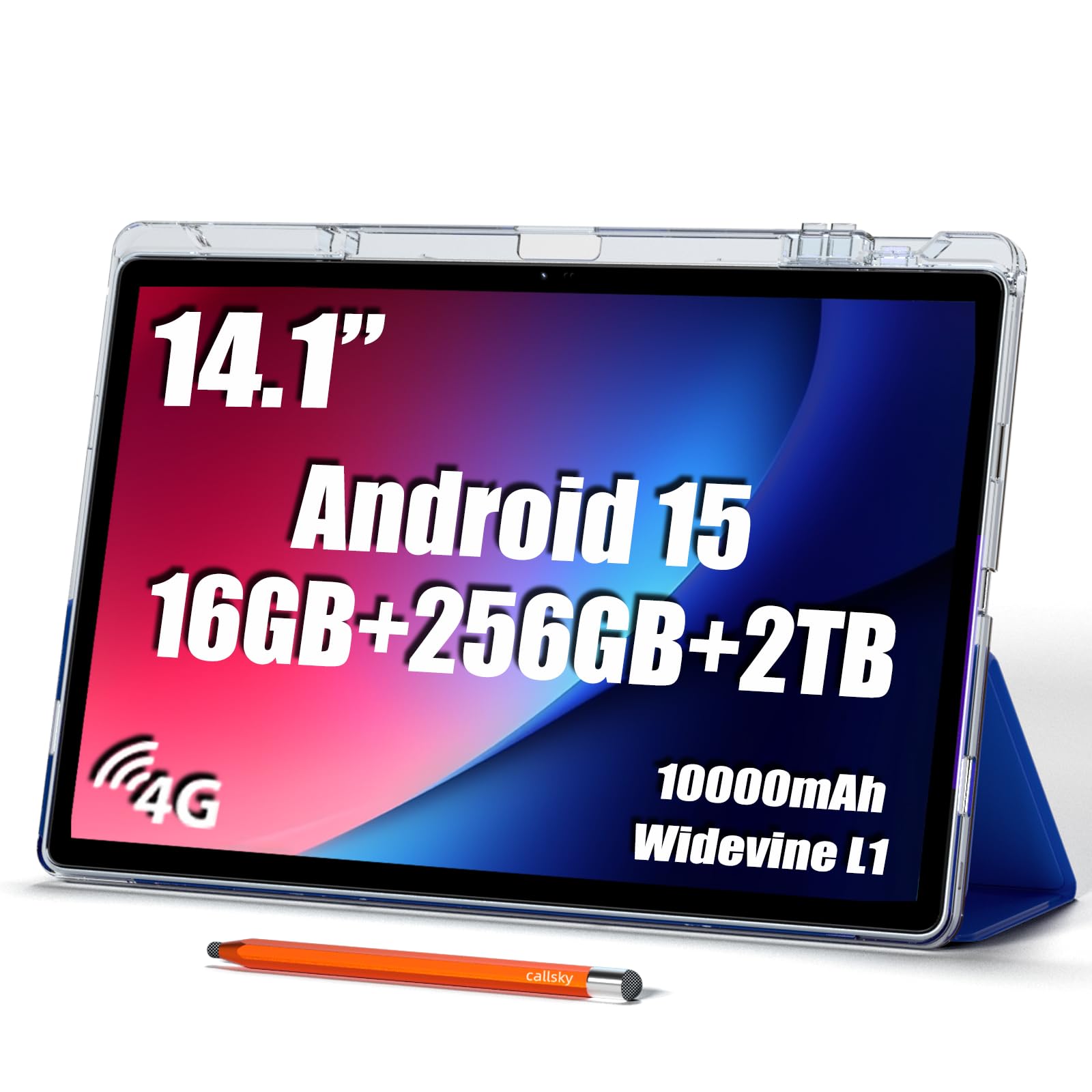
This 14-inch tablet from Callsky-Pro bridges the gap between a massive screen and a more manageable price point, making it an excellent choice for seniors on a budget. The 1920×1200 display is crisp and clear, providing a wonderful canvas for reading newspapers, browsing photos, or following recipes. The included tri-fold case doubles as a stand, making hands-free video calls easy.
With 16GB of RAM and 256GB of internal storage, this device has plenty of room for apps and files, which is a relief for users who don’t want to manage storage space. The 4G LTE support provides reliable internet access without relying on Wi-Fi, a key feature for seniors who visit doctors’ offices or family homes with weak connections. The 10000mAh battery provides a solid day of mixed use.
One common point of feedback from users is the long press needed to power on the device, which can take a few seconds to learn. The stylus included in the box is a practical addition for those who might find touch gestures difficult, allowing precise taps or simple note-taking. The device is heavier than an iPad, so a lap desk or table is the best environment for comfortable use.
Why it’s great
- Large 14-inch screen at a budget-friendly price point.
- Includes a stylus and a protective tri-fold case.
- 4G LTE support for independent internet access.
- Ample 256GB storage capacity.
Good to know
- Heavy compared to smaller alternatives.
- Power-on button requires a long 6-second press.
4. N90 Android 16 Tablet (Nexall)
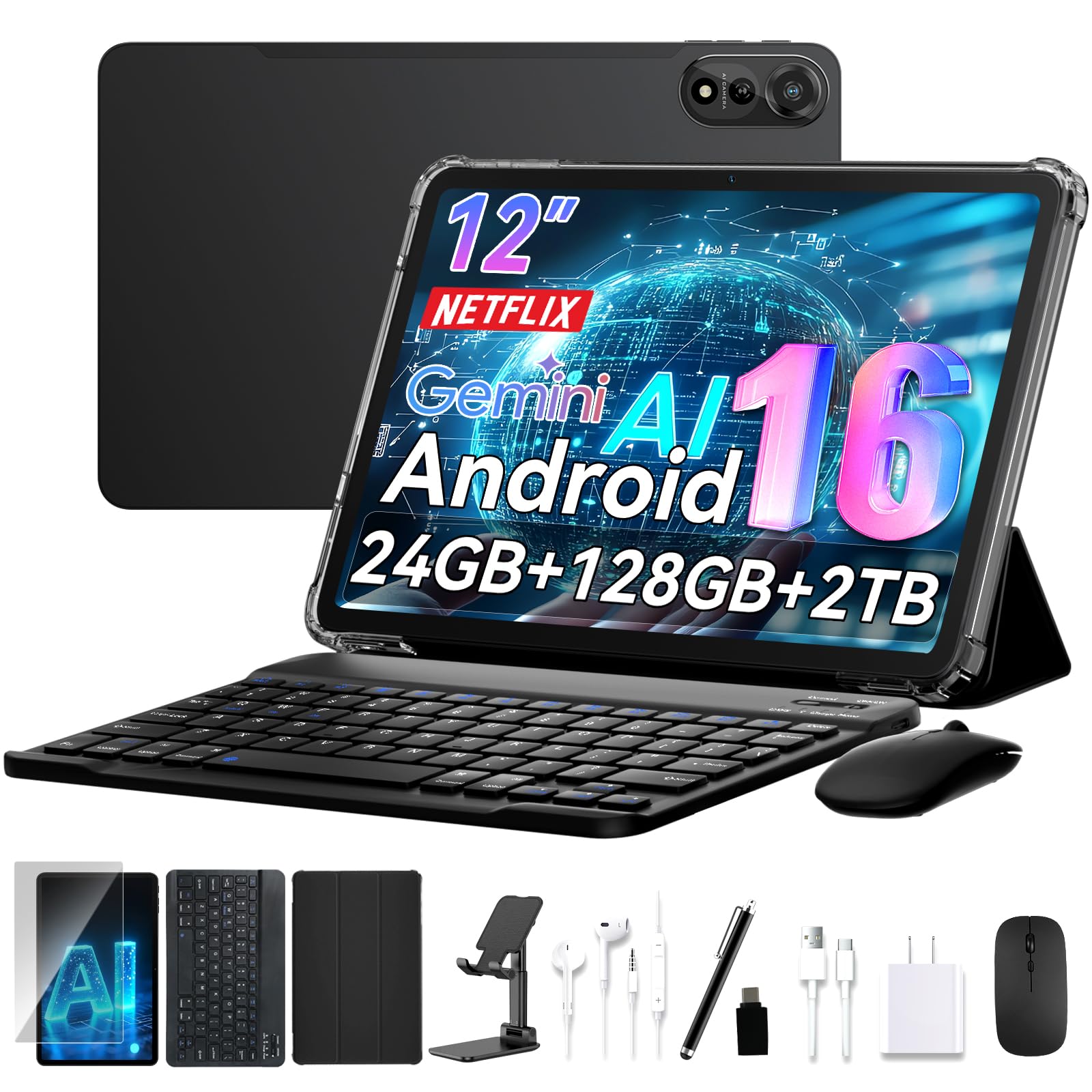
The N90 from Nexall offers tremendous value by bundling a keyboard, stylus, case, and stand with the tablet, transforming it into a versatile laptop alternative. The 12-inch 2K display is noticeably sharper than standard 1080p panels, making fine text and high-resolution photos look exceptional. This is a great option for a senior who wants to move beyond simple consumption and engage in typing emails or writing documents.
Running Android 16 with AI-assisted battery optimization, the 9000mAh battery can stretch to a full 24 hours of light use, drastically reducing the need to hunt for a charger. The octa-core processor and 24GB of RAM (likely with virtual expansion) keep the system feeling snappy and responsive, even with multiple tabs open. Face unlock provides a simple, password-free way to secure the device.
The included accessories add real functionality, but they also add weight and bulk. The tablet itself is substantial, and when attached to the keyboard it becomes a mini-laptop. The 4-year warranty gives significant peace of mind, especially for a gift purchase. It is a locked-in ecosystem of accessories, meaning the tablet case and keyboard are designed specifically for this model.
Why it’s great
- Comes with keyboard, stylus, case, and stand.
- Outstanding 24-hour battery life on a full charge.
- Sharp 12-inch 2K display for crisp visuals.
- 4-year warranty provides long-term peace of mind.
Good to know
- Heavy, especially with the keyboard case attached.
- Some users find the interface less intuitive.
5. TECLAST T65 13.4″ Android 16 Tablet

The TECLAST T65 distinguishes itself with a 120Hz refresh rate on a large 13.4-inch display, making every scroll and swipe feel incredibly smooth and fluid. This higher refresh rate reduces motion blur, which can be particularly helpful for seniors whose eyes might struggle with fast-moving content. The HD 1920×1200 resolution ensures text is sharp and readable without any strain.
Powered by Android 16, it features an intuitive interface with large icons and simple menus that are user-friendly for tech beginners. The 8000mAh battery provides solid all-day life, and 4G LTE ensures connectivity on the go. It also includes a 3.5mm headphone jack, a feature increasingly absent from modern devices but often preferred by seniors for clearer audio from wired headsets.
This tablet is a strong choice for a senior who uses a tablet for hours each day, especially for streaming, video calls, and browsing. The high refresh rate is a premium feature that reduces visual fatigue. It is very light at just 720g, making it easier to hold for extended periods than many other large-screen tablets. It does not include a case, so a separate purchase is recommended for drop protection.
Why it’s great
- 120Hz refresh rate makes scrolling and navigation feel very smooth.
- Large 13.4-inch display is great for reading and viewing.
- Lightweight design for a tablet of this size category.
- 4G LTE and a 3.5mm headphone jack.
Good to know
- Does not include a protective case in the box.
- Gaming performance is limited, but fine for casual apps.
6. Samsung Galaxy Tab A9+ 11″ (Renewed)

The Samsung Galaxy Tab A9+ brings trusted brand reliability and a premium feature set at a more accessible price point through its renewed status. Its 11-inch display with a 90Hz refresh rate offers a smooth, responsive experience that feels fast and modern. The quad speakers tuned by Dolby Atmos deliver rich, clear sound that is far superior to single-driver tablets, making it easier for seniors to hear dialogue in videos or music.
Samsung’s One UI is known for being clean and user-friendly, with an easy-to-use settings menu and a strong “Easy Mode” that enlarges icons and simplifies the interface. The upgraded chipset handles everyday tasks like browsing, email, and video calls without any lag. The microSD card slot allows for easy storage expansion, a key feature for storing family photos and movies.
This is a full-featured tablet that does not compromise on quality for the price. The renewed model often comes at a significant discount while maintaining a high level of performance and build quality. Some users report the charging time can be slow, but the battery life is excellent for a device this size. It is a fantastic middle ground for seniors who want a modern tablet without paying a premium price.
Why it’s great
- Renewed model provides premium quality at a lower price.
- Excellent quad-speaker audio system for clear sound.
- 90Hz refresh rate for smooth, fluid screen interaction.
- Samsung’s One UI is clean and offers a simple Easy Mode.
Good to know
- Charging speed can be slower than competitors.
- Renewed model may have minor cosmetic blemishes.
7. Lenovo Tab One 8.7″

This makes it incredibly easy for a senior to hold in one hand while reading in a chair or carrying around the house. The included folio case provides drop protection and doubles as a stand for hands-free video watching, adding significant value without additional cost.
Its MediaTek Helio G85 processor and 4GB of RAM handle basic tasks like web browsing, email, and streaming with ease, though it can show some stutter with many browser tabs open. The battery life is a standout feature, offering up to 12.5 hours of video streaming, enough for long days of use without worrying about charging. The bright 480-nit display is easy to see in well-lit rooms.
This tablet is a wonderful choice for a senior who values portability above all else. It is perfect for reading on the go, but the smaller screen may not be ideal for those with significant vision impairment or for viewing documents with fine print. The sound from the dual Dolby Atmos speakers is surprisingly good for the size, and the 3.5mm headphone jack is a welcome addition.
Why it’s great
- Extremely lightweight and portable at under 1 pound.
- Included folio case offers protection and a stand.
- Excellent 12.5-hour battery life.
- Bright 480-nit display and Dolby Atmos speakers.
Good to know
- Smaller 8.7-inch screen may be too small for some seniors.
- Performance can stutter with heavy multitasking.
- Some pre-installed bloatware apps.
8. Samsung Galaxy Tab A 10.1″ (Renewed)

The Samsung Galaxy Tab A 10.1 is a classic, proven model that, even as a renewed unit, delivers a reliable and enjoyable user experience. Its 10.1-inch screen is a great size for seniors, providing a large canvas for content without being too heavy. The 16:10 aspect ratio is well-suited for reading and browsing, and the Dolby Atmos surround sound is a highlight, offering clear and immersive audio for calls and media.
Battery life is a strong suit, offering up to 13 hours of mixed use on a single charge. Samsung’s interface is intuitive, and the device supports a keyboard for light typing. The renewed model represents excellent value for someone who wants a premium brand without the premium price tag. It has a microSD slot for expandable storage, which is great for storing offline content or family photo albums.
Potential buyers should be aware this is a 2019 model, so it lacks some of the modern features like a high refresh rate display or the latest version of Android out of the box. It runs an older processor, which can feel a little slow when compared to newer devices. However, for a senior focused on basic functions like email, video calls, and streaming, it remains a perfectly capable and very affordable companion.
Why it’s great
- Trusted Samsung build quality and brand reliability.
- Impressive 13-hour battery life for all-day use.
- Excellent Dolby Atmos surround sound audio.
- Renewed model offers significant cost savings.
Good to know
- Older model; processor is slower than modern chips.
- Standard 60Hz display with no high refresh rate.
- May arrive without a manual or original packaging.
9. DigiLand Android Tablet 10″
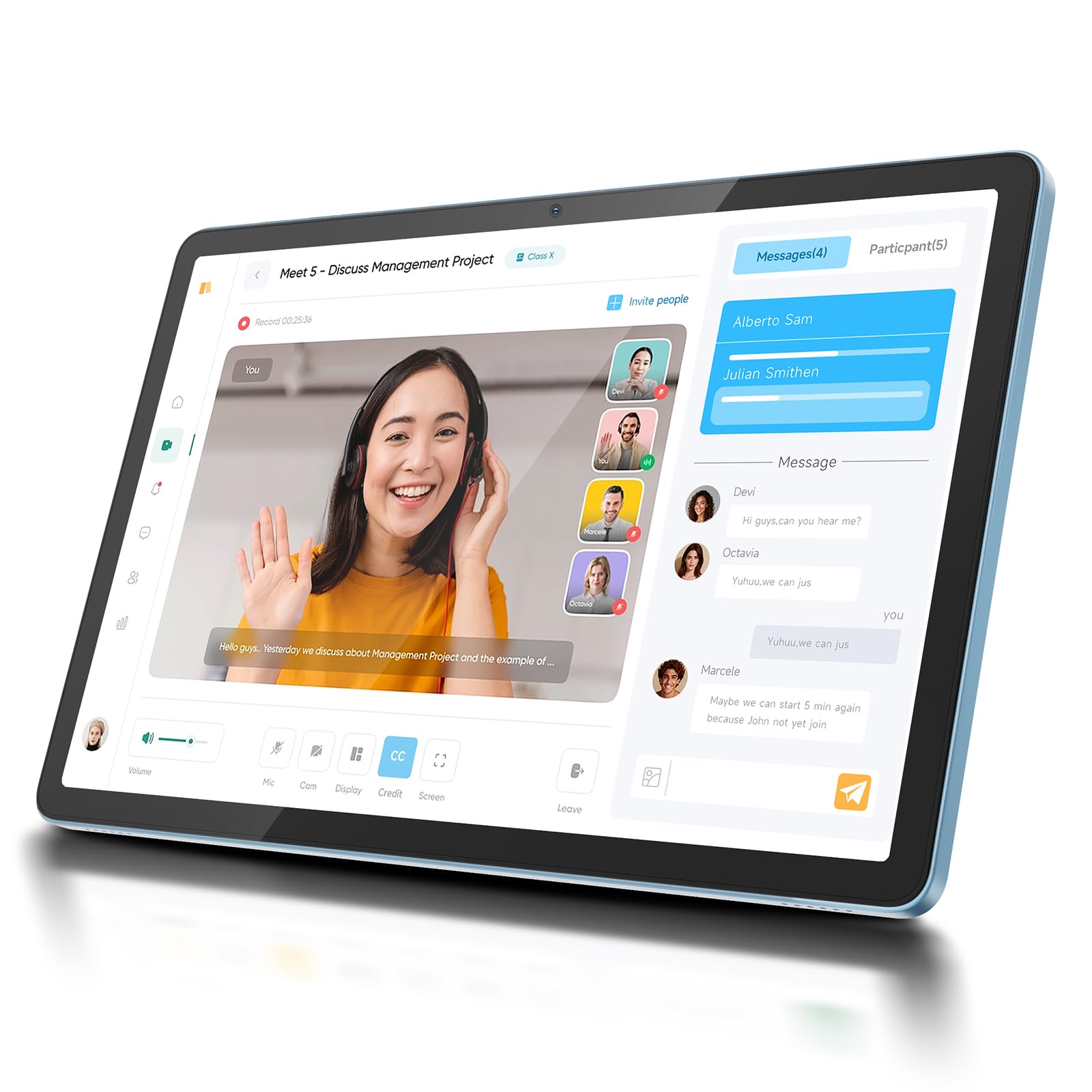
The DigiLand tablet is a no-frills, budget-friendly entry point into the world of Android tablets for seniors. It features a clean Android system that is easy to set up and navigate, and the 10-inch HD display is adequate for watching videos, reading ebooks, and video calling. It comes with a stand case, which is a helpful inclusion for hands-free use right out of the box.
With a 6000mAh battery that provides up to 12 hours of use, it holds its own in terms of endurance. The responsive touchscreen is well-received by users, and the simple interface works well for beginners or seniors who just need a device for a few basic tasks. It also supports microSD expansion up to 1TB, meaning storage space is unlikely to be an issue.
The biggest trade-offs here are in performance and build quality. It can be slow at startup, and the processor is better suited for light, single-task usage rather than heavy multitasking. It lacks features like a high-resolution display or premium audio found in more expensive tablets. For a senior who wants a very affordable way to video call family and browse the web without any complexity, the DigiLand is a functional and cost-effective solution.
Why it’s great
- Highly affordable entry-level price point.
- Clean, simple Android interface with large icons.
- Comes with a protective stand case.
- Good battery life with expandable storage.
Good to know
- Performance is slow, especially at startup.
- Screen resolution is only HD, not Full HD.
- Lacks premium features like high refresh rate or LTE.
FAQ
What screen size is best for a senior’s first tablet?
Is a higher refresh rate display worth it for a senior?
Do I need cellular 4G LTE on a tablet for a senior?
What is the most important feature for a senior with low vision?
Final Thoughts: The Verdict
For most users, the android tablet for seniors winner is the GrandPad because its purpose-built, locked-down interface and included customer support remove every barrier to entry for a non-tech-savvy user. If you want a massive screen for reading and media consumption, grab the HOOGEE 15.6″. And for the best balance of a large display, premium features, and value in a bundle, nothing beats the Nexall N90.