
Our readers keep the lights on and the weekend projects moving. As an Amazon Associate, I earn from qualifying purchases.
Finding a capable slate for under $100 usually means sifting through slow processors, low-resolution screens, and battery life that barely lasts a single movie. The market is flooded with cut-rate hardware that promises a full tablet experience but delivers a frustrating mix of lag, dim panels, and bloated older Android versions. The real challenge is identifying which models actually deliver smooth performance, decent displays, and enough storage for your daily use without pushing past that strict budget barrier.
I’m Rikta — the co-founder and writer behind FitlyFast. I’ve spent countless hours dissecting processor benchmarks, screen resolutions, battery capacities, and real-world user feedback to separate the functional tablets from the frustrating ones in the crowded sub-$100 space.
After weeks of sifting through spec sheets and analyzing hundreds of customer experiences, I’ve narrowed the field to the models that genuinely balance performance and durability. This is your guide to the best android tablet under $100 that actually earns a spot in your bag.
How To Choose The Best Android Tablet Under $100
In the sub-$100 market, every component is a compromise. You’re choosing between a slightly better screen versus a faster processor, or more internal storage versus a larger battery. Understanding which trade-offs impact your specific use case — streaming, light gaming, kids’ edutainment, or e-reading — is the only way to end up with a tablet you’ll actually enjoy using.
Prioritize the Android Version and Processor
A tablet running Android 13 or older might be cheap, but it will struggle with modern app updates and security patches. The models in this guide that run Android 15 or 16 offer a noticeably smoother experience with the latest software. The processor (CPU) dictates everything from app launch speed to video playback smoothness. Look for octa-core or higher-end quad-core chips; avoid single-core or unnamed generic processors that choke on multitasking.
Screen Quality and Battery Life are the Real Dealbreakers
A low-resolution 1024×600 panel makes text fuzzy and videos look washed out. The 1280×800 IPS displays found on the better budget tablets offer a sharp, vibrant image that makes streaming and reading enjoyable. Pair that with a battery capacity of at least 5,000 mAh — ideally 6,000 mAh or more — and you have a device that lasts through a workday or a long road trip without hunting for an outlet.
Storage: Look Past the Virtual RAM Claims
Many budget tablets advertise massive “total RAM” numbers (e.g., “18GB RAM”) that combine a small amount of physical RAM with a much larger virtual swap partition. Physical RAM, typically between 3GB and 6GB, is what actually determines real-world speed. Internal storage (32GB to 128GB) is important, but all decent models in this price range support expandable microSD storage, making internal capacity less of a hard limit.
Quick Comparison
On smaller screens, swipe sideways to see the full table.
| Model | Category | Best For | Key Spec | Amazon |
|---|---|---|---|---|
| SVITOO 10 Inch | Premium | All-around Performance | 12 hours / 6600 mAh battery | Amazon |
| URAO 10.1″ | Premium | Long Battery Life | 8 hours / Android 16 | Amazon |
| Gleeso Kids Tablet | Mid-Range | Family & Kids Mode | 64GB storage, shockproof case | Amazon |
| Aobante 10 Inch | Mid-Range | Streaming & Browsing | 128GB ROM / WiFi 6 | Amazon |
| Evermyth Android 15 | Mid-Range | Entry-Level Value | WiFi 6 / 1TB expandable | Amazon |
| PRITOM 10 inch Kids | Budget | Preschool Education | 6000 mAh battery + case | Amazon |
| NEWISION 10 inch Kids | Budget | Starting Toddler Tablet | 6000 mAh battery + lanyard | Amazon |
In‑Depth Reviews
1. SVITOO 10 Inch Android 16 Tablet
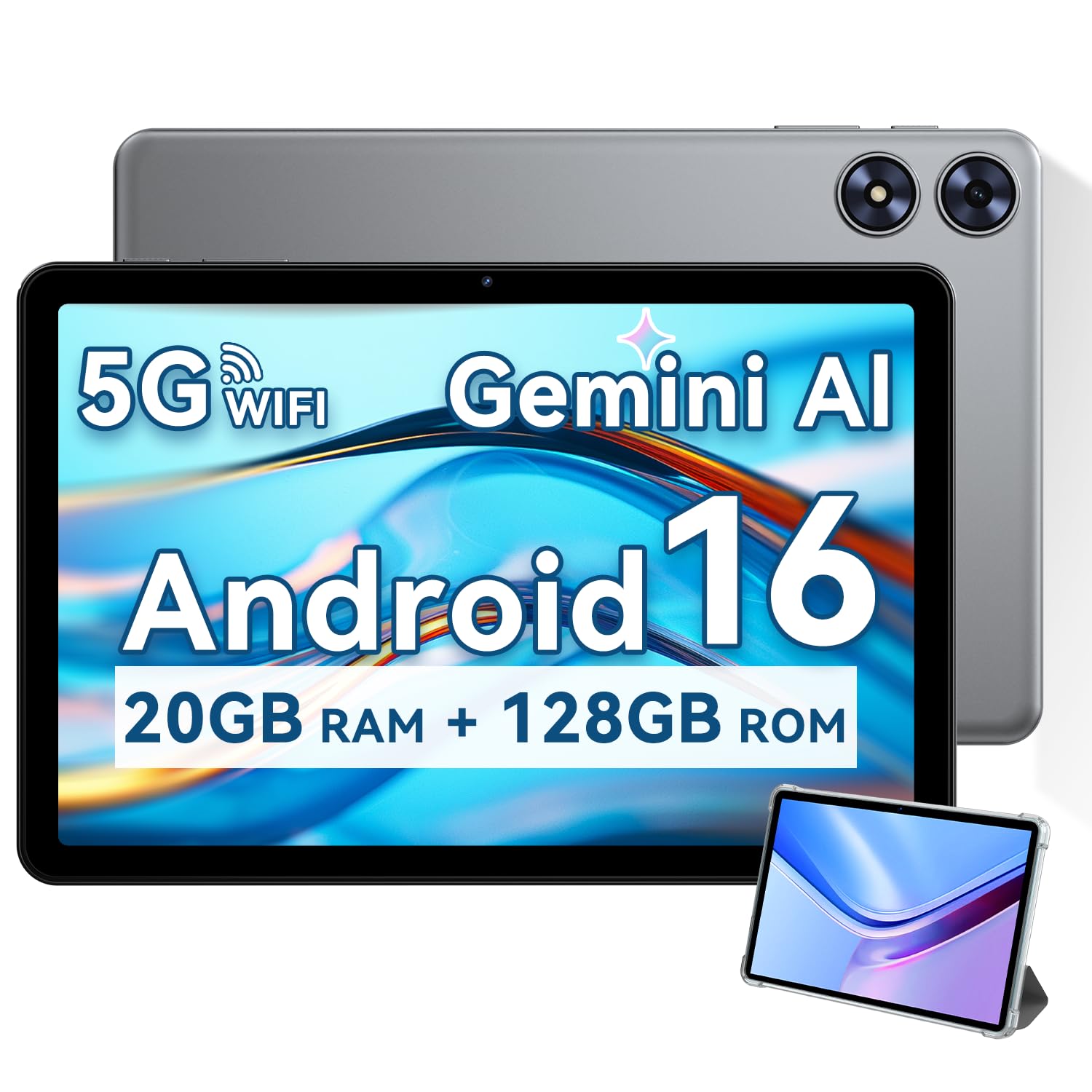
The SVITOO Tablet stands out with the largest battery capacity in this roundup at 6600 mAh, delivering a genuine 12 hours of mixed usage. That battery life, paired with the capable Octa-Core Unisoc T7250 processor and Android 16, makes it a true all-day companion for streaming, reading, and light work without the anxiety of running out of power. The 128GB of internal storage also means you can download a heavy media library before heading out.
The 10.1-inch IPS display at 1280×800 provides vibrant colors and wide viewing angles, and the Widevine L1 certification ensures you get crisp HD streams on Netflix and similar platforms. Dual speakers and a fast USB-C charging port round out a package that doesn’t feel like a budget compromise. The included protective case with a magnetic wake/sleep cover is a thoughtful addition that many pricier tablets still charge extra for.
While the selfie camera is a basic 2MP unit, it’s perfectly adequate for video calls and occasional self-portraits. The speakers are serviceable for solo listening but won’t fill a large room. For a tablet that balances raw runtime, modern software, and solid all-around hardware within a strict budget, this is the top contender.
Why it’s great
- Massive 6600 mAh battery for day-long use.
- Runs on the latest Android 16 OS.
- 128GB internal storage plus 1TB expansion.
Good to know
- Front camera is only 2MP.
- Speakers are a bit thin for room-filling audio.
2. URAO 10.1″ Android 16 Tablet
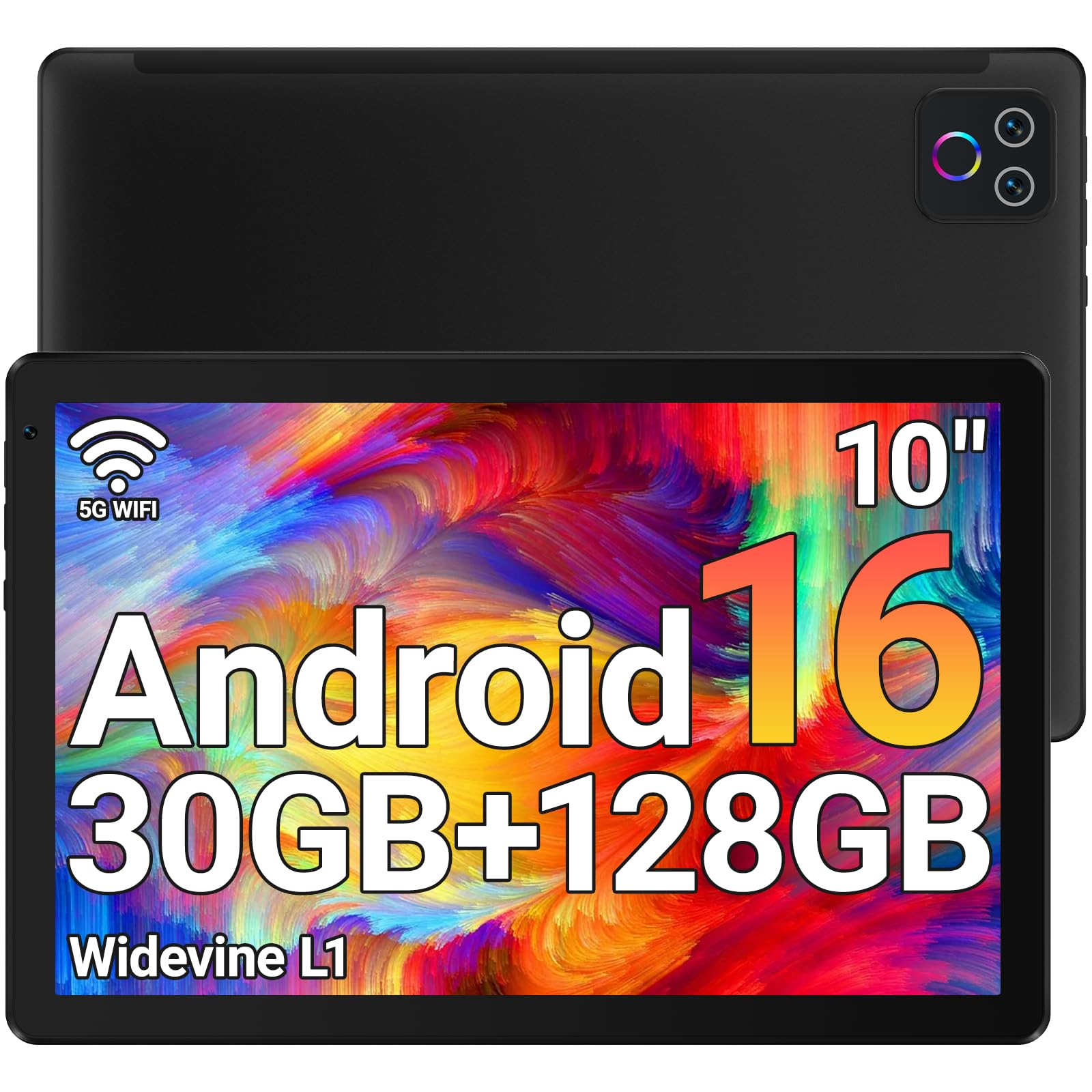
The URAO tablet delivers impressive stamina with a claimed 8 hours of mixed use, but its real story is the octa-core processor clocking at 2.0 GHz. This is one of the fastest chips you will find in this price segment, making multitasking between streaming, web browsing, and gaming noticeably snappier. Combined with 30GB of total RAM (6GB physical plus virtual expansion), it handles app switching without the stutter common to entry-level tablets.
The 1280×800 IPS display is bright and includes a low blue light mode, which genuinely reduces eye fatigue during long reading sessions. The integration of Wi-Fi 6 and Bluetooth 5.4 ensures that network transfers are fast and accessory connections remain stable—a rare combination at this tier. The 128GB of internal storage provides ample space without needing to buy a microSD card immediately.
A couple of trade-offs are worth noting: the tablet lacks an ambient light sensor, so brightness must be adjusted manually. A few user reports mention the virtual RAM doesn’t fully replicate the speed of having 6GB of physical RAM, though for everyday use it still feels responsive. It remains an excellent pick for users who prioritize raw processing power and modern connectivity over battery capacity.
Why it’s great
- Fast 2.0 GHz octa-core processor.
- Modern Wi-Fi 6 and Bluetooth 5.4.
- Low blue light display reduces eye strain.
Good to know
- No ambient light sensor for auto-brightness.
- Virtual RAM performance can vary.
3. Gleeso Kids Tablet (Android 16)
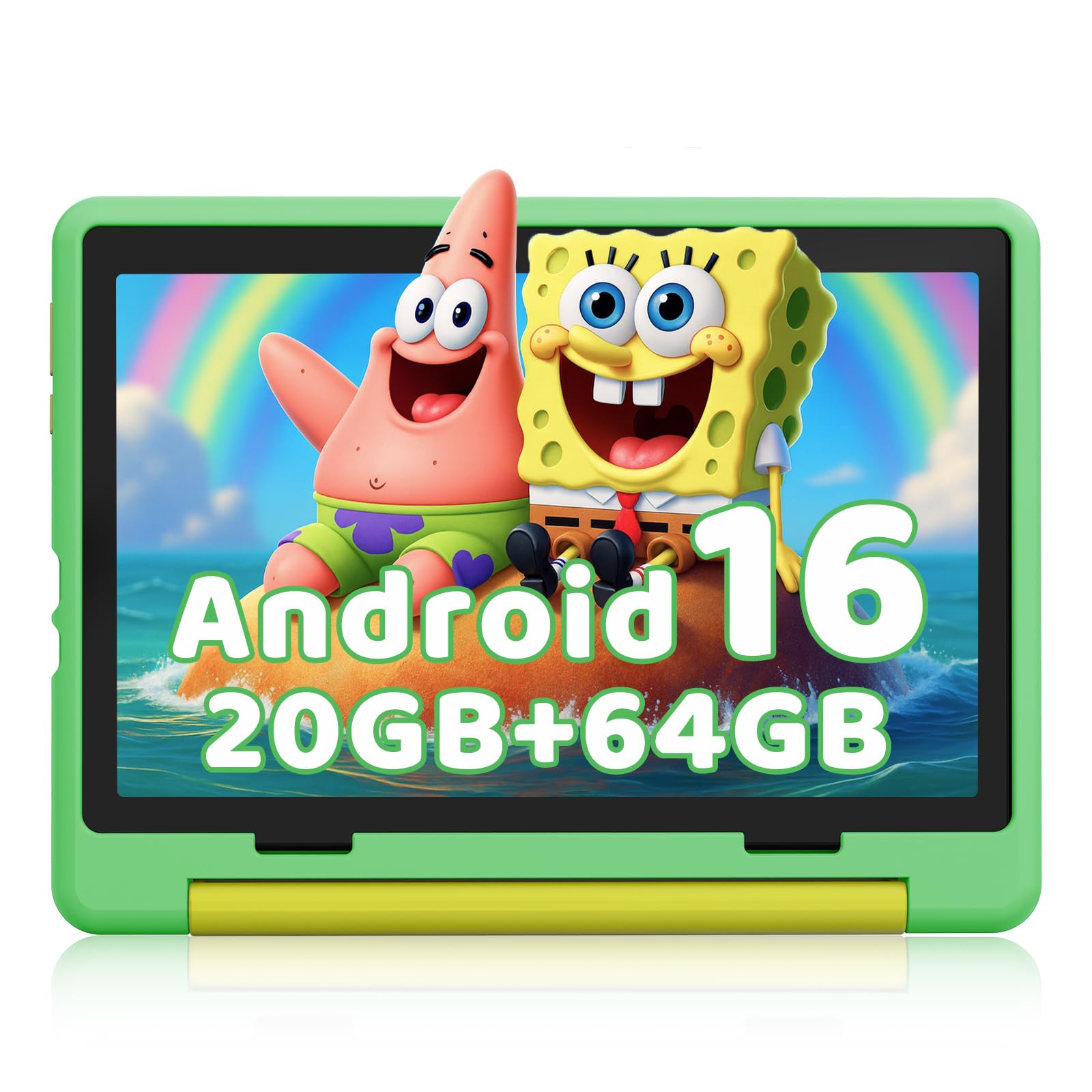
Designed specifically for families, the Gleeso Kids Tablet runs on Android 16 with a dedicated kids mode that offers robust parental controls. You can set screen time limits, filter apps and web content, and monitor activity from your own phone. It comes pre-loaded with educational apps like ABC Mouse, and the included military-grade shockproof case is thick enough to survive typical kid drops and spills without adding excessive bulk.
The 10.1-inch HD IPS display uses low blue light technology to protect young eyes during longer learning sessions, and the dual cameras (5MP front, 8MP rear) are good enough for video calls and capturing school project photos. The 64GB of built-in storage is generous for kid-focused content, and the expandable microSD slot (up to 1TB) means you won’t have to delete apps when adding new games.
The battery life is rated at a solid 6 hours, which covers most of a school day or a long car trip. Some users reported that the case can feel thin on the edges despite being helpful, so adding a glass screen protector is a wise extra step. For parents wanting a controlled, durable, and future-proof tablet for their children, this is the strongest option.
Why it’s great
- Excellent parental controls with remote management.
- Military-grade shockproof case included.
- Low blue light screen for eye safety.
Good to know
- Battery life is average at 6 hours.
- Case may need supplemental screen protection.
4. Aobante 10 Inch Android 15 Tablet
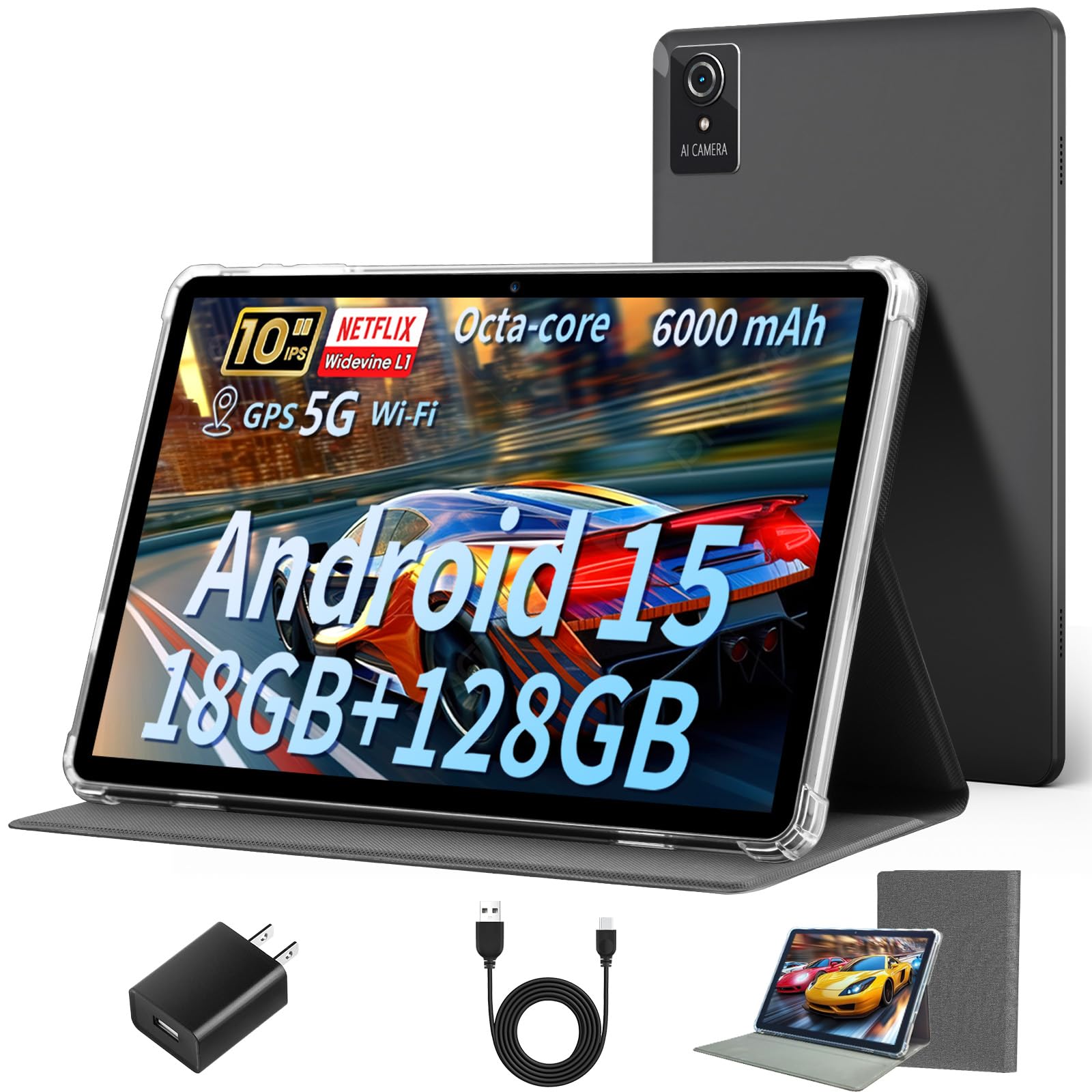
The Aobante tablet is a strong mid-range performer, packing a generous 128GB of internal storage and an octa-core processor that keeps things moving smoothly. It runs Android 15, which offers solid app compatibility and a clean user interface. The 10-inch IPS display (1280×800) provides good color and sharpness for streaming video and browsing the web, and the smooth touch response makes navigation feel responsive.
Wi-Fi 6 and Bluetooth 5.4 ensure fast, stable wireless connectivity, and the dual cameras (5MP front, 8MP rear) cover video calls and casual photography adequately. The battery life is rated at around 6 hours, which is standard for this class but falls short of the top competitors. Users have noted that the pre-installed screen protector scratches easily, and the display is actually a plastic panel, so careful handling is recommended.
The advertised “18GB RAM” combines 6GB physical with 12GB virtual, which is fine for everyday tasks but won’t match the speed of a pure 6GB physical RAM tablet under heavy load. It is a reliable, well-equipped choice for anyone who needs ample storage and modern connectivity without paying a premium, but be aware of its plastic screen durability.
Why it’s great
- Large 128GB internal storage.
- Fast Wi-Fi 6 and Bluetooth 5.4.
- Smooth touch response for browsing.
Good to know
- Plastic screen scratches easily.
- 6-hour battery is average.
5. Evermyth Android 15 Tablet (10 Inch)
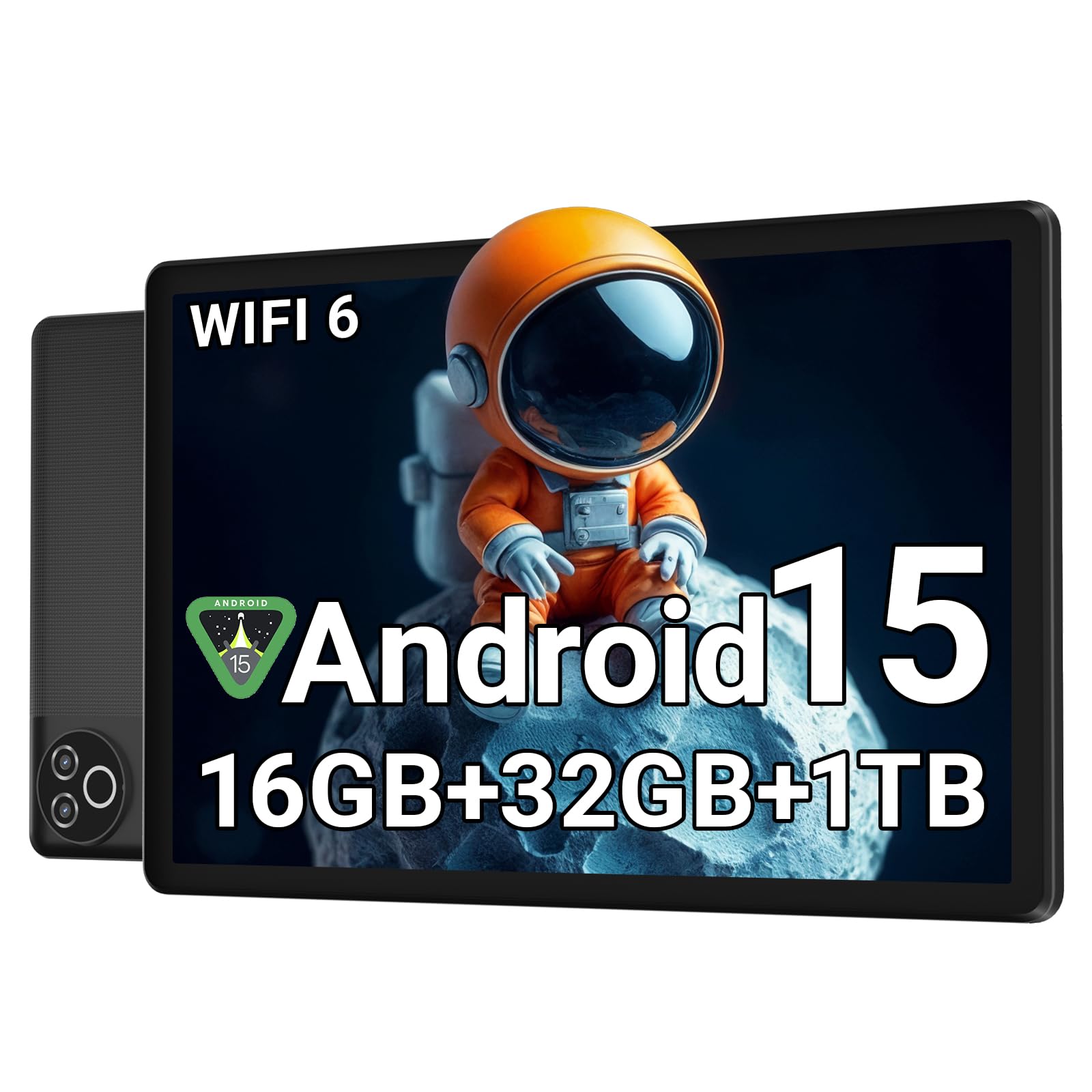
The Evermyth tablet hits a sweet spot between price and features, offering Android 15, a 5-core processor, and the latest Wi-Fi 6 and Bluetooth 5.4. It is GMS certified, meaning full Google Play access without any workarounds. The 10-inch IPS display (1280×800) is bright and crisp, and the 5000 mAh battery provides enough juice for about 5 hours of streaming or a full day of standby.
The advertised 16GB RAM (3GB physical + 13GB virtual) is a modest physical foundation, but for a single user mainly browsing the web, checking email, or streaming, the performance remains smooth. The expandable storage up to 1TB is a nice safety net for users who accumulate media files. The dual cameras (5MP front, 8MP rear) are functional for basic video calls and snapshots.
Some users have reported random app closures and Wi-Fi drops, which suggests the unit can struggle under heavy multitasking or with many background apps open. It’s not designed for intensive gaming or running multiple heavy apps simultaneously. For its price, it offers a modern, reliable experience for light, everyday use.
Why it’s great
- Modern Wi-Fi 6 and BT 5.4.
- Full Google Play certification.
- 1TB expandable storage.
Good to know
- Only 3GB physical RAM.
- Can experience app closures under heavy load.
6. PRITOM 10 inch Kids Tablet (Android 13)

The PRITOM Touch10 Kids Tablet targets younger children with a robust set of pre-installed iWawa educational apps and an AR Zoo feature that adds an interactive layer to learning. It runs Android 13 Go, a lighter operating system optimized for budget hardware, paired with a quad-core processor. The 10-inch IPS display (1024×600) is adequate for kids’ apps, though the lower resolution means text and images lack the sharpness of premium panels.
The included durable EVA foam case is child-safe and provides excellent drop protection. The 6000 mAh battery is a standout for this price tier, offering over 6 hours of continuous use, which is plenty for long car rides or quiet afternoons. The tablet supports expandable storage up to 512GB via microSD, giving lots of room for downloaded content.
The main downsides are the older Android 13 Go OS, which may not support every modern app, and several user reports of touch responsiveness issues and boot loops after a few months of use. The speed is noticeably slower than newer Android 15/16 tablets. It is a good entry-level kids tablet if you prioritize durability and battery, but expect some software limitations.
Why it’s great
- Durable, child-safe EVA foam case.
- Large 6000 mAh battery.
- Extensive pre-loaded educational apps.
Good to know
- Runs older Android 13 Go OS.
- Touch and software reliability concerns reported.
7. NEWISION 10 inch Kids Tablet (Android 15)
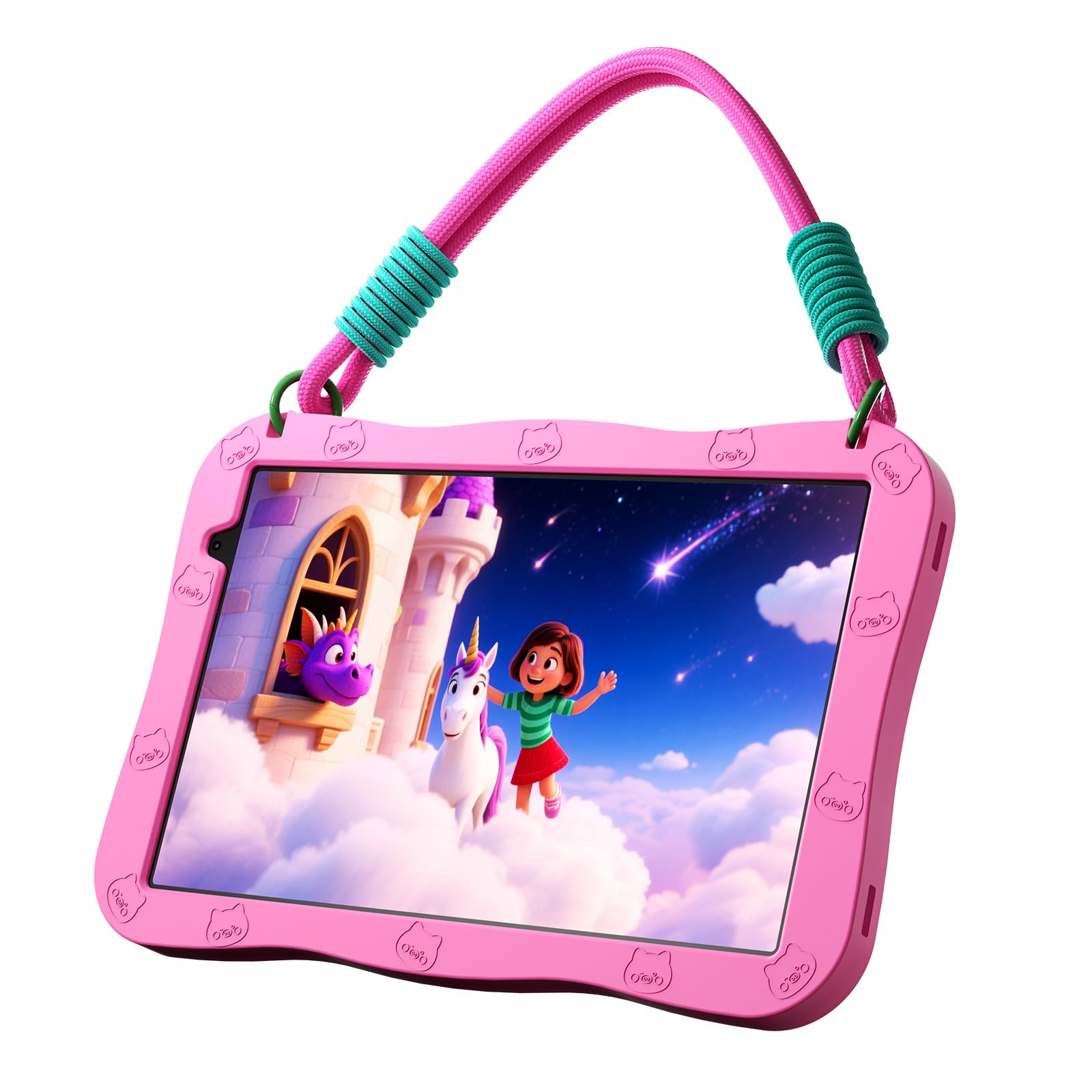
The NEWISION Kids Tablet is the most affordable entry in this list, appealing to families who want a basic, functional device for very young children. It runs Android 15 on a five-core processor, which is a refreshingly modern OS for such a low price. The 10-inch IPS HD display (1280×800) offers a bright, clear picture for the included iWawa educational apps and games.
The package includes a lightweight, shock-absorbent silicone case with a built-in stand and a removable lanyard, making it easy for small hands to carry around. The 6000 mAh battery provides enough power for up to 6 hours of play, which is excellent for its class. The parental control center allows you to manage screen time and filter content directly from your phone.
Where this tablet shows its budget roots is in the build quality. Multiple user reports describe the screen cracking easily even with the included case, and touch functionality failing after minor drops. The 32GB internal storage is also quite tight for modern apps, though you can expand via microSD. It is best suited as a supervised, low-cost trial tablet for a toddler, not a daily driver for an active child.
Why it’s great
- Runs modern Android 15 OS.
- Large 6000 mAh battery.
- Includes case, stand, and lanyard.
Good to know
- Screen durability is a concern.
- Only 32GB of internal storage.
FAQ
Can I use an Android tablet under $100 for video calls?
What does Widevine L1 mean for streaming Netflix or Hulu?
Why do some kids tablets run Android Go instead of full Android?
Final Thoughts: The Verdict
For most users, the best android tablet under $100 winner is the SVITOO 10 Inch Tablet because it delivers an unbeatable combination of the largest 6,600 mAh battery, a modern octa-core processor, Android 16, and Widevine L1 HD streaming certification. If you want a device focused on raw processing power and the latest wireless standards, grab the URAO 10.1″ Tablet. And for a durable, parent-controlled option perfect for children, nothing beats the Gleeso Kids Tablet.