
Our readers keep the lights on and the weekend projects moving. As an Amazon Associate, I earn from qualifying purchases.
Stepping into CNC routing feels like learning a new language. The first machine you choose dictates whether those early weeks are filled with satisfying projects or frustrating troubleshooting. The single most critical, often overlooked, factor is the rigidity of the machine’s frame. A flimsy base introduces vibrations that ruin cuts, create chatter marks on wood, and make precise metalwork nearly impossible. Your first CNC router should be a tool for learning, not a project in itself.
I’m Rikta — the co-founder and writer behind FitlyFast. I’ve spent countless hours analyzing frame designs, spindle power curves, and control board specifications across dozens of desktop CNC models to pinpoint which machines truly serve a newcomer without hiding critical shortcomings.
This guide is built to help you navigate the options and find the right beginner cnc router that matches your specific workspace, material goals, and technical comfort level.
How To Choose The Best Beginner CNC Router
Every beginner CNC router on this list is capable of producing impressive work, but the path from box to finished carve varies wildly. Understanding the core specifications and trade-offs will save you hours of troubleshooting. Here are the three most critical factors to evaluate before you buy.
Frame Rigidity: The Foundation of Accuracy
The frame is everything. An all-aluminum or steel-reinforced frame absorbs vibration from the cutting bit, allowing for cleaner edges and deeper passes without the machine shaking itself apart. Plastic or thin aluminum extrusion frames flex under load, causing the bit to wander and producing visible scalloping on straight edges. For your first machine, prioritize a solid, heavy base. The difference between a frustrating first project and an impressive one is often just a few millimeters of aluminum extrusion.
Spindle Power and Type
Spindle power, measured in watts, determines what materials you can cut and how fast. A 300W spindle is adequate for softwoods, plywood, acrylic, and plastics at shallow depths. A 500W to 800W spindle opens up the ability to cut hardwoods, aluminum, and even some mild steels in multiple light passes. Also consider the spindle type: brushed motors are common on budget machines and are perfectly functional for their price, while brushless or trim-router spindles are quieter, more efficient, and hold speed better under load. If you plan to cut anything harder than pine, aim for a 500W or higher spindle.
Control System and Software Compatibility
Almost all beginner CNC routers use the open-source GRBL firmware, which communicates over USB with software like Candle, Easel, or UGS. This ecosystem is well-documented and supported. Key features to look for include an emergency stop button, limit switches (which prevent the gantry from crashing into the frame), and an offline controller that lets you run jobs without a tethered computer. Avoid machines that require proprietary software or obscure firmware, as community support and troubleshooting guides will be much harder to find when you inevitably hit a snag.
Quick Comparison
On smaller screens, swipe sideways to see the full table.
| Model | Category | Best For | Key Spec | Amazon |
|---|---|---|---|---|
| Twotrees TTC450 Pro | Premium CNC | Large projects & 4-axis upgrade | 460 x 460 x 80 mm work area | Amazon |
| AnoleX 3030-Evo Max | Premium CNC | Metal cutting & WiFi control | 800W trim router spindle | Amazon |
| Genmitsu 4040-PRO | Mid-Range CNC | Stable steel frame & screw drive | Steel HSS frame & lead screws | Amazon |
| FoxAlien Masuter Pro | Mid-Range CNC | Quick assembly & software variety | 400 x 400 x 60 mm work area | Amazon |
| WolfPawn 4040 PRO | Mid-Range CNC | V-wheel stability & full kit | 500W spindle with 52/65mm clamps | Amazon |
| Longer RAY5 10W Laser | Laser Engraver | Laser engraving & cutting | 0.06mm ultra-fine laser spot | Amazon |
| LUNYEE 3018 PRO MAX | Mid-Range CNC | All-metal build & 80mm Z-axis | 500W spindle & 12mm optical axis | Amazon |
| VEVOR S4040 | Mid-Range CNC | Large 15.7″ work area & offline control | 2.4-inch touchscreen offline controller | Amazon |
| Genmitsu 3018-PROVer V2 | Entry-Level CNC | Budget-friendly learning & upgrades | Limit switches & emergency-stop | Amazon |
In‑Depth Reviews
1. Twotrees TTC450 Pro
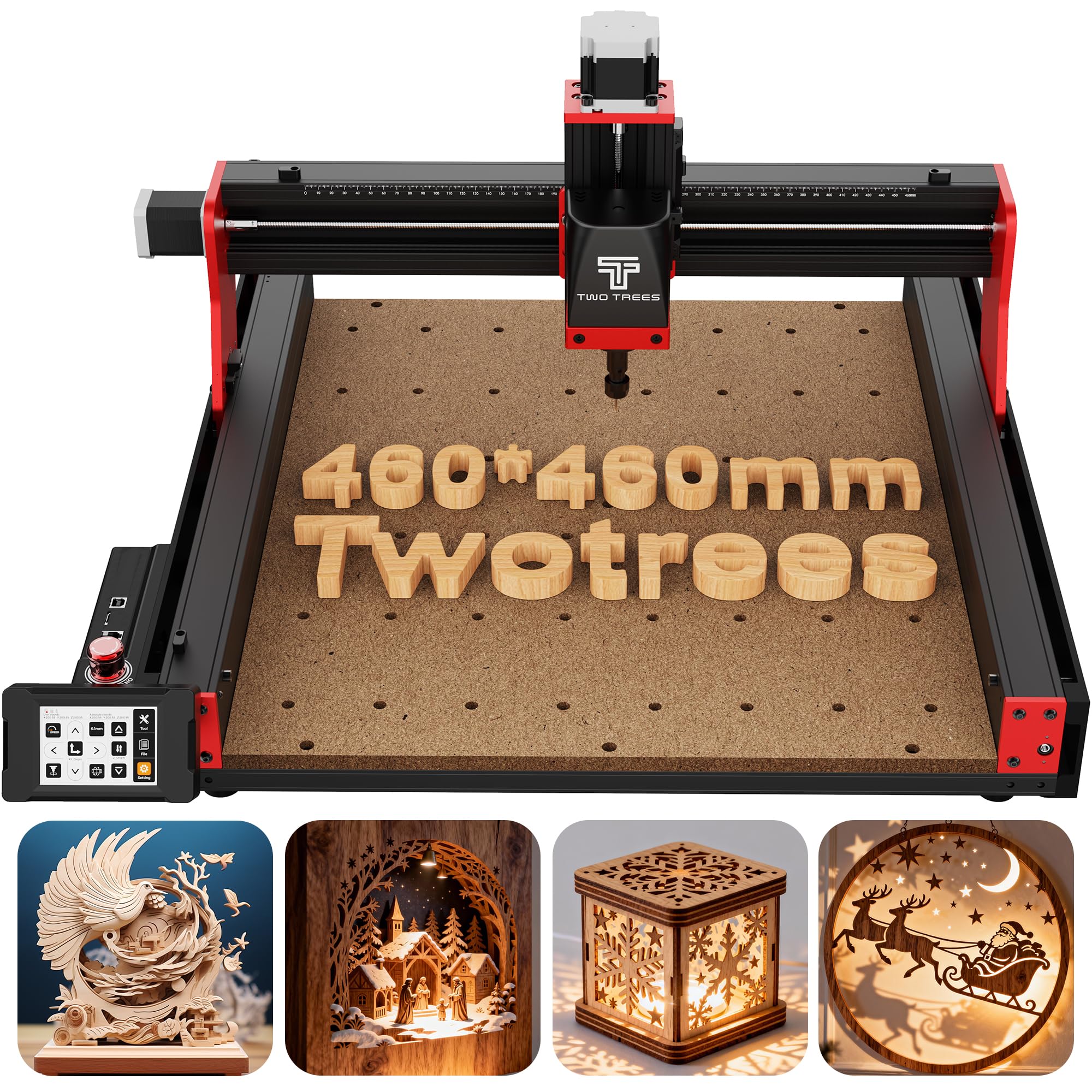
The Twotrees TTC450 Pro is the most complete package for a beginner who wants room to grow without immediate compromises. Its 460 x 460 x 80 mm work area is the largest among the premium options here, making it suitable for signage, guitar bodies, and batch production of smaller parts. The responsive 3.5-inch IPS capacitive touchscreen eliminates the need for a constant computer connection during operation, which is a major quality-of-life improvement over USB-tethered machines.
Build quality is substantial — the aluminum alloy and stainless steel frame minimizes vibration, and the inclusion of a 57 stepping motor on the Z-axis provides positioning accuracy claimed at 0.0025 mm. This level of precision matters for multi-layer engravings where depth consistency defines the final look. The control box integrates ports for a fourth axis and a laser module, allowing you to expand the machine’s capabilities as your skills grow rather than buying a new unit.
The included 775 brushed spindle is functional for wood and acrylic but is the component most users eventually upgrade. The free Easel trial is limited, so budget for a full CAD/CAM software license. Overall, the TTC450 Pro delivers a premium foundation that won’t limit your first year of learning.
Why it’s great
- Large 460mm work area for bigger projects
- Capacitive touchscreen for offline operation
- Integrated 4th axis and laser ports
Good to know
- Brushed spindle is entry-level; upgrade recommended
- Free Easel trial is limited to two weeks
- Supplied bits are all the same size
2. AnoleX 3030-Evo Max
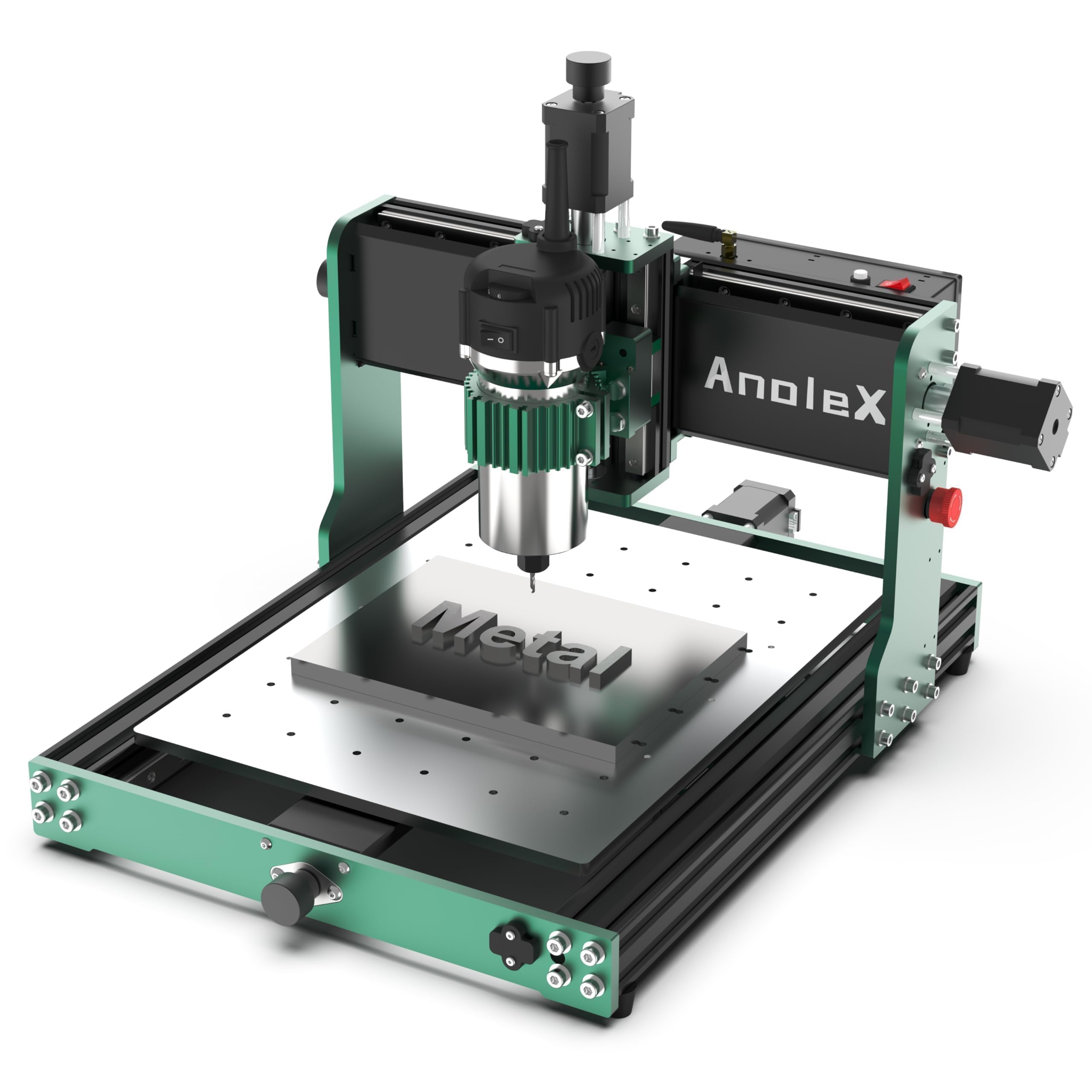
The AnoleX 3030-Evo Max is the machine to choose if you intend to cut non-ferrous metals from day one. Its 800W trim router spindle with six speed settings (8,000 to 24,000 RPM) provides the raw power needed for aluminum, brass, and even light passes on stainless steel — a capability most beginner machines cannot match without modification. The dual MGN-15 linear guides on each axis ensure the rigidity required to maintain accuracy under those heavier loads.
Perhaps its most beginner-friendly feature is the integrated WiFi running GRBL 1.3a on an ESP32 controller. This allows you to send files from a smartphone or tablet without fumbling with USB cables, and the macro buttons can be reprogrammed for homing, pausing, or running G-code from an SD card. The machine supports both 1204 ball screw upgrades and a closed-loop stepper motor upgrade, so your investment scales with your ambition.
Assembly is more involved than some competitors, taking up to two hours for the first build, and the manual is clear but dense. The 300 x 300 mm work area is smaller than the Twotrees or FoxAlien, which limits large signage projects. For a beginner focused on metal prototyping or precision parts, though, the 3030-Evo Max is the most capable foundation you can start with.
Why it’s great
- 800W trim router for serious metal cutting
- WiFi control via smartphone or tablet
- Dual linear guides for high rigidity
Good to know
- Smaller 300mm work area
- Assembly takes 1-2 hours
- Ball screw upgrade recommended for repeatability
3. Genmitsu 4040-PRO
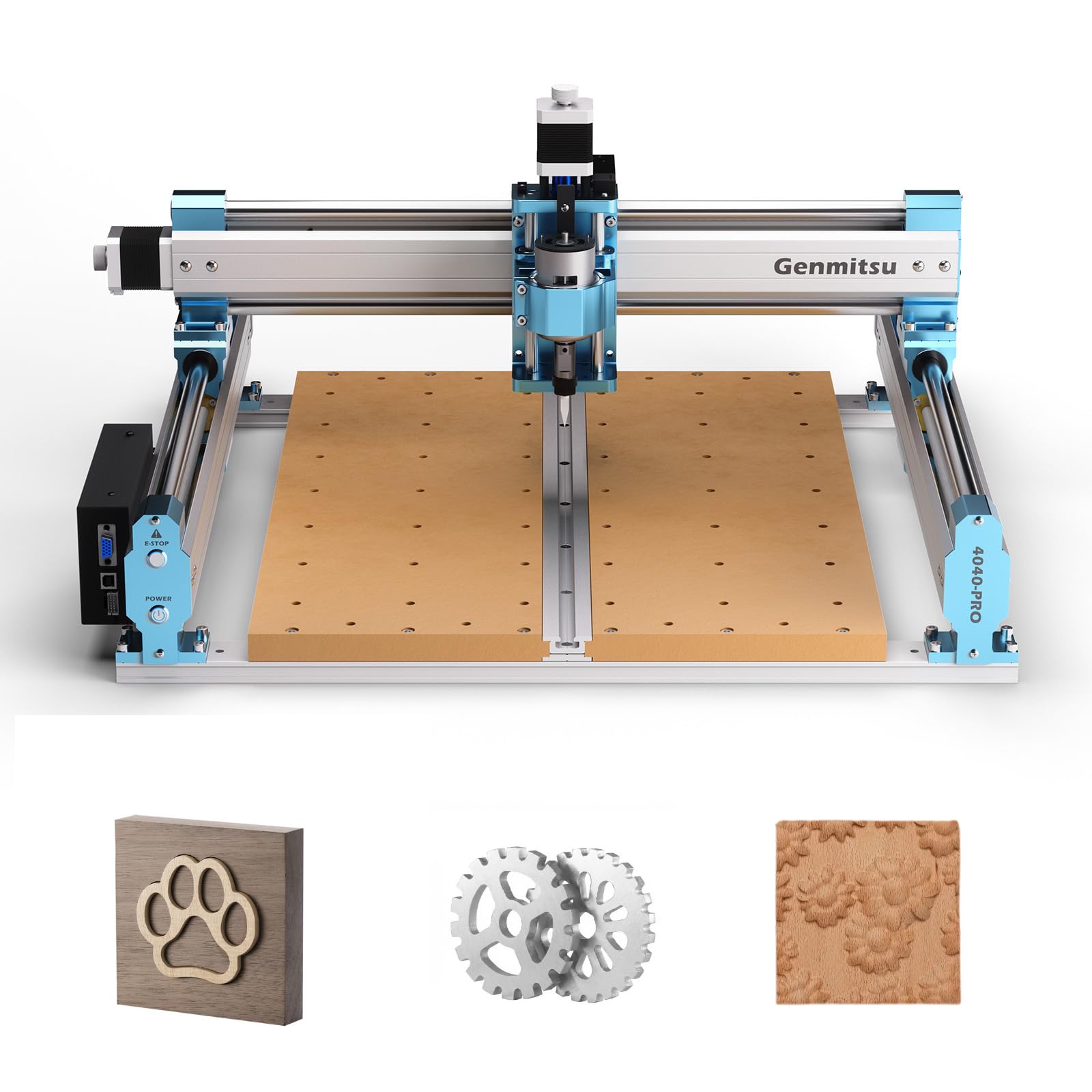
The Genmitsu 4040-PRO stands out for its steel HSS frame and lead screw motion drivers on all axes. In the mid-range category, most machines use belt drives or lower-grade linear rods; the 4040-PRO uses dual 16 mm steel tubes on each axis, which provides significantly better vibration damping and repeatability. This translates directly to cleaner carves on hardwoods and acrylic without ghosting or odd resonances in the cut path.
Assembly is impressively quick — about 15 minutes for the main frame thanks to pre-assembled parts. The dust-proof metal control box houses a Toshiba TB6S109 driver with a 32-bit chip, and the inclusion of emergency stop and home buttons is reassuring for new users. Genmitsu also offers a wide ecosystem of upgrades, including a fourth axis rotary module and WiFi module, giving a clear path forward as skills develop.
The stock spindle is underpowered at roughly 9,000 RPM, which makes heavy cuts in dense materials slow. Many users upgrade to a palm router or a 1.5kW spindle. The software (Candle) is basic but functional, and most users pair this machine with V-Carve Pro for design work. If you want a solid foundation that prioritizes frame integrity over raw power, this is a smart pick.
Why it’s great
- Steel HSS frame for superior rigidity
- Lead screw drive for accurate positioning
- 15-minute assembly with pre-wired parts
Good to know
- Stock spindle is underpowered at 9000 RPM
- Spare parts availability is limited
- Basic Candle software may need upgrades
4. FoxAlien Masuter Pro
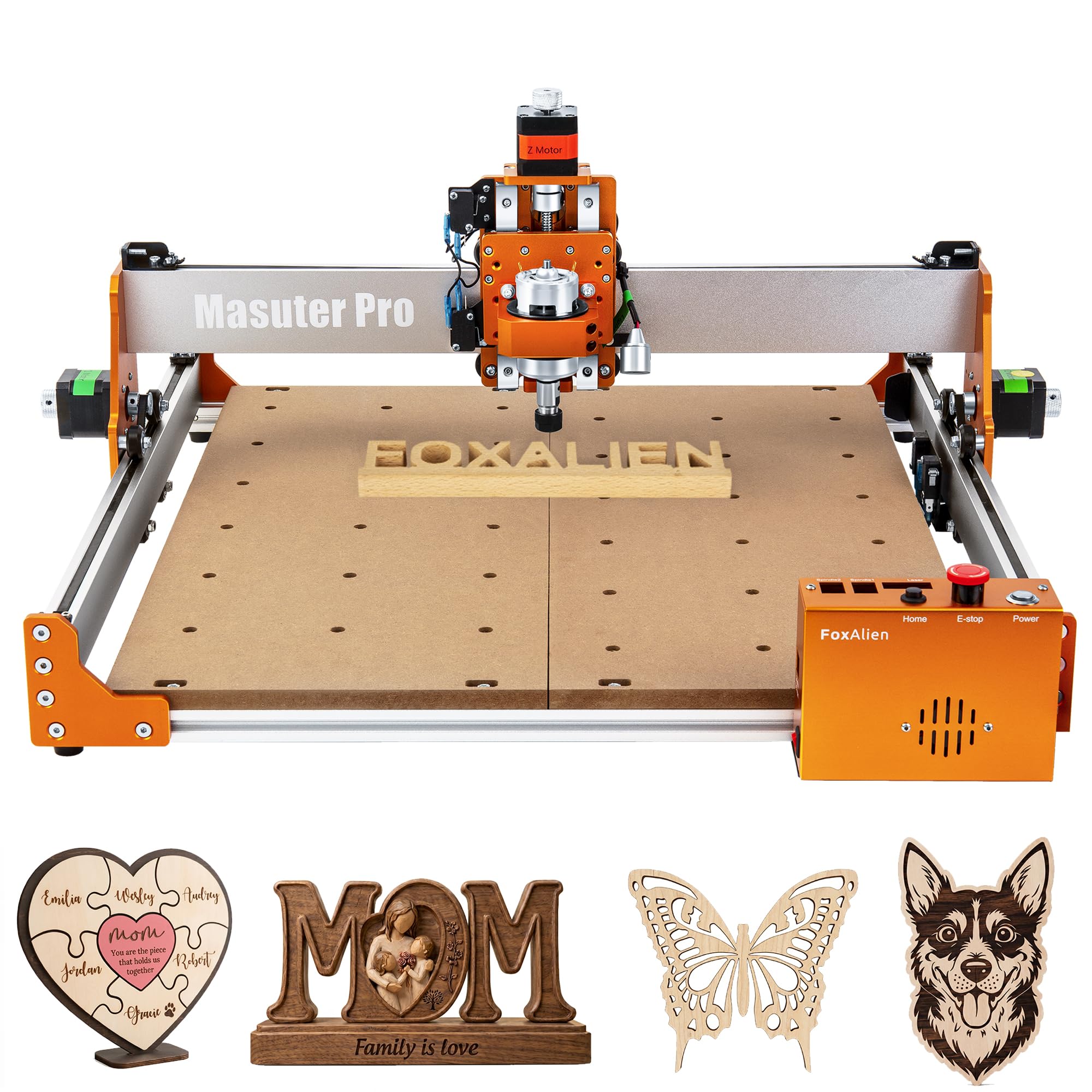
The FoxAlien Masuter Pro is engineered for the hobbyist who wants to unpack and start carving in the same afternoon. Its all-aluminum structure, combined with a linear rail Z-axis, provides excellent stability for its price range. The claim of 10-15 minute assembly is realistic — pre-wired components and a clear manual make it the fastest path to a running machine on this list.
The 400 x 400 x 60 mm work area is generous for a machine at this price, and the inclusion of both 52mm and 65mm spindle clamps means you can upgrade from the stock 300W spindle to a trim router or 1.5kW unit without buying extra hardware. An optional Y-axis extension kit is available if you need to handle longer parts. The dust-proof controller box keeps chips away from sensitive electronics during extended runs.
Some units have had spindle failures or motherboard issues, though FoxAlien’s customer service is widely praised for resolving them. The 300W spindle is adequate for softwoods and acrylic but bogs down on dense hardwoods. For the user who values fast deployment and a growing ecosystem of upgrades, the Masuter Pro is a compelling choice.
Why it’s great
- 10-15 minute assembly out of the box
- Dual spindle clamps for easy upgrades
- Responsive customer support
Good to know
- 300W spindle struggles with hardwoods
- Occasional quality control issues reported
- Software has a learning curve
5. WolfPawn 4040 PRO

The WolfPawn 4040 PRO combines a V-wheel and linear rail structure on X/Y axes with a lead screw on Z, creating a stable platform that resists racking during aggressive cuts. Its 500W spindle provides enough power for soft metals and dense hardwoods, and the inclusion of both 52mm and 65mm spindle clamps means you can swap in a trim router later without modifying the frame.
This machine ships with a remarkably complete kit: clamps, Z-probe, test wood, and all necessary wrenches and cables. Pre-wired parts allow assembly in under an hour, and the 4GB flash drive with installation tutorials is a thoughtful addition. The emergency stop and limit switches are standard, and the Z-probe automates tool setting, which is a significant time-saver for beginners still learning manual methods.
The MDF spoilboard is functional but not durable; several users have mentioned replacing it with aluminum. The stock instructions are adequate but not polished, and the GRBL software (Candle) is functional but dated. For the price, the WolfPawn offers a very capable starting point with enough included accessories to begin carving immediately.
Why it’s great
- Complete accessory kit included
- 500W spindle for dense materials
- Z-probe for automatic tool setting
Good to know
- MDF spoilboard needs upgrading
- No encoder feedback can cause step loss
- Instructions are basic
6. Longer RAY5 10W Laser Engraver
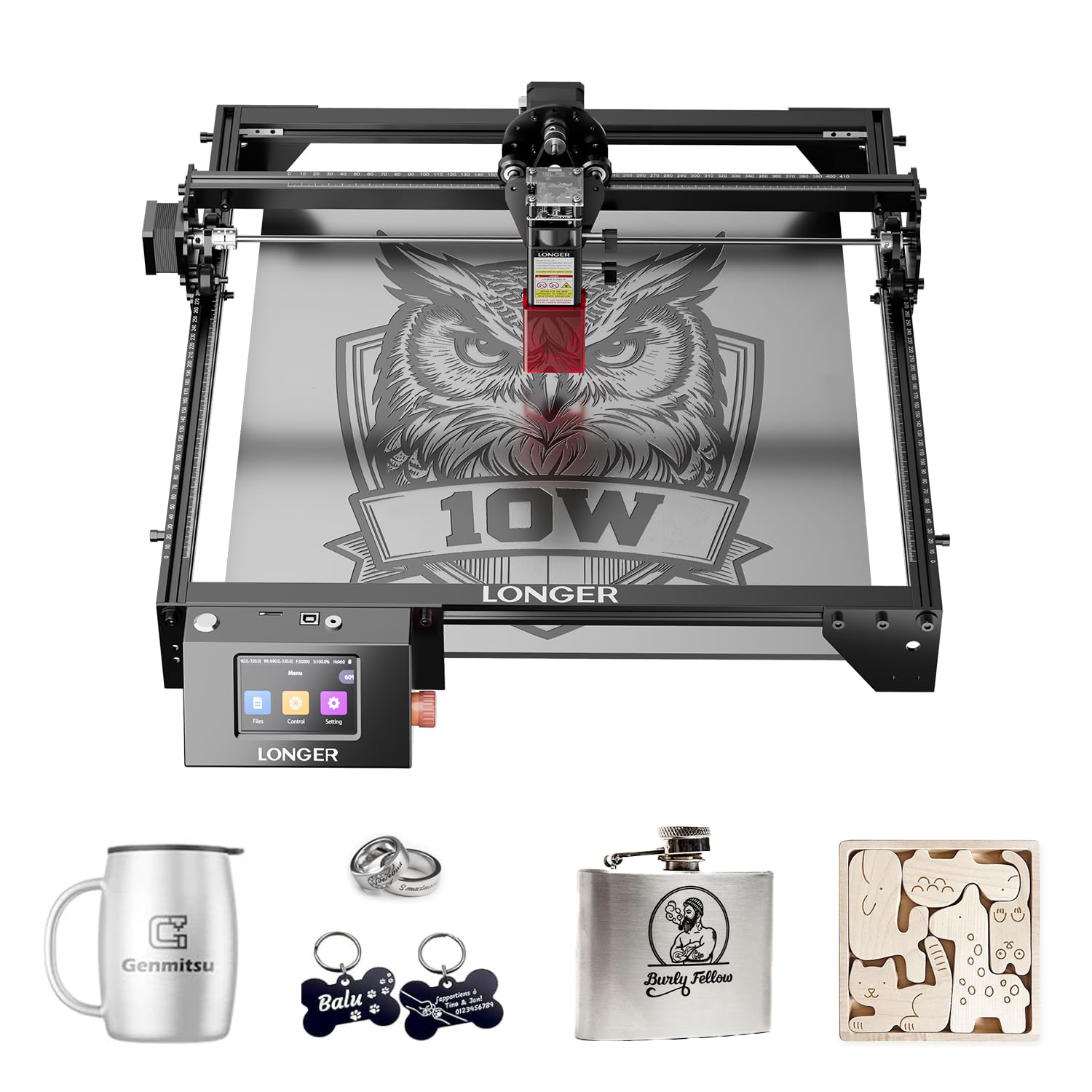
The Longer RAY5 is a 10W diode laser engraver, not a traditional CNC router with a spinning bit. If your primary interest is detailed etching, engraving, and cutting wood up to 20mm thick or acrylic up to 30mm, this machine delivers exceptional results at a very accessible price point. The 0.06mm x 0.06mm laser spot produces crisp, high-resolution marks on wood, leather, acrylic, and coated metals that rival commercial laser services.
The 400 x 400 mm working area is generous for laser work, and the 32-bit core motherboard supports offline operation via app, USB, WiFi, or TF card — freeing you from a constant computer connection. The 3.5-inch touchscreen makes file selection and power adjustments straightforward. Assembly involves several hours for the frame, wiring, and software setup, and many users recommend adding an air assist and honeycomb bed for best results.
This is not a machine for carving 3D shapes or cutting metal. It is a 2D subtractive tool. If your workshop goal is signage, personalized gifts, leatherwork, or thin acrylic signs, the RAY5 is a fantastic entry point that produces beautiful work immediately.
Why it’s great
- Ultra-fine 0.06mm laser spot for detail
- Cuts 20mm wood and 30mm acrylic
- Multiple connectivity options including offline
Good to know
- Not a spinning-bit CNC router
- Mandatory add-ons (air assist, honeycomb)
- LightBurn software costs extra after trial
7. LUNYEE 3018 PRO MAX
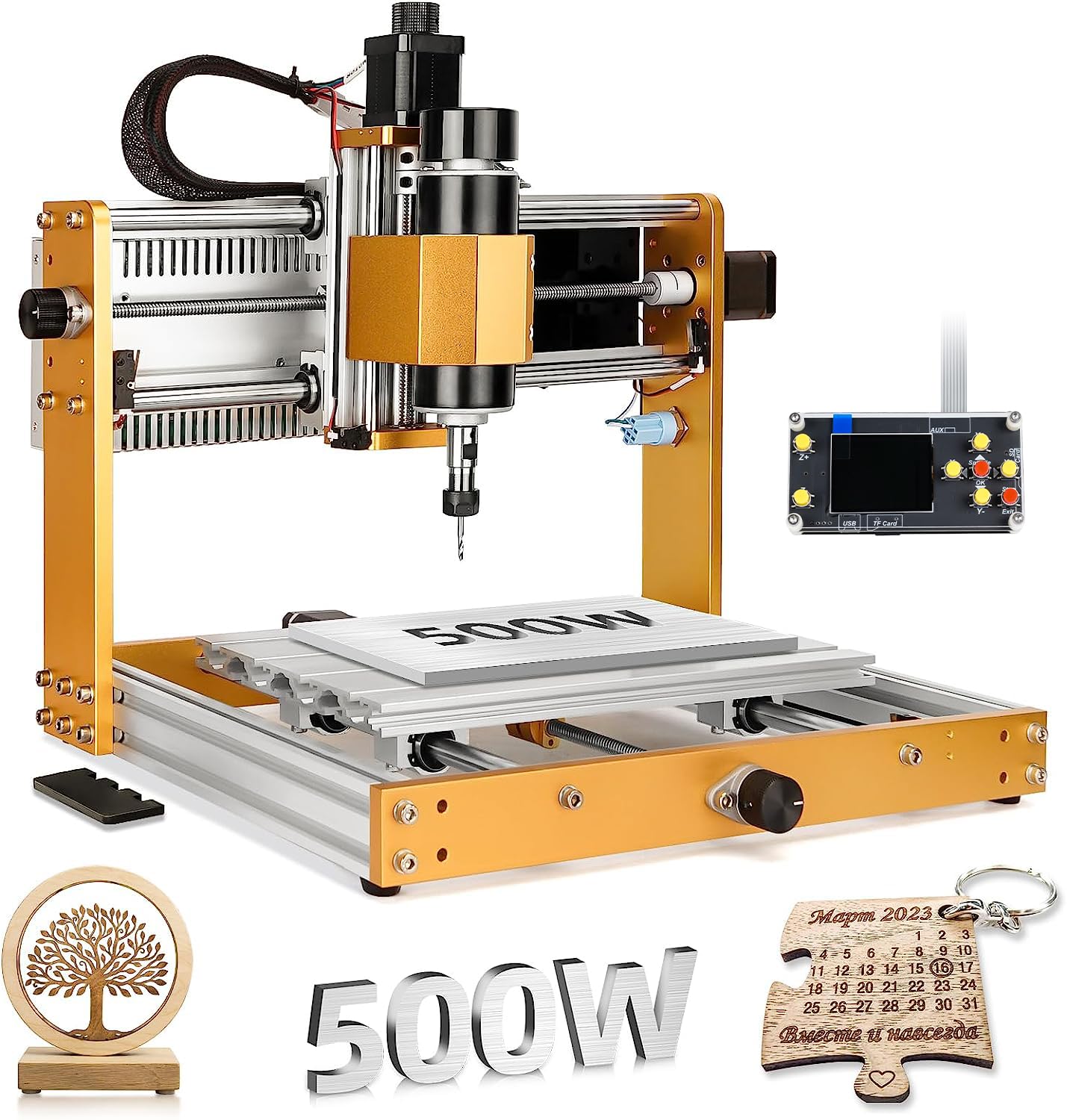
The LUNYEE 3018 PRO MAX differentiates itself with an 80 mm Z-axis stroke, the longest among standard desktop models in its category. This extra vertical clearance enables carving taller 3D reliefs, thicker stock, and complex geometries that would be impossible on a machine with a standard 40 mm Z travel. Combined with a 500W spindle reaching 12,000 RPM, it cuts through hardwoods and thin aluminum sheets without bogging.
All-metal construction with reinforced aluminum profiles and a 12 mm optical axis provides excellent durability. The inclusion of six limit switches and an emergency stop button is a strong safety feature for beginners, and the manual handwheels on each axis allow precise origin setting without power. The two-in-one capability to switch between spindle and carving modes adds flexibility for different material types.
Assembly videos are necessary because the printed manual is sparse. Some units arrive with missing hardware, and the stock laser module (if ordered) is weak. The 300 x 180 mm work area is narrower than the 400mm-class machines, limiting large signage. For the user who needs Z-axis height for deep carves on a budget, the LUNYEE is a solid specialty pick.
Why it’s great
- 80mm Z-axis travel for tall carves
- 500W spindle for dense materials
- All-metal frame with 12mm optical axis
Good to know
- Narrower 300 x 180 mm work area
- Manual is sparse; needs video guide
- Occasional missing hardware
8. VEVOR S4040

The VEVOR S4040 offers a massive 400 x 400 x 75 mm working area at a mid-range price, making it ideal for larger signs, baseboards, and wide panels. The 2.4-inch touchscreen offline controller is a standout feature — it lets you run jobs without a computer tethered, which is a major convenience for a garage or workshop setup. The industrial-grade aluminum alloy frame provides the stability needed to maintain accuracy across that large area.
Over 70% of the parts are pre-assembled, so the machine goes together in about an hour. The 300W spindle is quiet at 12,000 RPM and handles softwoods, plywood, acrylic, and plastics well. The pre-installed wasteboard with threaded inserts makes fixturing easier than drilling your own holes. The emergency stop and limit switches are standard for safe operation.
The manual is poor, and several users report the Y-axis motor cable is routed poorly from the factory, causing snagging. The firmware may have incorrect steps-per-mm values, requiring a multimeter and some GRBL knowledge to correct. This machine rewards a user who is willing to spend a few hours tweaking settings for a very capable, large-format machine at a budget-friendly price.
Why it’s great
- Large 400 x 400 mm work area
- Touchscreen offline controller
- Pre-installed wasteboard with inserts
Good to know
- Poor manual; requires prior CNC knowledge
- Firmware may have incorrect settings
- 300W spindle limited for hardwoods
9. Genmitsu 3018-PROVer V2

The Genmitsu 3018-PROVer V2 is the definitive entry point for learning CNC routing fundamentals. Its 284 x 180 x 40 mm work area is small, but the focus is on providing a complete, safe, and reliable learning platform. The inclusion of limit switches and an emergency stop button — often absent on budget machines — protects both the user and the hardware during the inevitable early mistakes.
Semi-preassembly cuts setup time to about 35 minutes, and the one-piece machined aluminum spoilboard provides a flat, stable surface for fixturing. Compatibility with Carveco, Fusion360, and Easel software means you can choose the design workflow that suits you best. The Toshiba TB6S109 drivers with 32-bit chips are a meaningful upgrade over older 8-bit controllers, providing smoother motion and better torque at low speeds.
The spindle is modest and adequate for softwood, acrylic, and PCB work. Users who want to cut denser materials will need to upgrade the spindle and likely the Z-axis. The instructions show Windows XP/7 screenshots, which feels dated. Some units have had quality control issues with wiring, though Genmitsu’s customer service is consistently praised. For the absolute lowest risk, lowest cost path to learning G-code and CAM workflow, this is the machine.
Why it’s great
- Limit switches and e-stop for safety
- 35-minute semi-preassembled setup
- Excellent customer support reputation
Good to know
- Small work area limits project size
- Underpowered spindle for hardwoods
- Outdated instruction screenshots
FAQ
What is the difference between a CNC router and a laser engraver?
How much assembly experience do I need?
What software do I need to start carving?
Can I cut metal with a beginner CNC router?
Are limit switches necessary?
Final Thoughts: The Verdict
For most users, the beginner cnc router winner is the Twotrees TTC450 Pro because it combines a large work area, an intuitive offline touchscreen, and expansion ports for future upgrades in a rigid all-metal frame. If you want to cut metal immediately and value wireless control, grab the AnoleX 3030-Evo Max. And for the absolute lowest-risk, most beginner-friendly entry point to learning the craft, nothing beats the Genmitsu 3018-PROVer V2.