
Our readers keep the lights on and the weekend projects moving. As an Amazon Associate, I earn from qualifying purchases.
Dropping into a firefight or gliding through an open world on a tight budget means every millisecond counts, and the wrong display can turn a great GPU into a blurry mess. The gap between entry-level panels and premium esports monitors has narrowed dramatically, making it possible to snag a 240Hz or even 280Hz screen without breaking the bank—if you know which specs actually matter.
I’m Rikta — the co-founder and writer behind FitlyFast. I have spent over fifteen years dissecting monitor specifications, panel technologies, and adaptive sync implementations to help gamers separate marketing fluff from genuine performance gains.
After combing through dozens of models side by side, these nine monitors represent the strongest contenders for the best budget 1080p gaming monitor category right now, offering a mix of fast refresh rates, solid color reproduction, and reliable build quality that punches well above their price.
How To Choose The Best Budget 1080p Gaming Monitor
Buying a gaming monitor on a budget means prioritizing the specs that directly impact your gameplay experience without wasting money on features you cannot use. Refresh rate, response time, panel type, and adaptive sync support are the four pillars you need to weigh—every penny spent on a higher number in the wrong column is a penny taken away from the GPU upgrade you might actually need.
Refresh Rate vs. GPU Bottleneck
A 280Hz monitor sounds incredible, but those extra frames are invisible if your graphics card can only push 90 FPS in your favorite title. For esports shooters like Valorant or CS2 a high refresh rate panel makes a tangible difference, while slower-paced RPGs benefit more from a richer panel type. Match the monitor’s top speed to your realistic average frame rate to avoid overspending.
Panel Type: VA vs. IPS
Budget 1080p monitors typically use either Vertical Alignment (VA) or In-Plane Switching (IPS) technology. VA panels offer deeper blacks and higher contrast ratios (around 3000:1 to 4000:1) which makes dark scenes in horror games look punchier, but they can suffer from slower pixel transitions in black-to-black changes. IPS panels provide superior color accuracy and wider viewing angles, though their contrast ratio usually sits around 1000:1, meaning blacks appear more gray in a dark room.
Adaptive Sync and Console Compatibility
AMD FreeSync is nearly universal in this segment, and FreeSync Premium adds a minimum frame rate guarantee and low framerate compensation—useful if you hover below the monitor’s native refresh. If you plan to pair the display with a PlayStation 5 or Xbox Series X, look for HDMI VRR support rather than relying on DisplayPort, which many consoles do not support.
Quick Comparison
On smaller screens, swipe sideways to see the full table.
| Model | Category | Best For | Key Spec | Amazon |
|---|---|---|---|---|
| AOC C27G4ZH | Gaming | Competitive FPS (280Hz) | 0.3ms MPRT, VA, 1500R | Amazon |
| Acer KG251Q | Gaming | High refresh esports | 280Hz, 1ms VRB, FreeSync Premium | Amazon |
| Dell SE2726HG | Gaming | All-round 240Hz gaming | 240Hz, 0.5ms, IPS, FreeSync Premium | Amazon |
| ASUS VG259Q3A | Gaming | Balanced performance & build | 180Hz, 1ms GTG, Fast IPS | Amazon |
| Sceptre C255B-FWT240 | Gaming | Immersive curved gaming | 240Hz, 1ms, 1500R, 24.5″ | Amazon |
| LG 27GS50F-B | Gaming | Entry-level console gaming | 180Hz, 1ms MBR, IPS | Amazon |
| Amazon Basics 27″ | Gaming | Simple VESA mounting setup | 165Hz, 1ms, IPS | Amazon |
| msi MAG 274CF X24 | Gaming | Fastest response (0.5ms) | 240Hz, 0.5ms, Rapid VA | Amazon |
| SANSUI 27″ Curved | Gaming | Color accuracy + curve | 240Hz, 1ms MPRT, VA, 130% sRGB | Amazon |
In‑Depth Reviews
1. AOC C27G4ZH

This 27-inch curved VA panel hits an astonishing 280Hz over DisplayPort and a 0.3ms MPRT response time—figures that were strictly premium territory just a couple of years ago. The 1500R curvature wraps the image around your peripheral vision, and the 3000:1 static contrast ratio delivers deep inky blacks that IPS panels simply cannot match at this price.
The fully adjustable stand (tilt, swivel, and height) is a rarity in the budget segment, saving you the cost of a separate monitor arm. AMD FreeSync Premium keeps tearing at bay, and the HDR readiness adds some headroom for compatible content, though you should not expect true HDR brightness from a 300-nit panel.
At 1080p on a 27-inch screen, pixel density is looser than on a 24-inch model, so text may appear slightly less sharp. For pure gaming speed, immersive contrast, and ergonomic flexibility, this is the most complete package in the roundup right now.
Why it’s great
- Ultra-low 0.3ms MPRT response eliminates visible ghosting in fast shooters.
- Full ergonomic stand with height, swivel, and tilt adjustment included.
- VA panel delivers 3000:1 contrast ratio for deep blacks and strong pop.
Good to know
- 1080p resolution on 27 inches results in lower pixel density than 24-inch alternatives.
- Brightness caps at 300 nits, making HDR content appear dimmer than dedicated HDR monitors.
2. Acer KG251Q Z1biip

The KG251Q squeezes a blistering 280Hz refresh rate into a compact 24.5-inch panel, making it an ideal choice for competitive gamers who prioritize pixel density and raw speed over size. The ZeroFrame design minimizes bezel distraction and works beautifully in a multi-monitor setup where screen borders would otherwise break immersion.
AMD FreeSync Premium is baked in, providing low framerate compensation that smooths out drops below the monitor’s floor—a lifesaver when your GPU struggles during chaotic team fights. The 1ms VRB (Visual Response Boost) reduces motion blur effectively, though enabling it may slightly reduce overall brightness.
The stock stand lacks height adjustment and feels somewhat basic, so you may want to factor in a VESA arm if your desk setup requires precise alignment. Some users reported default color temperature leaning cool, but a quick calibration via the OSD menu brings the panel into a pleasing neutral range for competitive gaming.
Why it’s great
- 280Hz native refresh with FreeSync Premium for tear-free competitive play.
- Compact 24.5-inch size offers tighter pixel density for sharper 1080p images.
- Near-bezel-less design works seamlessly in multi-monitor arrays.
Good to know
- Basic stand lacks height and swivel adjustment out of the box.
- Default color calibration skews cool and may require manual OSD tuning.
3. Dell SE2726HG
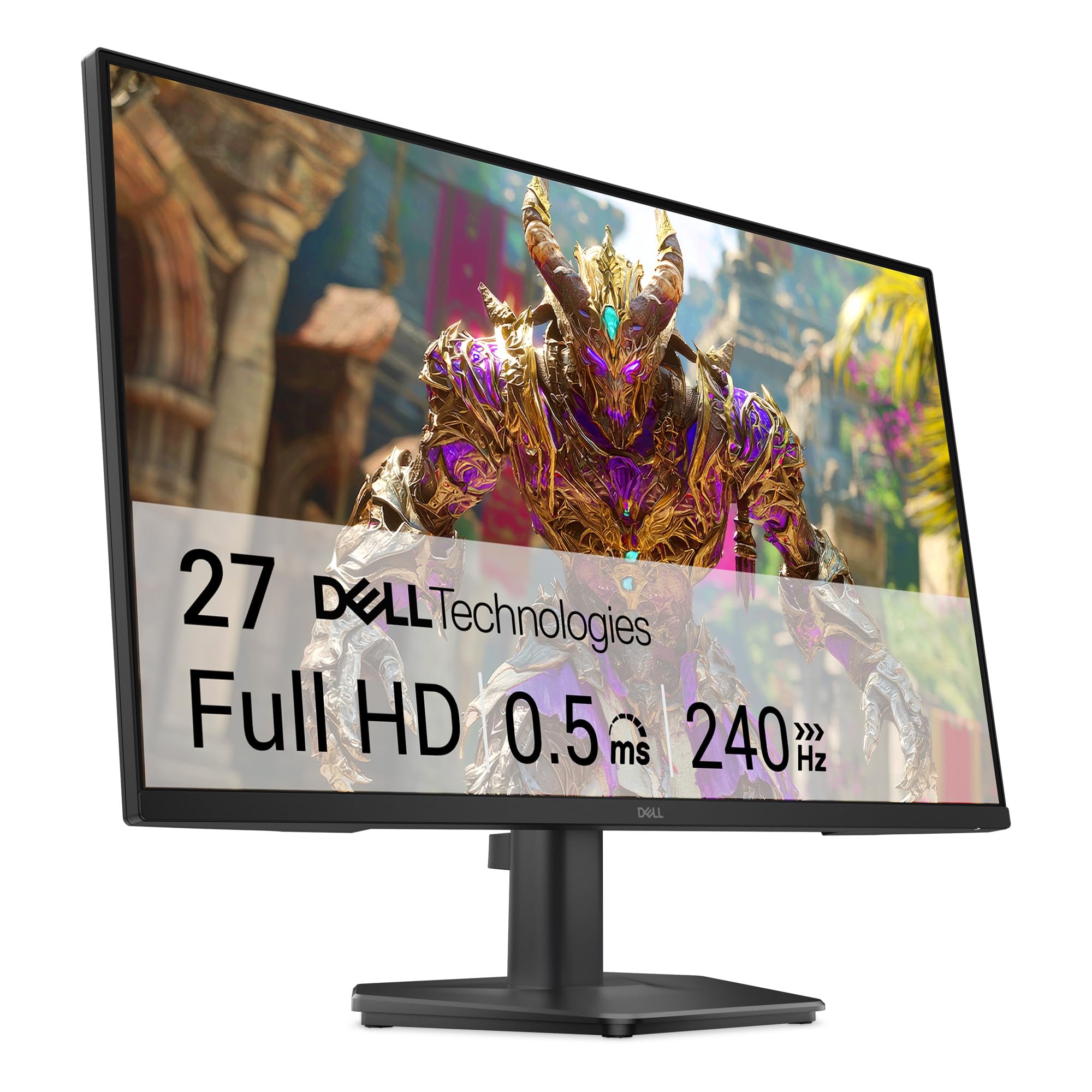
Dell brings its reliability and 99% sRGB color coverage to a fast IPS panel that hits 240Hz with a 0.5ms MPRT response time. The TÜV Rheinland 3-star certification means blue light reduction is handled without washing out colors, making this a comfortable choice for long gaming sessions that stretch into late hours.
FreeSync Premium and HDMI VRR support ensure smooth playback on both PC and modern consoles, and the inclusion of a DisplayPort 1.4 cable in the box means you can hit the full 240Hz immediately without hunting for accessories. The 27-inch size provides ample screen real estate for both gaming and productivity split windows.
The stand is the weak link here—it wobbles noticeably on uneven surfaces and offers only tilt adjustment. You will likely want to invest in a VESA mount or monitor arm to get a stable, ergonomic setup. The lack of built-in speakers is also a minor inconvenience if you rely on monitor audio.
Why it’s great
- Fast IPS panel with 240Hz, 0.5ms MPRT, and 99% sRGB factory coverage.
- TÜV 3-star blue light certification reduces eye strain without orange tint.
- HDMI VRR support makes it console-ready for PlayStation 5 and Xbox Series X.
Good to know
- Stand is flimsy and wobbles; upgrading to a monitor arm is recommended.
- No built-in speakers and audio output requires separate connection.
4. ASUS TUF Gaming VG259Q3A

ASUS packs its 24.5-inch Fast IPS panel with a 180Hz refresh rate and 1ms GTG response time, delivering crisp motion clarity without the overshoot artifacts that sometimes plague budget overdrive implementations. The Extreme Low Motion Blur (ELMB) technology syncs with the refresh rate to further reduce perceived ghosting, giving you a clean image in fast-paced scenes.
Shadow Boost is a genuinely useful feature here—it brightens dark areas of the image without blowing out highlights, helping you spot enemies hiding in shadowy corners. The built-in 1.5W stereo speakers are adequate for casual use, though they lack bass and volume for immersive single-player titles. The sturdy stand offers tilt adjustment and feels more premium than most budget offerings.
One quirk: the built-in speakers continue to play audio even when headphones are plugged into the 3.5mm jack, and there is no software toggle to mute them without an external audio extractor. For headset users, this may be a minor annoyance that requires a separate USB DAC or HDMI audio workaround.
Why it’s great
- ELMB technology reduces motion blur with minimal brightness penalty.
- Shadow Boost improves visibility in dark game environments without washing out highlights.
- Sturdy build quality and adjustable stand feel above the price bracket.
Good to know
- Internal speakers cannot be muted when headphones are plugged in without a workaround.
- 180Hz is slightly lower than competing 240Hz+ models at similar prices.
5. Sceptre C255B-FWT240

The Sceptre C255B-FWT240 wraps a 24.5-inch 1500R curved VA panel around your field of view, offering 240Hz refresh and a 1ms response time that rivals much pricier displays. The 99% sRGB color gamut and 1,000,000:1 dynamic contrast ratio make games like Ori and the Will of the Wisps look vibrant and punchy straight out of the box.
Built-in speakers are a practical bonus for desk setups where external audio is not an option—they produce robust sound with enough volume for casual gaming and video streaming. The Blue Light Shift feature reduces eye strain during late-night sessions, and the metal stand provides a stable base that does not wobble during frantic mouse movements.
Some users noted the colors lean slightly cool and require calibration for color-critical work, and the on-screen display menus feel less polished than competitors like ASUS or Dell. For the price, the combination of 240Hz, a curved VA panel, and integrated speakers is hard to beat.
Why it’s great
- 1500R curvature creates an immersive wrap-around feel for single-player games.
- Built-in speakers deliver usable audio without requiring external hardware.
- 240Hz and 1ms response time at a very aggressive entry-level price point.
Good to know
- Color calibration leans cool and benefits from manual OSD adjustments.
- OSD menu interface is less intuitive and feels dated compared to major brands.
6. LG 27GS50F-B
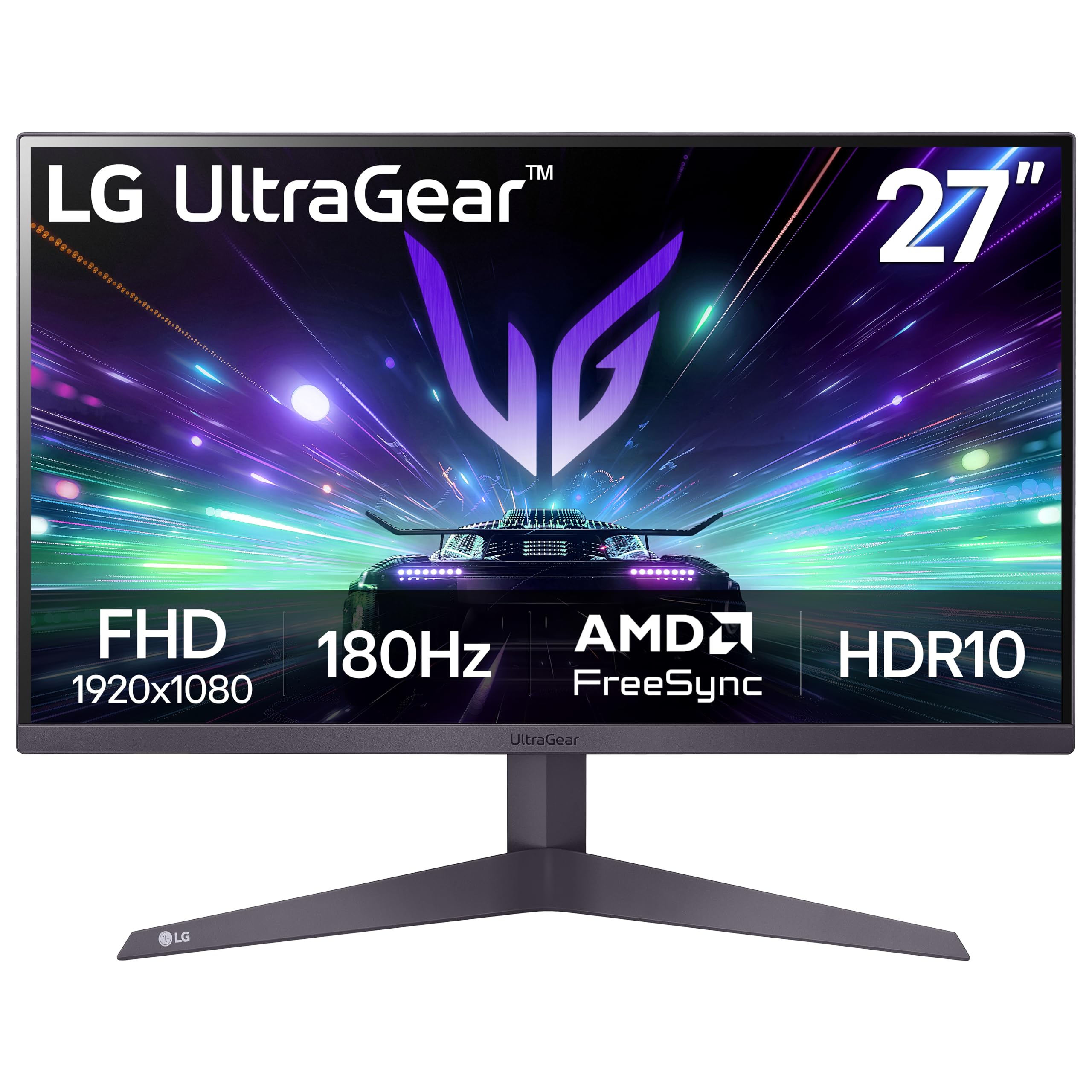
LG’s UltraGear 27GS50F-B brings a reliable 27-inch IPS panel with a 180Hz refresh rate and 1ms MBR response time to the budget arena, targeting gamers who value color accuracy and wide viewing angles over raw speed. The 72% NTSC color gamut is modest but sufficient for most titles, and the three-side virtually borderless design keeps the focus squarely on the action.
Dynamic Action Sync reduces input lag by syncing the display timing with the GPU output, giving you a responsiveness advantage in split-second duels. The Black Stabilizer lifts shadow detail without over-exposing bright areas, and the gamer-centric OSD includes FPS counter and crosshair overlays that are genuinely useful in competitive shooters.
The stand is limited to tilt-only adjustment, and the brightness peaks at 250 nits, which makes HDR content feel underwhelming. For console gamers playing at 120Hz on PlayStation 5 or Xbox Series X, this monitor hits a sweet spot of size, speed, and color performance that justifies its mid-range placement.
Why it’s great
- Dynamic Action Sync reduces input lag for faster response in competitive play.
- Three-side borderless design maximizes screen space in multi-monitor setups.
- Built-in crosshair and FPS counter tools for esports convenience.
Good to know
- Brightness peaks at 250 nits, limiting HDR effectiveness.
- Stand offers tilt only; no height or swivel adjustment included.
7. Amazon Basics 27″ Gaming Monitor
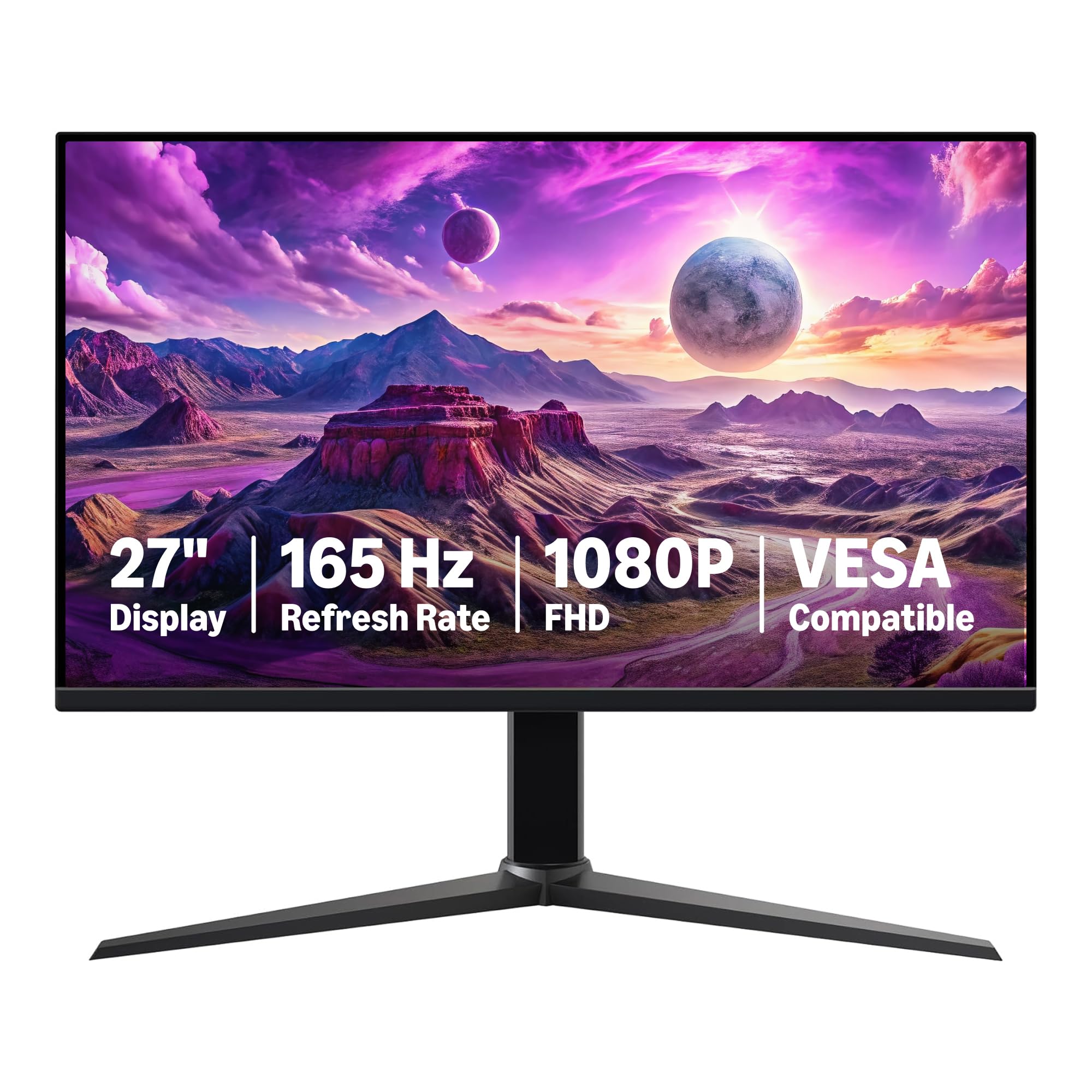
Amazon Basics strips away all the flashy aesthetics and delivers a straightforward 27-inch IPS monitor with a 165Hz refresh rate and 1ms response time that just works. The picture is crystal clear for 1080p content, and the adaptive sync support keeps tearing at bay without requiring a specific GPU brand—a genuinely plug-and-play experience.
VESA compatibility is built in, and the monitor weighs under ten pounds, making it easy to mount on a gas spring arm for a clean floating setup. The 1000:1 contrast ratio is typical for IPS, so blacks are decent but not deep, and the built-in speakers are weak—functional for system sounds but not for gaming immersion.
The lack of USB-C connectivity and a barebones stand with only tilt adjustment reflect the cost-cutting necessary to reach this price. For new gamers building their first rig or seasoned players needing a secondary display for browsing and monitoring, this is a reliable workhorse that prioritizes function over flair.
Why it’s great
- Reliable IPS panel delivers clear, consistent 1080p image quality.
- Lightweight design and VESA compatibility make mounting simple.
- Adaptive sync works across a wide range of AMD and NVIDIA GPUs without issue.
Good to know
- Built-in speakers are weak and not suitable for immersive gaming audio.
- Stand is basic with tilt-only adjustment; no height or swivel support.
8. msi MAG 274CF X24
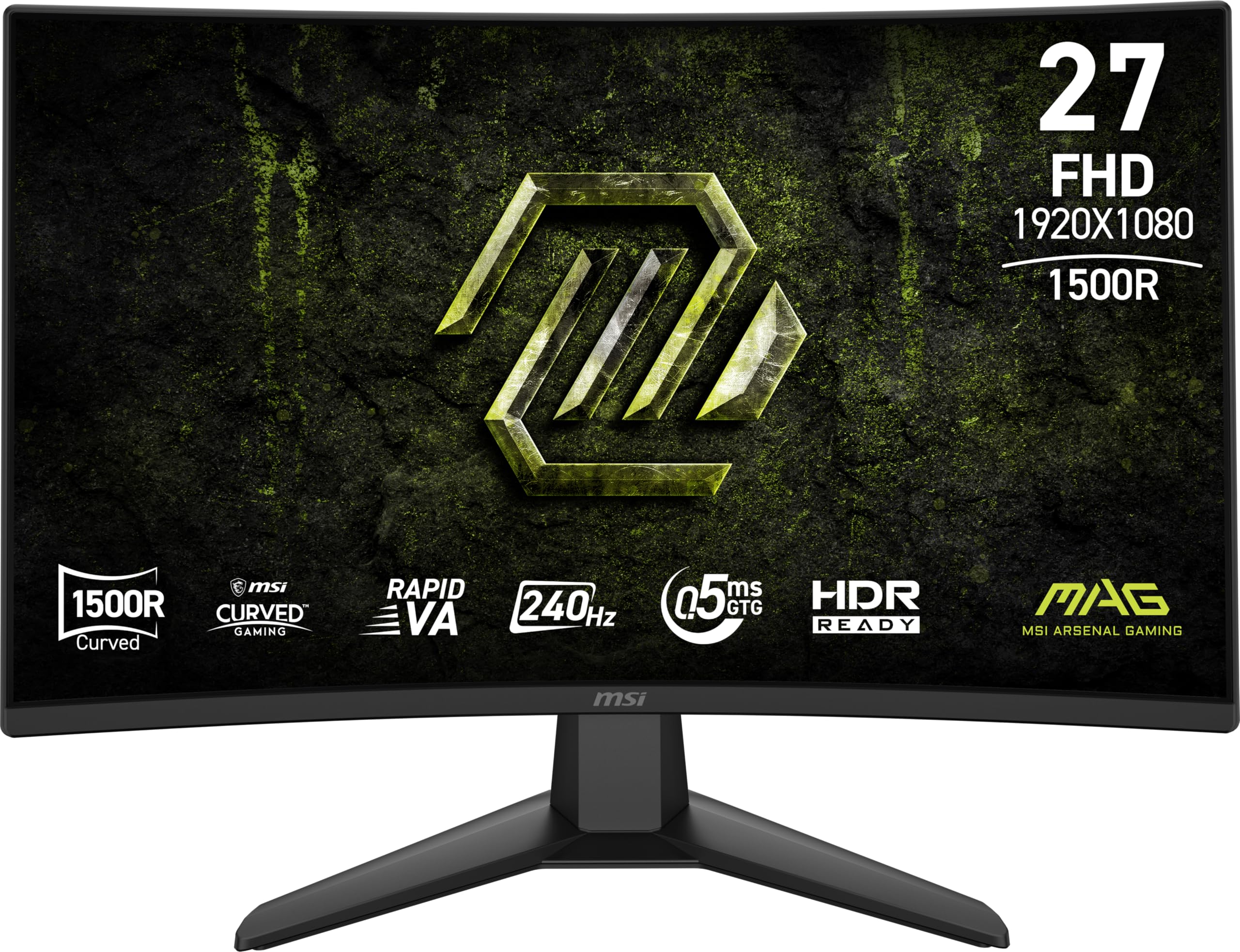
MSI’s Rapid VA panel in the MAG 274CF X24 delivers a 240Hz refresh rate with a 0.5ms GtG minimum response time, which is among the fastest in the budget 1080p segment. The 4000:1 static contrast ratio gives dark scenes genuine depth, and the 130% sRGB color gamut overshoots the standard sRGB space, producing richer, more saturated visuals that pop in vibrant titles.
AI Vision technology dynamically adjusts brightness and color saturation in dark areas, making enemies visible in shadowy corners without the washed-out look of a simple gamma boost. The less-blue-light software solution reduces eye strain by cutting the blue-violet portion of the spectrum while keeping the overall image relatively neutral.
The inclusion of a VGA port alongside HDMI and DisplayPort is unusual in 2025 and may appeal to users connecting legacy hardware, but the missing height adjustment on the stand may require an aftermarket mount. The aggressive gamer aesthetic with red accents is not for everyone, but the performance under the hood is genuinely impressive for the price tier.
Why it’s great
- Rapid VA panel offers 0.5ms response time with deep 4000:1 contrast.
- 130% sRGB gamut provides vivid, oversaturated colors ideal for colorful games.
- AI Vision technology enhances shadow detail without washing out highlights.
Good to know
- Stand lacks height adjustment; a VESA mount is recommended for ergonomic setups.
- Gamer-centric design with red accents may clash with minimalist desk aesthetics.
9. SANSUI 27″ Curved 240Hz
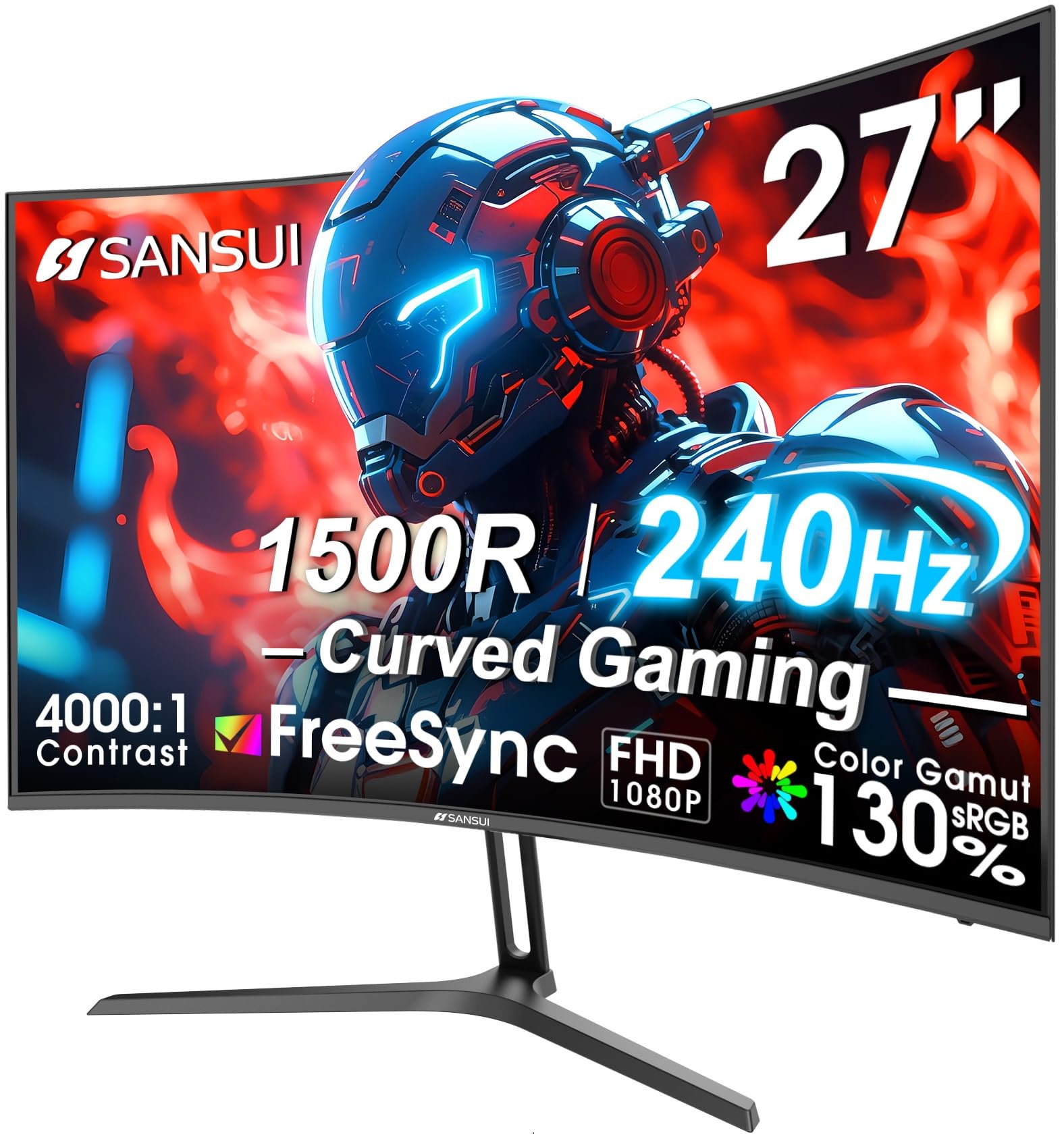
SANSUI targets the color-conscious gamer with a 27-inch 1500R curved VA panel that covers 130% sRGB and 95% DCI-P3—an unusually wide gamut for a budget monitor. The 240Hz refresh rate and 1ms MPRT response time keep motion smooth, while the 4000:1 contrast ratio ensures that dark scenes in games like Diablo IV retain their moody atmosphere without crushing shadow detail.
The metal stand provides a sturdy foundation with tilt adjustment, and the anti-glare coating reduces reflections in brightly lit rooms. The package includes a DisplayPort cable, so you can hit 240Hz immediately, and the on-screen crosshair overlay is a useful addition for competitive shooters that lack native reticle options.
The power adapter is a large external brick that may complicate cable management, and the monitor lacks built-in speakers, so you will need to budget for a separate audio solution. For gamers who prioritize rich color saturation and curved immersion at a high refresh rate, SANSUI delivers a visually striking experience that punches above its mid-range price.
Why it’s great
- Wide 130% sRGB and 95% DCI-P3 gamut produces punchy, vibrant color.
- Curved 1500R VA panel with 4000:1 contrast for immersive dark scenes.
- Metal stand feels solid and includes tilt adjustment for ergonomic positioning.
Good to know
- Large external power brick can complicate clean cable management.
- No built-in speakers; external audio is required for game sound.
FAQ
Is 27 inches too big for 1080p gaming?
Does HDMI 2.0 support 240Hz at 1080p?
Why do my colors look washed out after calibration?
Can I use G-Sync with a FreeSync monitor?
Final Thoughts: The Verdict
For most users, the best budget 1080p gaming monitor winner is the AOC C27G4ZH because it combines a 280Hz refresh rate, a deep-contrast curved VA panel, and a fully adjustable stand that eliminates the need for an aftermarket mount. If you want the tightest pixel density and raw speed for competitive esports, grab the Acer KG251Q. And for a balanced blend of built-in speakers, curved immersion, and 240Hz performance at a lower entry point, nothing beats the Sceptre C255B-FWT240.