
Our readers keep the lights on and the weekend projects moving. As an Amazon Associate, I earn from qualifying purchases.
Specs are compiled from manufacturer listings and verified buyer reviews and can change over time — please confirm the key details on the product page before buying.
You no longer have to accept a dull picture, a clunky interface, or a toy-like remote just because you are shopping on a budget for a 43-inch TV. Budget 43-inch TVs now deliver sharp 1080p or 4K images and responsive smart platforms without flagship pricing. Your choice depends on matching the panel resolution and smart platform to your viewing habits and setup preferences.
I’m Rikta — the founder and writer behind FitlyFast. This guide is built by comparing the manufacturers’ published specifications and the patterns across verified customer reviews, so you get each pick’s real strengths and trade-offs instead of marketing spin.
Focus on resolution, smart platform ease, and HDMI port count when comparing budget 43-inch models. This budget 43 inch tv guide ranks the models that deliver the clearest pictures and smoothest streaming for the money.
Our Picks at a Glance

How To Choose The Best Budget 43 Inch TV
At this size and price, the differentiator is the smart platform and panel technology, not the exterior design. Match the TV to your most-used streaming apps and content type to avoid platform frustration.
Resolution: 1080p vs 4K Reality Check
A 1080p panel (1920 x 1080 pixels) is perfectly sharp for most cable and standard streaming, and it keeps the price down. If you watch a lot of 4K content from Netflix, Prime Video, or YouTube, a 4K screen shows noticeably finer detail, especially in nature documentaries and big action scenes. On a 43-inch screen viewed from a normal couch distance, the difference is real but not dramatic.
Smart Platform: Your Daily Driver
The smart interface is what you touch every single time you turn the TV on. Roku is famous for its dead-simple menus and huge app catalog, while Google TV and Fire TV offer voice search and personalized rows. Samsung and LG have their own polished systems. A responsive smart platform matters more than raw specs, since a laggy menu undermines daily use.
Quick Comparison
| Model | Best For | Resolution | Panel / HDR | Refresh Rate | Amazon |
|---|---|---|---|---|---|
| Westinghouse Roku 43″ 1080p★ Best Overall | Simple streaming on a budget | 1080p | LED | 60Hz | Amazon |
| Samsung U8000H 43″ 4KBest Value | Family room 4K value | 4K UHD | Crystal LED / 4K Upscaling | 60Hz | Amazon |
| Westinghouse Roku 43″ QLEDColor Champ | Vivid colors with Roku ease | 4K UHD | QLED / HDR10+ & Dolby Vision | 60Hz | Amazon |
| Hisense S5 DécoTV 43″ | Bedrooms wanting style | 4K UHD | Hi-QLED / Dolby Vision | 60Hz | Amazon |
| TCL QLED 43P7K 43″ | Gamers on a budget | 4K UHD | QLED / HDR10 | 120Hz | Amazon |
| Samsung M70H 43″ Mini LED | Deep blacks in bright rooms | 4K UHD | Mini LED / HDR | 60Hz | Amazon |
| VIZIO V-Series 43″ | Free channels & gaming | 4K UHD | LED / Dolby Vision HDR | 60Hz | Amazon |
| LG UA77 43″ 4K | Upscaling & gaming features | 4K UHD | LED / HDR10 Pro | 60Hz | Amazon |
| Sony BRAVIA 2 II 43″ | PS5 owners and movie purists | 4K UHD | LED / HDR / Triluminos Pro | 60Hz | Amazon |
In‑Depth Reviews
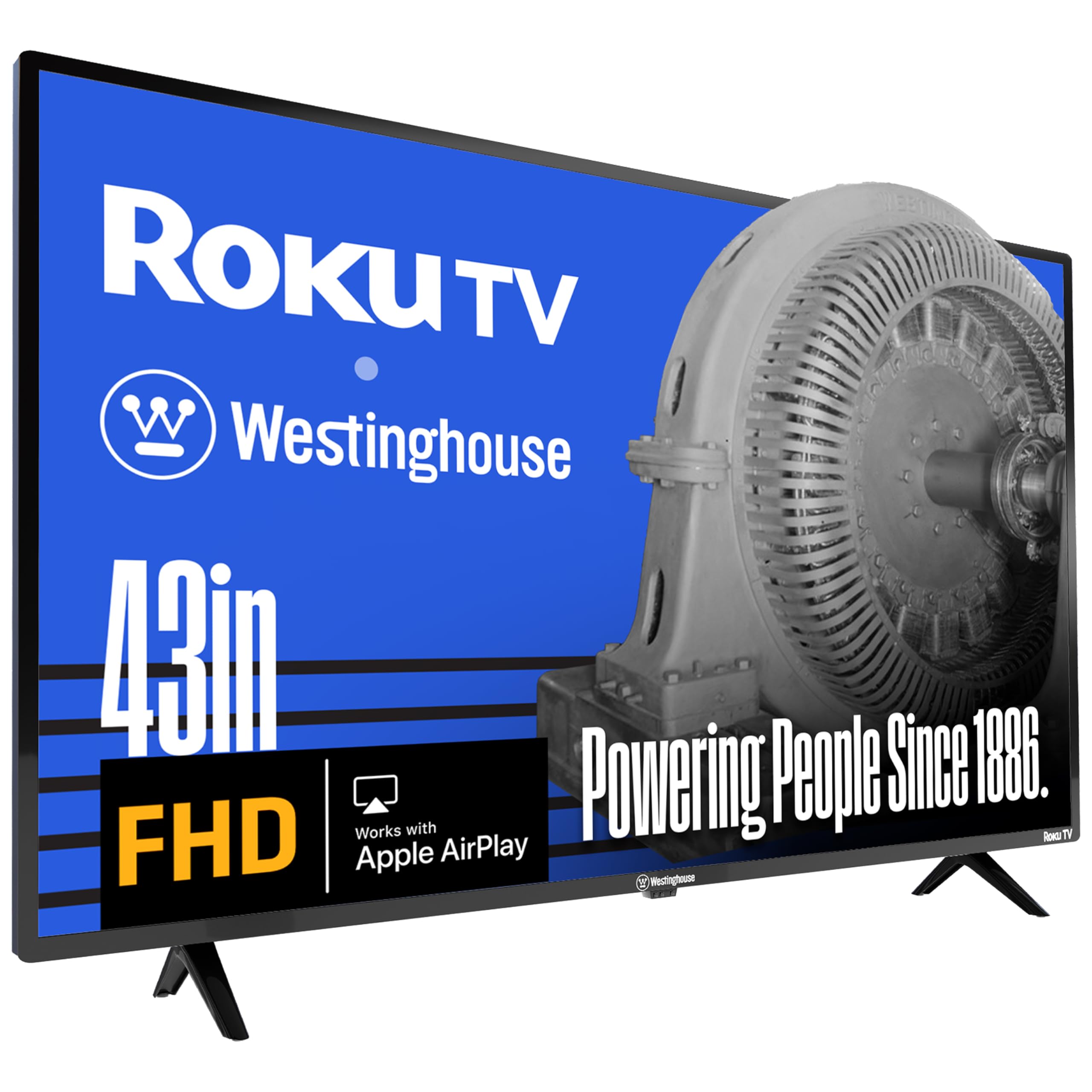
1. Westinghouse Roku TV 43″ 1080p
The simplest smart TV setup at a budget-friendly price.
Its Roku platform delivers instant, low-maintenance streaming right from the start. The Roku platform is the simplest smart system to navigate, and it gives you access to 350+ free live TV channels and thousands of apps, so you can start streaming without a cable box.
At 1080p, the picture holds up beautifully for a smaller room; the full high definition resolution (1920 x 1080) packs over 2 million pixels, which buyers report looks great for a kids’ room or office setup. It also plays nice with your smart home — you can control it with Alexa, Google Assistant, or Siri, and cast from your phone via Apple AirPlay2.
The catch is sound. Audio quality gets mixed feedback, with some owners saying it is good and others calling it the worst they have heard, so a budget soundbar may be your first add-on. The three HDMI inputs also keep your cable box, game console, and streaming stick all plugged in at once.
Why owners stay happy
- Installs in minutes with no fuss
- Full 1080p detail for the money
- Smart home voice control included
The honest trade-offs
- Sound quality divides opinion
- Not 4K, so no ultra-sharp streaming
Grab it if: you want the least frustrating smart TV experience and do not need 4K.
Think twice if: you are a sound snob — plan for an external speaker.
2. Samsung U8000H 43″ 4K Crystal UHD
A 4K picture that punches far above its price point, with a genuinely smart brain.
The Samsung brings breathtaking 4K clarity to the budget aisle, and owners consistently rave about the picture — the aspect receiving the most praise by a wide margin. The Crystal Processor 4K sharpens details and boosts colors, and the 4K upscaling makes even older, lower-quality shows look crisper than they have any right to.
Around the back, the input situation is tight: owners mention the minimal HDMI and USB ports, and the placement of two ports makes cords protrude toward the wall. If you plan to hook up a soundbar and a console, count your connections carefully before you commit. The built-in speakers handle volume “adequate at 15,” as one owner put it.
On the software side, Samsung TV Plus hands you 2,700+ free streaming options including 750+ subscription-free channels, and the Motion Xcelerator keeps fast sports and games smooth at up to 4K 60Hz. The remote feels a bit plasticky, but it works simply and reliably.
The strengths
- Stunning 4K picture quality in this class
- 2,700+ free streaming options built in
- Clears up low-res content nicely
What to watch
- Only a few HDMI and USB ports
- Port placement can cramp wall setups
Best suited to: anyone upgrading from an old 1080p set who wants a visible 4K jump.
Look elsewhere if: you need to plug in many devices at once.
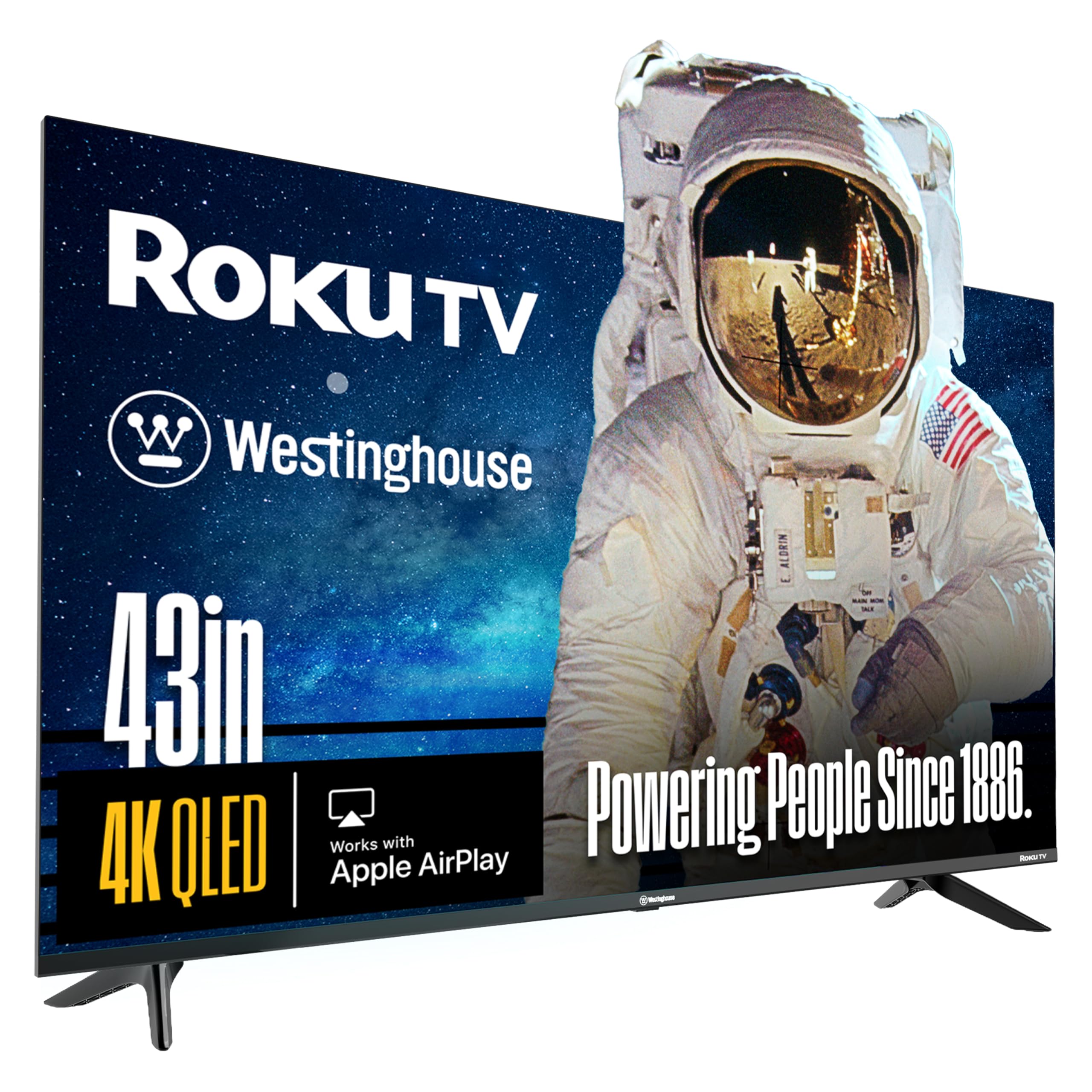
3. Westinghouse Roku 43″ 4K QLED
Vivid quantum-dot color and Roku simplicity, bundled with a voice remote.
This panel uses quantum-dot technology (tiny particles that create brighter, more accurate colors) for a wider color range than a standard LED, and it supports both Dolby Vision and HDR10+ for better contrast in movies. Owners who stepped up from a 1080p set say the difference is immediately clear, and value for money is the most-praised aspect.
The Roku Voice Remote has a push-to-talk button for hands-free searching, and the bezel-less design pushes the picture to the edges for a more rich look. You get four HDMI connections here — a welcome step up from the Samsung above — plus access to Netflix, Disney+, and all the usual suspects through the Roku storefront.
Be honest about expectations: picture quality gets mixed notes, with a few owners finding QLED colors dull and washed out instead of vibrant. It is a value play, not a flagship panel, so treat vivid marketing claims with a little skepticism. For a mom in a senior living apartment or a first 4K in a spare room, it delivers exactly what the price promises.
Vivid on a budget: Quantum-dot color and Dolby Vision for less than most 4K sets.
Expectation check: A couple of owners wanted more punch — calibrate the picture settings for your room.
4. Hisense S5 DécoTV 43″ Hi-QLED
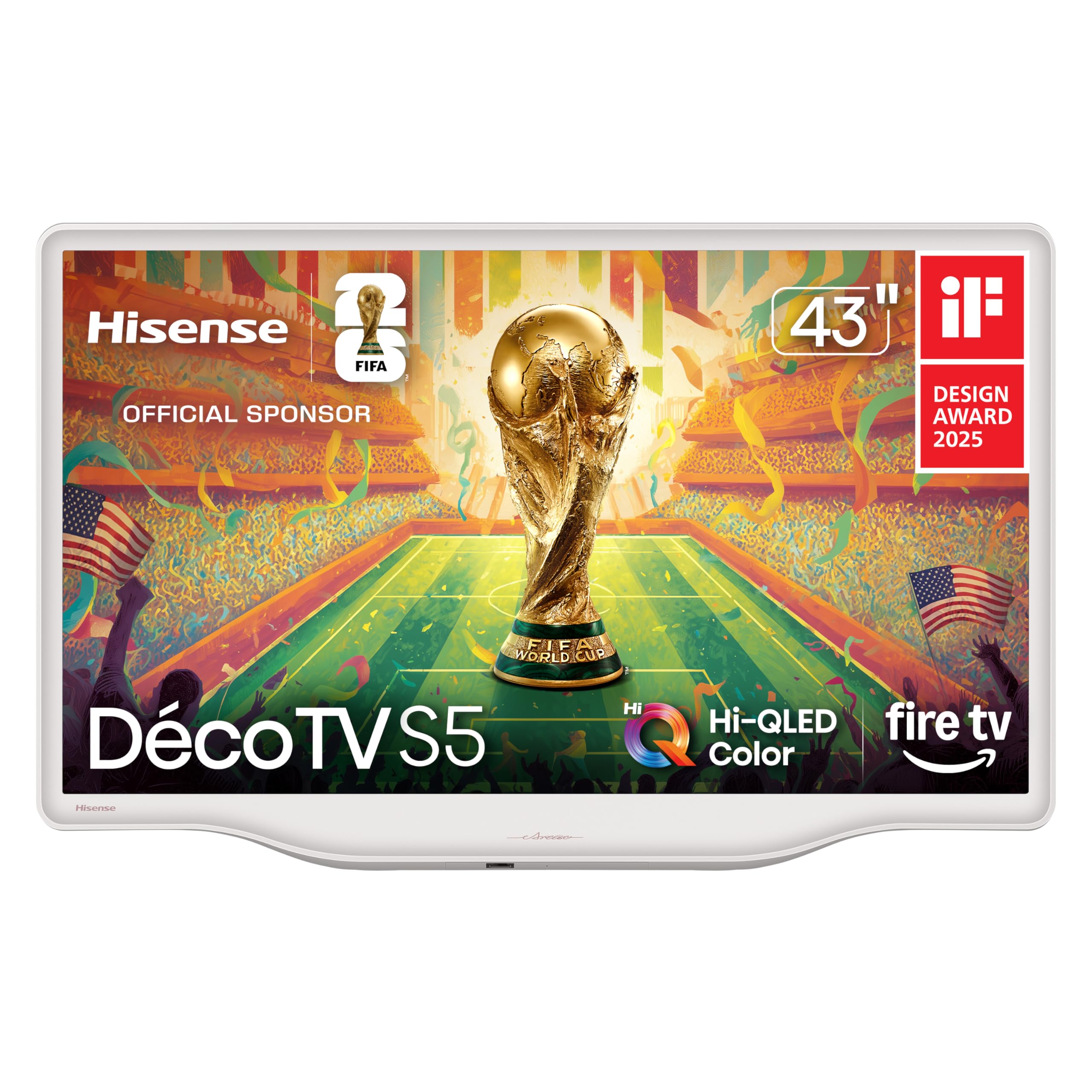
The rare TV that looks as good turned off as it does on, in a soft white shell.
This is the set for the bedroom or dining nook where a big black rectangle would kill the vibe. The Morandi white finish with smooth, flowing curves turns the TV into a piece of décor, and owners praise the design as often as they praise the picture. On the screen side, Hi-QLED Color delivers rich, true-to-life shades, and the AI 4K upscaler sharpens older content.
Sound is a genuine highlight here — the built-in speakers get called “surprisingly good” and support Dolby Atmos, with the DTS Virtual:X adding realistic surround from a single bar. It is also built around Fire TV, which means Alexa voice control and a huge app catalog are baked right in, and it even works with Roku remotes if you prefer that layout.
The big catch: this model cannot be wall-mounted. There are no pre-drilled VESA holes, so it is strictly a stand-and-place TV. Buyers also note that the HDMI input does not stay selected, requiring a manual change and occasionally two remotes. It is a fantastic fit for a cozy corner, just not a wall.
Style with substance: A white designer shell hiding a sharp 4K panel and strong speakers.
Your only warning: No VESA holes means no wall mounting — keep it on the included stand.
5. TCL QLED 43P7K 43″ 4K
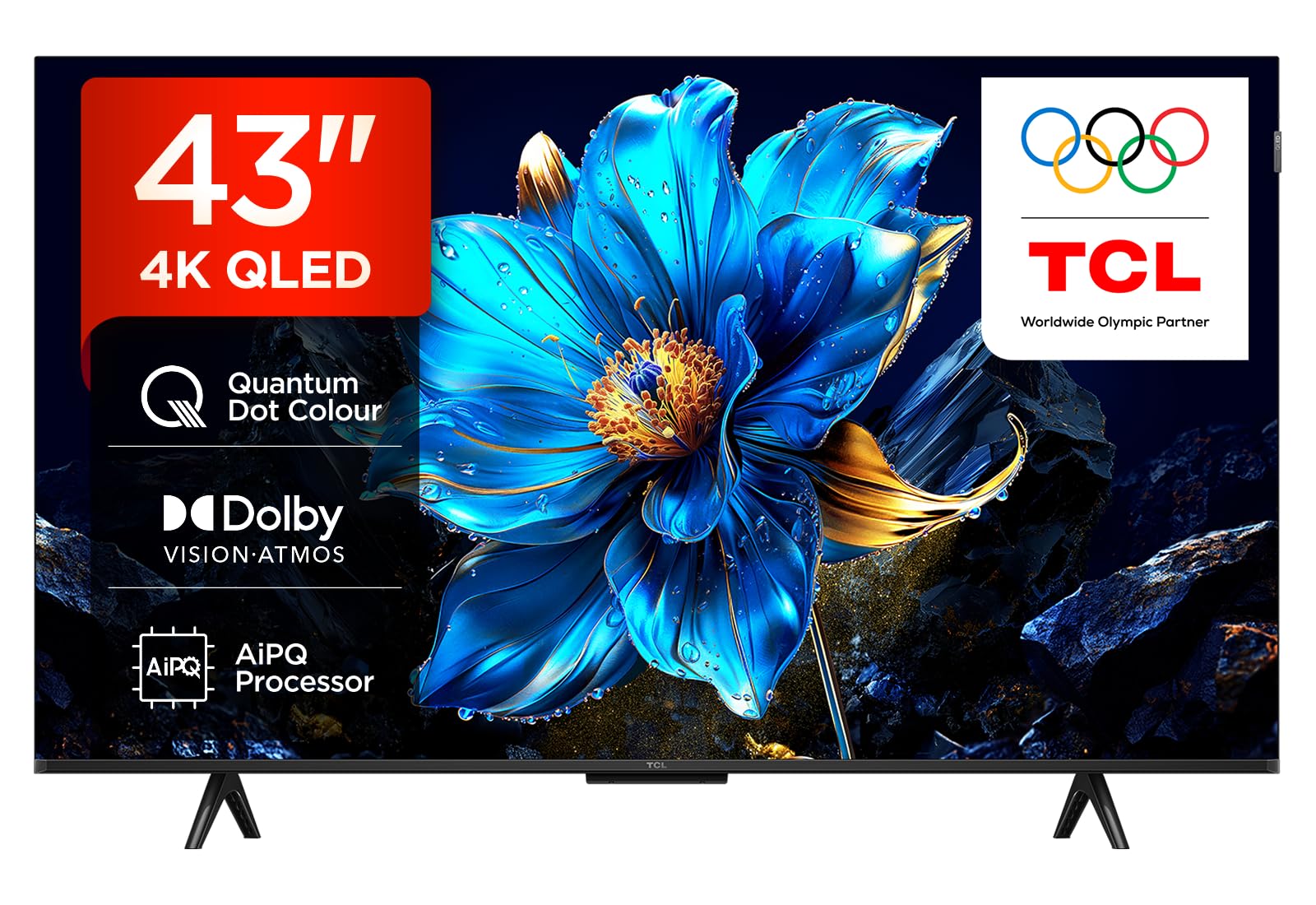
A 120Hz refresh rate at this price is a gift for console gamers.
If fast motion is your thing, this is the sleeper pick of the list. The TCL runs a 120Hz display refresh rate (the number of times the screen updates per second), boosted by the 120Hz Game Accelerator, so sports and games stay fluid instead of blurring. The AiPQ Processor and Multi HDR Format support keep the image sharp across different sources.
Being a Google TV, it puts your apps and recommendations front and center, and the remote supports both voice and traditional control. With Dolby Atmos on board, the audio side gets a surround-sound boost from the TV’s own speakers — a nice touch for a budget panel.
The reviews are a mixed bag of international voices. Owners describe the unit as large, light, and great for watching channels without a cable socket, and one damaged-in-transit unit was replaced in under a week with responsive after-sales support. A separate complaint about a missing delivery is aimed at the seller, not the set, so buy from a reliable retailer and keep an eye on software quirks like inaccuracies in the program guide.
Built for motion
- 120Hz refresh keeps games and sports smooth
- QLED panel with Dolby Atmos audio
- Google TV interface with voice remote
Watch closely
- Software glitches reported in the guide
- Experience depends on the seller you choose
Pick this over others if: your priority is buttery-smooth gaming on a tight budget.
Hold off if: you only stream dramas — the 120Hz boost will go unused.
6. Samsung M70H 43″ Mini LED 4K

Mini LED precision brings deep blacks and bright highlights to the 43-inch class.
This is the premium step-up if you watch a lot of dark, moody content. Mini LED backlighting (a grid of tiny LEDs behind the screen) lets the TV dim individual zones, giving you deeper blacks and brighter highlights than a standard LED can manage. Owners describe the picture as crisp, crisp, and rich in color — the aspect they praise most by far.
Samsung’s Pure Color Spectrum pushes one billion colors for lifelike reds and blues, while the Motion Xcelerator + DLG 120Hz keeps fast action smooth. If you follow soccer, the specialized Soccer Mode delivers 40% clearer motion and 30% more vibrant greens — stats straight from the maker. The Gaming Hub also gathers your consoles, cloud services, and favorite titles in one place.
Know the trade-offs before you buy. The remote control gets negative marks — owners find it frustrating, with no easy HDMI switching and limited input memory — and responsiveness is a mixed bag, with some sets feeling unresponsive. It is a picture-first TV, so budget for a better remote or a streaming stick if the interface annoys you.
Where it shines
- Superior dark-scene detail from Mini LED
- One billion colors for vivid HDR
- Gaming Hub unifies your consoles
Where it stumbles
- Remote control is a recurring complaint
- Interface responsiveness varies by unit
Reach for this if: you care about contrast and watch movies in a dark room.
Look elsewhere if: a polished remote and flawless menus matter more than the panel.
7. VIZIO V-Series 43″ 4K LED

A well-connected 4K panel with next-gen Wi-Fi and gamer-friendly FreeSync.
The VIZIO V-Series loads up on modern connectivity at a very approachable price. It is one of the few sets here with Wi-Fi 6E (the latest wireless standard, which means faster, more stable streaming on compatible routers), plus Bluetooth 5.2 so you can pair wireless headphones for late-night viewing. Owners describe the 4K picture as beautiful, and the number of positive picture-quality mentions dwarfs every other aspect.
On the streaming side, it runs the VIZIO Smart TV interface with WatchFree+ built in — over 250 free channels and 5,000+ on-demand titles with no subscription. The IQ Active Processor handles quick app navigation, and Dolby Vision HDR boosts contrast and brightness for compatible shows. AMD FreeSync support reduces screen tearing when you game.
The honest downsides: the TV is advertised with an Ethernet jack but reviewers found it is Wi-Fi only, and the interface has quirks — it boots to the streaming menu rather than your last antenna channel, which frustrated cord-cutters using an antenna. Reliability also earns mixed feedback, so an occasional lemon slips through. For a streamer on a modern router, it is a strong, flexible pick.
The modern perks
- Wi-Fi 6E for fast wireless streaming
- 250+ free channels with no fees
- AMD FreeSync for smoother gaming
Setup reality
- No Ethernet jack despite advertising
- Antenna users get a fiddly interface
Choose this for: a streaming-first household on a modern Wi-Fi 6E router.
skip it if: you rely on an antenna for local channels — the menu fights you.
8. LG UA77 43″ 4K webOS
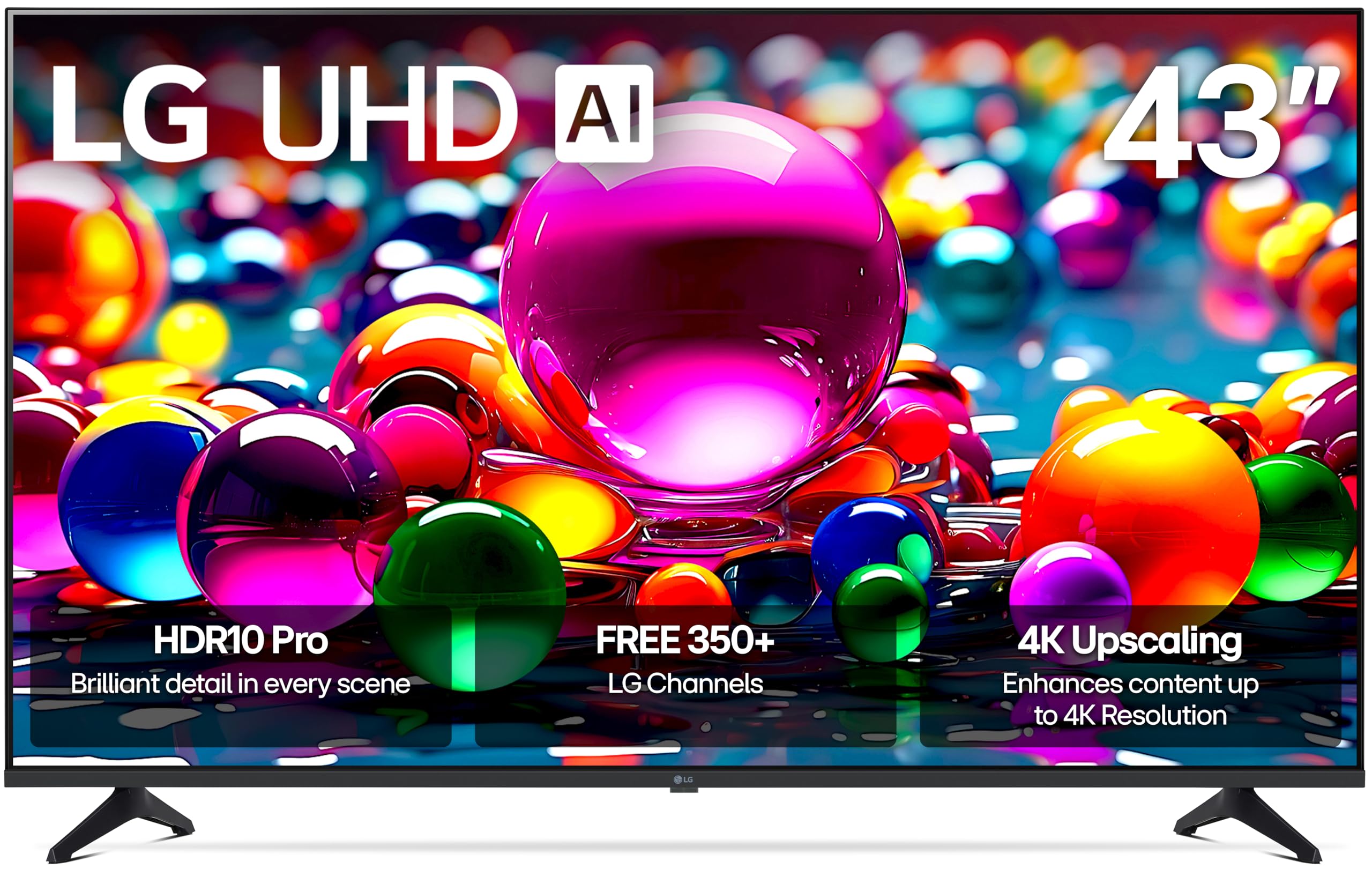
An AI-powered upscaler that makes everyday content look closer to true 4K.
LG brings its bigger-TV brains to the 43-inch class with the Alpha 7 AI Processor Gen8, which handles 4K upscaling and Dynamic Tone Mapping to pull extra detail out of lower-resolution shows. Owners highlight a bright, detailed picture with deep blacks, and the reliability gets consistently positive marks — a different story from some rivals on this list.
For movie fans, Filmmaker Mode preserves the director’s original colors and frame rates for a truer cinematic look. The Personalized Picture & Sound Wizard uses AI to tailor the picture and audio to your preferences. LG Channels connects you to over 350 free channels and thousands of on-demand titles, and with four HDMI 2.0 ports plus FreeSync, VRR, and GeForce NOW support, it is ready for consoles.
The recurring gripe is the remote — owners call it impractical, and it even lacks a mute button. A few buyers also report receiving units with cracked screens in shipping, so inspect the panel on arrival. The webOS software runs a little slow and laggy for some, but the picture quality and solid construction win most people over.
Core strengths
- AI upscaling sharpens older content
- Four HDMI 2.0 ports for consoles
- Filmmaker Mode for accurate colors
Areas to expect
- Remote lacks basic buttons like mute
- A few units arrive with cracked screens
Buy it for: a reliable daily driver with strong upscaling and gaming ports.
Look past it if: a slow remote and laggy menus will drive you crazy.
9. Sony BRAVIA 2 II 43″ 4K Google TV

The PlayStation 5’s best friend, with Sony’s signature color science.
If you own a PS5, this is the 43-inch set built for you. The BRAVIA exclusive features — Auto HDR Tone Mapping and Auto Genre Picture Mode — automatically tune the picture for gaming and streaming, so your console and your TV talk to each other without you fiddling with settings. Owners note the TV plays PS5 graphics beautifully, and the picture quality shines as the most-praised aspect.
The 4K Processor X1 with 4K X-Reality PRO upscales everything toward near-4K, while Triluminos Pro expands the color range for natural, precise tones. Motionflow XR keeps fast sports and action blur-free. It runs Google TV, so all your apps live in one searchable place, with Apple AirPlay 2 and Google Cast for phone mirroring. Sony Pictures CORE even bundles in movies to get you started.
It is the premium pick here, and it asks a premium price. The smart system can overwhelm less tech-savvy owners — one buyer needed a much younger friend to finish setup — and a small number of customers note the TV freezing or dropping Wi-Fi after several months. For a movie purist or a gamer who wants the best picture per inch, the color and processing justify the step up.
Flagship perks
- Auto HDR for PS5 from the start
- Superb color accuracy and upscaling
- Google TV with AirPlay 2 and Cast
Premium costs
- Setup stumps some non-techy owners
- A few units develop freezes or Wi-Fi drops
Splurge on this if: a PS5 sits under your TV and picture quality is non-negotiable.
Save your money if: you just stream apps — a cheaper panel does the same job.
Understanding the Specs
4K vs 1080p Resolution
Resolution is simply the number of pixels on the screen. A 1080p TV has 1920 x 1080 pixels, which is sharp for cable and standard streaming. A 4K TV has about 3840 x 2160 pixels — roughly four times as many — which shows finer detail on 4K content like Netflix originals and YouTube videos. On a 43-inch screen, the jump is visible but not overwhelming, so choose 4K only if you actually watch 4K sources.
HDR Formats Explained
HDR (High Dynamic Range) is a technology that expands the range between the darkest blacks and brightest whites in a picture. Dolby Vision, HDR10, and HDR10+ are different flavors of this technology, and a TV that supports more of them plays nicer with more apps and discs. Dolby Vision and HDR10+ are the premium formats you want for the best movie experience, but any HDR support beats none at all.
FAQ
Is a 4K 43-inch TV worth it over a 1080p model?
How many HDMI ports do I actually need on a budget TV?
What is the difference between QLED and a regular LED TV?
Can I control a budget smart TV with Alexa or Google Assistant?
Will my 43-inch TV fit on my existing wall mount?
Do I need a soundbar with a budget 43-inch TV?
What is 120Hz refresh rate and do I need it?
Which smart TV platform is easiest for a non-techy person?
Is there a difference between built-in speakers on budget TVs?
Final Thoughts: The Verdict
Across the board, the budget 43 inch tv winner is the Westinghouse Roku 1080p because it pairs the least frustrating smart platform with a picture that satisfies for less. If you want a genuine 4K step up, grab the Samsung U8000H for its stunning upscaling and free content. And for a PS5 gamer who insists on color accuracy, the Sony BRAVIA 2 II is the one to reach for.
How We Picked
We do not accept paid placement. Every pick is matched to a real buyer and a real use-case; we do not hands-on test units.
Sources & Methodology
Specifications: manufacturer listings and product documentation. Review insights: verified customer reviews, as of August 2026. Pricing: not shown on this page (it changes often); check the current price via the retailer link.
As an Amazon Associate, FitlyFast earns from qualifying purchases. This does not affect which products we feature.