
Our readers keep the lights on and the weekend projects moving. As an Amazon Associate, I earn from qualifying purchases.
Specs are compiled from manufacturer listings and verified buyer reviews and can change over time — please confirm the key details on the product page before buying.
You want a 4K gaming monitor that actually keeps up with fast-paced action, but you don’t have an unlimited budget. The search can feel overwhelming because most affordable 4K screens either cap the refresh rate at 60Hz or skimp on color depth making everything look washed out. This guide cuts through the noise by comparing 11 different budget-tier 4K monitors, each with a refresh rate of 144Hz or higher, so you can find a sharp, responsive screen that fits your setup while staying affordable.
I’m Rikta — the founder and writer behind FitlyFast. This guide is built by comparing the manufacturers’ published specifications and the patterns across verified customer reviews, so you get each pick’s real strengths and trade-offs instead of marketing spin.
We will break down what specs actually matter for 4K gaming, compare dual-mode refresh rates, and look at color performance so you can confidently pick the right monitor. This is your complete guide to the best budget 4k gaming monitor options available today.
How To Choose The Best Budget 4K Gaming Monitor
When you are looking for an affordable 4K gaming monitor, three specs will determine most of your experience: the refresh rate, the panel type, and the color reproduction. Understanding these will help you avoid a monitor that looks great on paper but feels sluggish in real gameplay. Every monitor here runs at 144Hz or faster, but how they deliver that speed differs quite a bit.
Refresh Rate and Dual Mode
The refresh rate is how many times per second the screen updates the image. A higher number means smoother motion, which is critical for fast games like first-person shooters. Many budget 4K monitors now offer a “dual mode” feature: you can play at 4K with a high refresh rate (like 160Hz or 180Hz), or switch to Full HD for an even higher refresh rate (like 320Hz or 360Hz) when you need maximum speed. This gives you flexibility without buying two separate monitors.
Panel Type: IPS vs. VA
The panel technology dictates how colors look and how wide your viewing angle is. IPS (In-Plane Switching) panels are known for accurate colors and wide viewing angles, making them great for creative work and multiplayer gaming where you might not be sitting perfectly centered. VA (Vertical Alignment) panels typically offer a much higher contrast ratio, meaning deeper blacks and better shadow detail in dark scenes, though viewing angles can be narrower. There is no universal “best” here — it depends on whether you prioritize color accuracy or contrast.
Color Gamut and Brightness
Color gamut is a measure of how many colors the monitor can display. Look for a high DCI-P3 percentage (95% or higher) if you want rich, accurate colors in games and movies. Brightness is measured in candelas per square meter (cd/m²). A higher number, such as 400 cd/m², helps the monitor handle glare and makes HDR content look more effective. Budget monitors usually sit around 300-400 cd/m², which is fine for most indoor setups.
Quick Comparison
| Model | Best For | Refresh Rate | Panel Type | Contrast Ratio | Amazon |
|---|---|---|---|---|---|
| INNOCN 32″ Mini LED | Color-Critical Gaming | 160Hz | IPS | 1000:1 or higher | Amazon |
| LG 27G810A-B | Dual Mode Versatility | 180Hz / 360Hz | IPS | 1000:1 | Amazon |
| ASUS ROG Strix XG27UCG | Premium Dual Mode | 160Hz / 320Hz | Fast IPS | — | Amazon |
| Samsung Odyssey G7 (37″) | rich Curved Screen | 165Hz | VA | 3000:1 | Amazon |
| CRUA 32″ Curved | High Refresh Value | 240Hz | VA | 3000:1 | Amazon |
| Gawfolk 32″ Curved | Curved 240Hz Gaming | 240Hz | VA | 3000:1 | Amazon |
| KTC H32P22P | Top-Rated 165Hz | 165Hz | Fast IPS | 3000:1 | Amazon |
| Alienware AW2725QF | Dolby Vision Gaming | 180Hz / 360Hz | IPS | 1000:1 | Amazon |
| Samsung Odyssey G7 (27″) | Compact Dual Mode | 180Hz / 360Hz | Fast IPS | 1000:1 | Amazon |
| ASUS TUF VG27UQ1A | Entry-Level 4K Speed | 160Hz | LCD | 1000:1 | Amazon |
| AOC U32G4 | Dual Mode with 320Hz | 160Hz / 320Hz | IPS | 80000000:1 | Amazon |
In‑Depth Reviews
1. INNOCN 32″ Mini LED 4K 160Hz Monitor
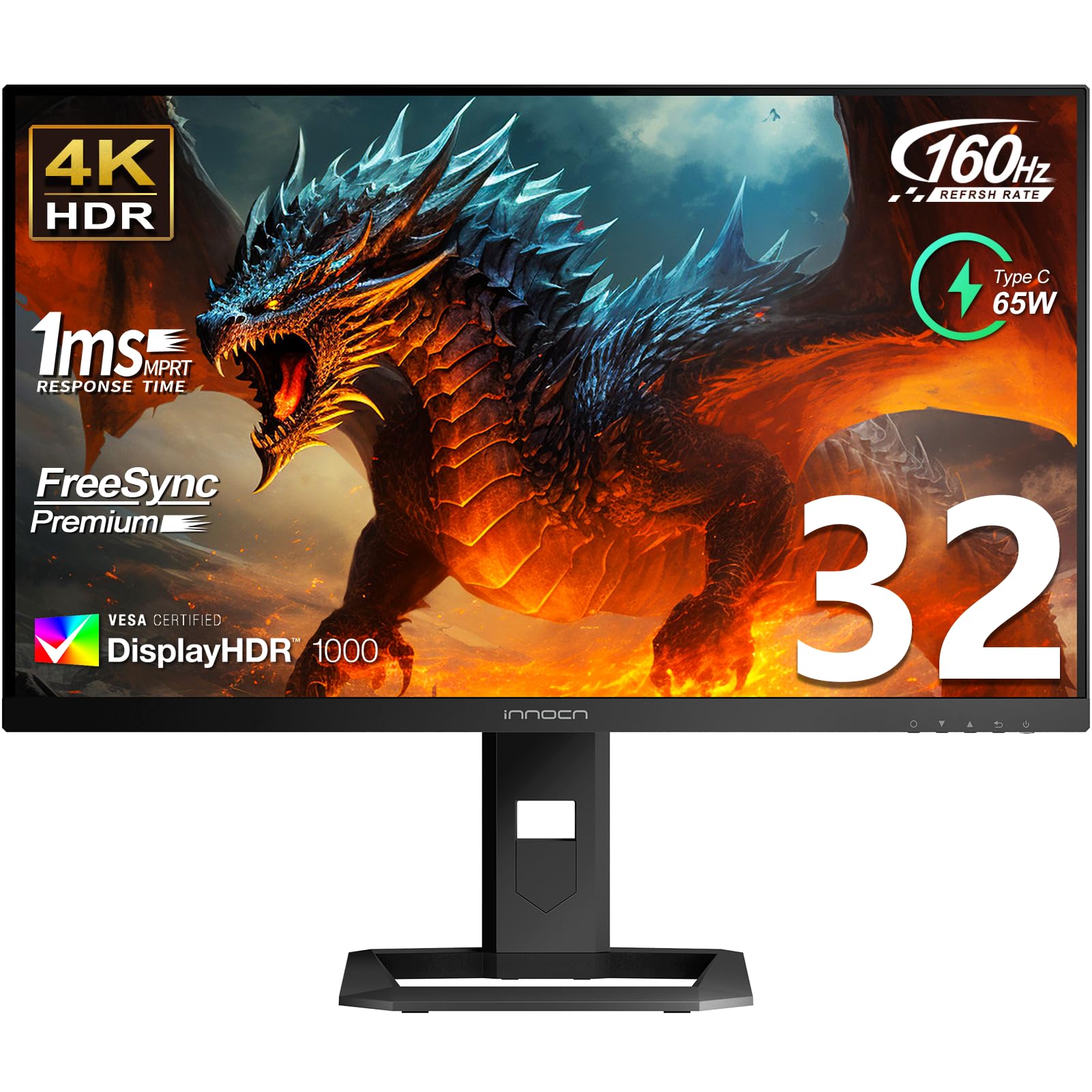
The color powerhouse that makes your games look as good as they feel.
If you want the best blend of color accuracy and smooth performance at a fair price, the INNOCN 32″ Mini LED deserves your attention. It uses a 2304-zone Mini LED backlight to deliver a bright 1000 cd/m² peak, which makes HDR content pop with deeper blacks and brighter whites than a standard IPS panel can manage. The 99% DCI-P3 and 99% Adobe RGB color gamut coverage means colors are extremely accurate, and the factory calibration report claims a Delta E value under 2 — a spec that serious photo editors and game creators will appreciate.
Unlike the ASUS ROG Strix or the LG 27G810A-B above, this INNOCN does not have a dual-mode feature. You get a single 4K 160Hz refresh rate, but at a 32-inch screen size that gives you more rich real estate. The USB-C port with 65W Power Delivery is a bonus for laptop users, letting you charge and display a single cable. Buyers report that the included factory color report takes the guesswork out of calibration, and the built-in 4Ω5W stereo speakers are decent for casual use when you do not want to wear headphones.
Vivid Realism: The Mini LED zone dimming creates exceptional contrast that standard IPS monitors cannot match at this tier.
One trade-off: Without dual-mode, you cannot jump to a higher refresh rate at a lower resolution; 160Hz is your ceiling here.
Touch choice for: Gamers and creators who need studio-grade color accuracy (99% DCI-P3) without paying studio-grade prices.
Probably not for you if: You play ultra-competitive esports titles and want the option to switch to a 320Hz-plus mode.
2. LG 27G810A-B 27″ Ultragear 4K UHD IPS Gaming Monitor

Two distinct gaming personalities in a single 27-inch screen.
The LG Ultragear gives you a genuine choice between visual fidelity and raw speed. In 4K UHD mode you get a 180Hz refresh rate, which is noticeably higher than the 160Hz of the INNOCN or the ASUS TUF VG27UQ1A, providing an edge in story-driven titles. Hit a hotkey to switch to Full HD and the refresh rate jumps to 360Hz, matching the Samsung Odyssey G7 27″ for motion clarity in fast shooters. The 1ms GTG response time keeps ghosting to a minimum, and the VESA DisplayHDR 400 certification gives you enough brightness (400 cd/m²) to make HDR content look vibrant without washing out colors.
The 95% DCI-P3 color coverage is solid for an IPS panel, though it falls short of the 99% DCI-P3 on the INNOCN. Where this LG stands out is its Black Stabilizer feature, which enhances visibility in dark game scenes without blowing out the highlights — a real help if you play survival horror or stealth games. One reviewer noted that the adjustable stand offers height, tilt, swivel, and pivot control, making it easy to find the perfect viewing angle for long sessions.
Dual-Mode Advantage
- 4K at 180Hz for deep immersion and FHD at 360Hz for competitive edge.
- 1ms GTG response keeps fast action crisp and clear.
- Black Stabilizer helps you spot enemies in shadows.
Know Before You Buy
- DisplayHDR 400 is good, but the INNOCN Mini LED hits 1000 cd/m².
- 27-inch screen is smaller than 32-inch options if you prefer a huge canvas.
Smart pick if: You want one monitor that excels at both rich single-player games (4K/180Hz) and hyper-competitive esports (FHD/360Hz).
Look elsewhere if: You need a larger 32-inch screen or you prioritize absolute HDR brightness over refresh-rate flexibility.
3. ASUS ROG Strix 27″ 4K HDR USB-C Gaming Monitor (XG27UCG)

ASUS’ flagship dual-mode monitor that brings pro-level features to a budget-friendly price point.
The ROG Strix XG27UCG offers a dual-mode experience similar to the LG 27G810A-B but with a twist: you get 4K at 160Hz or Full HD at 320Hz, and the “Fast IPS” panel delivers a 1ms GTG response time that feels instant in competitive titles. The 95% DCI-P3 color gamut ensures vibrant visuals, and the inclusion of USB-C connectivity alongside HDMI and DisplayPort gives you modern compatibility with laptops and tablets. The ELMB Sync technology, which ASUS calls Extreme Low Motion Blur Sync, works simultaneously with variable refresh rate to eliminate both ghosting and tearing — a rare feature in this tier that the Samsung Odyssey G7 27″ does not match.
Reviewers frequently mention the DisplayWidget Center software, which lets you adjust monitor settings with a mouse rather than fumbling with on-screen buttons. The build quality is sturdy, though it lacks the height-adjustable stand of the LG. The 130% color gamut spec (likely sRGB) is impressive, though for gaming the 95% DCI-P3 number is what truly matters.
Speed Meets Flexibility: ELMB Sync with variable refresh rate gives you ghost-free gaming at both 4K and FHD modes.
Small catch: The stand does not offer the same height adjustment range found on the LG or INNOCN models.
Best suited for: Competitive gamers who want ASUS’ advanced motion-blur reduction and the convenience of USB-C connectivity.
Might skip if: You need a fully ergonomic stand with height and pivot adjustment included in the box.
4. Samsung 37″ Odyssey G7 (G75F) 4K Curved Gaming Monitor

A huge curved display that wraps around your field of view for pure immersion.
The 37-inch 1000R curved VA panel on the Samsung Odyssey G7 is the most rich screen in this list. The tight curvature matches the natural curve of the human eye, which makes you feel inside the game world rather than watching it through a window. The 165Hz refresh rate is slightly lower than the 180Hz on the LG or the ASUS ROG, but the 3000:1 contrast ratio is a significant advantage for games with dark environments — blacks look truly black, unlike the grayish blacks you get on IPS monitors with a 1000:1 ratio.
VESA DisplayHDR 600 certification means you get brighter highlights than the LG’s DisplayHDR 400, though the overall brightness peak of 350 cd/m² is modest. It supports AMD FreeSync Premium Pro for smooth, tear-free gaming on compatible graphics cards. It lacks a dual-mode feature, so you are locked into 4K at 165Hz — no option to jump to a higher refresh rate at a lower resolution like you can with the LG 27G810A-B or the ASUS ROG Strix.
Curved Experience
- 37-inch 1000R curve creates a deep sense of immersion for single-player games.
- 3000:1 contrast ratio delivers inky blacks for horror and cinematic titles.
- DisplayHDR 600 provides richer HDR detail than budget IPS monitors.
Consider This
- No dual-mode means you cannot switch to a higher refresh rate for esports.
- Peak brightness at 350 cd/m² is lower than the INNOCN’s 1000 cd/m².
Reach for this if: You play rich, story-driven games and want a curved screen with deep black levels that flat IPS panels cannot match.
skip it if: You need a monitor that can also hit high refresh rates for competitive esports titles.
5. CRUA 32″ Curved Gaming Monitor, 4K 240Hz

A 32-inch 4K monitor that pushes the refresh rate to 240Hz while staying affordable.
The 1500R curved VA panel offers a 3000:1 contrast ratio, giving you deep blacks and good shadow detail in dark games. With 1.07 billion colors (from 8-bit + FRC) and 120% sRGB coverage, the color performance is solid for gaming and media consumption, though it does not hit the high DCI-P3 percentages of the INNOCN or LG.
Unlike the Gawfolk (which offers a similar 240Hz at 4K), the CRUA comes with PIP/PBP (Picture-in-Picture / Picture-by-Picture) mode, which lets you view two inputs at once — handy for multitasking while gaming. The built-in speakers and RGB backlighting add to the value. It includes an HDMI 2.1 port and DisplayPort 1.4, so you can get full 4K 240Hz from a compatible PC or next-gen console.
Speed First: At 240Hz, this is the smoothest 4K gaming experience you can get for the price.
The reality: The 300 cd/m² brightness is average; true HDR performance is limited compared to the INNOCN Mini LED or Samsung DisplayHDR models.
Ideal for: Competitive gamers who want a high 240Hz refresh rate at 4K and appreciate the extra utility of PIP/PBP.
Not the best pick if: You need professional-grade color accuracy for photo or video editing.
6. Gawfolk 32 Inch 4K 240Hz Curved Gaming Monitor
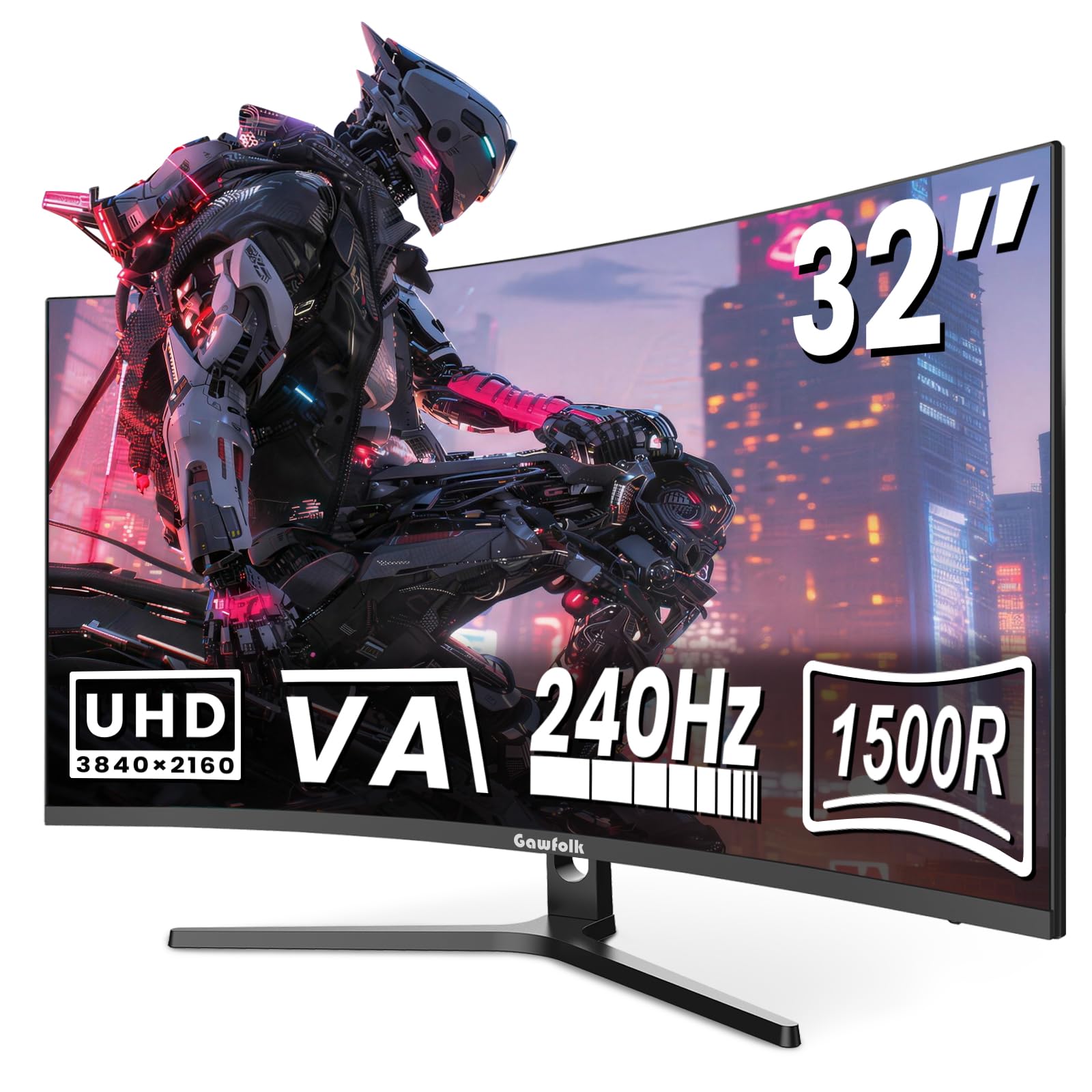
A 240Hz curved monitor that focuses on gaming essentials while keeping the price low.
The Gawfolk 32″ 4K monitor offers the same native 240Hz refresh rate as the CRUA, but with a few different priorities. The VA panel uses a 1500R curve to wrap the image around your vision, and the 3000:1 contrast ratio ensures deep blacks that are noticeably better than the 1000:1 ratio on the ASUS TUF VG27UQ1A or the LG 27G810A-B. The 300 cd/m² brightness and 85% NTSC color gamut are modest, but the 8-bit + FRC panel still delivers over 16.7 million colors.
Where the Gawfolk stands apart is the integrated game crosshair feature, which overlays a targeting reticle on the screen for competitive shooters that lack built-in crosshairs. The VESA 75x75mm mount compatibility is standard, and the built-in speakers are useful for desk setups where you do not want external speakers. The 240Hz refresh rate is a full 80Hz advantage over the 160Hz of the Samsung Odyssey G7 37″ and the INNOCN, making it a strong choice for motion clarity.
Speed Star
- 240Hz refresh rate at 4K provides buttery-smooth motion in fast games.
- 3000:1 contrast ratio gives deep blacks that IPS panels cannot match.
- Built-in game crosshair is a nice bonus for FPS players.
Budget Trade-offs
- 85% NTSC color gamut is lower than premium monitors like the INNOCN.
- 300 cd/m² brightness is average for HDR content.
Great for: Gamers who prioritize a high 240Hz refresh rate and deep contrast over peak color accuracy or brightness.
Consider another option if: You need a monitor for color-sensitive creative work or want a higher brightness for HDR gaming.
7. KTC 32 Inch 4K Gaming Monitor, 165Hz H32P22P

The most popular 4K gaming monitor on this list with impressive contrast for an IPS panel.
The KTC H32P22P stands out with a 3000:1 contrast ratio on a Fast IPS panel — that is three times the contrast of the standard 1000:1 IPS monitors like the ASUS TUF VG27UQ1A or the LG 27G810A-B. This gives you deeper blacks and better shadow detail than typical IPS screens, bridging the gap between IPS color accuracy and VA-level contrast. The 165Hz refresh rate and 1ms MPRT response time ensure smooth gameplay. With 1896 ratings and a 4.6/5 average, it is the highest-reviewed monitor in this lineup.
The 121% sRGB color gamut and 1.07 billion colors (8-bit + FRC) mean you get rich, saturated colors from the start. It includes both HDMI 2.1 and DisplayPort 1.4, so you can use it with a PS5 or Xbox Series X at full 4K 120Hz. The adjustable stand supports height and tilt adjustment, and the VESA 100x100mm compatibility makes it easy to mount. Buyers frequently mention the three-year warranty and responsive support as a reason they chose KTC over less-known brands.
High Contrast IPS: At 3000:1, the KTC delivers black levels usually reserved for VA panels — a rare spec in this price range.
One note: The 300 cd/m² brightness is standard; it will not match the HDR punch of the INNOCN Mini LED.
Top choice if: You want an IPS monitor with excellent contrast that works great for both gaming and general use, backed by strong customer reviews.
Maybe skip if: You need a dual-mode feature for switching between 4K and high-refresh FHD.
8. Alienware 27 4K Dual-Resolution Gaming Monitor (AW2725QF)

An Alienware monitor with Dolby Vision that gives you both 4K and super-fast 360Hz gaming.
The Alienware AW2725QF offers dual-mode refresh rates: 180Hz at 4K and 360Hz at Full HD, matching the LG 27G810A-B and Samsung Odyssey G7 27″ for top-tier speed. The real differentiator here is Dolby Vision certification, which provides richer contrast and more vivid colors for supported games and movies compared to standard HDR10. The VESA DisplayHDR 600 certification backs this up, delivering brighter highlights than the LG’s DisplayHDR 400.
Color performance is strong with 95% DCI-P3 coverage and Delta E less than 2 color accuracy from the factory, making it suitable for content creation alongside gaming. It includes NVIDIA G-Sync compatibility and VESA AdaptiveSync certification for tear-free visuals in both 4K and Full HD modes. One buyer mentioned that the 0.5ms GTG in extreme mode is overkill for most games but eliminates any trace of motion blur for competitive play. The On-Screen Display is intuitive, though the stand only offers tilt without height adjustment.
Dual-Resolution Edge
- Dolby Vision + DisplayHDR 600 delivers superior HDR over the LG’s DisplayHDR 400.
- 360Hz at FHD is among the highest refresh rates in this list.
- Factory Delta E <2 calibration for color-critical work.
Things to Know
- Stand lacks height and pivot adjustment from the start.
- 27-inch screen is smaller than 32-inch alternatives for a wider view.
Perfect for: Gamers who want Dolby Vision HDR and the flexibility of a 360Hz esports mode, all in one 27-inch monitor.
Look elsewhere if: You need an adjustable stand or a larger 32-inch screen for your setup.
9. Samsung 27″ Odyssey G7 G70F 4K Gaming Monitor

Samsung’s take on the dual-mode trend with an ergonomic stand that actually adjusts.
The 27-inch Odyssey G7 G70F is the direct competitor to the LG 27G810A-B and the Alienware AW2725QF. It offers the same dual-mode flexibility: 180Hz at 4K for rich gaming, and 360Hz at Full HD for lightning-fast competitive play. The Fast IPS panel delivers the 1ms GTG response time, and the HDR10 support provides brighter highlights and nuanced shadow detail. The 350 cd/m² brightness is decent, though it falls short of the Alienware’s DisplayHDR 600.
Where this Samsung pulls ahead is the ergonomic stand. Unlike the ASUS ROG Strix or the Alienware, this stand includes height adjustment, tilt, and pivot, so you can rotate the screen to portrait mode for coding or reading documents. The Auto Source Switch+ feature detects which device you are using and smoothly switches inputs — a small convenience that reduces cable fumbling. Owners mention the smooth FreeSync Premium performance with AMD graphics cards, and the 1000:1 contrast ratio is standard for IPS panels, not exceptional.
Ergo Winner: Fully height-adjustable, tiltable, and pivotable stand makes this the most flexible dual-mode monitor for multitaskers.
Brightness ceiling: At 350 cd/m², it lacks the HDR pop of the Alienware’s DisplayHDR 600 or the INNOCN’s Mini LED backlight.
Best for: Gamers who want dual-mode speed and need a fully adjustable stand with pivot for work or creative use.
Consider another if: You want a larger 32-inch screen or higher HDR brightness for movies and games.
10. ASUS TUF Gaming 27″ 4K HDR Monitor (VG27UQ1A)
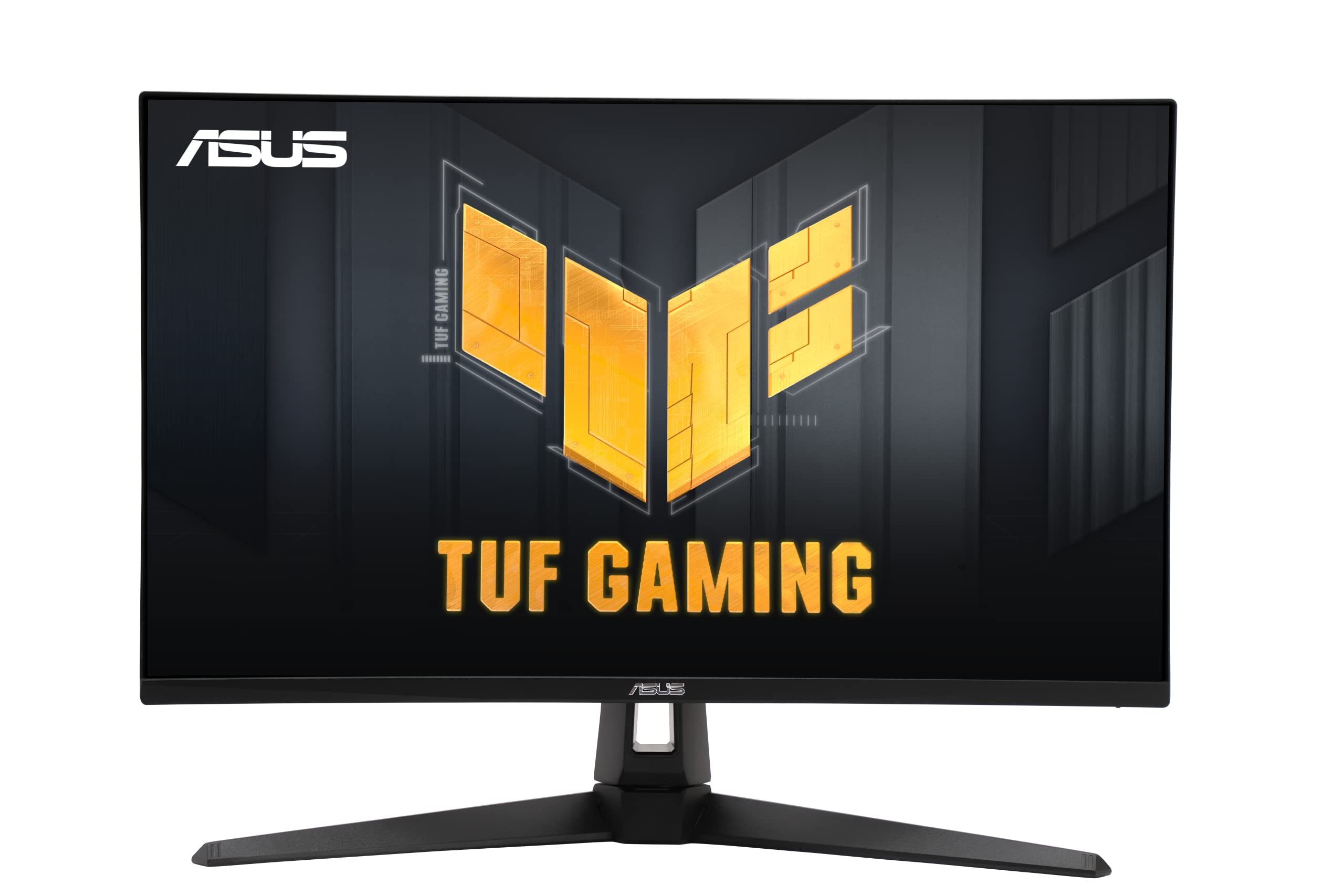
A reliable 160Hz 4K monitor that brings ASUS’ motion-blur reduction to a more accessible price.
The ASUS TUF VG27UQ1A is an entry-level 4K gaming monitor that focuses on the fundamentals: a 160Hz refresh rate, 1ms response time, and ASUS’ Extreme Low Motion Blur Sync (ELMB Sync) technology. ELMB Sync works with variable refresh rate to reduce ghosting and tearing simultaneously, which is a feature often reserved for more expensive monitors like the ROG Strix. The 27-inch IPS panel covers 95% DCI-P3 color gamut, giving you accurate color representation for games and media.
The 1000:1 contrast ratio is typical for IPS panels, but it is dramatically lower than the 80000000:1 dynamic contrast claimed by the AOC U32G4 or the 3000:1 native ratio of the KTC and CRUA monitors. That means blacks will look grayish in dark rooms. It includes both G-Sync compatibility and FreeSync Premium support, so it works well with both NVIDIA and AMD GPUs. The 3-year warranty from ASUS adds confidence for long-term use.
Core Performance
- ELMB Sync eliminates ghosting and tearing at the same time.
- 95% DCI-P3 color gamut for vibrant, accurate colors.
- Works with both G-Sync and FreeSync Premium.
Simple Setup
- Standard 1000:1 contrast ratio means blacks are not as deep as VA panels.
- No dual-mode feature for switching to higher refresh rates at lower resolutions.
Good entry point if: You want a reliable 160Hz 4K monitor with excellent motion handling (ELMB Sync) and a well-known brand warranty.
Not the best fit if: You prioritize deep contrast or dual-mode versatility for competitive gaming.
11. AOC 32 inch 4K Gaming Monitor, UHD 3840×2160 160Hz / FHD 320Hz (U32G4)
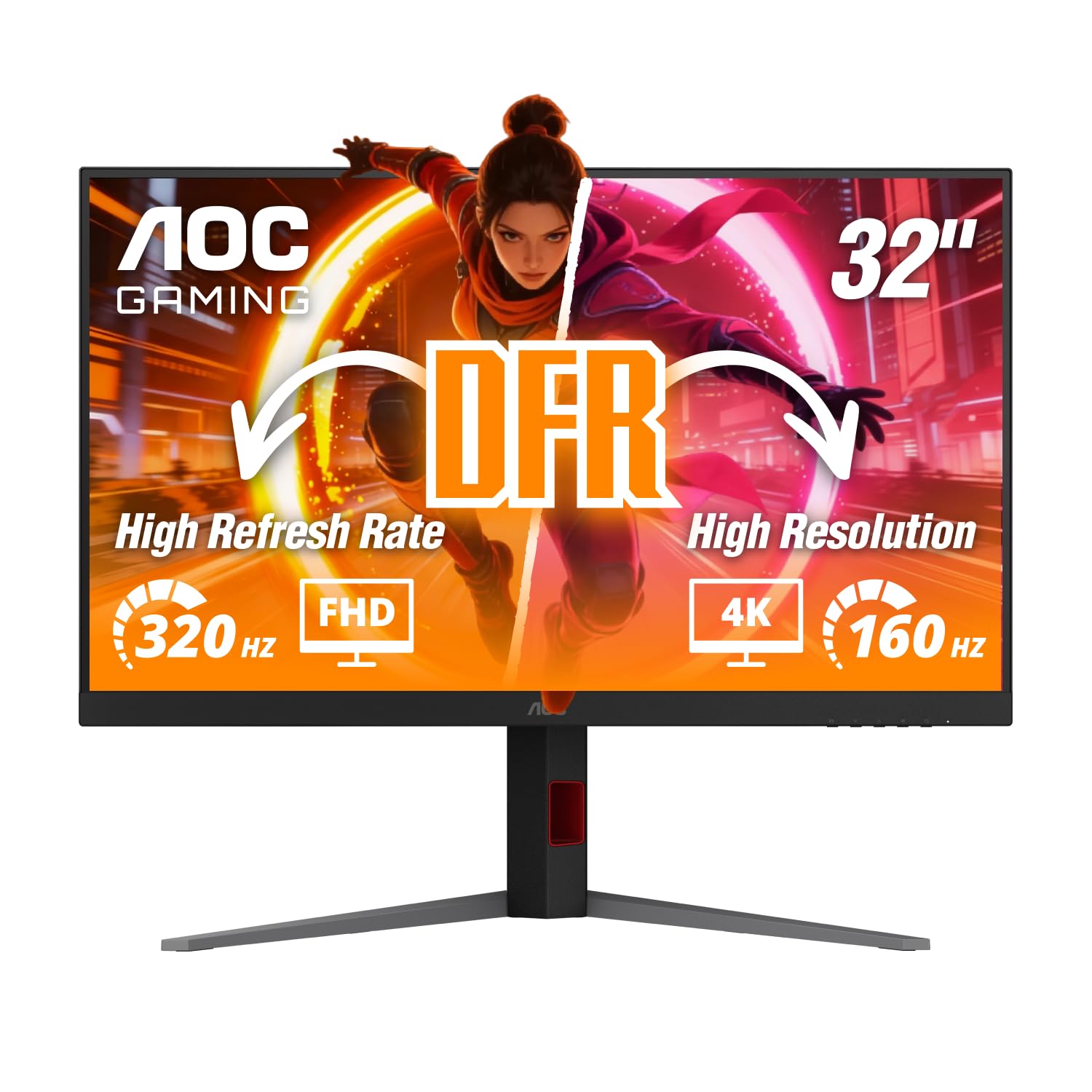
A 32-inch dual-mode monitor that offers both 4K 160Hz and FHD 320Hz at a great price.
The AOC U32G4 is one of the few 32-inch monitors in this list with dual-mode capabilities. You can play at 4K with a 160Hz refresh rate for visually rich games, or switch to Full HD at 320Hz for competitive shooters. The IPS panel provides wide 178-degree viewing angles, and the 0.5ms MPRT in 4K mode (and 0.3ms MPRT in FHD mode) is among the fastest response times here — only the Alienware AW2725QF matches this speed in its extreme mode. The 350 cd/m² brightness is standard, but the dynamic contrast ratio of 80000000:1 is a massive marketing number; in practice, the native contrast is closer to 1000:1, typical for IPS.
The ergonomic stand is a highlight: it offers 130mm height adjustment, tilt, swivel, and pivot. This is rare at this price point, where many monitors ship with fixed stands. The HDMI 2.1 and DisplayPort 1.4 ports allow full 4K 160Hz from modern graphics cards and consoles. It includes both G-Sync compatibility and FreeSync support, giving you tear-free gaming regardless of your GPU brand.
Dual-Mode Value: The AOC U32G4 is the most affordable 32-inch dual-mode monitor, combining size and speed without compromise.
Honest take on contrast: The dynamic contrast figure is inflated; real-world contrast is standard for IPS, so blacks will not be as deep as the VA CRUA or Gawfolk.
Ideal for: Gamers who want a large 32-inch screen and the flexibility to choose between 4K 160Hz and FHD 320Hz depending on the game.
Consider a VA panel if: Deep black levels and high contrast are more important to you than dual-mode flexibility.
Understanding the Specs
Refresh Rate (Hz)
This is the number of times your monitor redraws the image every second. A higher refresh rate makes motion look smoother, which directly helps you track enemies and react faster in shooters, racing games, and action titles. At 240Hz, a monitor like the Gawfolk or CRUA updates the image four times more frequently than a standard 60Hz display, so fast-moving objects appear sharper and with less blur.
Dual Mode (4K vs. FHD Switching)
This feature lets you switch between a high-resolution 4K mode for rich games and a lower-resolution Full HD mode that open up a much higher refresh rate. For example, the LG 27G810A-B runs at 180Hz in 4K but jumps to 360Hz in FHD. It is useful if you play both story-driven games that look great in 4K and competitive shooters where every millisecond matters.
Contrast Ratio
This measures the difference between the brightest white and the darkest black a monitor can show. A higher ratio means deeper blacks and more lifelike shadows. VA panels typically offer 3000:1 native contrast, which gives you inky blacks ideal for dark horror games. Standard IPS panels sit around 1000:1, which can make blacks look grayish in dark rooms. Mini LED displays like the INNOCN use local dimming zones to improve effective contrast.
Panel Type (IPS vs. VA)
The panel type determines color accuracy, viewing angles, and contrast. IPS displays offer better color accuracy and wide viewing angles, making them great for multiplayer gaming and creative work. VA displays provide superior contrast (usually 3000:1) but have narrower viewing angles. If you sit directly in front of the screen and want deeper blacks, choose VA. If you often share your screen or work with color, choose IPS.
FAQ
Can a budget 4K gaming monitor run 4K at 144Hz?
What is the difference between native and dynamic contrast ratio?
Does a 240Hz monitor require a powerful graphics card?
Which is better for gaming, IPS or VA panel?
What does dual mode mean on a gaming monitor?
Can I use a budget 4K gaming monitor with a PS5 or Xbox Series X?
What size is best for a budget 4K gaming monitor, 27-inch or 32-inch?
Does the monitor’s brightness matter for HDR gaming?
Final Thoughts: The Verdict
For most buyers, the best budget 4k gaming monitor winner is the INNOCN 32″ Mini LED because it combines the highest color accuracy (99% DCI-P3) with the brightest panel (1000 cd/m²) in this price tier, making your games and movies look stunning. If you want a versatile dual-mode monitor that can handle both 4K and competitive esports, grab the LG 27G810A-B. And for a large 32-inch screen with a high 240Hz refresh rate, the standout is the value of the CRUA 32″ Curved.
How We Picked
We do not accept paid placement. Every pick is matched to a real buyer and a real use-case; we do not hands-on test units.
Sources & Methodology
Specifications: manufacturer listings and product documentation. Review insights: verified customer reviews, as of July 2026. Pricing: not shown on this page (it changes often); check the current price via the retailer link.
As an Amazon Associate, FitlyFast earns from qualifying purchases. This does not affect which products we feature.