
Our readers keep the lights on and the weekend projects moving. As an Amazon Associate, I earn from qualifying purchases.
Specs are compiled from manufacturer listings and verified buyer reviews and can change over time — please confirm the key details on the product page before buying.
Staring at your camera’s tiny built-in screen while trying to pull focus is a fast track to blurry footage and a sore neck. A budget camera monitor solves both problems instantly, giving you a much bigger, clearer view of exactly what your sensor sees — without draining your wallet. The challenge is picking one from a sea of lookalike boxes with wildly different brightness, resolution, and battery setups.
I’m Rikta — the founder and writer behind FitlyFast. This guide is built by comparing the manufacturers’ published specifications and the patterns across verified customer reviews, so you get each pick’s real strengths and trade-offs instead of marketing spin.
Whether you shoot with a DSLR, mirrorless body, or camcorder, a good monitor turns guesswork into precision. This rundown of the top budget camera monitor options helps you spot the one that fits your rig and your workflow without overspending on features you will never use.
Our Picks at a Glance


How To Choose The Best Budget Camera Monitor
The right budget monitor is a balance of screen brightness, build quality, and the tools that actually help you frame and focus. Nail these three things and you will not feel the urge to upgrade six months later.
Brightness Is The Spec That Matters First
A monitor that looks great indoors can turn into a mirror in direct sunlight. Brightness is measured in nits — the higher the number, the easier it is to see on a bright day. Entry-level monitors hover around 450 nits, which works fine under shade or a hood. If you shoot outside a lot, aim for 1000 nits or more so you can skip the sunshade and still see what you are doing.
Focus and Exposure Tools Are Not Optional
Without assist features like focus peaking (which highlights sharp edges in a color) and false color (which maps exposure levels onto the image), you are basically using a bigger version of your camera screen. A monitor with histogram, waveform, and zebra pattern gives you professional exposure control for a fraction of the cost of a high-end unit.
Size, Weight, and Power Matter On A Rig
A 7-inch screen gives you a generous view but adds weight to a gimbal or handheld setup. A 5-inch model is lighter and easier to mount but shows less detail at a glance. Most budget monitors run on NP-F style batteries, so picking one that shares battery type with your existing gear (or comes with a solid included pack) saves you from buying a separate charging ecosystem.
Quick Comparison
| Model | Best For | Resolution | Brightness | Screen Size | Amazon |
|---|---|---|---|---|---|
| NEEWER F100 (B0FF9668RR)★ Best Overall | First-time buyers needing a full kit | 1280 x 800 | 450 nits | 7″ | Amazon |
| VILTROX DC-550Premium Pick | Bright-sun shooters who need a touchscreen | 1920 x 1080 | 1200 nits | 5.5″ | Amazon |
| osee T5+Top Performer | Outdoor shooting on a budget | 1920 x 1080 | 1000 nits | 5.5″ | Amazon |
| FEELWORLD S55E | Ultra-lightweight gimbal setups | 1920 x 1152 | 500 nits | 5.5″ | Amazon |
| Portkeys PT6 | Touchscreen control and waveforms | 1920 x 1080 | 600 nits | 5.2″ | Amazon |
| Portkeys PT5 II | Touchscreen workflow in a tiny package | 1920 x 1080 | — | 5″ | Amazon |
| NEEWER F100 Updated (B0FX2RFCYF) | Value seekers wanting a 7-inch screen | 1280 x 800 | 450 nits | 7″ | Amazon |
| ANDYCINE T6 | Durable aluminum build for run-and-gun | 1920 x 1080 | — | 6″ | Amazon |
| FEELWORLD T7 | Semi-pro users who want a rugged aluminum frame | 1920 x 1200 | 450 nits | 7″ | Amazon |
In‑Depth Reviews
1. NEEWER F100 7 Inch Camera Field Monitor (B0FF9668RR)
The seven-inch starter kit that arrives ready to roll — battery, sunshade, and cables included.
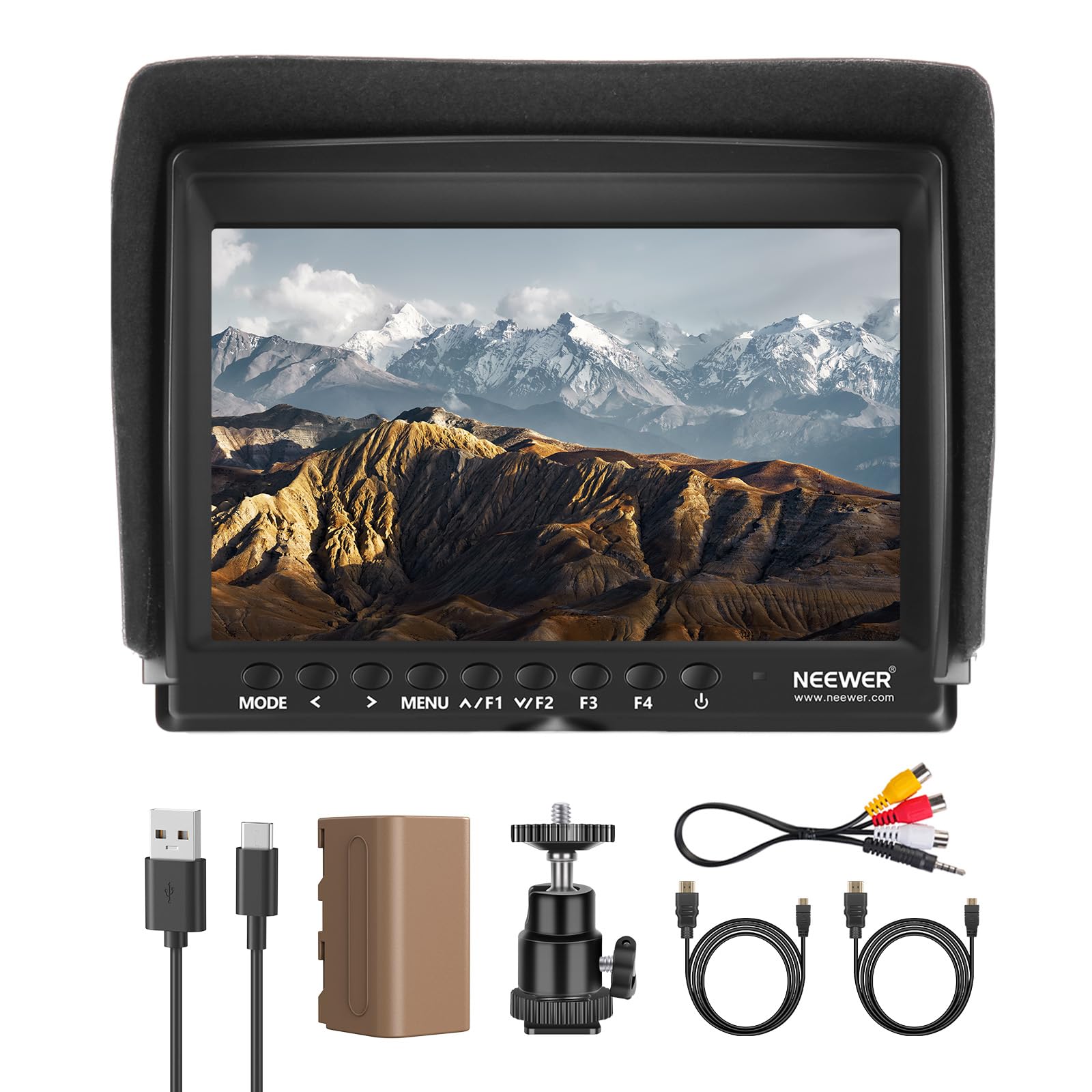
This monitor gives you a large 7-inch IPS panel with a 1280 x 800 resolution and 450 nits of brightness — a combination that works well indoors and under shade. The real draw is the complete package: a 4400mAh F750 battery delivers an honest 3.5 hours of runtime right from the start. You also get a 360-degree ball head for flexible mounting and a sunshade that makes the screen usable outdoors.
Owners highlight how quickly it pairs with cameras. Buyers report: “Hooked it up to my FDR-AX53 and it works awesome.” The advanced features — peaking focus assist, check field, center marker, and image flip — cover the essentials for anyone moving past the camera’s built-in LCD.
The resolution (1280 x 800) is not full HD, but for a 7-inch panel at this price point, the image is crisp enough for framing and manual focus. The contrast ratio of 1200:1 gives you deeper blacks than some pricier alternatives. If you want the biggest screen with the most accessories in the box, this is the one.
Ready from the start
- Full kit includes battery, sunshade, ball head, and multiple HDMI cables
- Large 7-inch IPS panel is easy to read
- Headphone audio-out jack for monitoring your recording
Fair Trade-Offs
- 1280 x 800 resolution is not Full HD — fine for framing, not for pixel-peeping
- 450 nits can be tough in direct sunlight without the hood
- Some owners note the included tilt arm feels a bit flimsy
Grab it if: you want the most complete “first monitor” kit with zero extra purchases needed.
Consider another if: you need Full HD resolution or 4K signal support in the monitor itself.
2. VILTROX DC-550 Touch Screen DSLR Camera Field Monitor
A bright 1200-nit touchscreen that lets you shoot under the midday sun without fighting glare.
The VILTROX DC-550 is the brightest monitor on this list by a long shot. Its 5.5-inch IPS panel hits 1200 nits and carries a 1920 x 1080 Full HD resolution, so you get sharp, vivid images even in harsh daylight. The touchscreen interface makes navigating menus and tools fast — you tap to set focus points or adjust settings instead of hunting for physical buttons.
Professional monitoring tools like parade waveform, false color, and histogram are built in, and you can load custom 3D LUTs via SD card for real-time Log preview. The triple power supply (NP-F battery included, DC input, and Type-C 5V 3A from a power bank) means you are never stranded. Picture quality is what owners praise most — the color accuracy and brightness earn consistent applause.
One honest drawback: the monitor cannot overlay your camera’s shooting info (shutter speed, ISO) on screen. You will still glance at your camera body for those settings. It is a trade-off for the price, not a dealbreaker.
Reach for this if: you film outdoors and want a bright, touch-operated screen with premium color tools.
Look elsewhere if: you need full camera-data overlay on the monitor display.
3. osee T5+ 5.5 Inch 1000nits Camera Monitor
A 1000-nit workhorse with customizable false color that rivals more expensive studio monitors.
The osee T5+ delivers a 5.5-inch 1920 x 1080 panel that shines at 1000 nits — bright enough to use outdoors without a hood. Where it really stands out is the exclusive false color tool that comes with presets for popular camera models. You select your camera, and the monitor maps exposure levels automatically, so you can dial in black clip and white clip values instantly. The 1.06B color depth gives you smooth, band-free gradients.
The MySets workflow is a clever time-saver: you can save up to 8 complete tool configurations and switch between them with a single joystick toggle during a shoot. Owners specifically call out value for money (the most-discussed positive aspect) and the quality of the display. The package includes a sunshade and cables, though a battery is not included.
The catch: some users report durability concerns, with a few units arriving non-functional. The plastic housing keeps weight down but does not feel as tank-like as aluminum competitors.
Best for: creators who shoot outdoors often and want pro-level false color presets.
Not for: anyone who needs a monitor with a metal chassis for heavy field use.
4. FEELWORLD T7 7 Inch IPS 4K HDMI Camera Field Monitor

A rugged aluminum 7-inch monitor that has proven itself over years of daily use in studios and on set.
The FEELWORLD T7 wraps a 1920 x 1200 IPS panel in a durable aluminum frame. At 450 nits and 1200:1 contrast, the picture is clear and accurate for indoor and shaded work. The “4K” in its name refers to the HDMI pass-through — the monitor accepts a 4K signal (up to 3840x2160p at 30Hz) and passes it to another display, but the built-in screen renders at its native resolution. Professional assistants like focus peaking, false color, and histogram are all present.
Picture quality and build are the top praises from owners, and many report the unit surviving years of studio and field work. One owner notes using it daily from 2020 to 2022 for ATEM camera monitoring and DSLR work. The package includes a sunshade and F970 battery plate, but you will need to supply your own NP-F battery and power adapter.
The honest trade-off: battery life gets a negative mention from some owners, and the screen is prone to scratches without a protector. Plan for a larger NP-F970 cell to get through a full shoot day.
Reach for this if: you want a metal-framed 7-inch monitor that can withstand a bumpy rig life.
Pass if: you want an all-in-one kit with battery and power adapter included.
5. Portkeys PT6 Camera Field Monitor 5.2″

A 5.2-inch touchscreen monitor with 600 nits and 1920×1080 resolution — sharp and portable.
The Portkeys PT6 crams a Full HD 1920×1080 touchscreen into a 5.2-inch body that weighs just 0.37 lb. The 600-nit brightness and 1000:1 contrast ratio mean the image is punchy and detailed, and the 400 PPI pixel density makes it exceptionally sharp for focus checking. Owners who use it with a Canon R6 II report that it shows all camera overlays and works instantly via HDMI — a “5.2” 600nit monitor for Canon R6 II” as one buyer put it.
Feature-wise, the PT6 includes luma and RGB waveform, 3D LUT output, false color, peaking, and image flip. The screen is silent (no fan), which matters for audio-recording rigs. It accepts NP-F or Canon LP-E6 batteries, though neither is included.
The honest scoop: the included tilt mount feels mediocre, and the monitor heats up noticeably under extended use. The sun hood also requires disconnecting cables to install, which is awkward. The brightest setting is just okay for full-sun work without the hood.
Best for: gimbal shooters who want a lightweight, sharp touchscreen with pro waveforms.
Skip if: you shoot exclusively in direct sun and need a monitor that does not require the hood.
6. FEELWORLD S55E 5.5 Inch 500nit On Camera Field DSLR Monitor
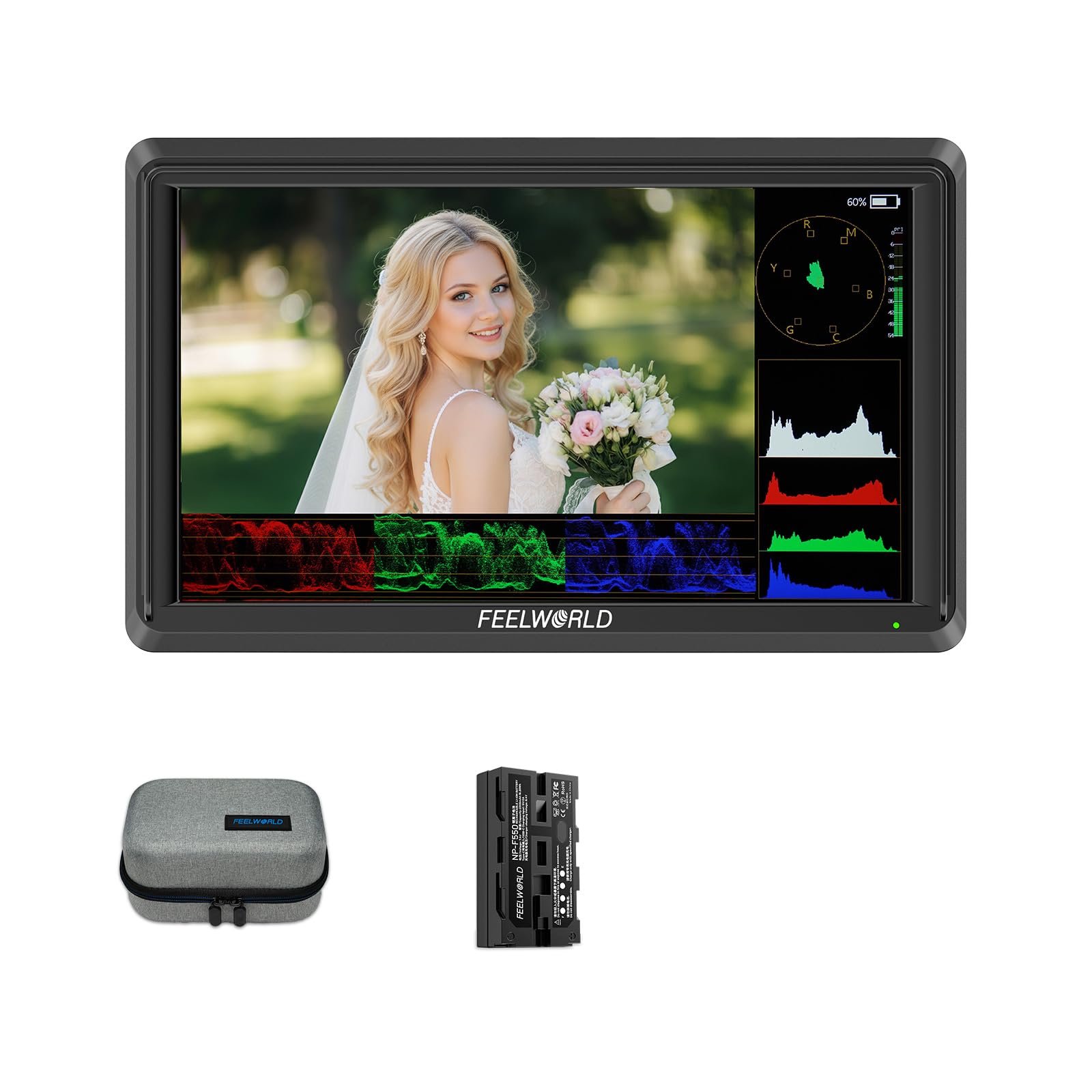
A featherlight 175g monitor that brings professional exposure tools to your camera rig.
The S55E is built for weight-conscious setups. At 175g it is barely noticeable on a gimbal or small handheld rig, yet it delivers a 5.5-inch 1920×1152 Full HD IPS display at 500 nits. The HDMI input and output support 4K at 60Hz, so you can run a clean 4K signal to a director’s monitor while viewing on the S55E. Tools like waveform, vectorscope, RGB histogram, focus peaking, false color, and 3D LUT support (up to 32 custom LUTs) make this a serious assist monitor.
Image quality and brightness get consistent praise. The monitor works well with Sony ZV-1 and similar cameras. Note that a battery is not included — the kit comes with an F550 cell (the monitor’s name includes it, but individual packages may vary — check your bundle). The included tilt arm has been described as flimsy by some users, so budget for a sturdier mount.
One common hiccup: a few owners mention the unit not powering up, and some mention compatibility gaps with specific camera models. Check your camera’s HDMI output format before purchase.
Grab it if: you need the lightest possible Full HD monitor with advanced scopes for a gimbal rig.
Think twice if: you want a simple plug-and-play experience with no compatibility checks needed.
7. ANDYCINE T6 6″ On-Camera Monitor
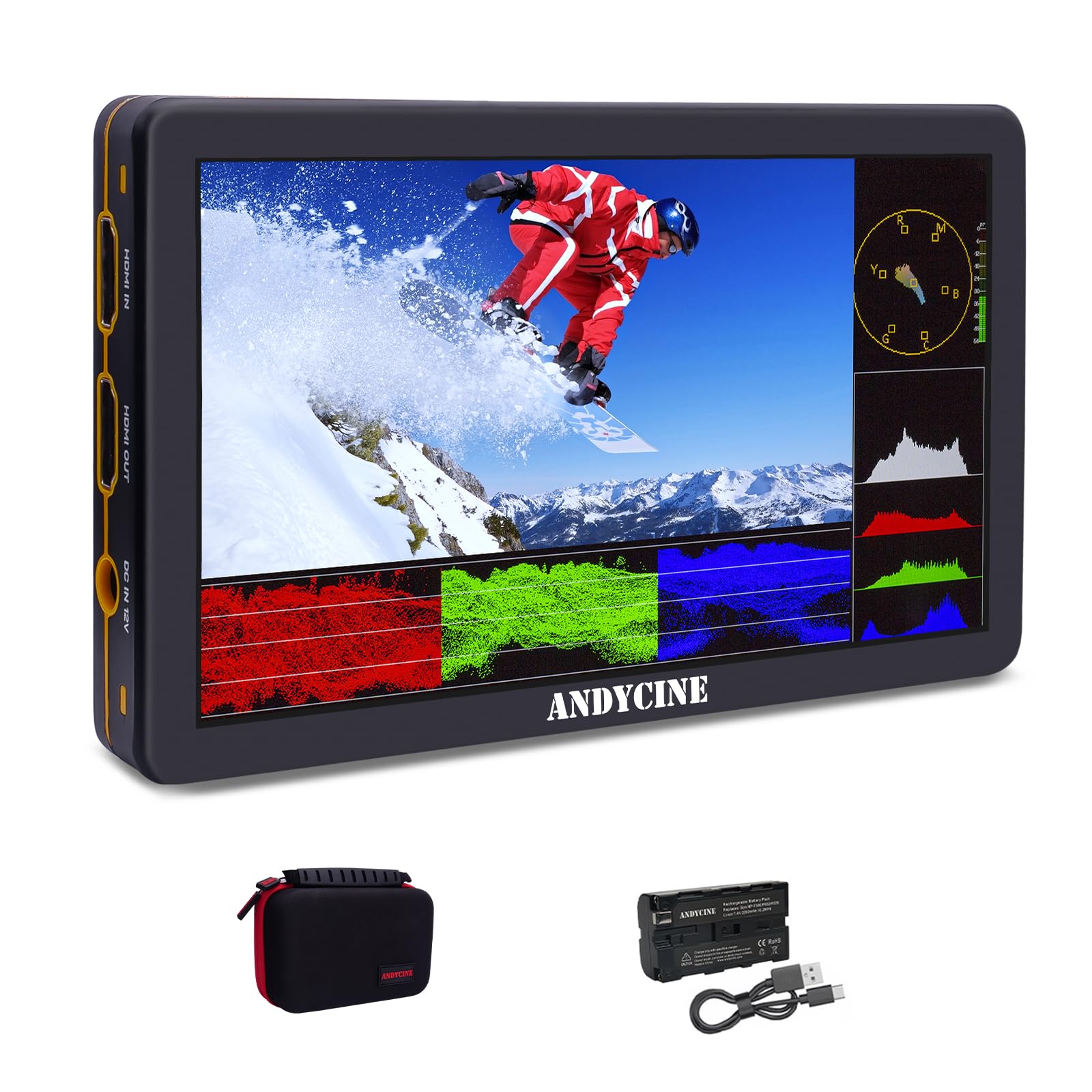
A 6-inch aluminum-framed monitor with HDMI 2.0 and 4K 60Hz throughput that feels tougher than its price suggests.
The ANDYCINE T6 stands out for its build — a sturdy aluminum frame with a bright yellow plastic interlayer that adds visibility on set. The 6-inch screen runs at 1920×1080 native resolution, and the HDMI 2.0 input/output handles up to 4K at 60 FPS, which is faster than many monitors at this level that cap at 30 FPS. It packs waveform, histogram, focus assist, peaking, false color, and 3D LUT loading.
Triple power options (battery, DC, USB-C) and storage for 5 user-customized settings make it flexible for different rigs. The package includes a battery, charger, micro HDMI cables, and a carry case — a genuinely complete kit. Owners praise the picture quality and battery life, with one calling it “incredibly sharp for a 1080p screen.”
The honest note: 450 nits is the max brightness, which is usable but not class-leading for bright sun. The HDMI connection feels a bit loose to some owners, and you may need a top handle for certain camera bodies.
Best for: run-and-gun shooters who want a durable, complete kit that includes everything to start.
Not ideal if: you need a touchscreen or sub-400 nits is not enough for your typical shooting conditions.
8. Portkeys PT5 II Camera Monitor Touchscreen
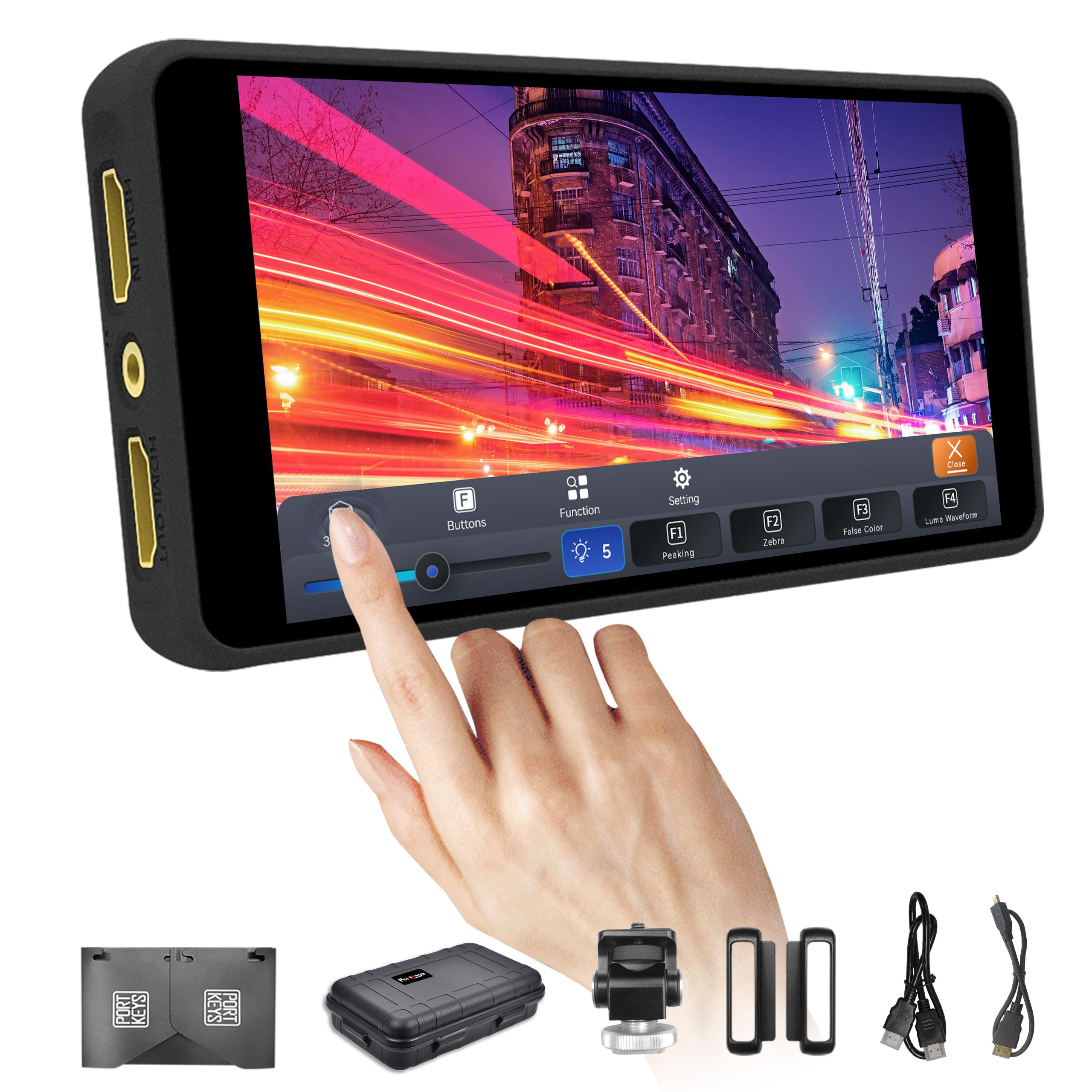
A tiny 5-inch touchscreen that weighs just 0.28 lb and fits anywhere on your rig.
The Portkeys PT5 II is the smallest and lightest monitor in this roundup at only 0.28 lb. Its 5-inch OCR full-fit touchscreen runs at 1920×1080 resolution with a 2000:1 contrast ratio — noticeably better contrast than the 1000:1 found on most budget alternatives. Features include luma and RGB waveform, 3D LUT support, anamorphic desqueeze, false color, peaking, and image flip. The MOVnorm OS UI is updated and responsive.
Power comes from standard NP-F or Canon LP-E6 batteries (not included). It also handles 4K30 signal input and output. Owners generally like the price-performance ratio, and those with compatible cameras (like Sony ZV-1) find it works well for the size.
The honest reality: functionality and display quality receive mixed feedback — some units stop working after a few months, and touch controls get negative mentions. The 4K functionality does not always work as advertised. It blocks your camera’s touch focus when connected, so you need to set focus before attaching the monitor.
Reach for this if: weight is your top priority and you want a touchscreen with excellent contrast for indoor work.
Pass if: you need guaranteed 4K functionality or worry about long-term reliability.
9. NEEWER F100 7″ Camera Field Monitor Updated Version (B0FX2RFCYF)
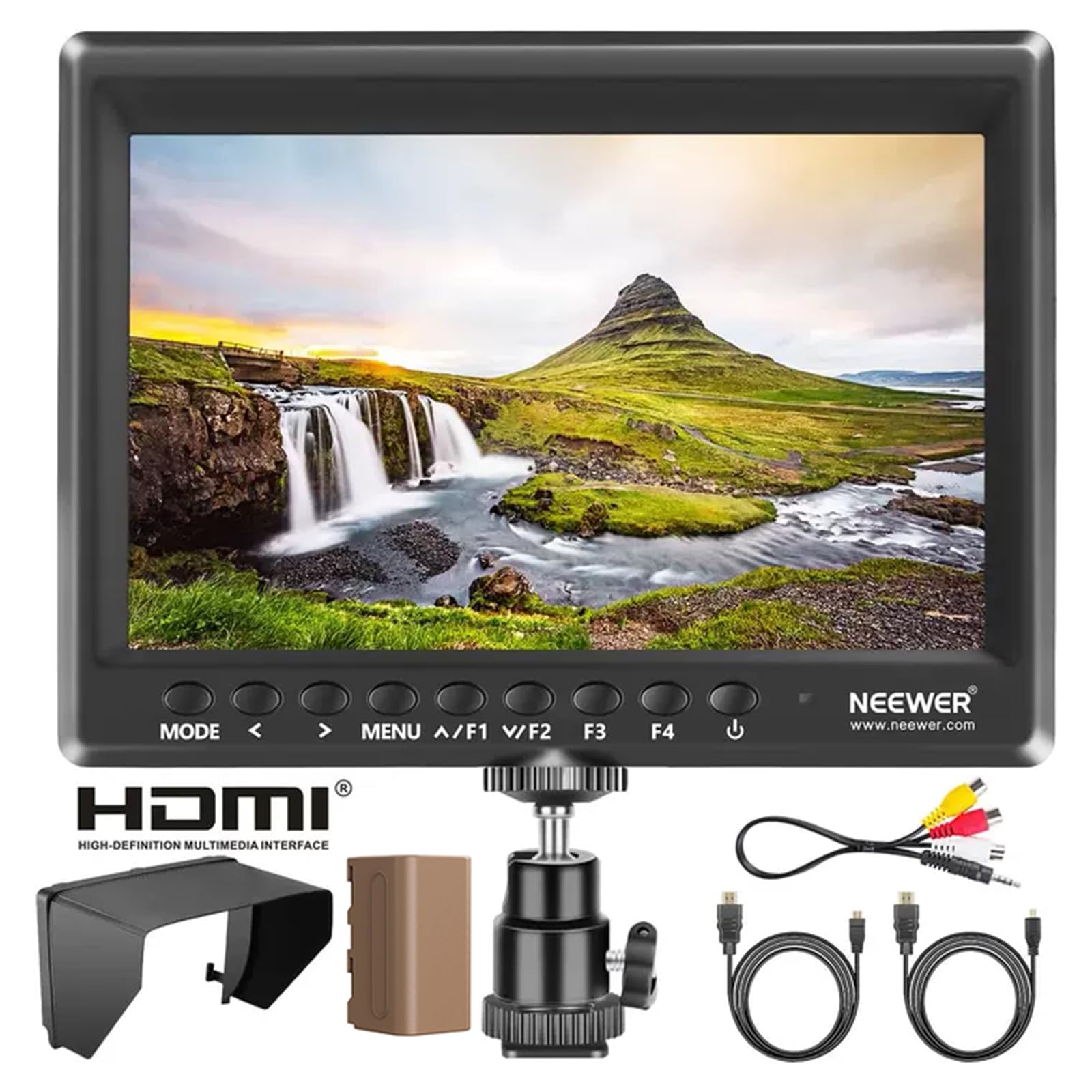
The updated version of the popular 7-inch budget monitor with added histogram and aerial mode.
This updated NEEWER F100 keeps the same 7-inch 1280 x 800 IPS panel, 450-nit brightness, and 1200:1 contrast ratio as the original, but adds histogram, monitor grid, and aerial mode to the feature set. The included 4400mAh F750 battery still delivers about 3.5 hours of runtime, and the kit includes a sunshade, 360-degree ball head, and multiple HDMI cables.
Quality and functionality are the top positive aspects owners call out, and the value proposition for a 7-inch monitor with a battery in the box is strong. It works well as an inexpensive field monitor for solo studio shooting, and the focus assist helps people with less-than-perfect eyesight pull focus accurately.
The repeated complaint: the battery indicator light stays on even when the monitor is supposedly off, draining the pack. You have to physically remove the battery to stop the drain. Also, no AC power adapter is included — you charge the battery via the included charger or buy a separate adapter.
Grab it if: you want a big-screen budget monitor with the latest firmware features and do not mind removing the battery after each shoot.
Skip if: a parasitic battery drain is a dealbreaker for your workflow.
Understanding the Specs
Nit Brightness and Daylight Visibility
A monitor’s brightness rating in nits tells you how well it fights glare. At 450 nits, you can see the screen indoors and in shade, but you will need a sunshade for direct sunlight. At 1000 nits or higher, the screen remains readable outdoors without extra gear. For all-purpose use, aim for at least 600 nits; for outdoor-first shooting, 1000 nits is a real advantage.
Resolution and Pixel Density
Full HD (1920 x 1080) is the standard for focus-critical work — each pixel is visible, so you can see exactly when your subject snaps into sharp focus. Lower resolutions like 1280 x 800 still work well for framing and exposure on a 7-inch screen, but they lack the pixel-level detail for precise manual focus pulls. Higher pixel density (measured in PPI) means sharper text and cleaner peaking highlights.
Focus Assist Tools: Peaking, False Color, Zebra
Focus peaking highlights in-focus edges in a bright color (usually red or green), so you see exactly which part of the frame is sharp. False color maps exposure levels onto the image — skin tones in one color, highlights in another — so you know instantly if your shot is over- or under-exposed. Zebra stripes indicate areas that are clipping (too bright), helping you protect highlight detail. A monitor with all three gives you full manual control over image quality.
3D LUT Support and Log Preview
A 3D LUT (Look-Up Table) is a color preset that transforms flat Log footage into a viewable image. Monitors that support loading custom 3D LUTs let you preview what your final graded footage will look like while you shoot, which saves time in post. This is crucial if you shoot in Log profiles like S-Log, C-Log, or V-Log, as the raw feed looks desaturated and low-contrast without it.
FAQ
Do I need a monitor that supports 4K input?
What is the difference between HDMI pass-through and a 4K monitor?
Can I use these monitors with a gimbal or handheld stabilizer?
Do these monitors work with any camera?
Do I need to buy a separate battery?
What is false color and do I need it?
How long do these monitors typically last on a single charge?
Is a sunshade necessary for outdoor use?
Can I use these monitors for live streaming or studio work?
What does 3D LUT loading mean for my workflow?
Final Thoughts: The Verdict
For the majority of shoppers, the clear budget camera monitor winner is the NEEWER F100 because it gives you the largest screen, the most complete accessory kit, and proven real-world compatibility — all at a price that leaves room for other gear. If you shoot outdoors often and want the brightest screen, grab the VILTROX DC-550 for its 1200-nit touchscreen. And for a rugged, daily-driver monitor that has lasted owners years, the FEELWORLD T7 is the one to reach for.
How We Picked
We do not accept paid placement. Every pick is matched to a real buyer and a real use-case; we do not hands-on test units.
Sources & Methodology
Specifications: manufacturer listings and product documentation. Review insights: verified customer reviews, as of July 2026. Pricing: not shown on this page (it changes often); check the current price via the retailer link.
As an Amazon Associate, FitlyFast earns from qualifying purchases. This does not affect which products we feature.