
Our readers keep the lights on and the weekend projects moving. As an Amazon Associate, I earn from qualifying purchases.
Specs are compiled from manufacturer listings and verified buyer reviews and can change over time — please confirm the key details on the product page before buying.
The best budget computer mouse is the one you stop thinking about five minutes after plugging it in. You want a cursor that tracks without lag, a shape that doesn’t cramp your hand by noon, and a battery or cable setup that doesn’t nag you. This guide separates true everyday winners from gimmick-prone options.
I’m Rikta — the founder and writer behind FitlyFast. This guide is built by comparing the manufacturers’ published specifications and the patterns across verified customer reviews, so you get each pick’s real strengths and trade-offs instead of marketing spin.
The budget computer mouse picks here balance real-world comfort, dependable wireless range, and battery life you won’t have to babysit.
Our Picks at a Glance
How To Choose The Best Budget Computer Mouse
Before you pick a budget mouse, think about how it fits your hand, how it connects, and how much battery or cable hassle you can tolerate. A right-handed contoured shape feels different from a symmetrical one, so start with your grip style.
Wired vs. Wireless vs. Bluetooth
Wired mice never need charging and have zero input lag (the delay between your click and the screen), so they suit gaming. Wireless mice with a 2.4GHz USB dongle (a small plug that connects wirelessly) are the plug-and-play balance for offices. Bluetooth mice free up a USB port and work with iPads, but on a budget, dongle-based models usually feel more instantly responsive.
DPI and Buttons: What You Actually Need
DPI is just cursor sensitivity. Budget office mice often top out around 1000–4000 DPI, which is plenty for spreadsheets and web browsing. Programmable side buttons speed up document navigation, and a higher button count only matters if you game or run macros regularly.
Quick Comparison
| Model | Best For | Max DPI | Buttons | Battery Life | Amazon |
|---|---|---|---|---|---|
| wegear Wireless Mouse★ Best Overall | All-day office comfort | 4000 | 6 | 24 months | Amazon |
| Redragon M612Budget Gaming Pick | Budget gaming | 8000 | 11 | Wired | Amazon |
| Logitech M330 Silent Plus | Quiet shared workspaces | 1000 | 3 | 18 months | Amazon |
| Razer DeathAdder Essential | Large hands, light gaming | 6400 | 5 | Wired | Amazon |
| Uineer Vertical Mouse | Wrist relief, multi-device | 2400 | 6 | 168 hours | Amazon |
| PHILIPS SPK7628 | Small hands, travel | 1600 | 6 | 2 AAA | Amazon |
| Logitech G502 Hero | Serious gamers | 25600 | 11 | Wired | Amazon |
In‑Depth Reviews
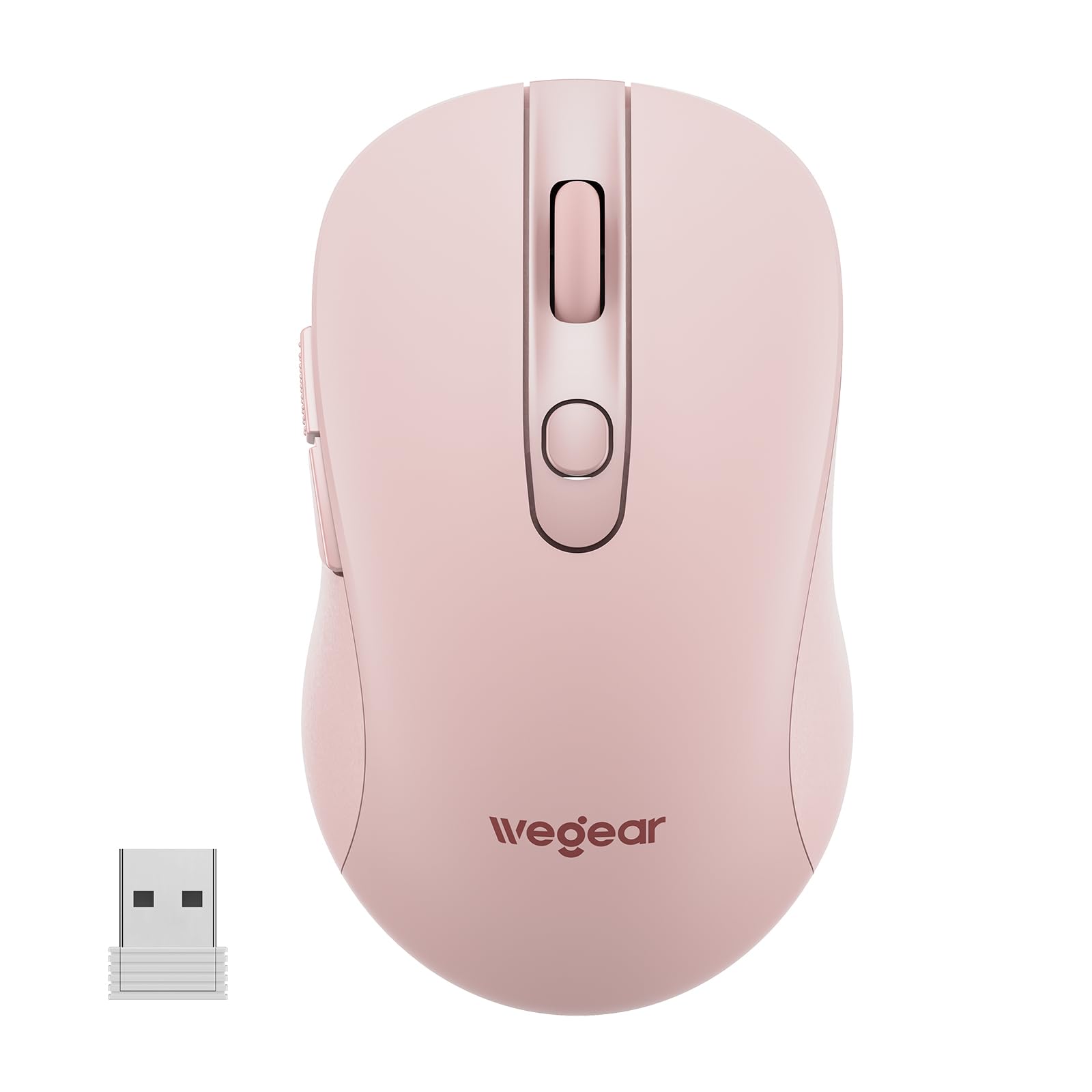
1. wegear USB Wireless Mouse
This plug-and-play pick turns a 24-month battery into a low-maintenance office staple.
This is the everyday desk hero. The wegear runs for up to 24 months on a single AA battery — a full 6 months longer than the Logitech M330 below claims — and it protects that runtime by slipping into sleep mode after 8 minutes of inactivity, waking on any click. That longevity is the thing owners rave about most, alongside the overall quality and value for money, which are the two most-cited strengths in its reviews.
Comfort is the second act here. The contoured, right-handed shape is designed to reduce hand strain during extended use, and owners echo that it fits well and operates smoothly with no lag. The 4000 DPI sensor is switchable across five levels, so you can drop it to 800 for precise design work or push it up for fast browsing. Buyers report the auto-sleep mode is a real help for battery life, and the thing has survived a few carpeted-floor drops without issue.
The trade-off: no on-off button, so the mouse relies on its sleep timer for power saving. Battery life also earns the most mixed feedback of any aspect — most owners see months of use, but a small number report the battery stopping after a couple of weeks. This is the best all-rounder for anyone who just wants a comfortable, reliable wireless mouse without thinking about it.
cheap daily driver: you want max battery endurance and a comfy right-handed shape for daily office work at a budget price.
premium seekers: you need an on-off switch for travel storage or you rely on forward/back buttons in macOS — those side buttons aren’t recognized on Mac.
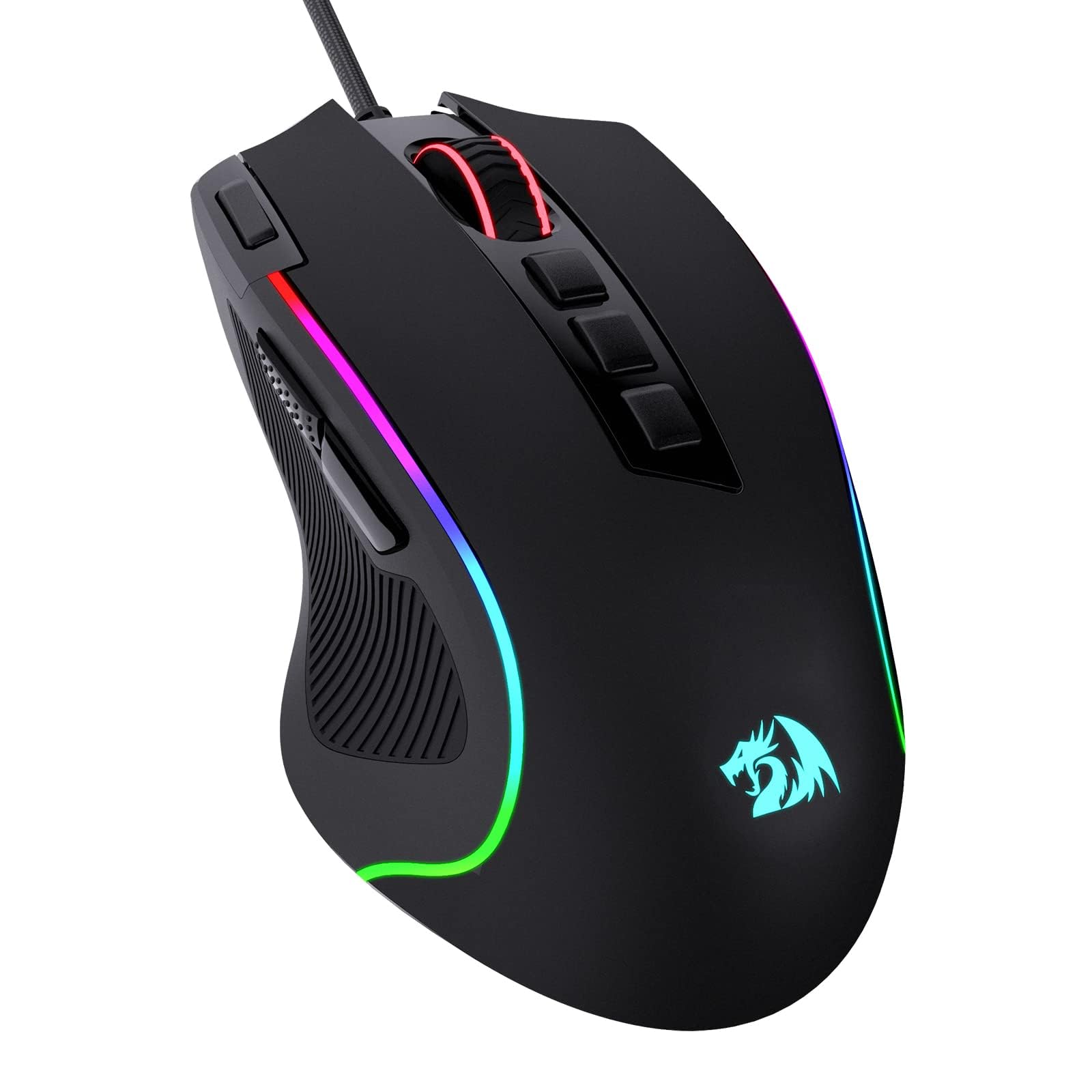
2. Redragon M612 Wired RGB Optical Gaming Mouse
A wired 8000-DPI gaming mouse that packs 11 remappable buttons for less than the price of a game.
Quality is the most-praised aspect of this Redragon by a wide margin — over five hundred owners single it out — and it’s easy to see why. The M612 delivers a max 8000 DPI, which is a full eight times the sensitivity of the Logitech M330’s 1000 DPI ceiling, letting you crank the cursor speed for fast-paced shooters or drop it low for precise work. With 11 programmable buttons, it offers 83% more buttons than the wegear’s 6, including 1 rapid-fire key and 2 side macro buttons for custom keybinds.
The build leans into comfort for bigger hands. A skin-friendly frosted coating keeps fingerprints off the surface while a rubber texture on the left side adds grip, and the claw-grip frame is built to reduce fatigue over hours of use. Owners describe it as comfortable for long sessions, smooth on multiple surfaces, and responsive even in high-graphics games, with RGB lighting that’s customizable but subtle enough for late-night use.
The durability criticisms are real but specific: an occasional unit shows minor wire fraying, and in hot environments the rubber pad adhesive on the side can leak and turn sticky after roughly a year. If you prefer a heavier mouse that stays planted on the desk, this one has the weight to satisfy. This is the wired pick for gamers who want pro features on a budget and don’t mind the cable.
budget gamer pick: the wegear and M330 on raw DPI headroom and button programmability — it’s the clear choice for gaming.
wireless fans: people who hate RGB, need wireless freedom, or run in hot rooms where the side grip adhesive can soften over time.
3. Logitech M330 Silent Plus Wireless Mouse

The near-silent click master that reduces over 90 percent of clicking sound for peace in shared spaces.
Noise level is far and away the most-mentioned aspect here — nearly two thousand owners praise the quiet — and Logitech’s SilentTouch technology reduces over 90 percent of clicking sounds. That makes this the pick for open offices, libraries, and late-night sessions where a clacky mouse would drive everyone mad. The M330 also brings an 18-month battery life on one included AA battery, with an auto-sleep mode that preserves power.
Ergonomics and comfort follow closely behind, with the contoured plastic grips built for right-handed users and a weight that feels balanced in the palm. Owners say it fits comfortably, scrolls smoothly and silently, and has held up for years — one long-term report notes a battery lasting 14 months under heavy daily use. The 1000 DPI optical tracking covers a wireless range of up to 33 ft (10m) and works on most surfaces.
The size feedback is genuinely mixed: some find it compact and perfect, while others with larger hands call it too small, and a few note the sides lack the grippy silicone of older Logitech models. Reliability also gets mixed marks, with some owners reporting the right click failing after a couple of months. The catch: it’s a three-button, no-frills mouse. Buy it for the silence and brand trust, not for macros or adjustable DPI.
whisper quiet clicks: if you’ve ever been the person everyone hears clicking, this fixes that instantly — the silence is the headline feature and it delivers.
4. Razer DeathAdder Essential Wired Gaming Mouse

The legendary ergonomic shape that fits large hands perfectly and keeps them comfortable for six-hour sessions.
Quality is the most-praised aspect of the DeathAdder Essential by far. This Essential version keeps the famous right-handed contour that owners say feels great for big palms, with ridged, rubberized side grips for control. The 6400 DPI optical sensor is adjustable on the fly through dedicated DPI buttons, and the mechanical switches are rated for up to 10 million clicks.
Comfort during long stretches is the recurring theme — owners mention using it for six-hour gaming marathons without fatigue, and some have kept the same unit running for years before needing a replacement. The five programmable buttons remap through Razer Synapse, and the heavier weight keeps the mouse planted on the desk, which large-hand owners tend to prefer. It’s a wired, USB-A plug-and-play design with no battery to maintain.
Durability is the most-discussed downside, specifically the scroll wheel: a common pattern is the wheel jittering or malfunctioning after several months of heavy use, and some owners warn the clicks can be loud. There’s also a minority who find it too sensitive, registering clicks on the slightest movement. This suits gamers and big-hand users who want a proven shape and accept it may not last forever.
classic ergonomic grip
- Contoured shape owners call ideal for large hands
- 6400 DPI with on-the-fly sensitivity adjustment
- Ridged rubber side grips for a secure hold
- Mechanical switches rated to 10 million clicks
dated sensor tech
- Scroll wheel reliability drops for some after several months
- Clicks can be louder than the silent options here
- A few owners find it registers clicks too easily
5. Uineer Ergonomic Wireless Vertical Mouse
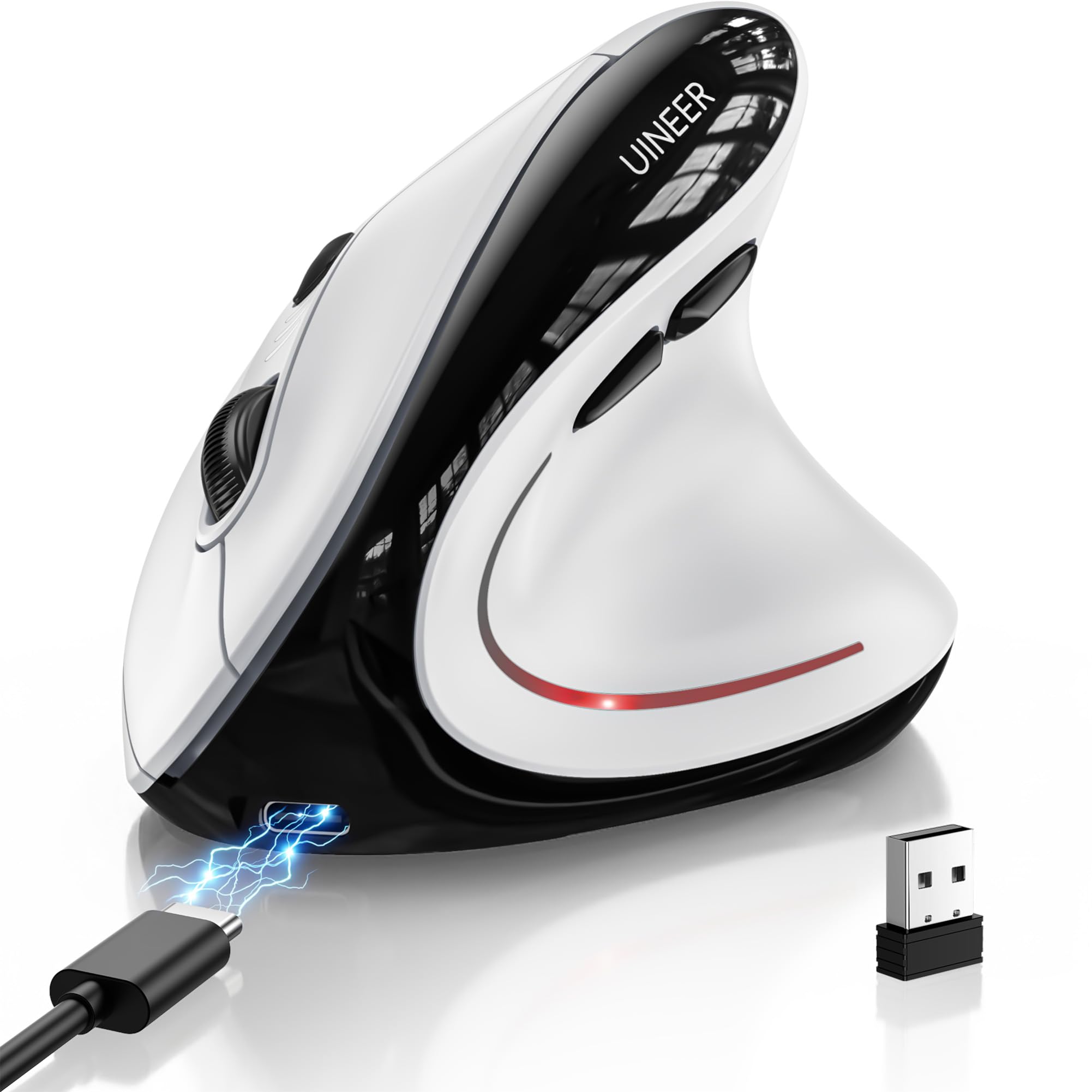
The vertical-grip mouse built for wrist relief that switches between three devices on the fly.
Ergonomics is the top-praised aspect here — with a huge lead over every other feature — and this vertical design’s natural grip keeps your wrist straight and your forearm relaxed. Owners have reported it relieving wrist stiffness during full 9-to-5 workdays, and some say it fits smaller hands perfectly. It weighs only 105 grams (about 3.2 ounces), so it’s light enough to move easily while still feeling substantial.
Connectivity is where this one stands out from the rest of the budget field: it’s a tri-mode mouse supporting Bluetooth 5.0, Bluetooth 4.0, and 2.4GHz USB, with three-device switching so you can hop between a work laptop, a personal Mac, and an iPad without re-pairing. The built-in 500mAh rechargeable battery lasts for weeks on a full charge with typical 8-hour daily use and recharges in about 2 hours via the included Type-C cable.
The battery reports are split — some owners get roughly a month with daily power-off, while at least one returned it after the battery only lasted 10 days, and there’s a slight wake-up lag when it comes out of sleep. The surface also runs a bit slippery, which can cause grip strain if your hands are dry. Give it a 1-2 week adaptation period; that’s the adjustment most owners need before the wrist benefits kick in.
carpal tunnel aid: wrist pain is your daily reality and you juggle three devices — this is the only pick here with true multi-device Bluetooth switching.
quick adapters: battery endurance is a hard requirement or you want a grippy surface; the rechargeable cell and glossy shell both draw mixed feedback.
6. PHILIPS SPK7628 Ergonomic Mouse
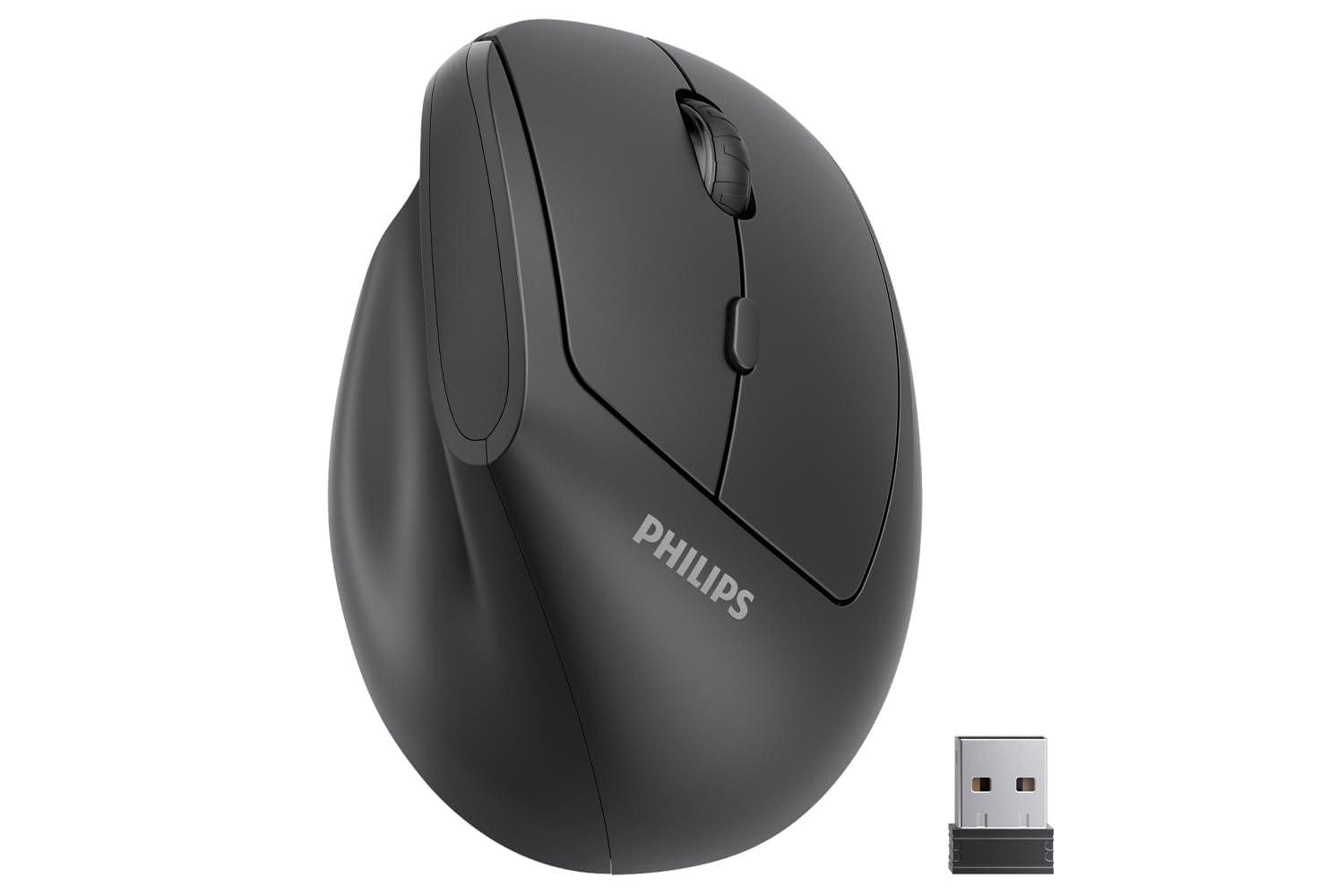
A 57° handshake-angle vertical mouse sized specifically for small and medium hands.
This PHILIPS is the dedicated small-hand option. It’s specially shaped for hands up to 7 inches long, with buttons placed so your fingers don’t overstretch, and the 57° vertical design promotes a relaxed handshake posture that reduces wrist and forearm strain. Owners with petite hands describe it as a perfect fit — one even measured a 6x3in hand against it — and the comfort translates into less fatigue over long workdays.
The six buttons include silent left and right clicks designed for shared spaces, and the lightweight body slips easily into a laptop bag for commutes and business trips. It runs on 2 AAA batteries with an intelligent sleep mode that kicks in during inactivity, and the 2.4GHz USB receiver stores inside the mouse base so it’s harder to lose. The DPI switches between 800, 1200, and 1600 to match your task.
The standout complaint is button sensitivity — the clicks are extremely sensitive, which some owners find takes getting used to. Battery life splits opinions too: some report excellent endurance while others mention dead batteries on arrival (they ship wrapped in plastic film, so remove that before install). An occasional unit has suffered connection drops, which is the risk of budget wireless. This is the right pick if you’ve got smaller hands and the standard mice here feel too big.
compact hand comfort: most budget mice are sized for average or large palms, so if you’ve never found one that fits, this vertical shape with its 57° angle and up-to-7-inch sizing is the one to try first.
7. Logitech G502 Hero Wired Gaming Mouse

The premium wired gamer with a 25,600-DPI sensor and five adjustable weights for a personalized feel.
Performance is the most-praised aspect here by a landslide — over 2,600 owners call it out — and the HERO sensor is the reason. It tracks up to 25,600 DPI with no smoothing or acceleration, and it can detect movement at the sub-micron level, which means pinpoint cursor accuracy that more than doubles the Redragon M612’s 8000 DPI ceiling. The 11 programmable buttons and dual-mode hyper-fast scroll wheel give you full control over gameplay.
The weight system is the signature feature: you can arrange up to five 3.6g weights to match your preferred heft and balance, and owners love the customization. The mechanical switch button tensioning uses a metal spring and pivot hinges for a crisp, clean click feel with rapid feedback. Long-term customers note it fitting large palms comfortably, holding up over years of use, and the metal scroll wheel feels premium.
Double-clicking is the most-discussed reliability concern — some units develop the issue over time — and reliability overall earns mixed marks, with some owners reporting the mouse stopping function properly. The software is also a common gripe: G HUB is convoluted, and several owners recommend the Onboard Memory Manager instead so you can skip the software entirely. This is the pick for gamers who want flagship-grade sensor performance and accept a wired connection and a learning curve on setup.
hero sensor precision
- 25,600 DPI HERO sensor with sub-micron tracking
- Five 3.6g adjustable weights for custom balance
- 11 programmable buttons with on-board memory
- Metal scroll wheel with free-spin toggle
heavy cable drag
- Double-clicking appears in some units over time
- G HUB software frustrates many; owners suggest alternatives
- Heavier than the lighter picks here, so smaller hands may feel the difference
Understanding the Specs
DPI Sensitivity
DPI measures how far the cursor travels per inch of physical mouse movement. Higher DPI means faster cursor speed, but for everyday office work anything above 4000 is overkill — most people settle around 1000–1600. Gamers benefit from higher DPI ceilings because they can drop the sensitivity for precision aiming or crank it for fast 180-degree turns.
Wireless vs. Wired
Wired mice like the Redragon and G502 deliver the lowest input lag and never need charging, which is why gamers prefer them. Wireless mice with a 2.4GHz dongle offer plug-and-play freedom with a tiny receiver you plug into a USB port. Bluetooth mice eliminate the dongle entirely but can add a hint of wake-up delay — and some budget models don’t pair as smoothly.
Battery Life and Auto-Sleep
Battery life claims like 18 or 24 months assume light daily use, and auto-sleep modes are what actually protect that runtime by putting the mouse to sleep after a set period of inactivity. Rechargeable mice with built-in cells, like the Uineer, shift the trade-off: you never buy batteries, but you do need to remember to charge every few weeks.
Ergonomic Design
Ergonomic shapes aim to keep your wrist in a neutral position to reduce strain during long sessions. Vertical mice tilt your hand to a handshake angle — often around 57 degrees — which can relieve wrist pressure if you already feel discomfort. Right-handed contoured shapes with rubber side grips provide a more secure hold than flat, symmetrical designs.
FAQ
Will a budget mouse with forward and back side buttons work on a Mac?
How long does a budget wireless mouse battery actually last?
Is a higher DPI always better for a budget mouse?
What does the 2.4GHz wireless connection mean and why does it matter?
Can a budget mouse connect to an iPad or tablet?
Why do some budget mice fail after several months?
Is a wired or wireless budget mouse better for gaming?
How do I know if a vertical mouse is right for my hand size?
What does auto-sleep do in a budget mouse and can I disable it?
Are silent mice really quieter than regular ones?
Final Thoughts: The Verdict
For most buyers, the budget computer mouse winner is the wegear Wireless Mouse because it pairs a 24-month battery with a genuinely comfortable right-handed shape at an entry-level price — and with over 700 owners averaging 4.6 stars, the consensus is clear that it just works. If you want silence in a shared office, grab the Logitech M330 Silent Plus and its 90-percent quieter clicks. And for gaming on a budget, the Redragon M612 delivers 8000 DPI and 11 programmable buttons that punch far above its tier.
How We Picked
We do not accept paid placement. Every pick is matched to a real buyer and a real use-case; we do not hands-on test units.
Sources & Methodology
Specifications: manufacturer listings and product documentation. Review insights: verified customer reviews, as of August 2026. Pricing: not shown on this page (it changes often); check the current price via the retailer link.
As an Amazon Associate, FitlyFast earns from qualifying purchases. This does not affect which products we feature.