
Our readers keep the lights on and the weekend projects moving. As an Amazon Associate, I earn from qualifying purchases.
Specs are compiled from manufacturer listings and verified buyer reviews and can change over time — please confirm the key details on the product page before buying.
Your phone’s camera roll is full of moments worth holding, but printing them shouldn’t mean buying a bulky desktop unit or paying a fortune for ink cartridges. This guide finds the best budget photo printer for your life, from 2×3 stickers to 4×6 frames. You’ll see which pocket model wins on quality, speed, and running costs.
I’m Rikta — the founder and writer behind FitlyFast. This guide is built by comparing the manufacturers’ published specifications and the patterns across verified customer reviews, so you get each pick’s real strengths and trade-offs instead of marketing spin.
Here is how the top portable options compare for everyday printing, and which budget photo printer actually deserves space on your desk and in your bag.
Our Picks at a Glance


How To Choose The Best Budget Photo Printer
Portable photo printers divide into two main technology camps, and your choice here decides print quality, durability, and your long-term spending. ZINK (Zero Ink) printers use paper with color crystals baked inside, so there are no cartridges to buy — but the prints can look slightly soft. Dye-sublimation printers use a ribbon that heats dye onto the paper in passes, giving richer, sharper colors and a protective coat.
Size Matters: 2×3 Stickers vs 4×6 Prints
The tiny 2×3-inch sticky-back format is perfect for scrapbooks, journals, and decorating a laptop or fridge. If you want frames and keepsakes, you need a 4×6 printer, which trades portability for larger paper and a bigger body. Match the print size to where the photos will live.
Watch the Real Cost: Paper and Ribbons
The printer is only half the cost story. A ZINK model needs special paper packs, while a dye-sub model requires both photo paper and a ribbon cartridge that must be replaced together. Check the per-print cost of refills before you commit — a cheap printer with expensive consumables is no bargain.
Connectivity and Battery Life
Most pocket printers use Bluetooth for a direct, instant link to your phone, while larger portable units use Wi-Fi. If you print at parties or on trips, look for a built-in rechargeable battery and check how many prints you get per charge — some manage 25 photos, others only 20.
Quick Comparison
| Model | Best For | Print Size | Technology | Speed | Amazon |
|---|---|---|---|---|---|
| KODAK Step★ Best Overall | Pocket portability | 2×3″ Sticky | ZINK | 1.0 ppm | Amazon |
| Polaroid Hi-PrintSharpest Stickers | Scrapbook clarity | 2×3″ Sticky | Dye-Sub | — | Amazon |
| YOTON 4×6AR Video Pick | True 4×6 frames | 4×6″ | Dye-Sub | 5 ppm color | Amazon |
| Canon Ivy 2 | Travel and journaling | 2×3″ Sticky | ZINK | 50 sec first | Amazon |
| HPRT 4×6 | Network-free Wi-Fi | 4×6″ | Dye-Sub | 1.3 ppm | Amazon |
| iDPRT CP4100 | Bundled supply value | 4×6″ | Dye-Sub | 25 ppm | Amazon |
| Liene Pearl N200 | AI-edited stickers | 2×3″ Sticky | Dye-Sub | 1.0 ppm | Amazon |
| HPRT CP4100 | Album-ready 4×6 | 4×6″ | Dye-Sub | — | Amazon |
| HP Envy 7975 | Home all-in-one | 4×6″ & Docs | Inkjet | 15 ppm B&W | Amazon |
In-Depth Reviews
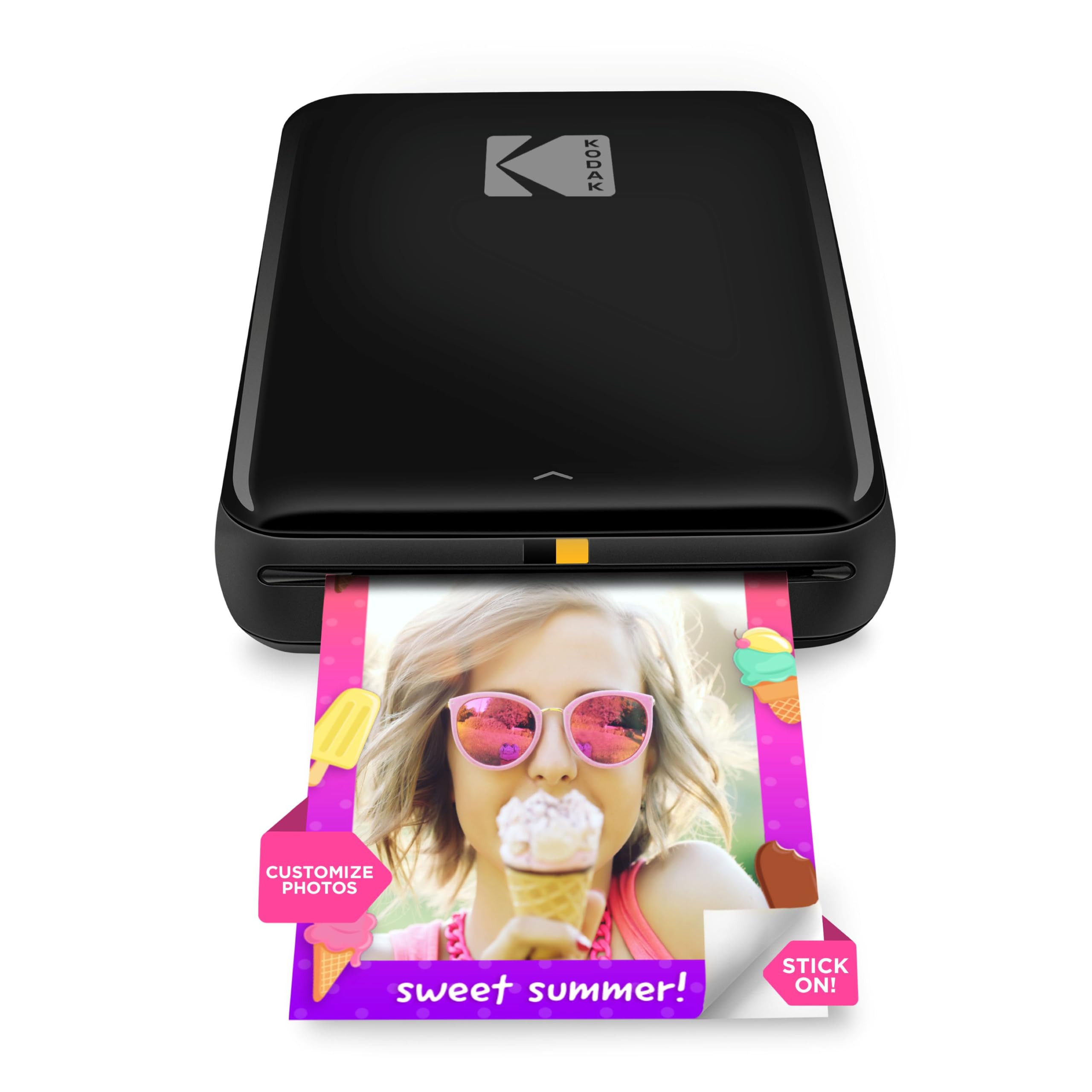
1. KODAK Step Instant Smartphone Photo Printer
A palm-sized sticker maker that turns your camera roll into peel-and-stick keepsakes in under a minute.
The crowd favorite in this lineup — 4.4 stars across 20,000+ owners — earns its Best Overall spot by nailing the two things buyers care about most: quality and ease of use. It connects to any iOS or Android phone over Bluetooth or NFC, so you skip the computer entirely and print directly from your camera roll. The built-in lithium-ion battery handles 25 photos on a full charge, which covers a weekend of party printing without hunting for an outlet.
Because it uses ZINK zero-ink technology, there are no cartridges, toners, or ribbons to replace — the color crystals live inside the 2×3-inch sticky-back paper itself. Those prints resist moisture, rips, tears, and smudges, which makes them genuinely durable on a laptop lid or water bottle. The free Kodak app adds collages, filters, borders, stickers, and text, and buyers report it can print 10 pics in one round with colors that look gorgeous and almost no noise.
The trade-off is the fixed 2×3-inch size, so no larger keepsakes. Picture quality also gets mixed feedback, with some prints coming out slightly dull depending on the photo, and reliability concerns surface after heavy use. It’s a dedicated sticker printer, not a document machine.
What wins people over
- Truly pocket-sized and lighter than a pound
- No ink to buy — ZINK paper only
- Handles 25 prints per battery charge
- Peel-and-stick back for instant decorating
What to weigh first
- Locked to 2×3-inch sticker size
- Some prints come out dull or blurry
- App can glitch and need a relaunch
Reach for this if: you want the simplest possible way to make sticky 2×3 photos from your phone, with zero ink costs and a battery that lasts a full party.
Look elsewhere if: you need larger 4×6 prints for frames or expect studio-perfect color on every single shot.
2. Polaroid Hi-Print 2nd Generation
The sticker printer that ditches ZINK for dye-sub, delivering business-card-size prints with true photo sharpness.
What wins people over here is the size — owners consistently say the compact body is just right — and the picture quality that follows. Instead of ZINK paper, the Polaroid Hi-Print uses dye-sublimation cartridges, laying down color in a way that produces vibrant 2×3-inch business-card-size prints. Reviewers describe the sharpness and color accuracy as matching professional prints, which is rare praise for a pocket printer. Print time lands under 50 seconds per photo.
Connectivity is simple: the free Polaroid Hi-Print app pairs over Bluetooth for both iOS and Android, letting you add frames, filters, text, and emoticons before printing. The rechargeable lithium-ion battery keeps it mobile, and it charges over USB-C, the same cable as your modern phone. On a full charge, owners mention roughly 20 prints before needing a power bank.
The catch is reliability and cost. Some owners hit paper jams on the first use, and a few saw units fail after a cartridge swap. The dye-sub cartridges also push the per-print cost higher than ZINK, so factor that into your budget. It is a clear step up in sharpness over the ZINK rivals, but it demands more careful handling.
Why owners love it
- Sharp, color-accurate dye-sub prints
- Compact build that fits a pocket
- 10-photo cartridges keep refills neat
- USB-C charging matches modern phones
Where it stumbles
- Paper jams reported on first use
- Per-photo cost runs higher than ZINK
- Battery only lasts about 20 prints
Choose this for: journaling and scrapbooking where print sharpness matters more than the lowest possible refill price.
skip it if: you want maximum reliability and the cheapest prints — a ZINK model will frustrate you less.
3. YOTON Photo Printer 4×6
A true 4×6 dye-sub printer whose photos come alive when you scan them with your phone.
This is the printer to pick when you want real 4×6 prints for frames, not just stickers. The YOTON uses dye-sublimation to lay down vivid color with a finer texture, and each photo gets a protective layer that resists water, scratches, and fingerprints — so your prints survive everyday handling. It ships with 54 sheets of photo paper and one ink ribbon, giving you a healthy pile of prints before you ever buy a refill. At 7.1 x 4.9 x 2.2 inches and 970g, it slips into a backpack for travel.
The defining feature is AR video printing: you can print a still from a video clip up to 15 seconds long, then scan that photo with the app and watch the moment replay on your phone. It uses its own built-in Wi-Fi to connect directly to your phone — no internet required — which customers note is more stable and faster than Bluetooth. The app handles editing and collages, and reviewers point out the print quality matches full-size printers, with thick, sturdy paper.
Print speed is the honest downside: at 5 pages per minute for color, it is not a speedy burst printer, though it handles many photos without overheating. Setup can be genuinely fiddly — the Wi-Fi needs a 2.4GHz band, and the app asks for heavy permissions. Some shoppers say the connection drops and forces a re-pair each session.
The standout strengths
- True 4×6 prints with vibrant dye-sub color
- Water and scratch resistant photo coating
- AR video printing brings stills to life
- Built-in Wi-Fi works without internet
The real trade-offs
- Color print speed is just 5 pages per minute
- Wi-Fi pairing can be frustrating
- Heavier and bulkier than sticker printers
Best for: anyone who wants frame-worthy 4×6 prints and loves the wow-factor of AR video photos.
Think twice if: you want a no-fuss setup — this one demands patience with Wi-Fi and app permissions.
4. Canon Ivy 2 Mini Photo Printer

A featherlight ZINK printer that prints your first photo in as little as 50 seconds and sticks anywhere.
At just 145g, the Canon Ivy 2 is the one you will actually carry — owners praise its pocket-sized portability for travel above almost everything else. Like the Kodak, it runs on ZINK zero-ink technology, so you only ever buy the 2×3-inch sticky-back paper packs, never a cartridge. The Canon Mini Print App handles brightness, filters, and layouts, and the peel-and-stick backing means photos land directly in scrapbooks, journals, and on the fridge.
Canon upgraded the connectivity to Bluetooth 5.0 for a steadier phone link, and the Ivy 2 includes a SMART SHEET that cleans the print head inside the paper pack. Owners describe the print quality as clear, vibrant, and detailed for a ZINK printer, and they consistently call it worth the money because the photo refills cost less than traditional ink.
This is a 2×3 sticker printer, not a full-size machine replacement. Some owners notice a slight blue tint on photos, and a few mention minor quality loss that seems tied to the paper. The app is widely praised as amazing and easy, which keeps the daily journaling crowd coming back.
What makes it click
- Featherlight 145g body for travel
- Bluetooth 5.0 for stable phone pairing
- Peel-and-stick prints for journals
- SMART SHEET keeps print head clean
Keep in mind
- Small 2×3 sticker size only
- Occasional blue tint in photos
- Not a document printer replacement
Grab this for: travelers and daily journalers who want the lightest possible printer with a reliable app.
Pass if: you need larger prints or worry about color accuracy — this is a fun sticker maker, not a studio.
5. HPRT Photo Printer 4×6
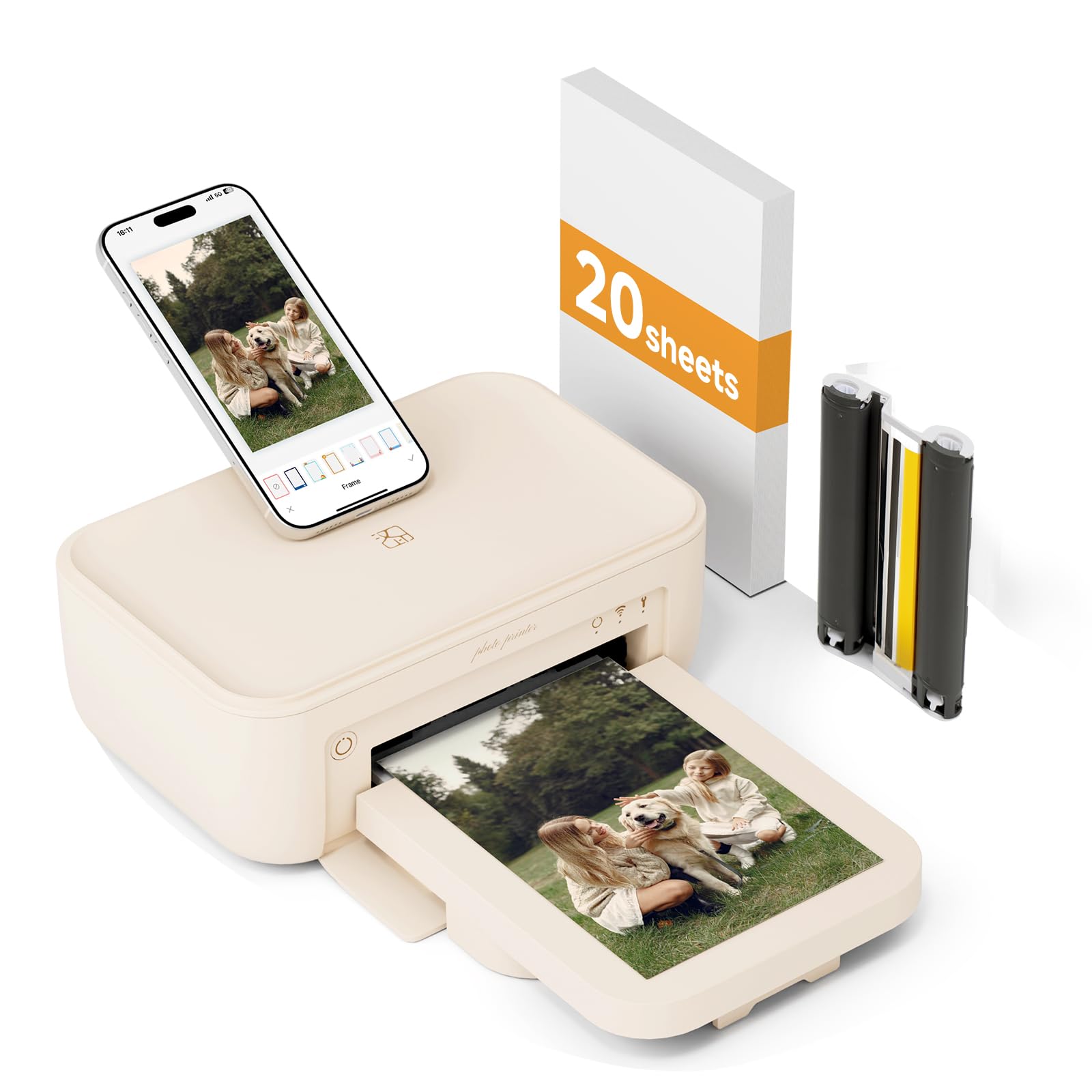
A beige 4×6 dye-sub printer that talks to your phone over Wi-Fi or its own hotspot, even with no network.
This HPRT gives you two ways to connect wirelessly: join the same Wi-Fi network as the printer, or connect your phone directly to the printer’s built-in hotspot when there is no internet around. That flexibility means you can print at a park, on a road trip, or anywhere else without hunting for a connection. It uses thermal dye-sublimation, laying down pigment in three passes for vivid, full color, then sealing each photo with a clear protective film that blocks dust, water, oil, and scratches.
The bundle includes 20 sheets of 4×6 paper and one ribbon so you can start printing immediately. The free app offers templates for ID photos, collages, stickers, frames, and filters, plus an AR printing feature that stores a video inside a still photo. Owners call it convenient and easy, with great picture quality right from the start.
There is a real caveat to flag: some owners received their unit without paper despite the listing, and a few found the printer did not work properly even with extra paper. The feedback is limited because this is a newer model with a smaller owner base, so treat it as a solid value with occasional quality-control risk.
The strong points
- Prints via Wi-Fi or direct hotspot
- Protective film makes prints water and scratch resistant
- Comes with 20 sheets and a ribbon
- App handles ID photos and AR videos
The weak spots
- Some units arrive missing paper
- Occasional unit fails to print
- Slower 1.3 pages per minute speed
Pick this if: you print in places without reliable internet and want 4×6 dye-sub quality with a protective coating.
Look elsewhere if: you want a huge owner base and proven reliability — this one is still building its reputation.
6. iDPRT CP4100 4×6 Photo Printer

A 4×6 workhorse that arrives with 108 sheets and two ribbons, so you start with a full album.
The iDPRT CP4100 solves the biggest annoyance of new photo printers: running out of paper immediately. It bundles 108 sheets of photo paper and two ribbon cartridges in the box, which is enough to fill a serious album before you ever shop for a refill. It prints 4×6 photos in about 60 seconds using thermal dye-sublimation at 300 DPI, and the app warns you when a photo’s resolution is too low instead of silently printing a blurry version.
Setup is handled through the HeyPhoto app, which pairs over Bluetooth and then connects via Wi-Fi direct. Owners describe the app as convenient and easy, with filters, text, and stickers for personalizing prints. They also praise the print quality as superb and note the ribbon and paper are simple to load, with the app alerting you when a cartridge needs replacing. It is a popular gift choice for family members who want to stay connected through physical photos.
The trade-off is patience: each photo takes roughly 45 seconds because the dye-sub process makes three color passes plus a seal coat. Some buyers report certain pictures not showing up in the print queue, though the ones that do print look great. At 2.4 kg, this is a home-deck printer, not a pocket companion.
The big wins
- 108 sheets and 2 ribbons included
- 300 DPI dye-sub quality
- App warns on low-resolution photos
- Simple ribbon and paper loading
The honest catches
- About 45 seconds per photo
- Heavy at 2.4 kg for a desk
- Some photos fail to appear in queue
Best suited to: families who want a big bundle of supplies and frame-ready 4×6 prints without buying refills for months.
Reconsider if: you need a portable printer — this one lives on a desk, not in a bag.
7. Liene Pearl N200 Pro

A gold 2×3 sticker printer that pairs dye-sub sharpness with an AI app that reimagines your portraits.
If you want a pocket printer that turns your photos into art, this one leads the pack — owners rate it 4.7 stars on average, the best in this list. It prints via dye-sublimation (a heat process that layers color onto the paper) in a compact 3-inch body, so you get sharper resolution and more vivid colors than typical ZINK (zero-ink) pocket printers. The standout feature is the Liene Photo App, which uses AI to reimagine your uploaded photo into multiple artistic styles while keeping the subject unchanged, complete with varied backgrounds. You can also remove backgrounds, add watermarks and timestamps, and use built-in frames — all without touching a computer.
It is a sticker maker, printing 2×3-inch adhesive sheets that are thin and easy to place in journals and books. Owners who journal say it prints two clear covers per page, and they praise the accurate colors versus ZINK rivals. A single full charge delivers up to 27 stickers, and multi-device Bluetooth pairing means everyone at a party can print together.
The honest cost is the refill: owners note each sticker runs about 50 cents, which adds up if you print constantly. The body is compact but larger than the tiniest ZINK models, and it needs ink rather than relying on zero-ink paper. For creative journalers who want AI tools, this is a clear upgrade; for pure budget printing, the per-sticker price stings.
Why it stands out
- Top-rated 4.7-star owner average
- AI app restyles portraits and backgrounds
- Vibrant dye-sub color accuracy
- 27 prints per full battery charge
What costs extra
- Roughly 50 cents per sticker refill
- Larger than the smallest ZINK models
- Requires ink, not zero-ink paper
Choose this for: creative journalers and crafters who want AI-enhanced portraits and premium sticker quality.
pass on it if: your budget demands the lowest per-print cost — the refills here run higher than ZINK rivals.
8. HPRT CP4100 4×6 Photo Printer
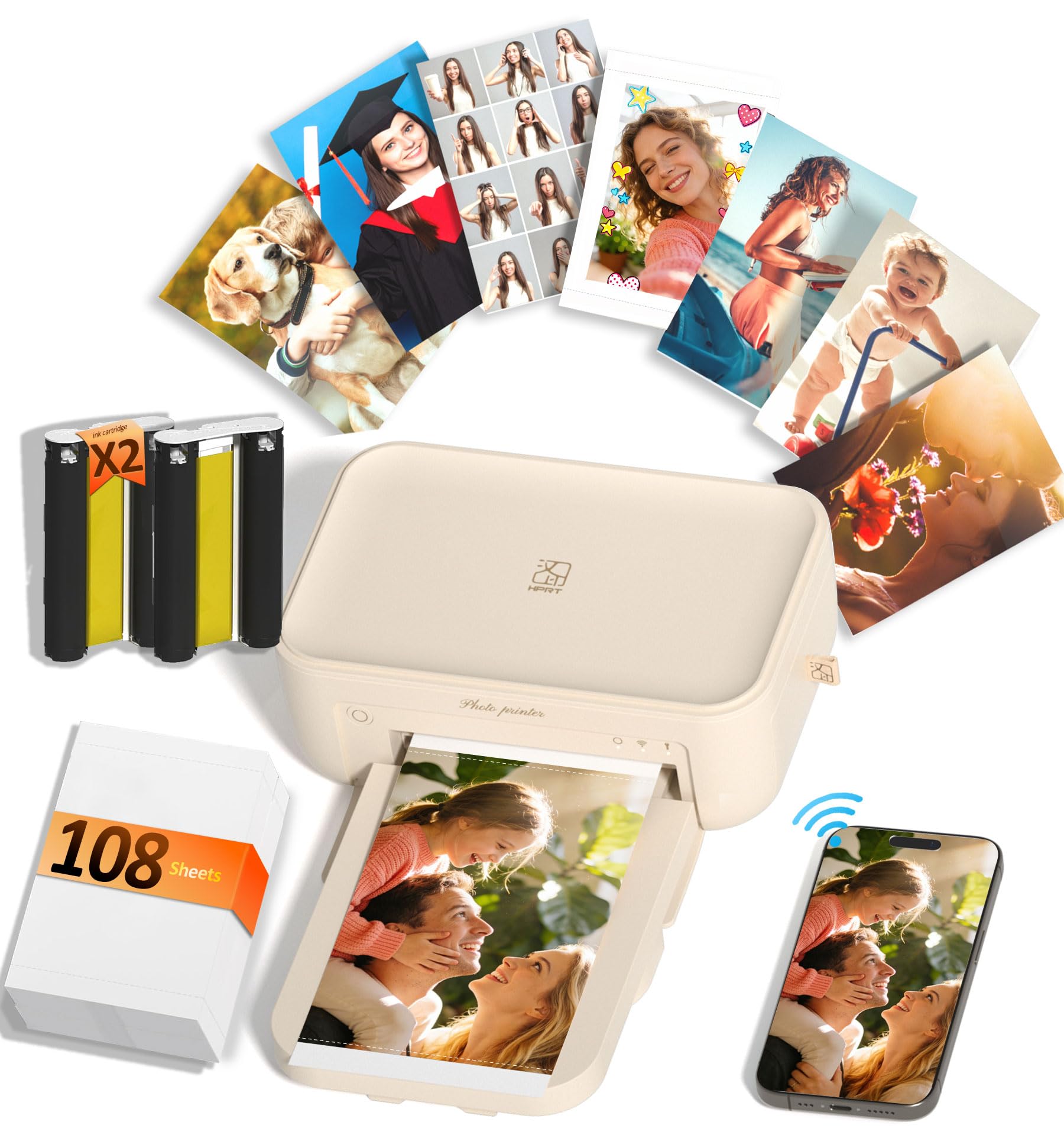
A 4×6 dye-sub printer that reproduces up to 1.7 million colors and seals each print against water.
The HPRT CP4100 focuses on one thing: making wallet- and frame-ready 4×6 prints that last. It prints at 300 DPI with dye-sublimation, reproducing up to 1.7 million colors for vivid, lifelike detail, and a built-in protective layer keeps the finished photo waterproof, scratch-resistant, and fade-proof. The protective layer keeps birthdays, weddings, and travel shots fade-proof for decades on a shelf.
It ships with 108 premium photo papers and two dye-sub ribbons, so the album you want to fill is already covered. The HeyPhoto app handles photo prints, collages, ID photos, and even AR video prints, with step-by-step operation that needs no tech skills. Owners call the setup super easy and the prints fast, sharp, and vibrant, with colors that look surprisingly professional.
The honest feedback is about value: while most owners are thrilled, a few say it is not worth the asking price, and value-for-money opinions are mixed. It is also a compact desk unit rather than a pocket printer. For anyone who wants durable, frame-worthy 4×6 prints from their phone, this delivers on quality.
The key strengths
- Up to 1.7 million colors for lifelike detail
- Waterproof, scratch-resistant coating
- 108 sheets and 2 ribbons in the box
- AR video printing via the free app
Consider before buying
- Value for money is a mixed call
- Compact but not pocket portable
- Dye-sub ribbon adds refill cost
Reach for this if: you want durable, album-worthy 4×6 prints with a generous supply bundle and easy phone setup.
Think twice if: you are strictly counting pennies — the ribbon refills keep the running cost real.
9. HP Envy Photo 7975 Wireless Color Inkjet

A full-size home hub that prints true-to-screen borderless photos, scans, copies, and handles homework too.
If your budget photo printer also needs to print school papers, recipes, and shipping labels, the HP Envy Photo 7975 is the only all-in-one on this list. It prints, scans, copies, and runs automatic 2-sided printing, with a separate photo tray and an auto document feeder for multi-page jobs. Print speeds reach 15 pages per minute in black and 10 pages per minute in color, making it the fastest here for everyday documents. Owners consistently call it excellent for photo printing and easy to set up.
HP’s AI features clean up web pages and emails before printing, removing unwanted content so you do not waste paper or ink. The large color touchscreen simplifies navigation, and mobile and wireless printing let you send jobs straight from your phone. The 24-bit color depth and dedicated photo tray help produce true-to-screen borderless photos that owners say look beautiful and quiet.
The trade-off is reliability — this is a traditional inkjet, so connectivity and driver issues are the most common complaint, with some owners struggling to stay connected on Windows. Noise level also draws mixed feedback. It is bulkier and heavier than the pocket printers by a wide margin, and it depends on regular ink cartridges rather than dye-sub ribbons or ZINK paper.
What it does best
- Prints, scans, copies in one machine
- 15 ppm black and 10 ppm color speed
- Automatic 2-sided printing saves paper
- Separate photo tray for borderless shots
The downsides to know
- Connectivity and driver issues reported
- Big desktop footprint, not portable
- Runs on pricey ink cartridges
Best for: households that need one machine for photos plus documents, scans, and copies — a true all-rounder.
Not for: anyone who wants pocket portability or the lowest ink cost; this is a desktop commitment.
Understanding the Specs
ZINK vs Dye-Sublimation
ZINK (Zero Ink) printers have color crystals embedded in the paper itself, so you never buy a cartridge — but the prints can look slightly softer and sometimes dull. Dye-sublimation uses a ribbon that heats dye onto the paper in passes, giving richer, sharper colors plus a protective coating that resists water and scratches. The trade-off is that dye-sub requires buying both paper and a ribbon together, which raises the running cost per print.
Print Speed and First-Page Time
Speed is measured in pages per minute, but for photo printers the first-page time matters more — that is how long you wait for your first photo after hitting print. The fastest pocket models deliver a first print in 50 to 60 seconds, while full-size inkjets can hit 15 pages per minute for documents. If you print in bursts at parties, battery capacity per charge matters as much as raw speed.
FAQ
What is the difference between ZINK and dye-sublimation photo printers?
Will a 2×3 photo printer work for framed photos?
How many photos can a pocket printer print on one charge?
Do I need internet to print from my phone?
How much does it cost to refill a budget photo printer?
Is an inkjet photo printer better than a portable dye-sub printer?
Can I print AR videos with a budget photo printer?
How long do portable photo prints last before fading?
What phone compatibility do I need to check before buying?
Final Thoughts: The Verdict
For most people, the budget photo printer winner is the KODAK Step because it pairs genuinely pocket portability with no ink costs and a huge, happy owner base. If you want sharp, professional-grade 2×3 stickers for journaling, grab the Polaroid Hi-Print. And for true 4×6 frame-ready prints with a touch of magic, the YOTON is the one to reach for.
How We Picked
We do not accept paid placement. Every pick is matched to a real buyer and a real use-case; we do not hands-on test units.
Sources & Methodology
Specifications: manufacturer listings and product documentation. Review insights: verified customer reviews, as of August 2026. Pricing: not shown on this page (it changes often); check the current price via the retailer link.
As an Amazon Associate, FitlyFast earns from qualifying purchases. This does not affect which products we feature.